💼 Your Financial Planner Google Sheets– Your Ultimate Money Management Hub in Google Sheets
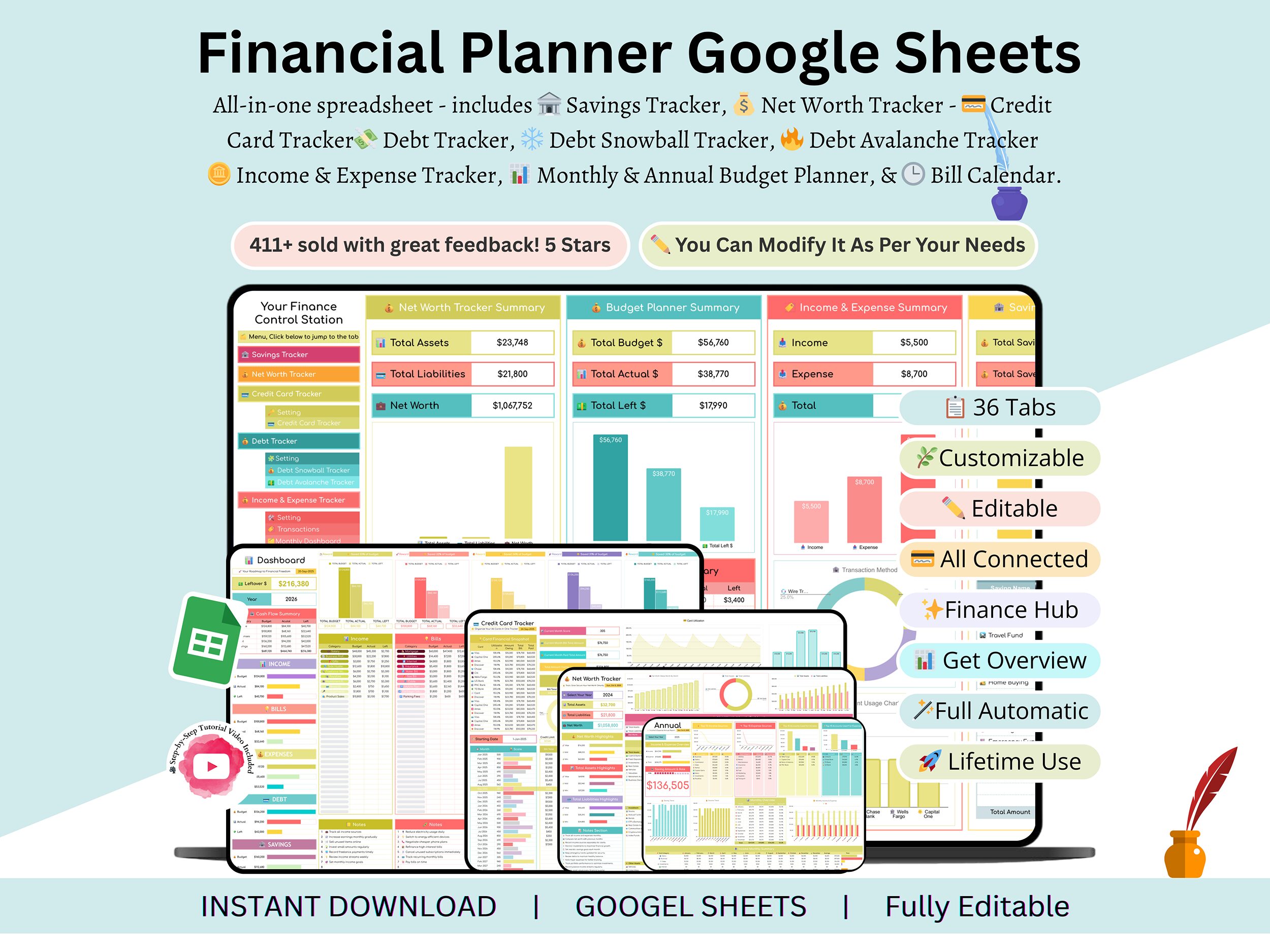
Gain complete control over your finances, savings, net worth, credit cards, debts, income, expenses, budgets, and bills — all from one powerful and automated Personal Financial Planner! Whether you’re an individual, freelancer, family, or business owner, this all-in-one tool gives you a clear 360° view of your financial life.
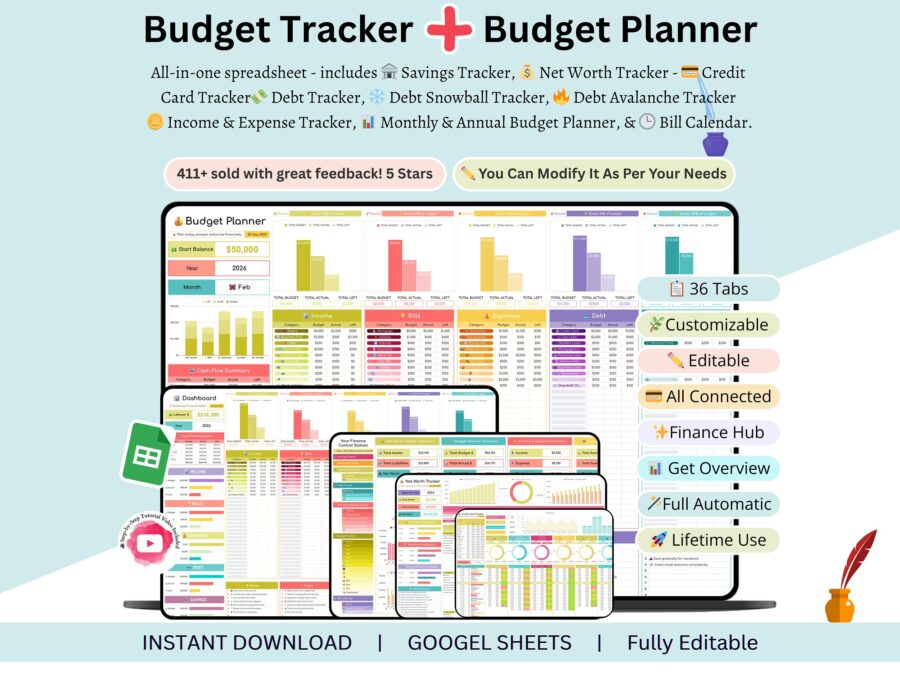
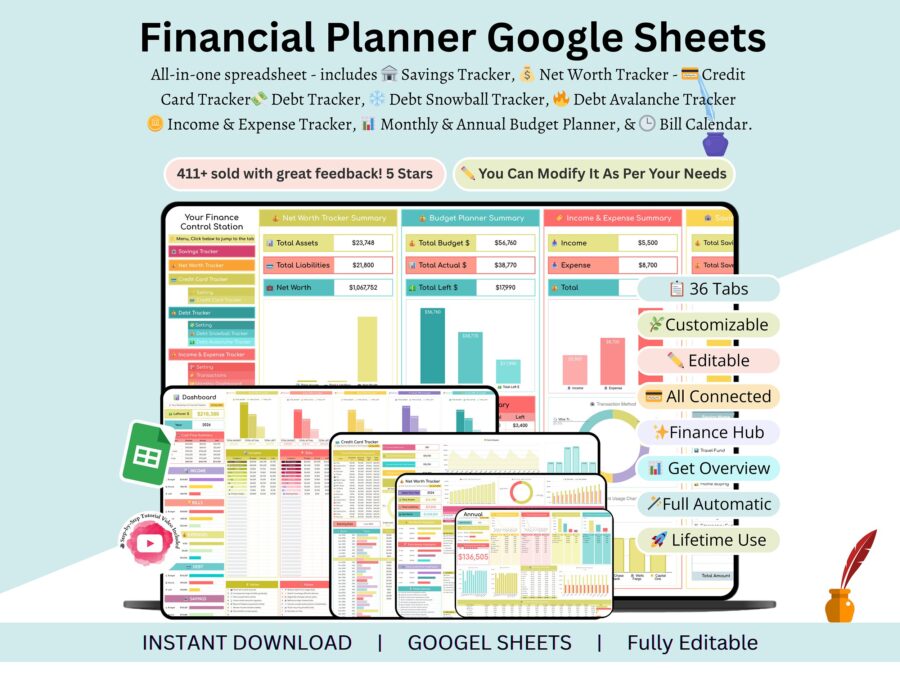
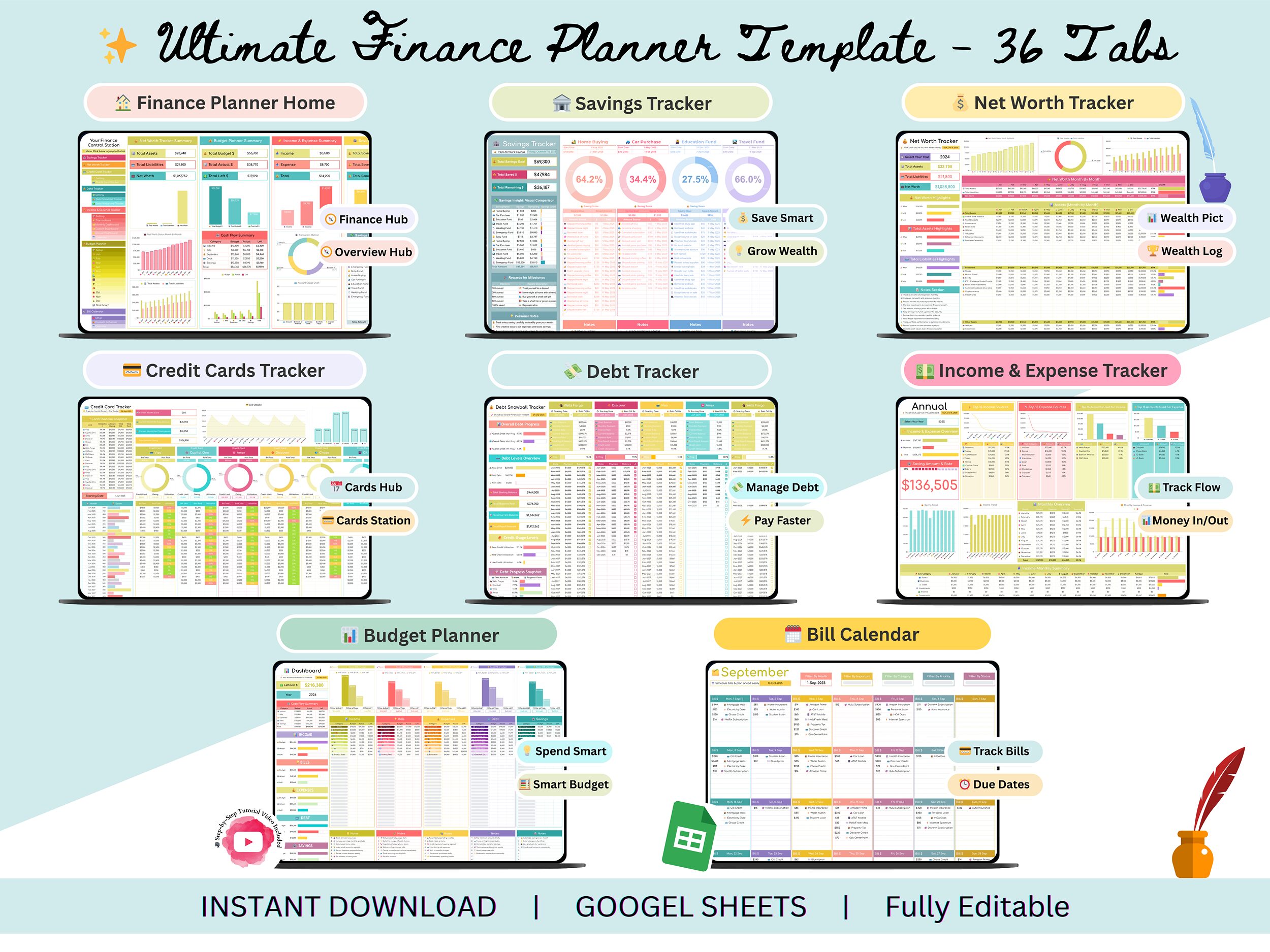
This planner includes 36 smartly linked trackers and one interactive Finance Control Hub that summarizes every detail — from savings growth to debt payoff — in real time.
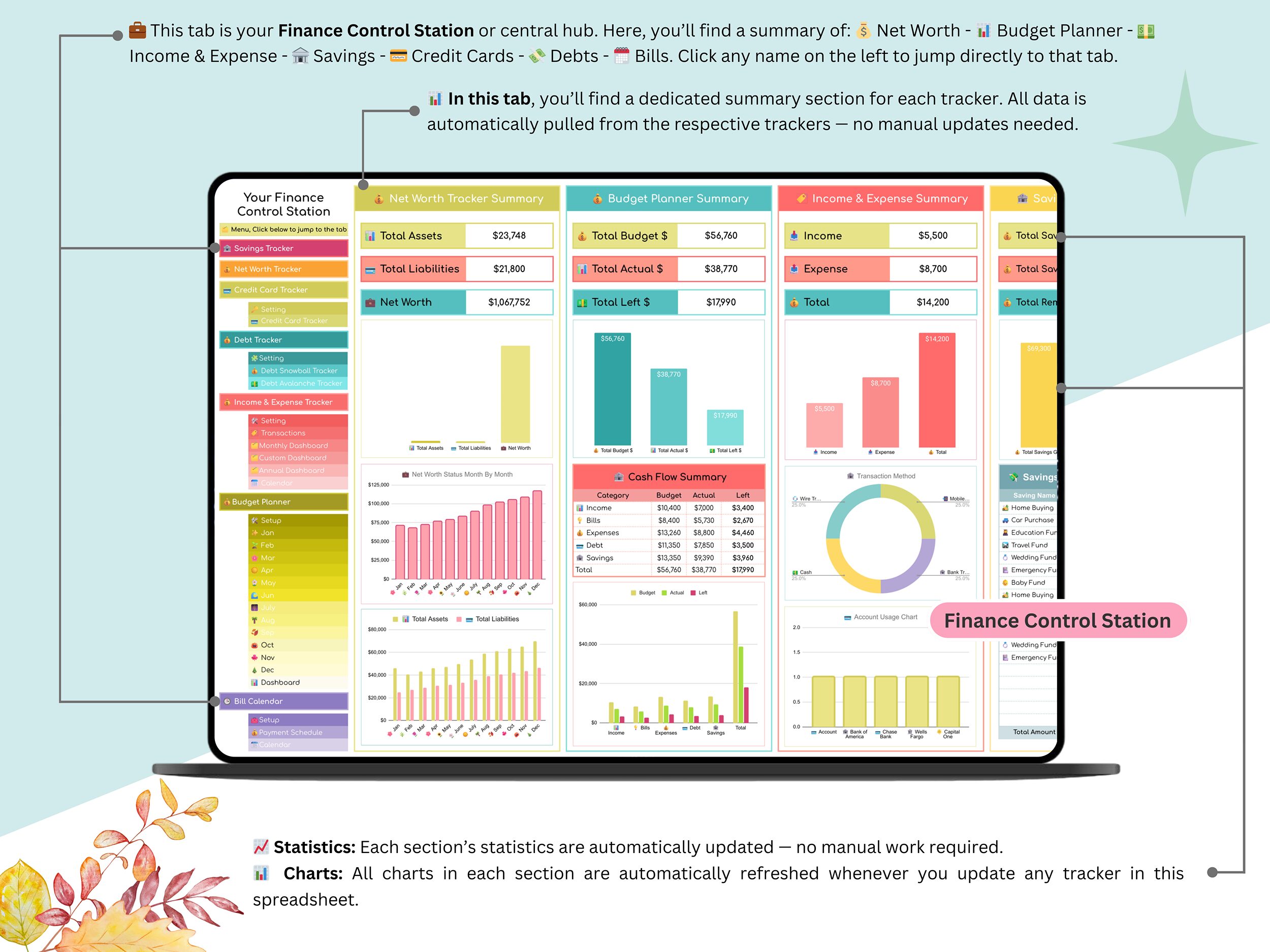
No more manual updates — just enter your data once, and everything syncs automatically across dashboards!
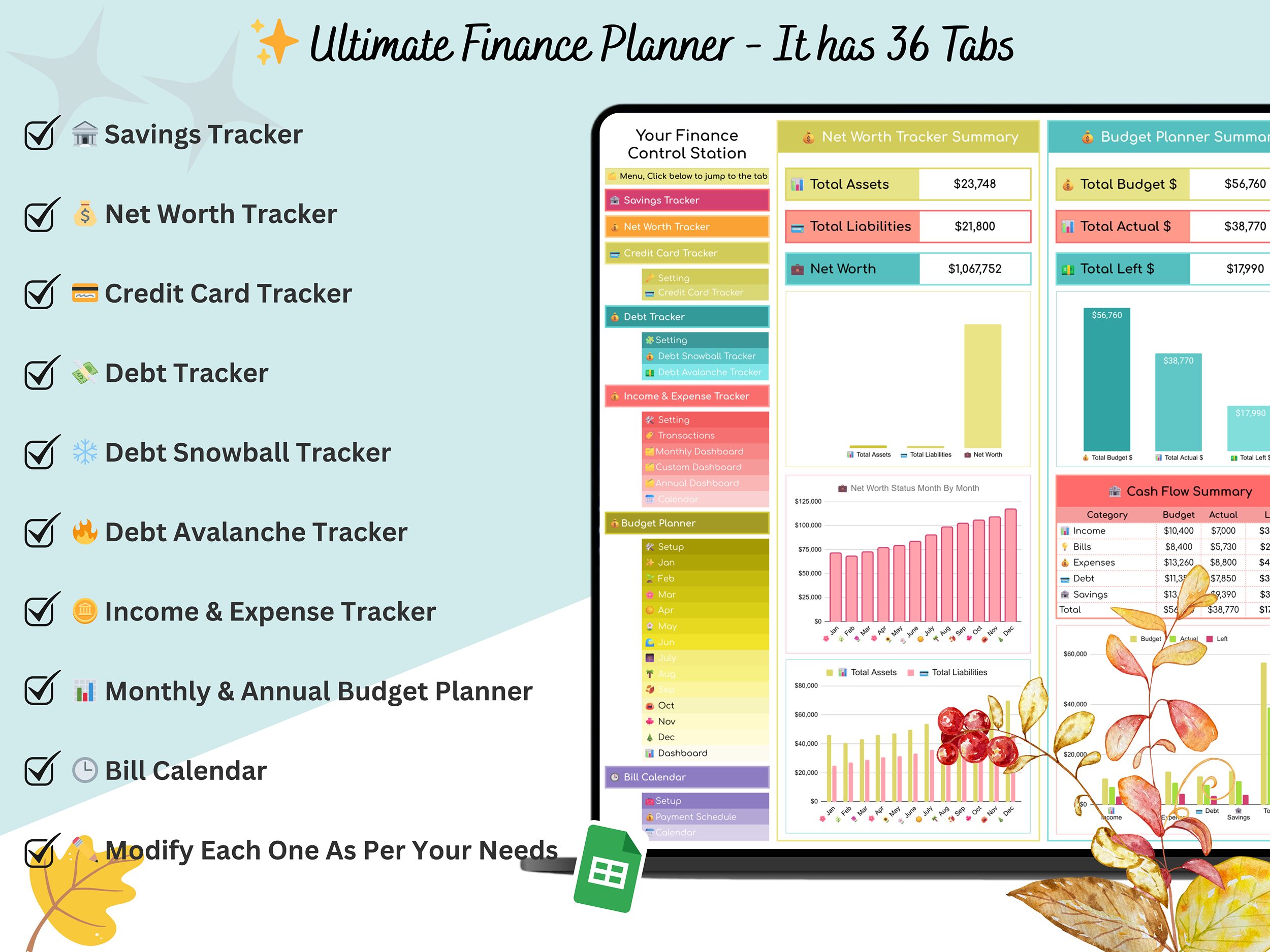
💡 What’s Inside (36 Tabs + Central Dashboard)
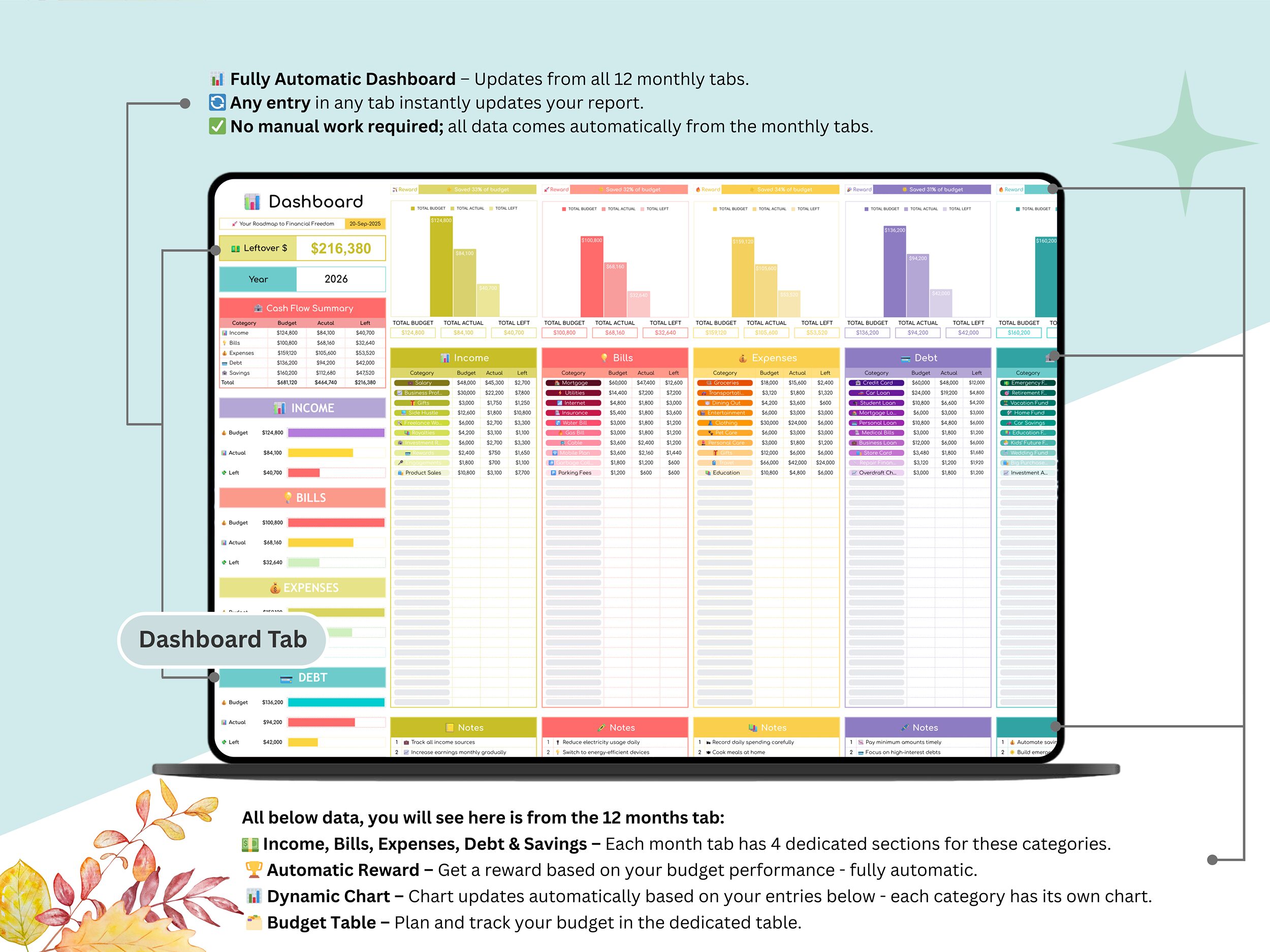
🏠 Finance Control Station: Your main financial dashboard that instantly displays key summaries — including savings, income, expenses, debts, credit cards, budgets, and bill reminders. Everything connects and updates automatically from all trackers.
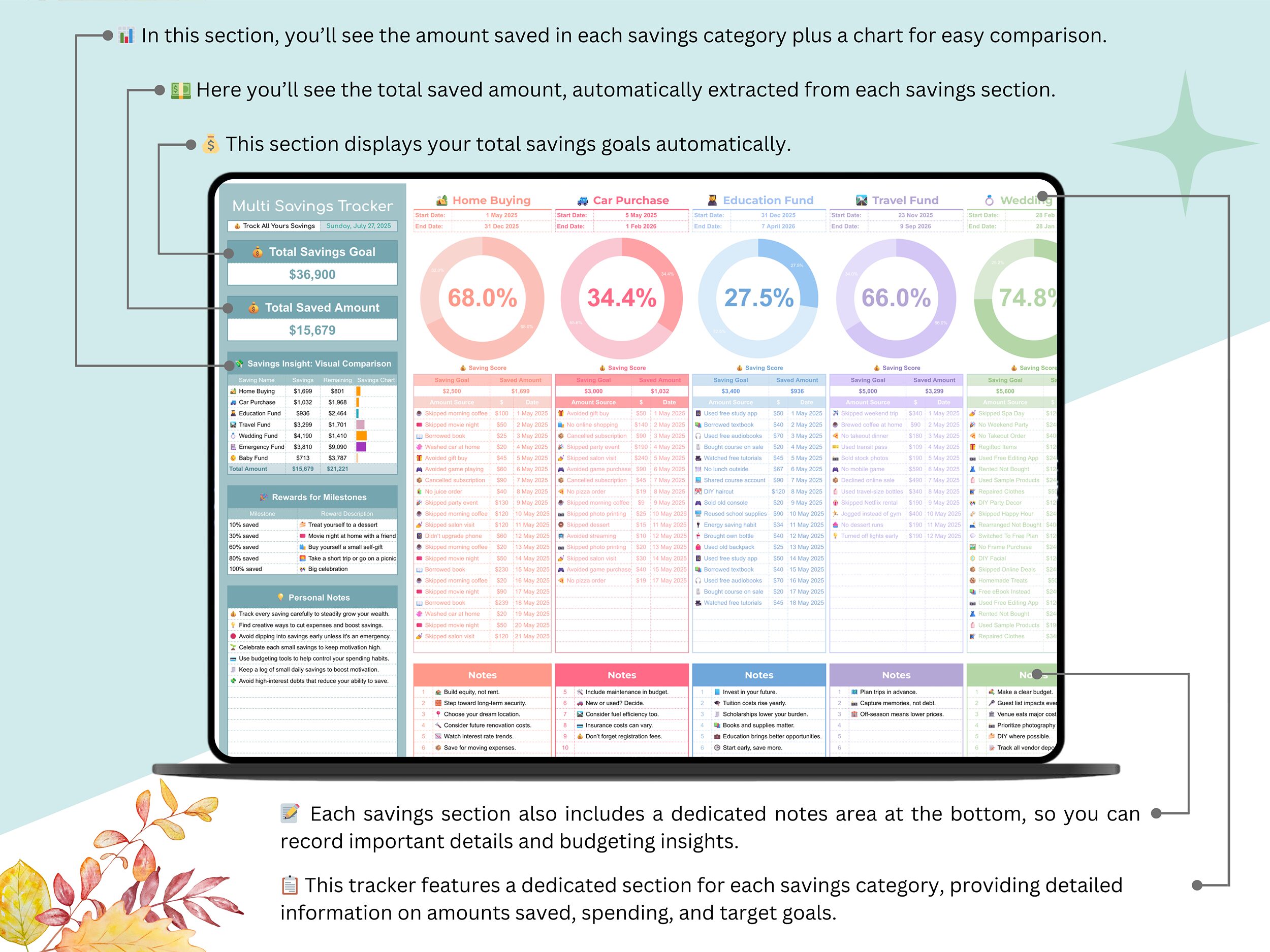
🏦 Savings Tracker: Stay on top of your savings goals by recording deposits, withdrawals, and balances. Visual charts make tracking your progress simple and motivating.
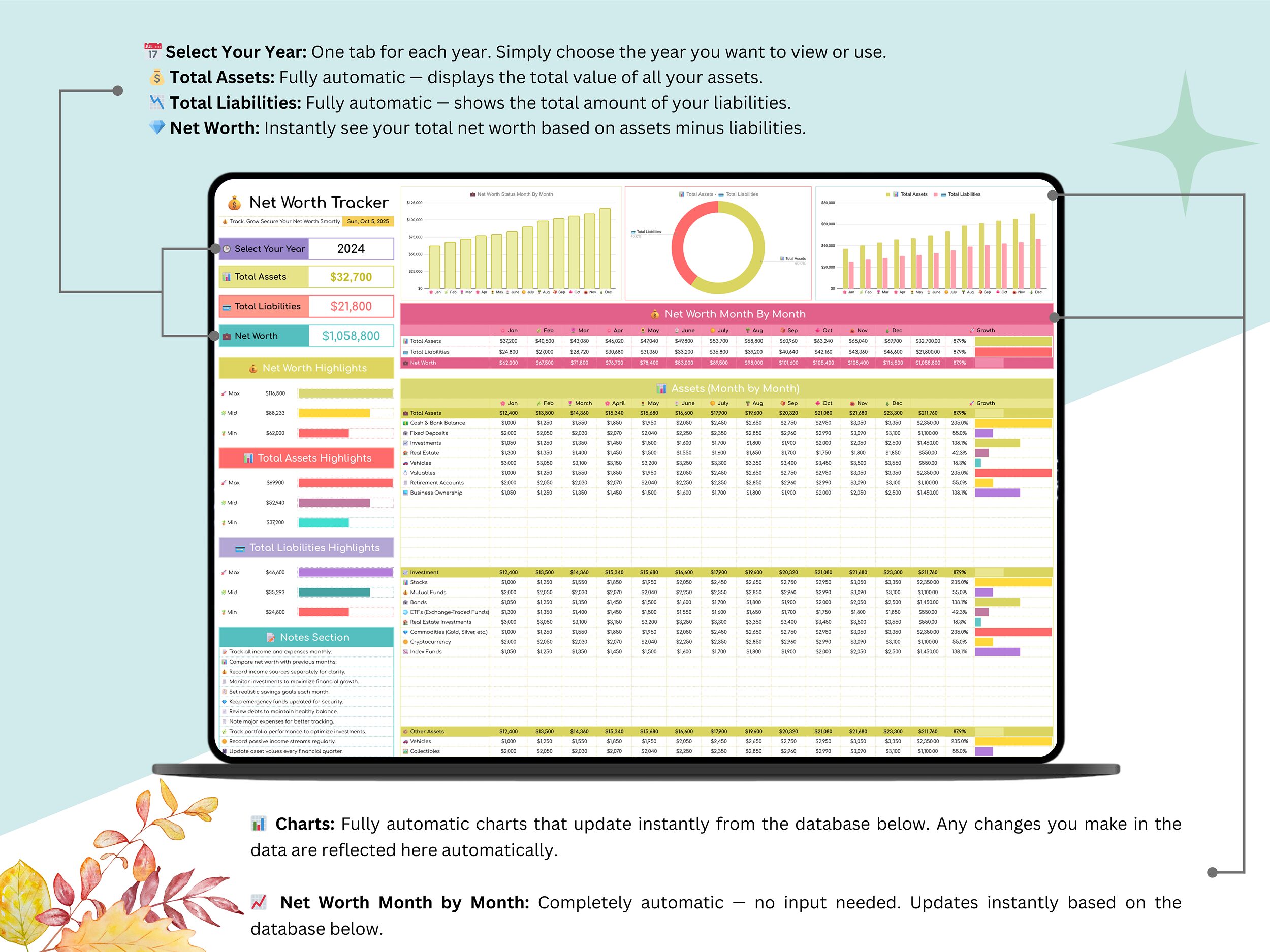
💰 Net Worth Tracker: Monitor your financial position by comparing total assets and liabilities. Automated formulas and clear visuals show your true net worth growth over time.
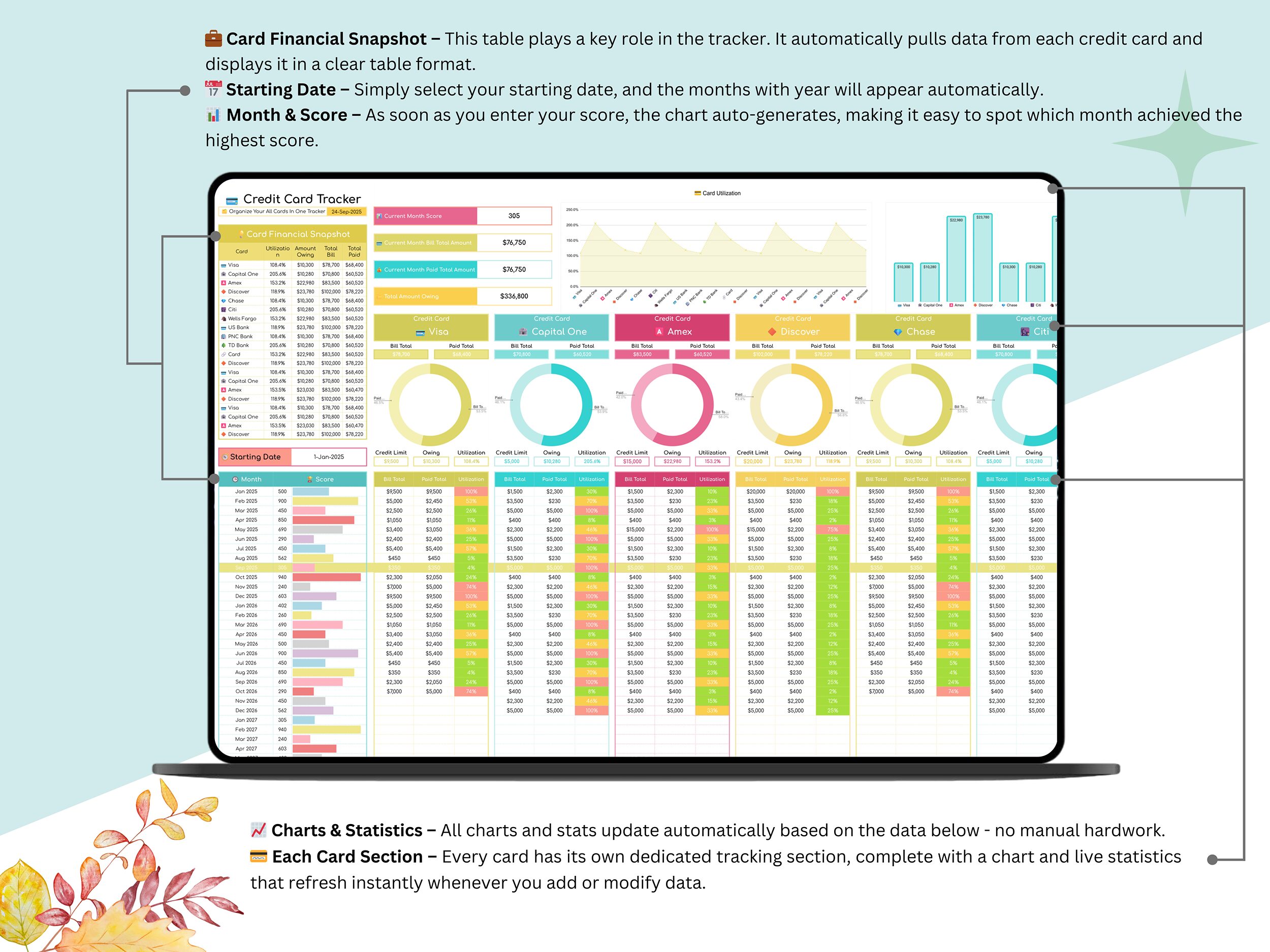
💳 Credit Card Tracker: Keep all your cards organized in one place — track balances, limits, payments, and due dates with ease.
Includes:
✅ ⚙️ Settings Tab – Set card details like names, limits, and interest rates.
✅ 💳 Payment Summary – Instantly see total due, paid, and remaining balances.
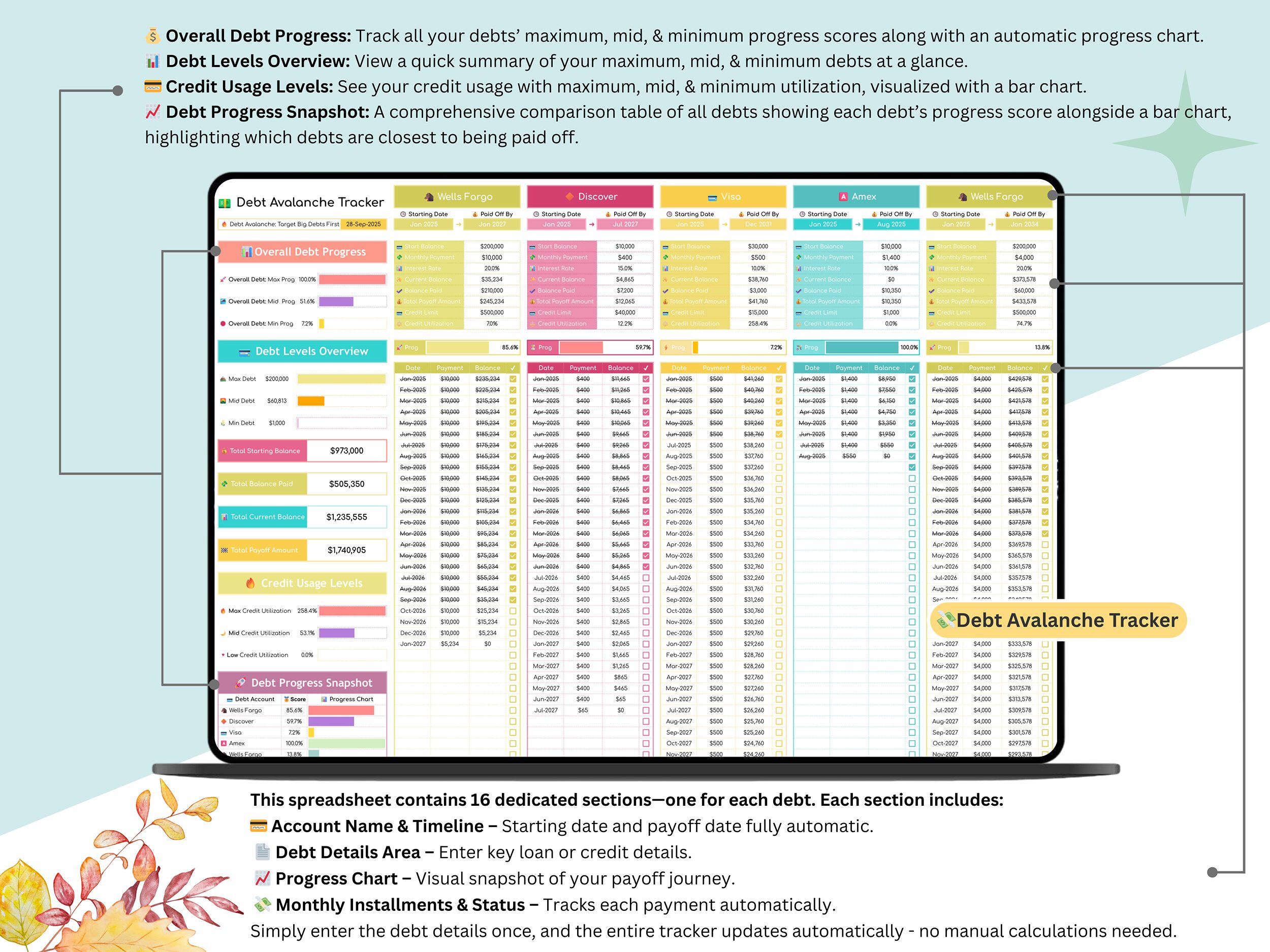
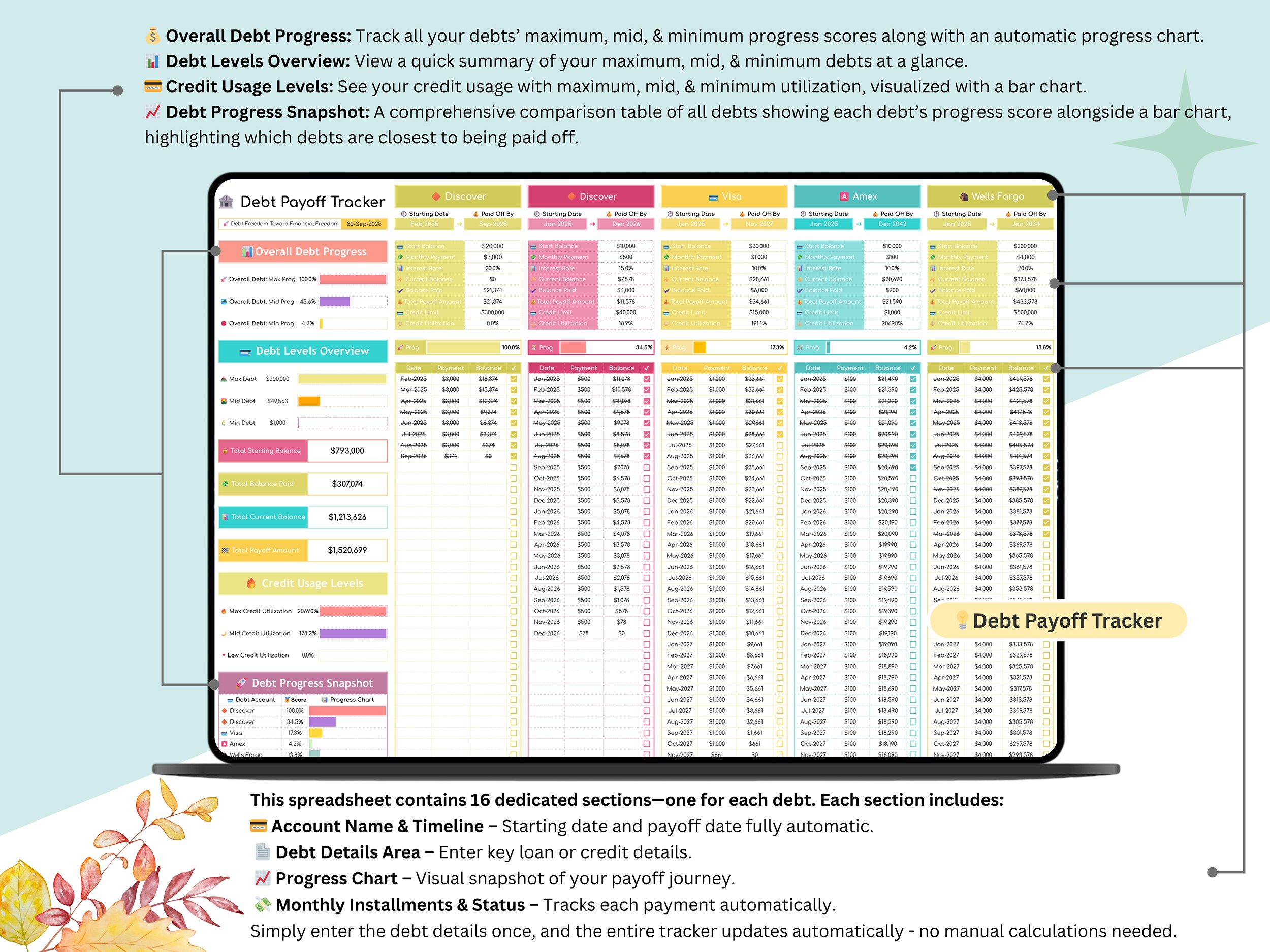
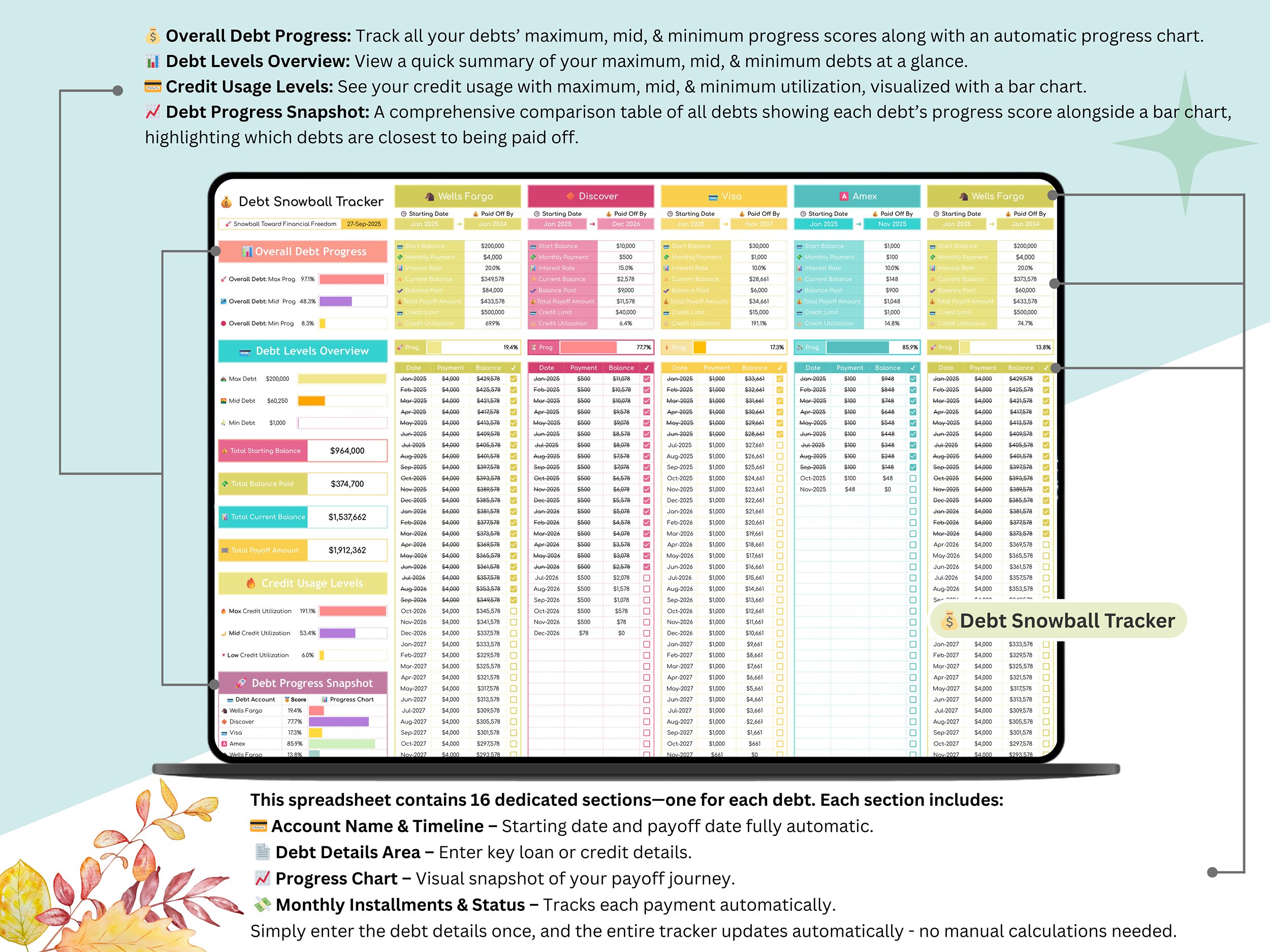
💰 Debt Tracker: Manage all your debts, loans, and repayments effortlessly with automated calculations and visual progress charts.
Includes:
✅ ⚙️ Settings Tab – Add debt names, interest rates, and payment schedules.
✅ 💰 Debt Snowball Tracker – Pay off smaller debts first for quick wins.
✅ 💵 Debt Avalanche Tracker – Eliminate high-interest debts faster and save more money.
Both methods show total interest saved, estimated payoff dates, and progress visualization.
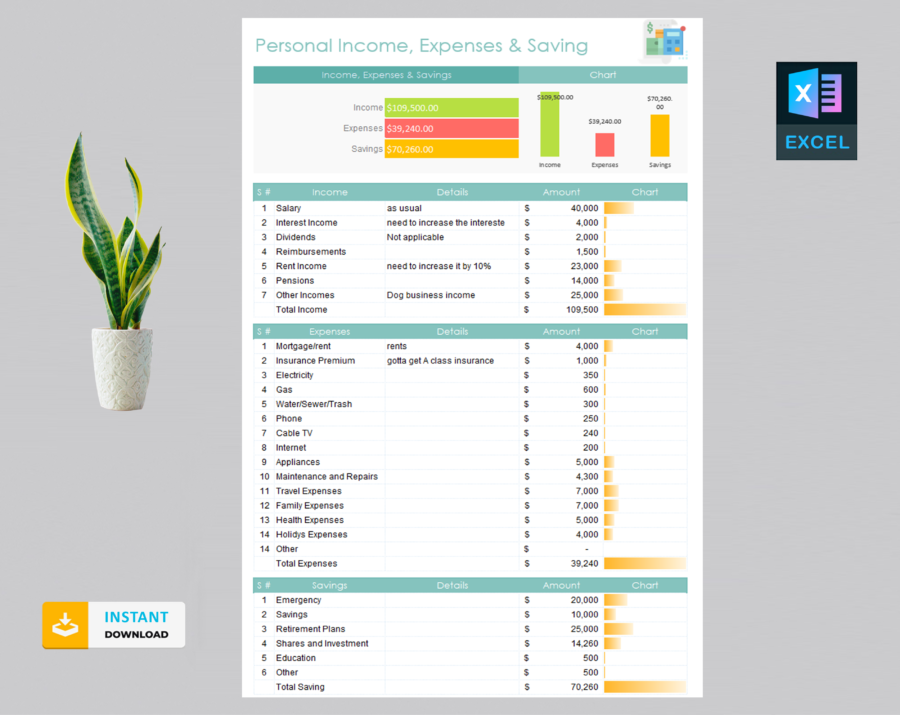
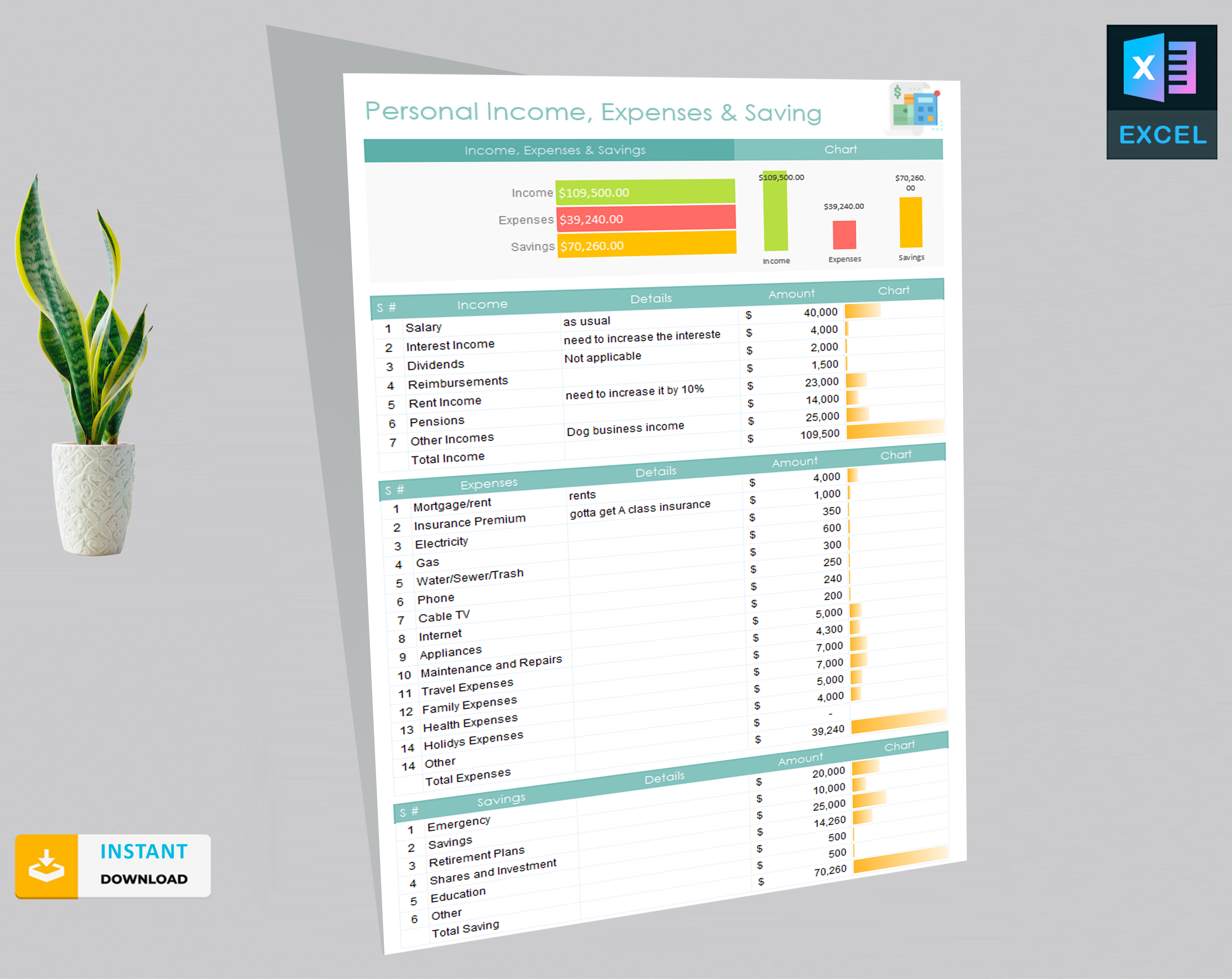
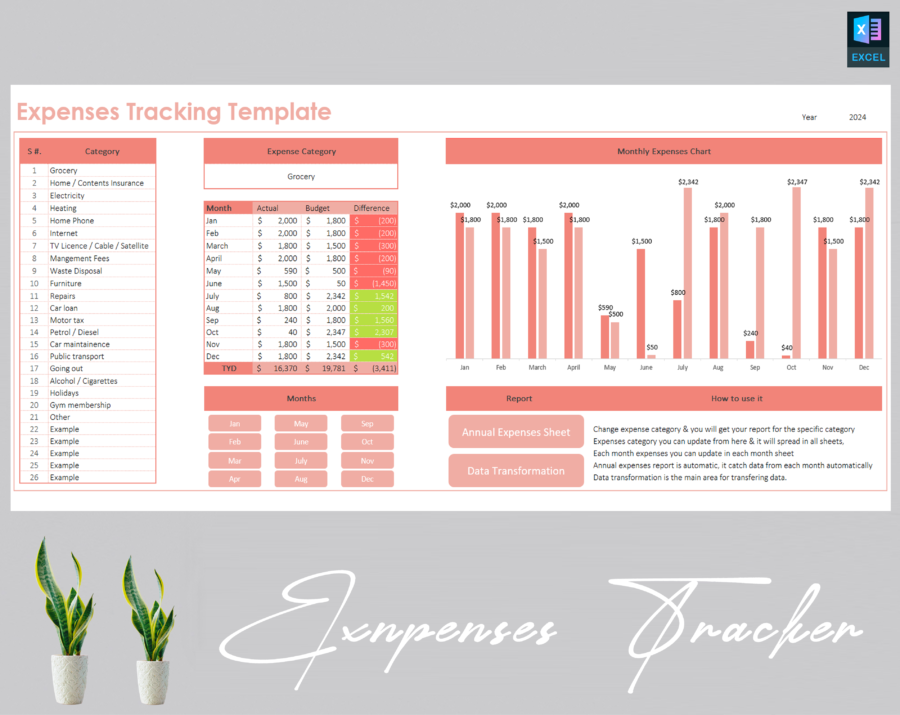
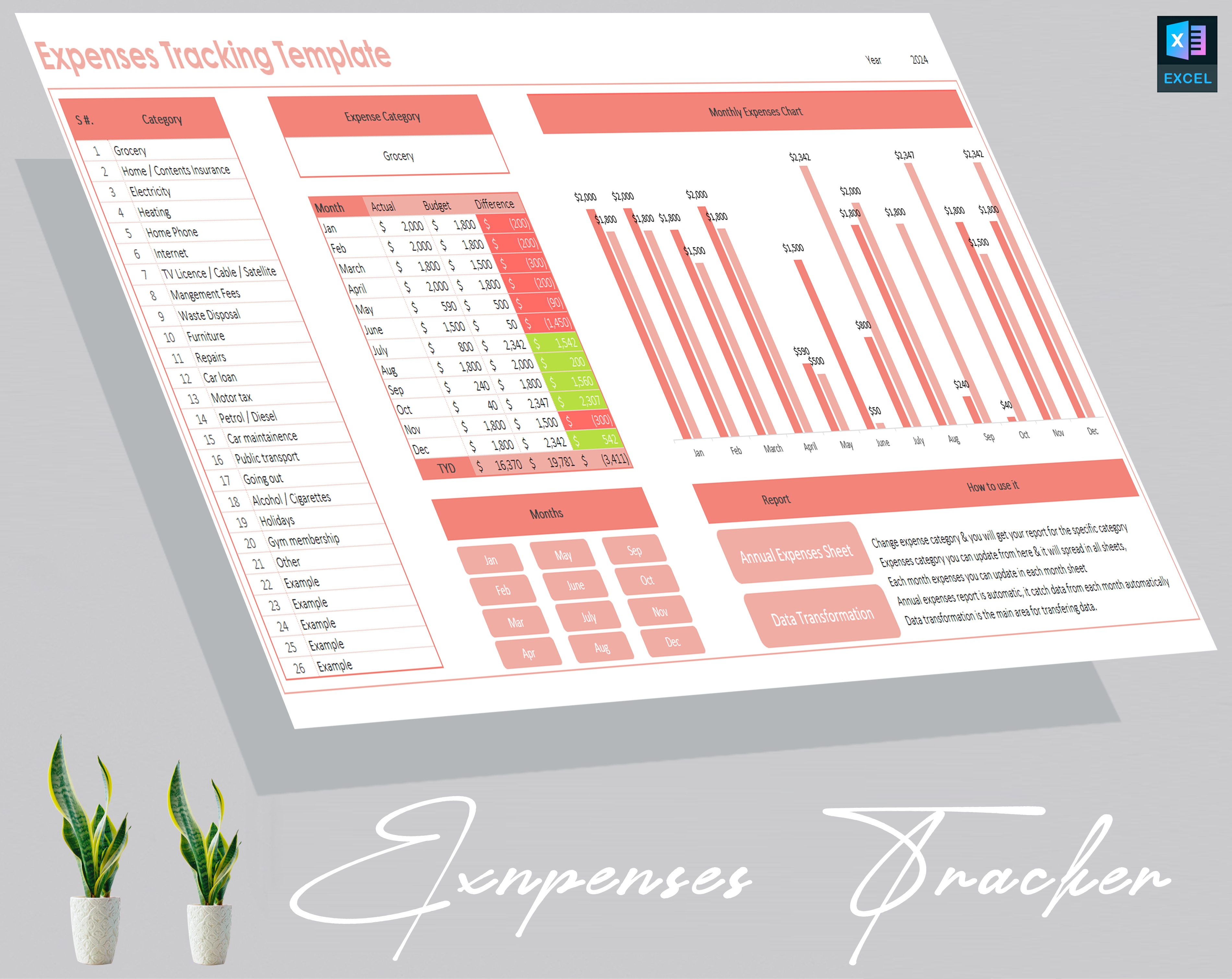
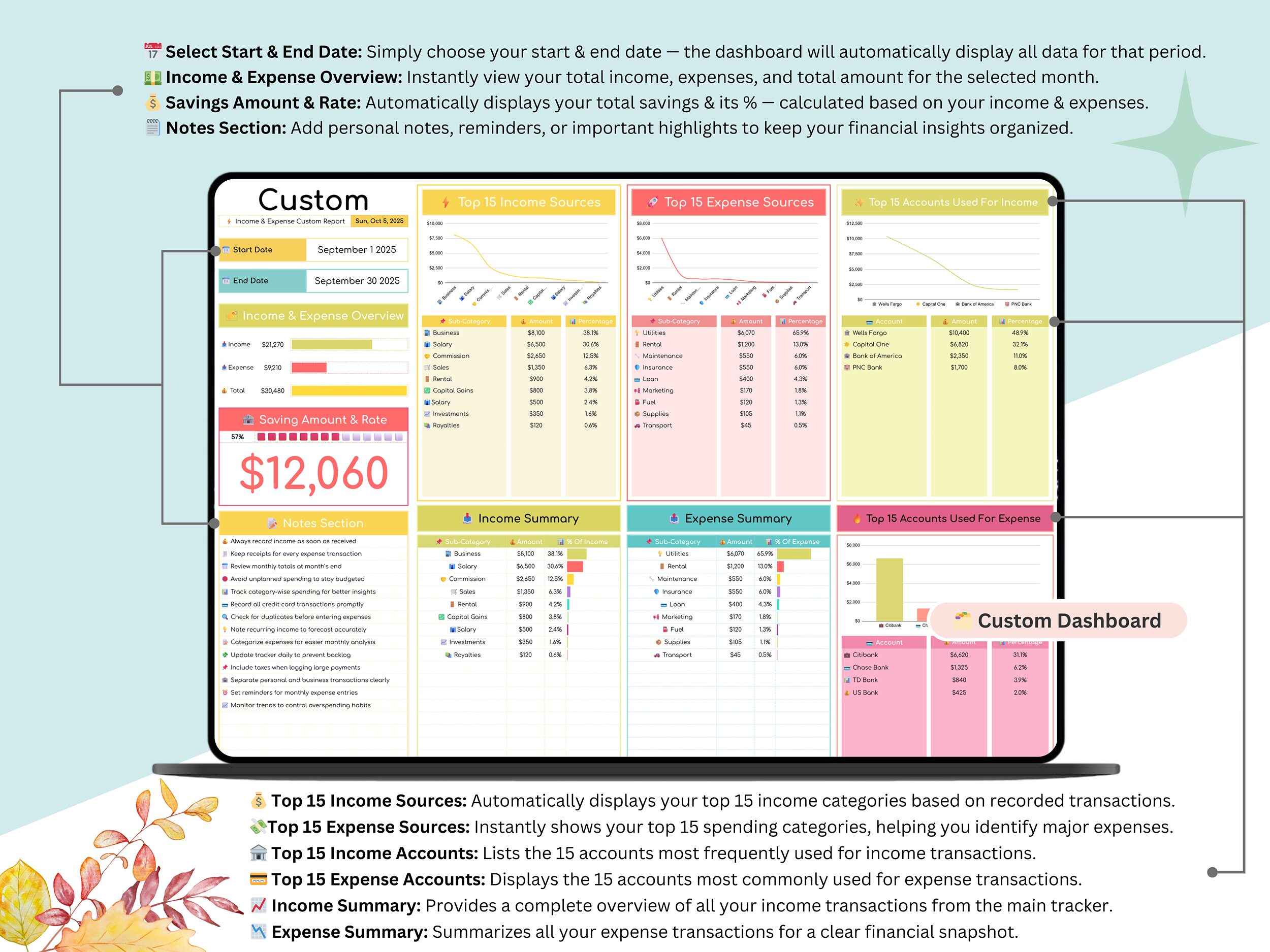
💰 Income & Expense Tracker: Track daily income and expenses, analyze trends, and visualize your spending habits.
Includes:
✅ ⚙️ Settings – Choose your currency, financial year, and custom categories.
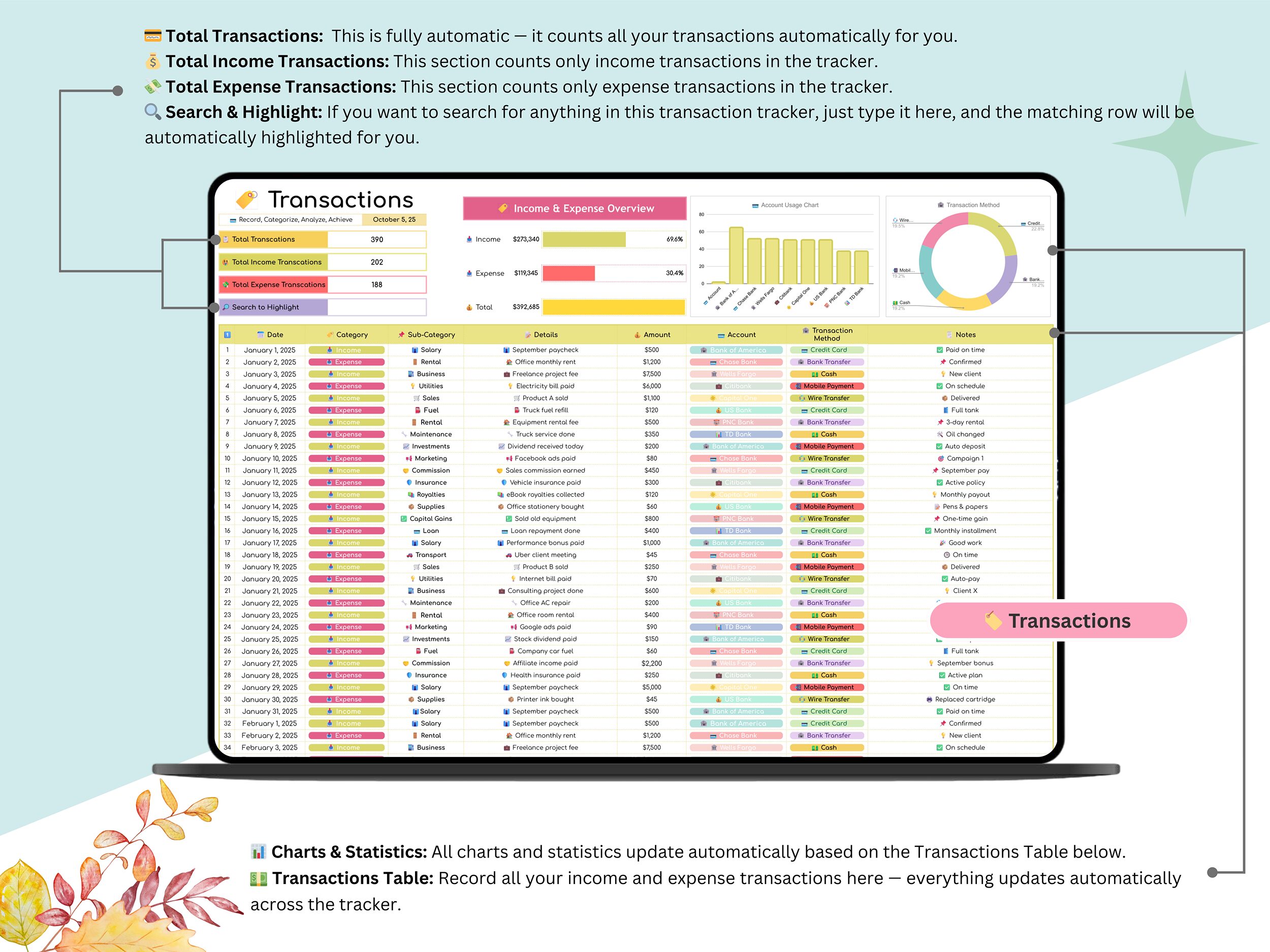
✅ 🏷️ Transactions – Record all financial entries in one place.
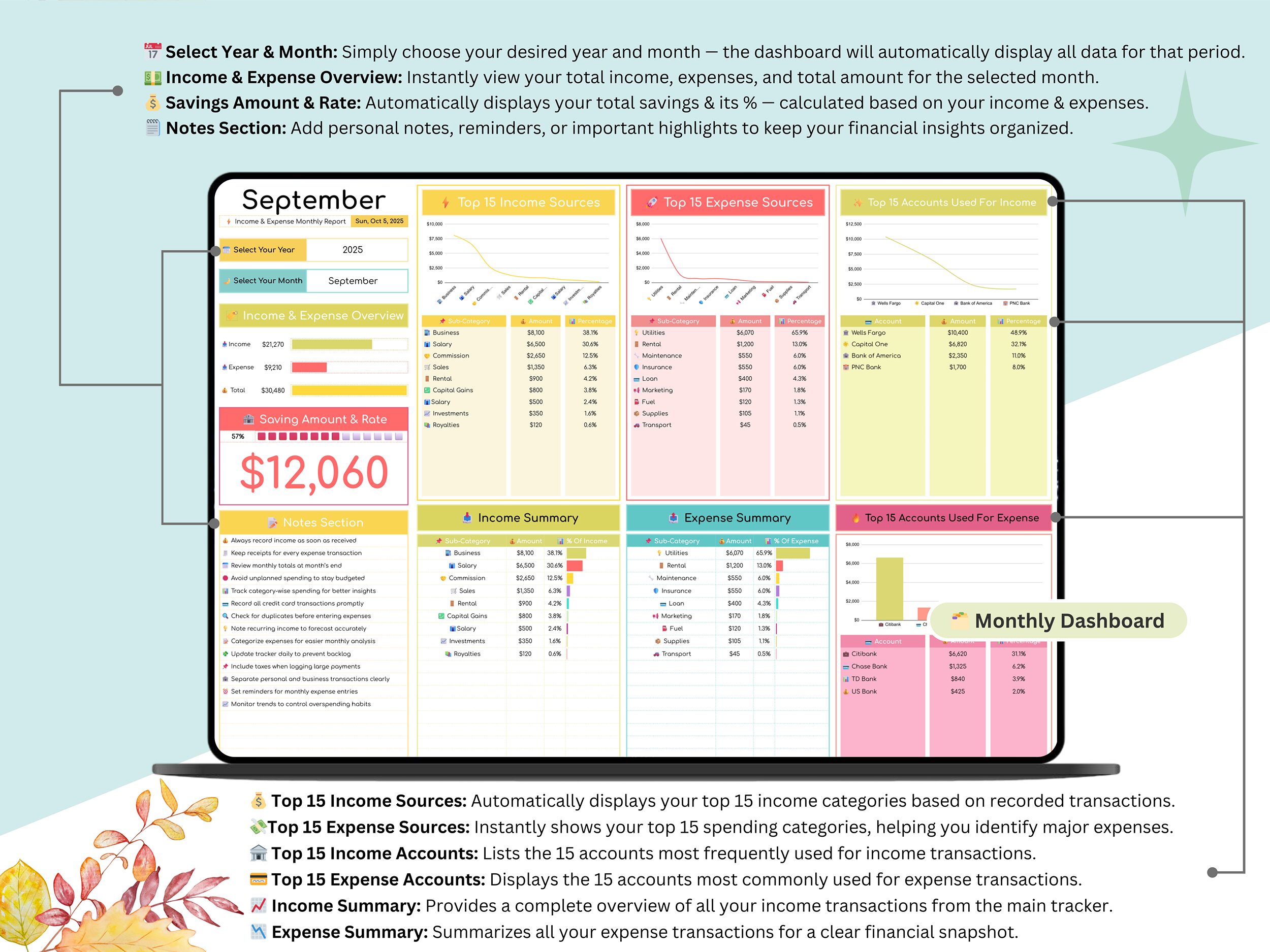
✅ 📊 Monthly Dashboard – View monthly breakdowns and spending insights.
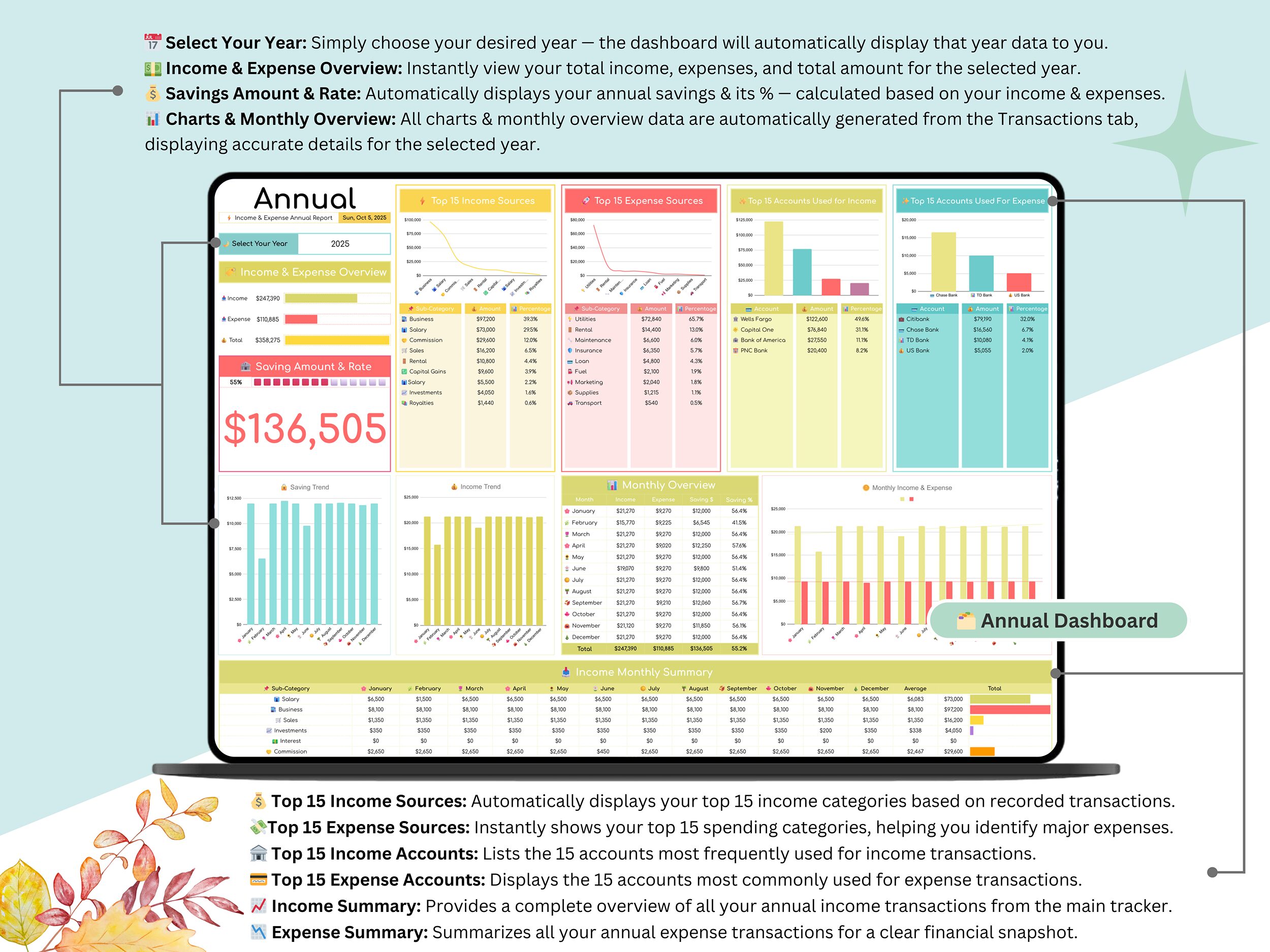
✅ 📊 Annual Dashboard – See your full-year overview and financial trends.
✅ 📊 Custom Dashboard – Generate tailored reports anytime.
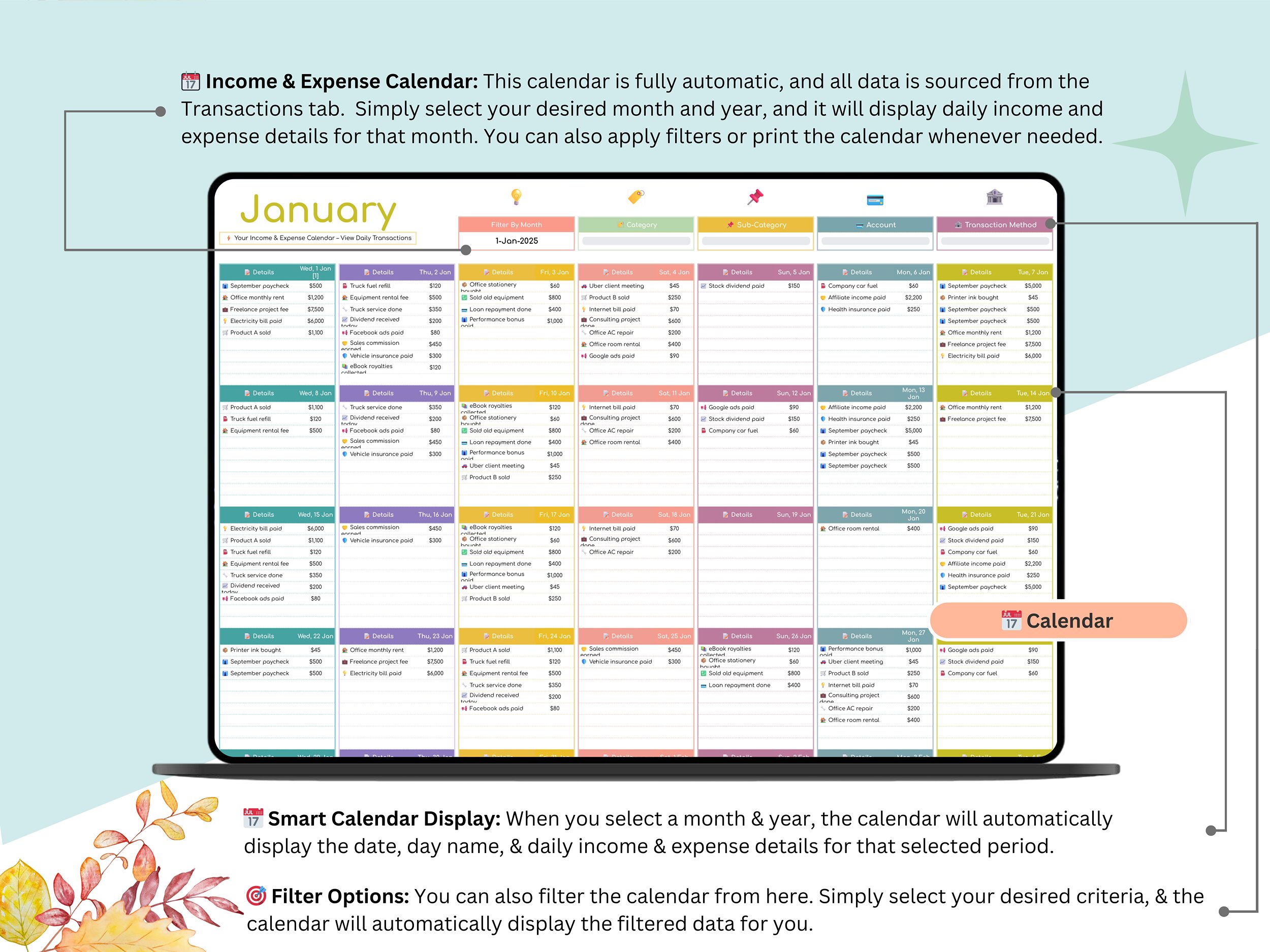
✅ 📅 Calendar – View daily income and expense logs in a printable calendar layout.
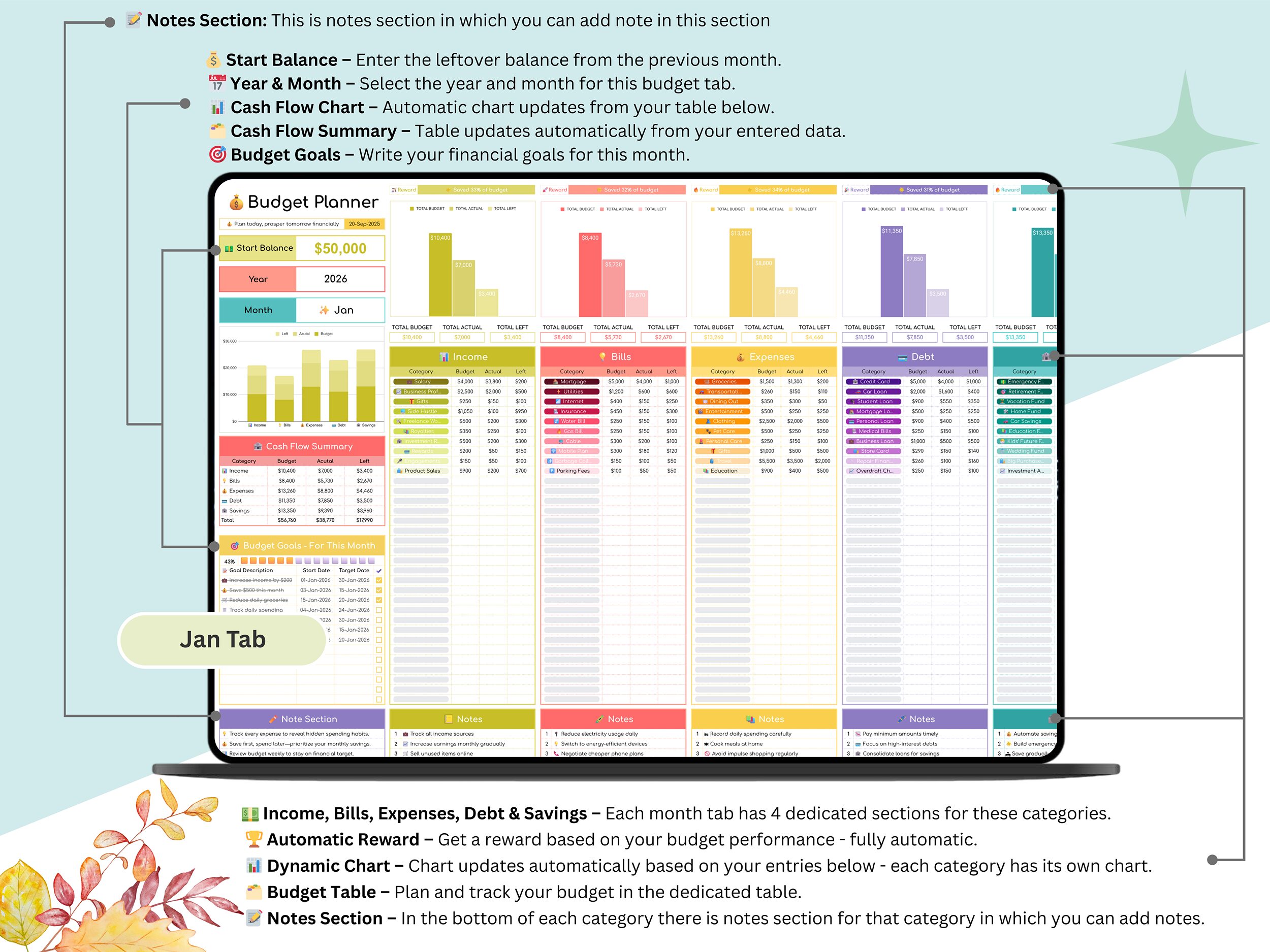
💰 Budget Planner: Plan, track, and compare your monthly and yearly budgets to stay on top of your spending goals.
Includes:
✅ ⚙️ Setup Tab
✅ ✨ Monthly Tabs (Jan–Dec)
✅ 📊 Budget Dashboard – Compare planned vs. actual spending visually.
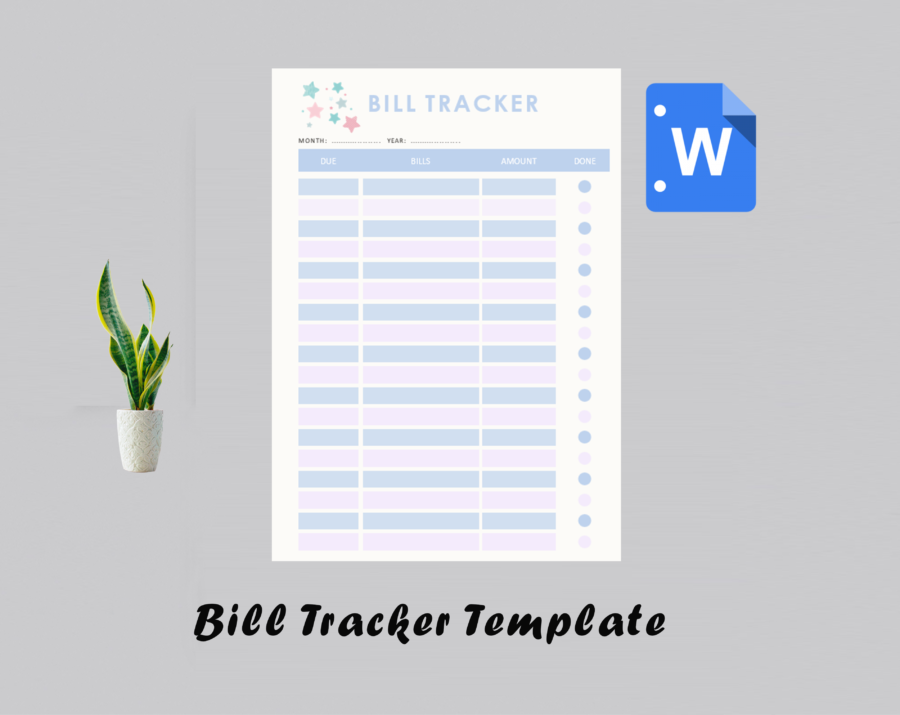
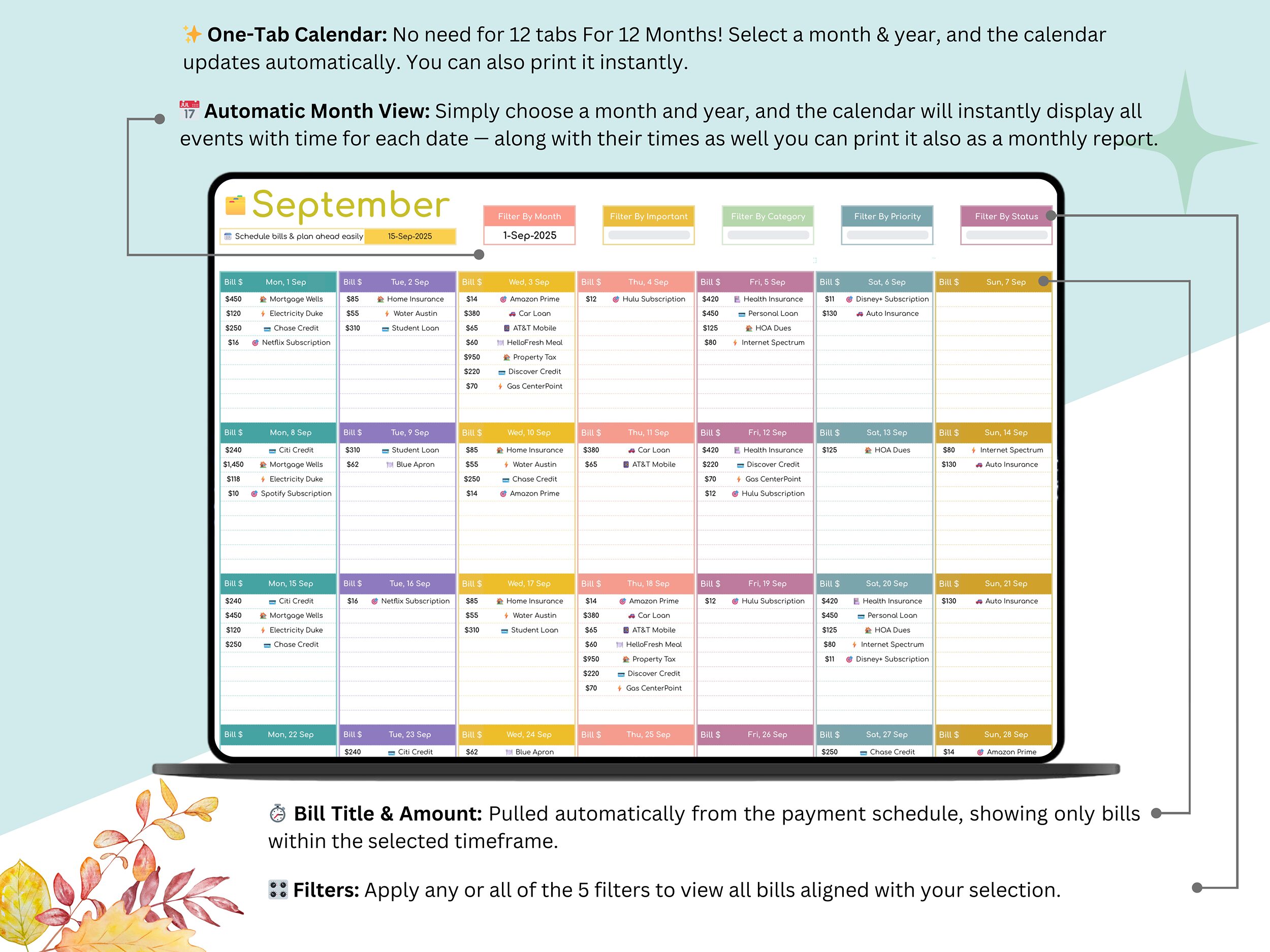
🕒 Bill Calendar: Easily manage all recurring and one-time payments with automatic reminders and a simple, color-coded calendar view.
Includes:
✅ ⚙️ Setup Tab
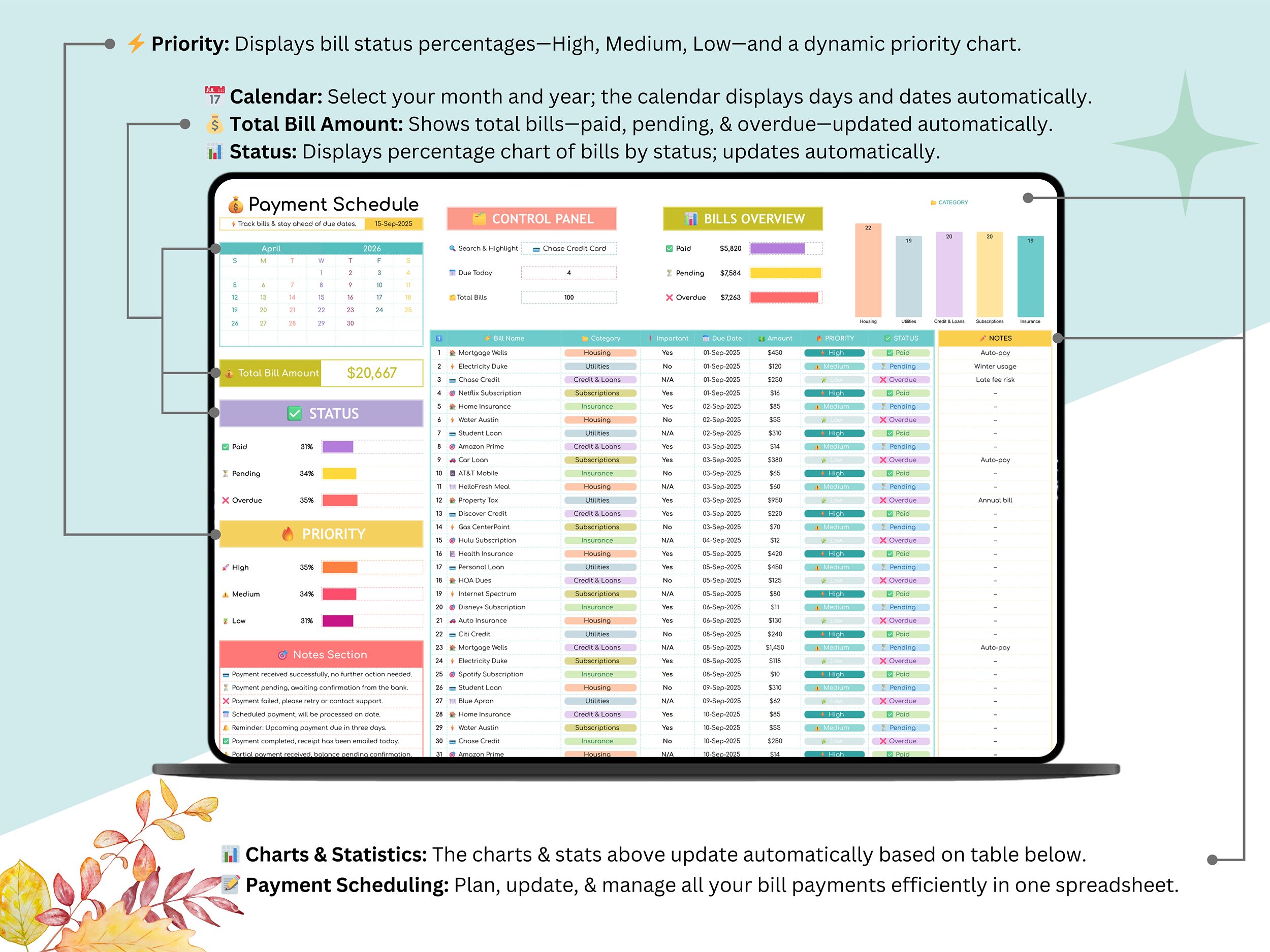
✅ 💰 Payment Schedule
✅ 📆 Bill Calendar
📌 Key Features
✅ Complete Finance System – 36 organized tabs covering savings, income, expenses, debts, and budgets.
✅ Central Dashboard – Your finance hub updates automatically with real-time summaries.
✅ Fully Automated – Enter once; everything updates instantly.
✅ Dynamic Visuals – See charts and progress for every category.
✅ Customizable Setup – Adjust categories, months, and trackers for personal or business use.
✅ Cloud-Based – Built in Google Sheets; access anytime, anywhere.
✅ Simple & Beginner-Friendly – No Excel skills required!
👥 Ideal For
✅ Individuals or families managing household budgets
✅ Freelancers tracking multiple income streams
✅ Small business owners monitoring cash flow and expenses
✅ Anyone saving money, paying debts, or improving financial health
🎁 You’ll Get
📂 Instant access to the Financial Planner (Google Sheets)
🎥 Step-by-step video guide to help you get started easily
🚀 How It Works
1️⃣ Purchase and download the file instantly.
2️⃣ Open the PDF and click the Google Sheets link.
3️⃣ Start entering your data — all dashboards will update automatically!
💬 Support & Feedback
Need help with setup? I’m just a message away 💬
If you enjoy using this planner, please leave a ⭐ review — your support helps me keep creating better financial tools!