


Description
Freelance Timesheet & Task Tracker Template (Google Sheets)
If you freelance for more than one client, you already know the problem: hours logged in one place, deadlines in another, payments you’re tracking half in your head. This tracker fixes that. It’s a Google Sheets template
built for freelancers, independent contractors, and solopreneurs who need one place to see everything going on across their business.
What’s inside
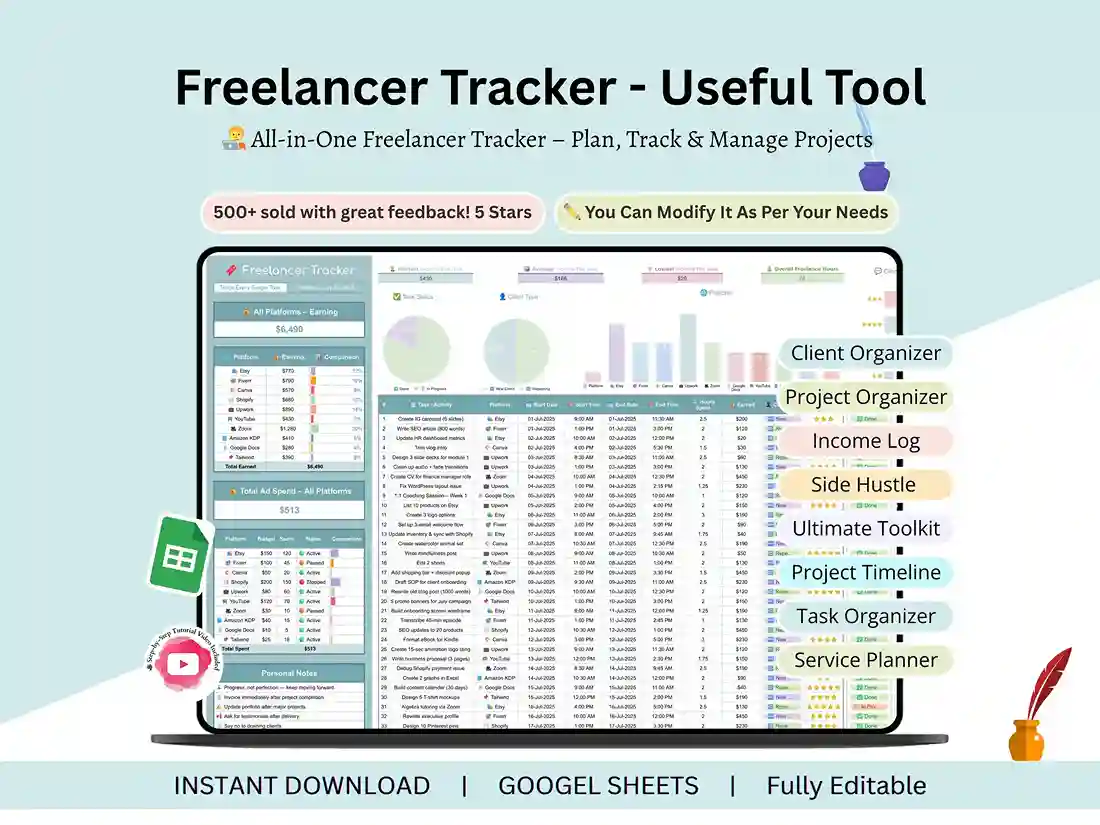
Time tracking. Log your hours by client and project so you’ve got a real record when it’s time to invoice. If you bill hourly, this doubles as an independent contractor timesheet you can hand straight to a client.
Task tracking. A simple daily view of what’s due, what you’re working on, and what’s finished. Nothing fancy, just enough to keep you from forgetting something at 11 pm. Client info in one spot. Contact details, project scope, current status – no more digging through email threads to remember what you agreed to. Money tracking. What you’ve earned, what you’ve spent on ads or tools, and what clients still owe you.
A dashboard that does the math for you. Your tasks, hours, and income get pulled into a few simple charts automatically. You don’t need to build anything or know spreadsheet formulas.
You’ll get:
– The Freelancer Tracker template (Google Sheets)
– A video walking through setup and how to use it
– Instant download, no waiting
Who this is for
I built this with a pretty wide range of freelancers in mind – designers, coaches, VAs, content creators, consultants, even students juggling assignments and side projects. Basically, if you’re managing more than one
client or project at a time and doing it without a system right now, this will help.
Getting started
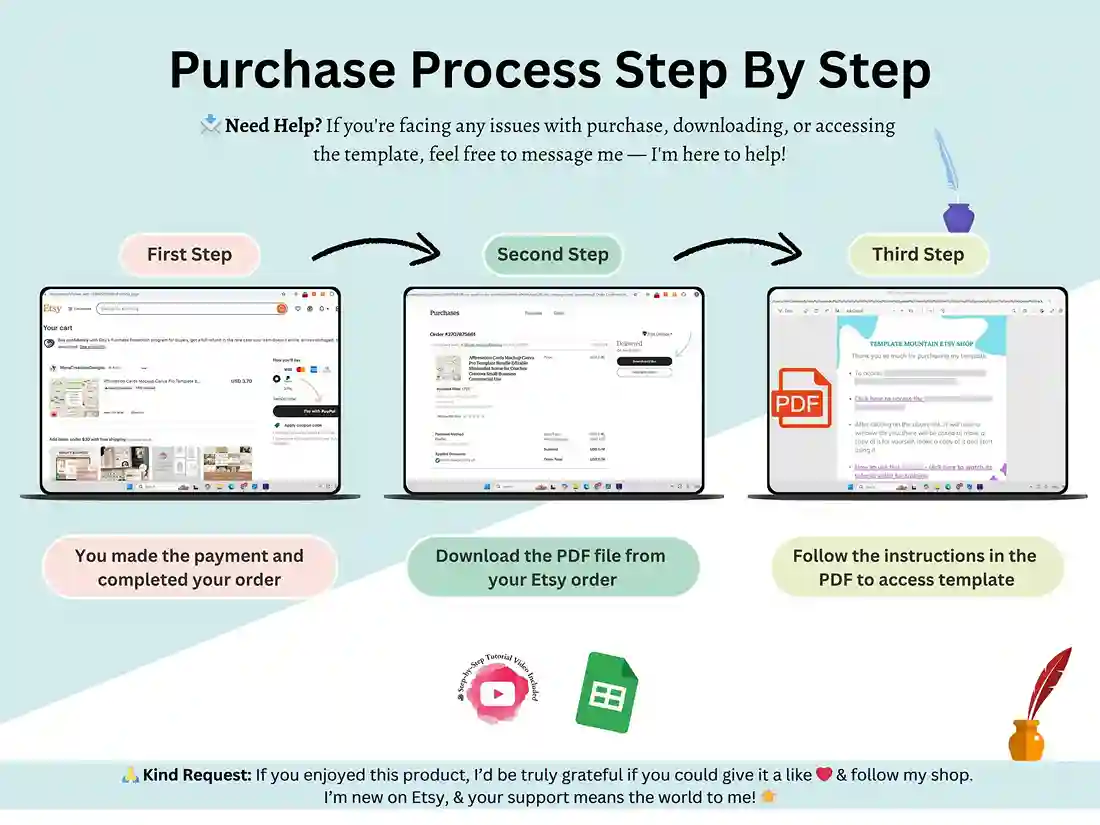
After you buy, you’ll get a PDF with a link inside. Click that link, and it’ll give you your own copy of the sheet. From there, you just start filling it in – no installs, no setup headaches. It’s built in Google Sheets, but you can also save it as an .xlsx and use it in Excel if that’s what you’re more comfortable with.
FAQ
Is this Google Sheets or Excel?
Google Sheets by default, but it also works fine as an Excel file if you export it.
Do I need to know spreadsheets to use this?
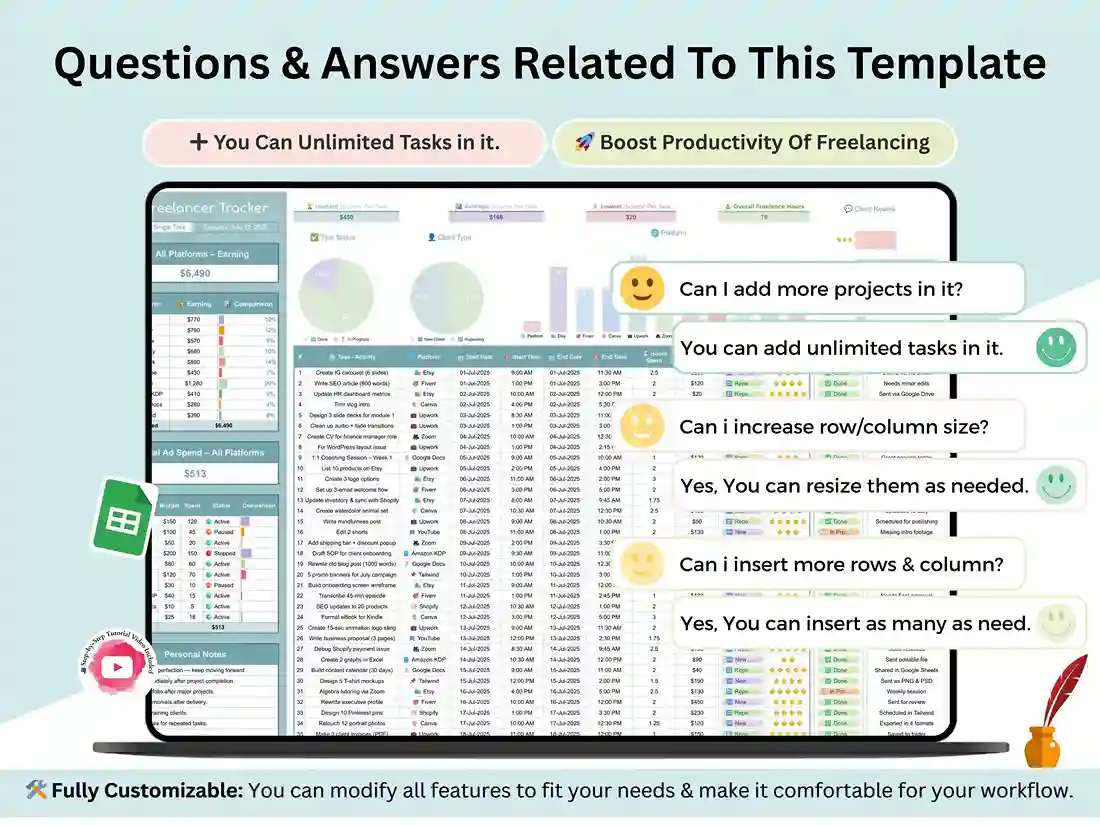
Not really. Everything’s already built – formulas, formatting, all of it. You just add your own info, and the video covers anything that isn’t obvious.
Can I track more than one client with it?
Yes, that’s really the whole point of it – it’s built to handle several clients and projects at once, not just one.
Can I use it for invoicing?
Yes. The time log works well as a timesheet you can reference or send to a client when you’re billing them.
Is it a one-time payment?
Yes, you buy it once, and it’s yours – use it as long as you want, customize it however you like.
Reviews
There are no reviews yet.