


Description
Event Planning Spreadsheet Template – Google Sheets & Excel
Running an event well comes down to keeping a hundred small details from slipping through the cracks — and that’s exactly what this event planning spreadsheet is built for. Whether you’re coordinating a wedding, a corporate conference, or your kid’s school fundraiser, this template gives you one place to schedule dates, track budgets, and see everything at a glance instead of juggling five different documents.
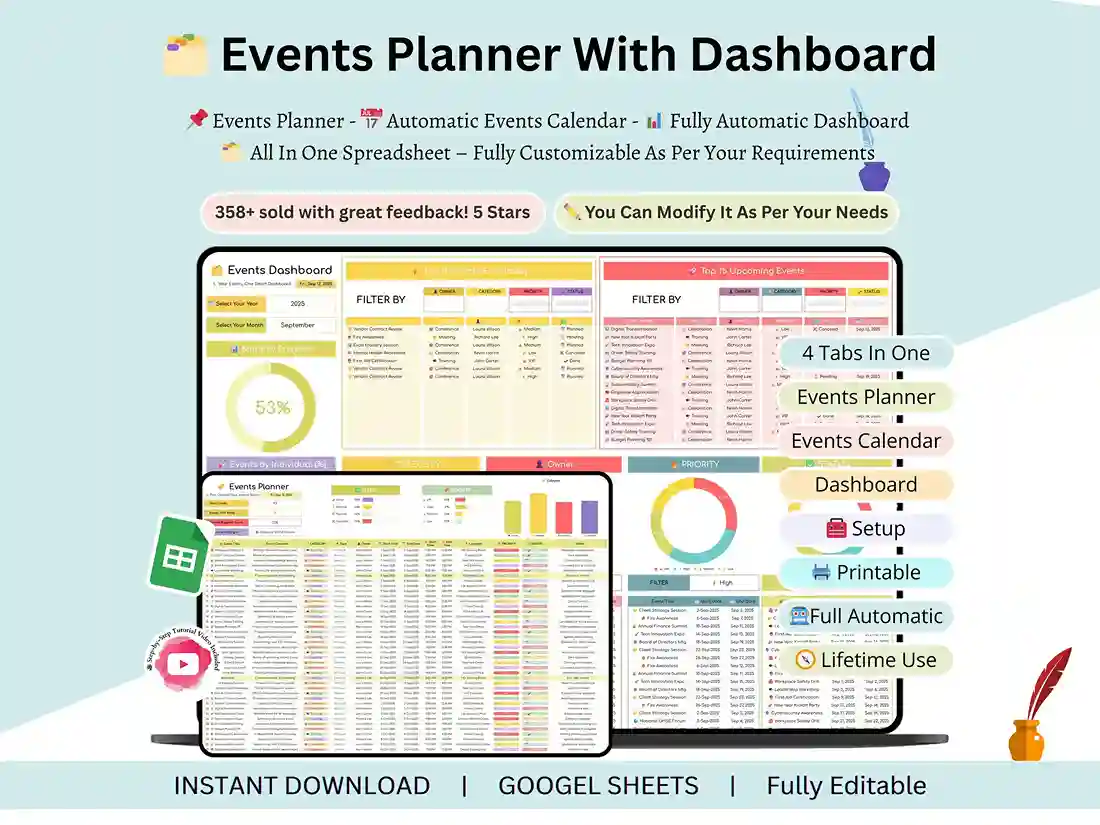
What’s inside
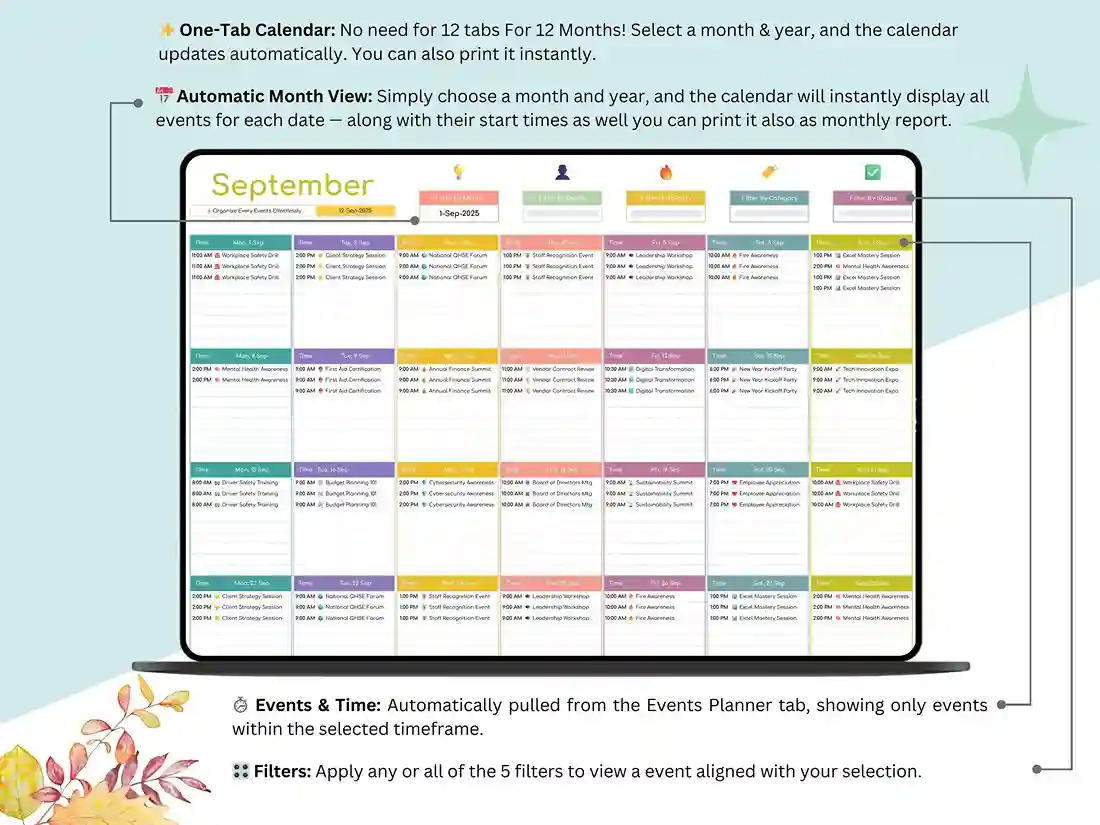
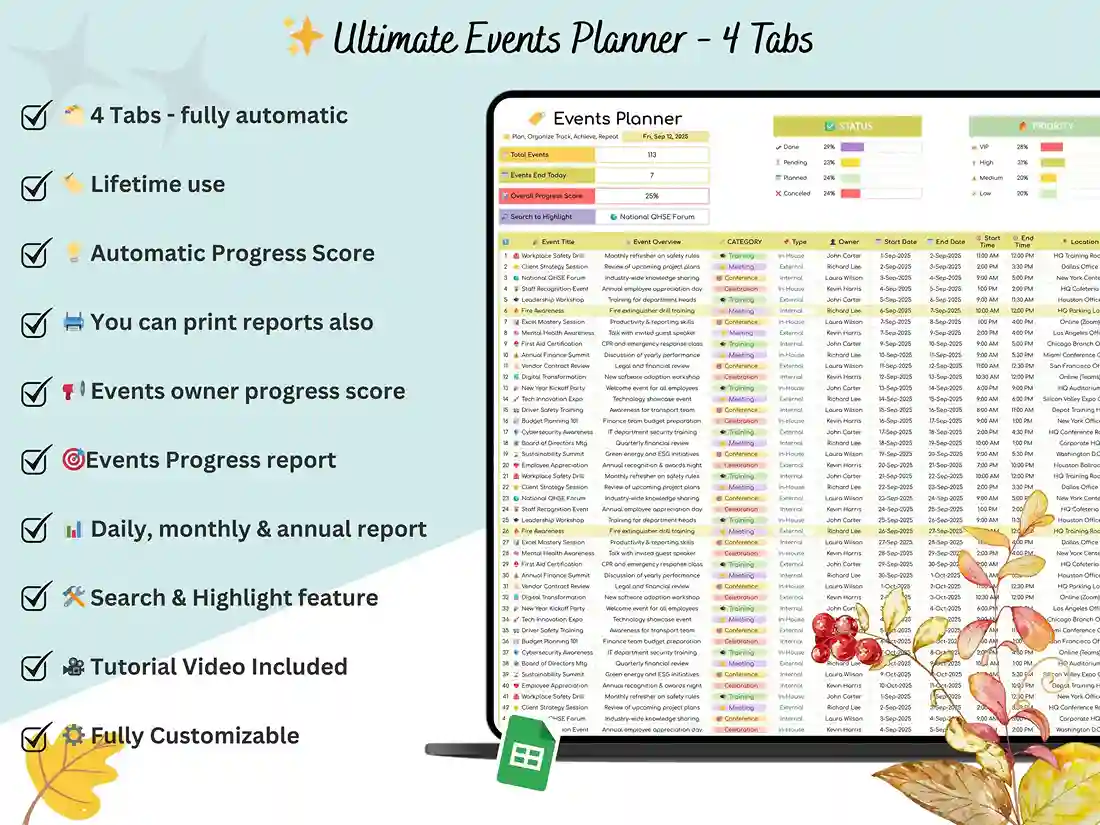
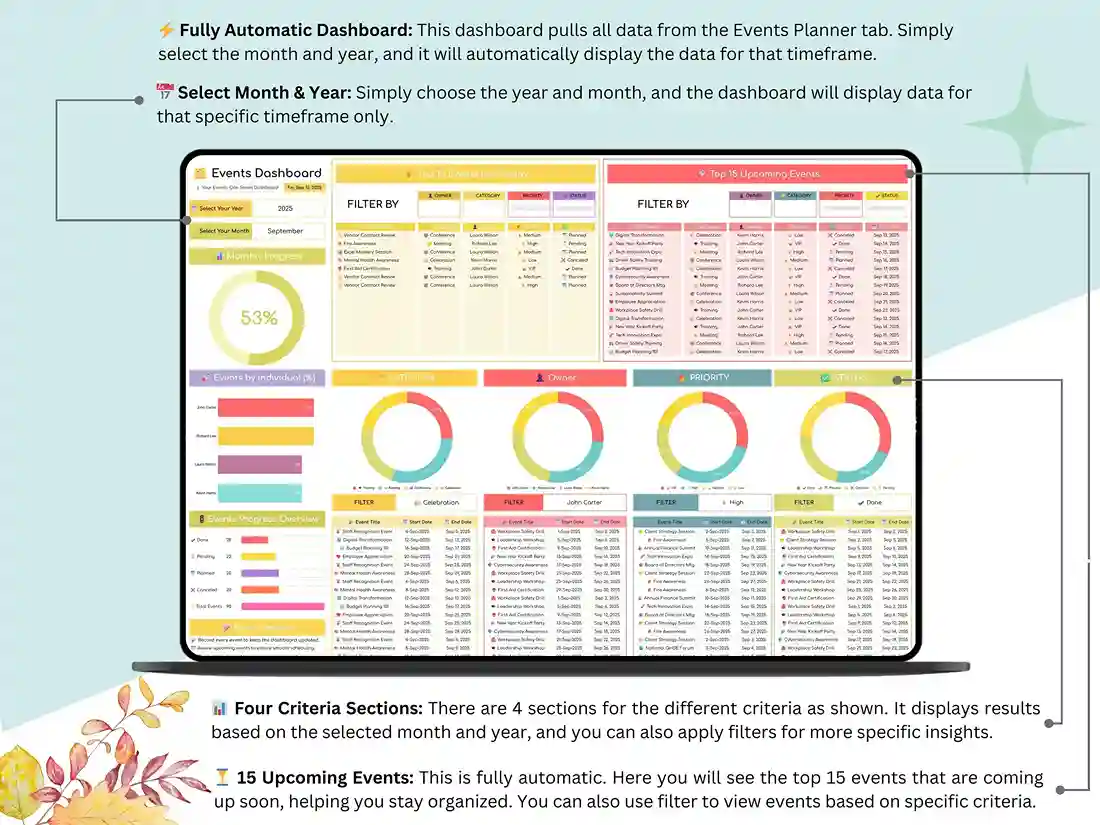
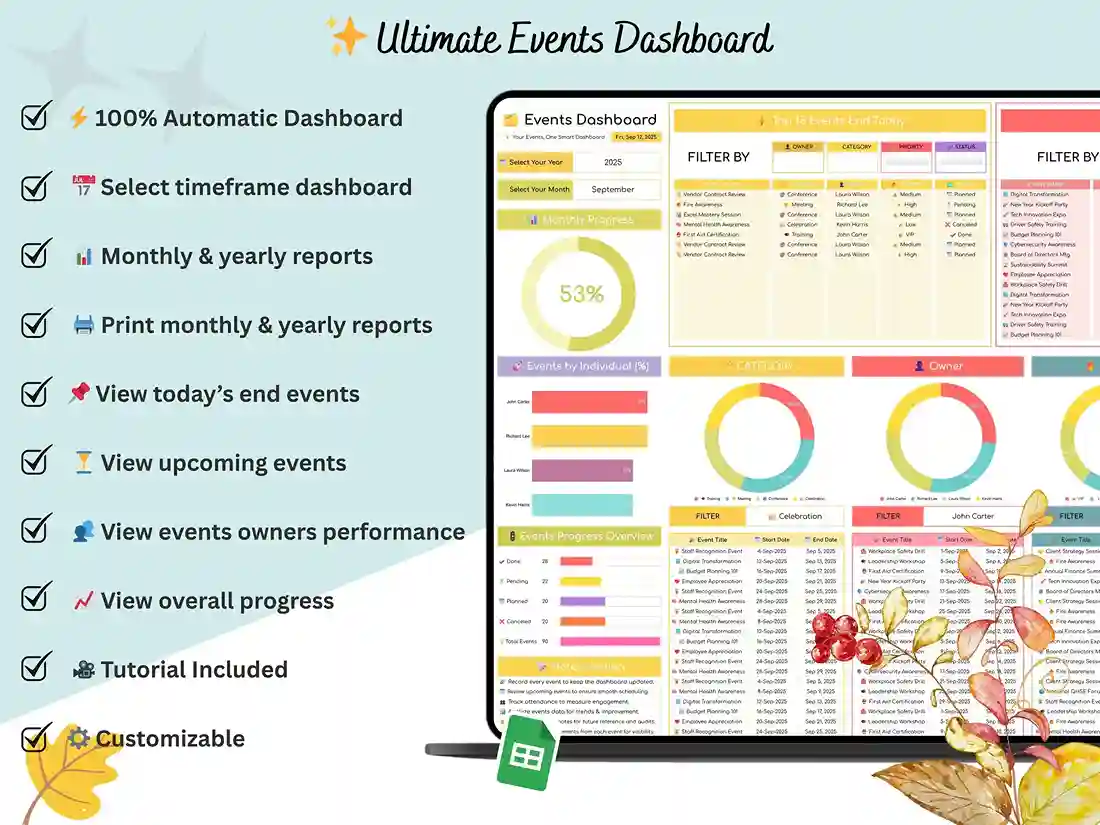
The event planning template google sheets file is divided into four connected tabs. Set your preferences once in the Setup tab and the rest of the planner updates itself. The Events Planner tab is where you add and manage all the events – dates, times, vendors, budgets, whatever you need to keep track of. In the Events Calendar tab you can select a month and see all the events scheduled for that month nicely laid out by date. The Events Dashboard tab ties it all together with charts and summaries so you can see upcoming and past events at a glance without digging through rows of data.
Who it’s for
Event planners and coordinators use this event management plan template to run weddings, parties, and corporate events side by side. Business owners rely on it to keep meetings, conferences, and workshops organized without a dedicated events team. Freelancers use it to track client deadlines, students and educators use it for campus events, and plenty of people just use it to plan a birthday party or family reunion without the stress.
How it works
Buy it, download it instantly, and open the file in Google Sheets or Excel — no software to install, no learning curve you can’t get through in an afternoon. A step-by-step video tutorial walks you through customizing it for your first event.
Support
Questions before or after you buy? Message me any time — I’m glad to help you get it set up. And if it saves you the headache it’s designed to save, a review goes a long way.
FAQ
Does this event planning template work in both Google Sheets and Excel?
Yes — you’ll receive versions for both, fully editable, so you can use whichever platform you already work in.
Can I use this for a wedding, or is it built for corporate events only?
Its designed to flex across events – weddings, corporate conferences, parties, school events and more.
Do I need any spreadsheet experience to use it?
No. The Setup tab handles the automation, and the included video tutorial walks through customizing it step by step.
Is this a one-time purchase or a subscription?
One-time purchase — you get lifetime access to the file with no recurring fees.
What do I do to get the file after purchasing?
This is an instant digital download. You’ll receive it immediately after checkout.