
Description
Events Calendar Template – Google Sheets Premium Event Planner
Planning an event shouldn’t feel like a second job. Somewhere between the guest list, the budget, the vendor calls, and the three sticky notes on your monitor, things start slipping — and that’s exactly the gap this events calendar Google Sheets template was built to close.
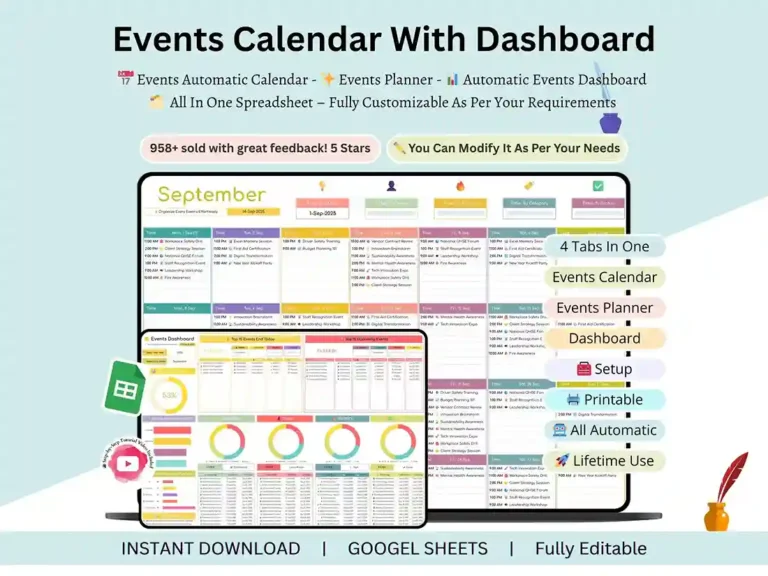
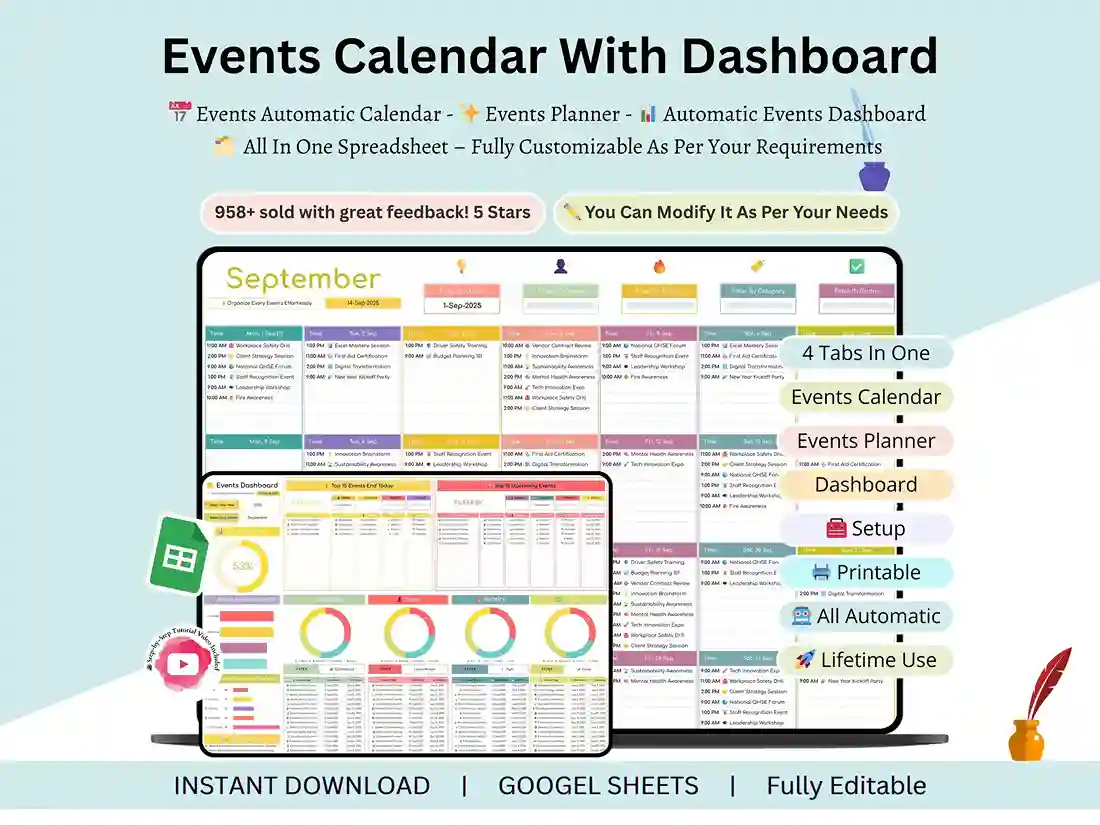
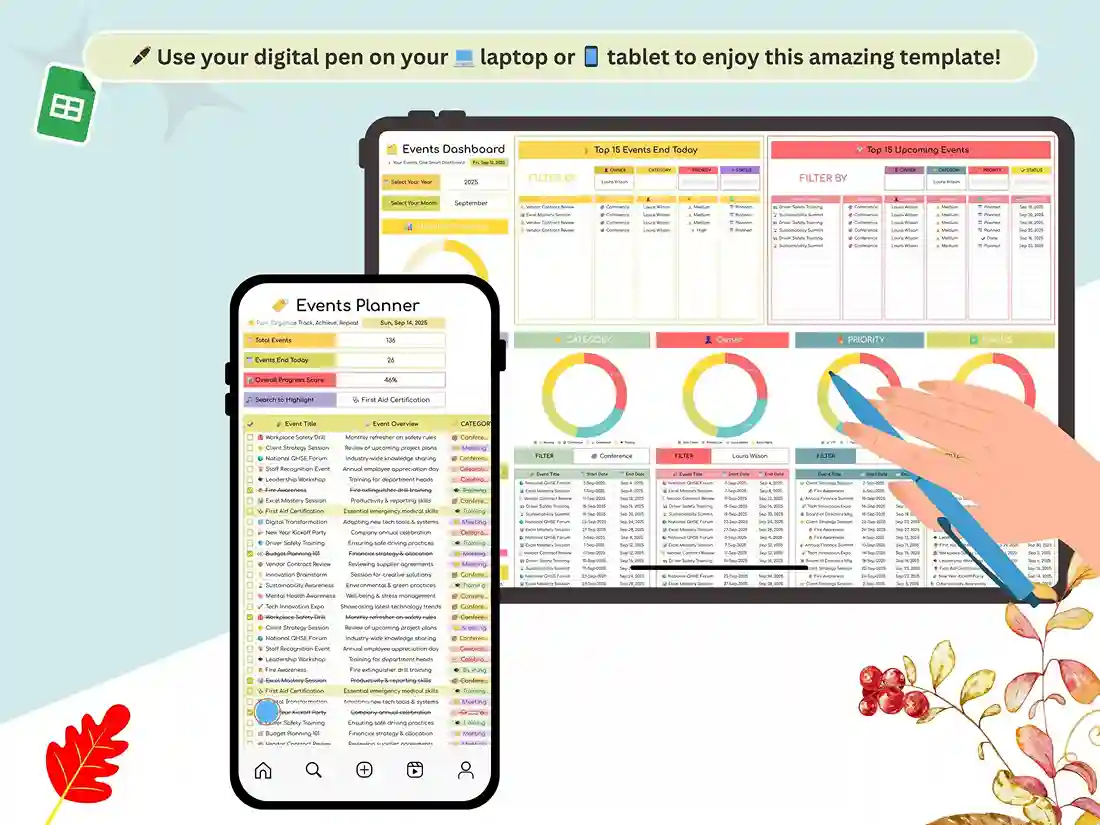
Think of it less as a spreadsheet and more as a home base. One tab handles your event schedule template, another turns into a full Google Sheets calendar template, and a third quietly becomes the event checklist Excel template you didn’t know you needed until you opened it. No five-app juggling act. No rebuilding your system every time a new event lands on the calendar.
A Calendar That Actually Looks Like One
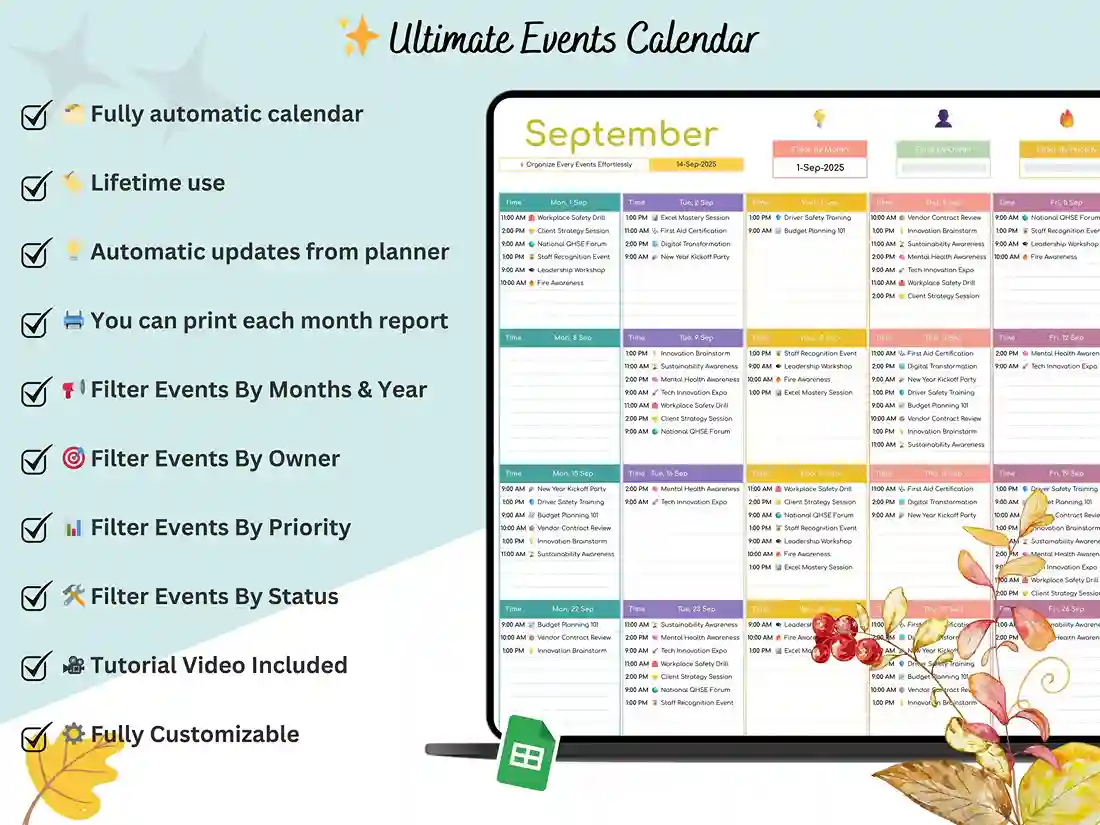
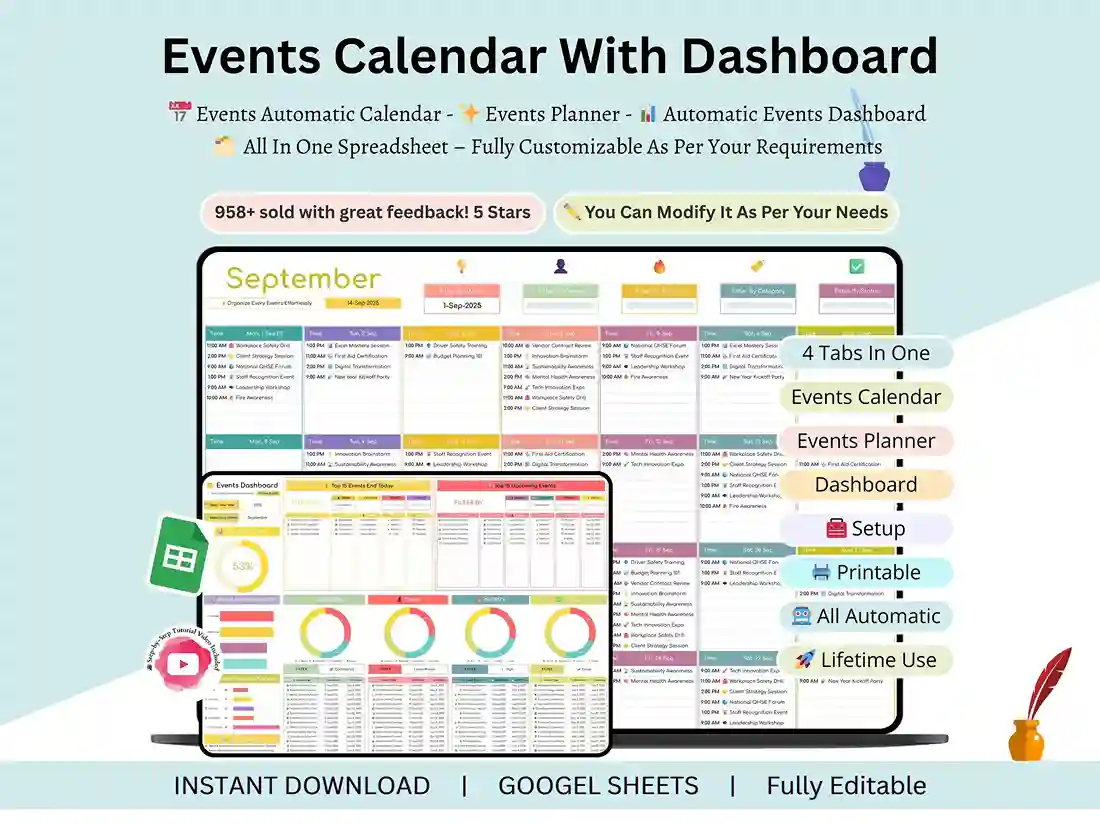
Most templates hand you a bare grid and call it a day. This one leans into real calendar ui design — clean lines, readable dates, and a modern event calendar layout that doesn’t feel like it was built a decade ago. Whether you’re after a yearly schedule of events template for the whole year ahead or a simple calendar of events format for next month, the structure adapts without a rebuild.
Under the hood, you’ll find:
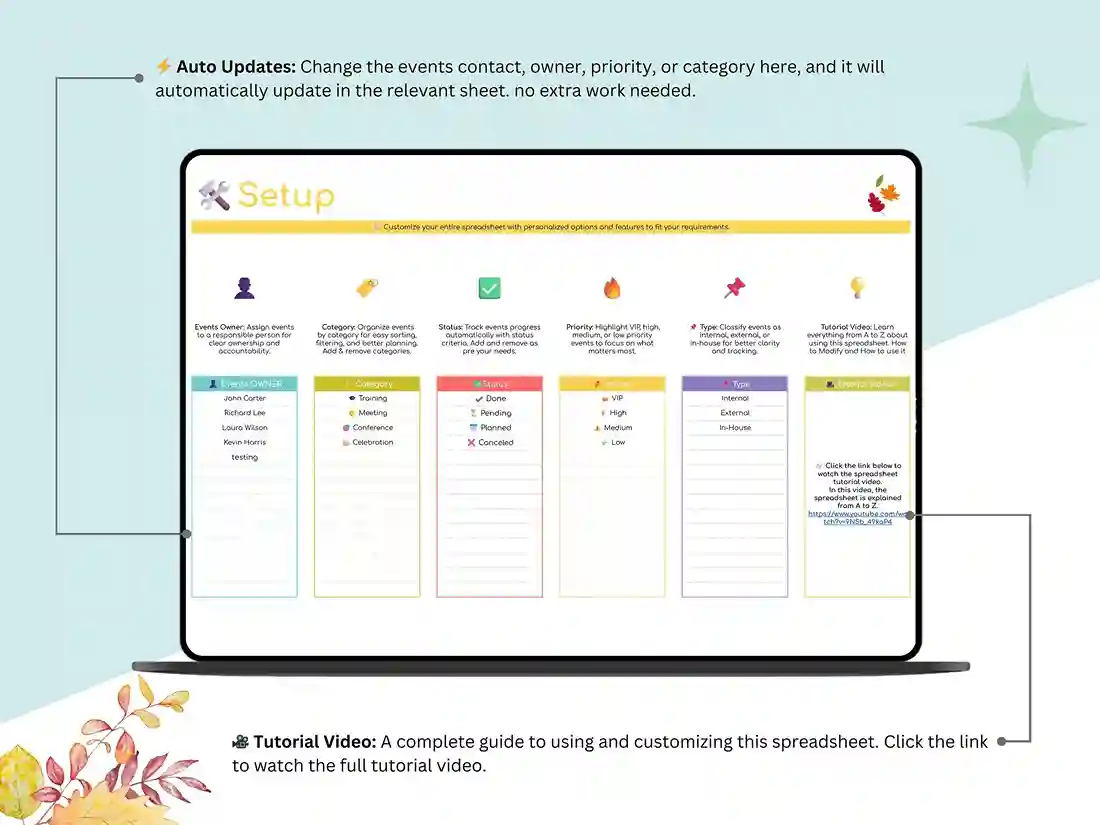
- A settings tab to personalize event types and categories in seconds
- A Google Sheets monthly calendar template view that updates automatically as you log events
- An annual event calendar layout for anyone planning 12 months out
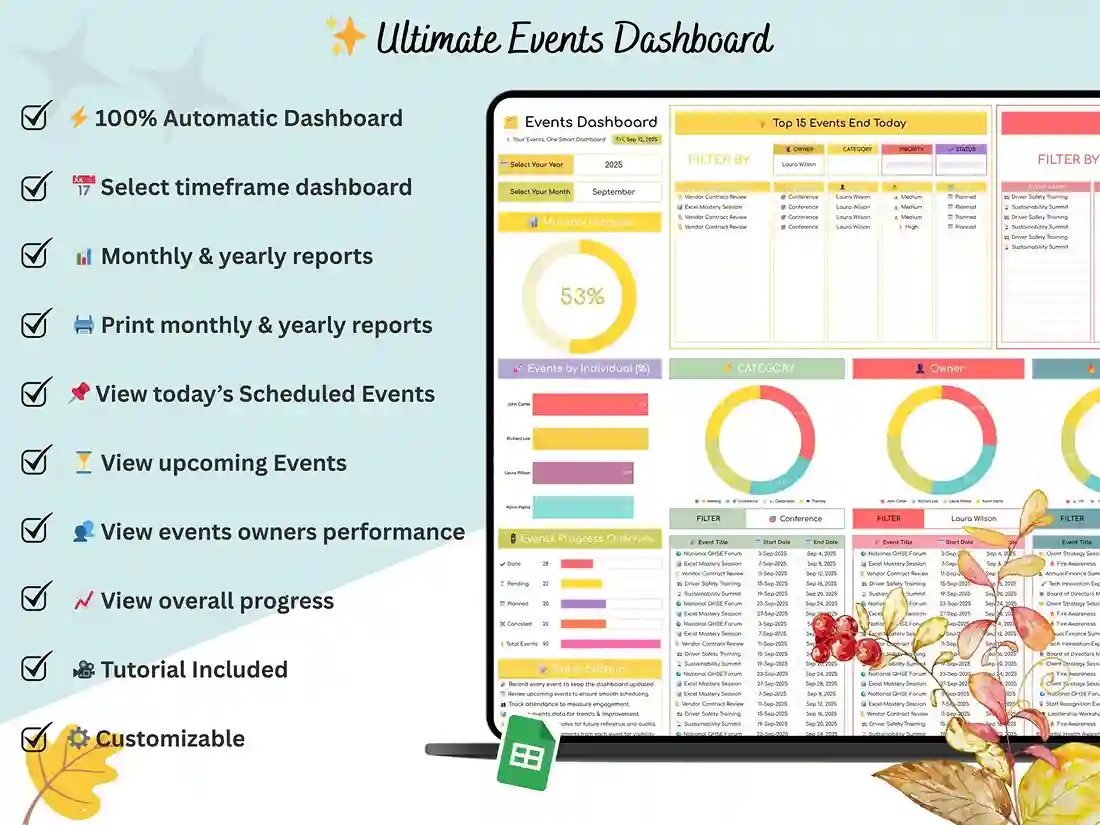
- A dashboard that turns raw entries into a clean schedule of events design at a glance
It’s event calendar design with actual thought behind it — not just color and font choices, but calendar event design that makes the dates that matter impossible to miss.
Built for Real Planning Work, Not Just Pretty Grids
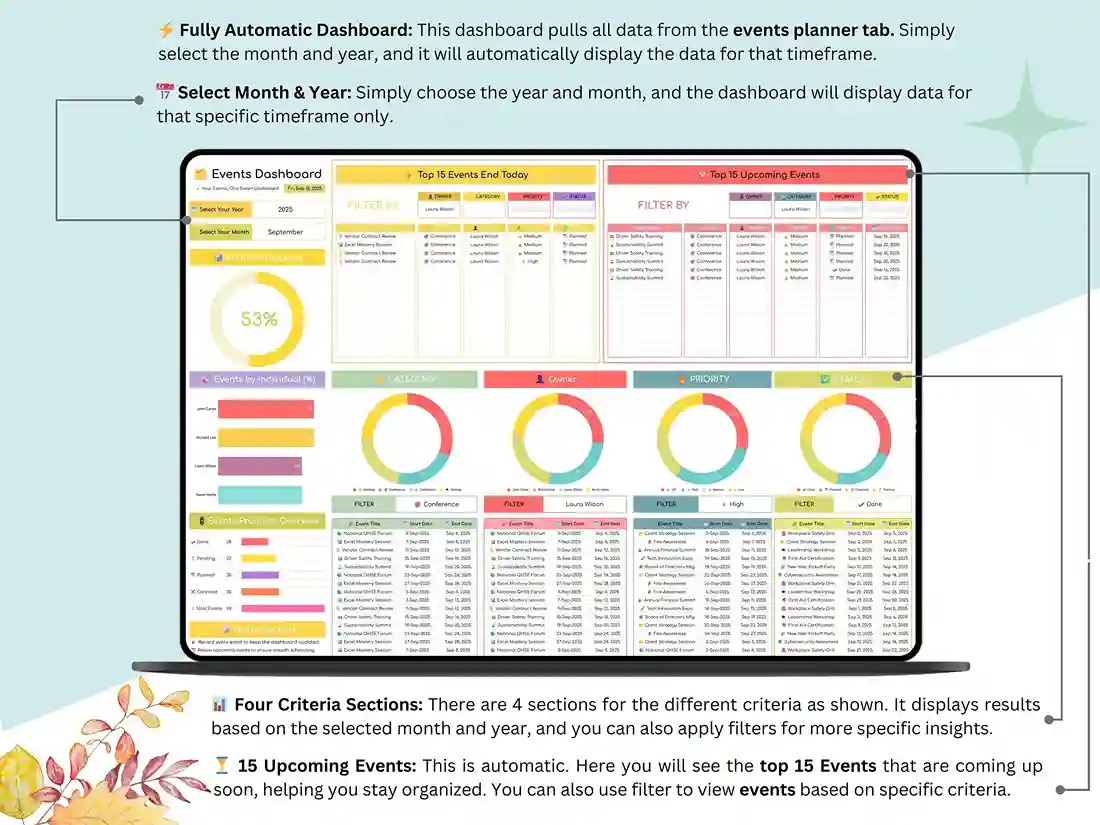
Here’s where it earns its keep. This isn’t a static template — it’s an event management calendar that handles the repetitive parts so you don’t have to. Log an event once, and the automation does the rest: budgets tally themselves, dates populate across views, and your dashboard refreshes without a single manual update.
That makes it genuinely useful event planning essentials, whether you’re coordinating one wedding or running a full slate of corporate events. Need to map out a full event timeline? It’s built in. Trying to figure out how to lay out a spreadsheet for event planning that won’t fall apart under real-world complexity? That’s the whole point of this file.
Works However You Actually Work
Not everyone lives in Google Sheets, and this template doesn’t assume you do. Everything here works just as well in Excel — so if you’ve ever needed to create Excel calendar from data you already have, or wanted a straightforward way to find event availability by using Excel, you’re covered without switching platforms.
And if checklists are more your speed than freeform tracking, there’s a full event planning checklist template in Excel built right in — no extra download, no separate purchase.
Why It’s Worth Calling the Best Event Calendar Out There
A lot of templates are really just starting points wearing a “finished product” costume. You download them, and half the actual work — the formulas, the formatting, the logic — is still on you. This one skips that step entirely. It’s tested, it’s automated, and it’s ready the moment you open it, which is honestly the bar a best event calendar should be held to.
What’s Inside:
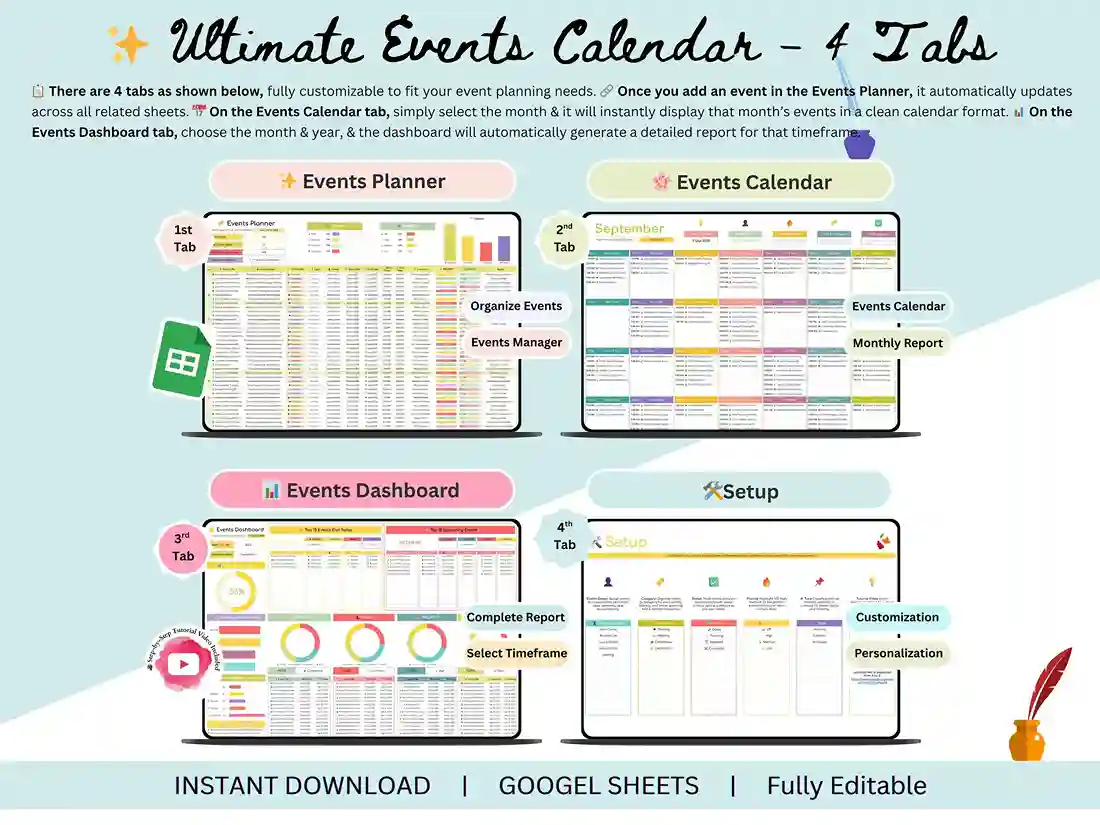
- Settings Tab — personalize event types and categories instantly
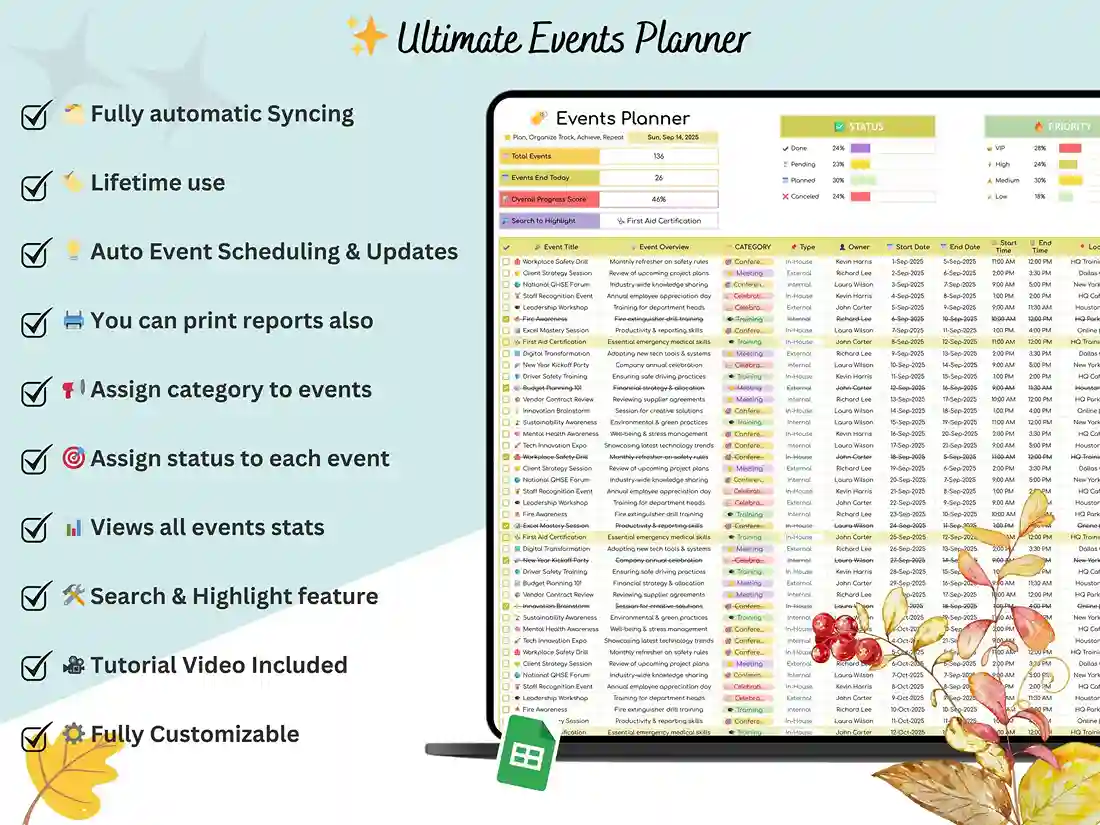
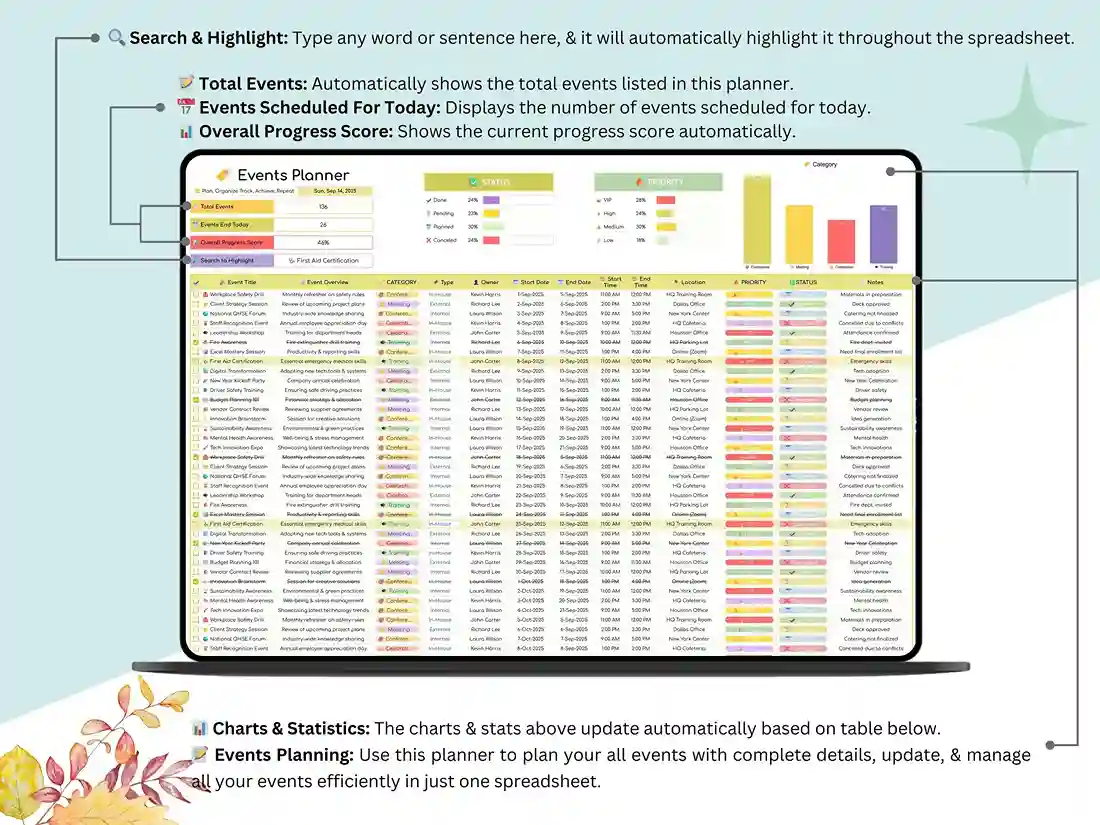
- Events Planner Tab — log every event with dates, budgets, and notes
- Events Calendar Tab — automatic monthly calendar view
- Events Dashboard Tab — charts, summaries, and key metrics at a glance
Ideal For:
- Event planners and coordinators managing weddings, parties, and corporate events
- Business owners scheduling meetings, conferences, and workshops
- Freelancers tracking client events and deadlines
- Students and educators planning school or campus events
- Anyone hosting a gathering, from birthdays to family reunions
How It Works:
- Download instantly after purchase
- Open in Google Sheets or Excel
- Start planning — the automation handles the rest
FAQ
What’s included in the Events Calendar template?
You get a fully automated dashboard with built-in charts and summaries, a settings tab for quick customization, a dedicated events planner, and a monthly calendar view — all in one file, ready to use right out of the box.
Yes, you can change colour and event category.
Of course. Head to the settings tab and you can update categories, event types, and color coding in just a few seconds — no formulas or design skills needed.
Is this a one-time purchase, or is there a subscription?
One-time purchase, plain and simple. Once it’s yours, you get lifetime access with zero recurring fees.
What if I have questions after buying?
Just message the shop directly, anytime. Support is included with your purchase, so you’re never left figuring things out alone.