
Description
Monthly Task Planner & Calendar Template (Google Sheets)
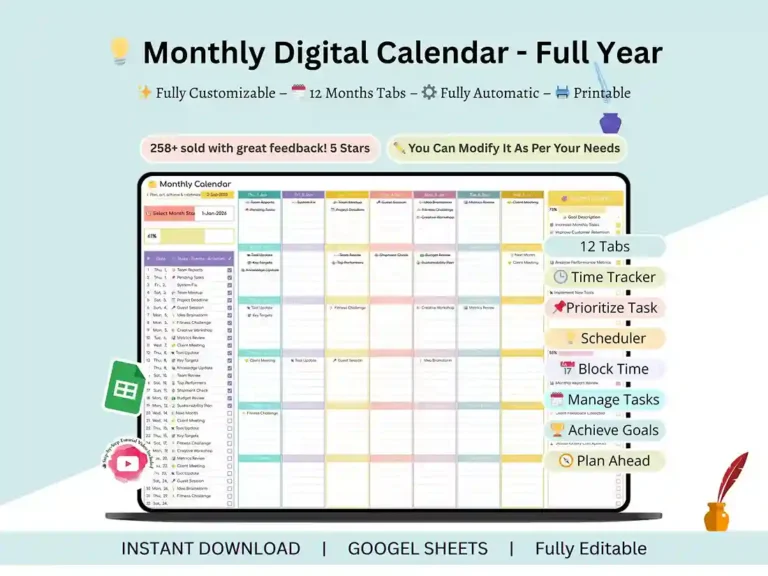
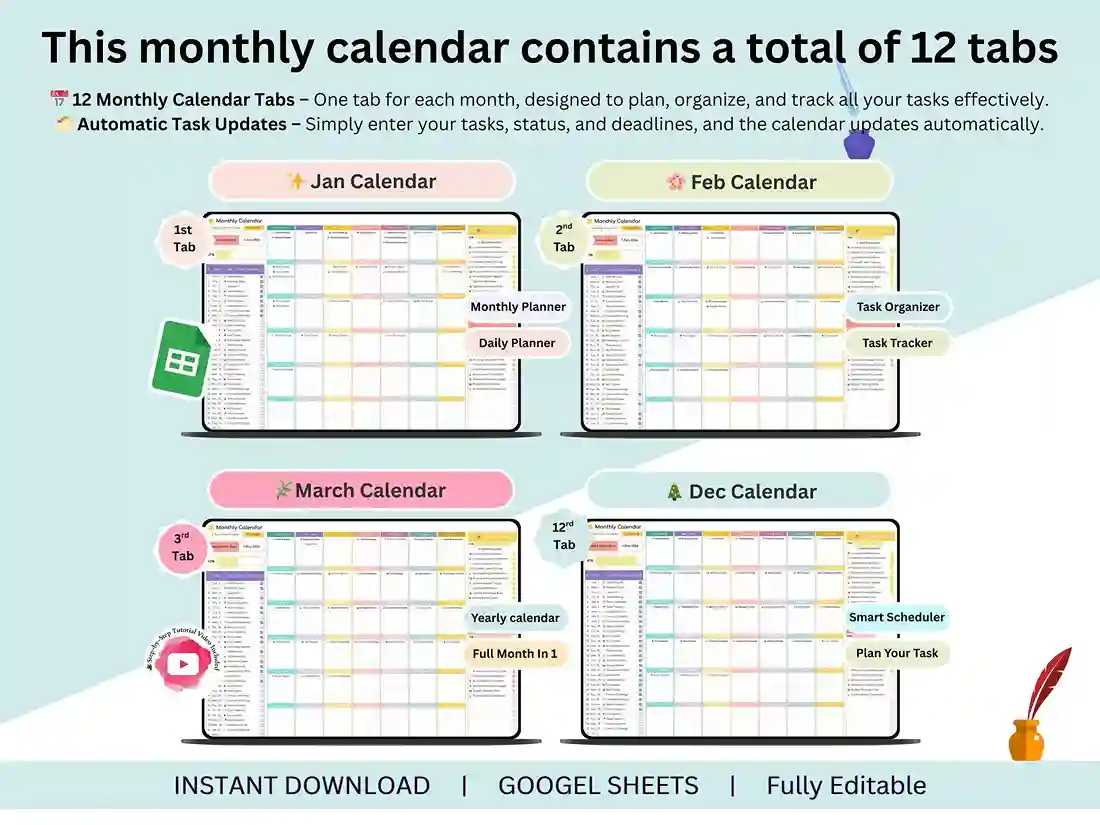
Twelve months, one system. This monthly planner and calendar template runs entirely in Google Sheets, so there’s nothing to install and nothing to configure — just open it and start planning. If you’ve ever bounced between three different apps trying to track your tasks, your goals, and your calendar separately, this puts all three in one place.
What’s Inside
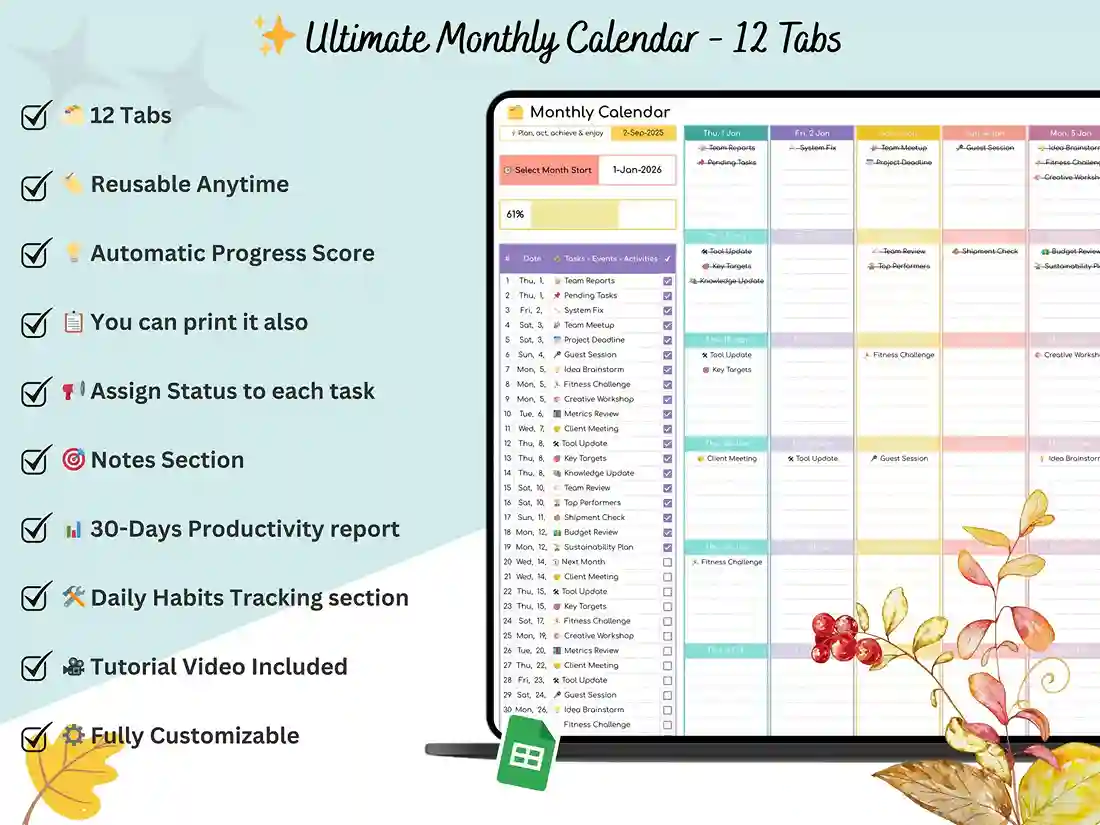
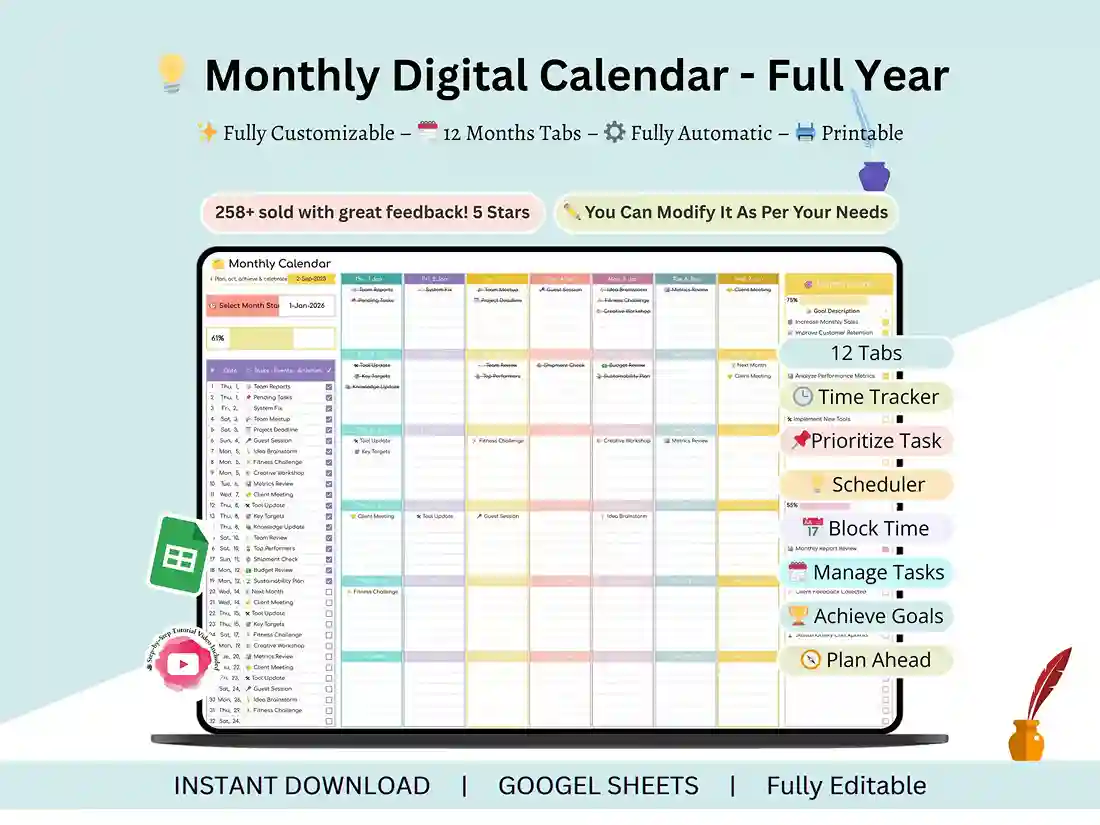
- 12 Monthly Tabs — a dedicated tab for every month, January through December
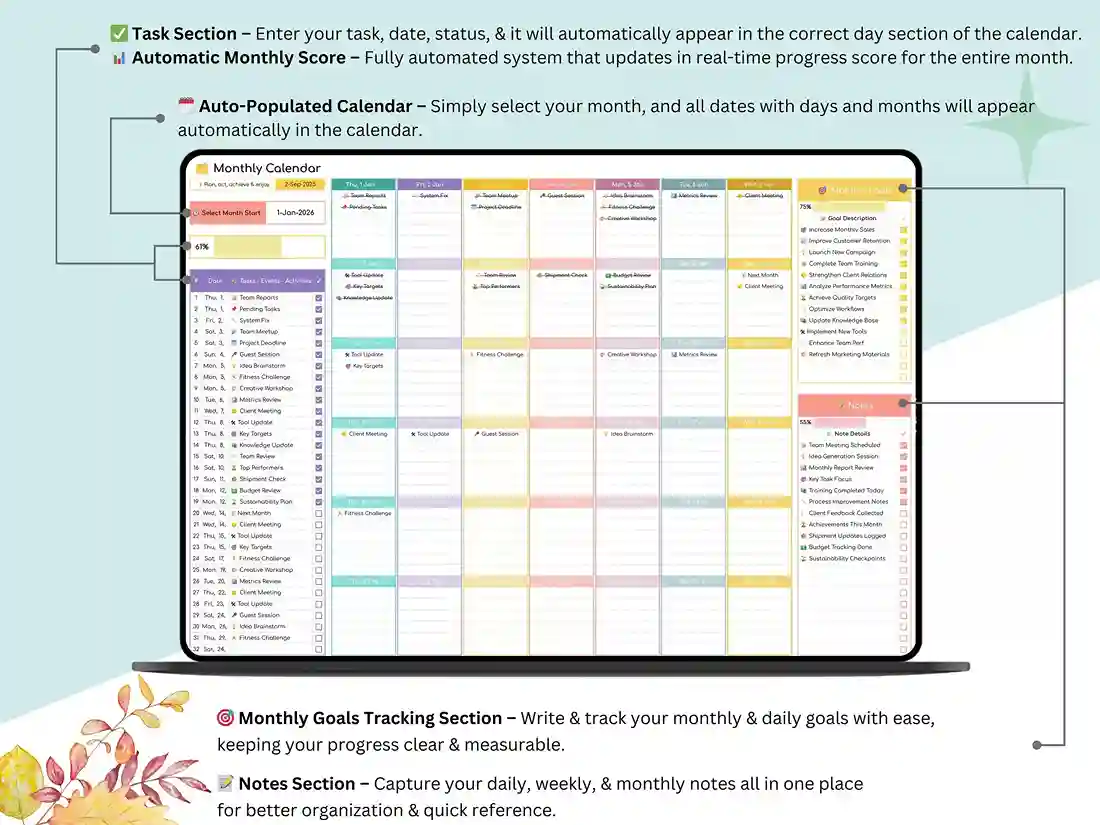
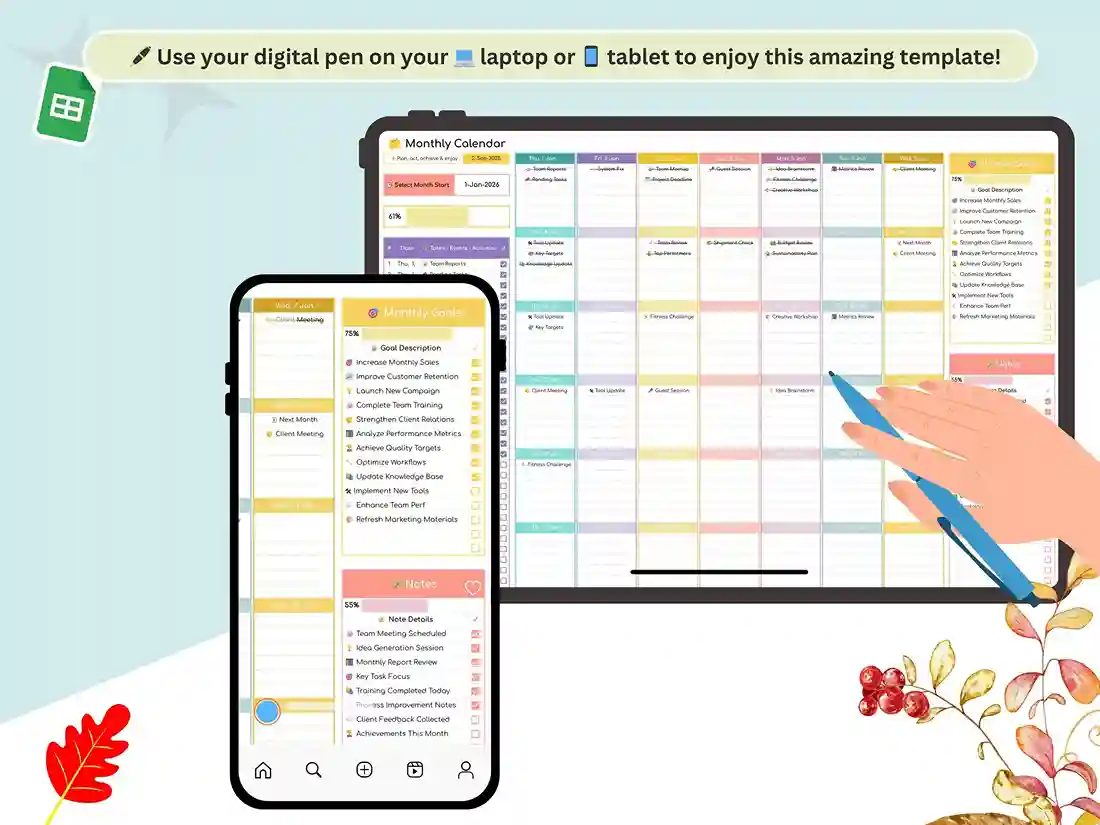
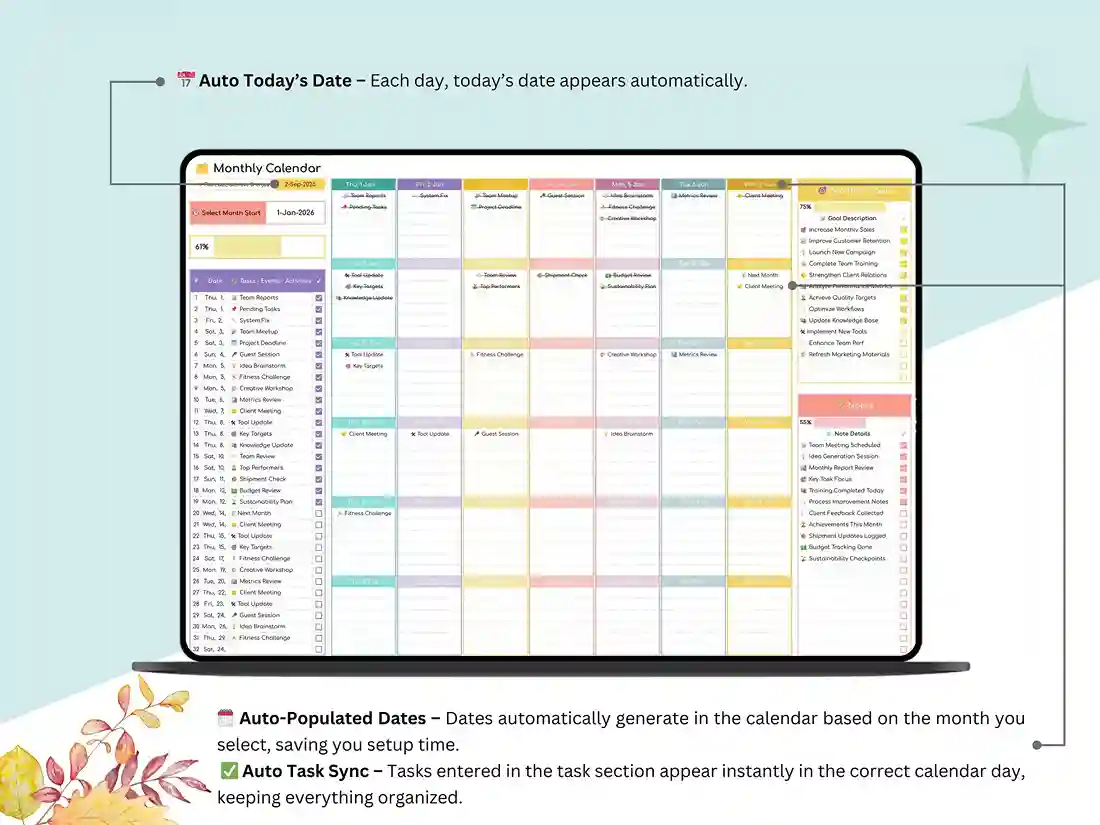
- Monthly Calendar Layout — plan out tasks, events, and appointments at a glance
- Task Tracking Template — a built-in task tracker so nothing slips through the cracks
- Monthly Goals Section — set goals and watch your progress update automatically
- Notes Section — a spot for anything that doesn’t fit neatly into a task or event
- Progress Tracker — a visual snapshot of how productive each month actually was
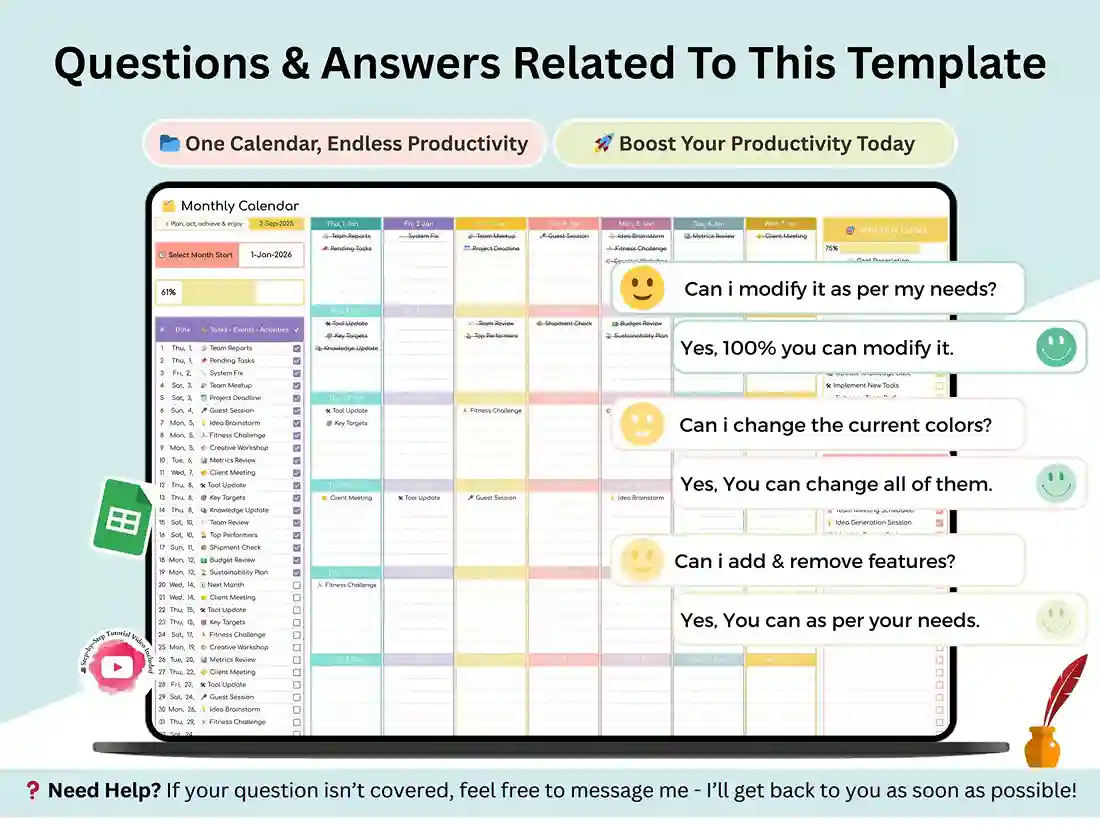
- Color-Coded, Fully Editable Design — clean enough to use out of the box, flexible enough to make your own
Who It’s For
Freelancers juggling client deadlines. Students tracking assignments across a semester. Small business owners keeping tabs on campaigns and meetings. Parents planning the family calendar. Honestly, if your month has more moving pieces than your memory can hold, this monthly planning system is built for exactly that.
How It Works
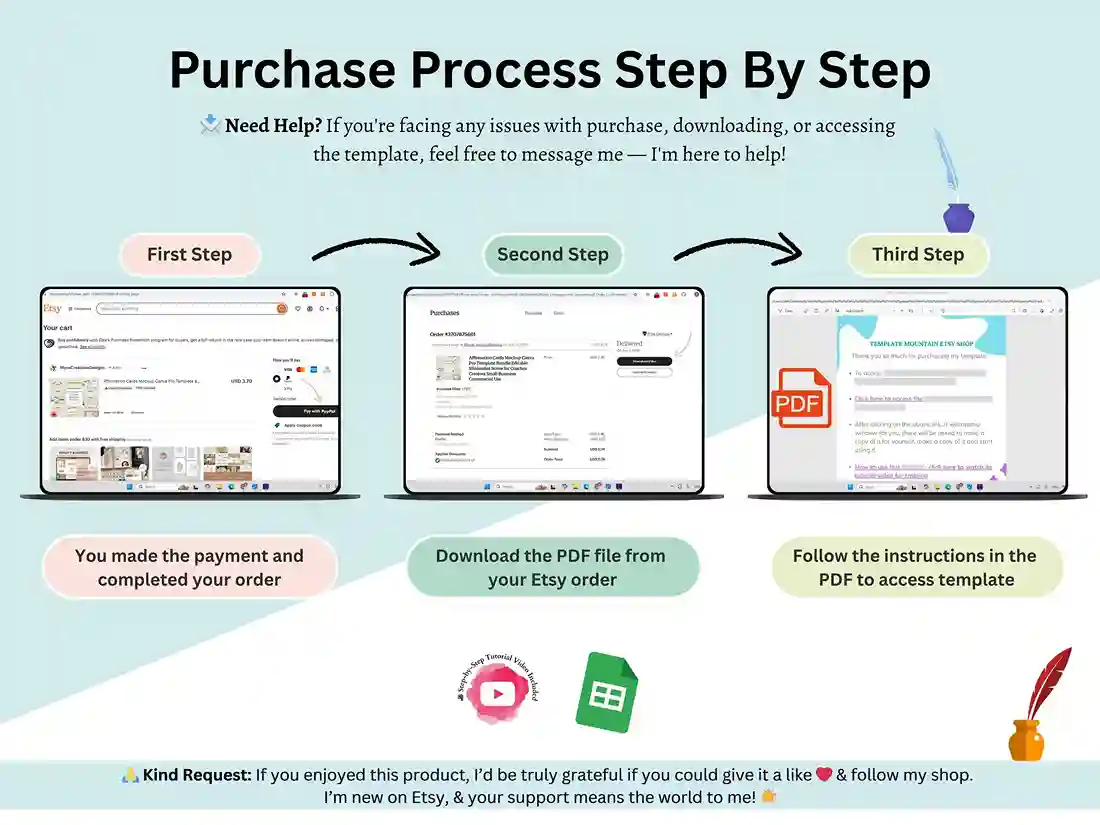
- Purchase and download instantly after checkout
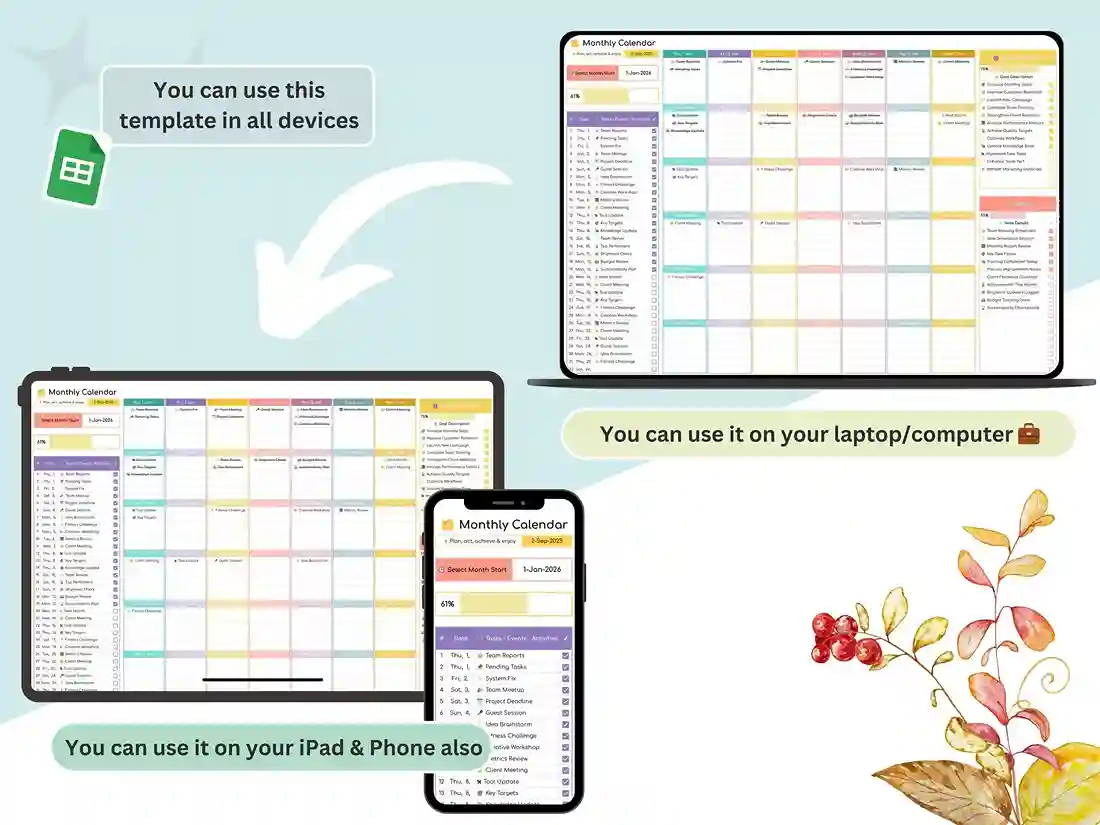
- Open it directly in Google Sheets — no software, no learning curve
- Start filling in your month
A short walkthrough video is included, so even if spreadsheets aren’t usually your thing, you’ll be up and running in a few minutes.
FAQ
Does this work in Excel too, or only Google Sheets?
It’s built for Google Sheets and works right out of the box there. It can be opened in Excel, but some automated formatting may need minor adjustments.
Can I use this for a daily task tracker, not just monthly?
The core layout is monthly, but each tab includes a task tracking section you can update daily — so you get monthly structure with daily flexibility.
Do I need to know how to create a task tracker in Excel or Sheets myself?
No — everything is pre-built and automated. You just enter your tasks, goals, and events; the tracking and progress calculations update on their own.
Is this a one-time purchase?
Yes, it’s a single one-time payment. You’ll get instant access to download and keep the file.
Will I get updates for future years?
This template is not year-specific and can be used for a long time. See listing description for any notes about year specific versions.
Reviews
There are no reviews yet.