Description
Task Calendar & Tracker | Google Sheets Planner Template
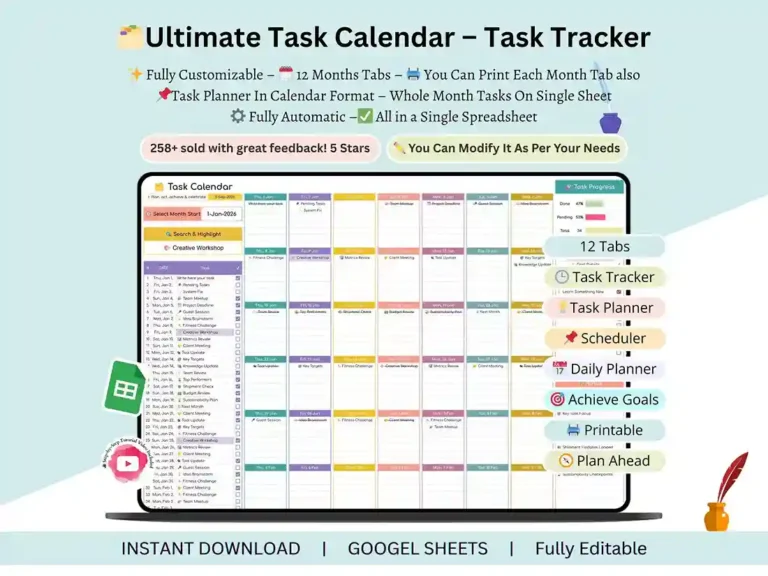
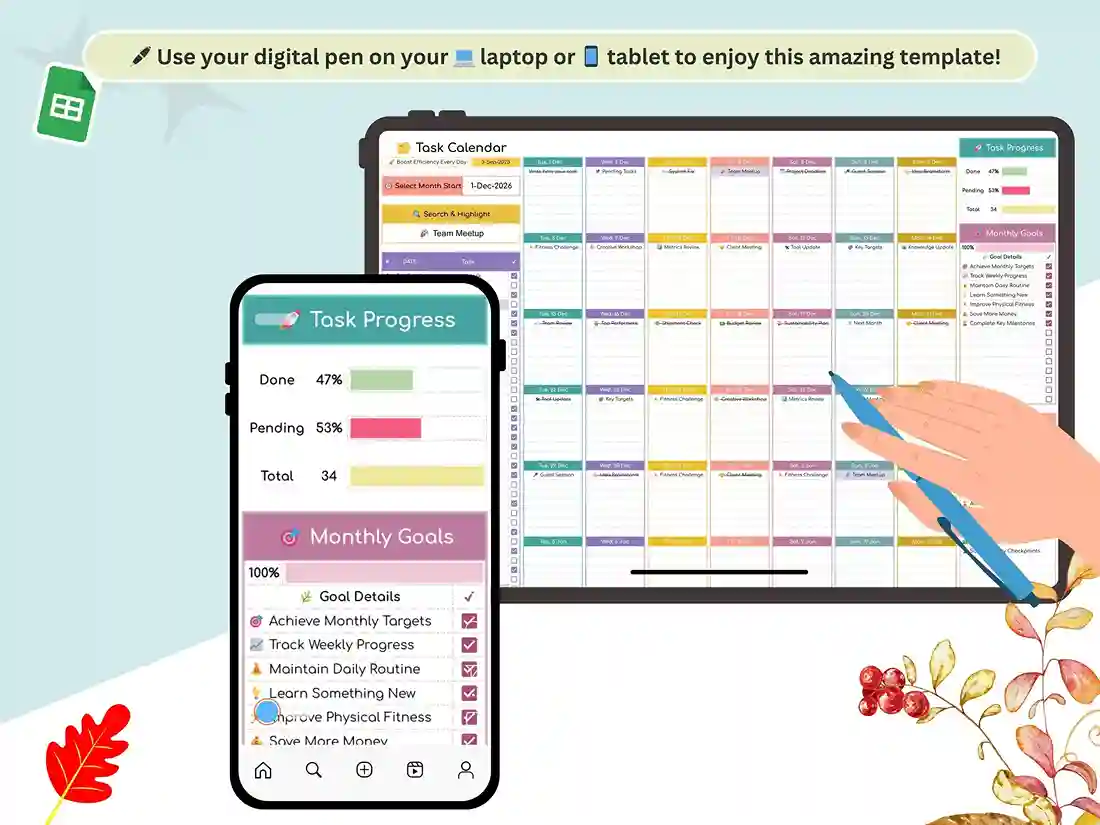
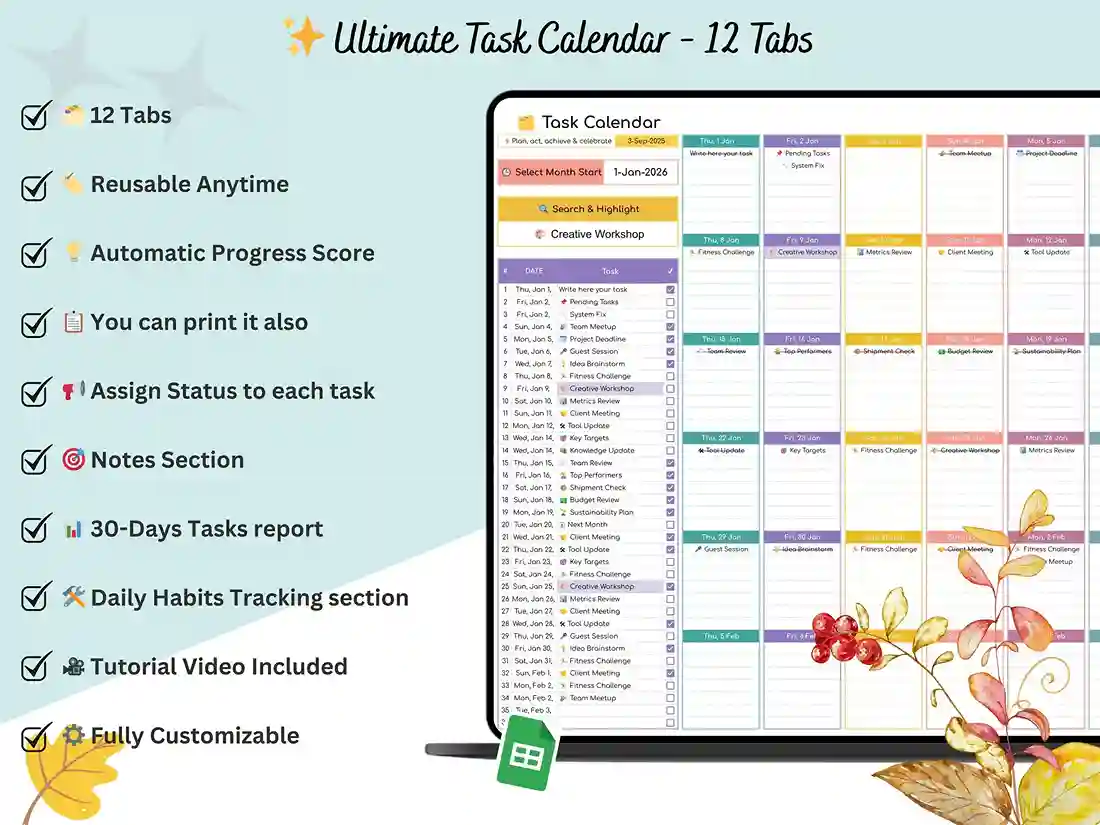
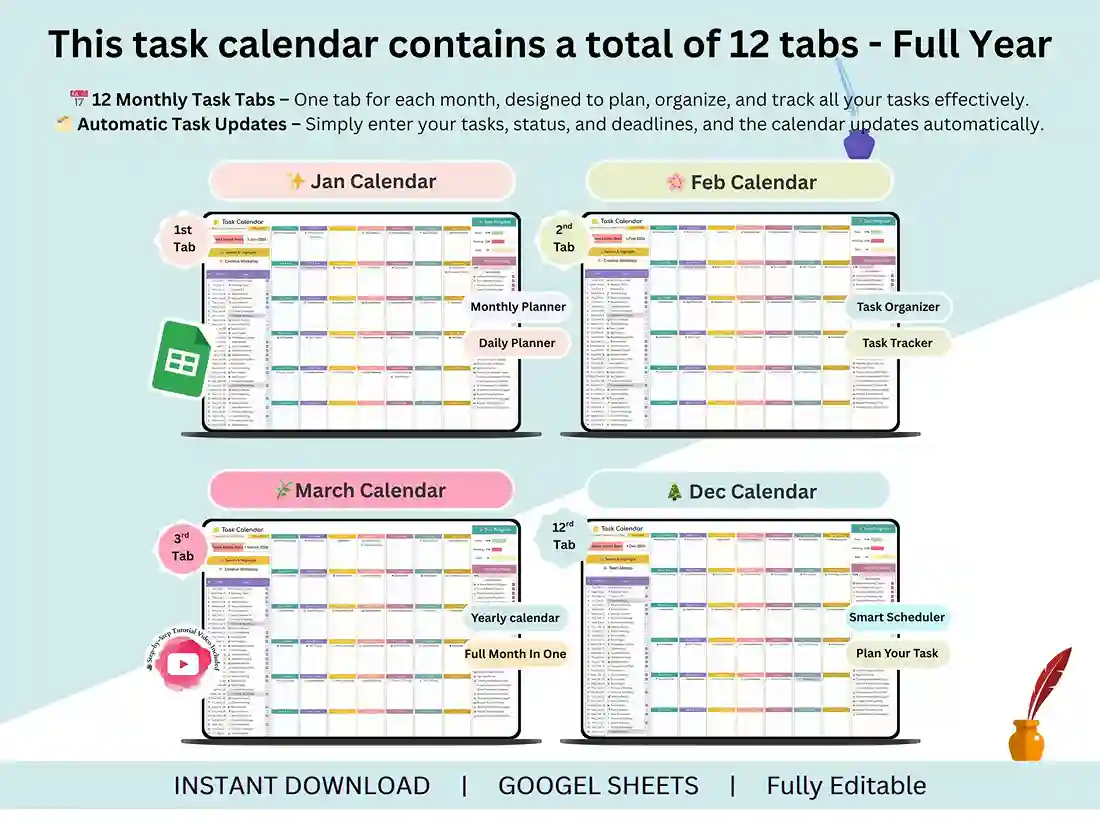
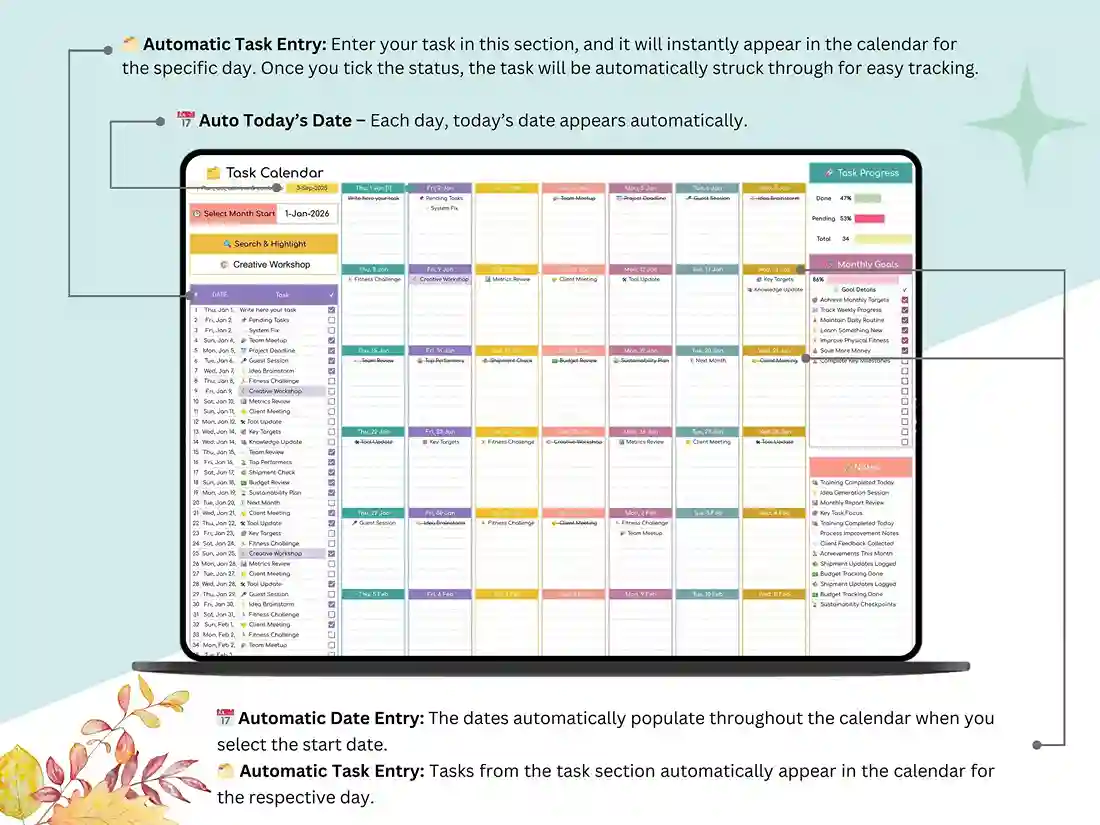
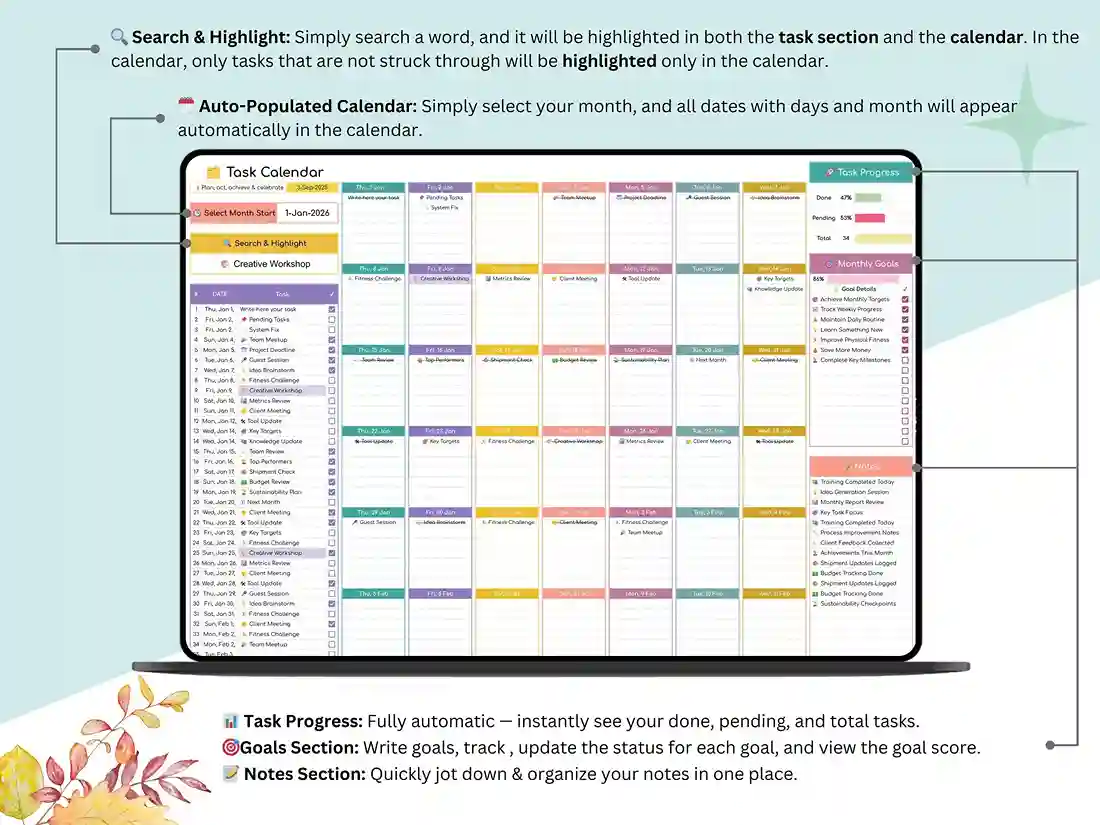
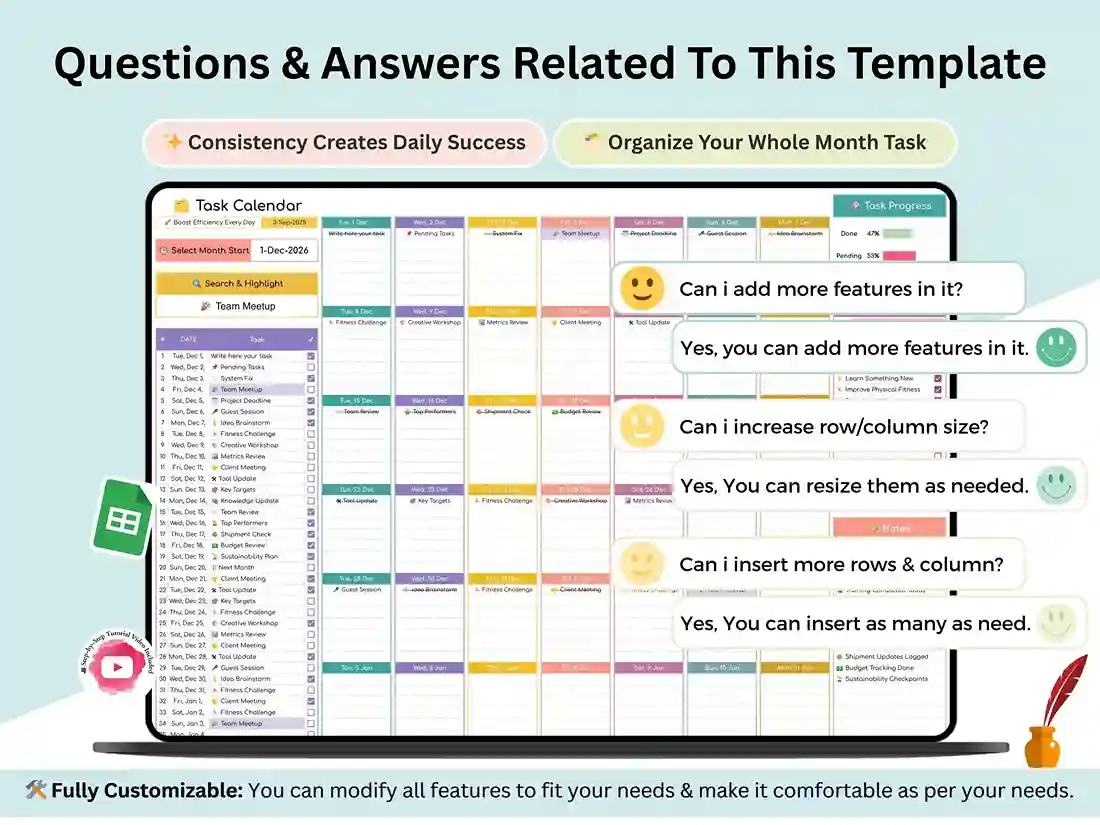
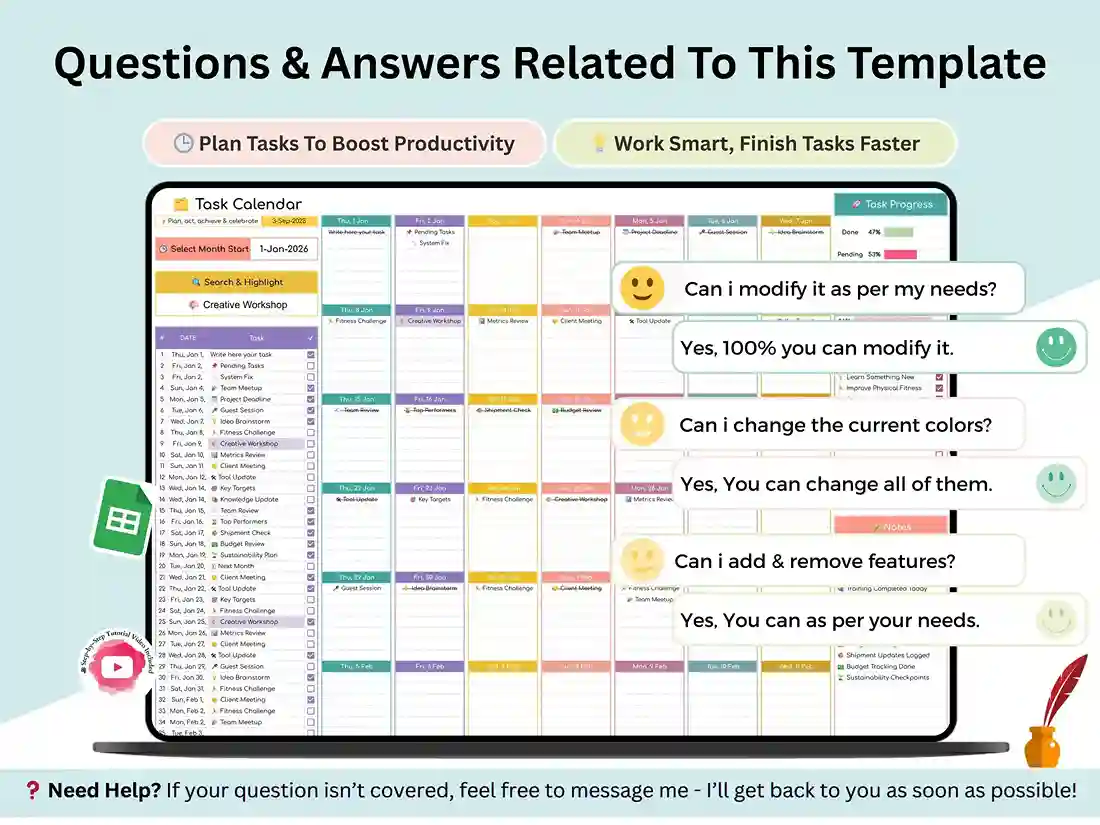
If your to-do list is scattered across sticky notes, texts, and three different apps, this task calendar brings it all back into one place. Built entirely in Google Sheets, it gives you a full year of structure: twelve monthly tabs, a smart search and highlight tool, and a dashboard that updates automatically as you check things off. It’s less a static template and more a running system for spreadsheet task management — one that stays useful past week one.
Think of it as a task tracker sheets template that actually grows with you. Each month gets its own tab, so you’re never scrolling through one giant, tangled list — just this month’s tasks, laid out clearly, with room for notes and deadlines. Use it as a daily task spreadsheet for quick day-to-day to-dos, or pull back and use the yearly view to track bigger goals across all twelve months at once.
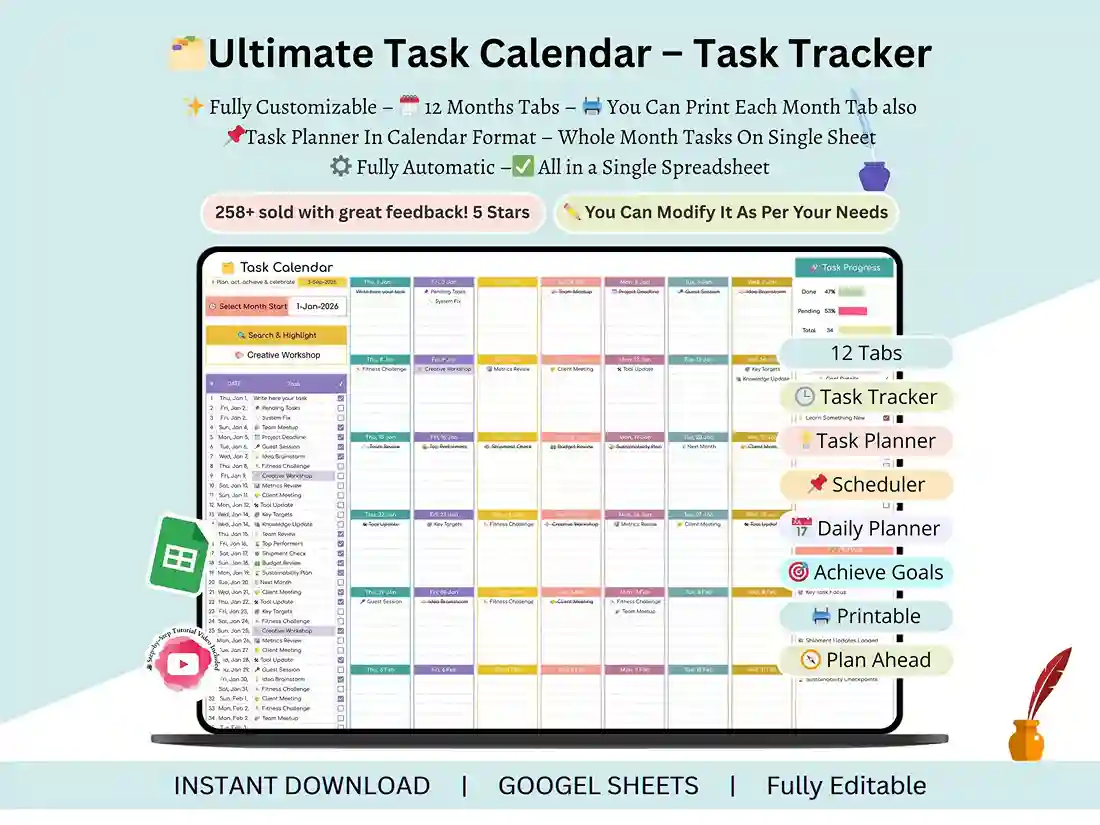
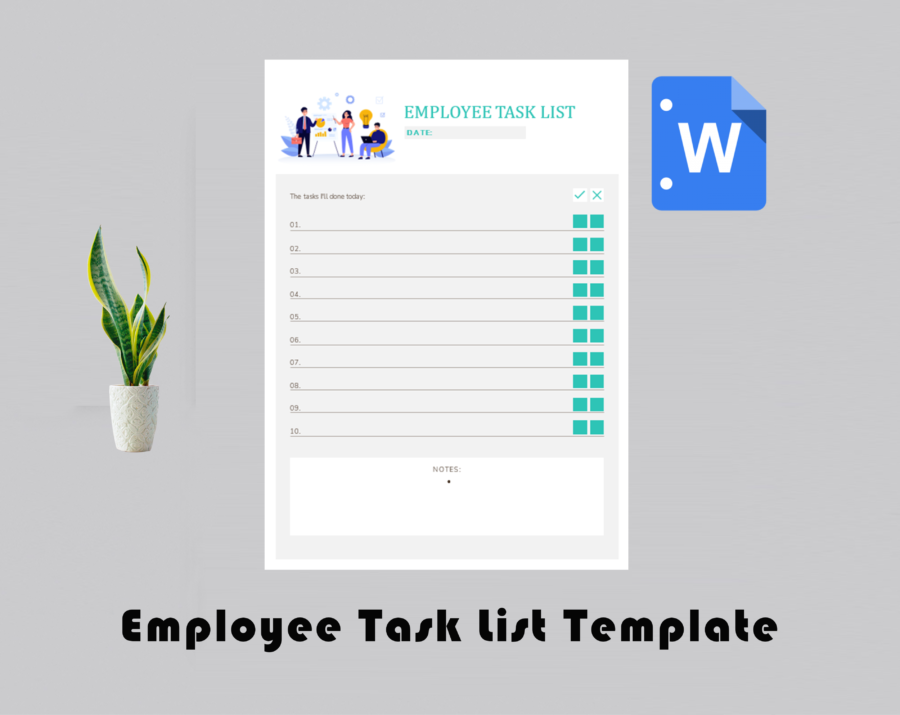
It holds up well as a task tracking template for personal projects, but it’s just as easy to use as a daily task list for employees or a small team — assign tasks, track progress, and see what’s actually done without opening five different tools to find out.
Not sure where to start? Use it as a simple task list template for daily errands, or lean all the way into the dashboards and run it like a full activity tracker template for habits, workouts, or routines you’re trying to stick to. If you’re the type who wants numbers, not just checkboxes, the built-in tracking makes it double as a lightweight task tracker spreadsheet for measuring how consistent you actually are month over month.
What you’ll get:
- Task Calendar Spreadsheet (Google Sheets — 12 tabs, one per month)
- A short video walkthrough covering setup and customization
Who it’s for:
- Students tracking assignments, classes, and study sessions
- Professionals managing projects, meetings, and deadlines
- Entrepreneurs juggling personal and business tasks
- Fitness enthusiasts scheduling workouts and routines
- Anyone building habits and staying consistent month to month
How it works:
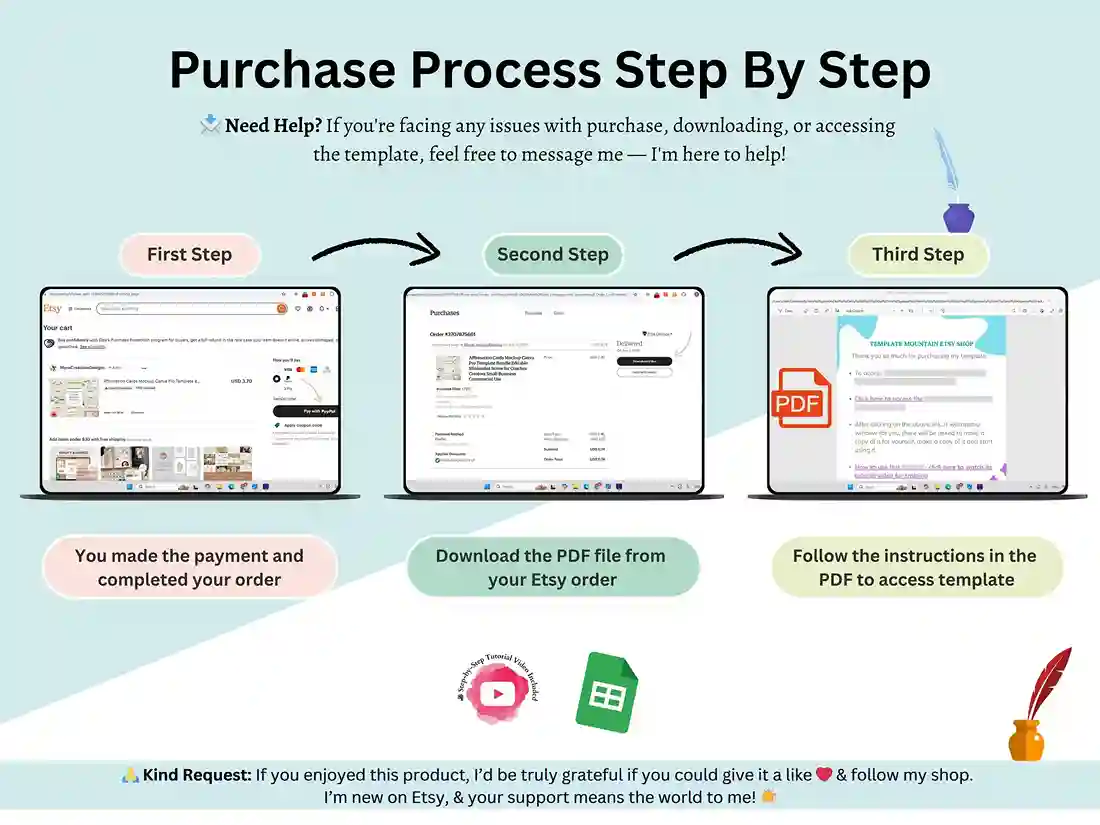
- Download the file right after purchase.
- Open the PDF and click through to the Google Sheets link.
- Make your own copy and start planning immediately.
Questions about setup or customization? Reach out any time — happy to help. And if this ends up saving you time, a quick review goes a long way.
FAQ
Is this a Google Sheets file or an Excel file?
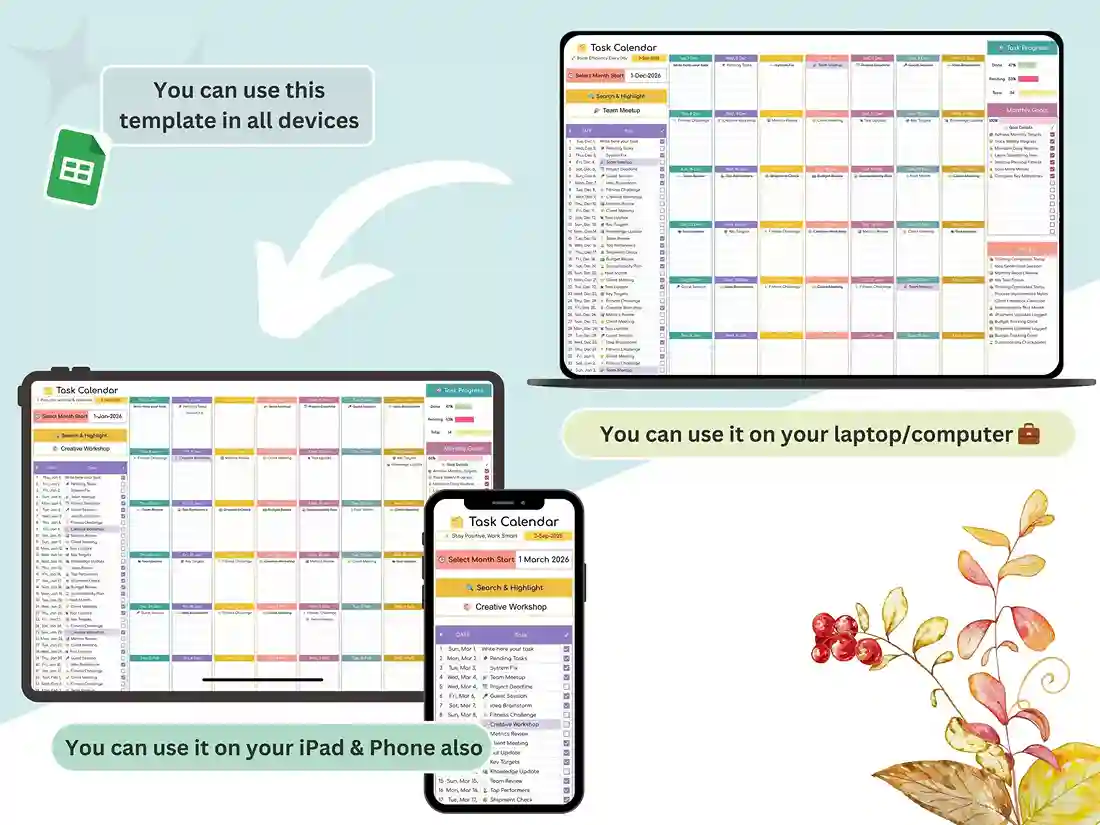
This template is built and delivered as a Google Sheets file. You’ll get a link to make your own editable copy — no software to install, and it works on any device with a browser.
Can I use this for a team, not just myself?
Yes. Share your copy with teammates through Google Sheets’ normal sharing settings, and everyone can update tasks in real time.
Do I need to buy a new one every year?
No — the spreadsheet covers all 12 months in one file, and you can duplicate the tabs or make a fresh copy each year going forward.
Will I get updates if the template changes?
Since it’s a linked Google Sheets file (not a static download), any file-side improvements are reflected in your copy going forward.
What if I’m not familiar with Google Sheets?
No spreadsheet experience is needed – we’ll walk you through setup & customization step-by-step with the video walkthrough we include.