



Description
Task Manager Google Sheets Template | Task Tracker Dashboard
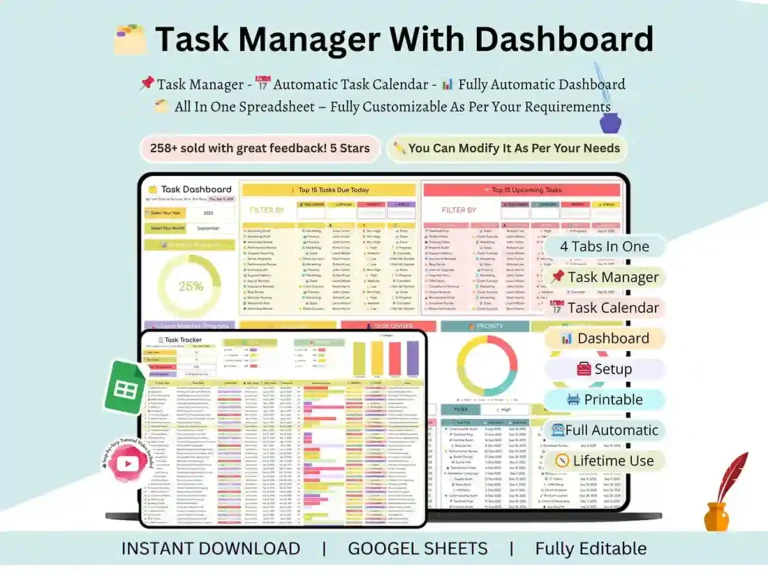
Most people don’t actually have a productivity problem. What they have is a scattered-system problem — tasks living in five different apps, deadlines that sneak up out of nowhere, and that low hum of anxiety from never quite knowing what needs to happen next. This task manager Google Sheets template was built to fix exactly that. It’s a complete task management template that pulls your work, your projects, and your daily to-dos into one place where you can actually see what’s going on.
This isn’t a spreadsheet with a few columns and good intentions. It’s a fully built task management dashboard and task manager tool, made for real people — freelancers, teams, business owners, and anyone tired of managing their work across a pile of apps and sticky notes.

An Automated Task Tracker That Runs Itself
Think back to the last time you genuinely felt on top of everything. That’s the feeling this system is built to hand back to you, and keep handing back. As a proper task tracker Google Sheets template, it replaces the scattered notes, the half-finished planners, and the “I’ll just remember it” approach that never actually works.
Once it’s set up, you get real-time progress tracking, smart task organization, and visual status updates that update themselves as you work — so whether you’re managing personal goals or juggling several projects at once, this spreadsheet task tracker gives you real control over your workload without asking you to learn anything complicated.
Built Around How Productive People Actually Work
This task management template wasn’t thrown together. Nobody wants to spend their time updating a system that’s supposed to be saving them time, so the busywork is handled automatically — due date reminders, conditional formatting on task status, and a dropdown status menu that updates the whole sheet the moment you change it. Set it up once, and it runs quietly in the background while you focus on the actual work.
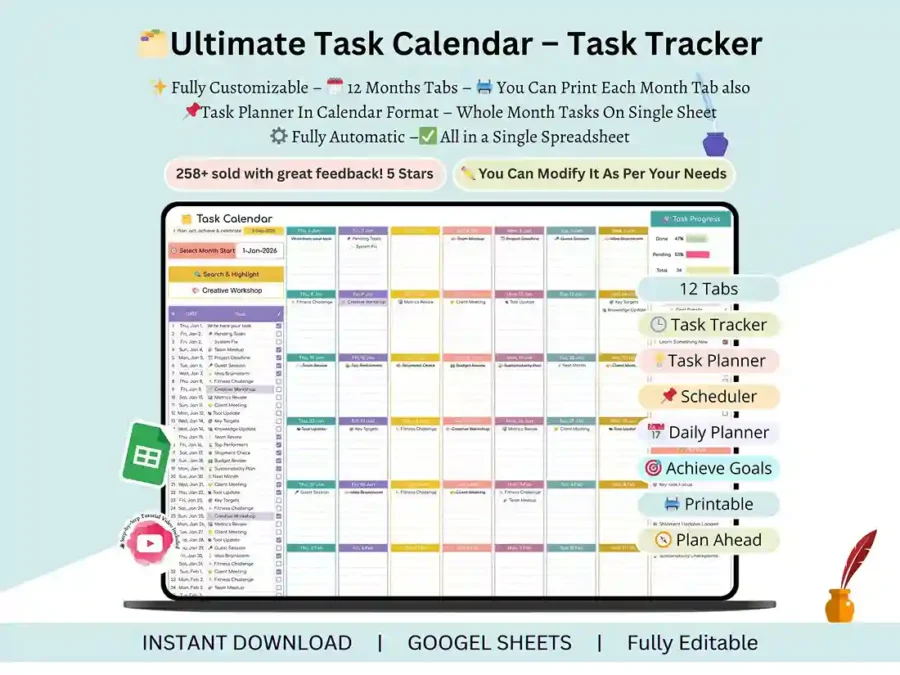
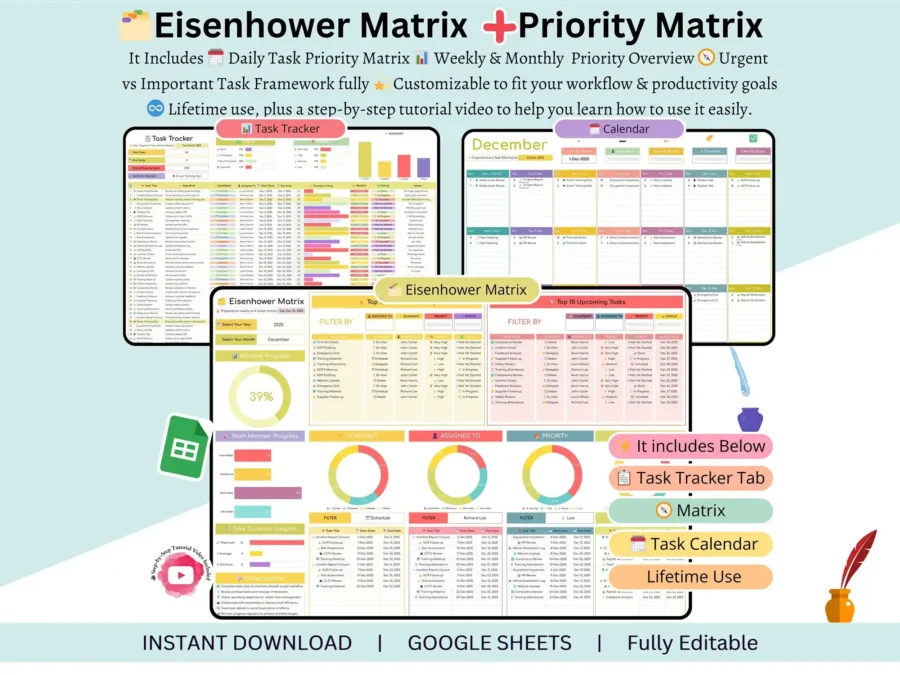
Whether you think in daily lists or big-picture timelines, there’s a layout that fits how your brain works: a daily task planner Google Sheets view for the day-by-day thinkers, a weekly planning layout for teams, and a monthly view for tracking longer-term goals. And the task management dashboard at the center of it all tells you exactly where things stand the moment you open the file — progress bars, color-coded priorities, and a clean, modern layout, with no digging required.
Flexible Enough for Personal Use or an Entire Team
What makes this template genuinely different is how well it adapts. It doesn’t force you into one way of working — it fits around yours.
Use it as your own personal task tracker sheets template for daily routines and personal goals, or hand it to a team as a small business task management dashboard, a client project tracking system, or a team assignment manager for splitting work across people. It’s just as comfortable running a marketing campaign as it is keeping one freelancer’s client list in order. And if your needs grow, the same file scales up naturally to cover bigger projects and longer timelines without you needing to rebuild anything from scratch.
Real Structure Behind the Scenes
This isn’t a list dressed up as a system — it’s built around planning methods that actually hold up, including GTD (Getting Things Done) and time blocking, so your workflow has real structure behind it instead of just good intentions. Inside, you’ll find priority tracking, a weekly team task assignment sheet, and a calendar-based view for scheduling work across the week, the month, and beyond. Everything runs through a single task spreadsheet that genuinely replaces the stack of tools you’ve been duct-taping together.
Works Wherever You Work
Your tool preference shouldn’t limit what you can do, so this template is built to work fully in both Google Sheets and Excel task manager formats — switch between the two without losing a single feature or piece of formatting.
Who This Template Is For
Honestly? Anyone who’s ended a workday unsure whether they actually got to what mattered. More specifically, it was made for:
- Freelancers juggling multiple clients and deadlines
- Small business owners wearing too many hats
- Project managers keeping teams accountable
- Students who need structure without complexity
- Digital entrepreneurs building something from the ground up
If missed deadlines or a disorganized workflow have been costing you time or clients, this task tracker template Google Sheets file will genuinely change how you work.
Why This One’s Different
There are plenty of free spreadsheets out there, and most of them give you a table and call it a system. This one was built to actually function, not just look functional — fully structured from day one, automated where it counts, visually clean, and flexible enough to customize completely, however simple or advanced you need it.
What Changes Once You Start Using It
- Your productivity improves without any extra effort on your part
- Deadlines stop sneaking up on you
- Every task lives in one place, always
- Built-in automation saves you real time every week
- It works whether you’re managing your own day or an entire team’s
If you’ve been looking for a task management dashboard that actually delivers on what it promises, this is it — fully built, automated, and ready the moment you open it. Download it today and give yourself the organized, in-control workflow you’ve been meaning to set up for months.
FAQ
Do I need any advanced spreadsheet skills to use it? No. It’s built to work right out of the box — everything is pre-set up, and a step-by-step video tutorial walks you through customizing it.
Can I use this for a team, or is it just for individual use? Either one. Use it as a personal task list or a full task management dashboard for teams with layouts for assigning and tracking tasks across multiple people.
This will still work if I have multiple tasks/projects? Yeah. Designed for scale, it works whether you’re tracking a handful of personal to-dos or an entire team’s workload across dozens of projects.
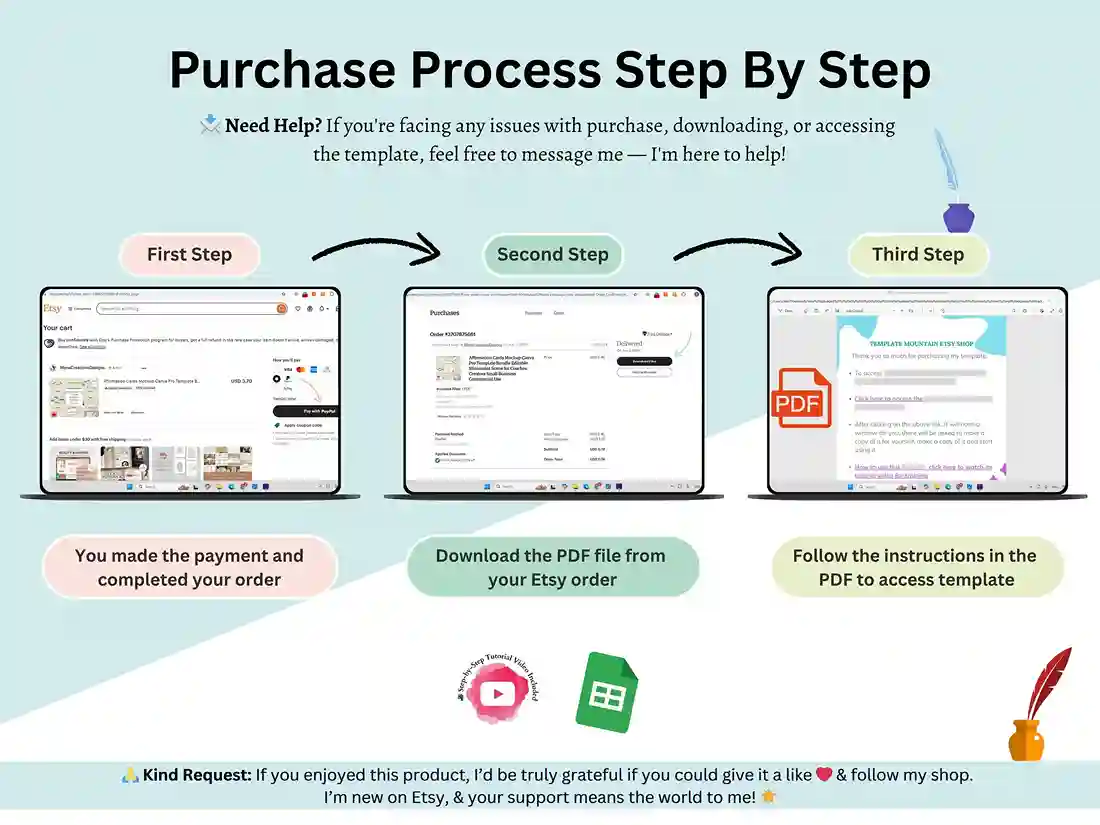
What will I get after purchase? Instant download of the task manager spreadsheet (Google Sheets and Excel files) + video tutorial with step-by-step instructions for set up and customisation.