
Description
Nutrition Tracker for Google Sheets: Calories, Macros, Vitamins and Minerals
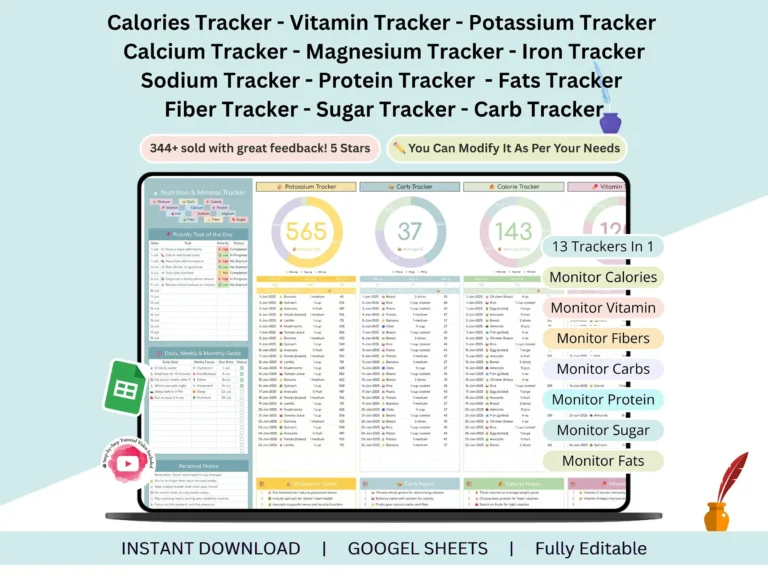
Most people don’t quit tracking their food because they’re lazy. They quit because the tracking itself gets messy. This nutrition tracker is built to fix that. It’s a single Google Sheets file where calories, macros, vitamins, and minerals all live together, so you’re not hopping between tabs, apps, and half-finished notes.
What’s inside
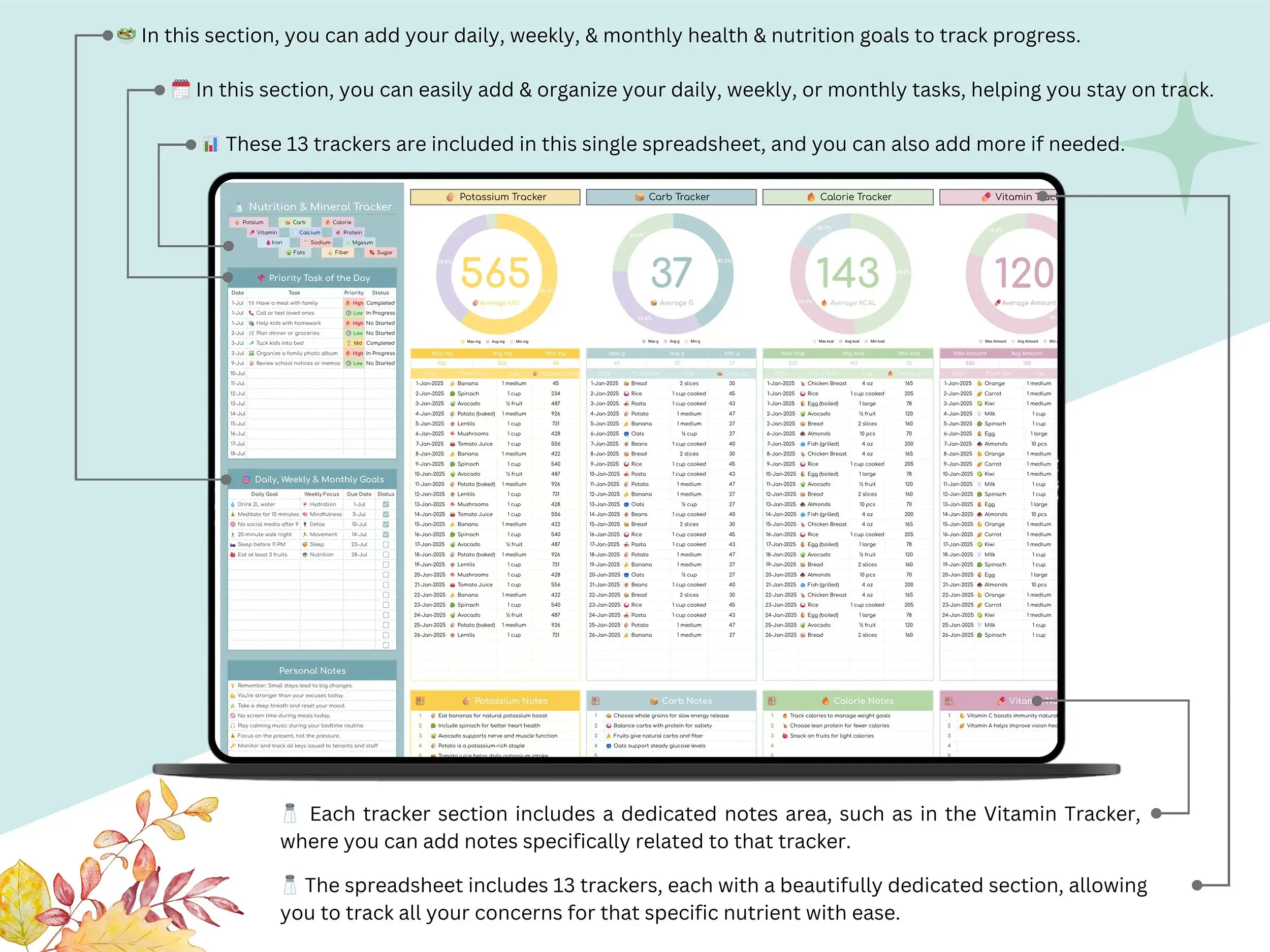
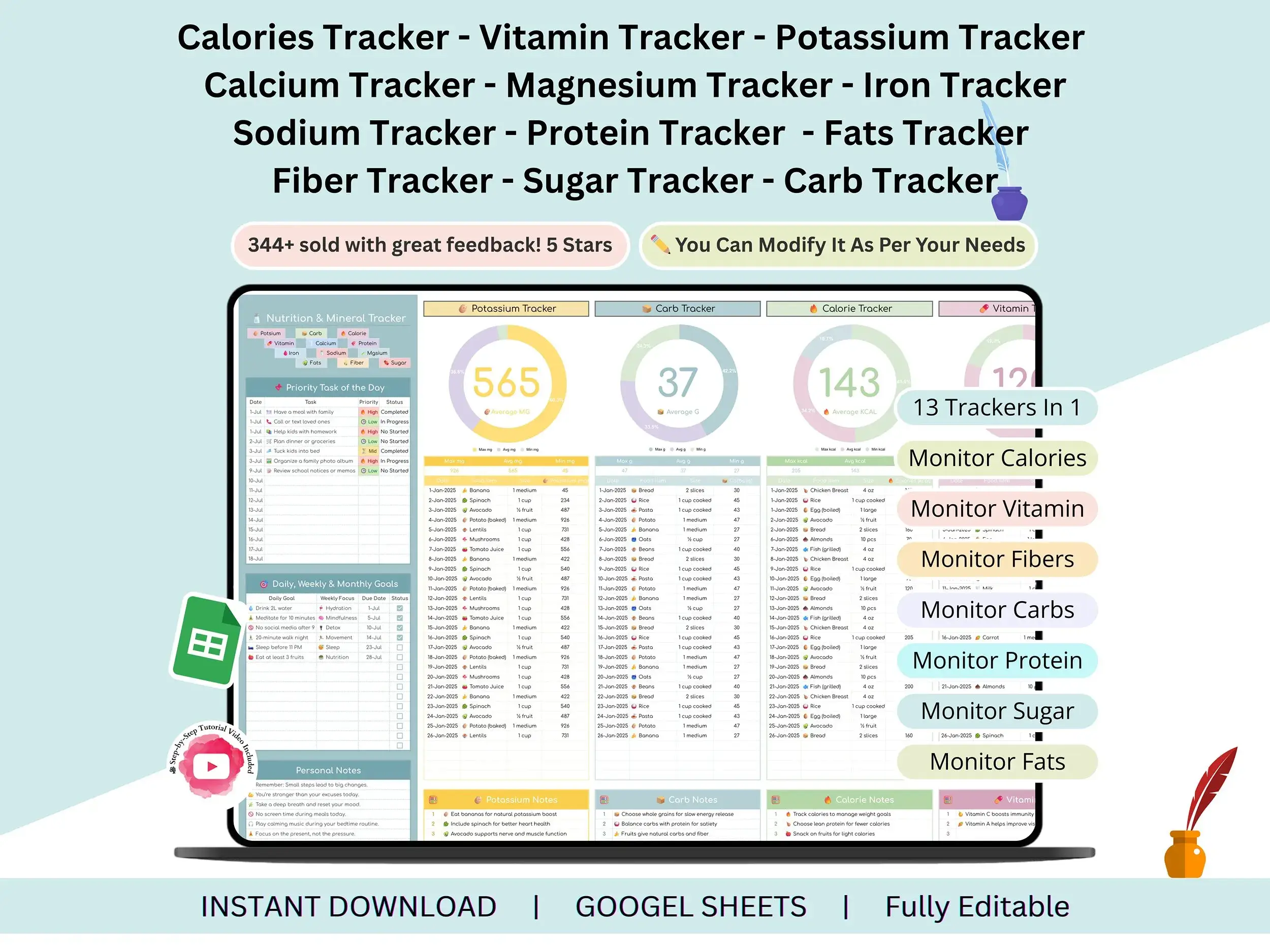
Everything is in one spreadsheet, and the numbers calculate automatically.
Macros and calories
Start with the basics. The calorie tracker keeps your daily total in view, and the macro tracker side is covered by the carb tracker, protein tracker, and fats tracker. Together they show how a day of eating actually adds up.
Minerals
Salt creeps up on everyone, which is why there’s a sodium tracker. You’ll also find a potassium tracker, calcium tracker, magnesium tracker, and iron tracker, since these are the ones people most often want to keep an eye on.
Everything else
There’s a vitamin tracker for the daily supplement crowd, a fiber tracker for digestion, and a sugar tracker for anyone trying to cut back. Prefer a broader view? The whole file works as a daily nutrition log and micronutrient tracker in one.
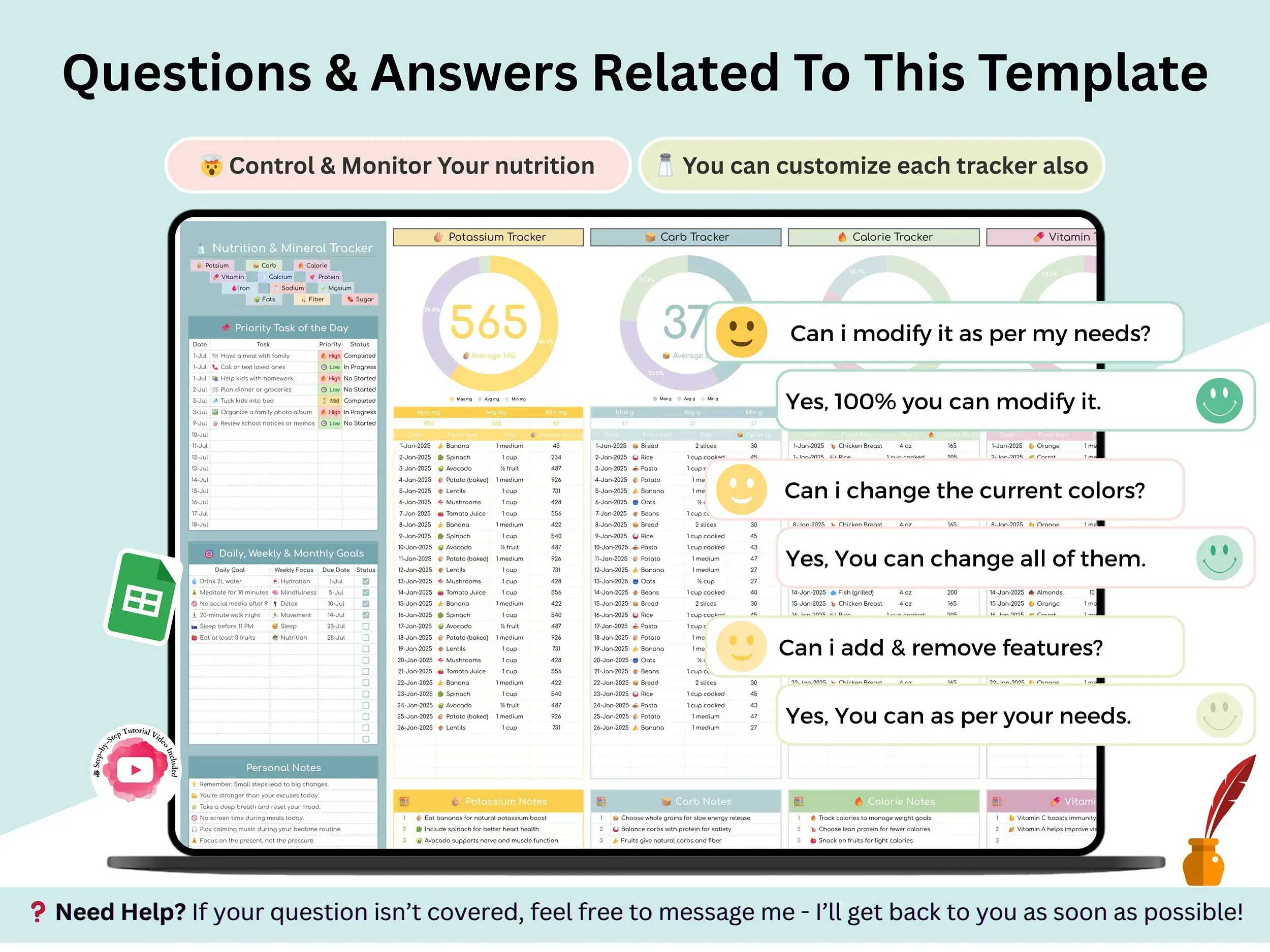
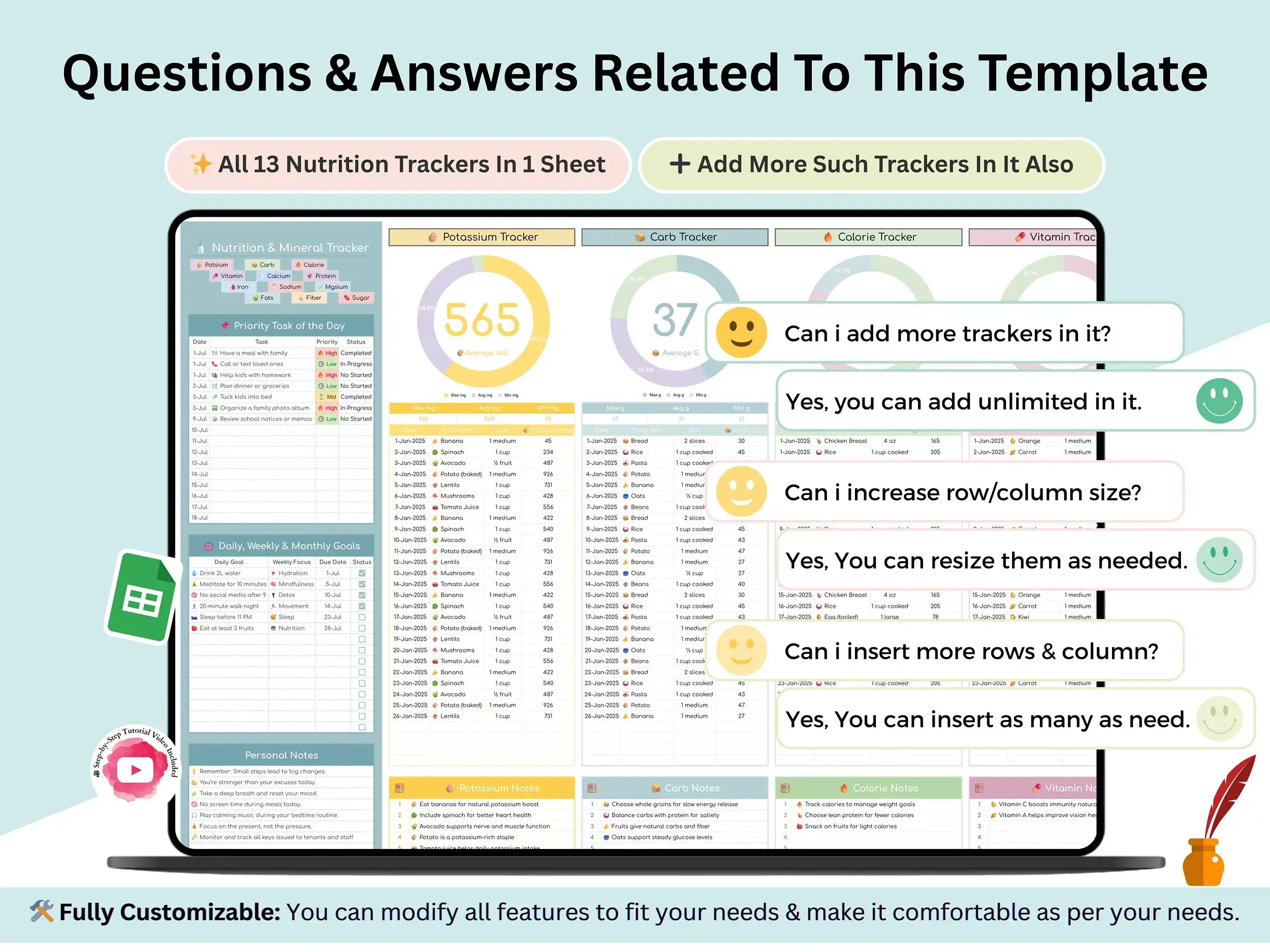
Need something we didn’t include? You can add more trackers to the sheet yourself. It’s your copy, so it’s yours to change.
What you get
- The nutrition tracker as a Google Sheets file
- A step-by-step tutorial video that walks you through setup and customizing it
- A short PDF with your Google Sheets link (you’ll make your own copy)
Who it suits
Anyone who wants a clearer picture of what they eat: people building meals around fitness goals, people watching calories, or people who just want balanced eating without a subscription app. If you follow a plan from a doctor or dietitian, it works well as a simple place to log what you eat. It’s a tracking tool, not medical advice.
How it works
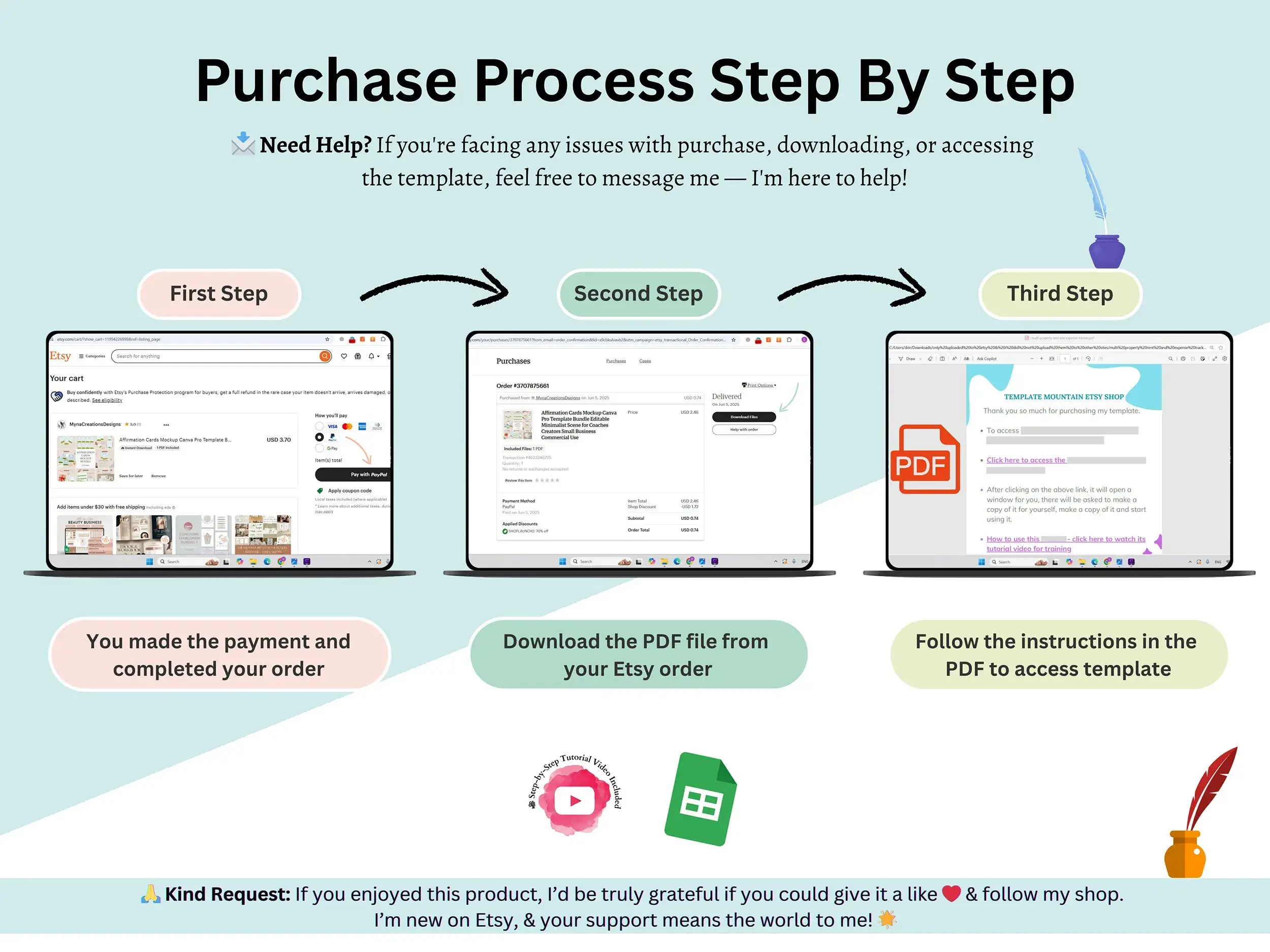
You buy it, download the PDF, and click the link inside. Google Sheets asks you to make a copy, and that copy is yours. Open it, start logging, and let the sheet do the math.
FAQ
Does this work in Excel?
It’s built for Google Sheets, so that’s where it runs best. All you need is a Google account.
How do I get the file after buying?
You download a PDF right after checkout. The link inside opens the spreadsheet, and you save your own copy.
Can I add my own trackers?
Yes. It’s an editable sheet, so you can add or change trackers to fit what you want to follow.
Is there a tutorial?
There is. A short video shows you how to use the tracker and customize it.
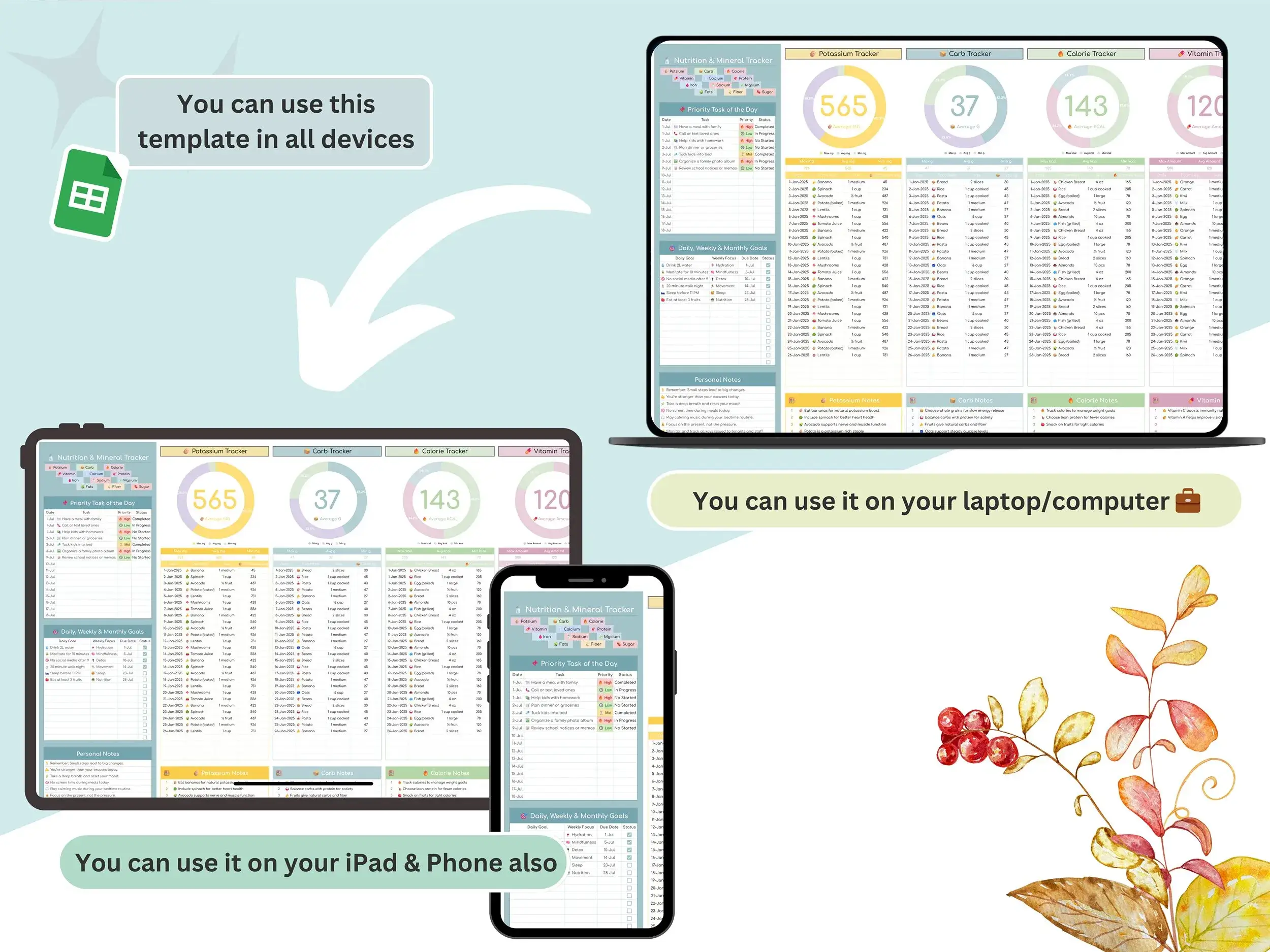
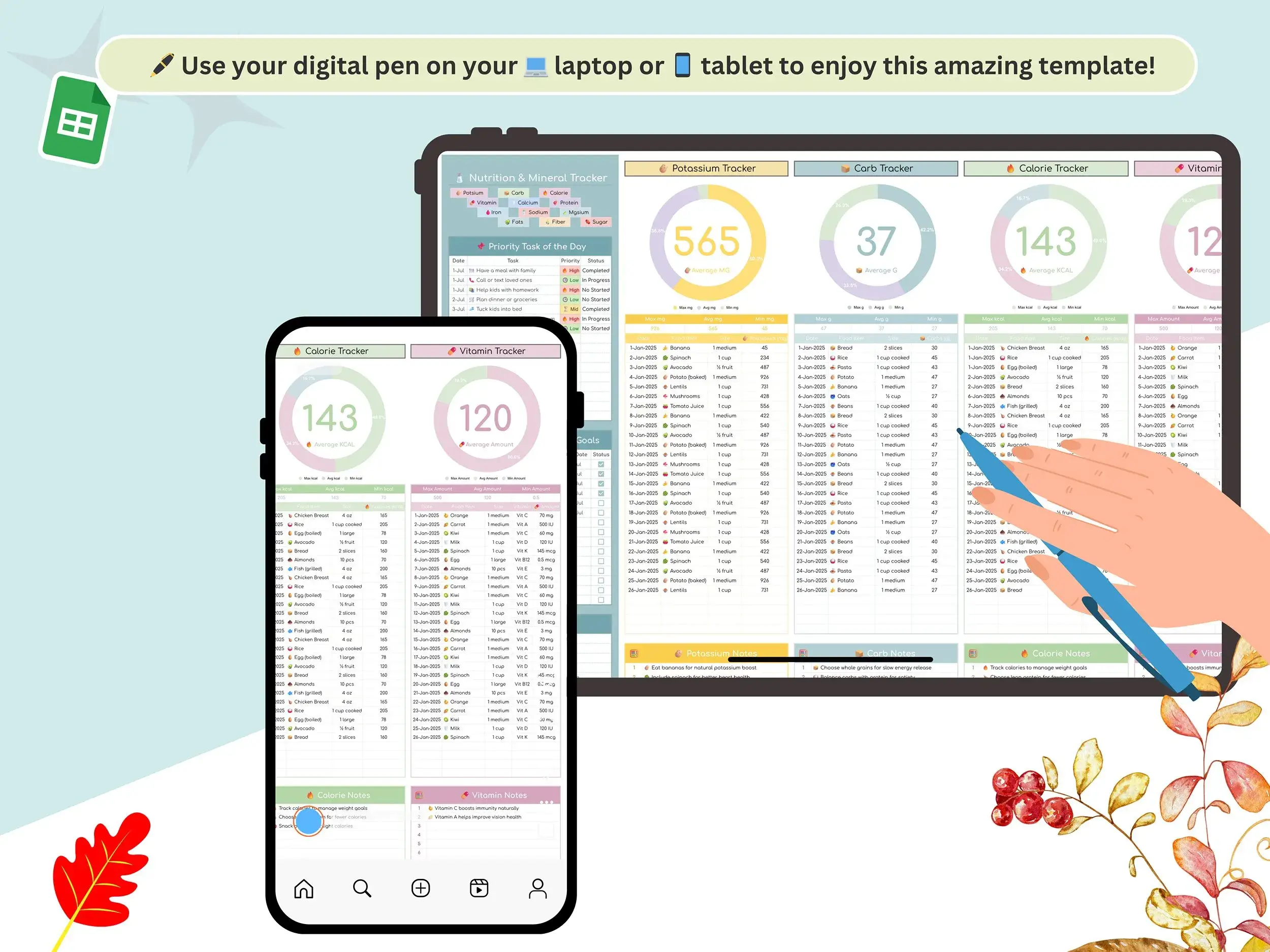
Can I use it on my phone?
You can open it in the Google Sheets app. Logging is usually easier on a larger screen, so many people set up on a computer first.
Can it replace medical advice?
No. It’s a place to log what you eat. Questions about your health or diet are best taken to a doctor or registered dietitian.
Is it a one-time cost?
Yes, you pay $5 at checkout.
Reviews
There are no reviews yet.