
Description
Pain Migraine Tracker Google Sheets for Pain, Headache & Illness Logs
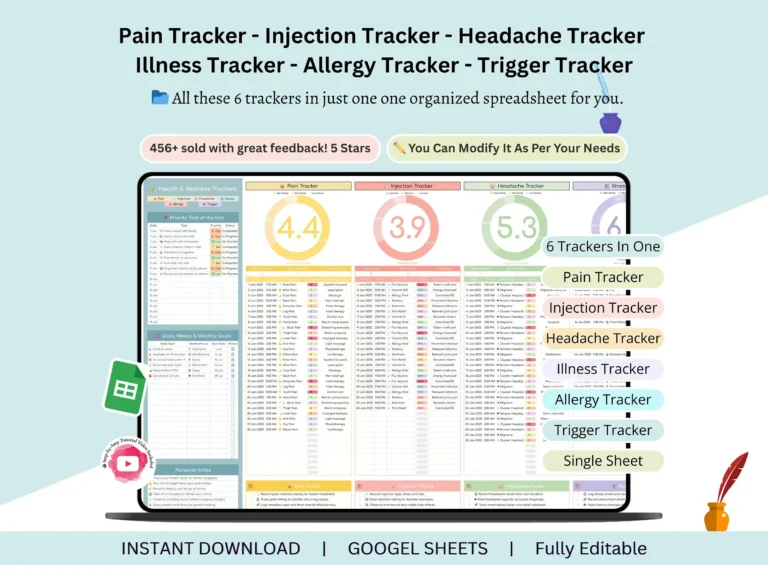
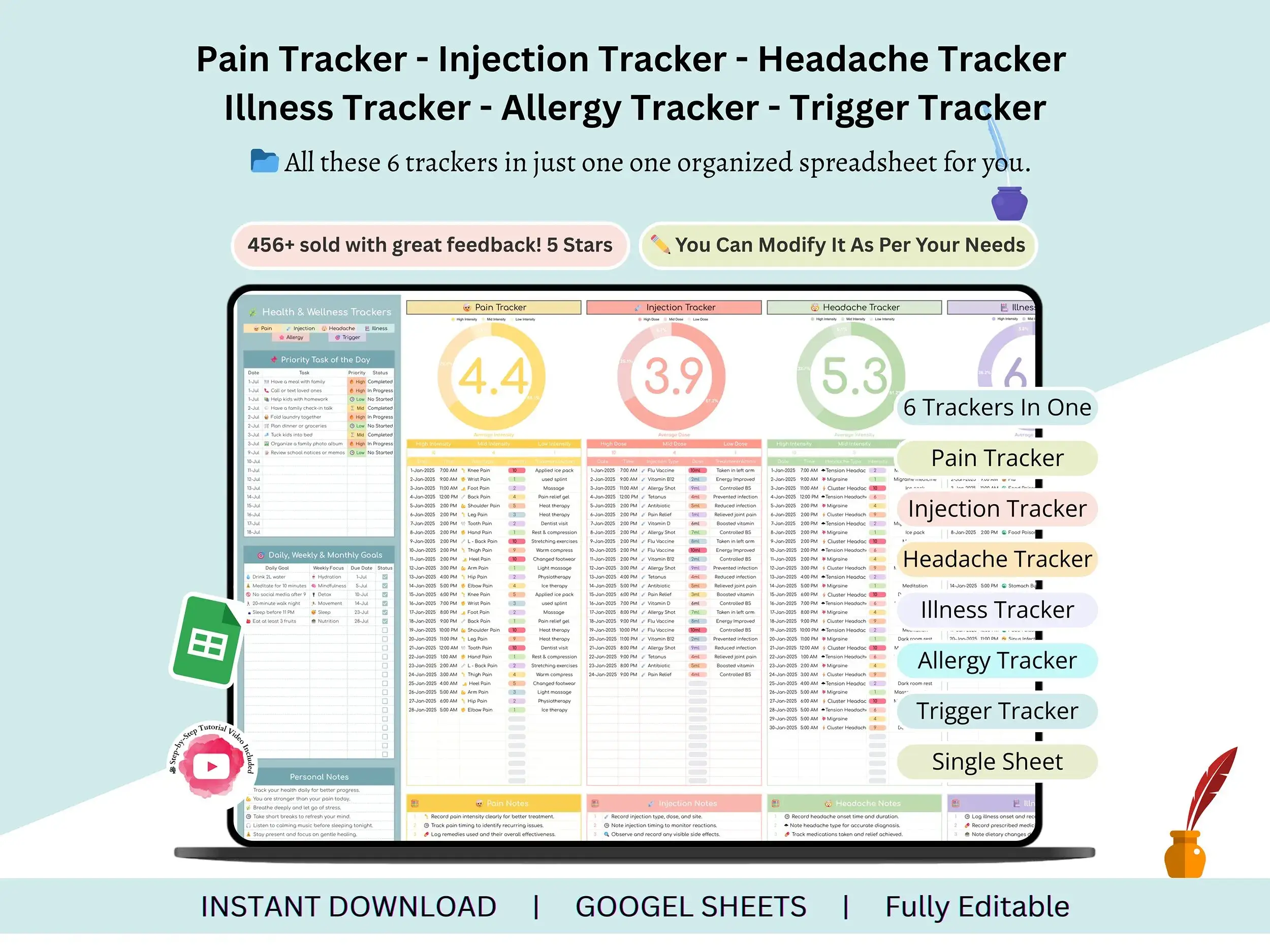
This pain migraine tracker Google Sheets template gives you one place to log pain, headaches, injections, illness and allergies while the details are still fresh.
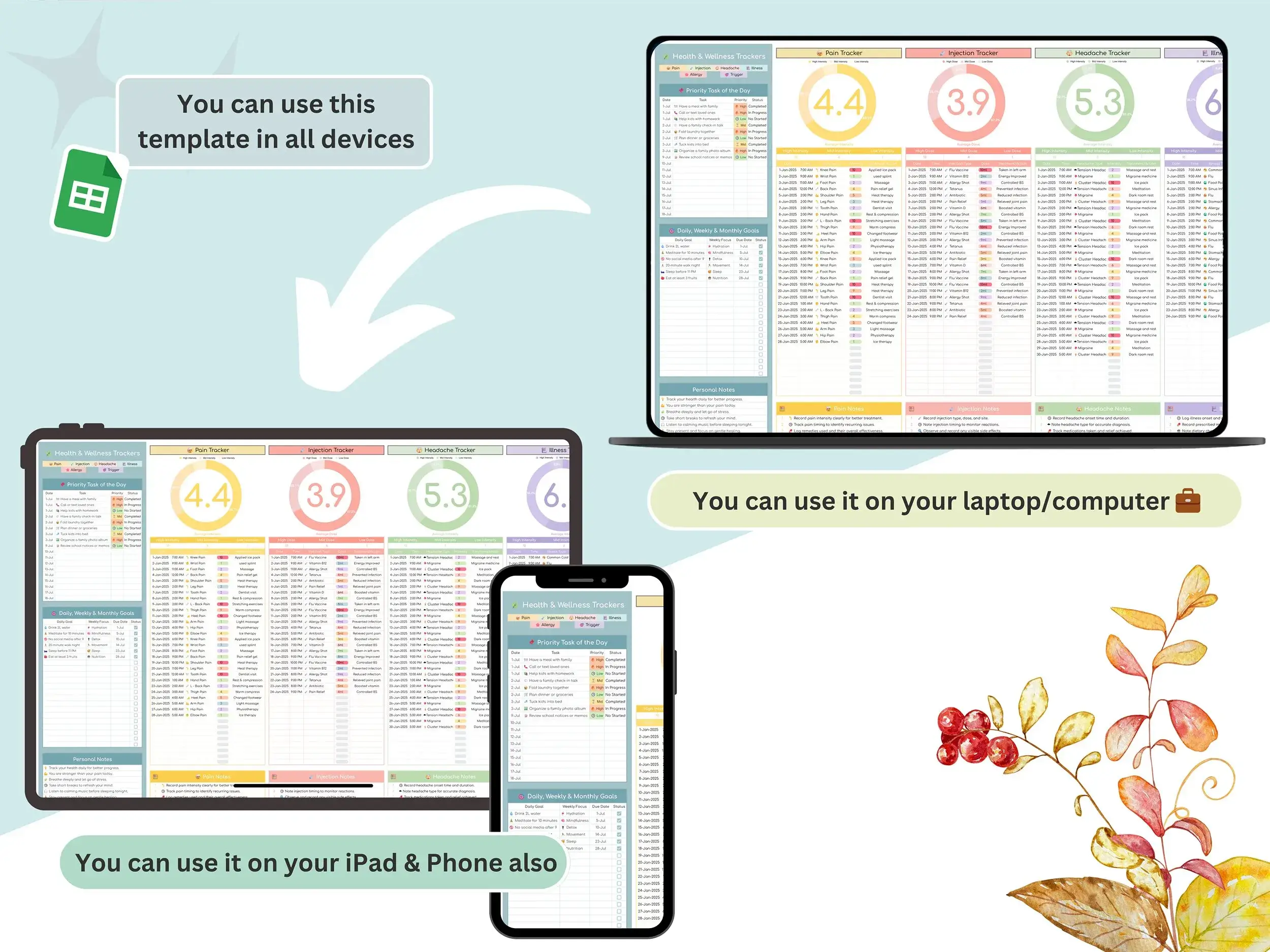
Memory is a terrible record keeper, especially when you’re hurting. By the time someone asks “how bad was it, and what had you eaten?”, the answer’s gone. That’s why this symptom tracker lives in a single Google Sheets file you can open on any device. Nothing gets lost between notes apps, scraps of paper and your own head.
It also works as a headache journal template, a pain diary template, a pain log template and a pain journal template, so you aren’t stuck juggling a separate file for each problem.
What you can log
It’s one spreadsheet with a section for each thing you might need to track.
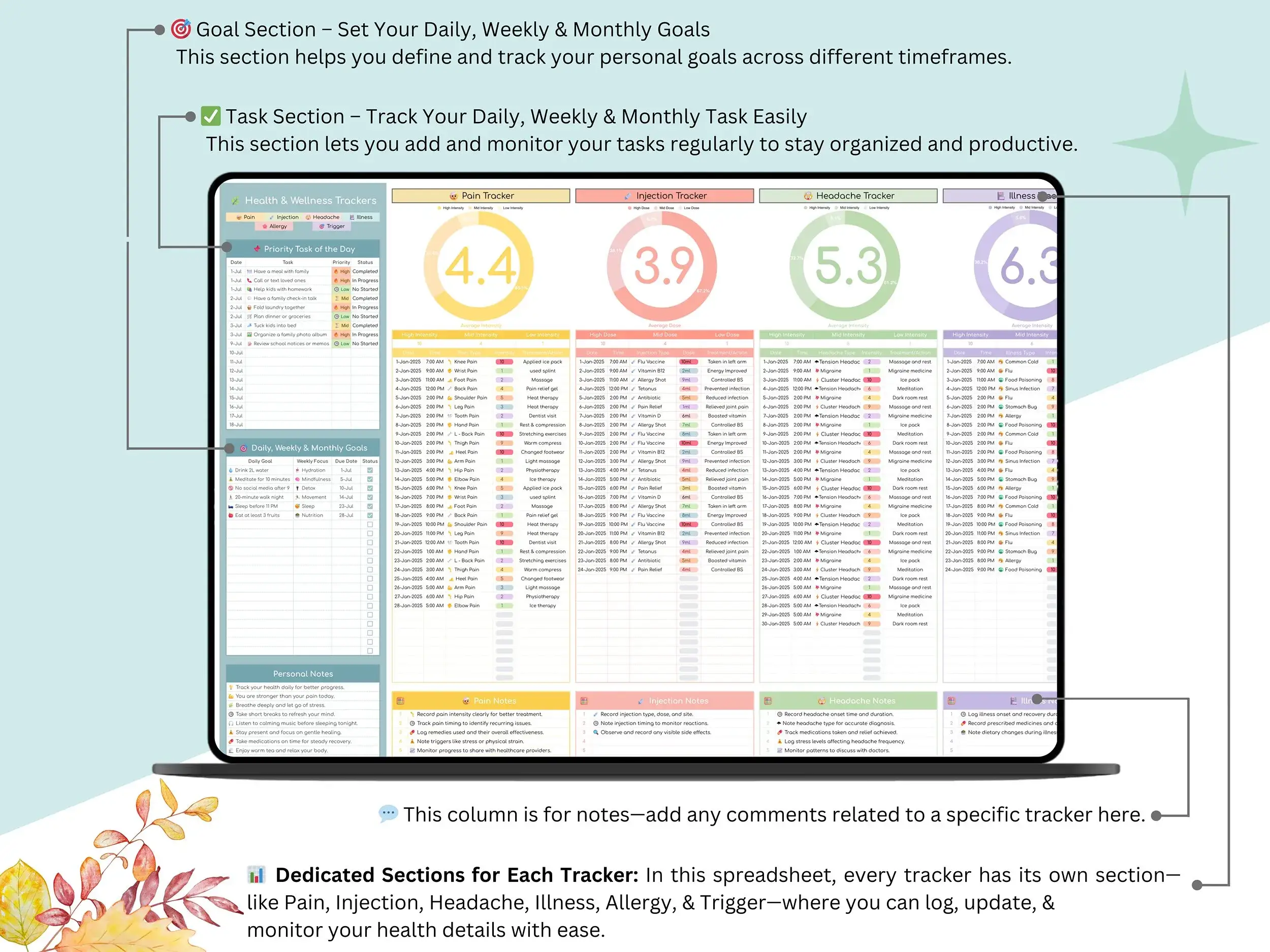
Pain and headaches
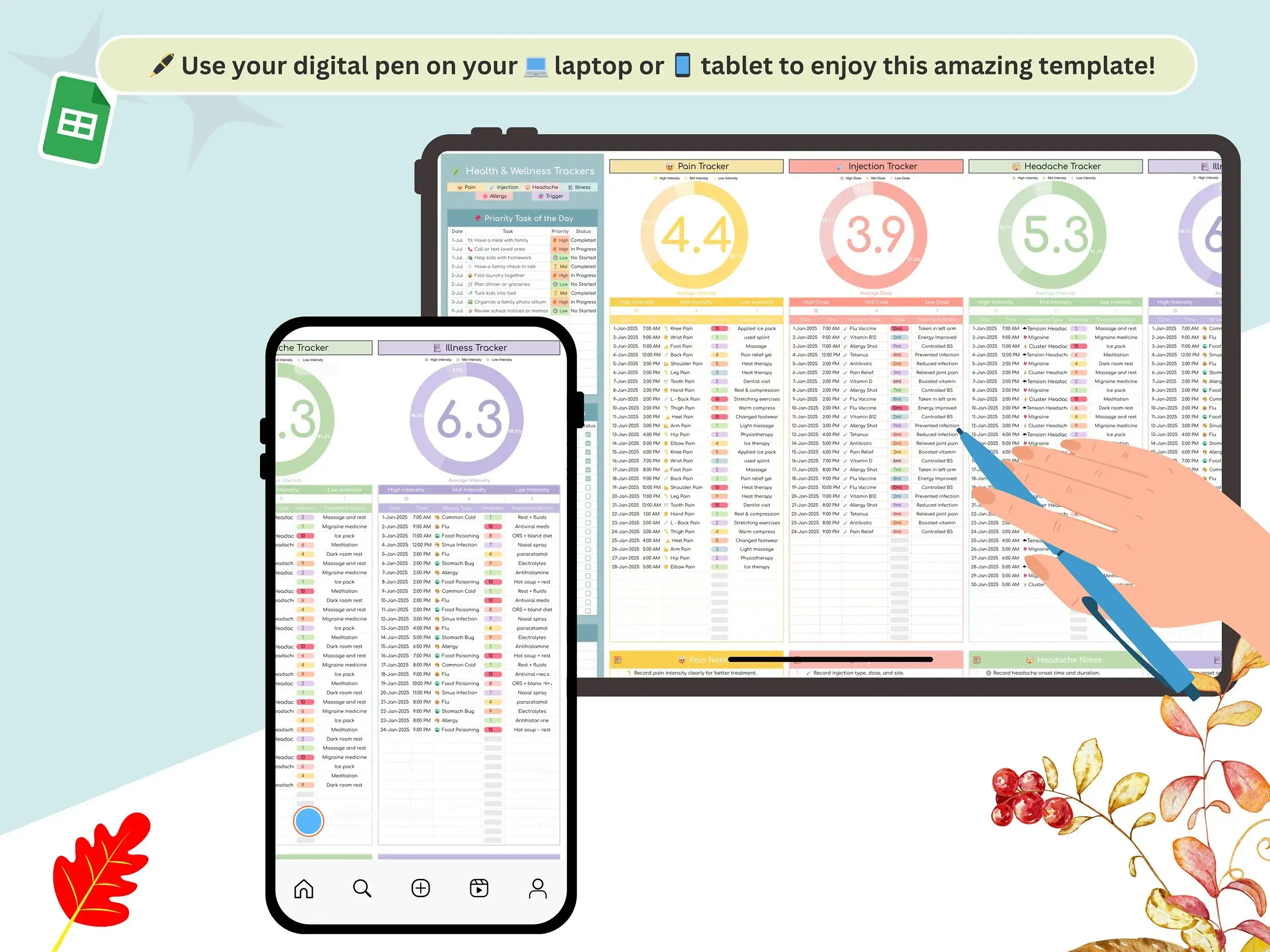
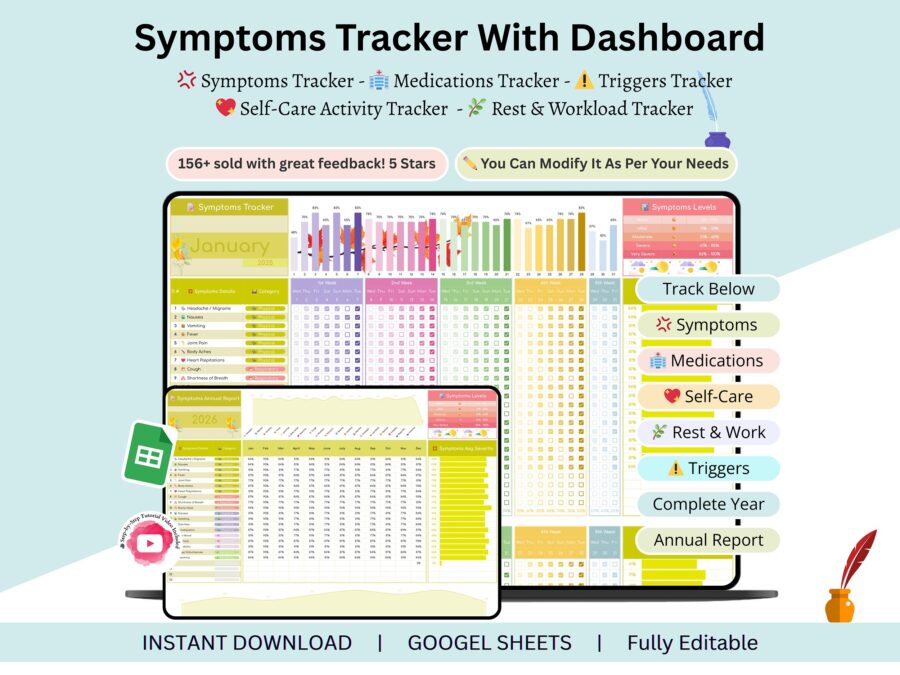
The pain tracker records how bad it was, when it hit and what you did about it. Headaches and migraines get their own headache tracker section, where you note severity, possible triggers and what helped. Add a few weeks of entries and a headache log template like this starts showing patterns you’d never catch from memory.
Medication and illness
There’s an injection tracker for dates, doses and schedules. The illness tracker covers symptoms, how recovery is going and what you took, so it also works as a simple medication tracker.
Allergies and triggers
The allergy tracker and trigger tracker sit together. If something keeps setting you off, you’ll have the dates in front of you instead of a hunch.
Goals and notes
Beyond symptoms, you get daily, weekly and monthly goal sections, a priority list for the day and a personal notes area. They’re handy if you’re building routines around your health, and easy to ignore if you aren’t.
The whole file doubles as a plain health log. Change anything you like. It’s your copy, so it’s yours to edit.
What you get
- The tracker as a Google Sheets file
- A step-by-step tutorial video that shows you how to use it and customize it
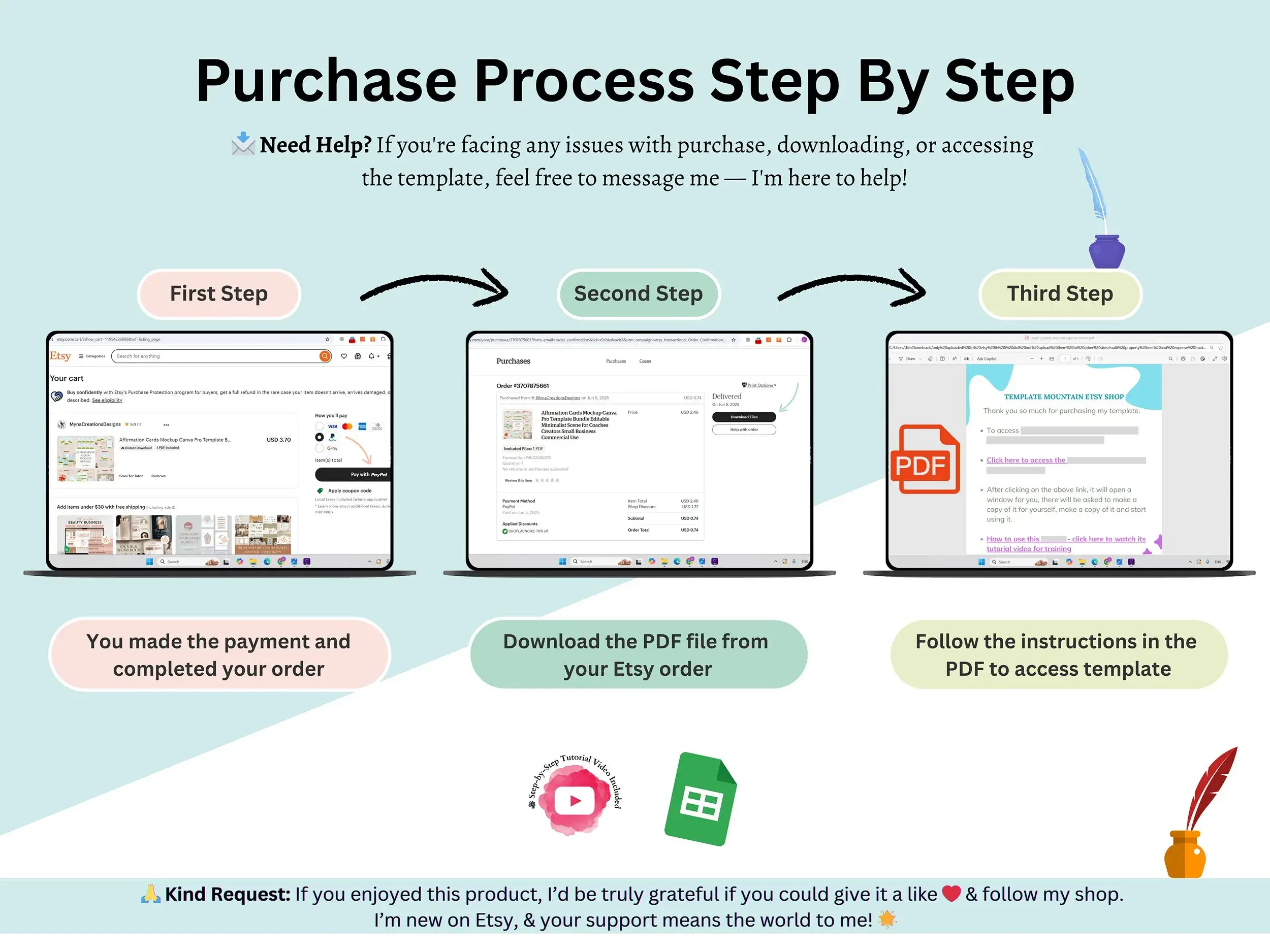
- A short PDF holding your Google Sheets link (you’ll save your own copy)
Who it’s for
Anyone who wants clear notes on pain, headaches, injections, illness or allergies, whether that’s just for you or something to share with your healthcare provider at an appointment. It’s a tracking tool and not medical advice. It doesn’t diagnose anything.
How it works
Buy it, download the PDF and click the link inside. Google Sheets asks you to make a copy, and from there it’s yours. Open it, start logging, and the sheet does the updating. Whether you’re tracking one bad migraine week or a long-running pattern, this pain migraine tracker Google Sheets file stays easy to edit as your needs change.
FAQ
Can this diagnose my symptoms?
No. It’s a place to record what’s happening. For diagnosis or treatment questions, talk to a doctor or other qualified health professional.
Can I share it with my doctor?
Yes. Because it’s a Google Sheet, you can share your copy or show the entries at an appointment.
Is it a printable PDF?
It’s a Google Sheets file built for on-screen tracking. If you want a paper copy, the Sheets print option is there.
Does it work in Excel?
It’s made for Google Sheets, so that’s where it runs best. A Google account is all you need.
Does the injection tracker give dosing advice?
No. It only records dates, doses and schedules that you enter yourself.
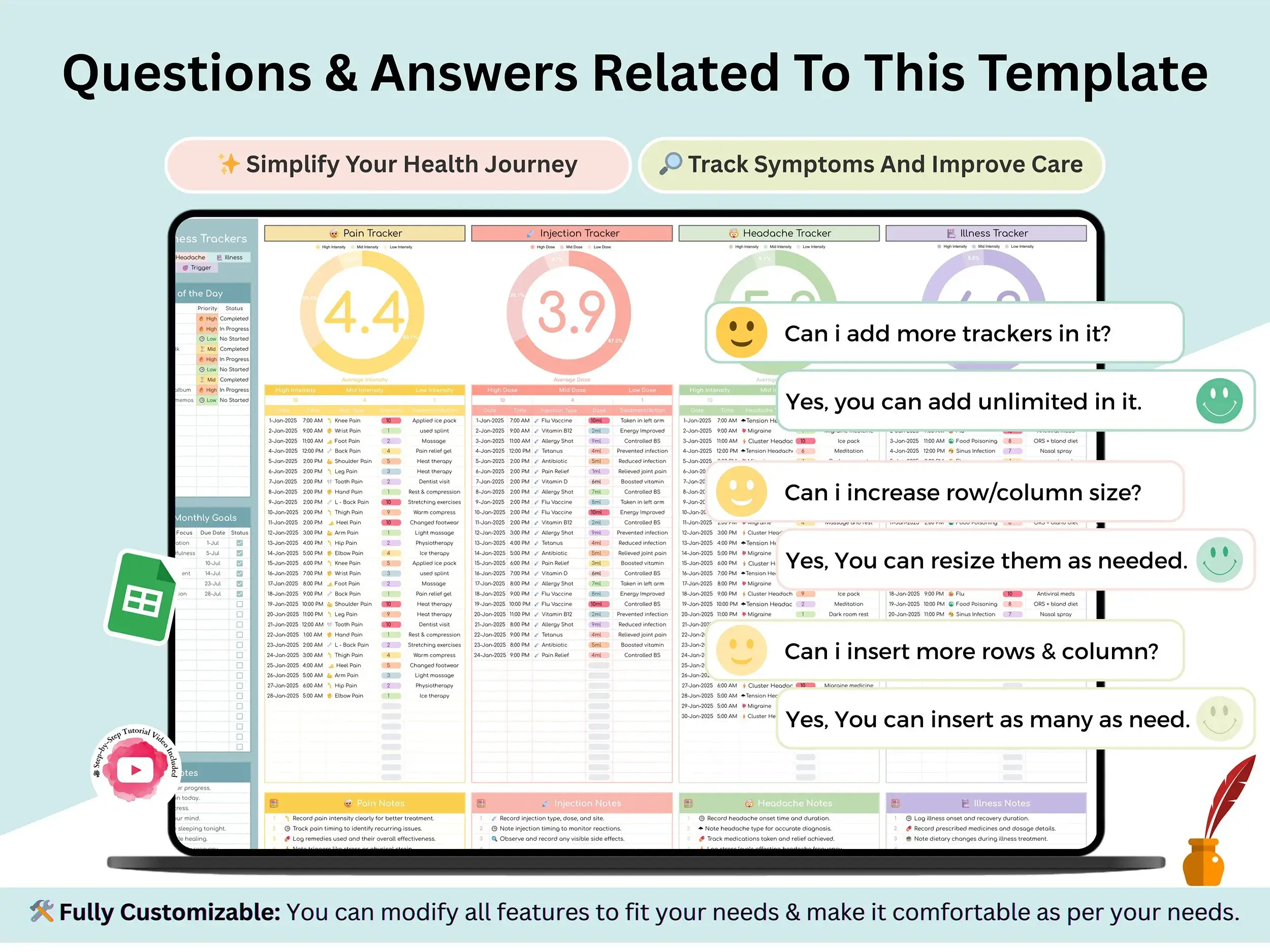
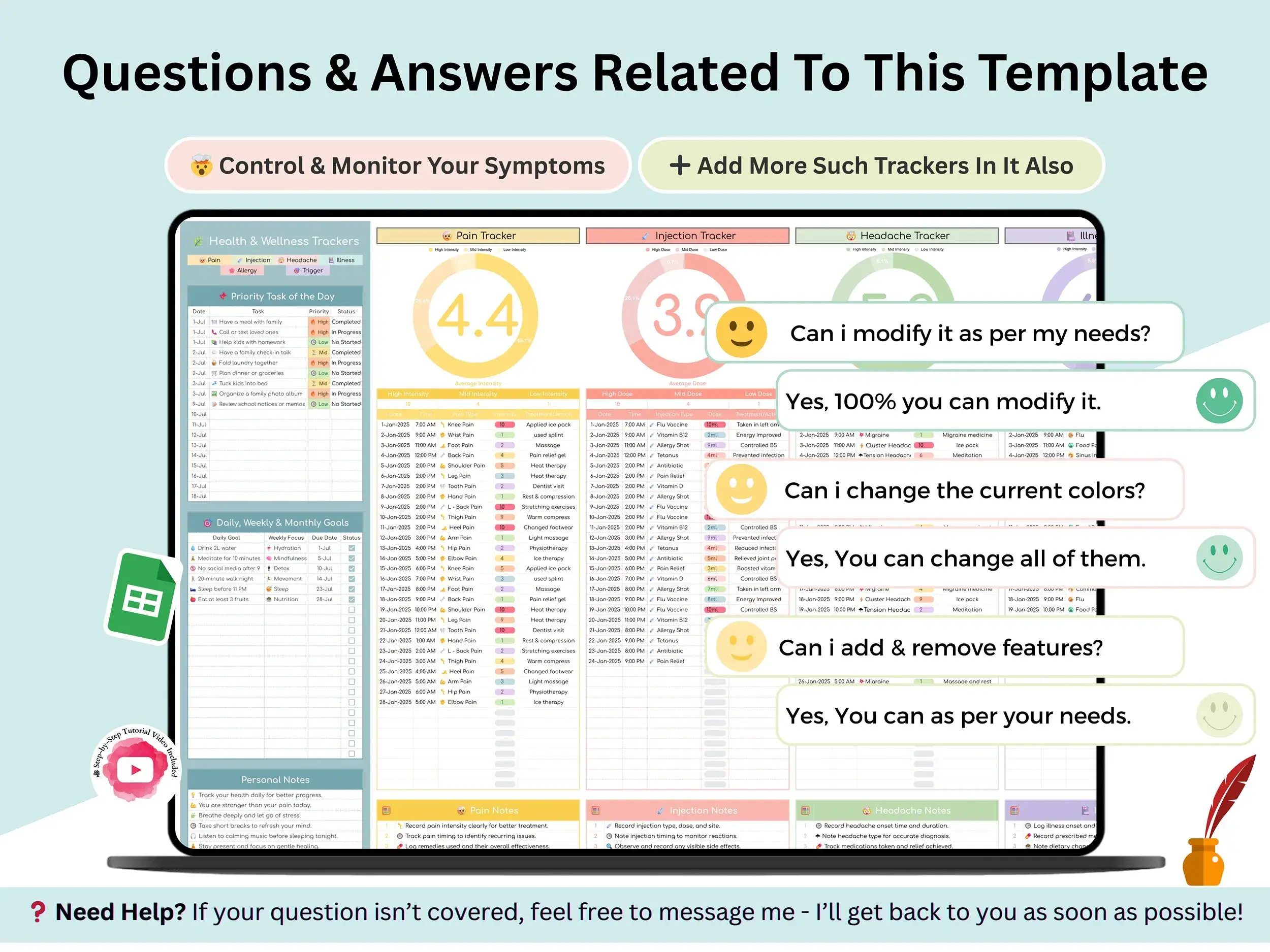
Can I customize it?
Yes. It’s fully editable, so you can rename sections, add rows or change it to suit what you track.
Is there a tutorial?
There is. A short video walks you through using it and customizing it.
Can I use it on my phone?
You can open it in the Google Sheets app. Many people set it up on a computer first because it’s easier to see.
Reviews
There are no reviews yet.