
Description
Mood Tracker Google Sheets with Energy, Emotion, Anxiety & Burnout Logs
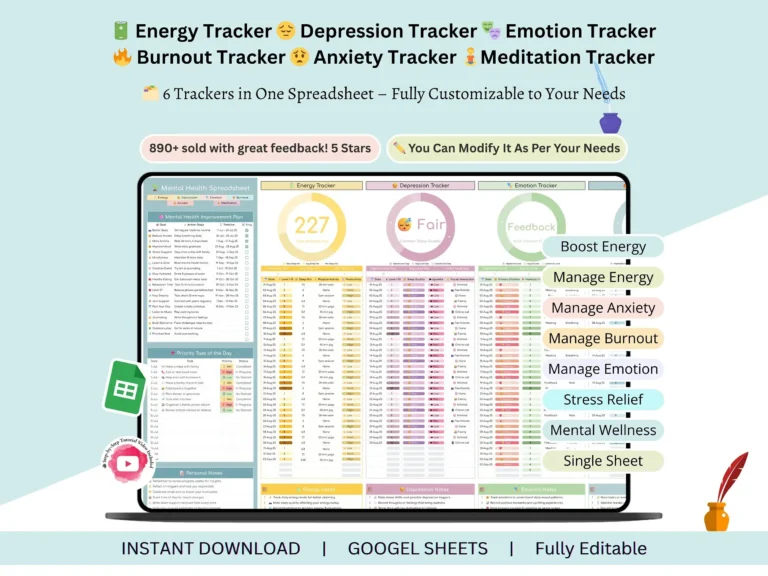
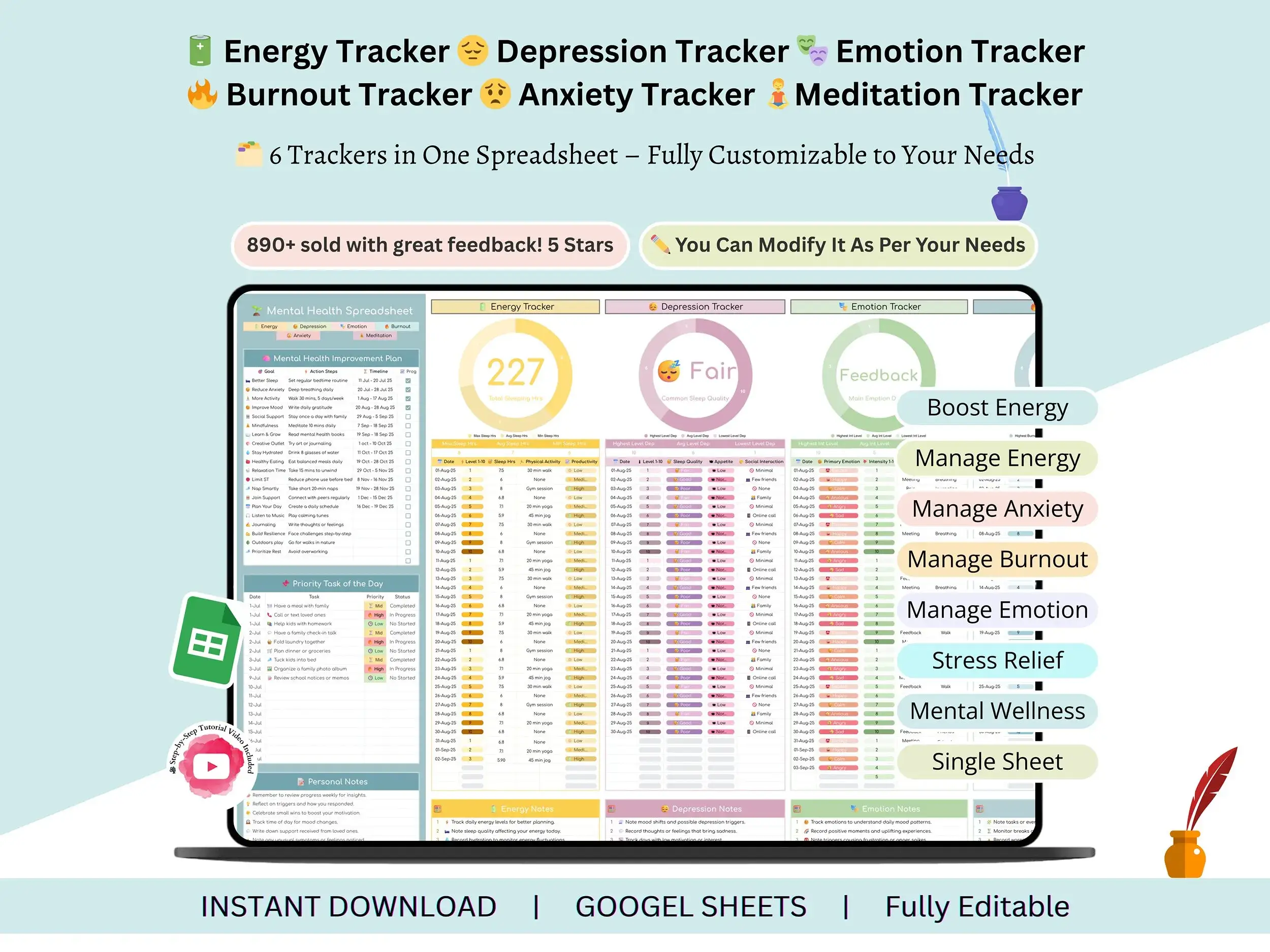
This mood tracker Google Sheets template gives you one place to log your energy, emotions, anxiety, burnout, and meditation, so patterns show up in your own notes instead of staying a vague feeling.
Most of us don’t track how we feel because it seems like a lot of effort. Then a bad stretch hits, someone asks what’s been going on, and you can’t remember. That’s the gap this mood tracker spreadsheet fills. It’s quick to fill in, it lives in your own Google account, and it keeps six different trackers in one file instead of six scattered notes.
What’s inside
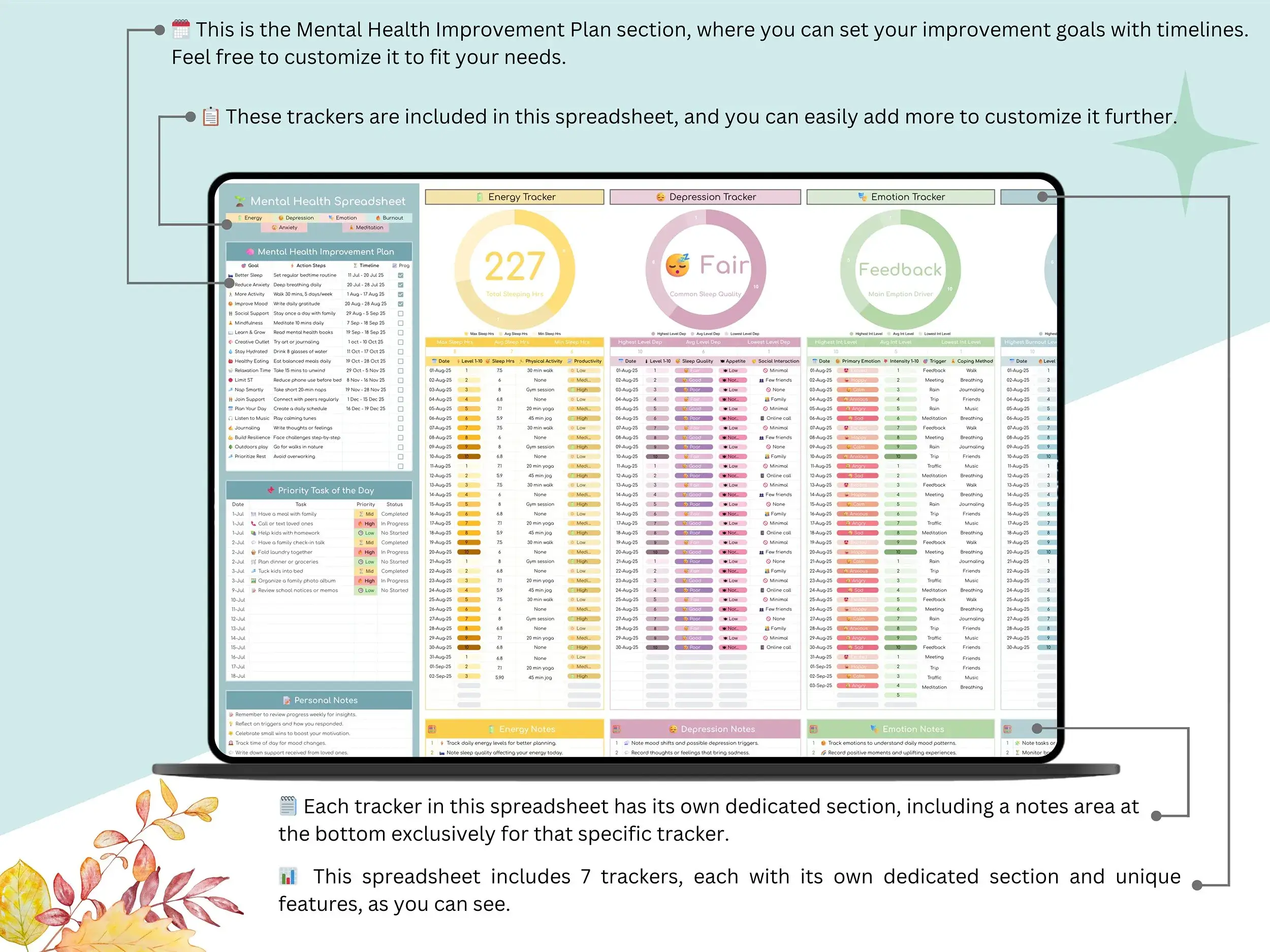
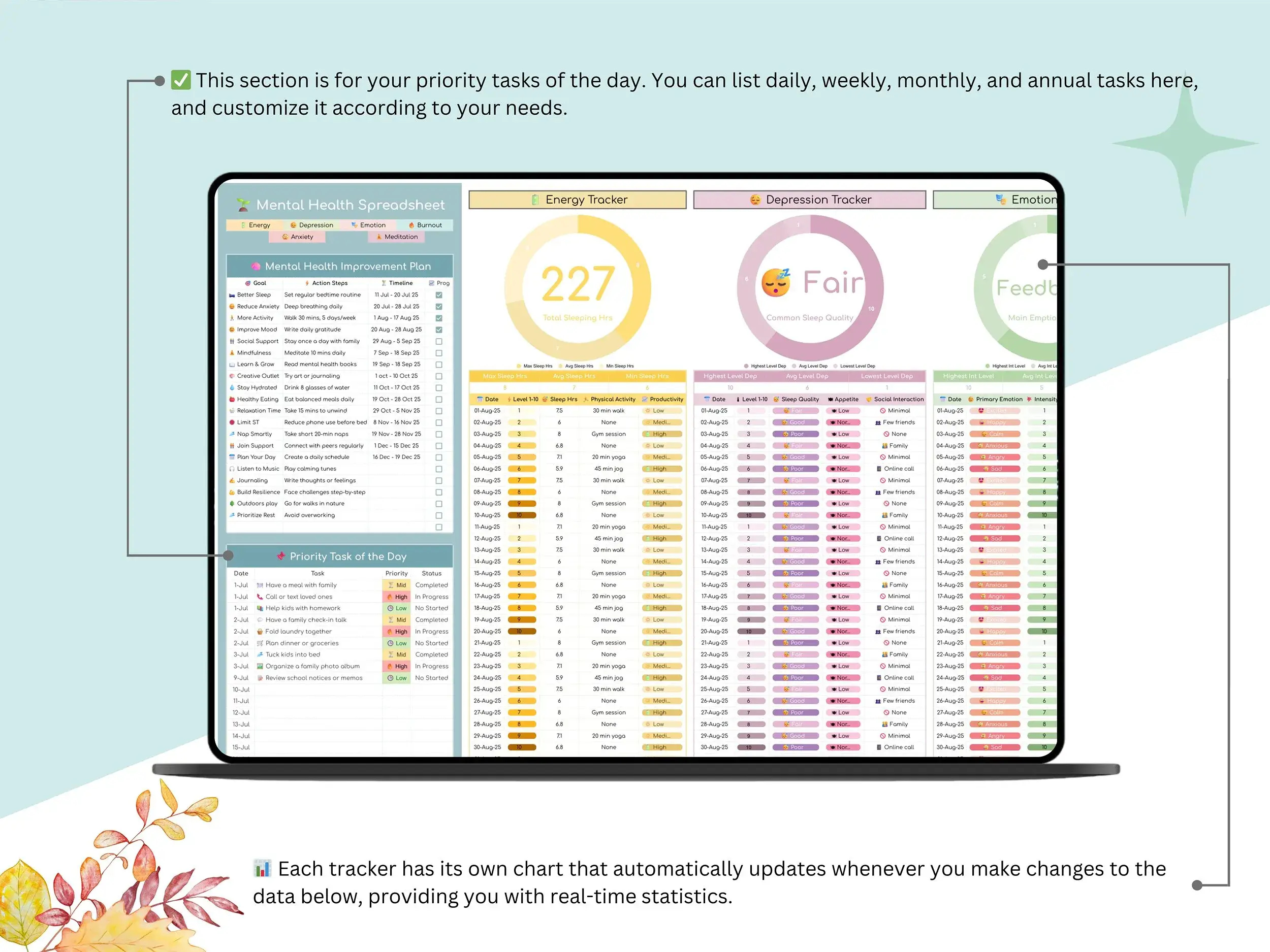
Each tracker has its own tab, and they all sit on one dashboard.
Energy and mood
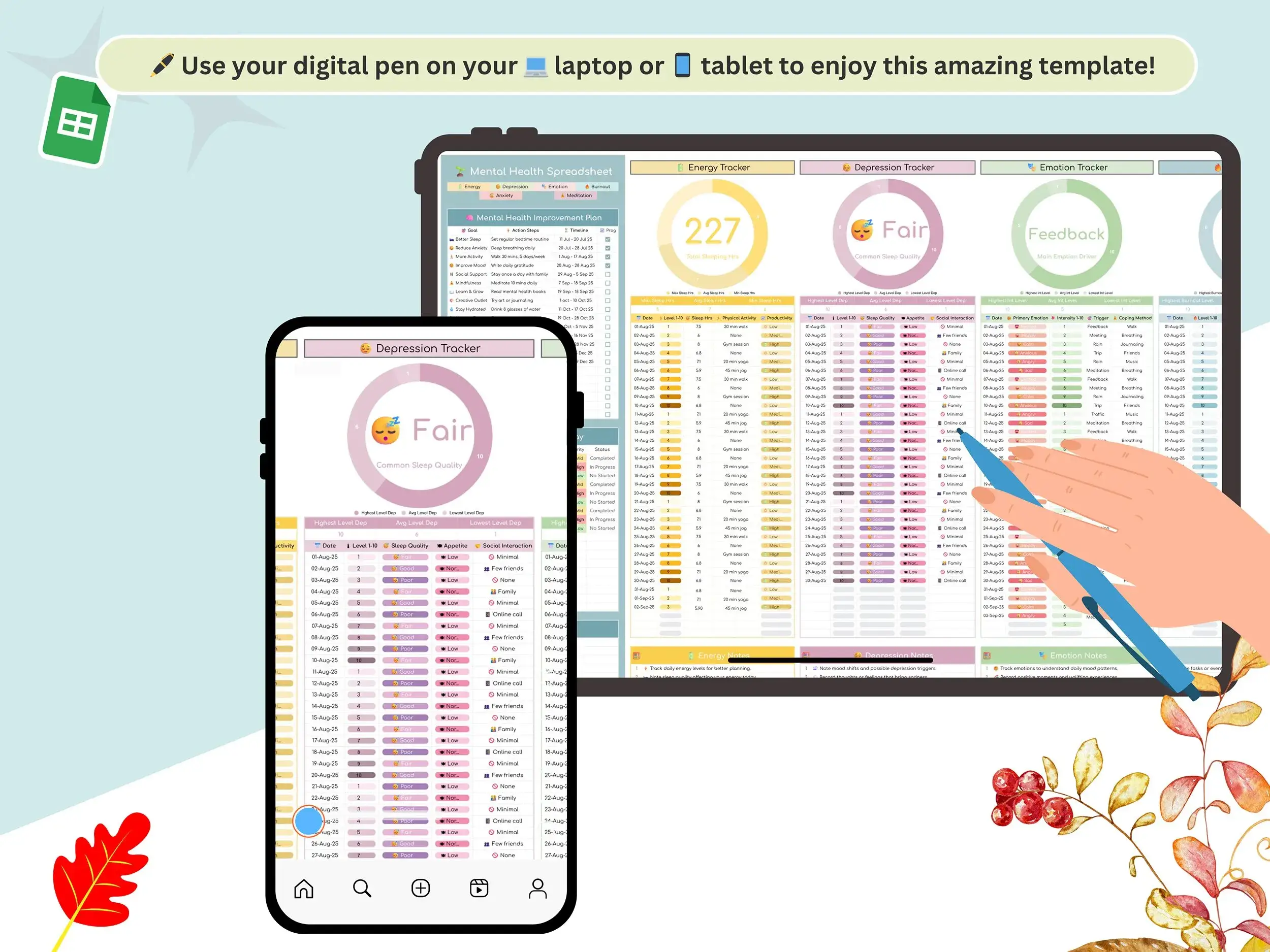
The energy tracker is for logging how much fuel you had each day. The depression tracker records mood shifts and sleep disturbances, so you can see how the two move together. If you’d like a daily mood log habit, this is the easiest place to start.
Emotions and anxiety
The emotion tracker covers what you felt, how strong it was, what set it off, and what helped. It’s a simple feelings tracker, too. The anxiety tracker is where you note triggers, intensity, and physical signs. Prefer to keep it short? Treat it as an anxiety log and jot a line or two.
Burnout and meditation
The burnout tracker lets you compare your workload against how you actually feel and what your body’s telling you. The meditation tracker keeps your sessions and mindfulness practice in the same place, which makes it easier to notice what helps.
Putting it together
Check in each day and read back over the week on Sunday, and you’ve got a weekly mood tracker. Use it like a mental health mood journal if you like writing things out. The whole thing works as a mood monitoring sheet and a mood tracking template you can change as you go. If you like seeing things at a glance, the dashboard gives you a mood chart-style overview. Rename sections, add rows, change what you record. It’s your copy.
What you get
- The mood tracker as a Google Sheets file
- A step-by-step tutorial video that shows you how to use and customize it in about 2 minutes
- A short PDF holding your Google Sheets link (you’ll save your own copy)
Who it’s for
Anyone who wants a clearer picture of their days: people tracking stress, moods, or anxiety, people building a meditation habit, students and professionals trying to keep burnout in check, or anyone who’d like something to bring to a session with a therapist or coach. It’s a tracking tool and not medical advice. It doesn’t diagnose anything or replace professional care.
How it works
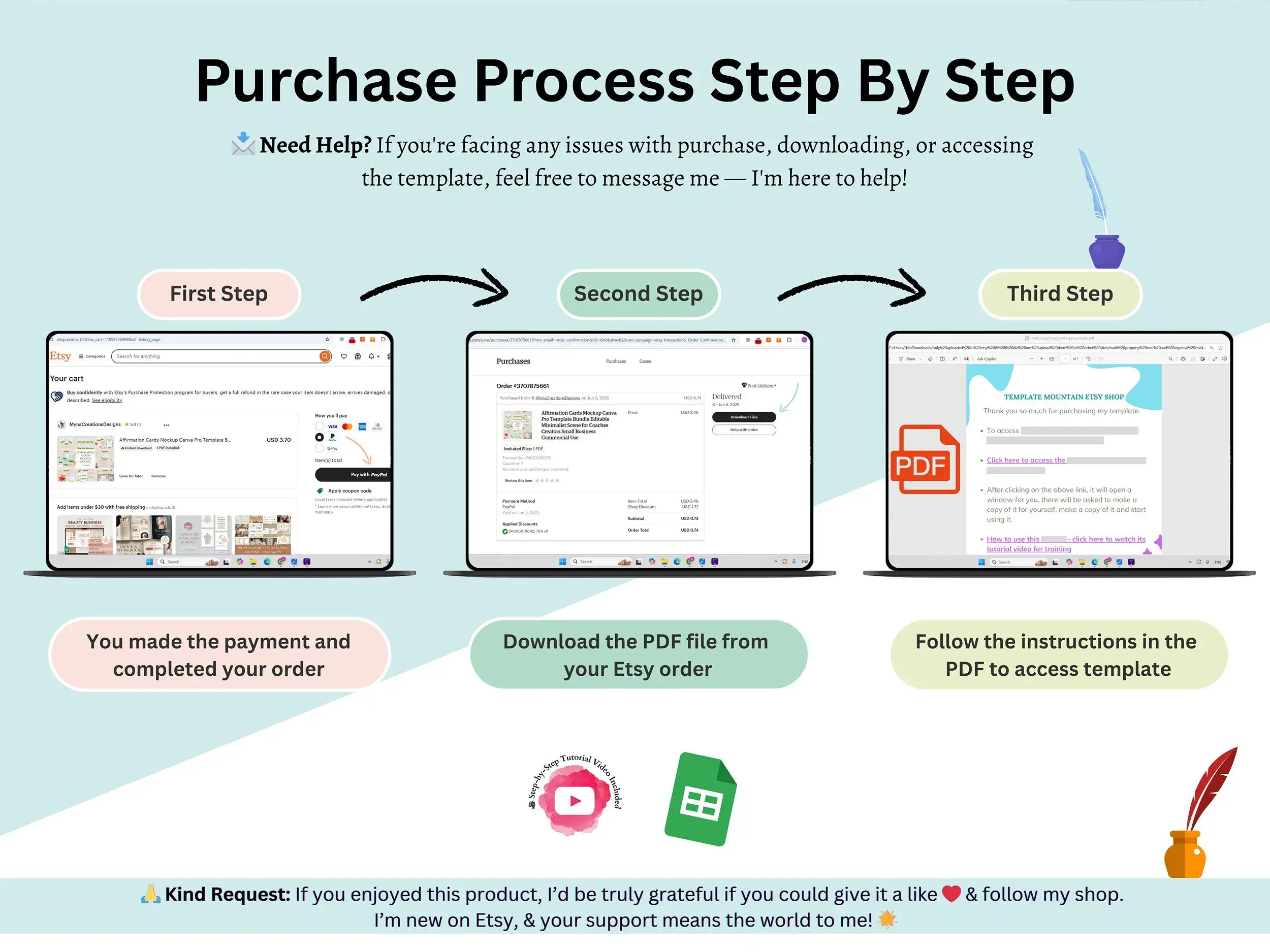
Buy it, download the PDF, and click the link inside. Google Sheets asks you to make a copy, and from there it’s yours. Open it, start logging, and the sheet does the updating.
FAQ
Can this diagnose a condition or replace therapy?
No. It’s a place to record what you notice. If you’re struggling, a doctor or licensed mental health professional is the right person to talk to. If you’re in the US and need urgent support, you can call or text 988.
Is it built for one specific condition?
No. It covers energy, mood, emotions, anxiety, burnout, and meditation. If you follow a plan from a clinician, ask them what’s worth recording.
Who can see my entries?
Your copy lives in your own Google account, so you choose whether to share it with anyone.
Is it a printable PDF?
It’s a Google Sheets file made for on-screen use. If you want a paper copy, you can use the Sheets print option.
Does it work in Excel?
It’s made for Google Sheets, so that’s where it runs best. A Google account is all you need.
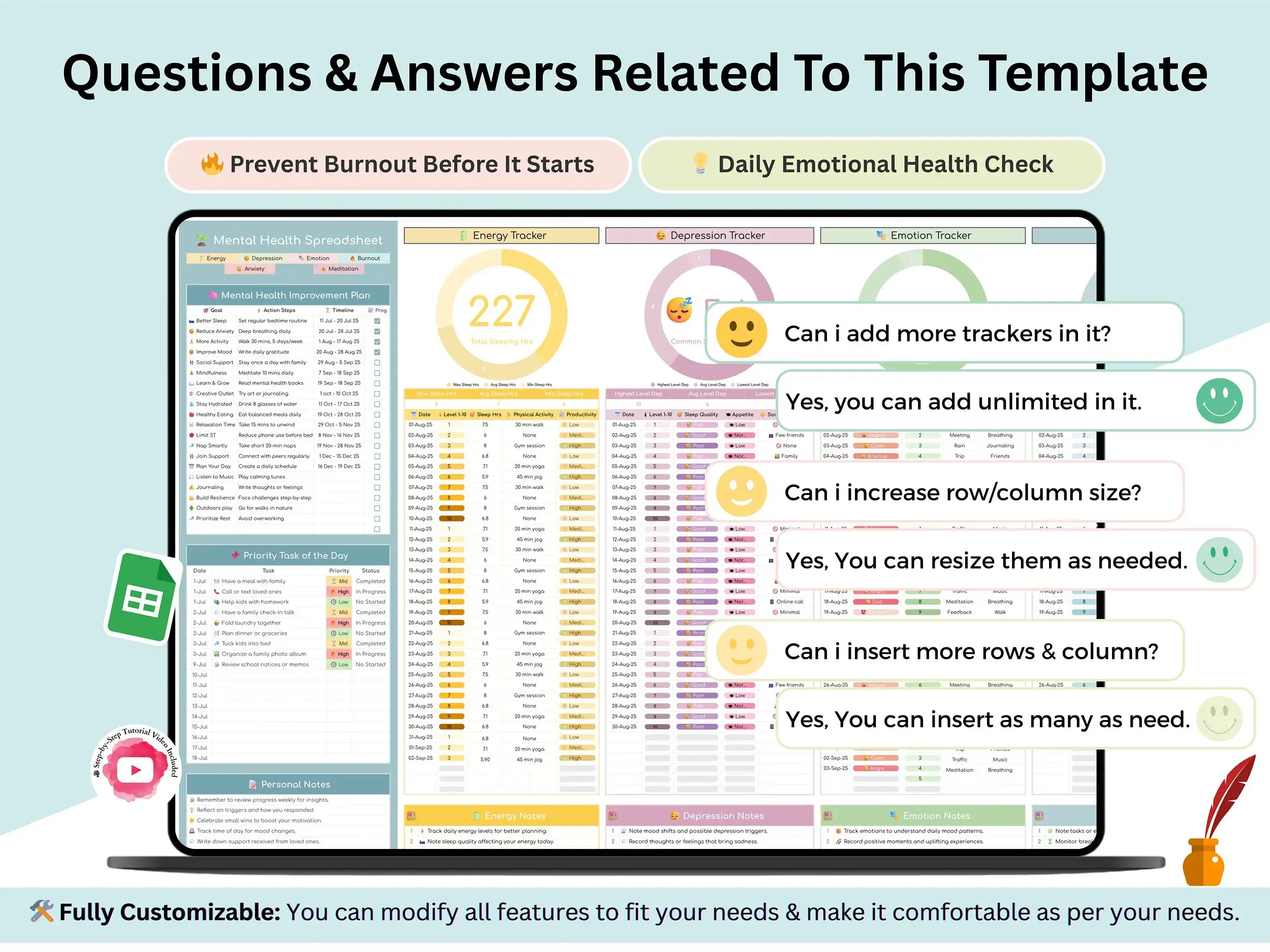
Can I customize it?
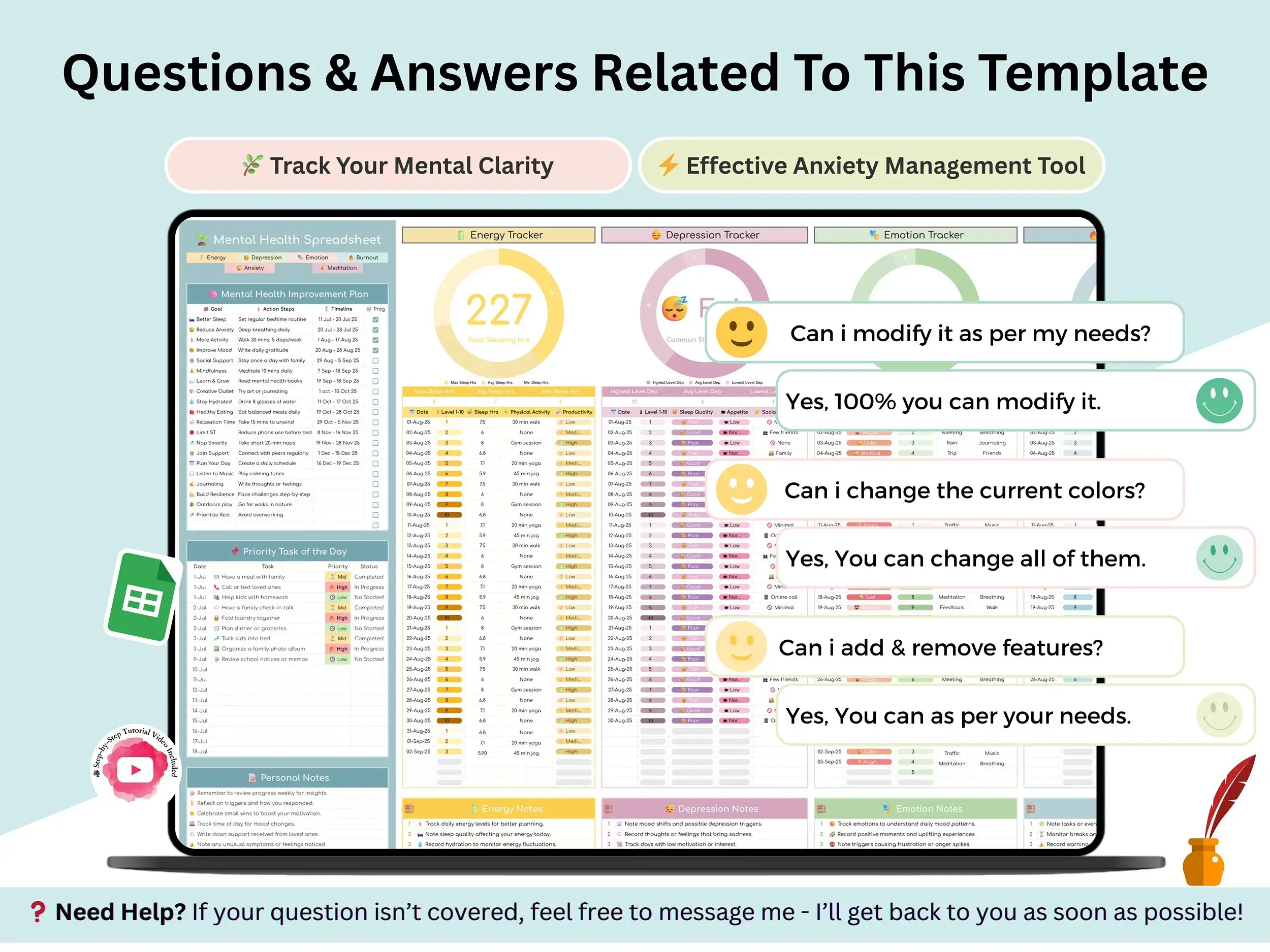
Yes. It’s fully editable, so you can rename tabs, add rows, or change what you track.
Is there a tutorial?
Yes. A short video walks you through setup and customization.
Can I use it on my phone?
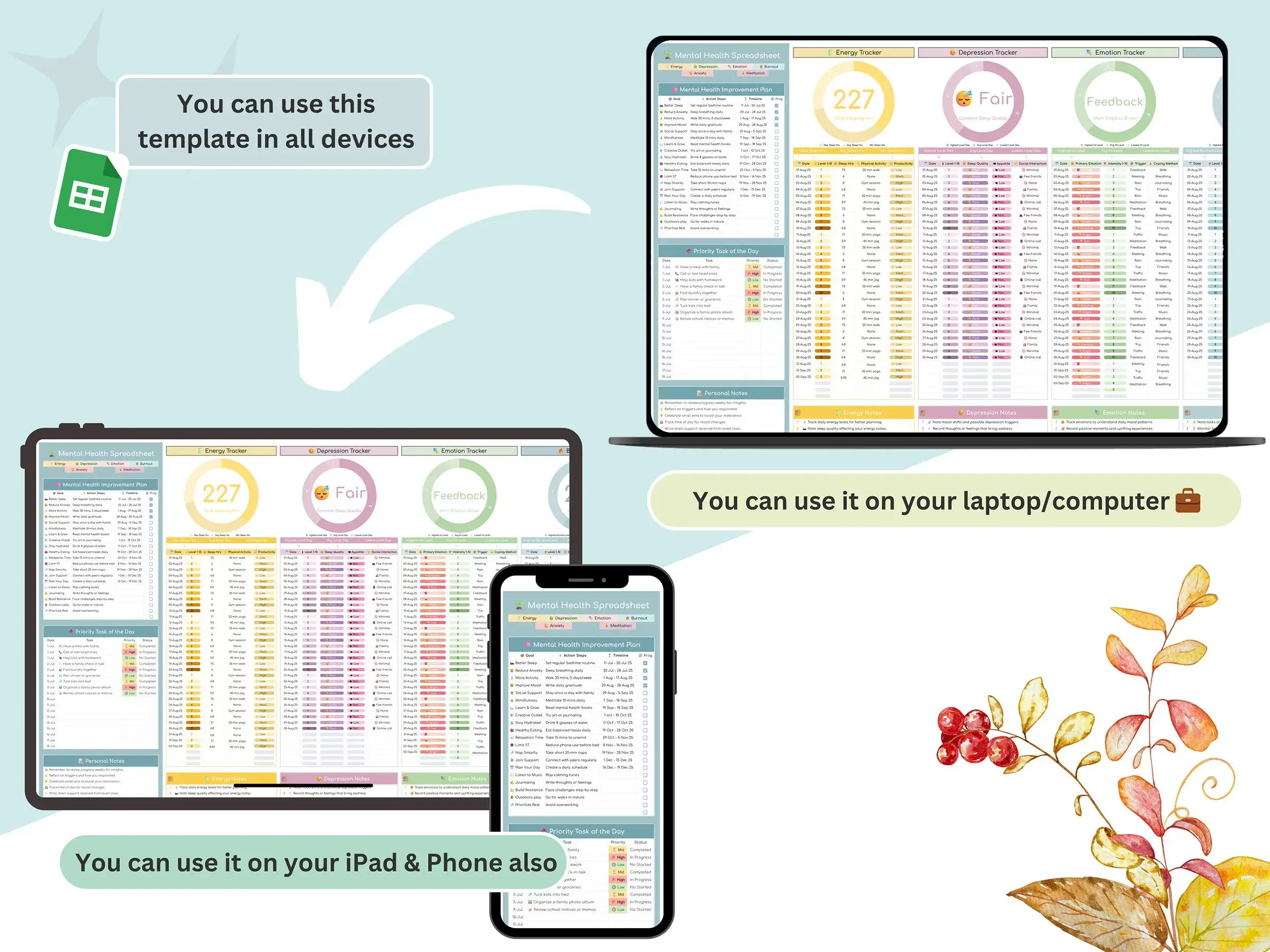
You can open it in the Google Sheets app. Many people set it up on a computer first because it’s easier to see.
Reviews
There are no reviews yet.