

Description
Debt Payoff Spreadsheet – Complete Tracker | Google Sheets
Most debt trackers make you pick a method before you even understand your numbers. This debt spreadsheet is built the other way around — get your full financial picture first, then decide how you want to attack it.
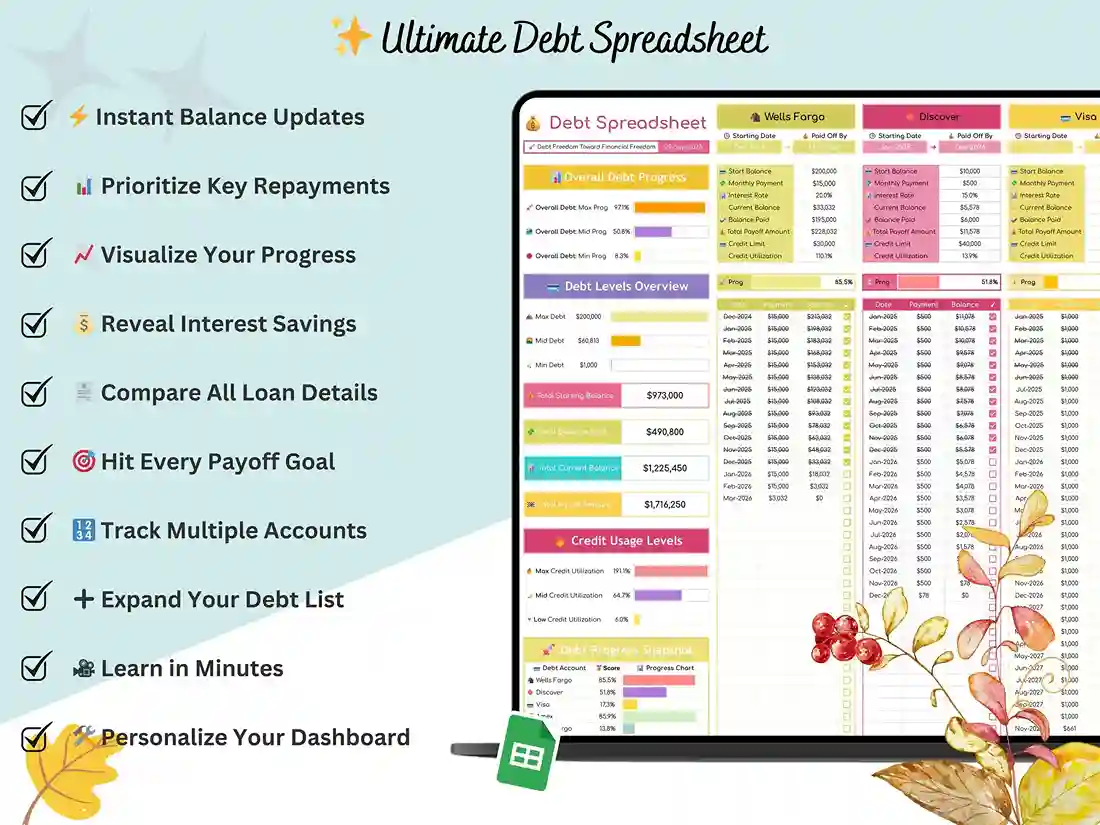
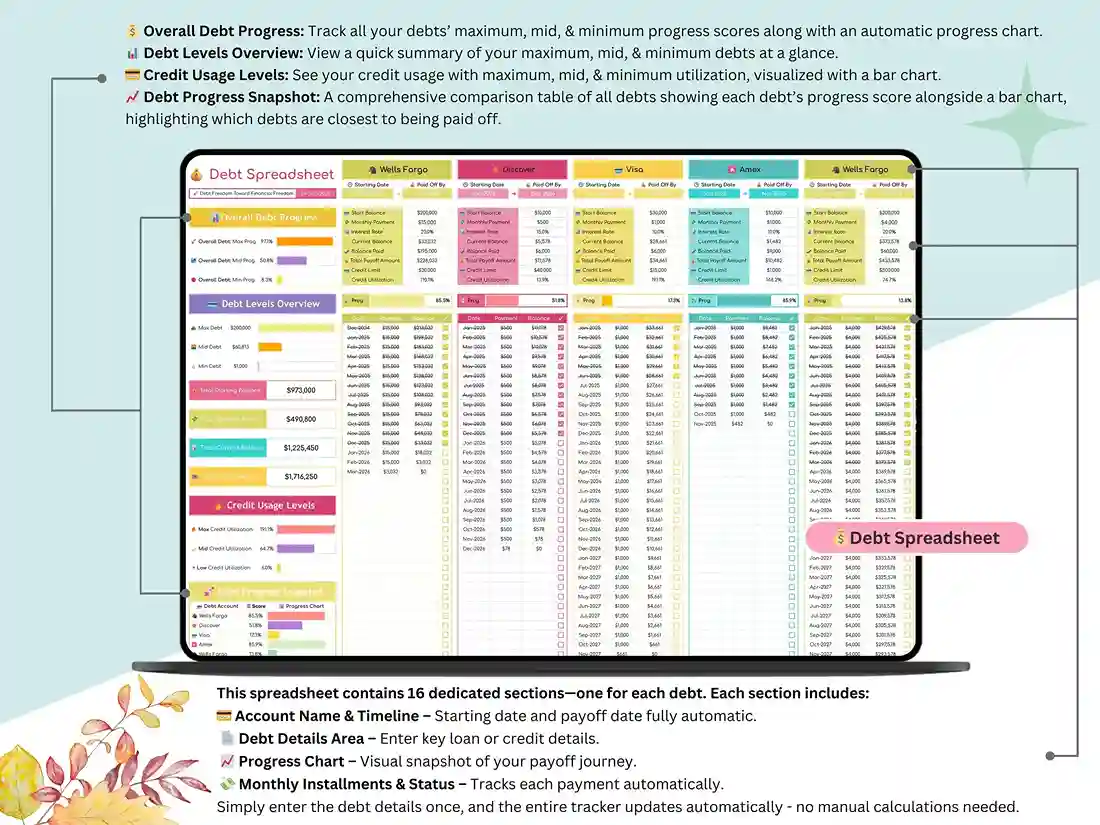
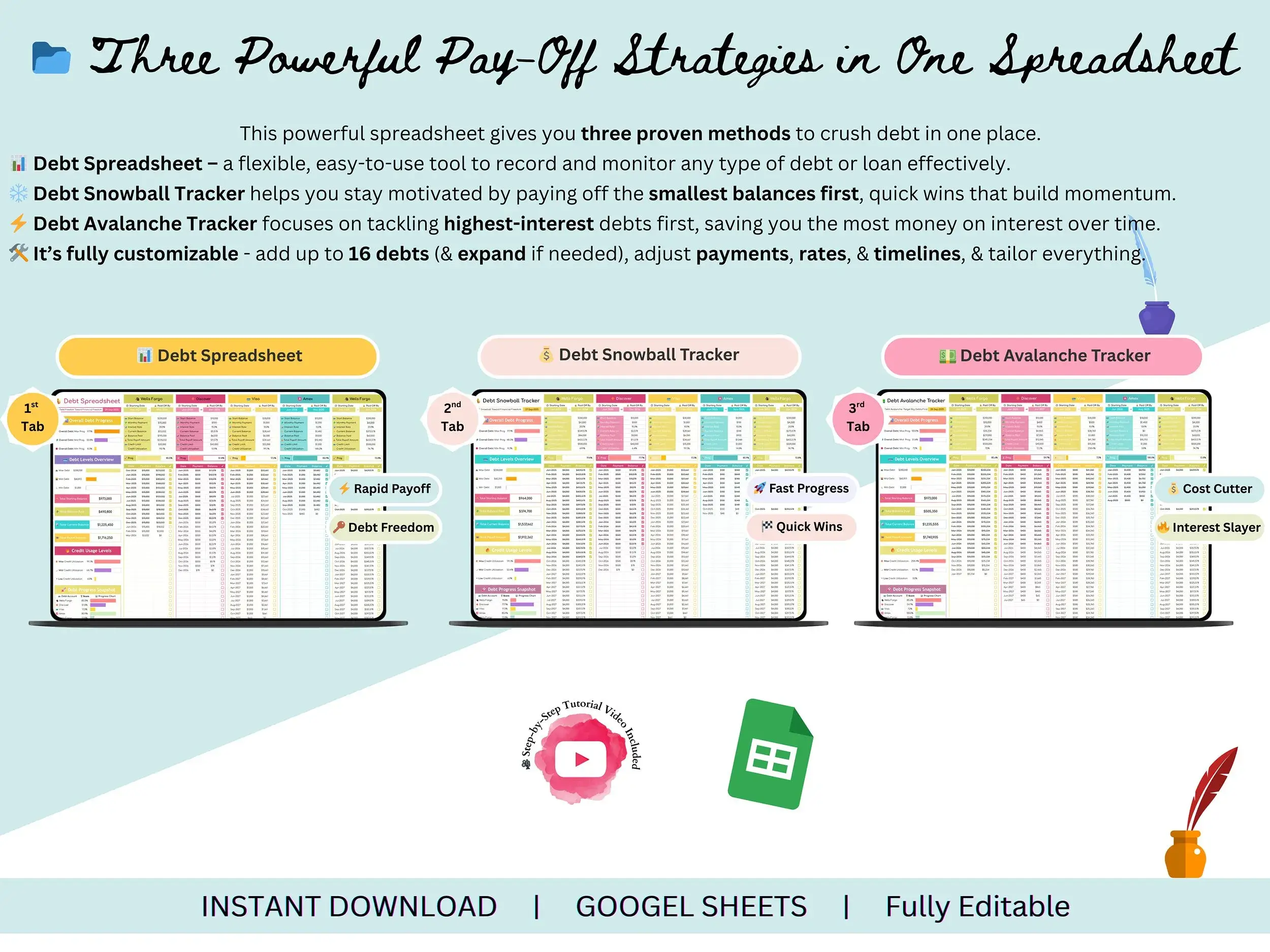
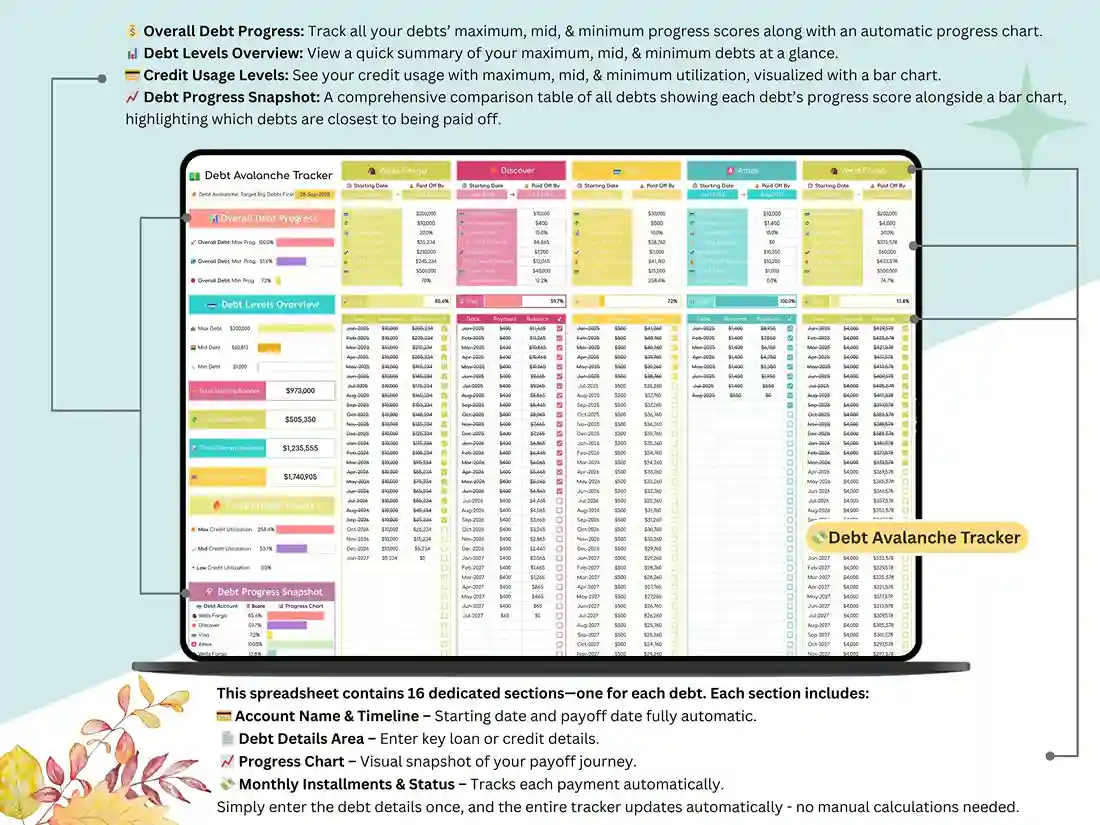
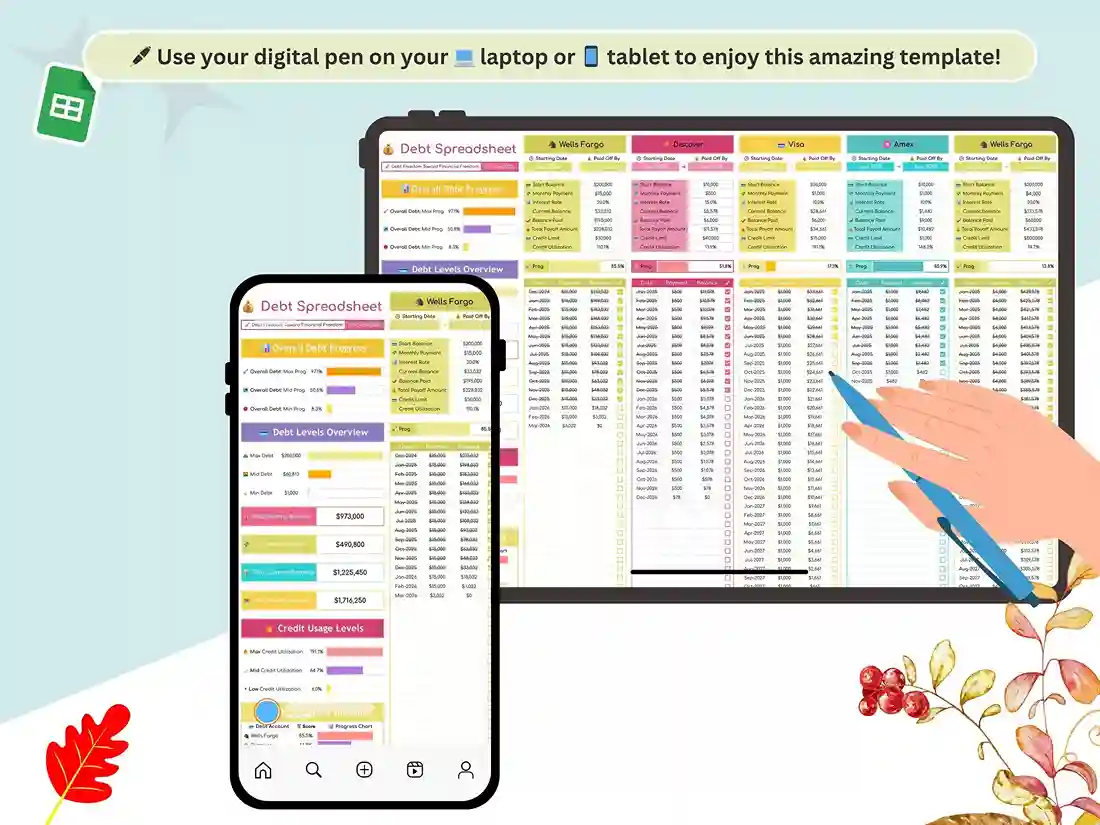
It runs on four connected tabs. A Settings tab lets you set your currency and payment frequency before you enter a single balance, so the whole file is configured for how you actually pay bills, not a generic default. From there, the core debt payoff spreadsheet tab takes every debt you enter and rolls it into one running total, so you always know your starting balance, what you’ve paid, and what’s left, without doing any math yourself.
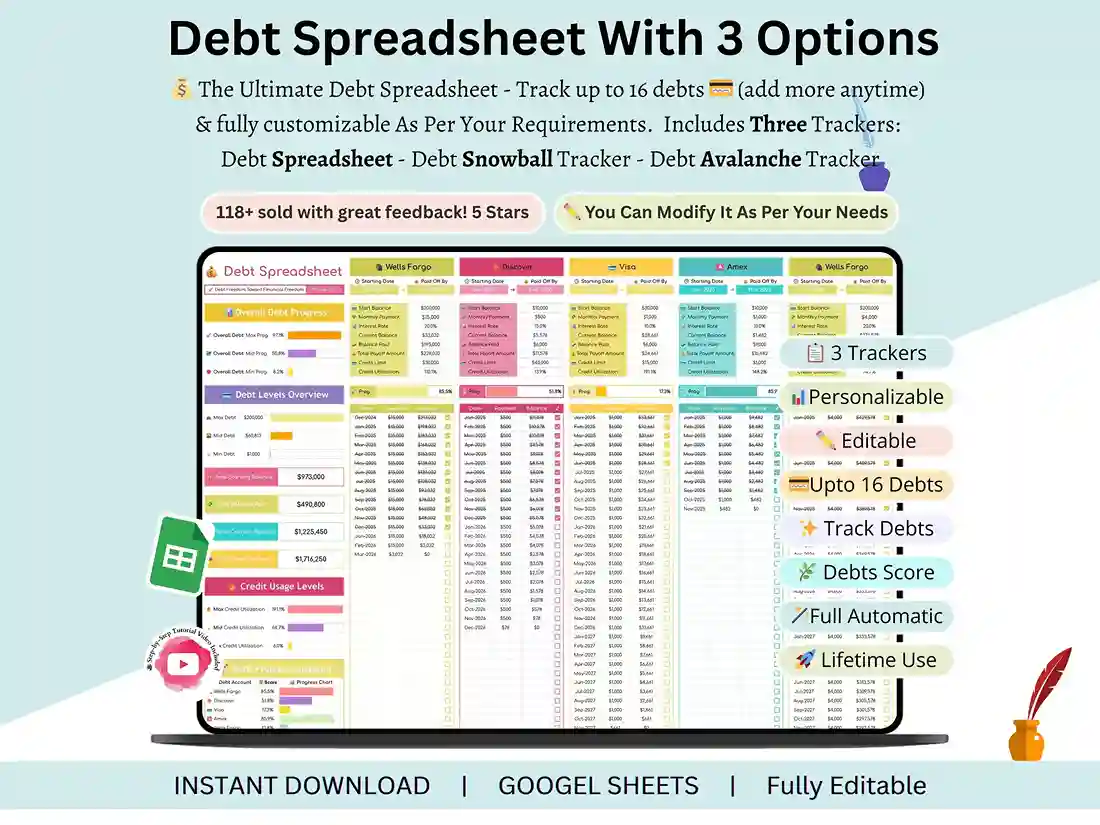
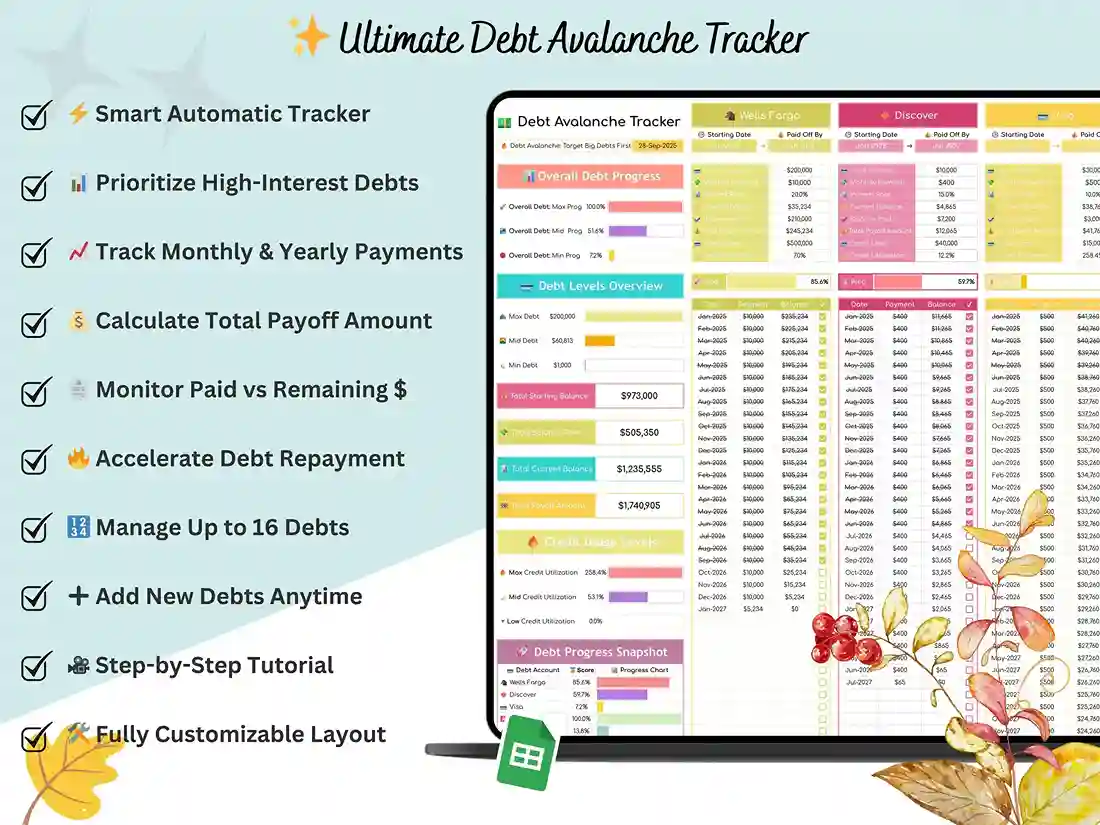
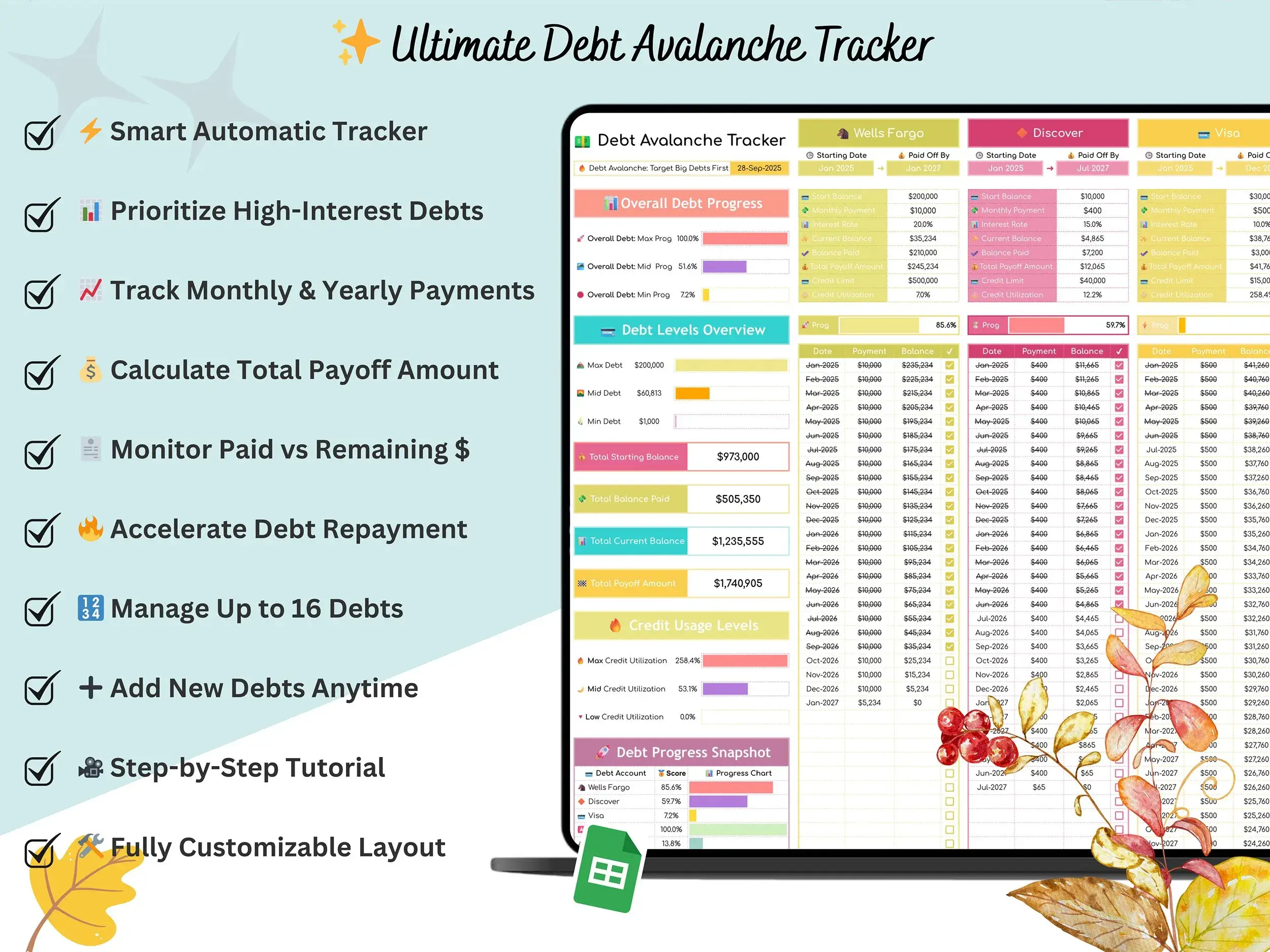
The last two tabs are where strategy comes in. One is a dedicated Snowball tracker for paying off your smallest balances first — useful if you want quick wins to stay motivated. The other is an Avalanche tracker that orders your debts by interest rate, so you can see exactly which balance is costing you the most and go after that one first. Because both live in the same debt tracker google sheets file alongside your overview, you can compare the two approaches side by side instead of guessing which one fits before you commit.
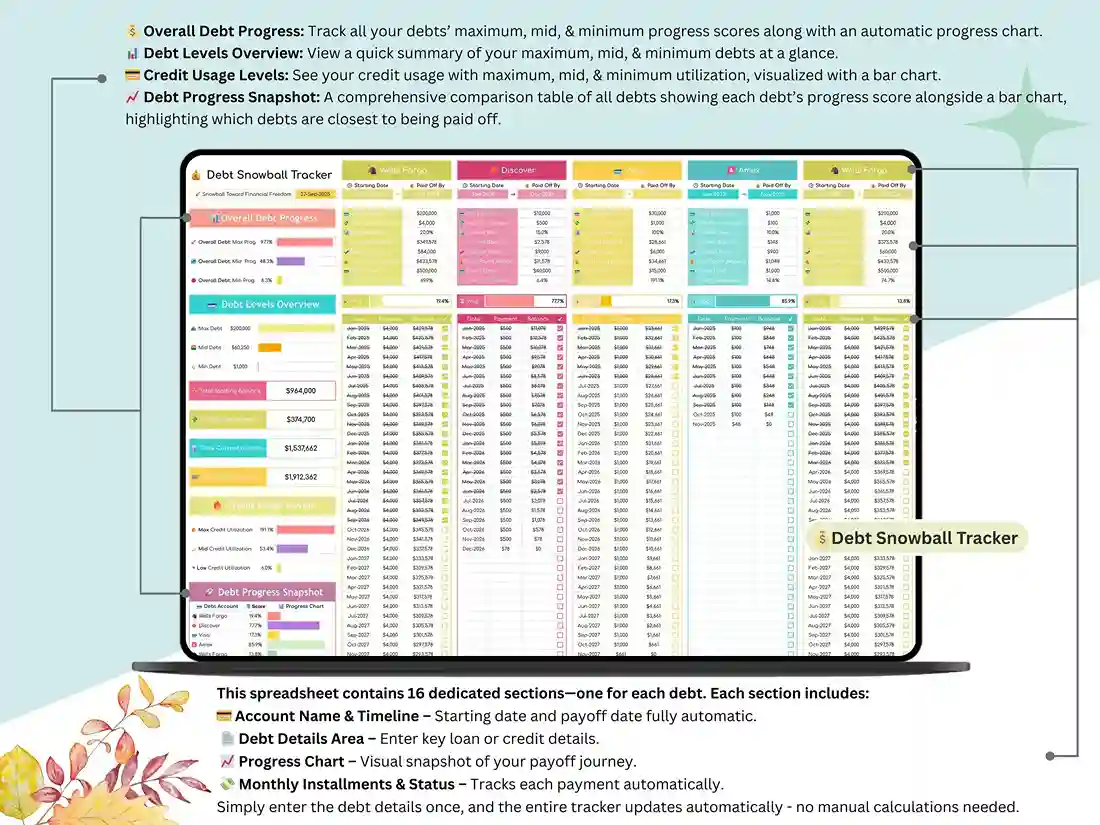
Underneath all four tabs, the same automation runs throughout: 16 individual debt sections calculate balances and progress on their own, a credit utilization tracker keeps an eye on how your usage ratio is trending as you pay things down, and a monthly payment log updates every chart the moment you log a payment. If you’re comparing this against a credit card payoff spreadsheet that only handles cards, this one is built to hold everything — cards, personal loans, and any other balance you’re carrying — in a single view.
This is the better fit if you want one file that shows your whole debt picture and lets you test-drive both payoff strategies before committing. If you already know you want to run the Snowball method specifically and nothing else, our dedicated Debt Snowball Tracker is the leaner option.
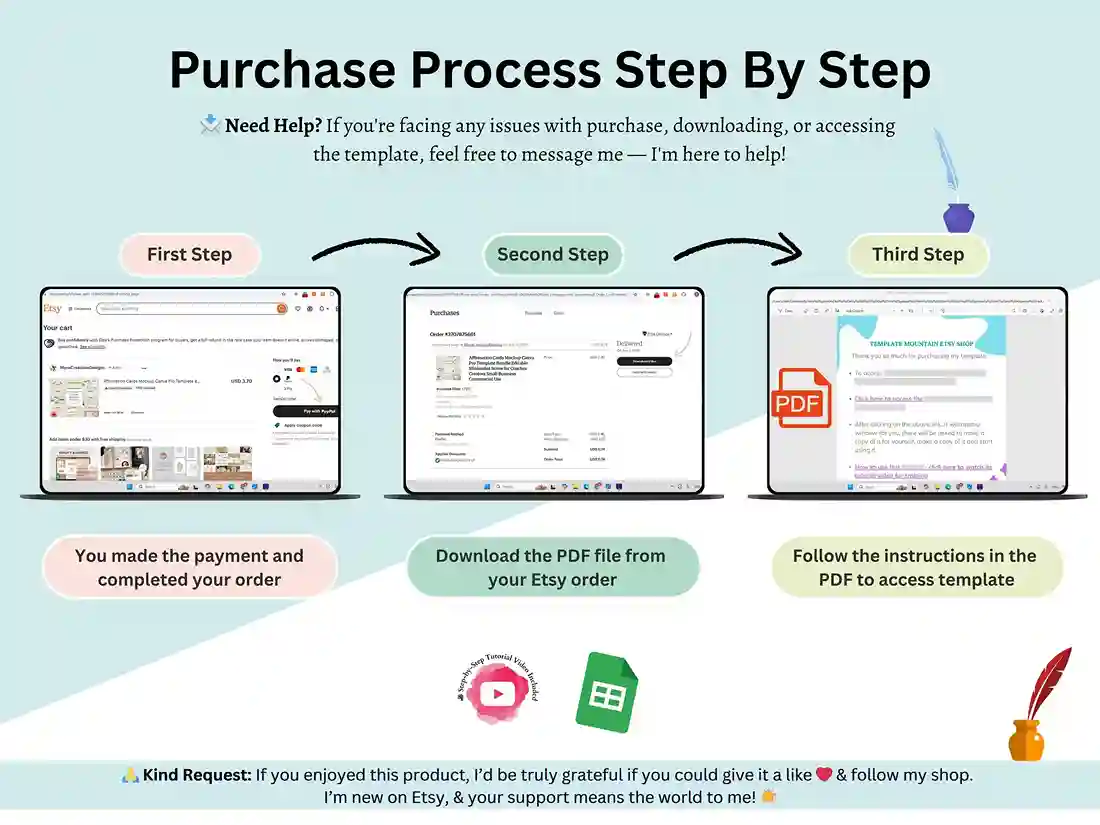
Setup takes about two minutes — download the file, open it in Google Sheets, adjust your settings, and start entering balances. A tutorial video walks through the whole process if you want a guide the first time.
FAQ
What’s the difference between this and your Debt Snowball Tracker listing?
This spreadsheet is the complete system — a settings tab, an overview of every debt, and both the Snowball and Avalanche trackers in one file. The Debt Snowball Tracker listing is a leaner option built specifically around the Snowball method if that’s the only approach you want.
Does this work in Excel, or only Google Sheets?
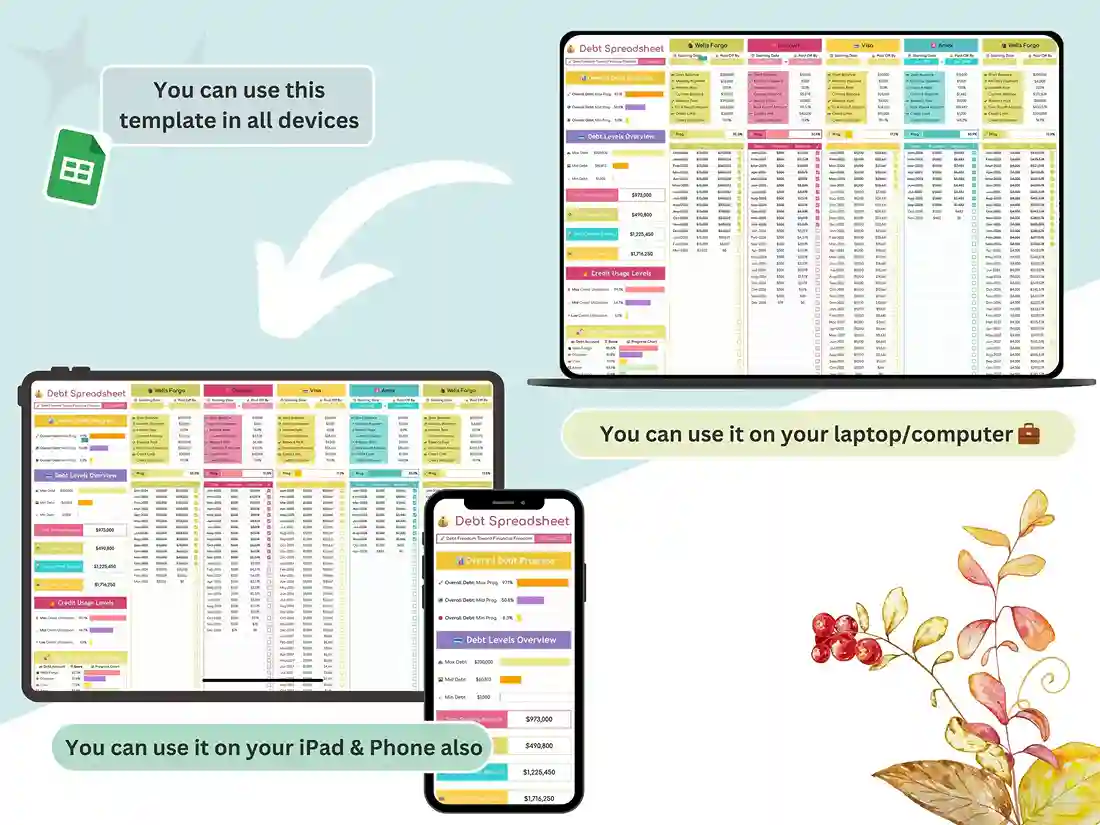
This spreadsheet is built for Google Sheets and opens directly in your browser. If Excel compatibility matters for your use case, message us before buying to confirm.
Can I track both personal and business debts in the same file?
Yes — the 16 debt sections work for any type of balance, so families and small businesses managing multiple loans or credit lines can use the same structure.
How is my credit utilization calculated in this tracker?
The utilization tab monitors your max, mid, and low usage against your reported limits, so you can watch how paying down balances affects your utilization ratio over time.
Is this a one-time purchase?
Yes — a single $5 payment gets you lifetime access to the file, with no subscription.
Reviews
There are no reviews yet.