
Description
Debt Snowball & Avalanche Tracker – Google Sheets
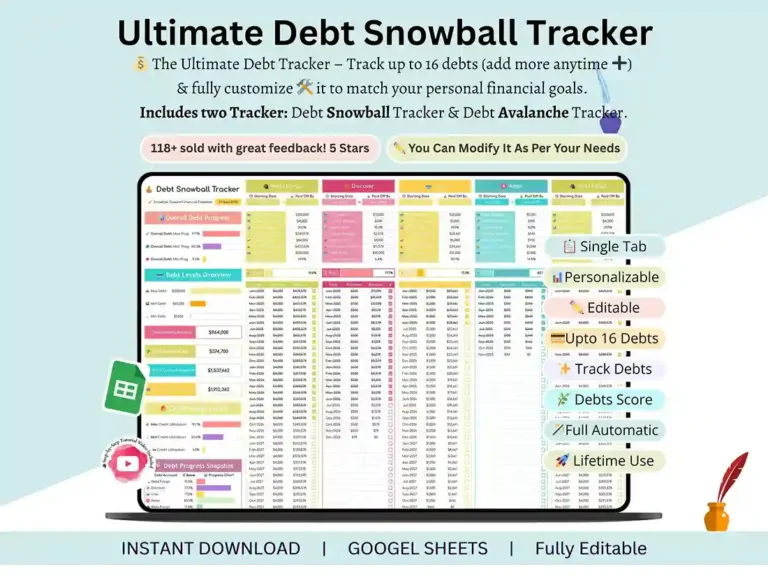
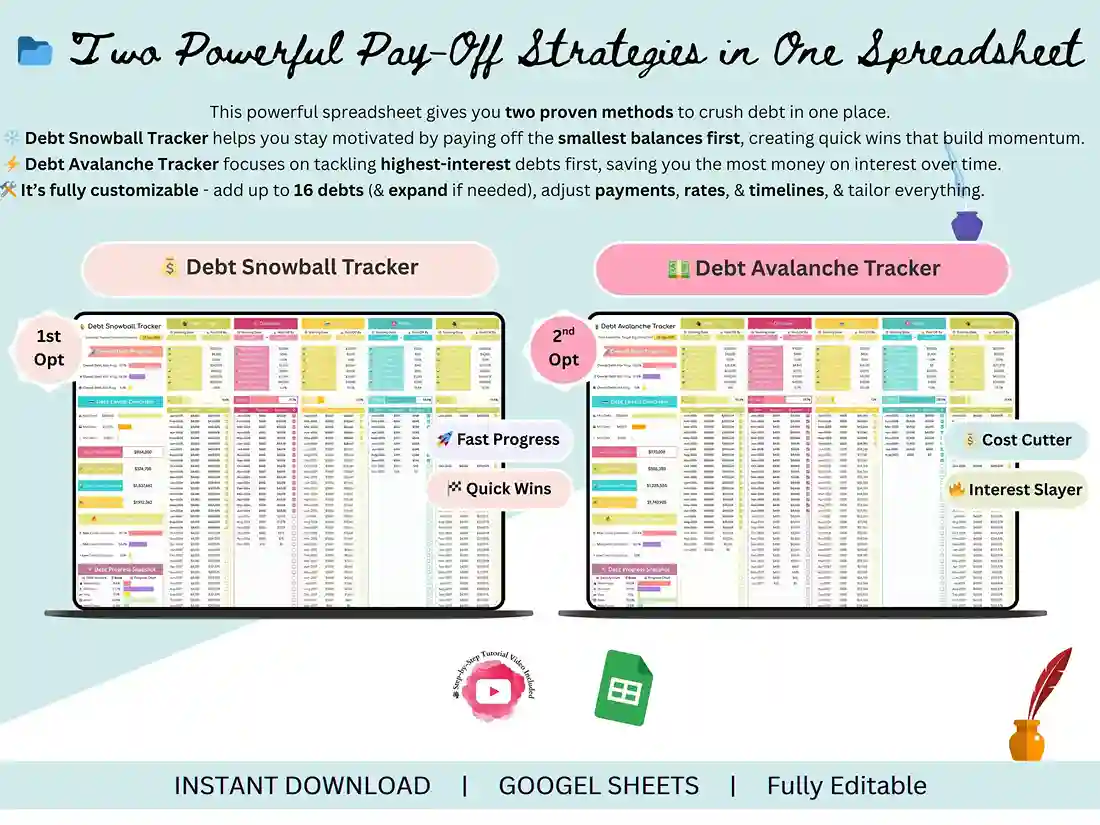
Debt doesn’t feel real until you can see it shrinking. That’s the whole idea behind this debt snowball spreadsheet — you plug in your balances once, and it handles the math, the charts, and the motivation from there.
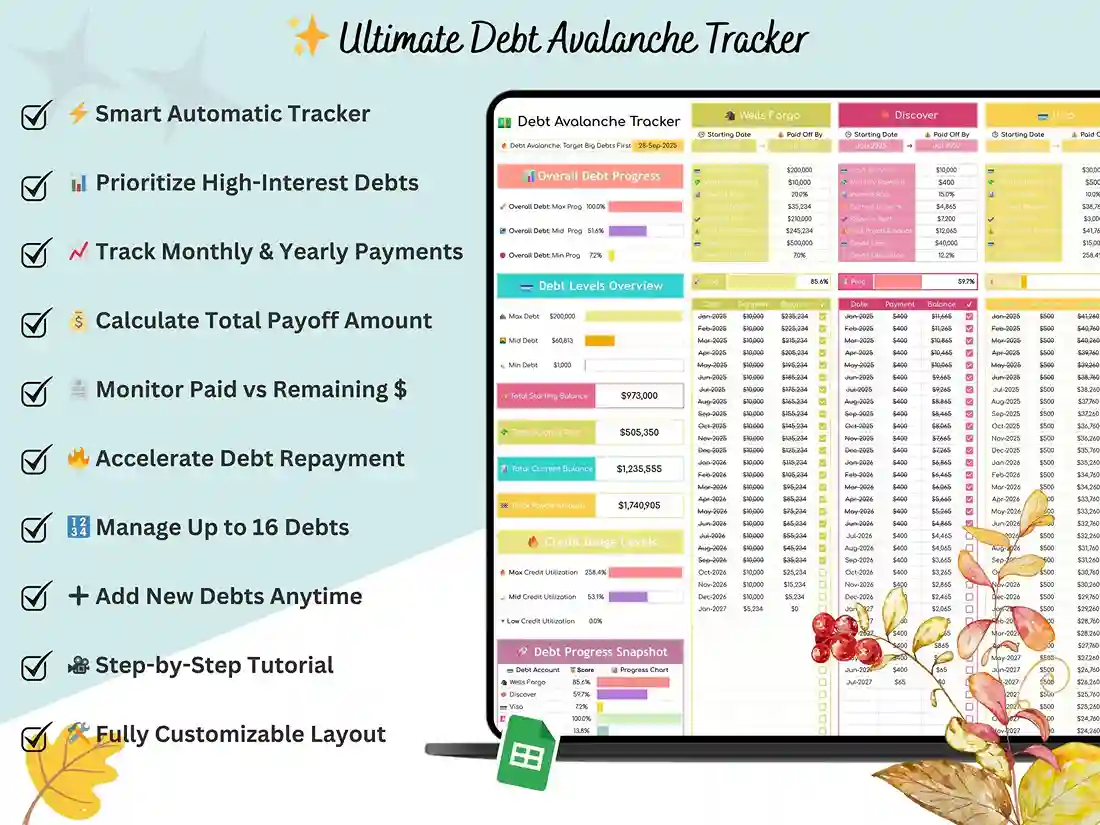
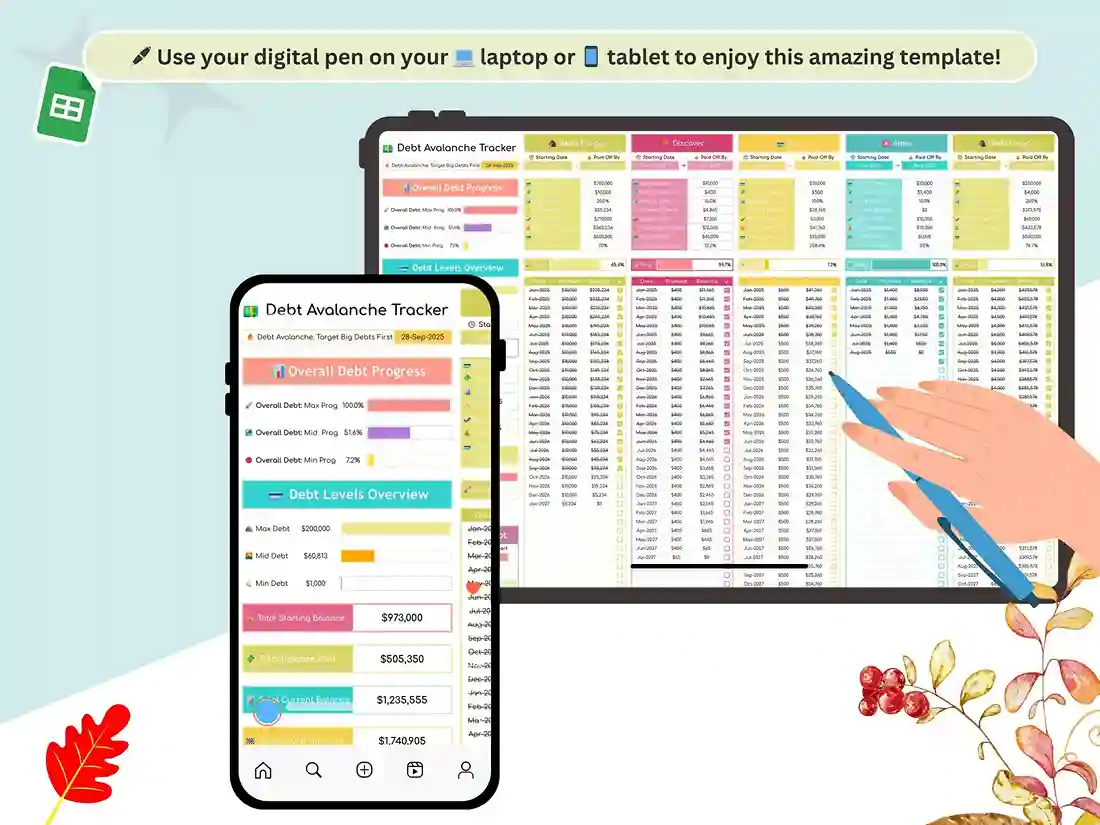
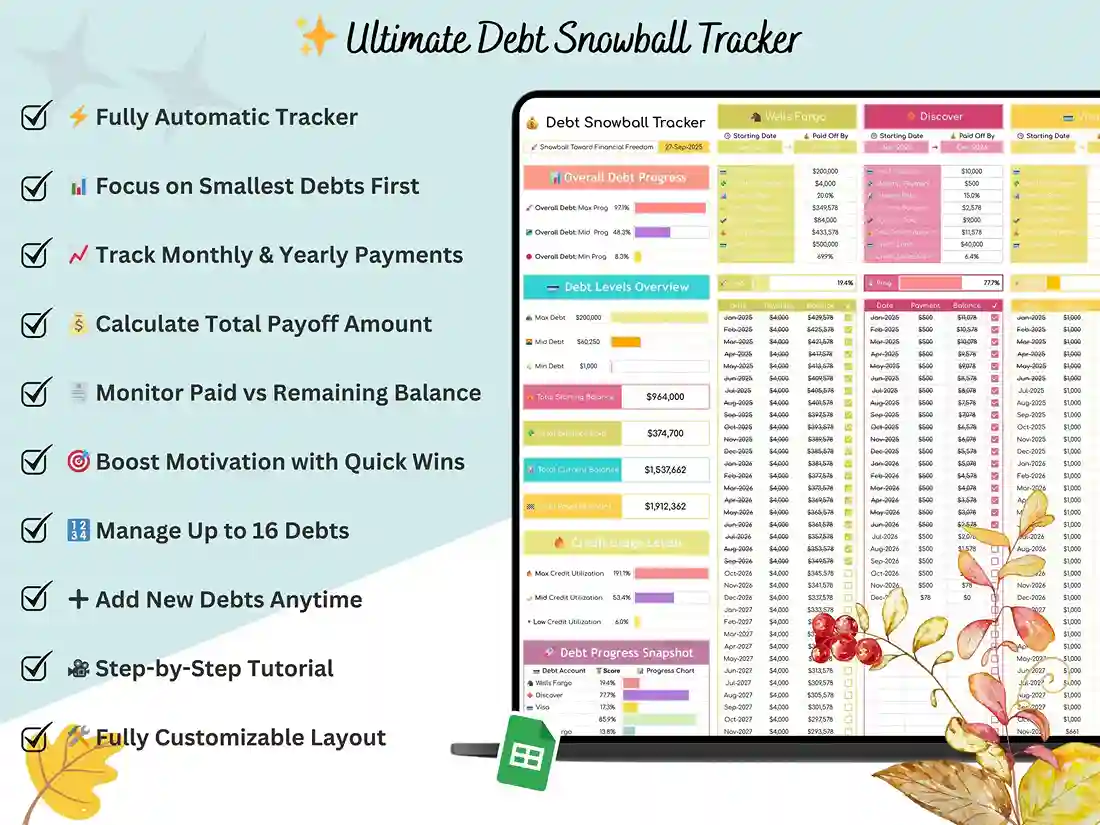
It’s built as a true debt snowball tracker, but it doesn’t lock you into one strategy. Flip between the Snowball method (smallest balance first, for quick wins) and the Avalanche method (highest interest first, for saving the most money) depending on what actually keeps you motivated. Most people start with Snowball for the momentum and switch once they’ve knocked out a card or two — this debt payoff spreadsheet lets you do either without rebuilding anything.
Here’s what’s inside
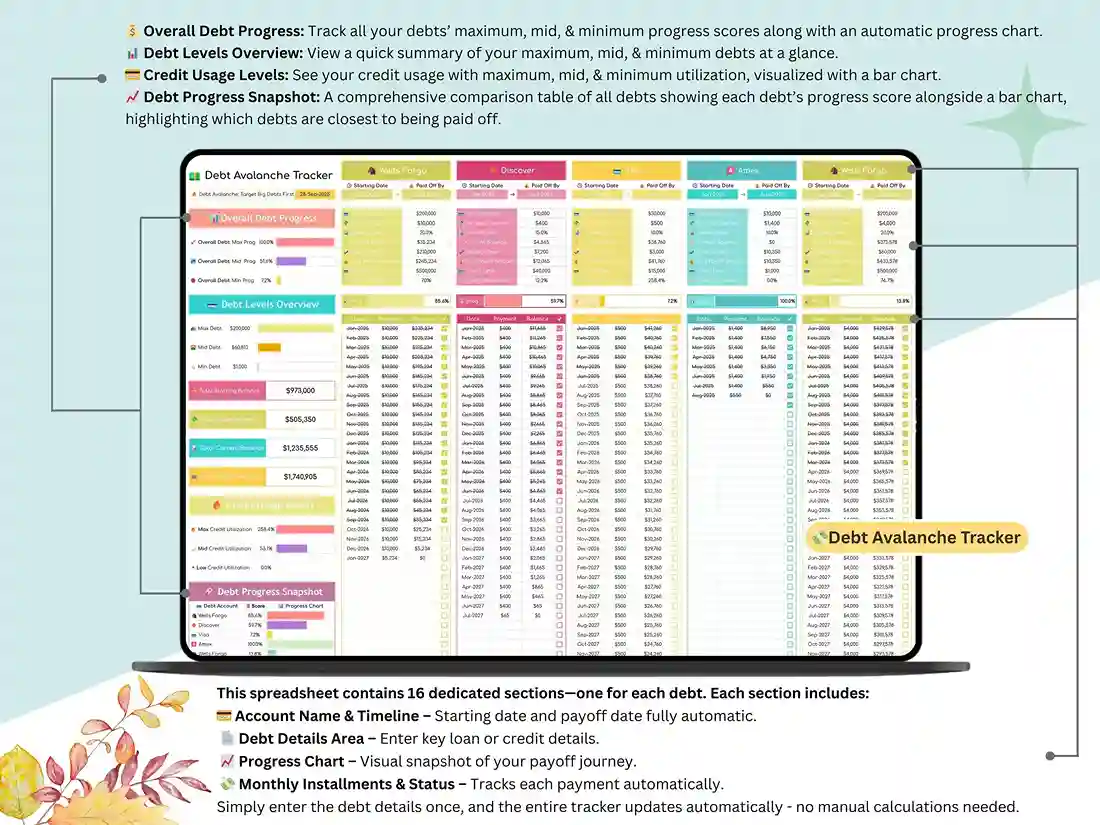
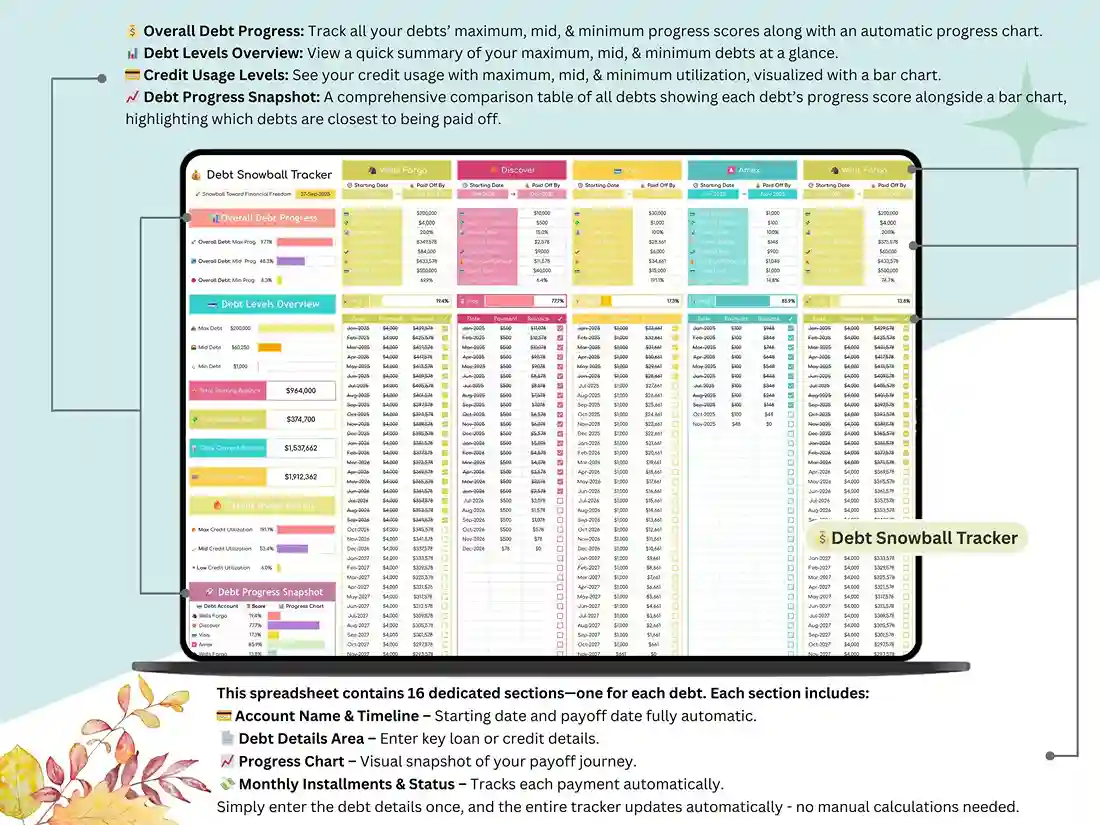
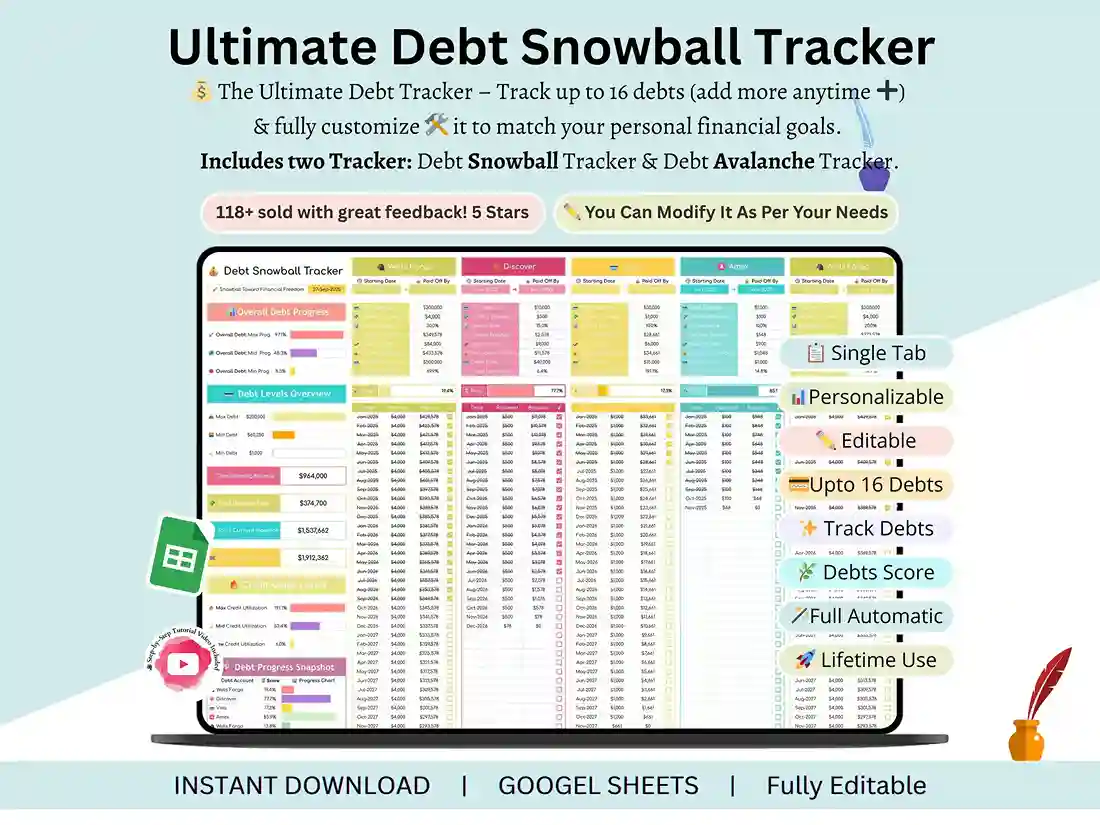
A dashboard shows your total balance, what you’ve paid so far, and your current progress at a glance, so you’re not digging through tabs to know where you stand. Underneath that, 16 separate debt sections handle the account-level math automatically — add a balance, an interest rate, and a payment, and the rest updates itself. There’s also a credit utilization tracker built in, which matters more than people realize, since your utilization ratio affects your credit score independently of how much debt you’re actually carrying.
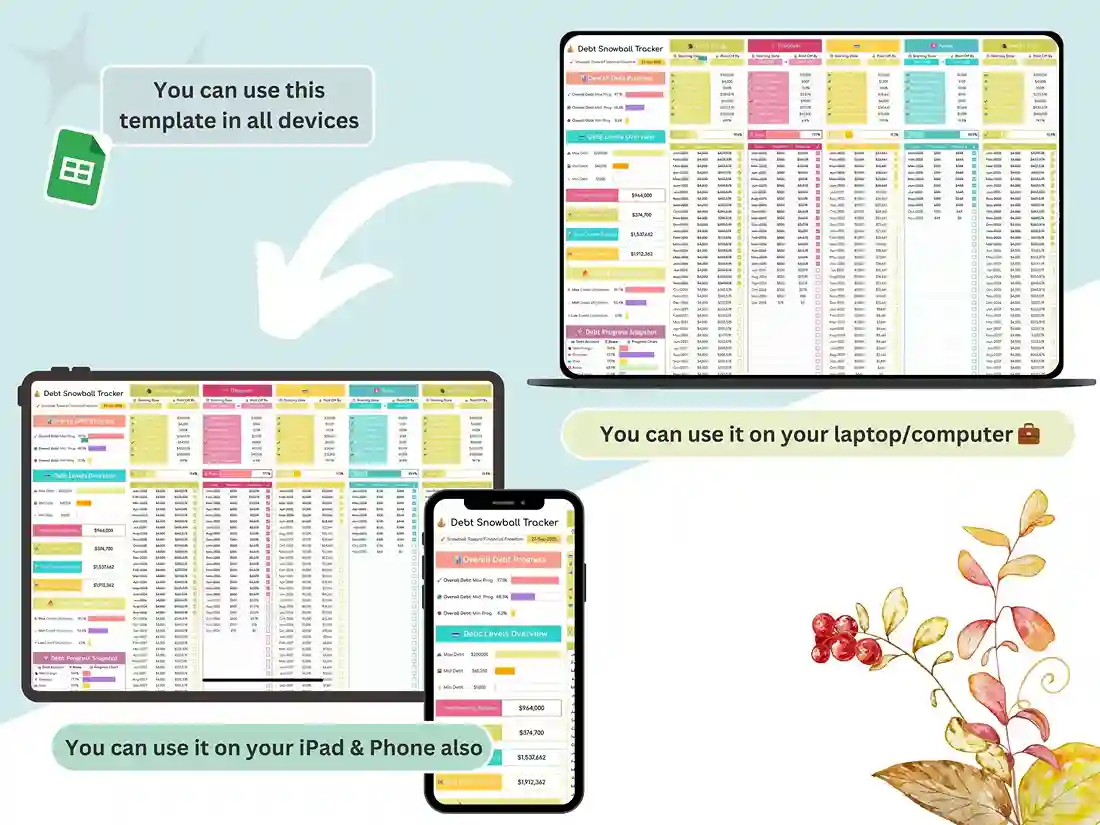
Because it’s a google sheets debt snowball template, everything runs in your browser — no software, no formulas to fix, no risk of breaking something with a stray keystroke. Log a payment in the monthly log and every chart, percentage, and progress bar tied to it updates instantly. It also works as a straightforward debt payoff spreadsheet if you just want the tracking without picking a specific strategy yet.
This is built for anyone juggling more than one balance — credit cards, personal loans, a mix of both — and wants an actual plan instead of a rough guess at when they’ll be debt-free. Families managing joint accounts and small business owners tracking multiple lines of credit use it the same way individuals do.
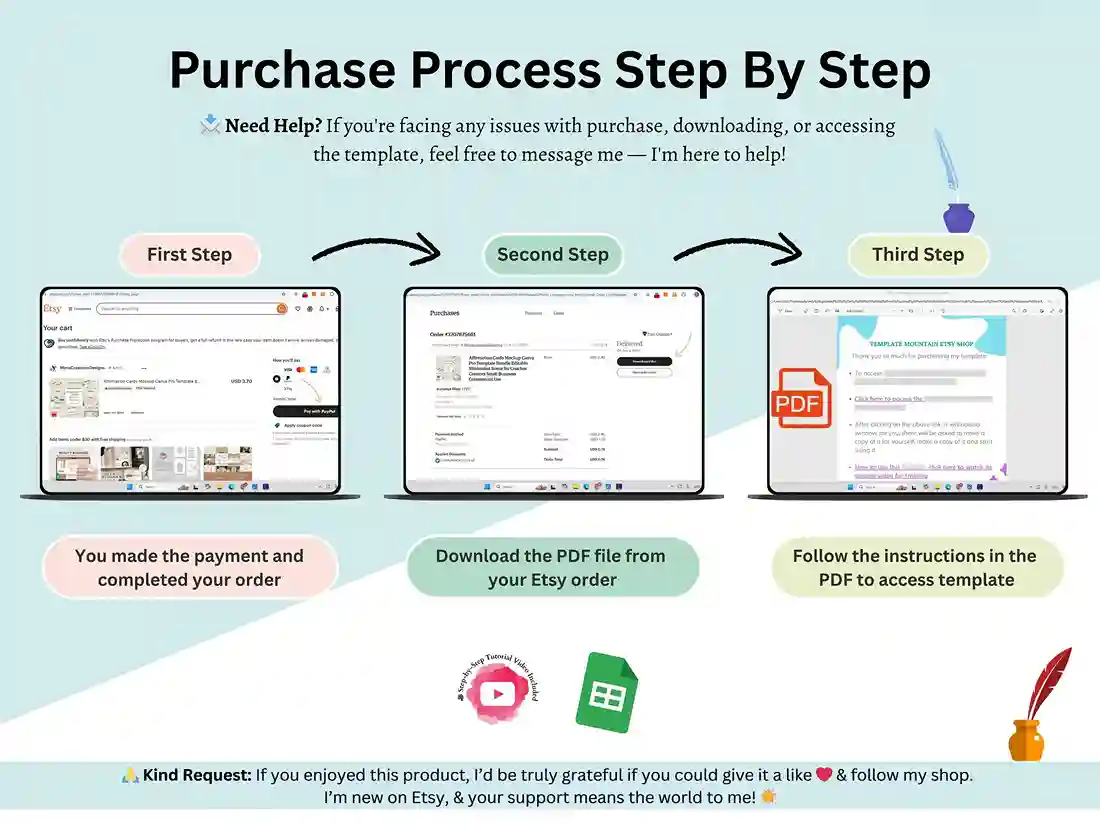
Getting started takes about two minutes: download the file, open it in Google Sheets, and enter your first few debts. A short tutorial video walks through setup if you want a guide the first time through.
FAQ
Does this work for both the Snowball and Avalanche methods?
Yes — both are built into the same file, so you can track your debts either way or switch strategies without starting over.
Do I need Excel, or does this only work in Google Sheets?
It’s built for Google Sheets and opens instantly in your browser with no software needed. Depending on formula compatibility, it may also open in Excel — check with us before buying if that’s a requirement for you.
How many debts can I track at once?
The tracker includes 16 individual debt sections, each with its own automatic calculations, plus an overall dashboard summarizing everything together.
Will this affect my credit score if I use it?
The spreadsheet itself doesn’t report anywhere — it’s a private planning tool. It does include a credit utilization tracker so you can monitor how your balances affect your utilization ratio as you pay them down.
Is this a one-time purchase?
Yes, it’s a single one-time payment of $5 for lifetime access to the file — no subscription.
Reviews
There are no reviews yet.