
Description
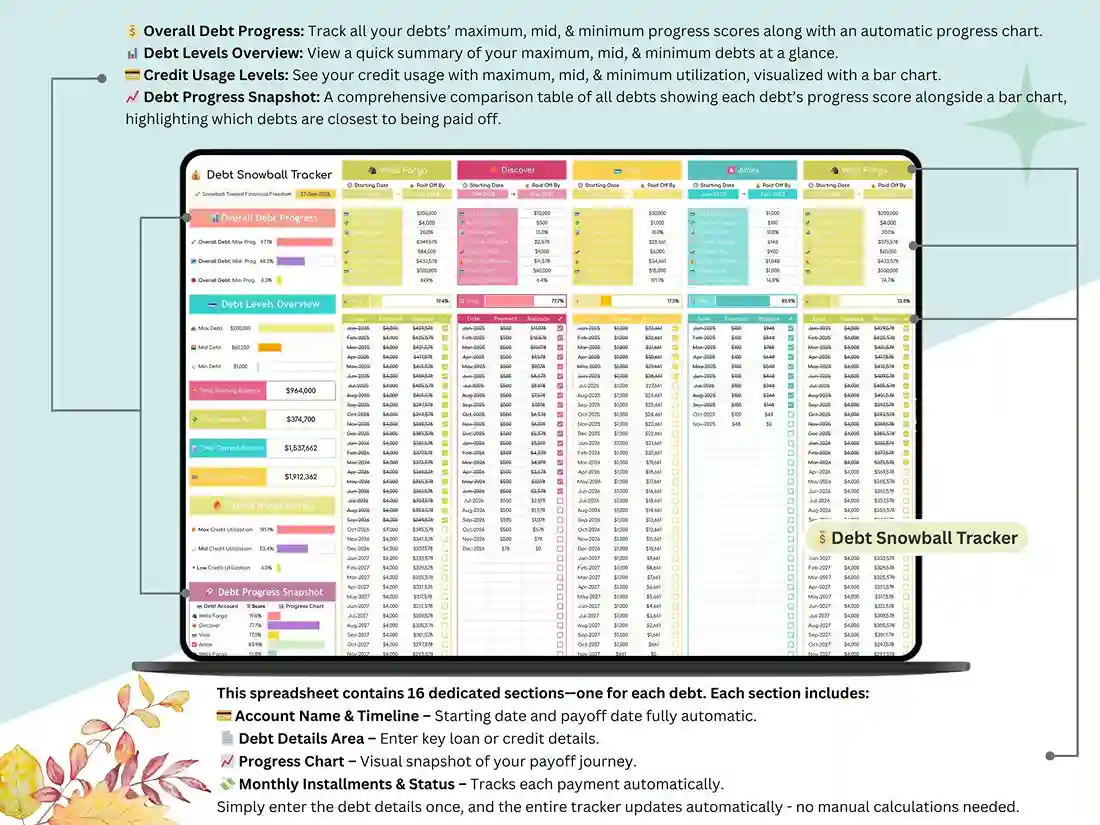
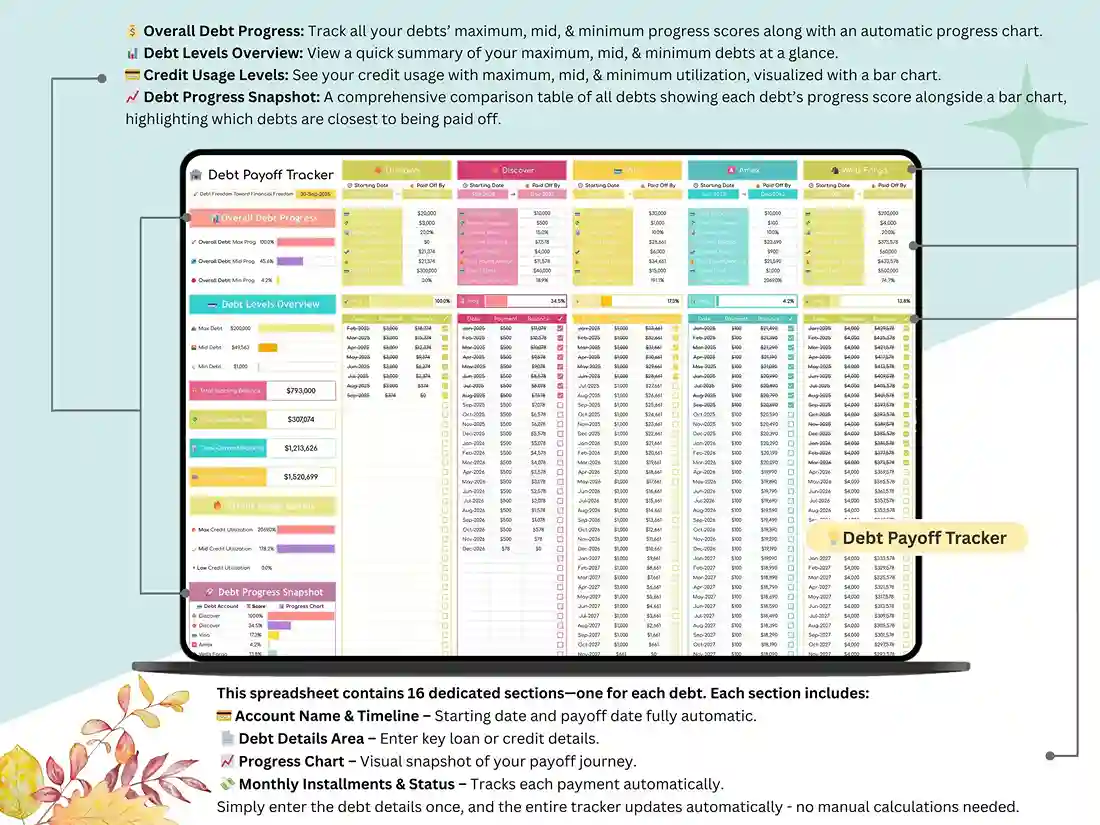
Debt Payoff Tracker – Google Sheets Debt Spreadsheet
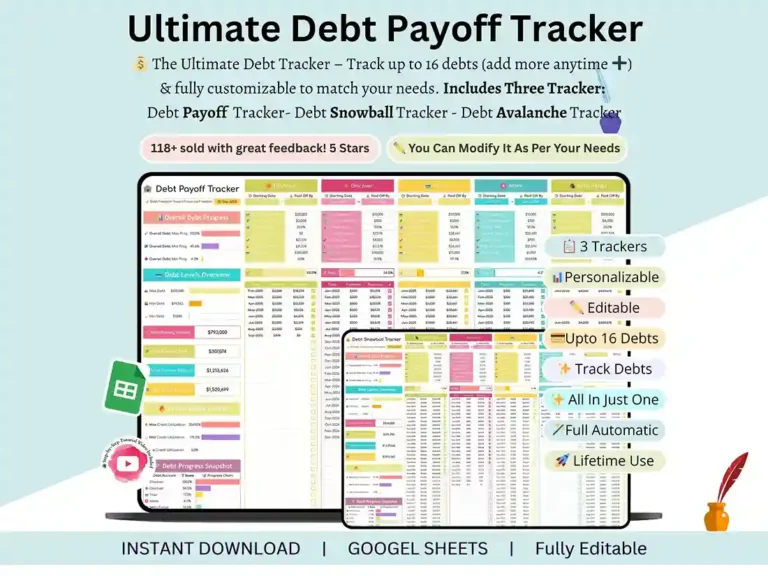
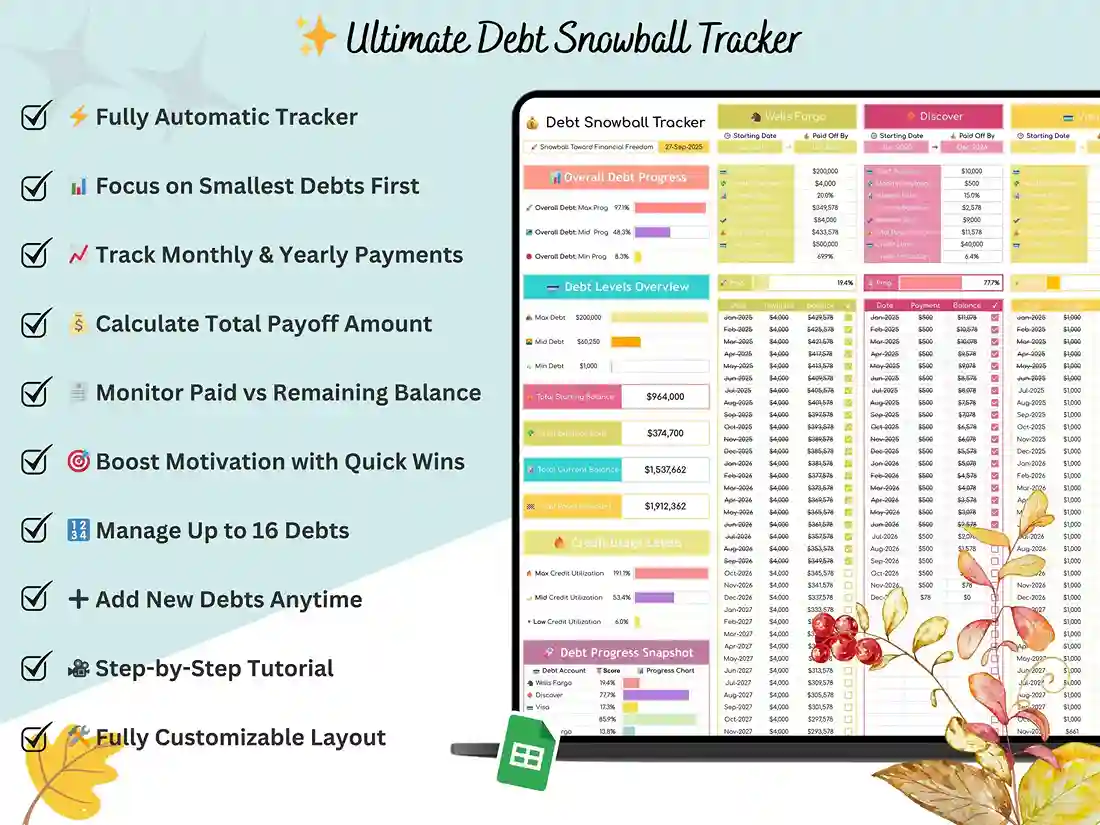
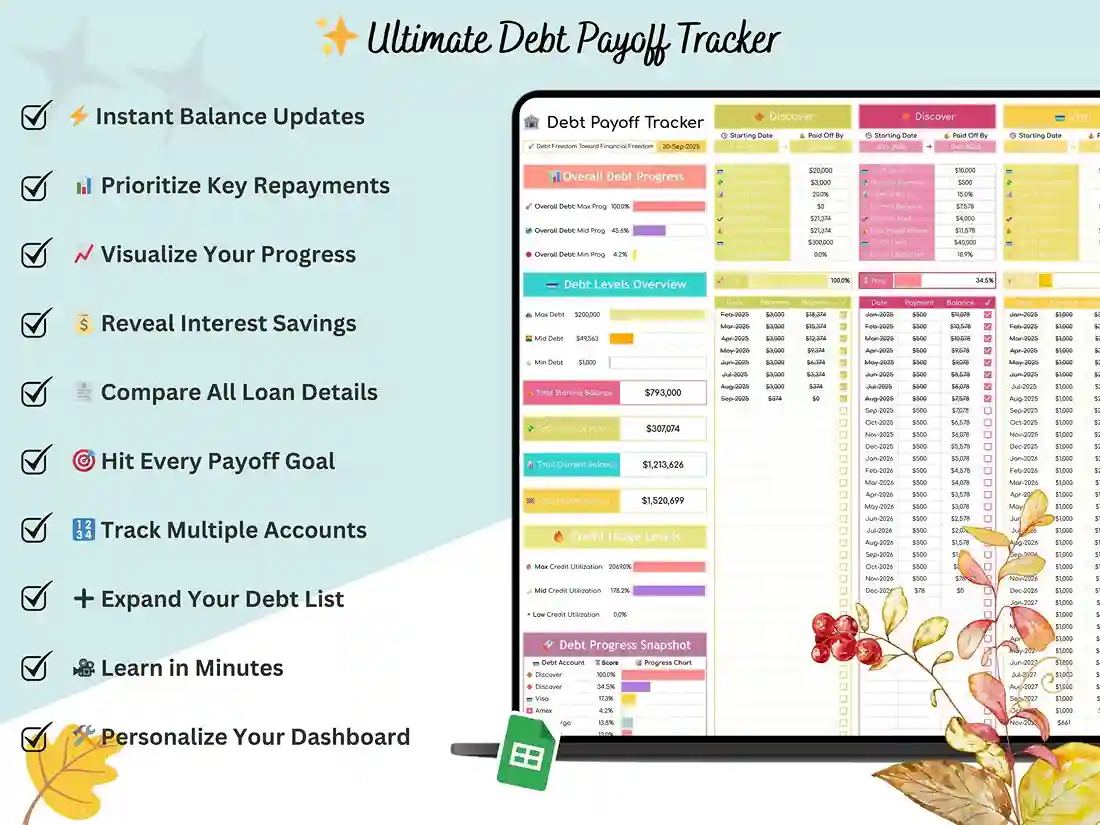
Owing money to five different places and checking five different apps to keep track of it all isn’t really a system — it’s just a headache waiting to happen. You forget a due date, you lose track of what’s left on the car loan, and suddenly you’re guessing instead of knowing. This debt payoff tracker fixes that by putting every balance, every due date, and every payment you make into one simple Google Sheets file, so you can open one tab and actually know where you stand instead of piecing it together from memory and five different logins.
No Spreadsheet Skills Required
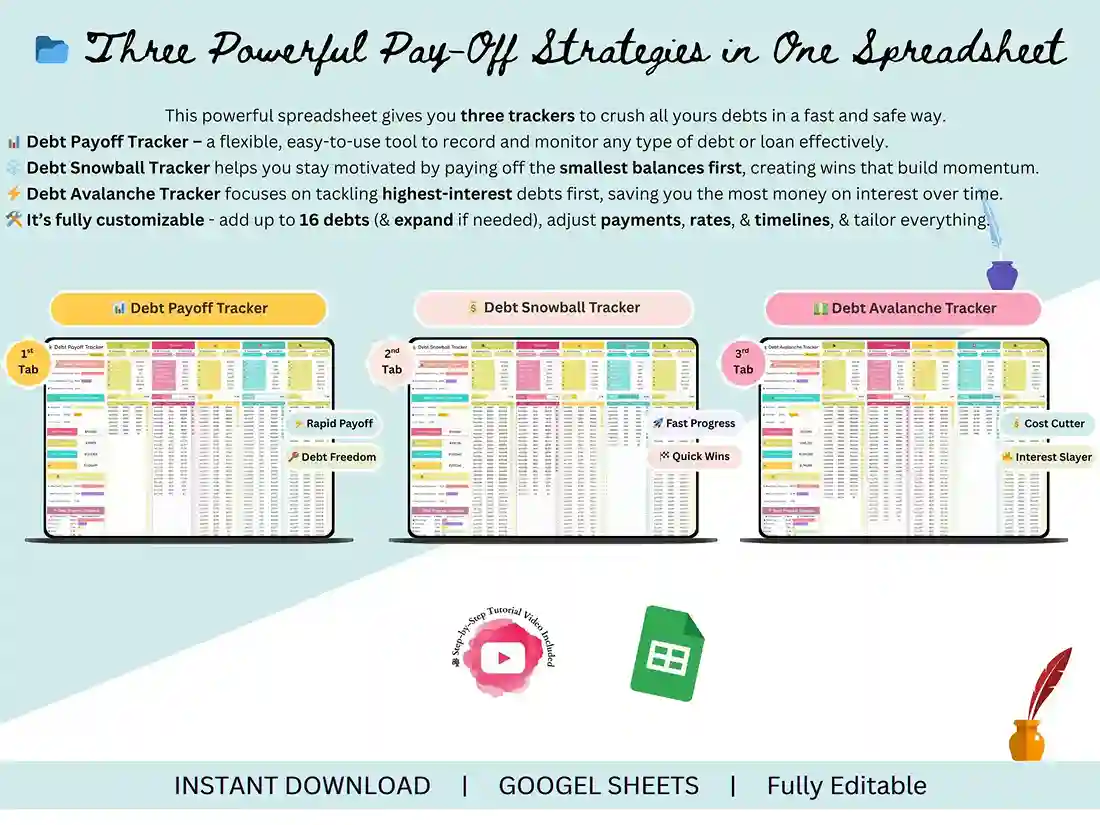
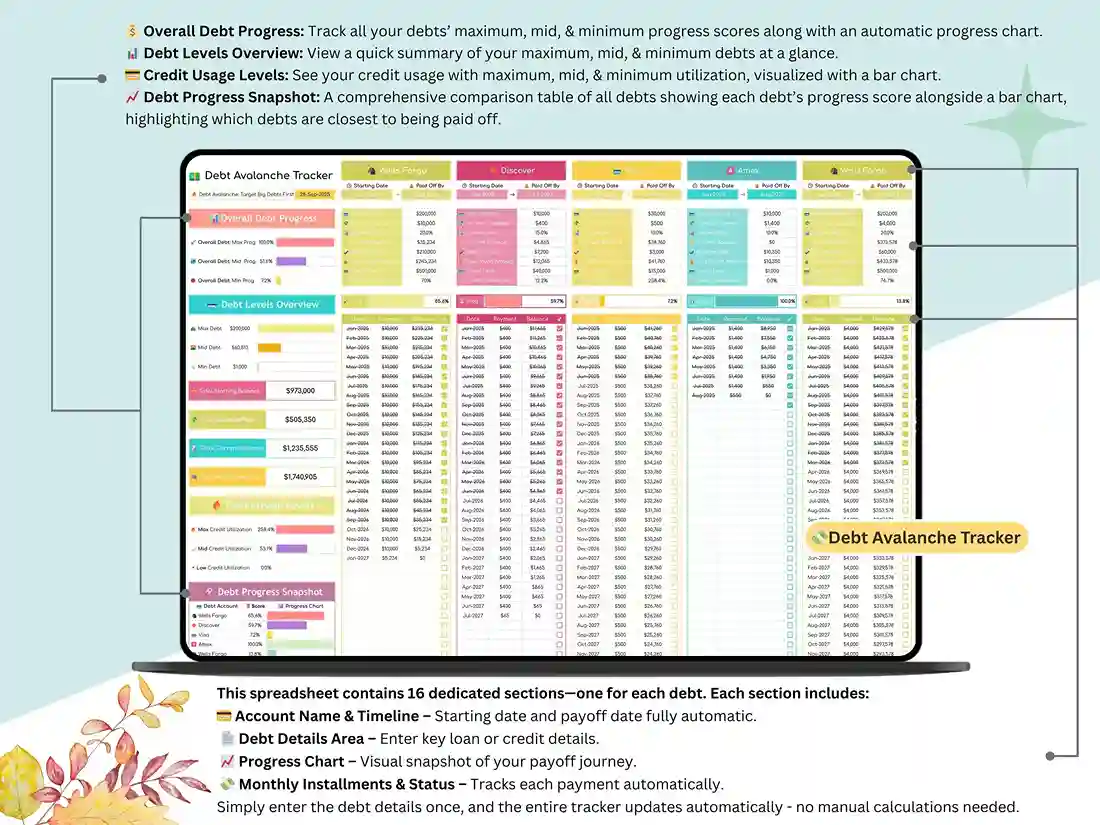
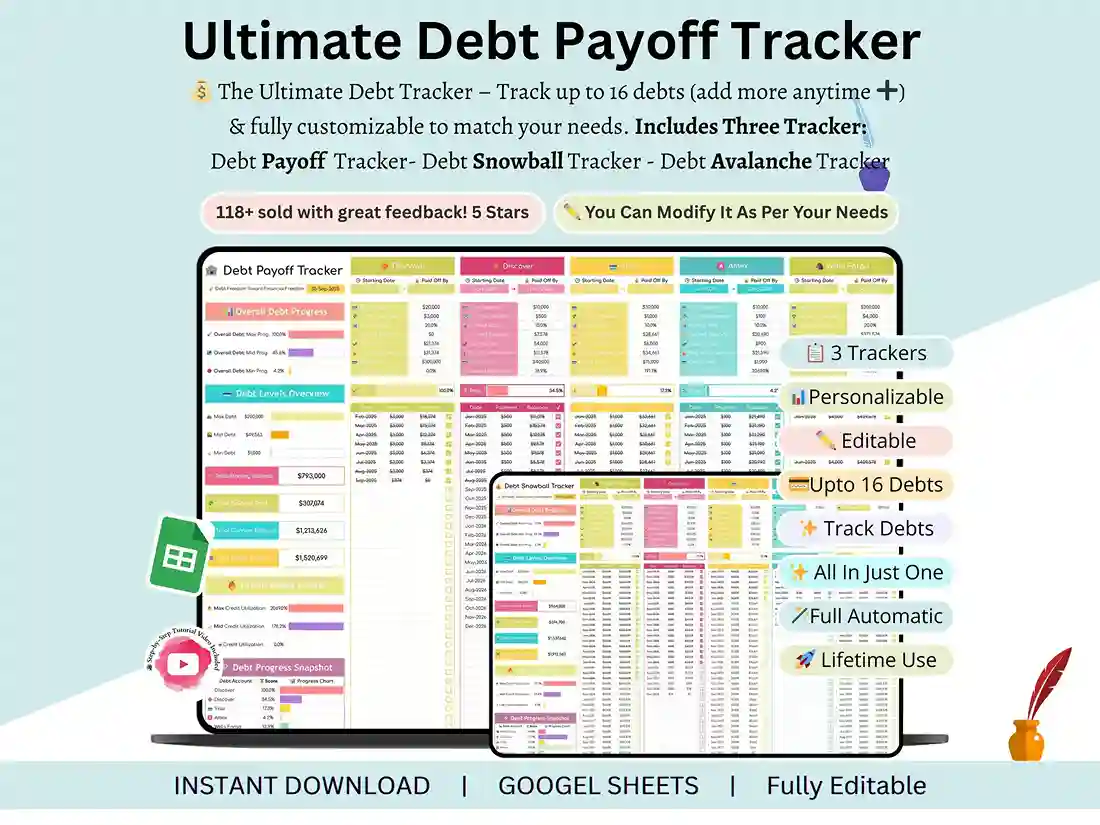
You genuinely don’t need to be a “spreadsheet person” to use this. There’s no formula-writing, no formatting headaches, none of that. You just type in what you owe, log each payment as you make it, and the sheet quietly does the math for you in the background — recalculating your remaining balance and updating your progress automatically every time you touch it. It doesn’t matter if it’s a credit card, a car loan, a personal loan, or student debt — it all lives together in the same debt tracker Google Sheets template, instead of being scattered across sticky notes, banking apps, and half-finished notes on your phone.
Watching the Number Go Down
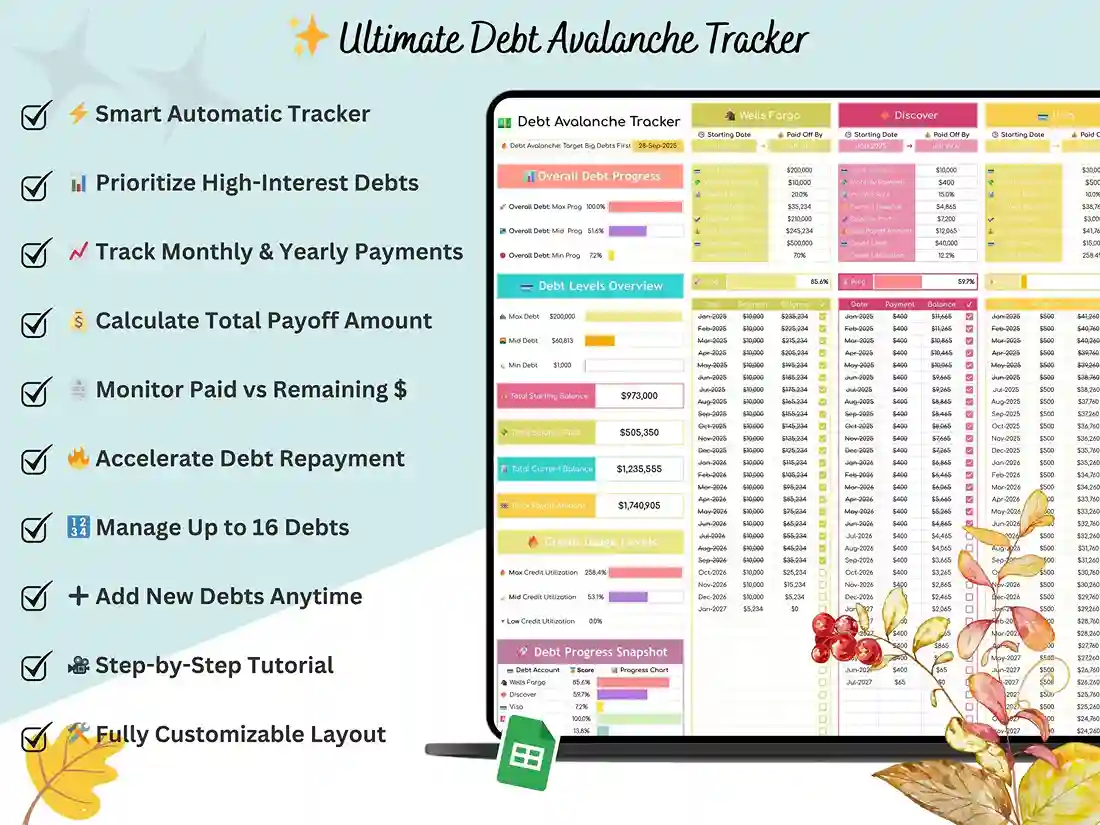
There’s honestly something a little addictive about watching a number go down. That’s the whole point of a good debt payoff spreadsheet, really — it takes the vague, heavy feeling of “I have debt” and turns it into something concrete: “I have a plan, and here’s proof it’s working.” Month after month, payment after payment, you get to see it happening in front of you instead of just hoping it’s happening somewhere in the background.
Built for People Who Gave Up on the Last Template
And if you’ve downloaded a debt payoff planner template before and gave up on it within a week because it felt like more spreadsheet than actual plan — more tabs, more clutter, more confusion — this one was built specifically to avoid that trap. It’s a clean layout, a setup that takes a few minutes, and a dashboard that tells you what actually matters at a glance, without making you dig through six tabs to find it. No Excel install needed, no macros to figure out — just a Google account and a little bit of your time.
FAQ
Do I need Excel to use this?
Nope — this runs entirely in Google Sheets. All you need is a free Google account, nothing else to install or buy.
How many debts can I track?
[Confirm actual limit before publishing — e.g. “up to 10 debts” or “unlimited rows.”]
Will it work on my phone?
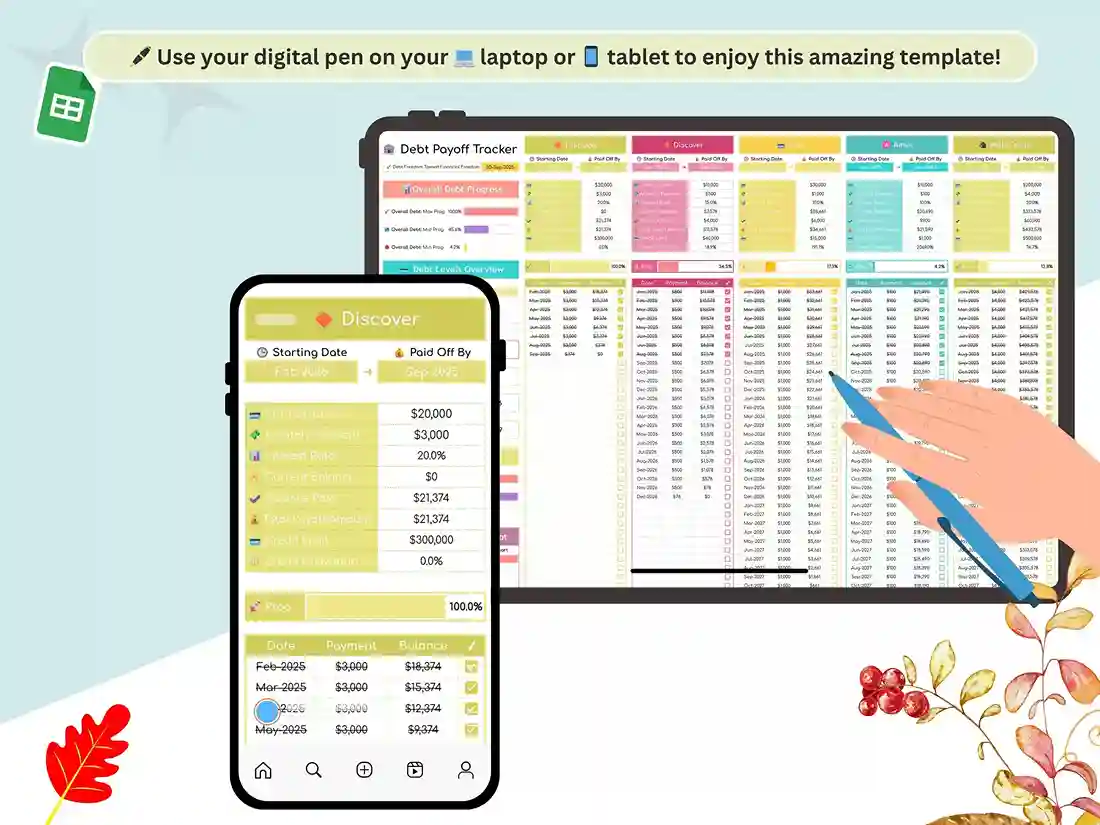
Yes — Google Sheets runs fine on any device, whether you’re using the app or just a browser.
Is this a one-time purchase?
Yes, it is a one-time payment, and you get lifetime access to the file.
Reviews
There are no reviews yet.