
Description
Digital Budget Planner & Net Worth Tracker (Google Sheets + Excel)
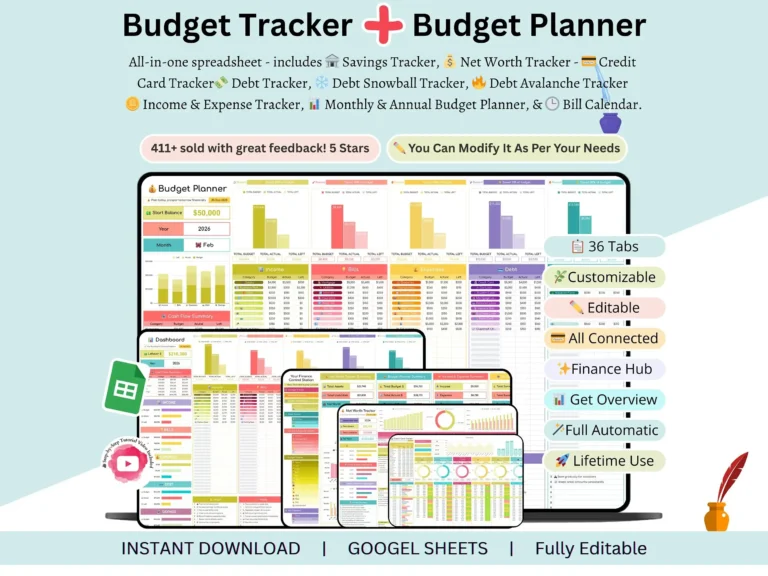
A digital budget planner that actually tracks your whole financial picture — budget, bills, savings, debt, and net worth — in one spreadsheet.
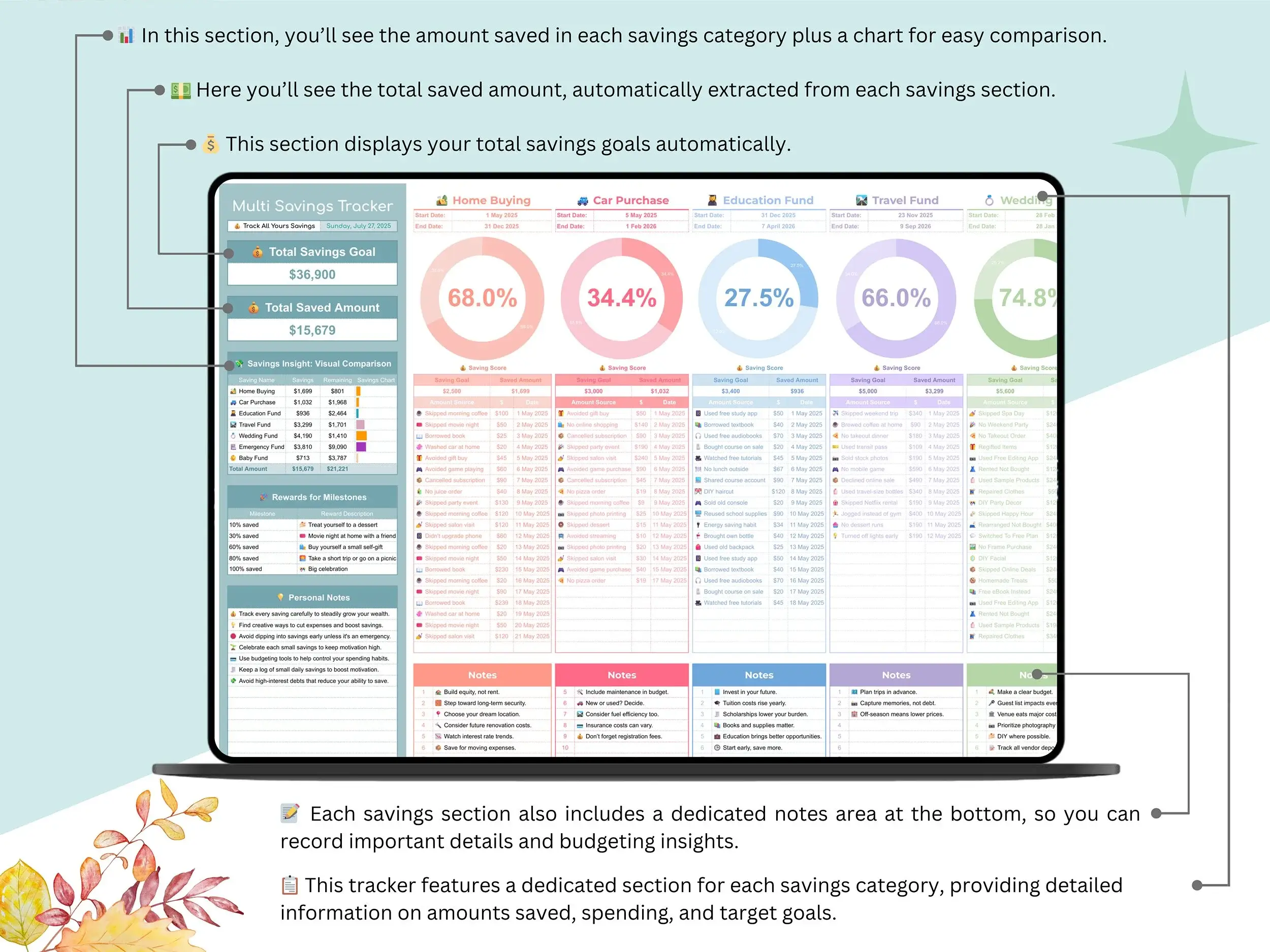
Most budget templates only do one thing. You track spending in one sheet, your net worth in a different app, your bills on a sticky note. This one ties it together: enter your numbers once, and your monthly budget, savings goals, debt payoff, and net worth calculator all update automatically from a single Finance Control Station dashboard.
It’s built natively in Google Sheets, so there’s nothing to install and no subscription. If you’d rather work offline, it opens in Excel too.
What’s actually inside
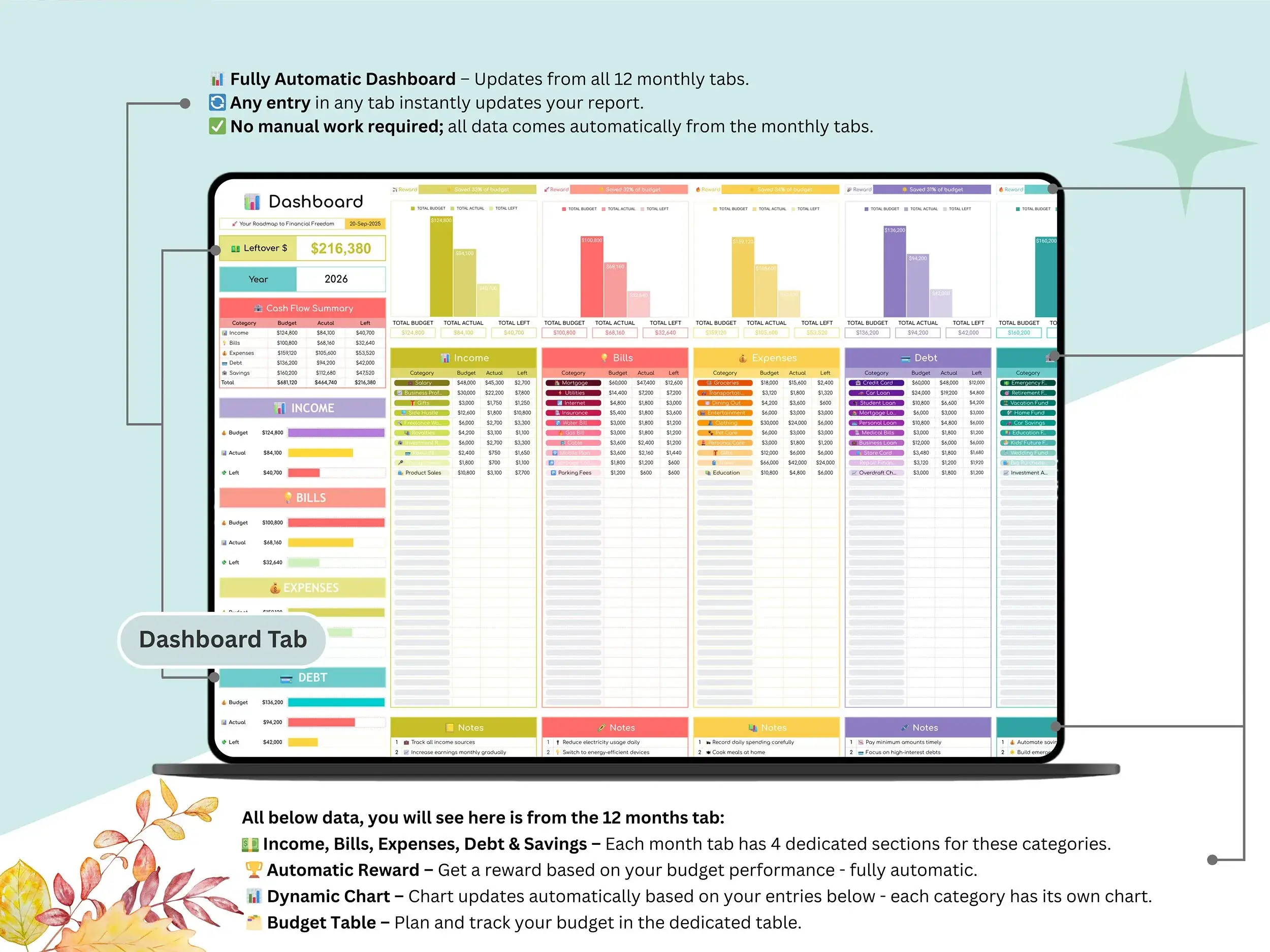
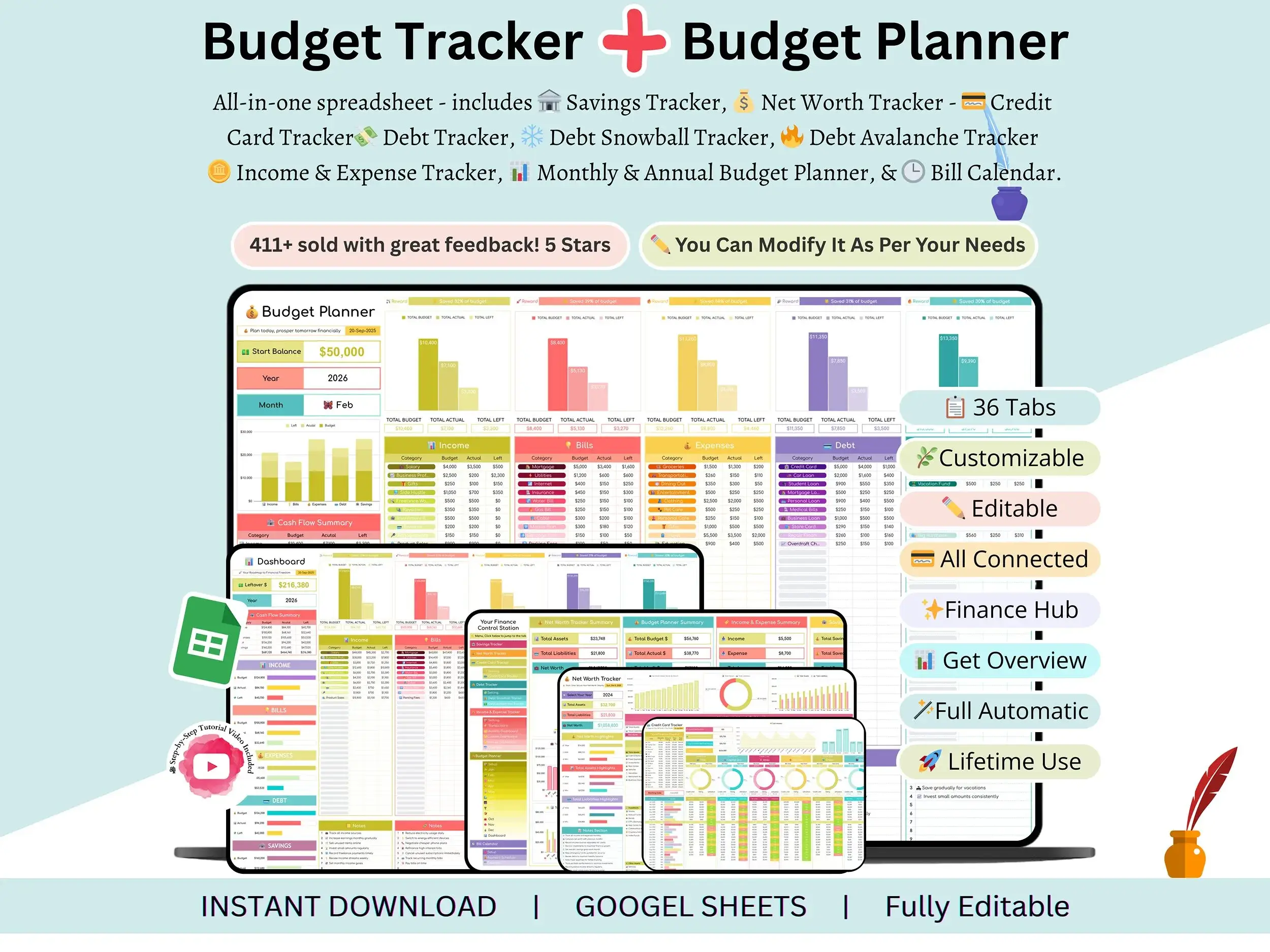
Finance Control Station — the main dashboard. It pulls numbers from every other tab so you can see your full financial position at a glance, without flipping between sheets.
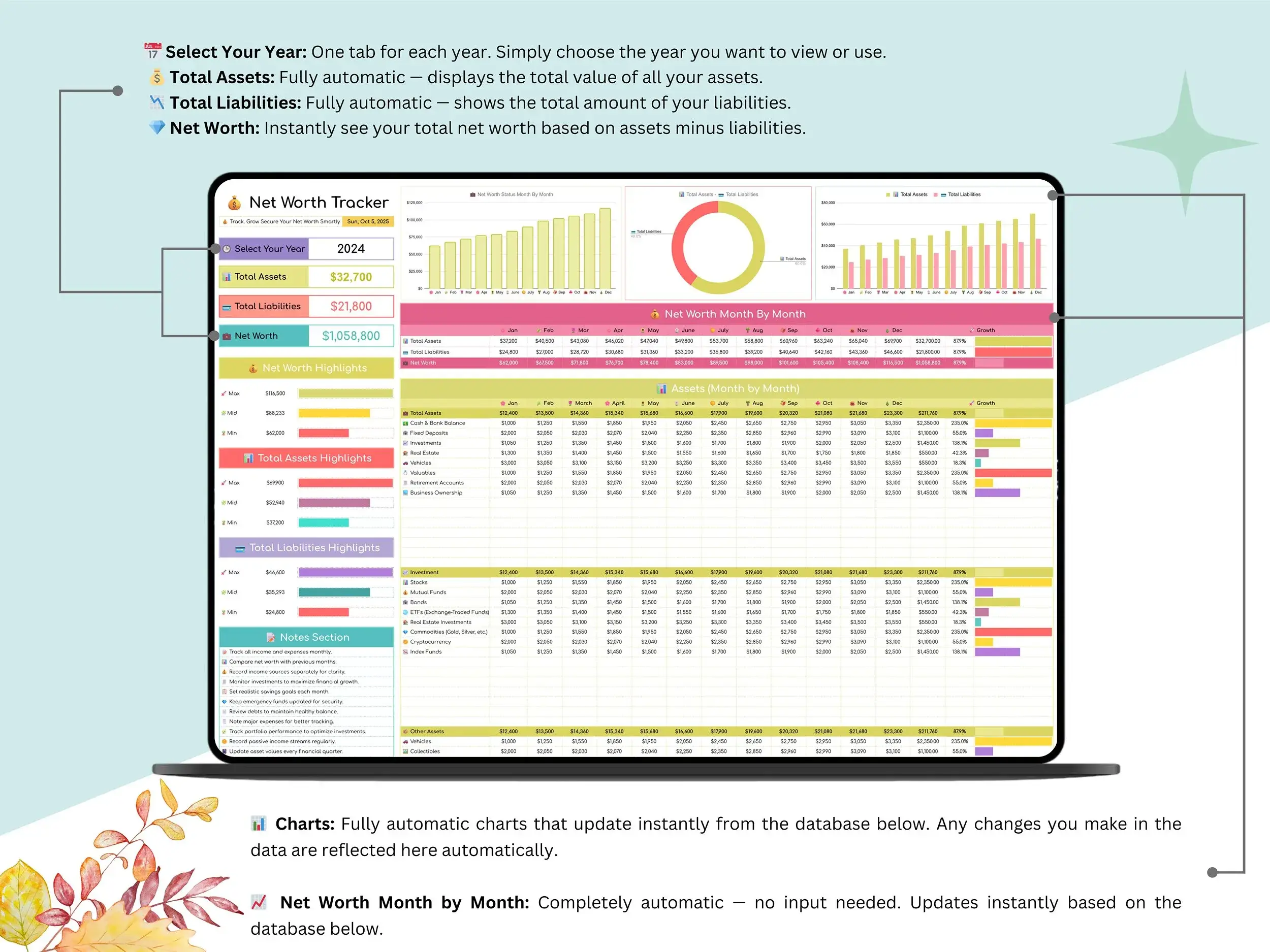
Net Worth Tracker — a proper net worth tracking spreadsheet. Log your assets and liabilities and it calculates the difference automatically, with a chart that shows the trend over time. This is the tab most people end up using every single month, because watching the line move is honestly the most motivating part of the whole thing.
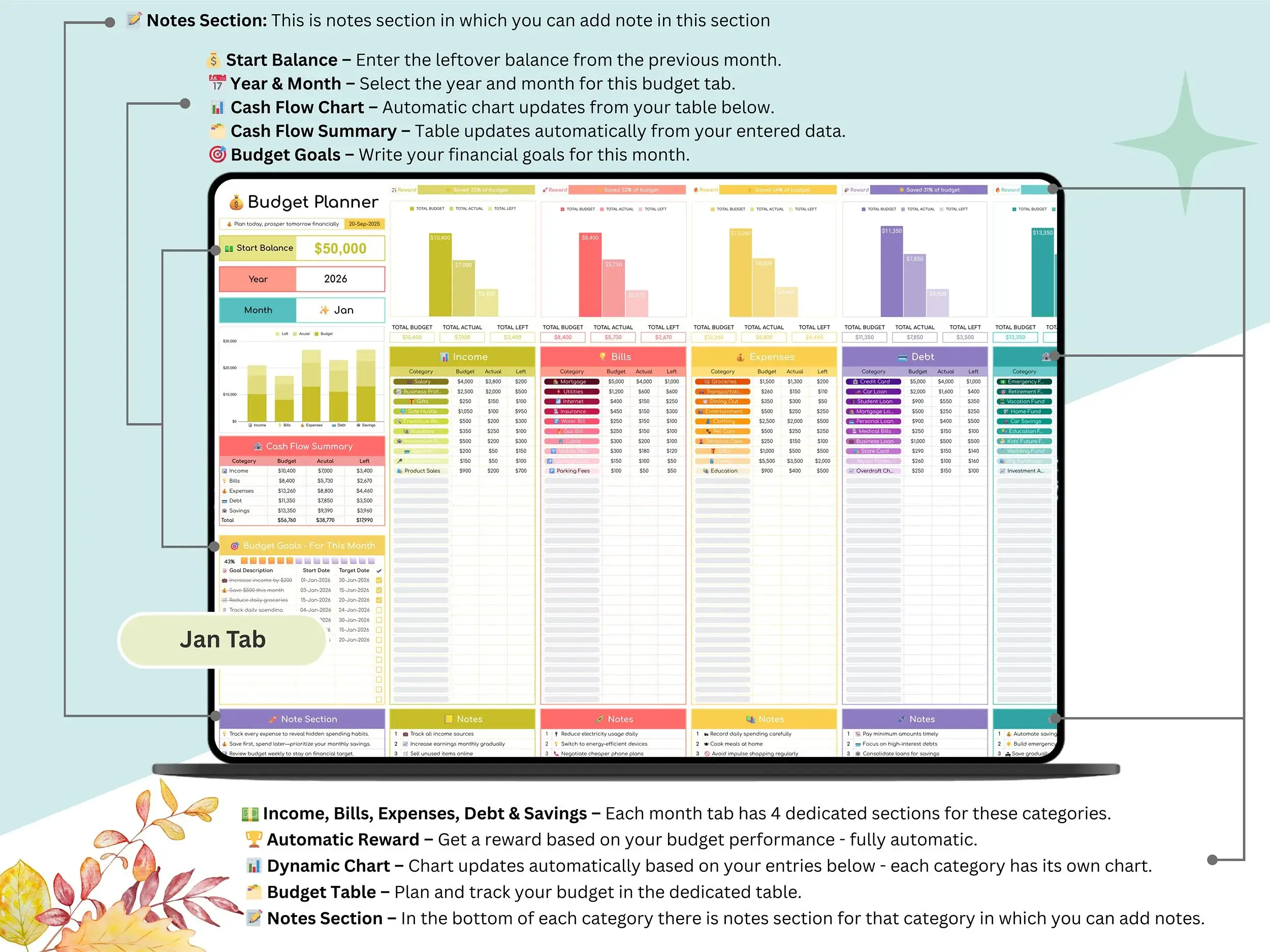
Budget Planner — twelve monthly tabs (Jan–Dec) plus a yearly dashboard, so you can plan a month at a time or zoom out and see the whole year. Set what you planned to spend against what you actually spent, category by category.
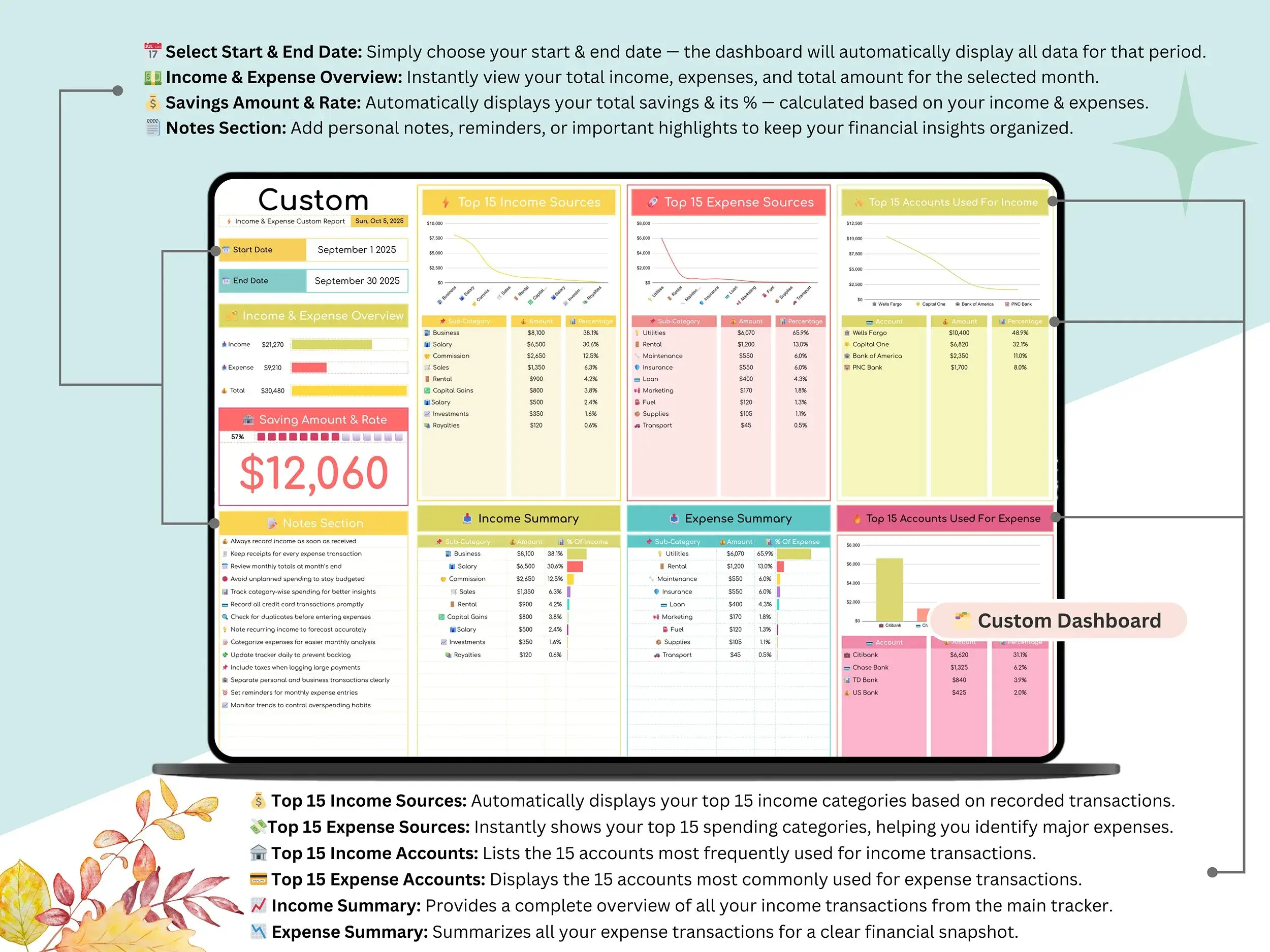
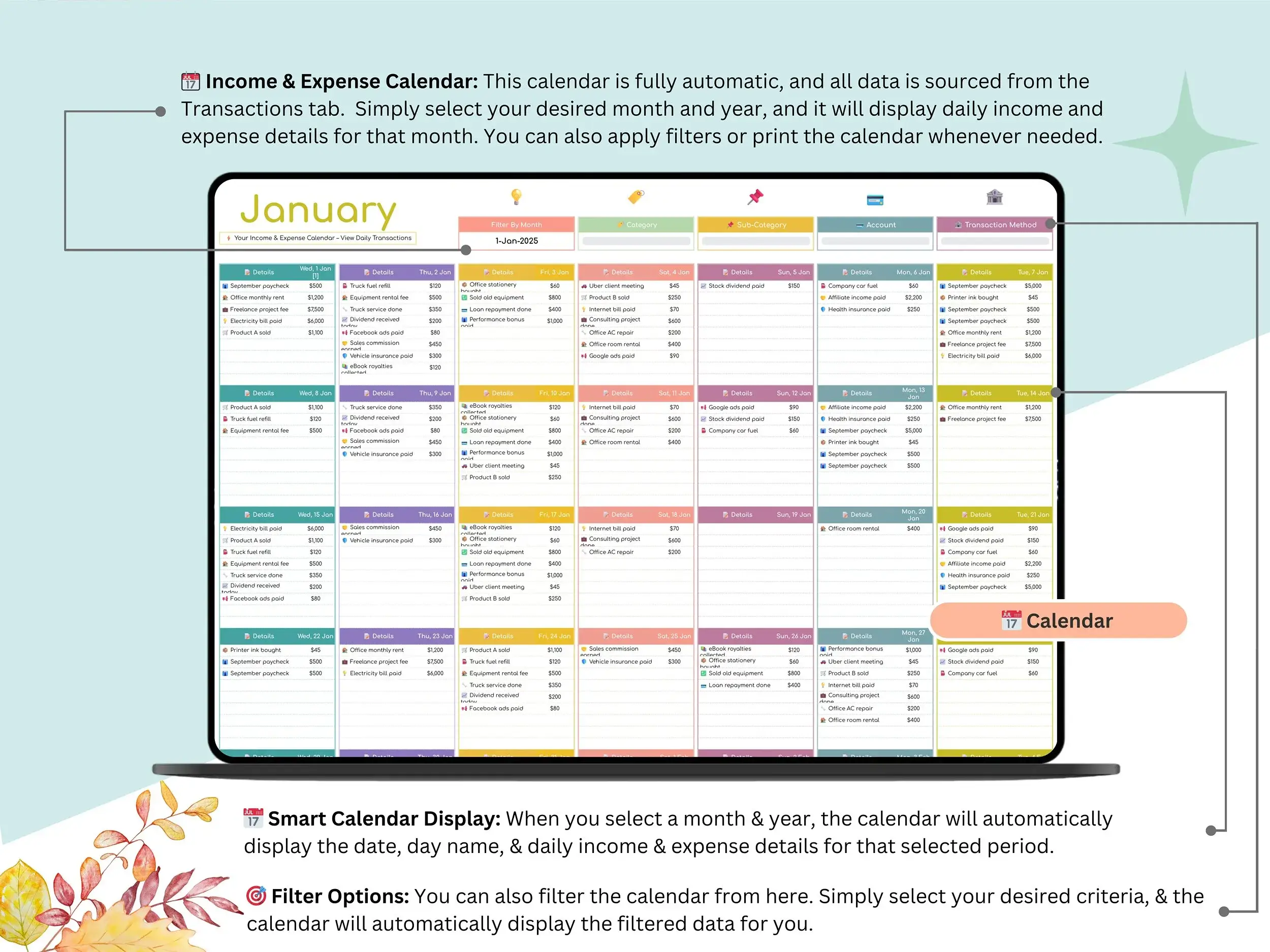
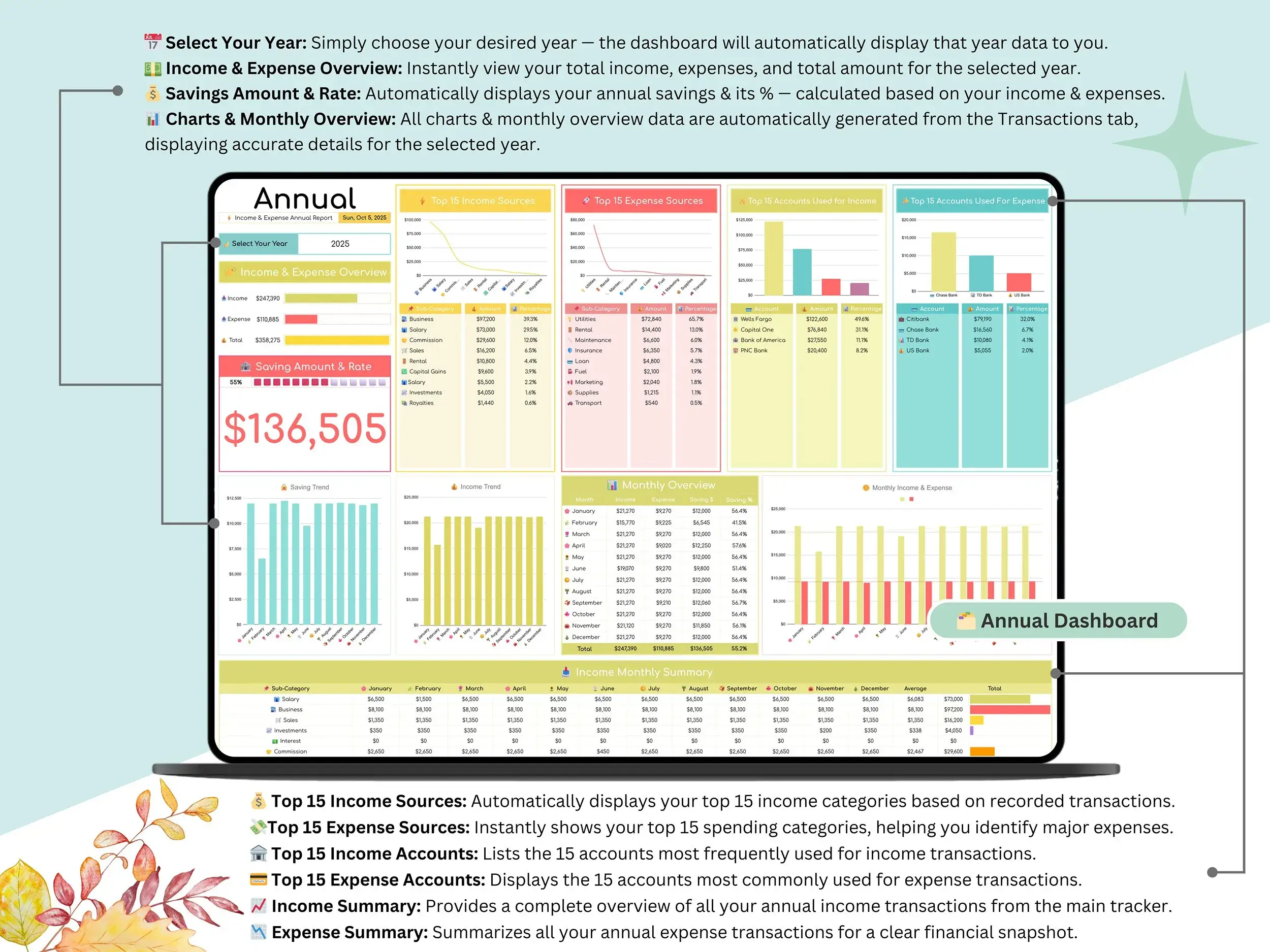
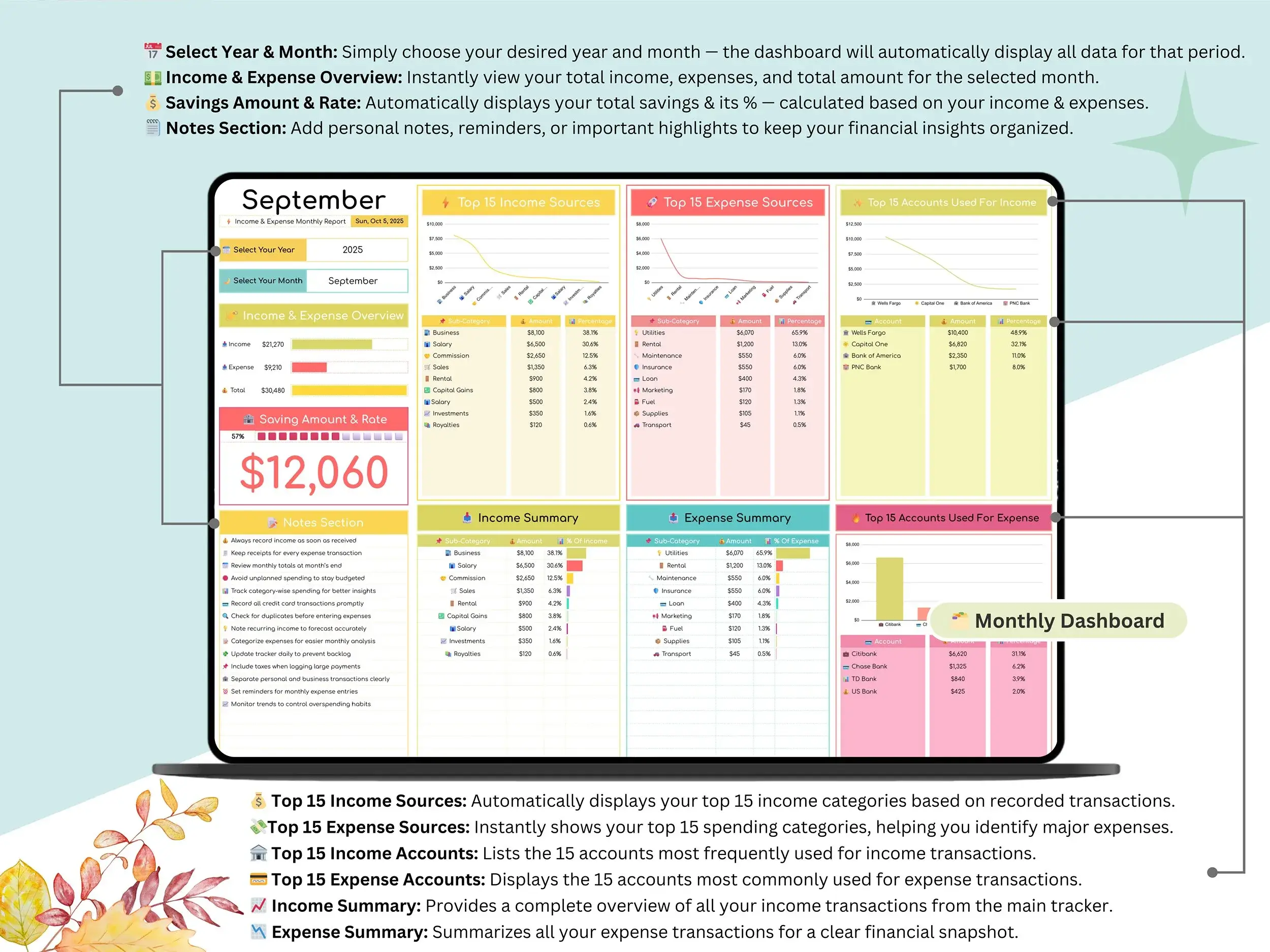
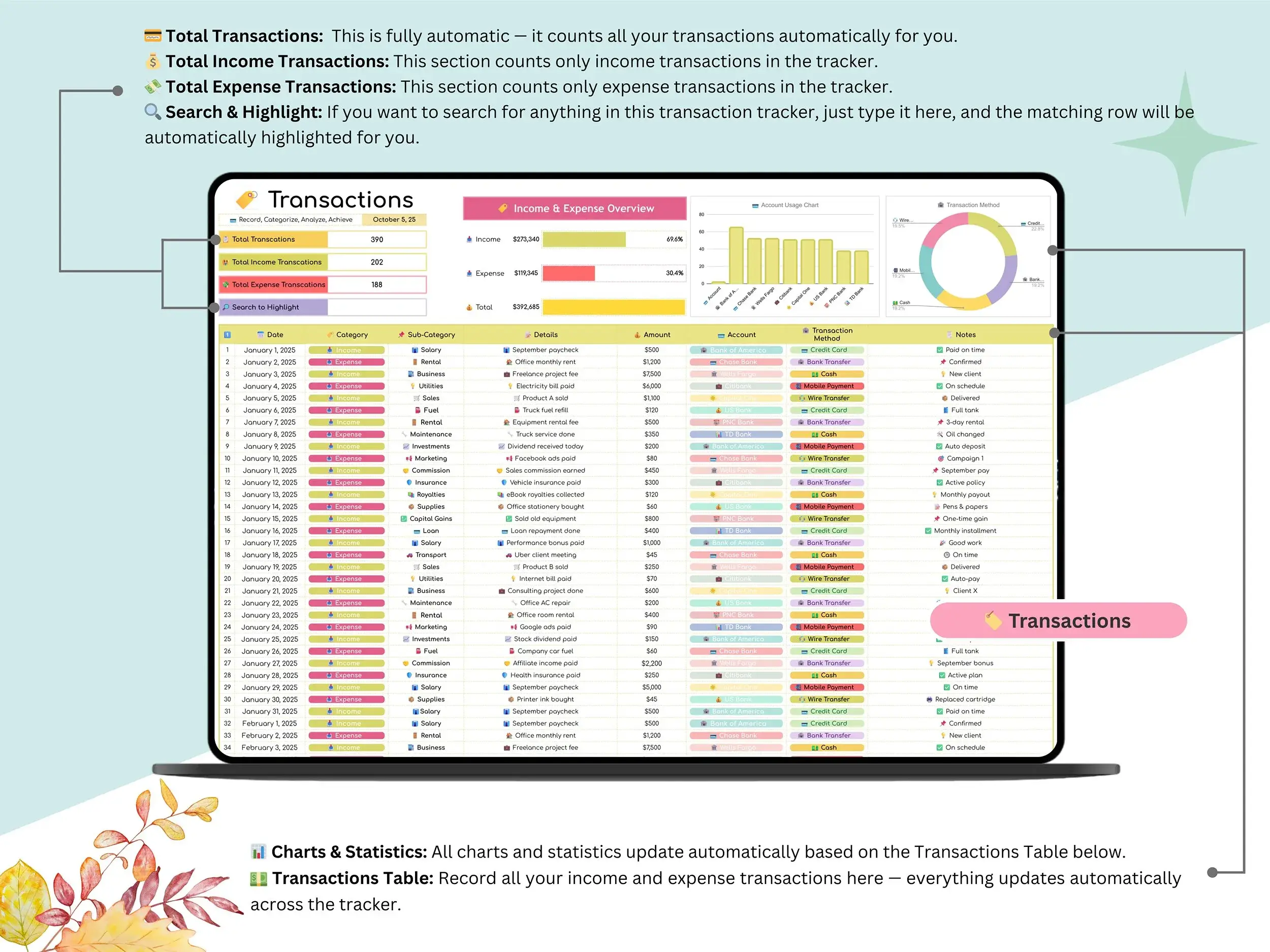
Income & Expense Tracker — a transaction log with monthly and annual dashboards. There’s also a calendar view if you like seeing your spending laid out day by day rather than as a list.
Bill Calendar — every recurring bill and subscription in one place, with due-date reminders so nothing sneaks up on you at the end of the month.
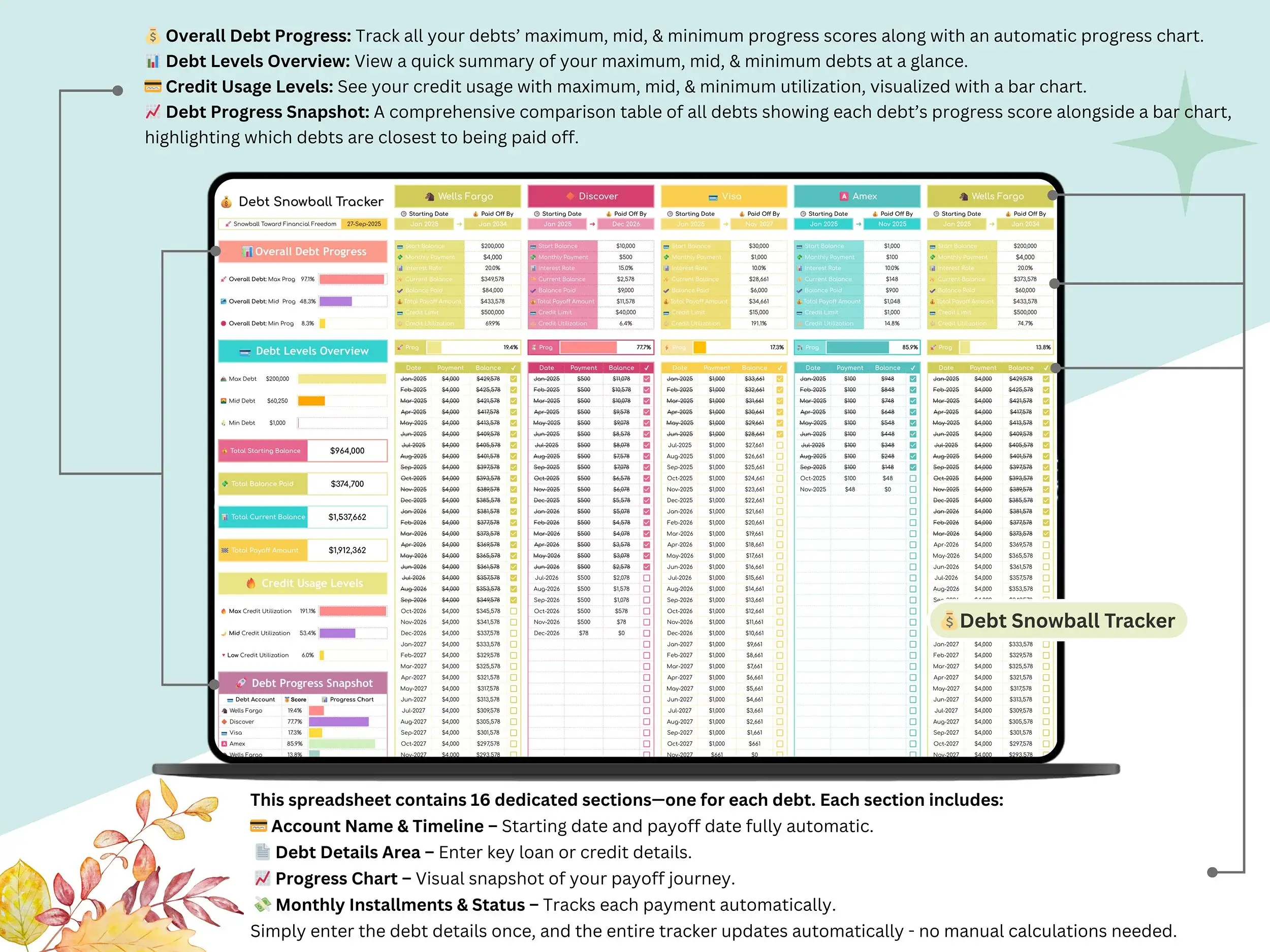
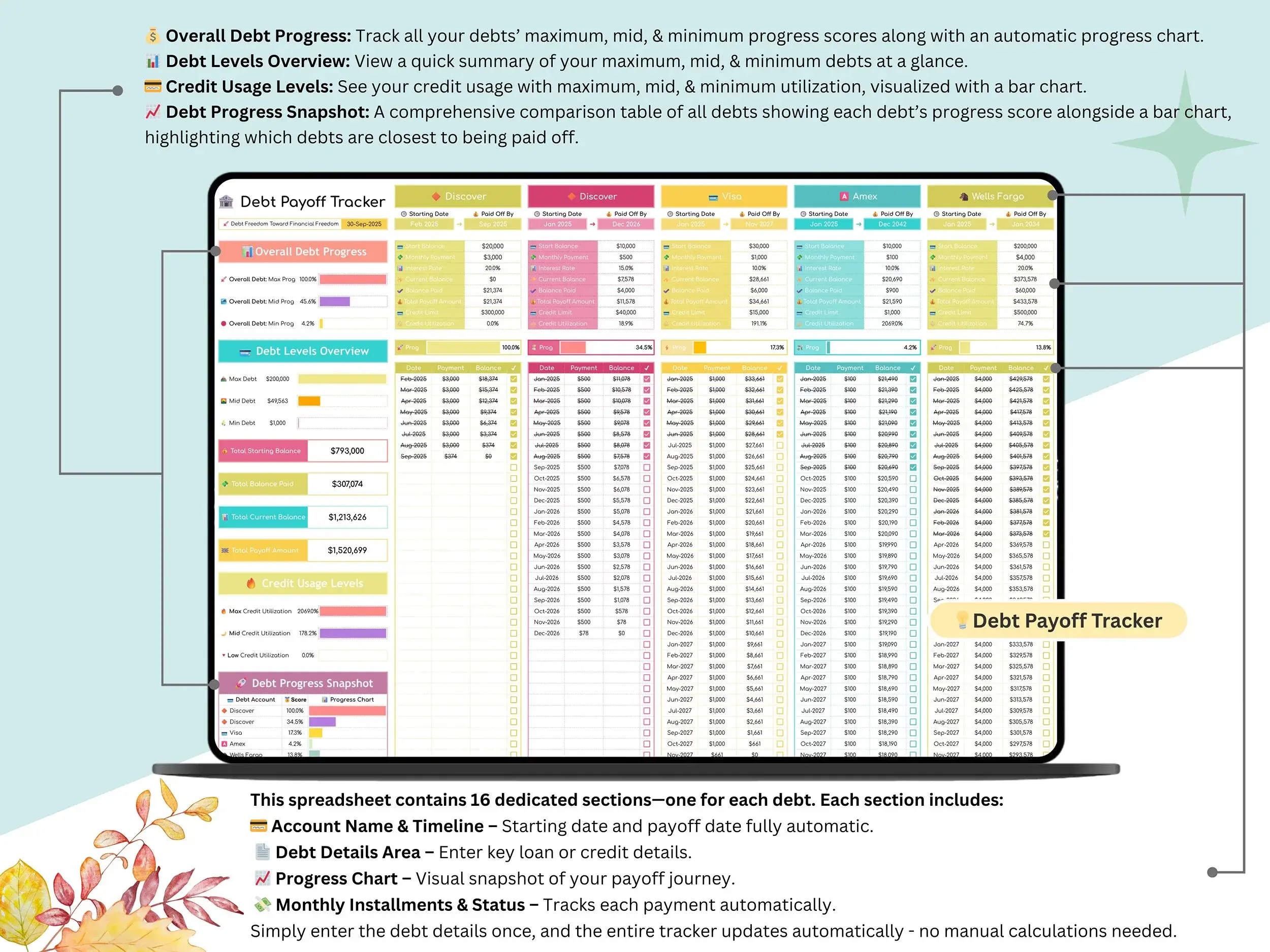
Debt Tracker — set up your loans and balances once, then choose snowball (smallest balance first) or avalanche (highest interest first). Both show your projected payoff date and how much interest you’re saving.
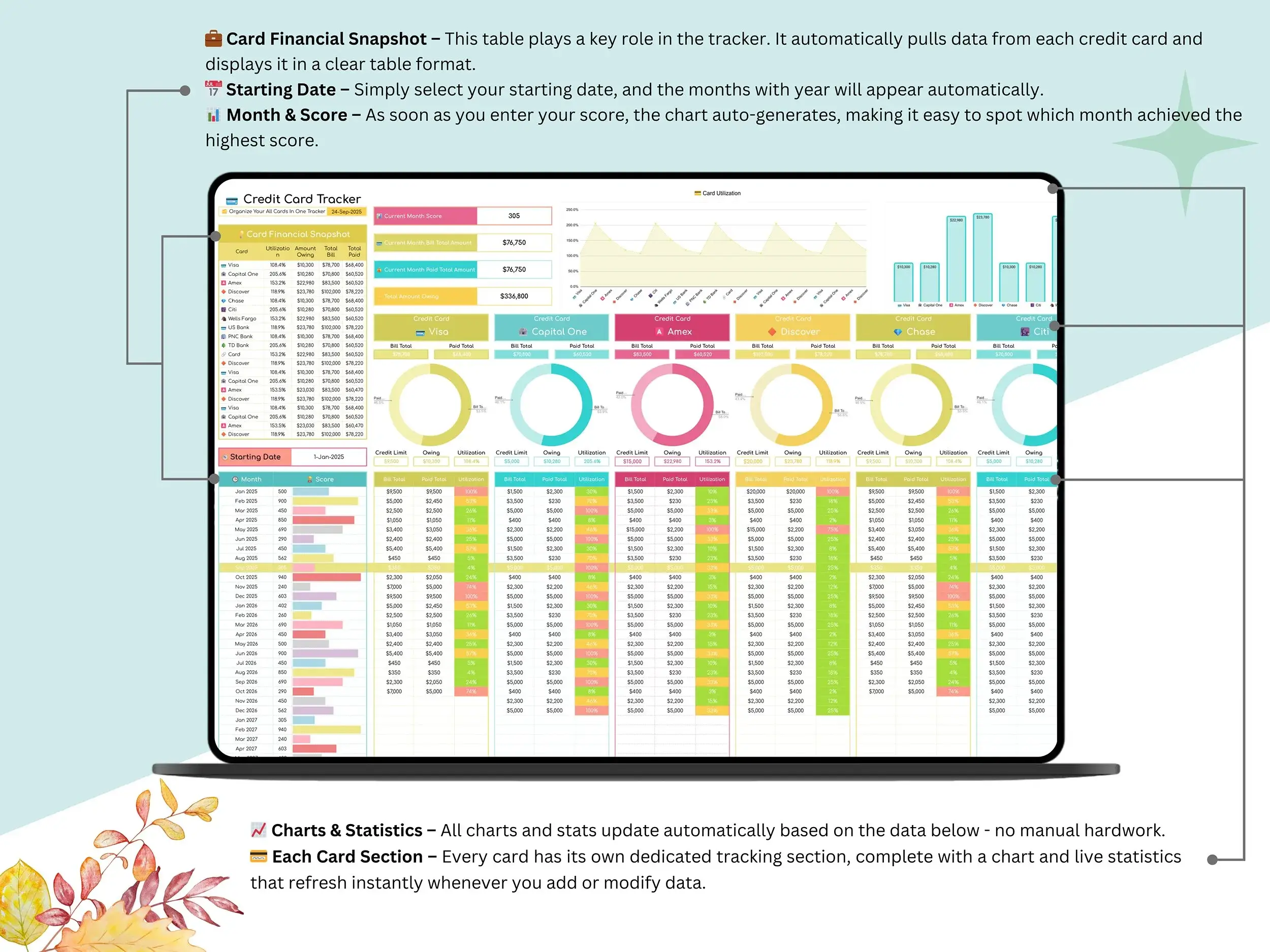
Credit Card Tracker — balances, limits, and due dates for every card, with a payment summary so you know at a glance what’s owed and what’s already paid.
Why it’s more than a spreadsheet template
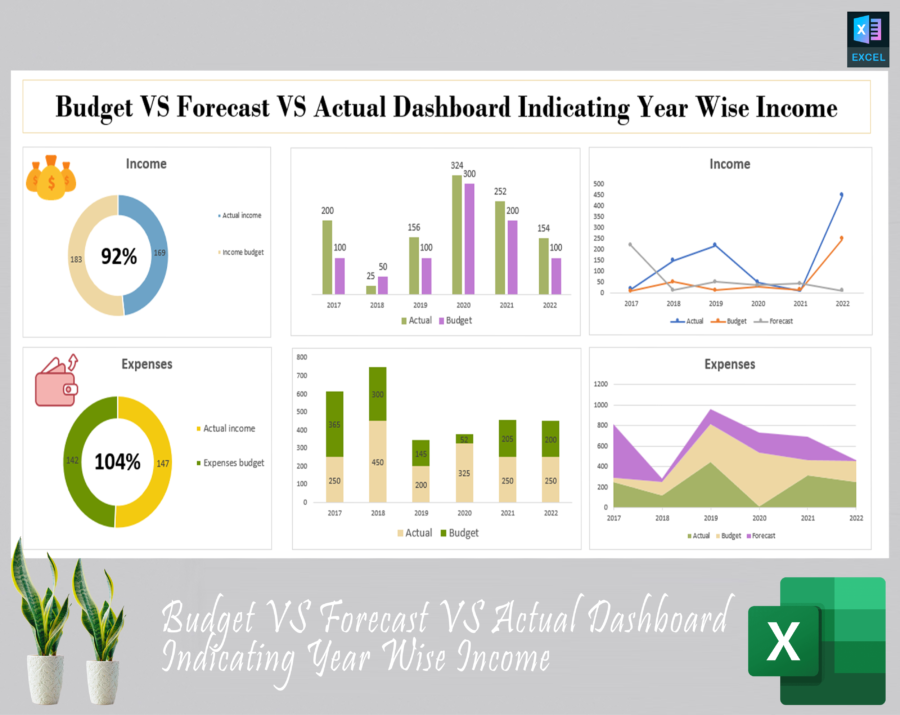
A lot of budget spreadsheets are static — you fill in numbers and that’s it. This one is closer to a financial dashboard: 36 connected tabs feeding into one dashboard, with charts and progress bars that update as you go. No formulas to fix, no manual totals.
To be upfront about what it isn’t: it doesn’t sync to your bank automatically. You enter balances yourself, the same as you would with any Google Sheets or Excel template. Some people prefer that — typing in the numbers is part of what makes you actually pay attention to them — but if you specifically want auto-syncing, this isn’t that tool.
Who it’s for
- Individuals or couples who want one place for budgeting and net worth tracking, instead of juggling two or three apps
- Freelancers who need to see income and expenses clearly without hiring an accountant to explain it
- Anyone working through debt payoff who wants to see the payoff date change as they make progress
- Families managing a shared household budget
- Excel users who want a personal finance spreadsheet without giving up their spreadsheet of choice
What you get
- Instant download link after purchase
- A short setup video (5 minutes) — see it here: Watch the walkthrough
- Lifetime access, no recurring fees, works on desktop, tablet, or phone
- Compatible with the free version of Google Sheets — no paid add-ons required
FAQ
What is a digital budget planner? It’s a spreadsheet that replaces the notebook-and-calculator approach to budgeting. Instead of tracking income, bills, and spending by hand, the formulas do it for you, and you can see everything from one dashboard.
Can I use this on Excel or Google Sheets? Both. It’s built for Google Sheets, and works the same way as an Excel budget spreadsheet if you’d rather keep everything offline.
Do I need to know Excel formulas to use it? No. Everything is pre-built. You enter your numbers, and the totals, charts, and net worth calculator update on their own.
Is this good for beginners? Yes — if you’ve never made a budget before, the monthly tabs and setup guide walk you through it step by step. If you’ve been budgeting for years, the debt payoff tools and net worth tracker give you more to work with.
How does this help me actually save money? Mostly by making your spending visible. Once you can see where the money’s actually going — not where you assumed it was going — it gets a lot easier to cut the stuff that isn’t worth it and put that toward savings or debt instead.
Reviews
There are no reviews yet.