
Description
Digital Budget Planner – Automatic Google Sheets Template
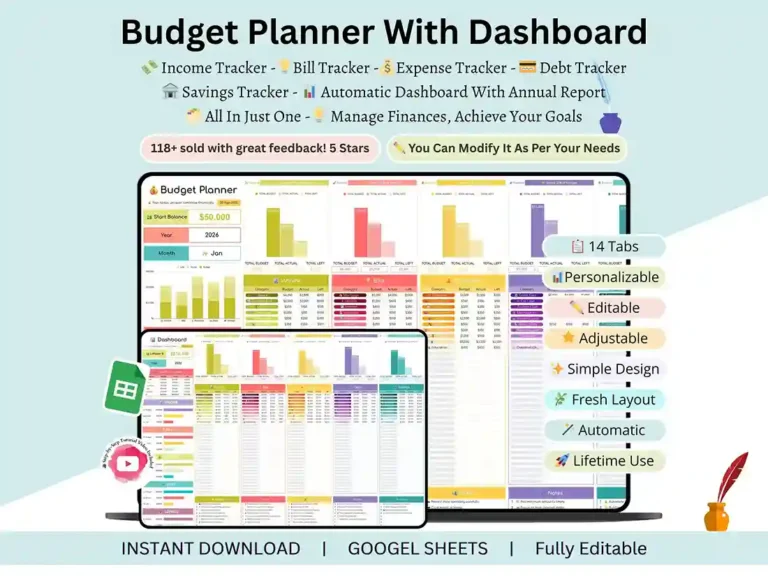
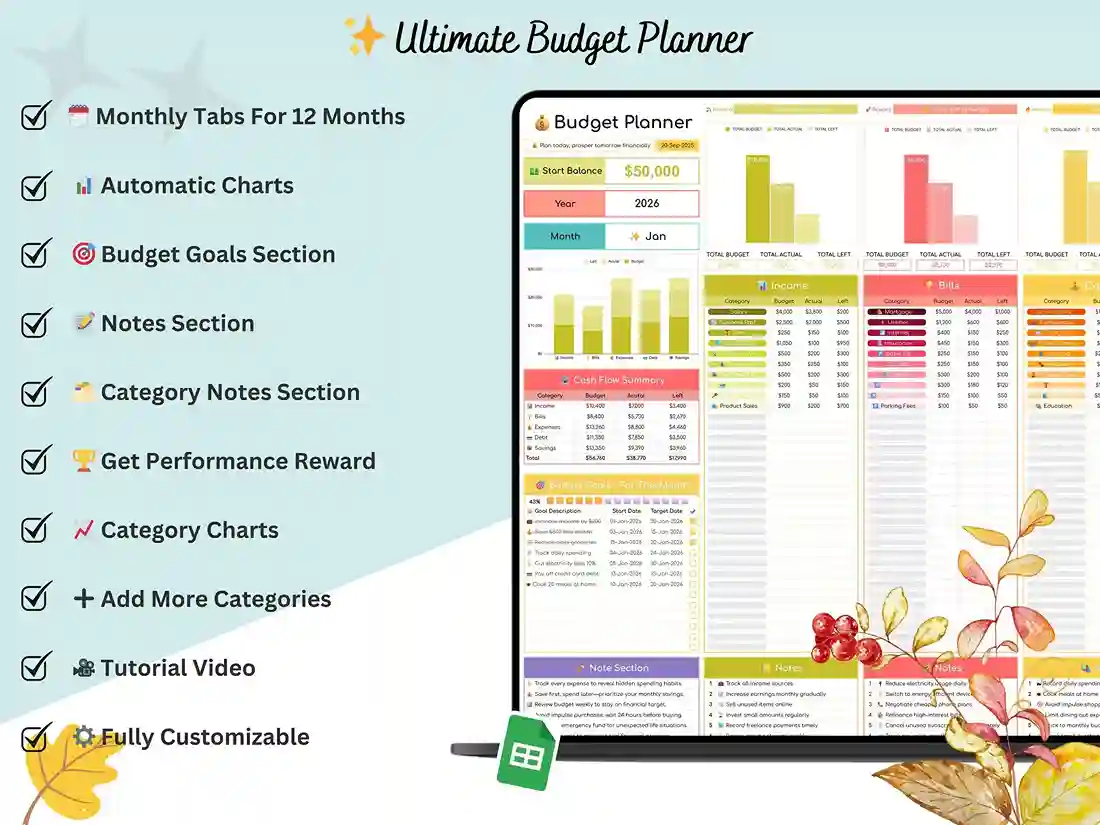
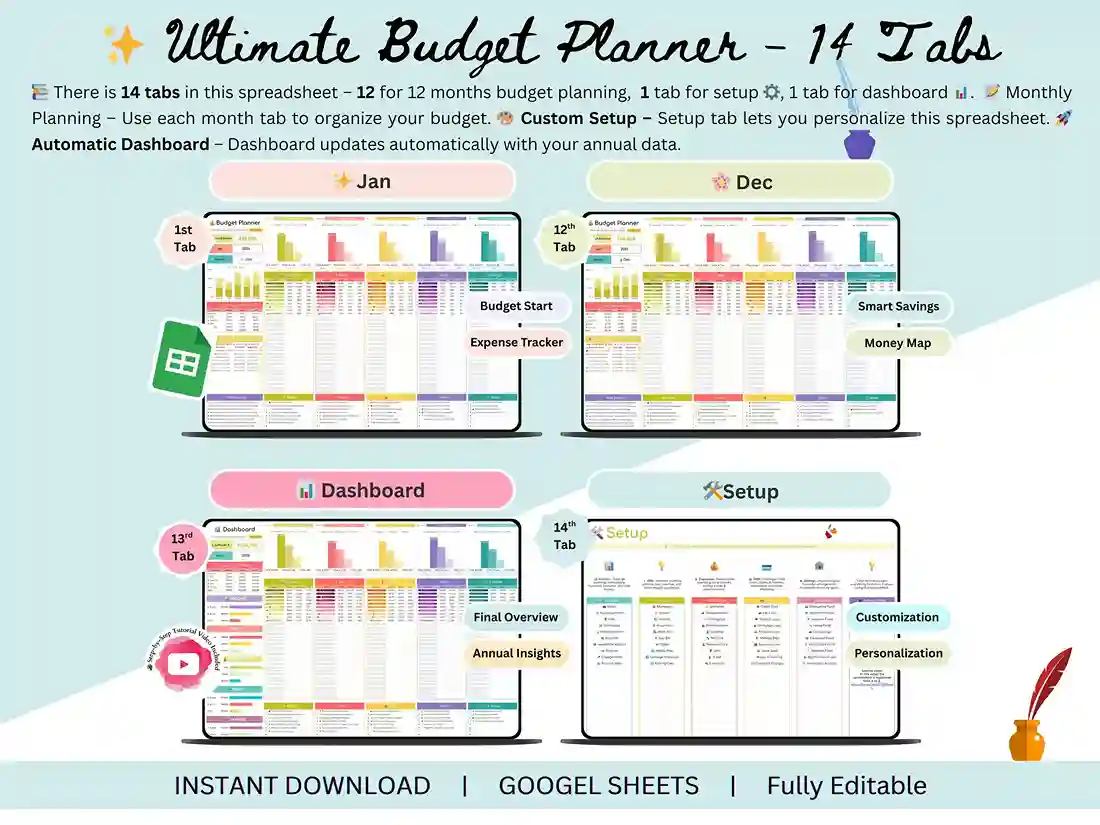
Ever open your bank app, stare at the number, and still have no idea where it all went? That’s the problem this digital budget planner is built to fix. It’s a fully automatic Google Sheets file — twelve months of budgeting, built right in, so you’re not rebuilding a spreadsheet every January.
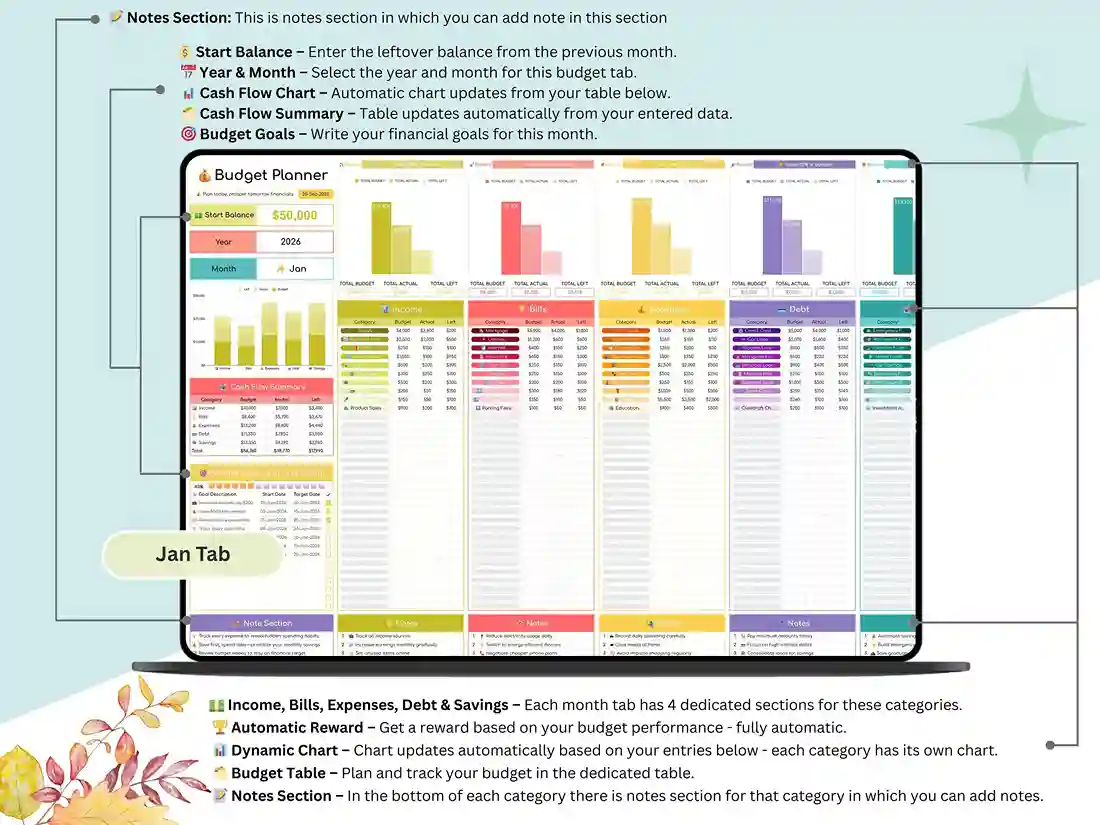
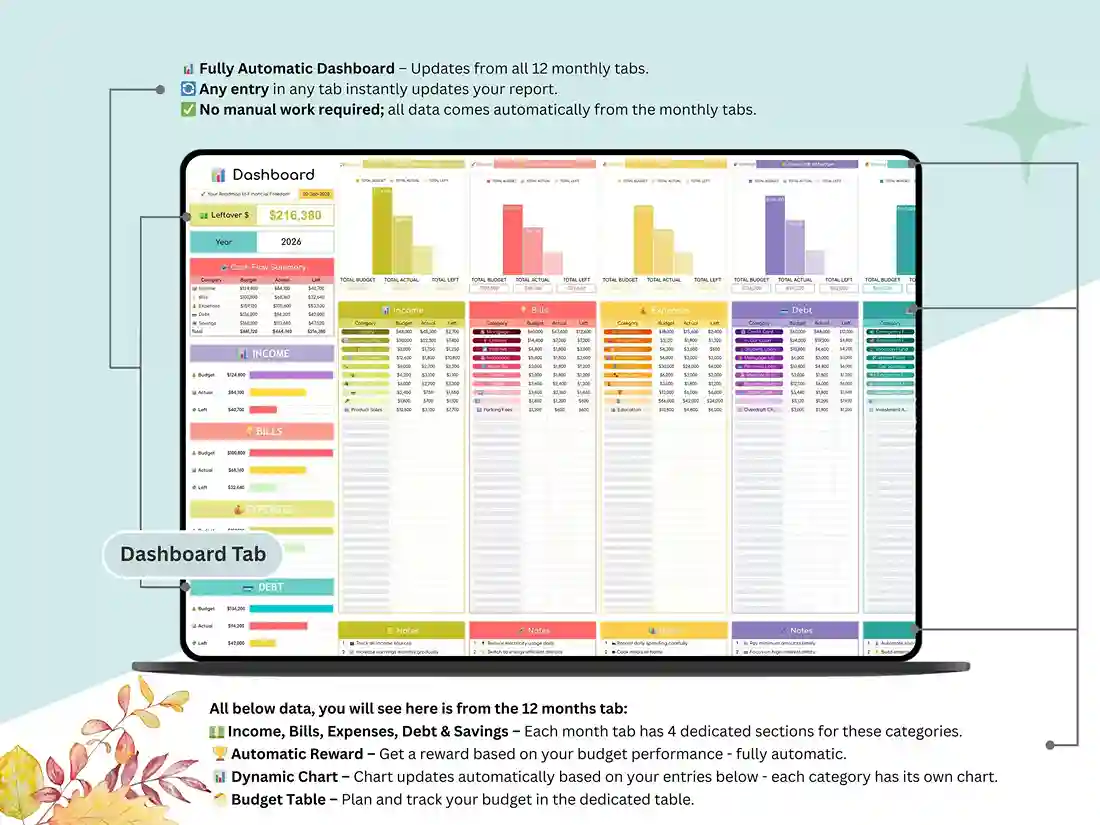
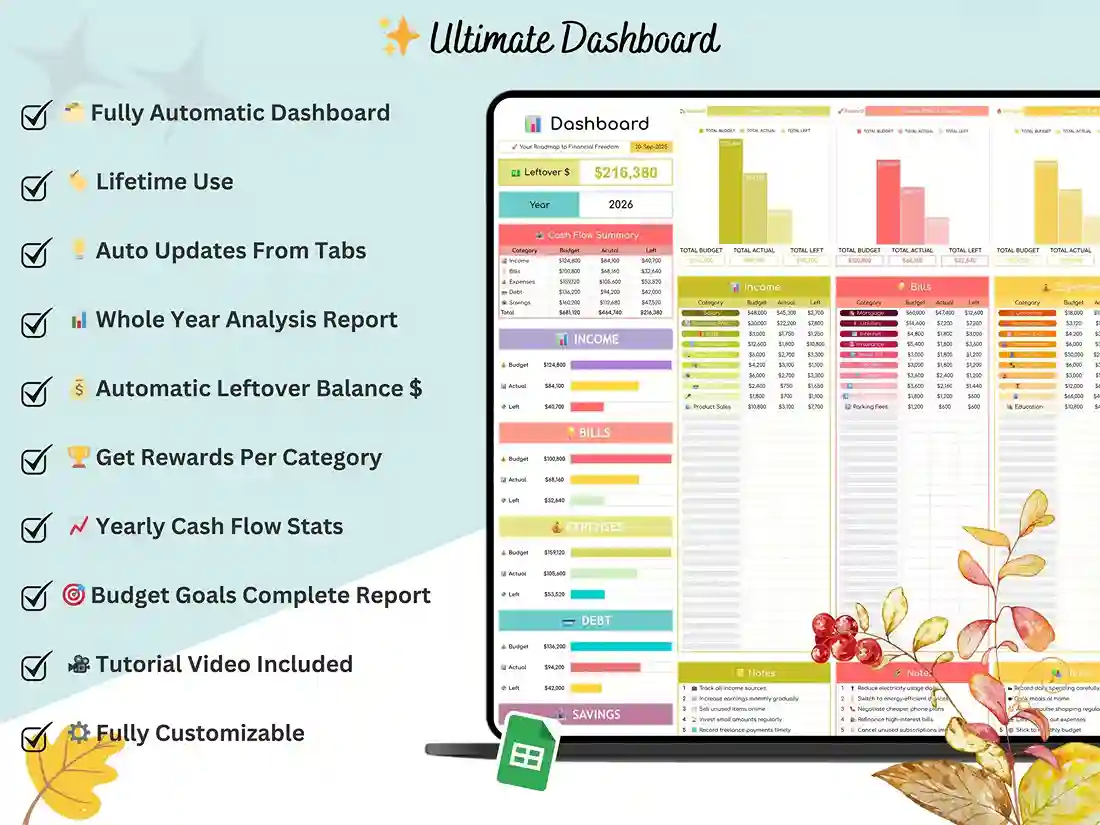
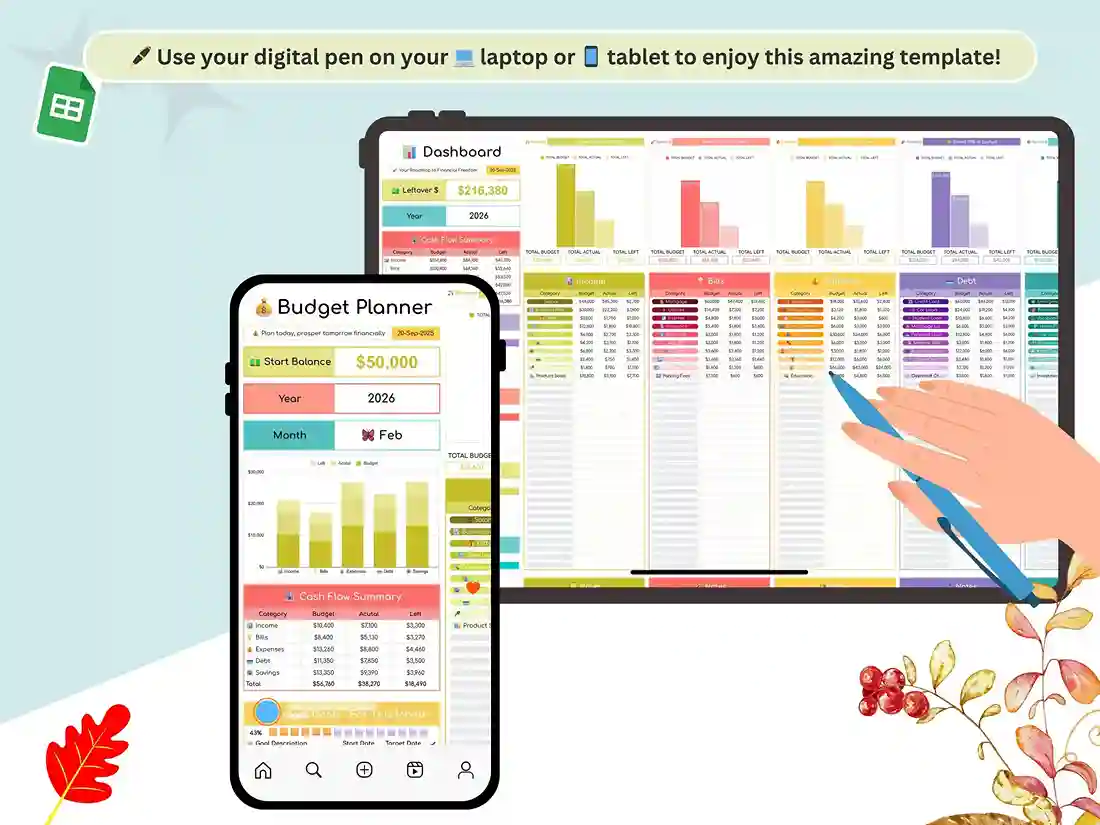
Think of it less as a static template and more as a digital financial planner that does the math for you. Enter your numbers once a month, and the dashboard updates itself — no manual totals, no broken formulas.
How it’s laid out
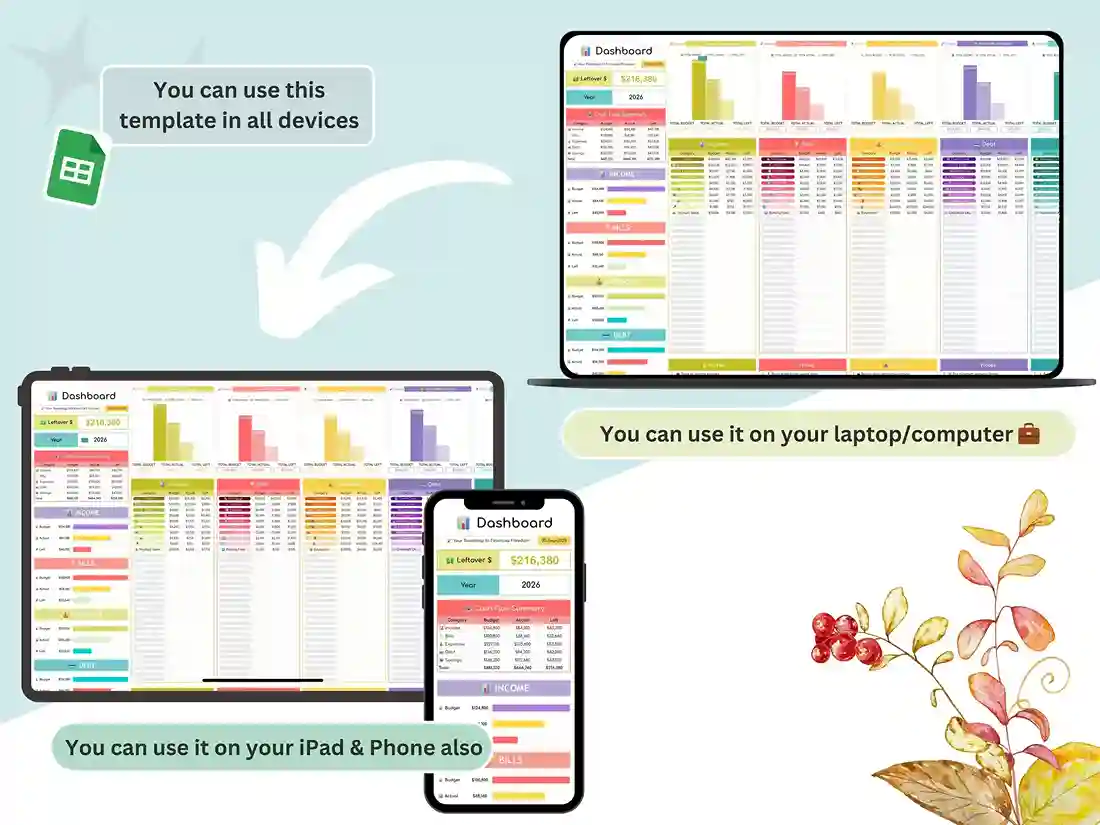
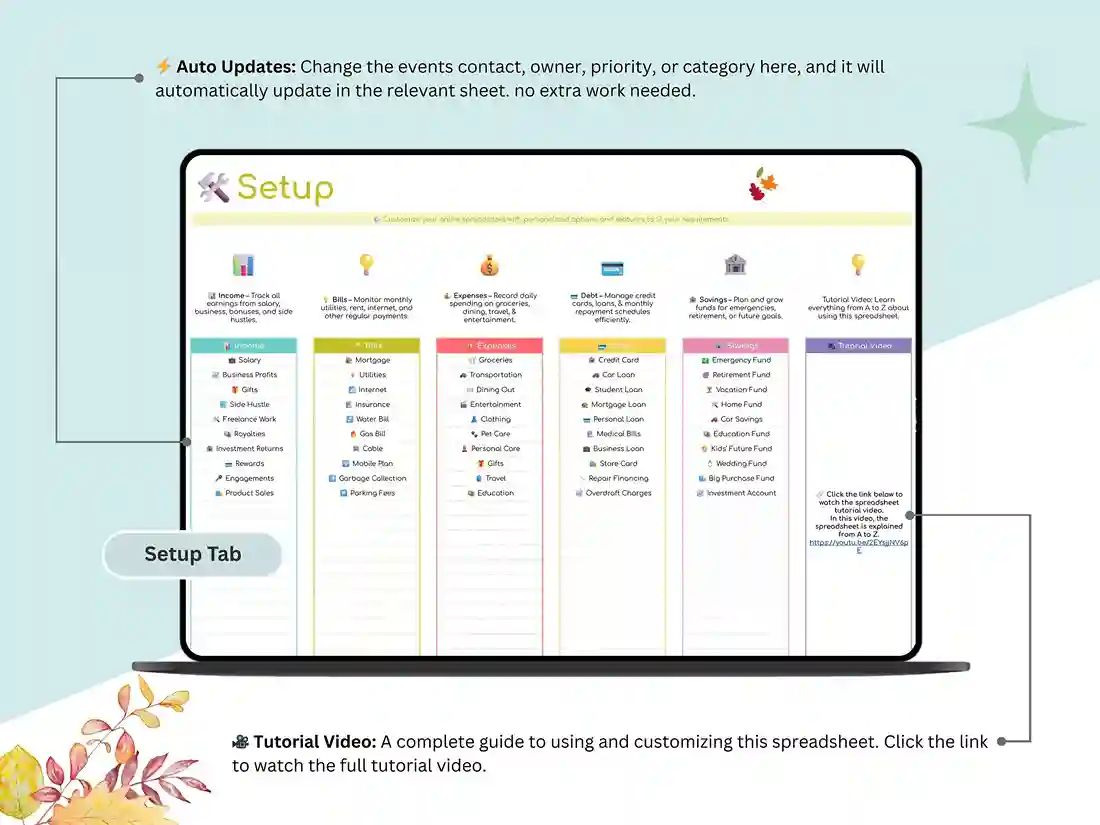
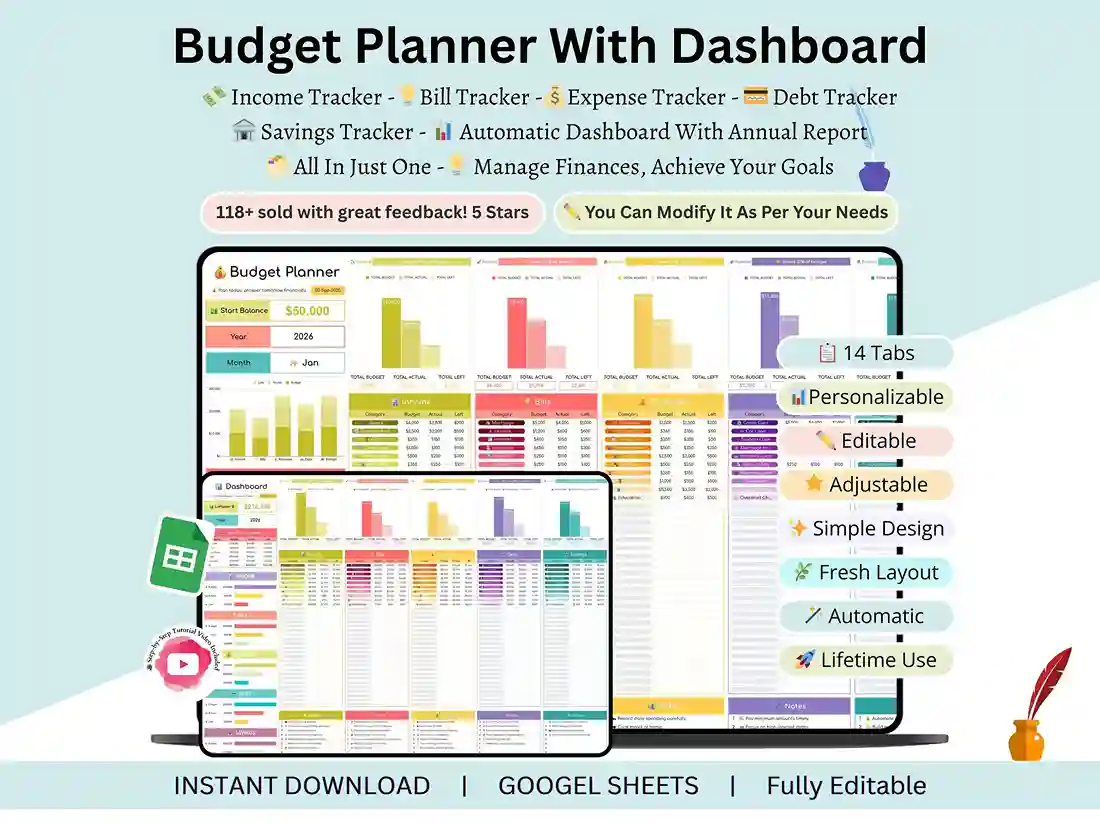
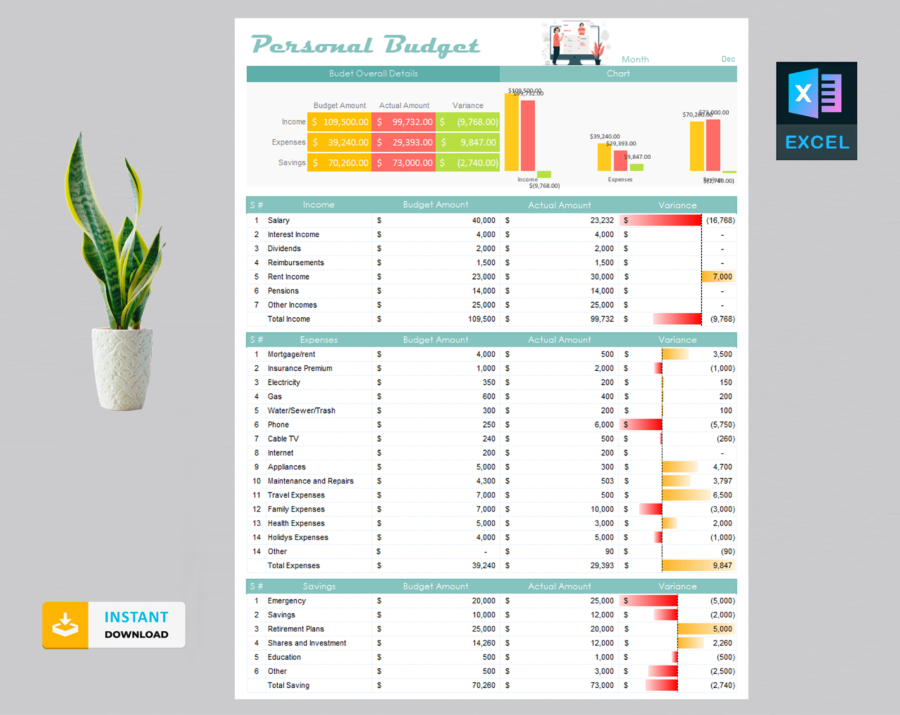
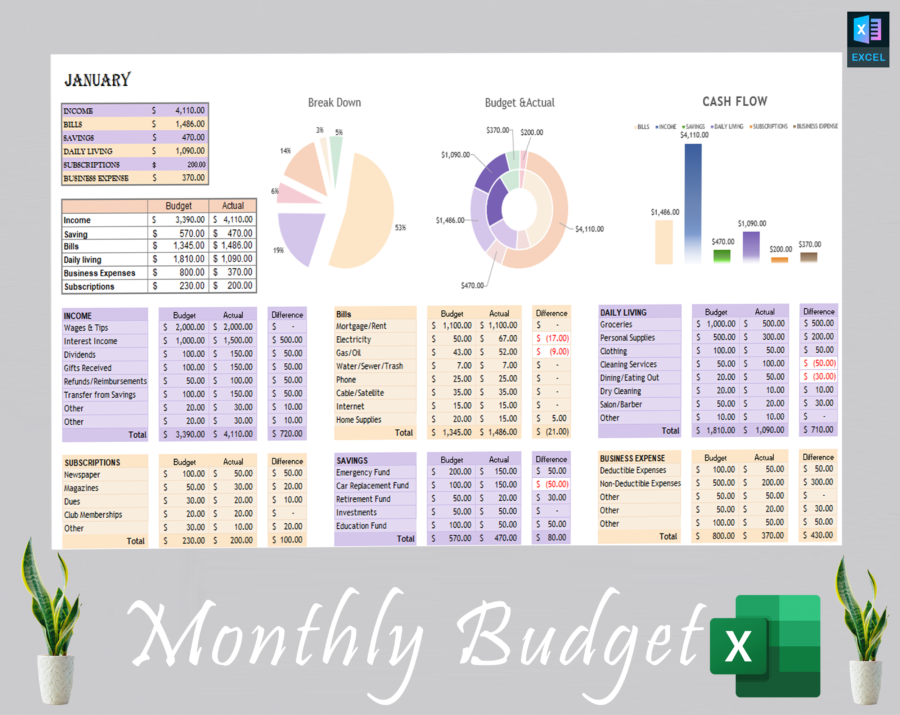
Each of the twelve tabs works like a digital budget calendar — one page per month, so you can flip straight to March or November without hunting through rows. A separate setup tab lets you customize categories and goals up front, and everything feeds into a single automatic dashboard that serves as your digital finance tracker for the whole year.
If you’ve ever kept a paper budget ledger and gotten tired of adding it up by hand, this is the same idea — just automated.
There’s also a full walkthrough video included, so setup doesn’t require guesswork even if you’ve never built a budget spreadsheet before.
Who it’s for
Freelancers juggling irregular income, families splitting a household budget, students tracking an allowance, or anyone who just wants a personal cash flow spreadsheet that doesn’t require a finance degree to use — this planner was built with all of that in mind. It works whether you’re managing one income or several.
Getting started
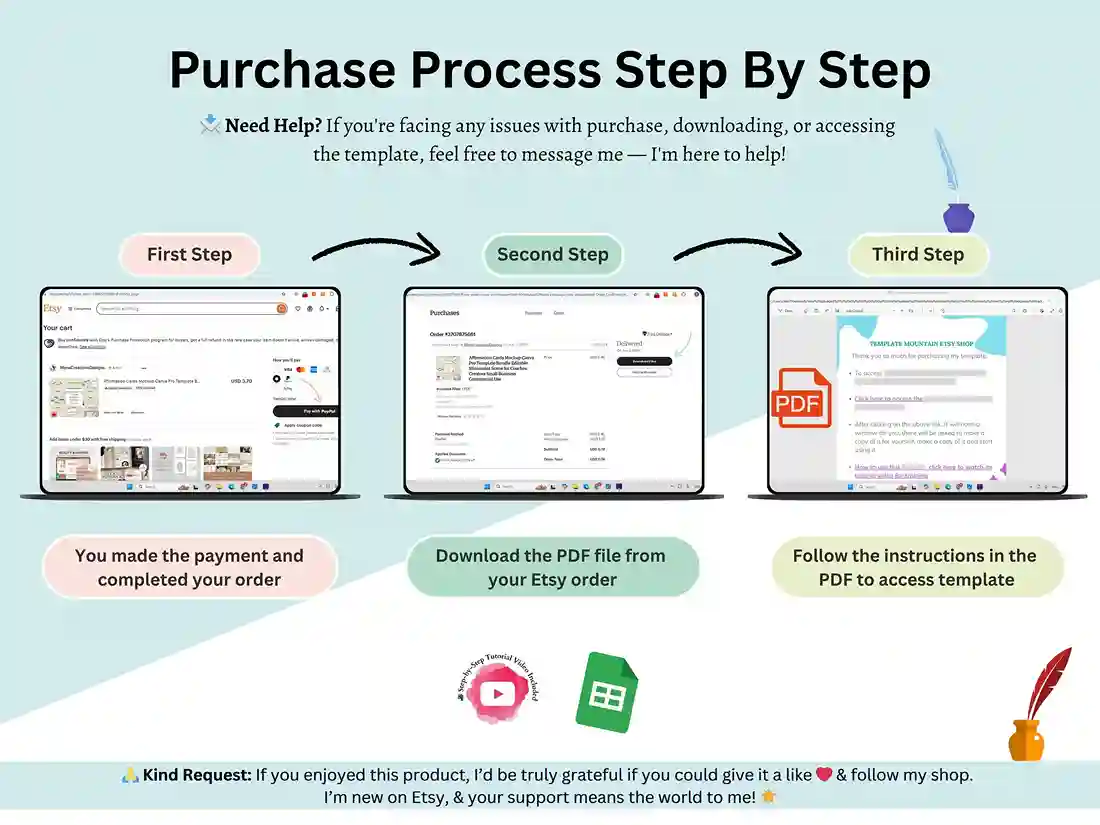
Buy it, and the download link and setup video land in your inbox right away. Open the sheet, plug in your first month’s numbers, and the dashboard takes it from there.
FAQ
What are the benefits of a digital budget planner over a paper one?
A digital budget planner updates itself. Where a paper ledger needs manual addition every time you check in, this Google Sheets version recalculates your totals, savings, and cash flow automatically the moment you enter a number.
Do I need experience with Google Sheets to use this?
No. The formulas are already built in — you just enter your numbers into the monthly tabs. A step-by-step video is included.
Will this work on Excel?
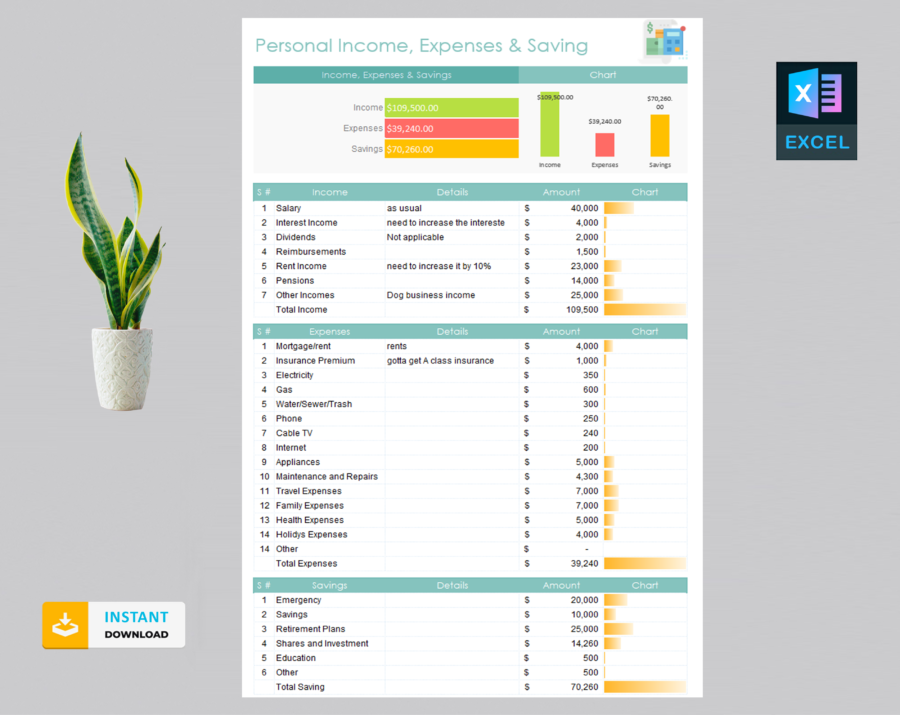
This version is built specifically for Google Sheets and isn’t formatted for Excel.
Can I customize the categories?
Yes – on the setup tab, you can rename and adjust categories, goals, and preferences before you begin tracking.
Reviews
There are no reviews yet.