Description
Debt Tracker Google Sheets – Debt Payoff & Snowball Template
Debt is weird. It feels enormous in your head, way bigger than it actually is once you write it down. A few balances, a few different interest rates, due dates scattered across the month like they’re doing it on purpose — none of that means you’re bad with money. It just means you can’t see the whole thing at once. And honestly, how are you supposed to fix something you can’t see clearly?
That’s really the whole reason this debt tracker Google Sheets template exists. Swap the mental noise for something you can actually point to: real numbers, a real plan, and proof — in black and white — that you’re moving.
Credit cards. Student loans. Maybe a personal loan or two sitting in the background. Whatever the mix, this debt tracker spreadsheet gives you one place to work from instead of three browser tabs and a sticky note you’ll lose by Thursday. This one isn’t going to sit in a folder gathering digital dust, either. It’s a fully automated debt payoff spreadsheet Google Sheets system, and it’s built around the thing that actually moves you forward: a plan, a number, a date you’re working toward.
Why Guesswork Doesn’t Work
Here’s what it usually looks like without a system. You pay whatever feels urgent that month. You lose the thread on where your balances actually stand. You forget which card is quietly eating you alive on interest. Money disappears and you can’t really say where it went. Sound familiar?
None of that is a willpower issue. It’s a visibility issue — plain and simple.
This Google Sheets debt tracker fixes that part. Everything sits in one place and updates as you go, so your numbers stay honest, your strategy stays clear, and your motivation has something real to hold onto instead of just vibes.
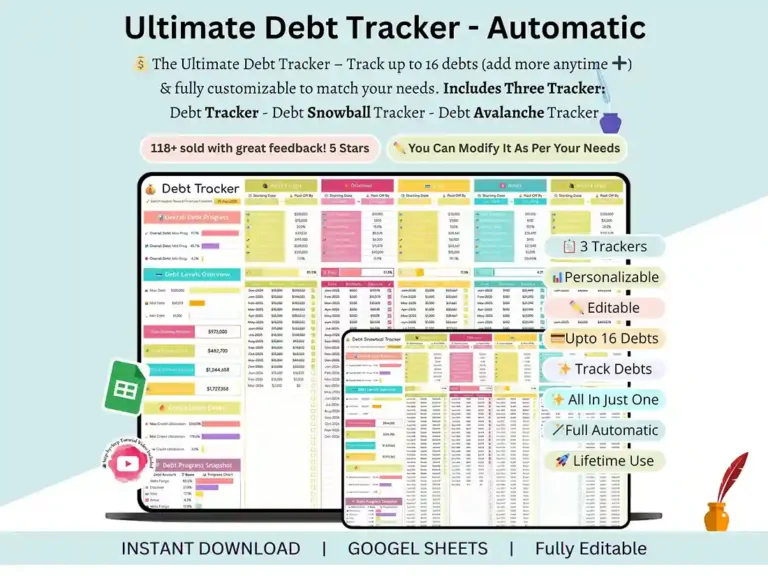
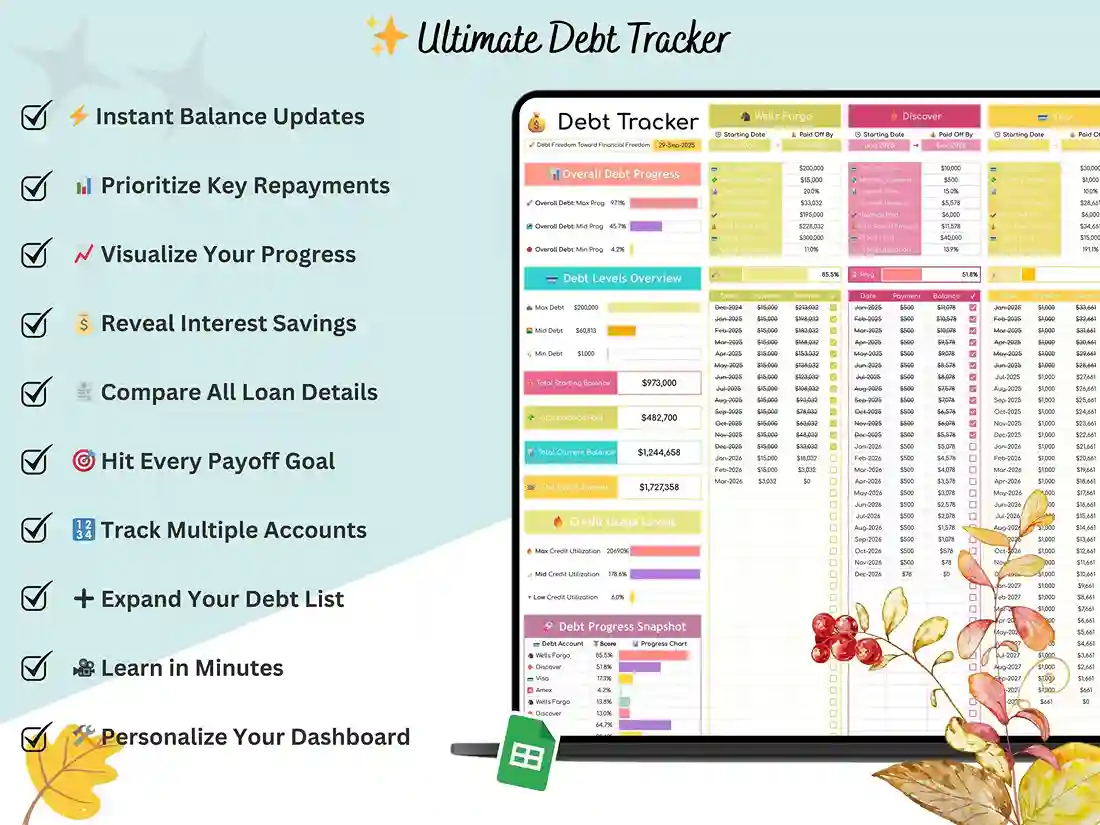
The debt payoff spreadsheet Google Sheets keeps your balances, interest, and payments together — no more juggling three apps and a notes file. There’s a built-in debt payoff progress bar so you can watch it move, a debt payoff calculator Google Sheets for running the actual numbers, and a color-coded payoff thermometer that, weirdly, makes even a small payment feel like a win.
Just starting out? Already a few months in and trying to tighten up your debt repayment plan? Either way works. This meets you wherever you’re standing right now.
What’s Actually Inside
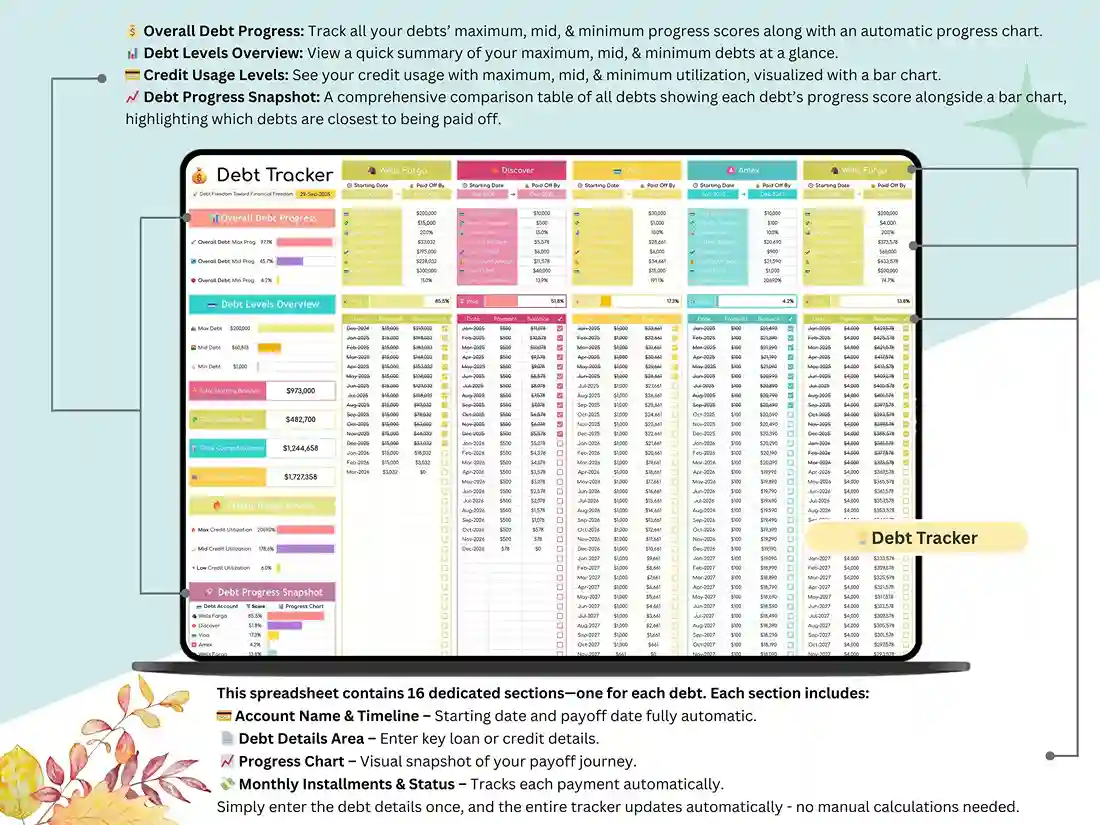
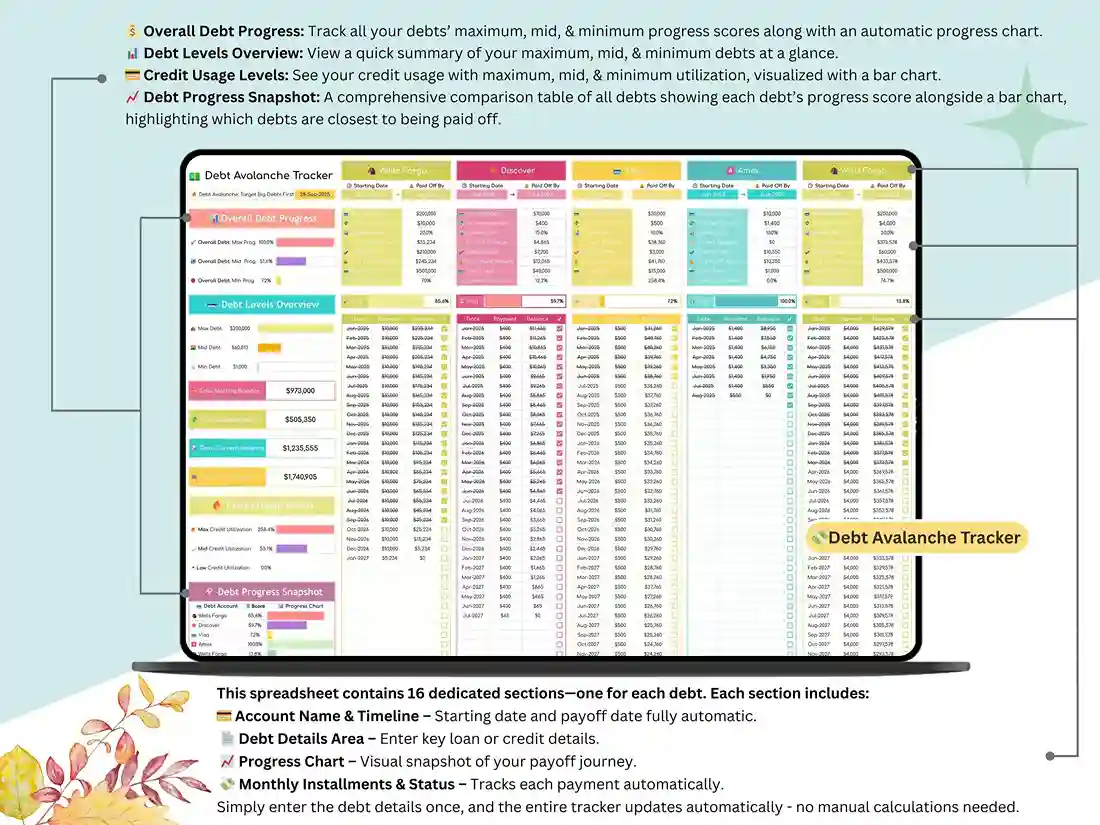
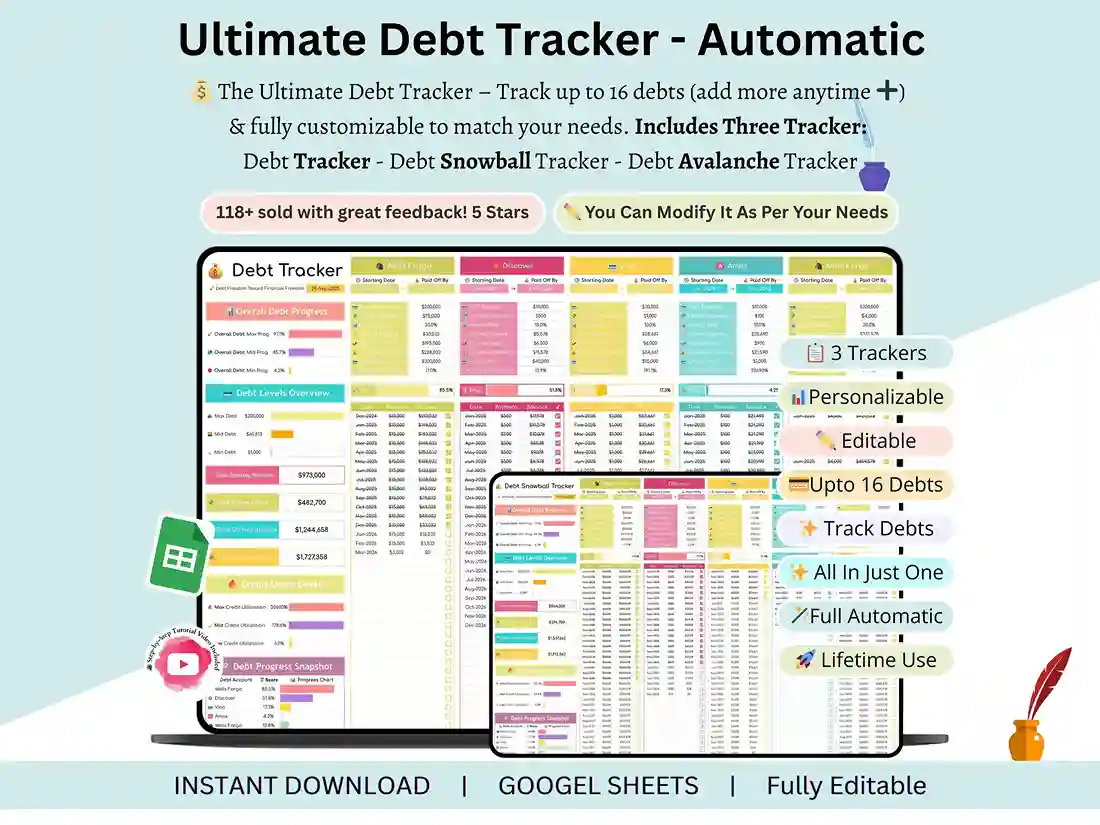
📊 One Dashboard, the Whole Picture Total balances. Monthly payments. Interest breakdown. How close you are to done. All of it in one view, no digging required. It’s the kind of dashboard that gets out of your way and just shows you what matters.
💡 Math You Don’t Have to Redo Nobody wants to run the same calculations by hand every single month — so you won’t. An automated debt-free date calculator tells you when you’re actually done if you keep going at this pace. An interest savings calculator shows you what interest is really costing you, and what happens if you knock it down faster. There’s also an extra payment calculator, and it’s a little satisfying watching how even an extra fifty bucks a month shifts the whole timeline. This isn’t just numbers sitting on a screen. It changes how you decide what to do next month.
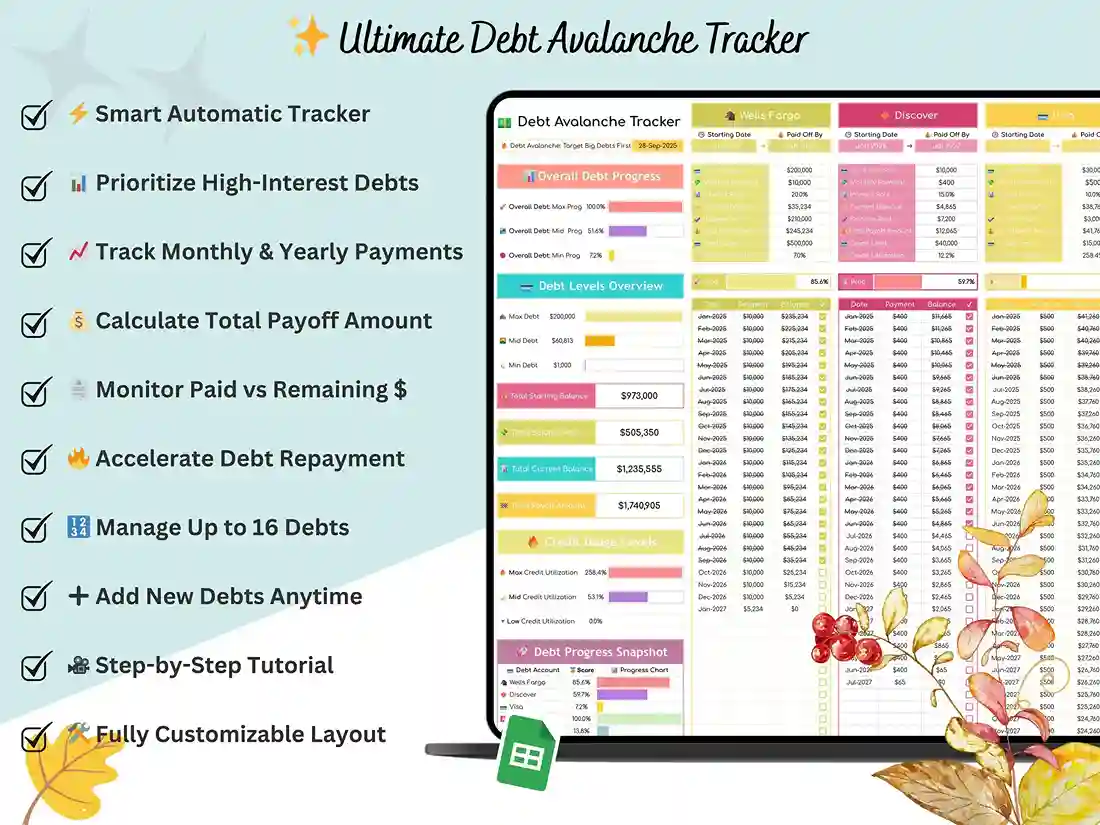
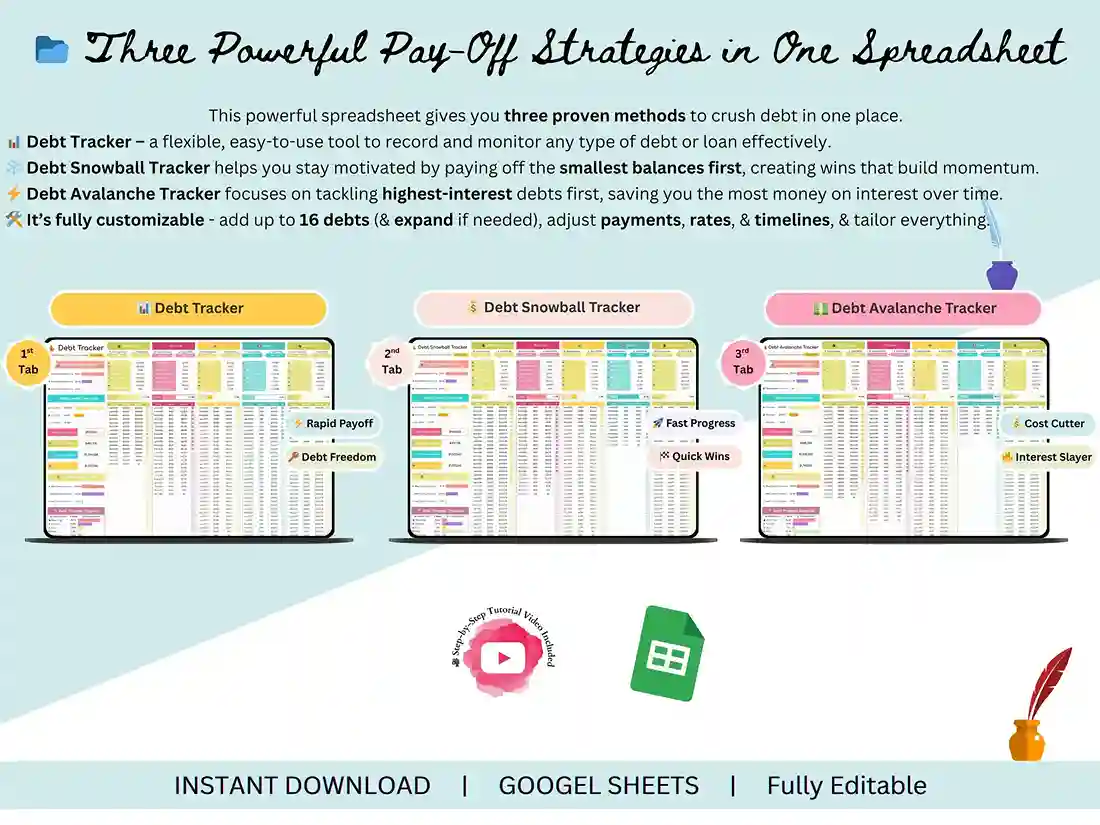
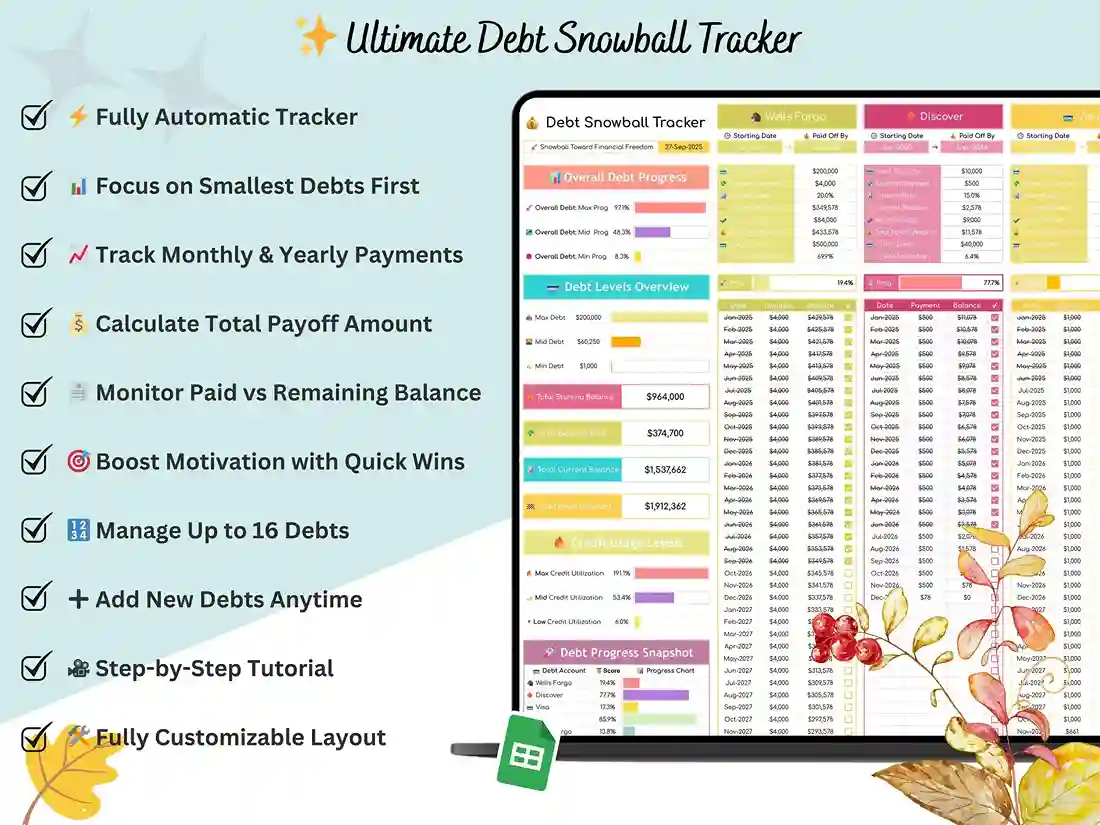
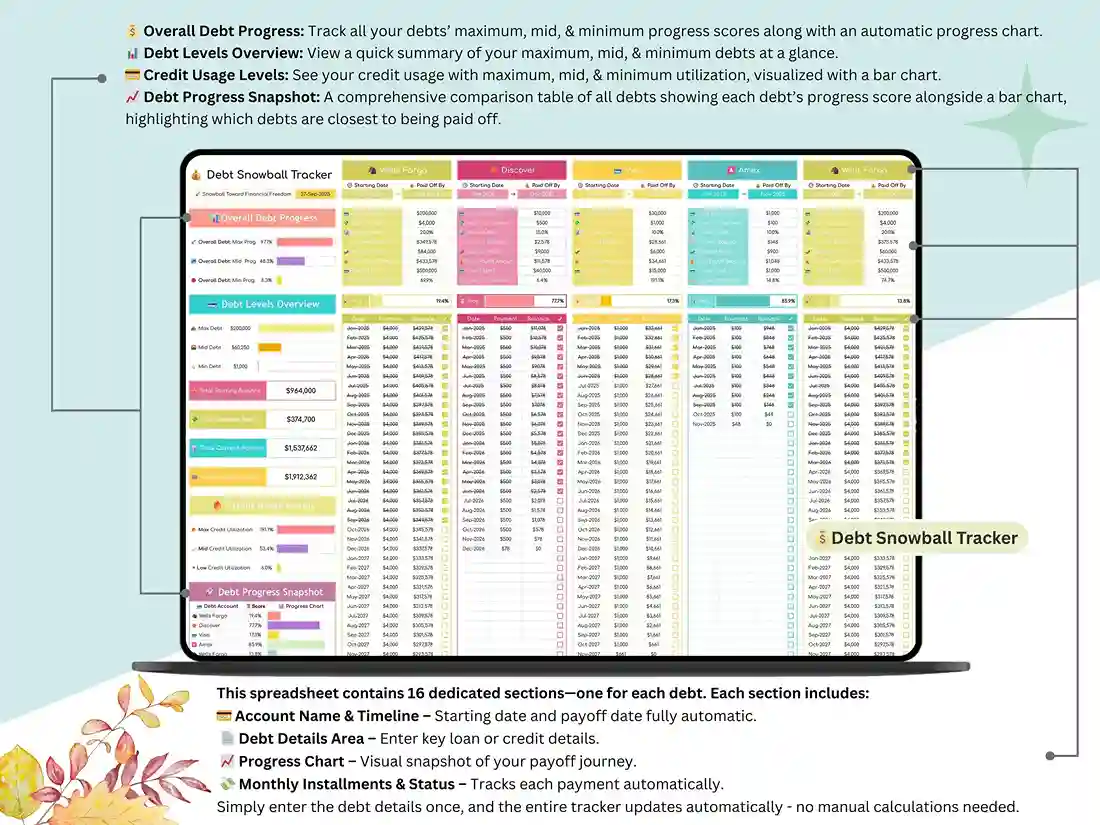
🔥 Snowball or Avalanche — Your Call: Different people stick with different strategies, and honestly, the “best” one is just whichever one you’ll actually stick with. The debt snowball tracker Google Sheets goes after your smallest balance first — quick wins, early momentum, that kind of thing. The debt avalanche spreadsheet Google Sheets goes straight for your highest-interest debt, which saves you more money in the long run. Torn between the two? Run them side by side before you commit to a debt snowball method or the other approach. No need to guess.
💳 Credit Cards, Loans — However You’re Carrying It Debt doesn’t all behave the same, so why would one tool treat it like it does? The credit card payoff spreadsheet Google Sheets handles revolving balances without a headache. There’s a calculator built specifically for modeling different credit card payment scenarios. Consolidating a few accounts? There’s a tracker for that too. And if student loans are part of the picture, the student loan payoff tracker Google Sheets keeps that debt separate and easy to follow. Basically — if you’ve been hunting for one spreadsheet to pay off credit cards and everything else at the same time, this is it.
📈 A Plan That Actually Knows Your Budget A payoff plan that ignores your real income? Won’t survive past month two. That’s why there’s a debt budget spreadsheet built in for the month-to-month stuff, plus a monthly debt to income ratio tracker that zooms out and shows you the bigger financial picture — not just what you owe, but what you can genuinely put toward it without wrecking your month.
Simple If You Want Simple. Deep If You Want Deep
Spreadsheets get a bad reputation, and sometimes, fair enough — they’ve earned it. This one’s trying to break that pattern. Open it up and it’s laid out logically, easy to move around in, even if you’ve genuinely never written a formula in your life.
But it’s not dumbed down, either. Add your own categories. Add as many debts as you need. Switch strategies halfway through the year if your situation changes. Build a debt repayment plan template around your actual numbers, not some generic version of them. Keep it simple, or push it as far as you want — it bends to you, not the other way around.
Also Works in Excel
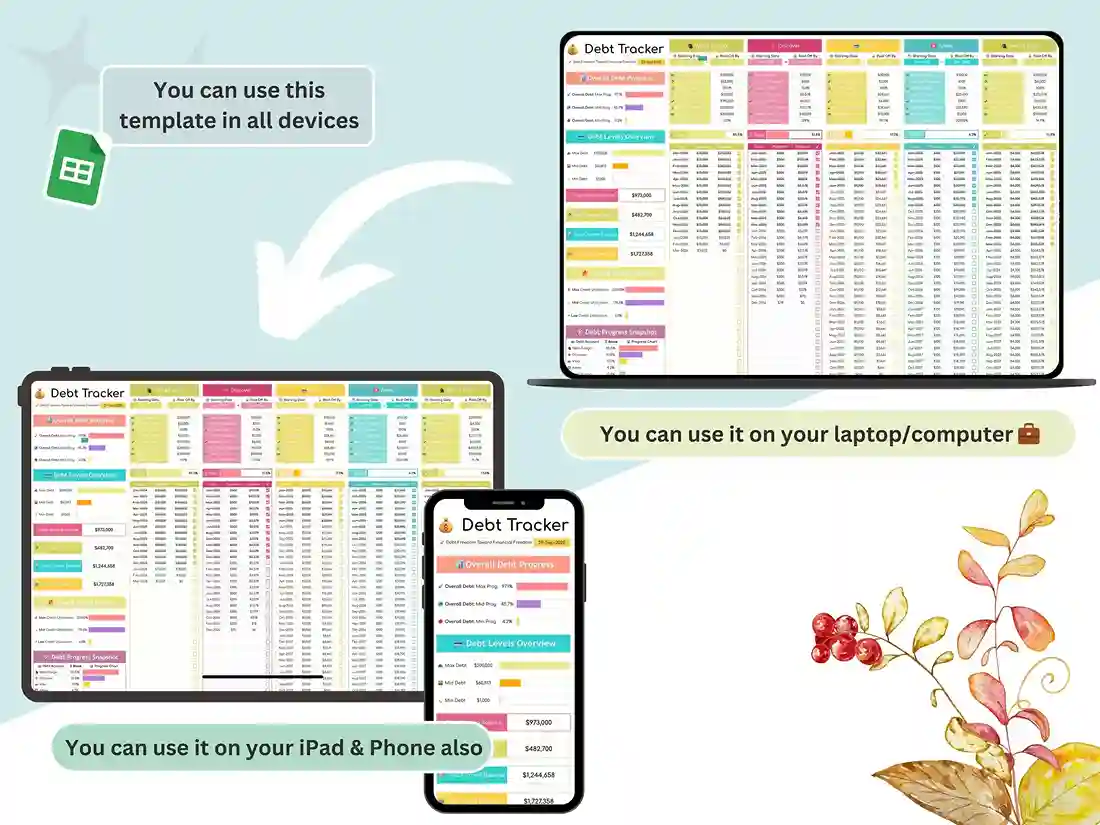
Not really a Google Sheets person? That’s fine, no judgment. This whole system works just as well as an Excel spreadsheet for debt payoff — a fully functional debt tracker Excel file, every calculation intact, nothing lost in translation. The platform changes. What it does for you doesn’t.
Progress You Can Actually Watch Happen
Here’s the hard part about paying off debt that nobody really prepares you for: for a while, it can feel like absolutely nothing is happening. Even when it is.
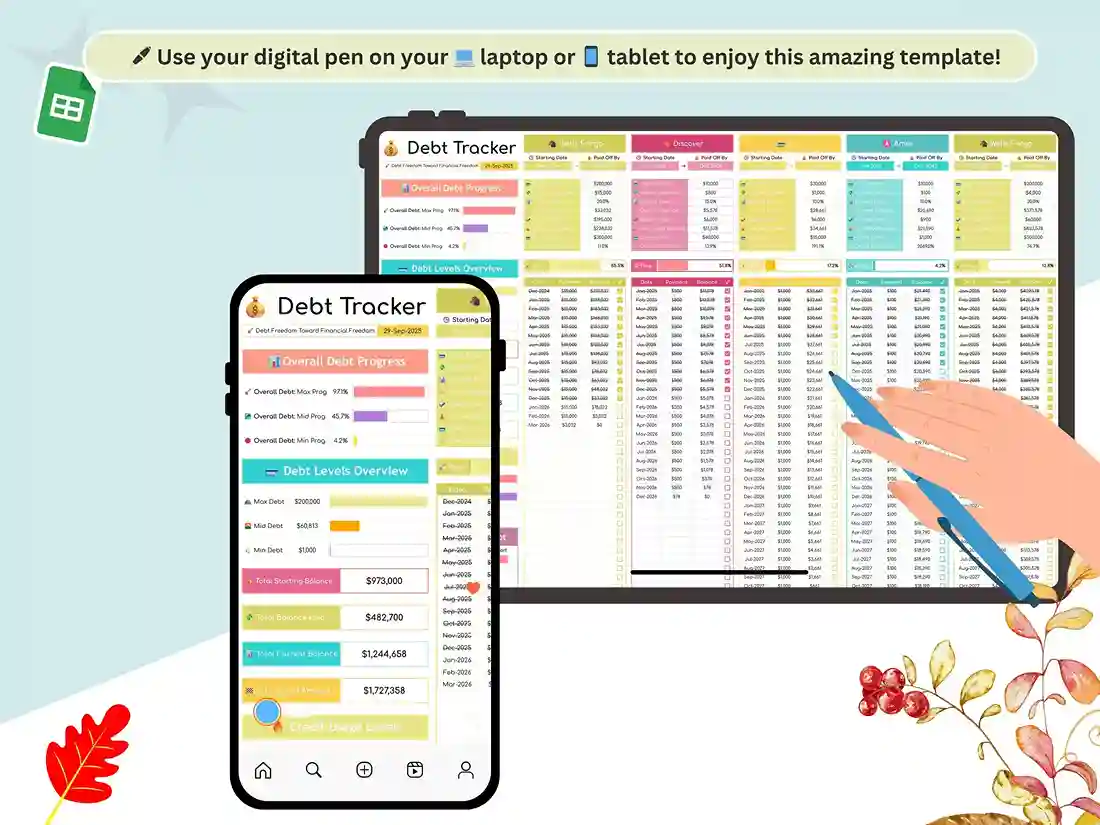
That’s what the visuals are for. A debt payoff chart tracks your progress over time so it’s not just a feeling — it’s a line moving in the right direction. A progress bar shows exactly how close you are to each milestone. A payoff thermometer fills in as your balance drops. When you can actually see it happening, staying consistent stops feeling like discipline and starts feeling like something you just… want to keep doing.
Who Actually Uses This
Someone knocking out one stubborn credit card. Someone juggling three student loans at once. Someone tracking a handful of personal loans across different lenders. Someone starting completely from zero and just needs a system. All of that fits here. Need something simple, like a basic debt management worksheet? Covered. Need the fully loaded version with every planner and tracker built in? Also covered. It flexes to wherever you’re actually starting from.
What You’re Getting
One clean, ready-to-go template. A full debt tracker spreadsheet, payoff calculators, both snowball and avalanche tools, and a debt free spreadsheet dashboard tying it all together — usable from the moment you open it. No setup headaches, no missing formulas, no “oh wait, this part’s broken.”
The Actual Shift That Happens
Tracking the numbers is honestly only half of it. What really changes is how you approach the whole thing. Smarter payments stop being the exception and start being just… what you do. The low-grade anxiety of “wait, am I even doing this right?” fades because you actually have a plan now. Progress stops feeling invisible, because you’re watching it happen in real time. And your debt-free date? It stops being some vague someday and turns into an actual date sitting on a calendar.
That shift — from reactive to intentional — is really where all the value is.
Start Whenever You’re Ready
You don’t need to have it all figured out before you start. Almost nobody does. You just need something that makes the next step obvious. Then the one after that.
✅ Get Instant Access Download your debt tracker Google Sheets template and put your own debt payoff spreadsheet to work — starting today.
FAQ
Does this debt tracker work in both Google Sheets and Excel? Yep. It’s built natively for Google Sheets, and there’s a fully compatible Excel version included too, so use whichever one you actually reach for.
What’s the difference between the snowball and avalanche methods in this tracker? Snowball pays off your smallest balance first — good for quick wins and momentum. Avalanche goes after your highest-interest debt first — better if you’re optimizing for saving the most money overall. Both are built into this template, so you can compare them before picking one.
Do I need to know spreadsheet formulas to use this? Not at all. Everything’s already built and automated. You just plug in your balances and payments, and the calculations, charts, and progress bars take it from there.
How many debts can I track at once? As many as you need — the template’s built with dedicated sections and can expand whether you’ve got one card or a whole mix of loans to juggle.
Will this help me see when I’ll actually be debt-free? Yes — the built-in calculators project your payoff date based on what you’re currently paying, and they update automatically the moment you change your payment amount or strategy.
Is this a one-time purchase? Yes. One download, yours to use for as long as you need it.