Description
Appointment Tracker Spreadsheet – Printable Schedule Template
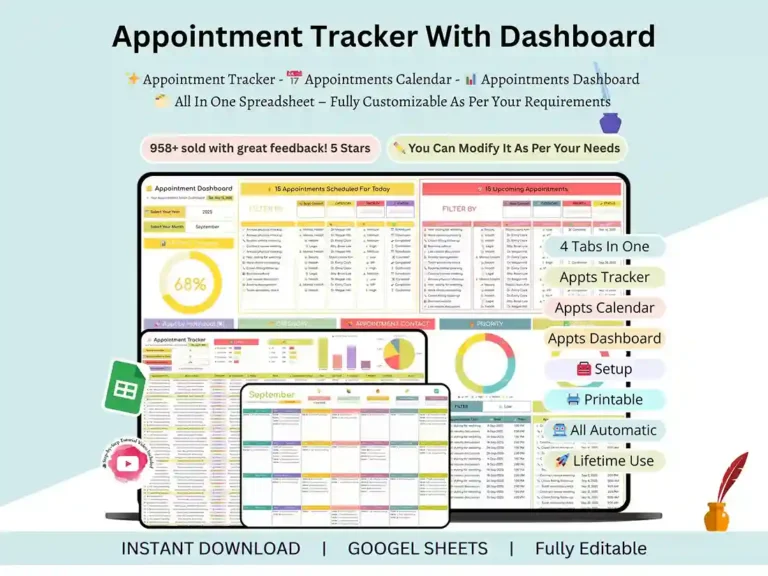
If your appointments are scattered across sticky notes, texts, and three different apps, this spreadsheet fixes that. It’s an Appointment Tracker made for medical and dental offices, salons, consultants, coaches, freelancers, and pretty much anyone who books clients for a living. Everything lives in one workbook, and it works in Excel or Google Sheets, so you don’t have to change how you already work.
You fill in your appointments, and the sheet takes care of the rest. Patient scheduling, salon bookings, client sessions, team calendars — it doesn’t matter what you’re using it for, the layout adapts to your business, not the other way around.
What’s Inside
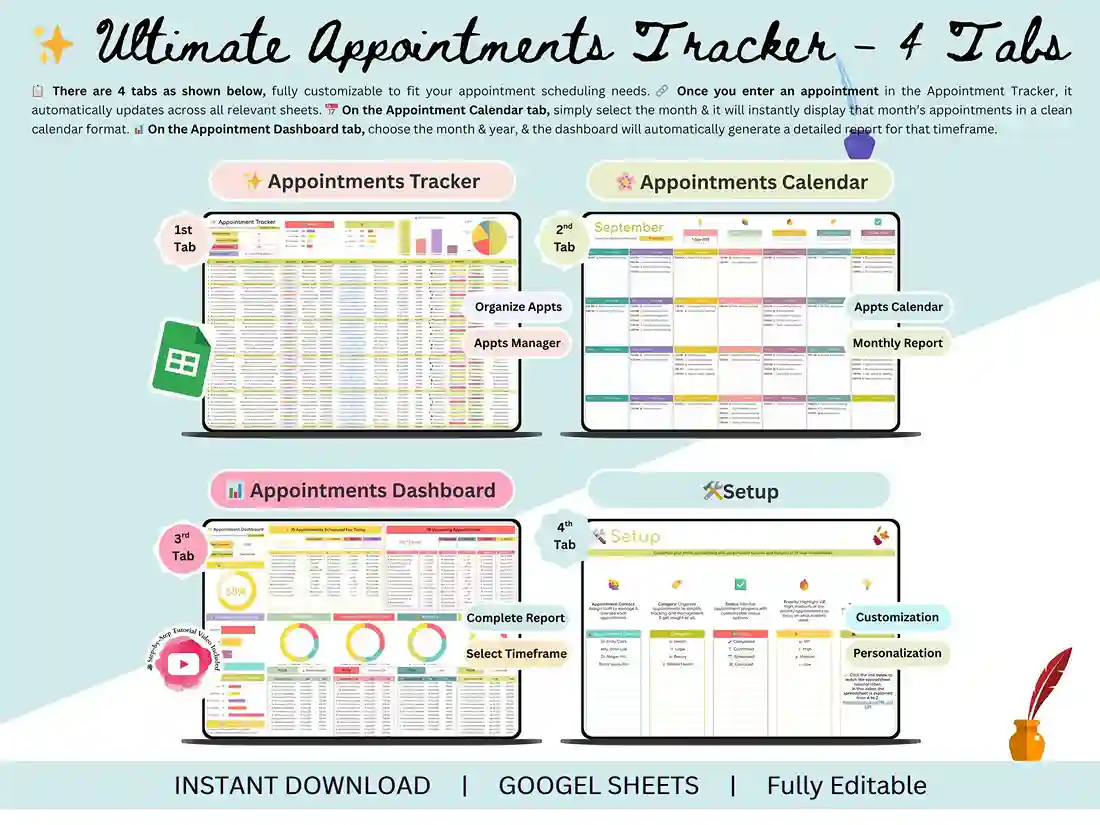
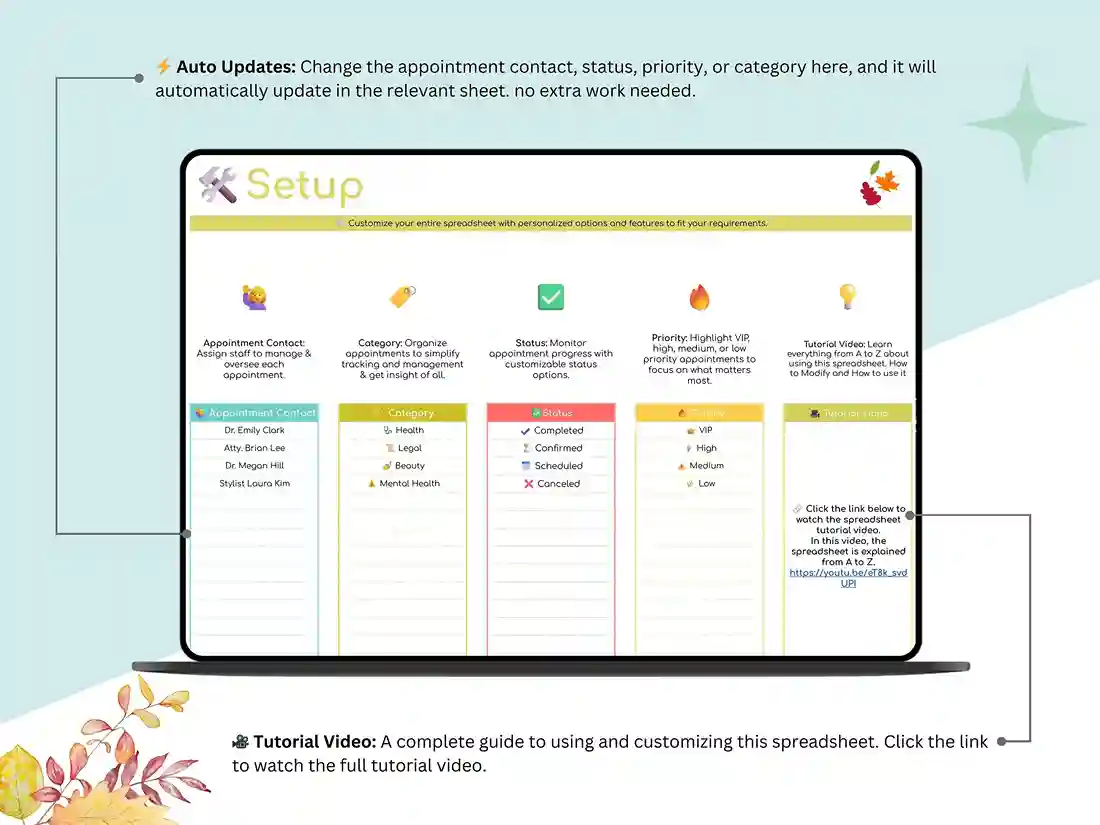
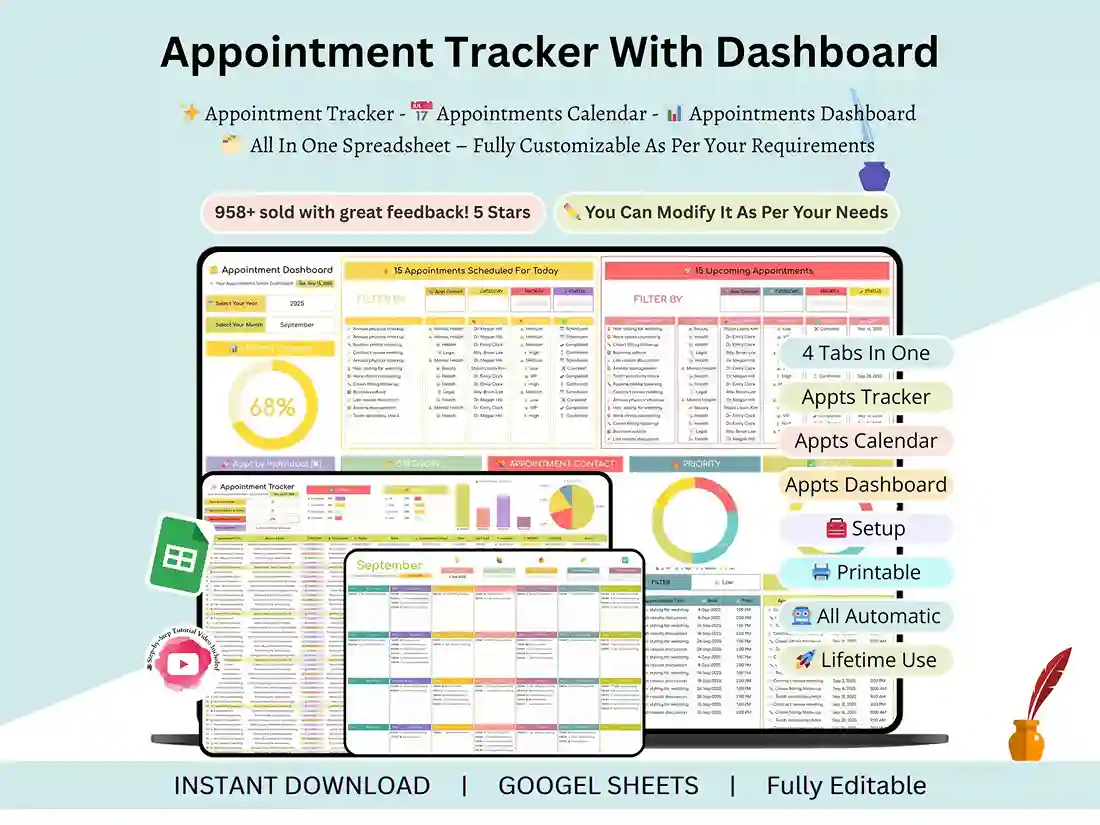
Setup Tab. Type in your business info once. It carries through the rest of the workbook automatically, so you’re not re-entering the same details on every tab.
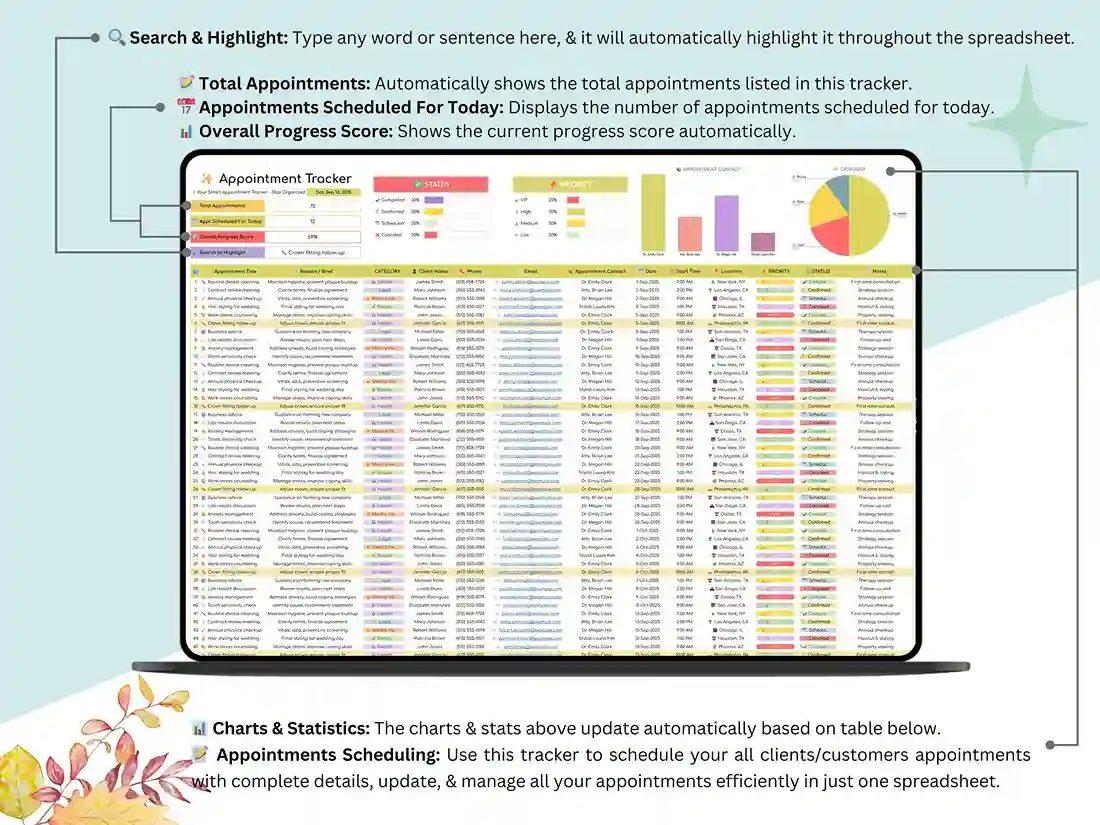
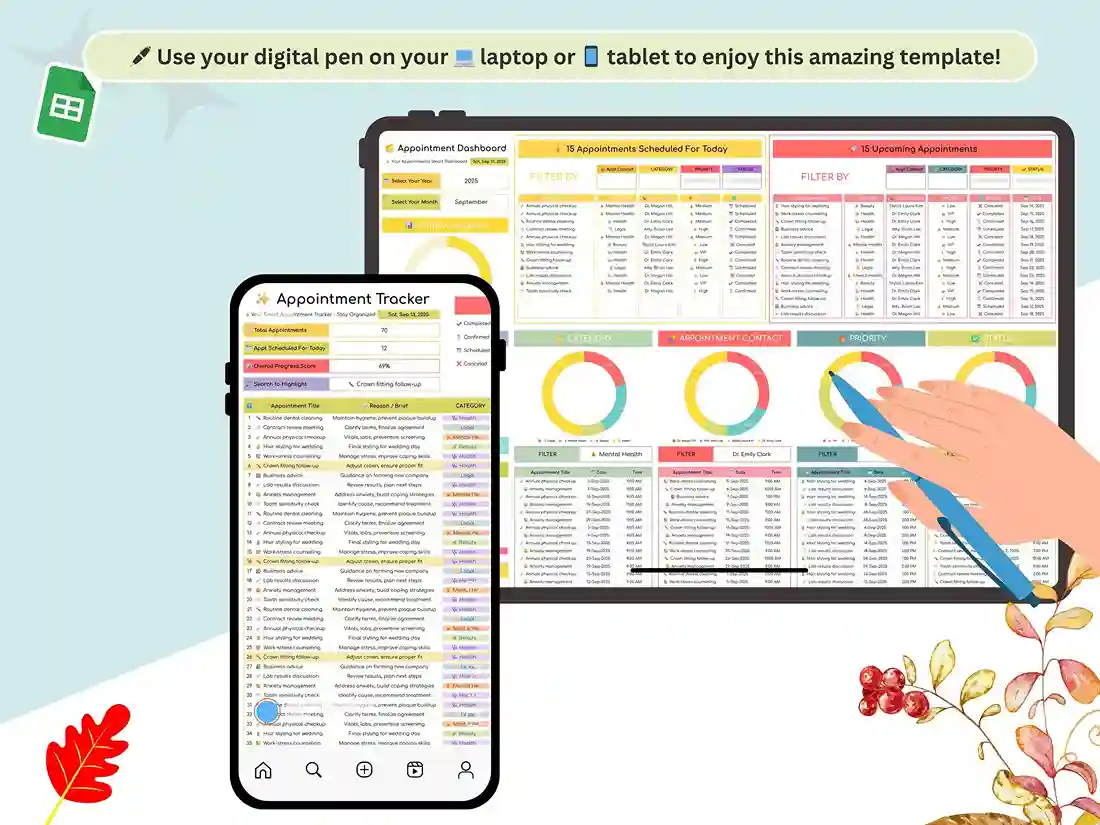
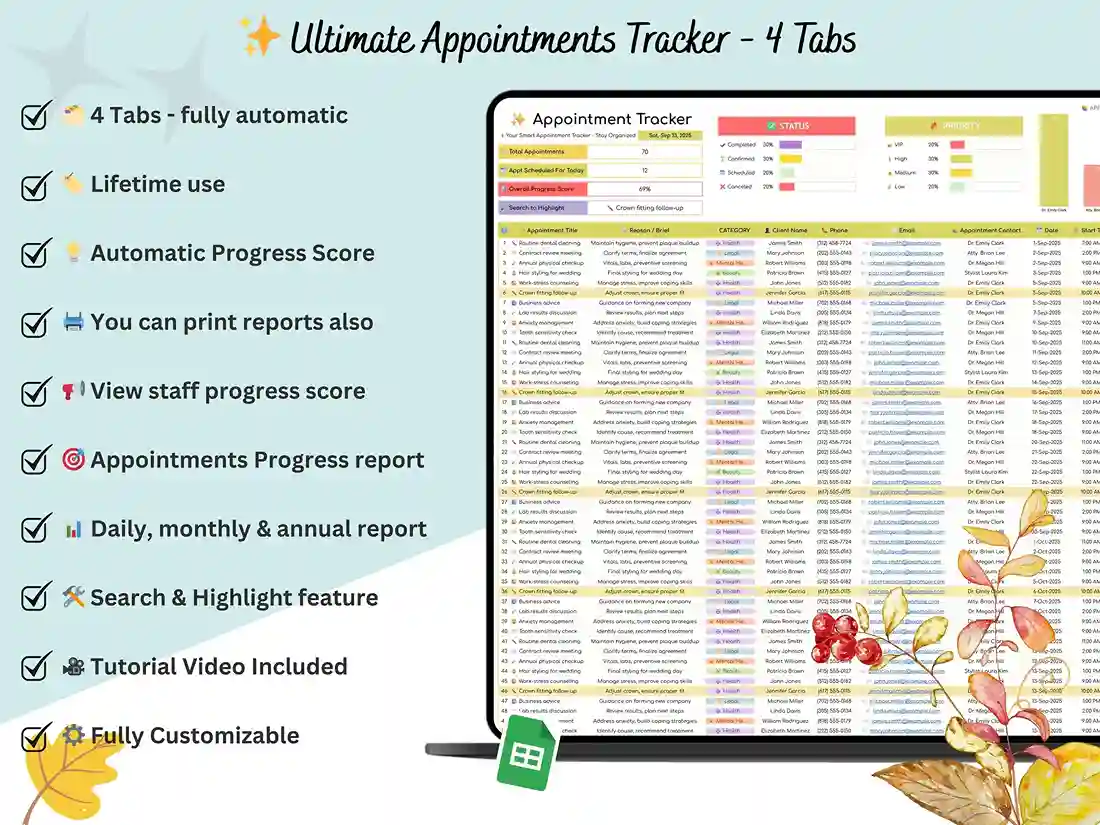
Appointment Tracker Tab. This is where you log and manage bookings day to day. It has the fields you’d actually expect from a real scheduling sheet, not a stripped-down template.
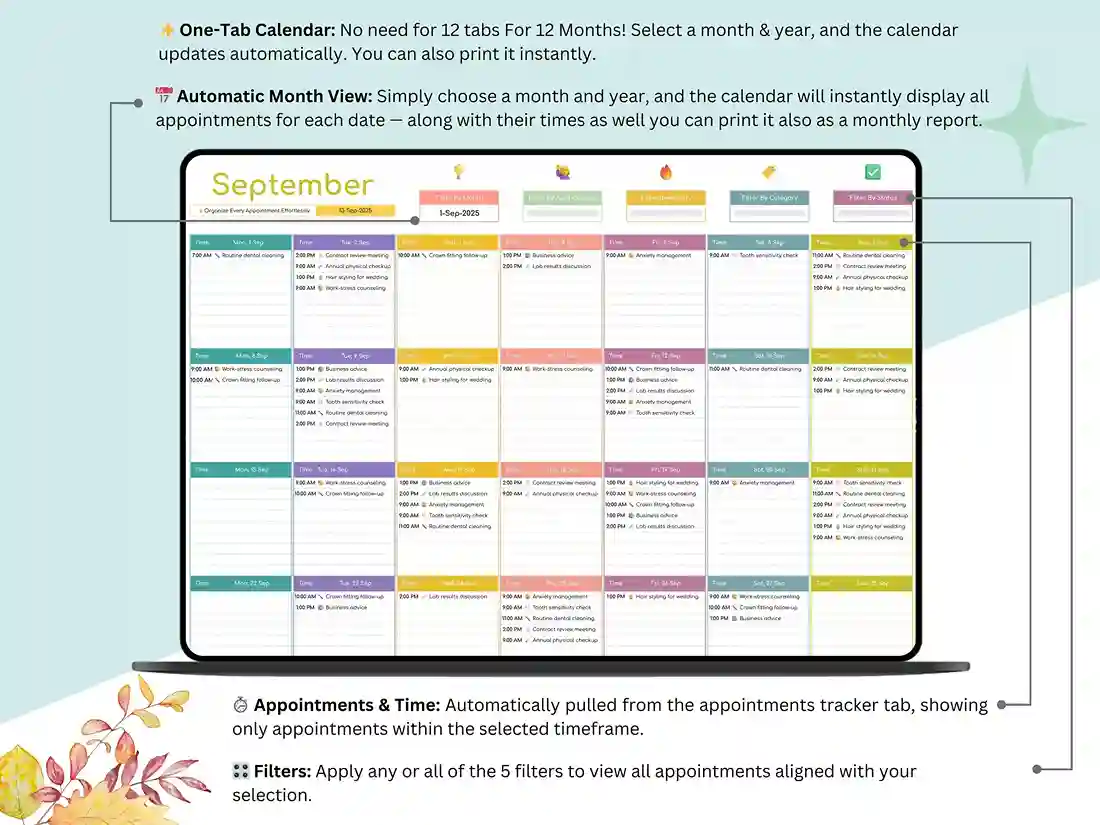
Appointment Calendar Tab. Your month laid out in a simple calendar grid. Print it if you like having a physical copy on the front desk.
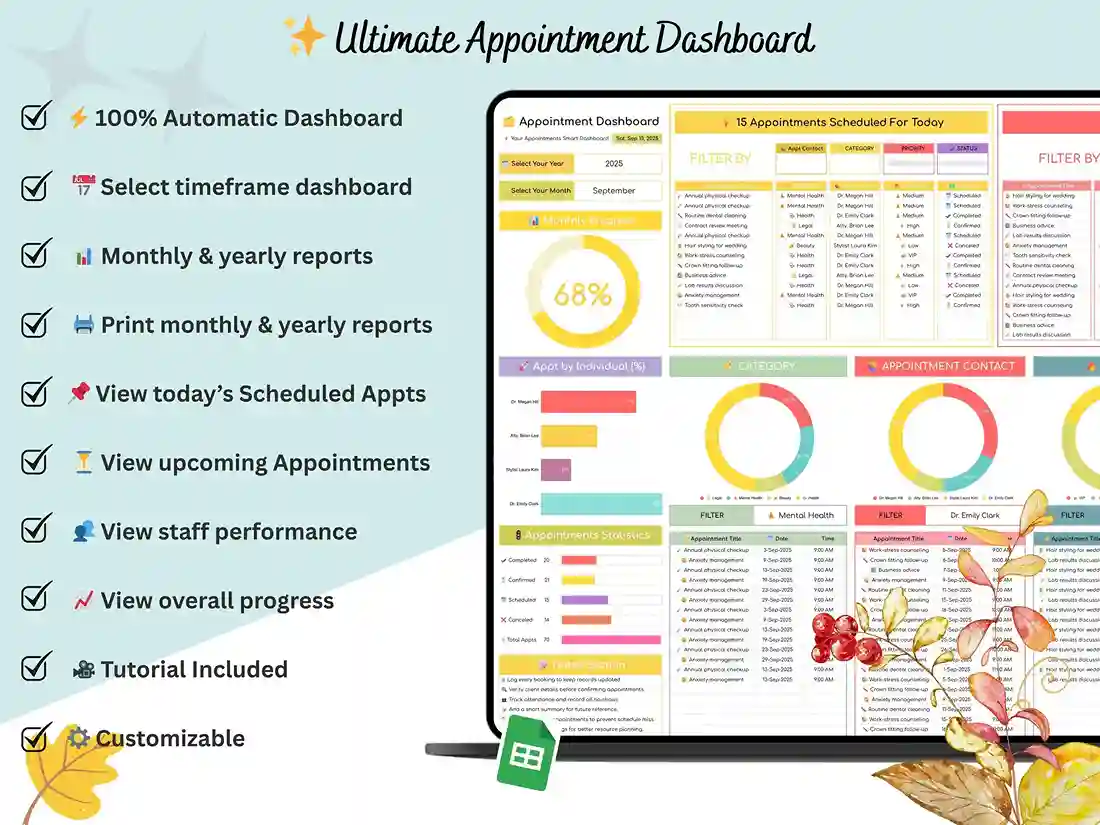
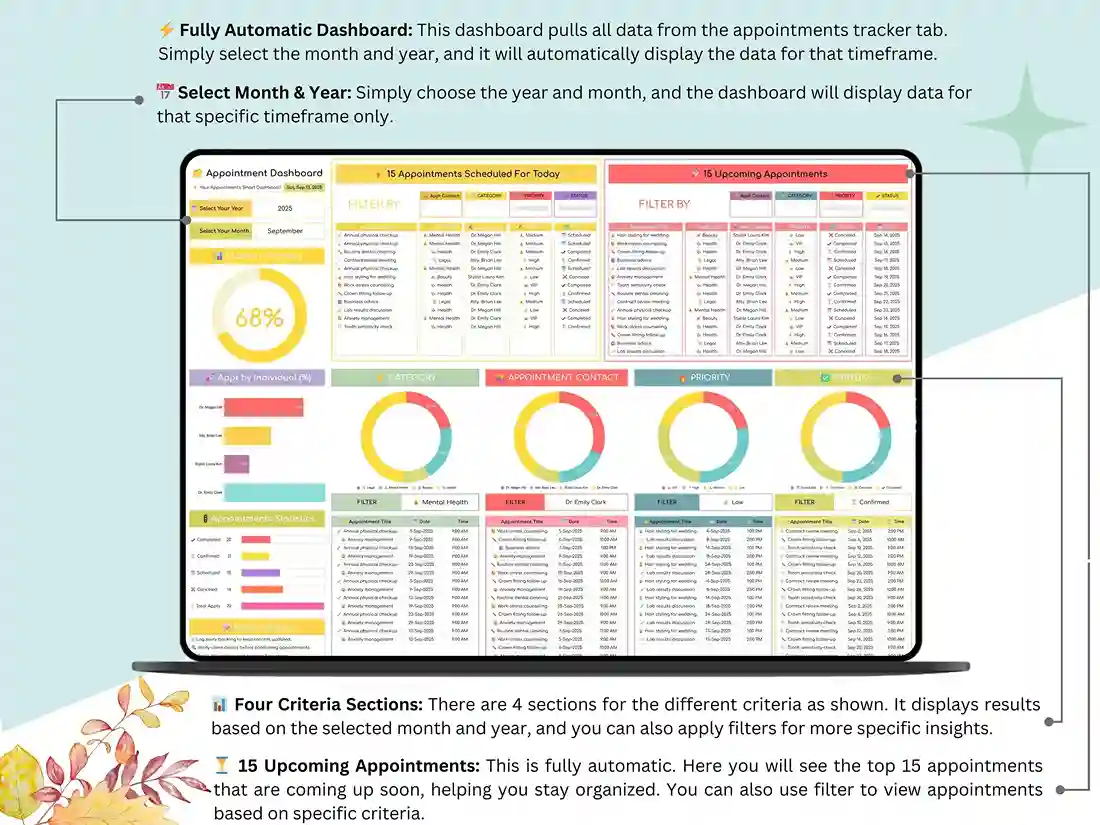
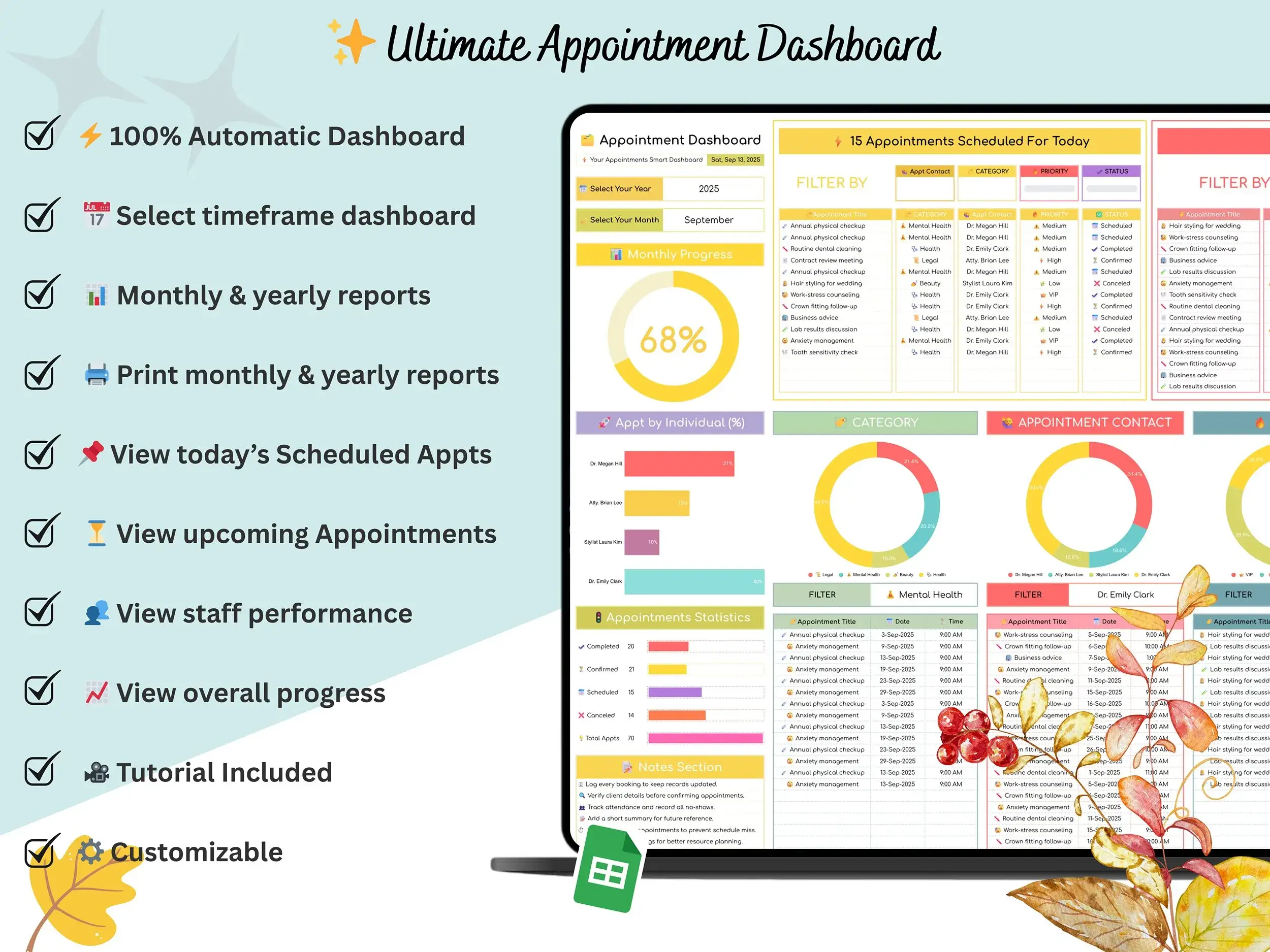
Appointment Dashboard Tab. Charts and summary numbers that update on their own as you add appointments, so you can see what’s coming up without digging through rows.
What You’ll Get
- The spreadsheet itself, in both Google Sheets and Excel
- A short video walking you through setup
Who It’s For
- Medical & dental offices keeping patient scheduling and follow-ups in one place
- Salons and spas tracking client bookings and daily service schedules
- Consultants & coaches who want client sessions organized without the back-and-forth
- Freelancers juggling calls, interviews, and project meetings
- Educators & trainers planning classes and workshops
How It Works
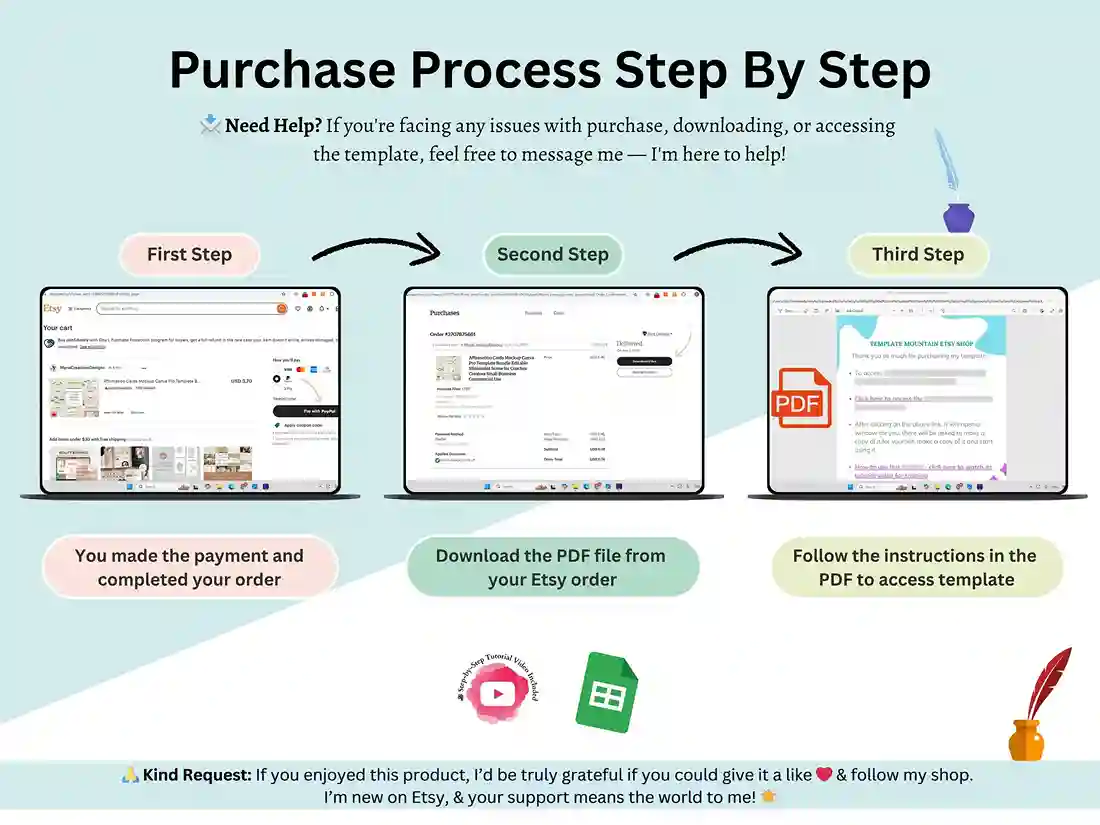
- Buy it, download it right away
- Open it in Google Sheets or Excel, whichever you use
- Start filling in appointments
Support
Got a question? Just message me, I’m around and happy to help. If the template ends up saving you time, a review helps a lot, and hitting favorite means you can find it again without searching.
Thanks for picking this one to keep your scheduling from turning into a mess.
FAQ
Does this work in both Excel and Google Sheets? Yep, you get both versions, so use whichever one you’re already comfortable with.
Do I need any add-ons or plugins? No, it’s built on standard spreadsheet functions. Open it up and it just works.
Do I need to set up formulas myself, or is it automated? It’s already set up for you. Fill in the Setup tab once, and the calendar and dashboard update on their own as you add appointments.
Can I change it to fit my business? Sure. Colors, labels, fields, business info, all of it is editable. Doesn’t matter if you’re running a clinic, a salon, or a solo consulting practice.
Can my whole team use it, not just me? It’s one shared schedule rather than separate logins for each person. So a front-desk or admin person can manage the whole team’s bookings from that one file, but it’s not built for everyone to log in individually.
What exactly do I receive? A link to make your own copy in Google Sheets, an Excel file, and the setup video.
Is it a subscription? No, you pay once and it’s yours. No recurring charges.
Can I print it? Yes, the calendar tab is made to print cleanly if you want a paper copy at your desk.