




Description
Client Tracker Template – Google Sheets CRM Spreadsheet
If your clients live in your inbox, a notes app, and a few sticky notes, this Client Tracker Template pulls it all into one spreadsheet. It’s a lightweight CRM built for people who work with clients every day and don’t want to pay monthly software fees to keep track of them.

What’s inside
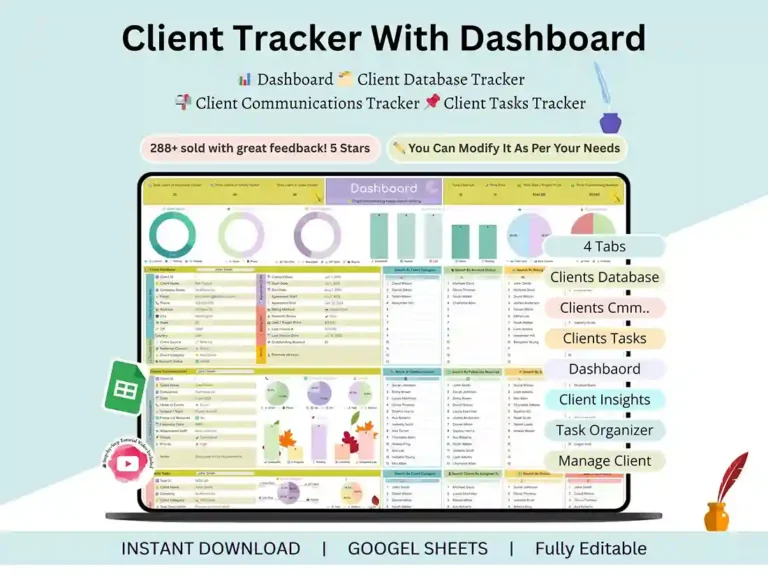
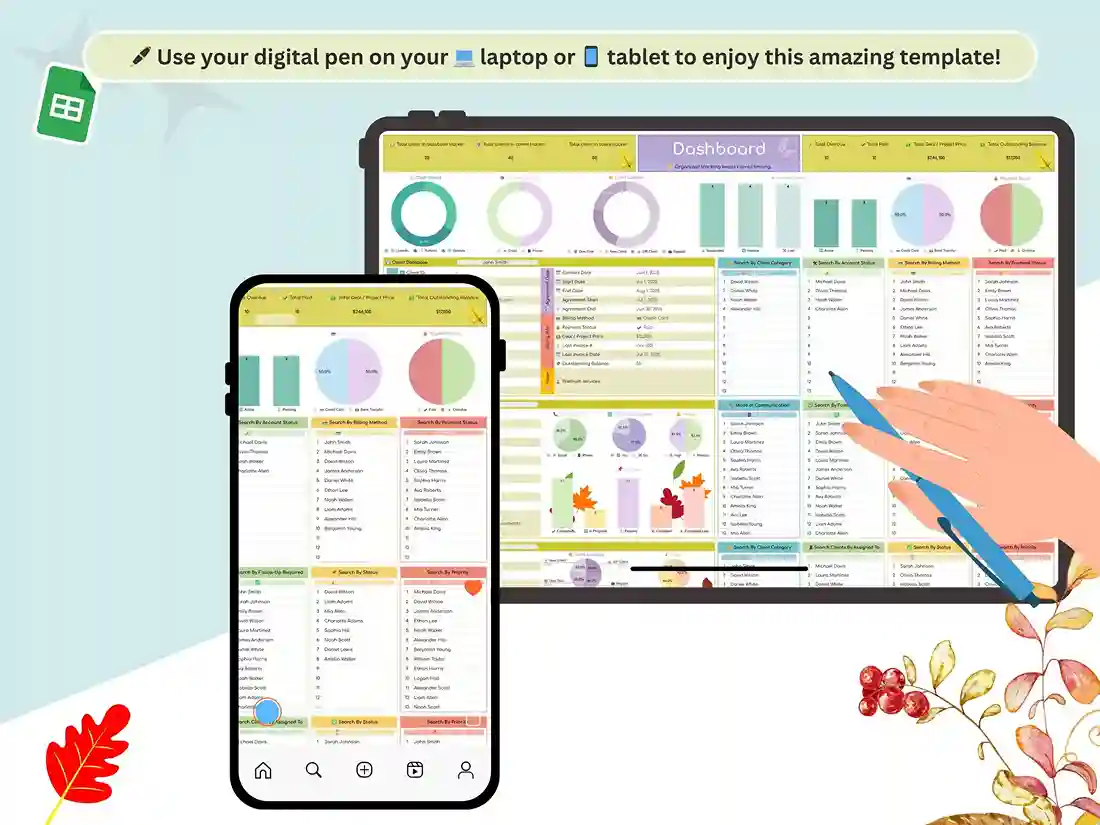
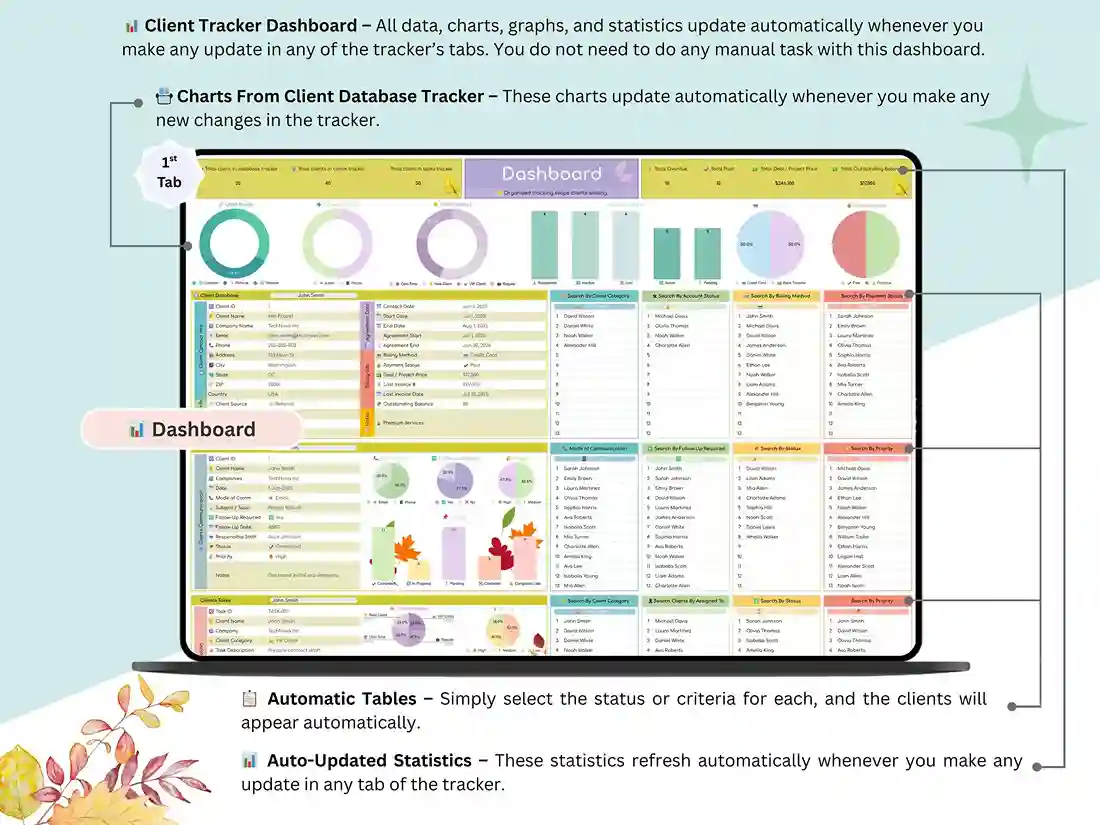
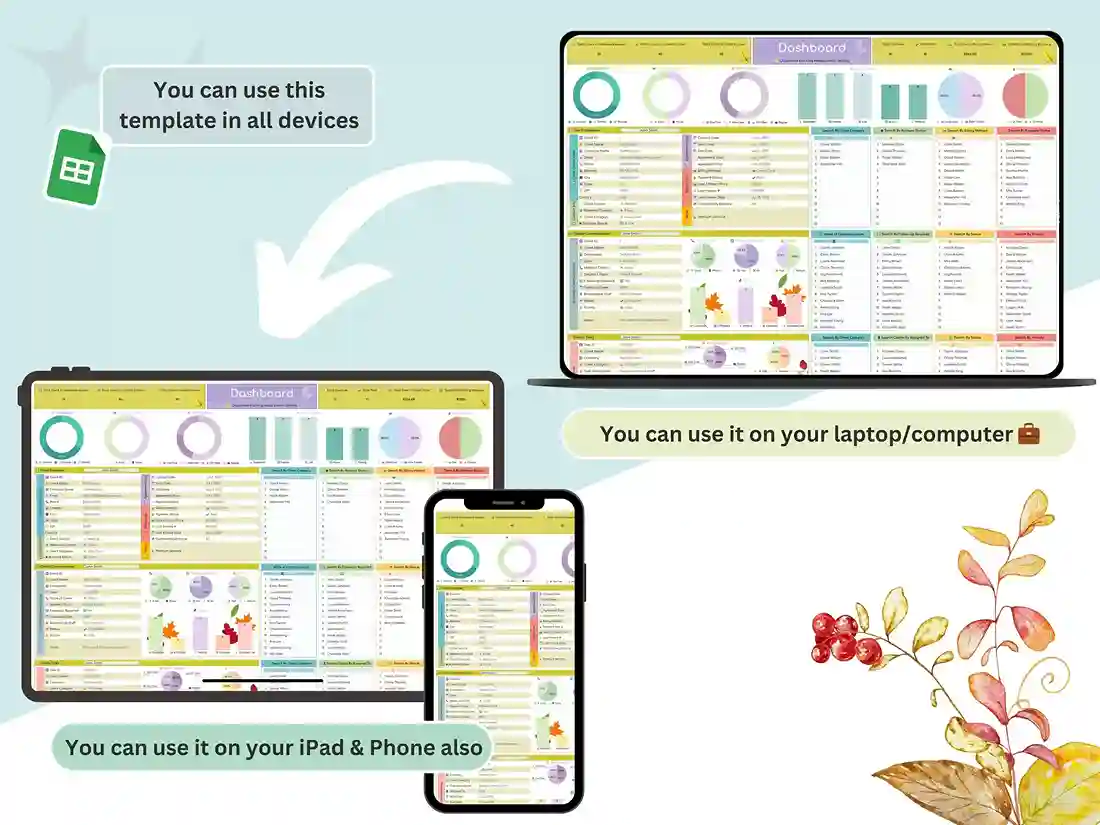
Dashboard. Open it, and you can see your clients, tasks, payments, deals, and outstanding balances without digging. The charts update on their own as you add info.
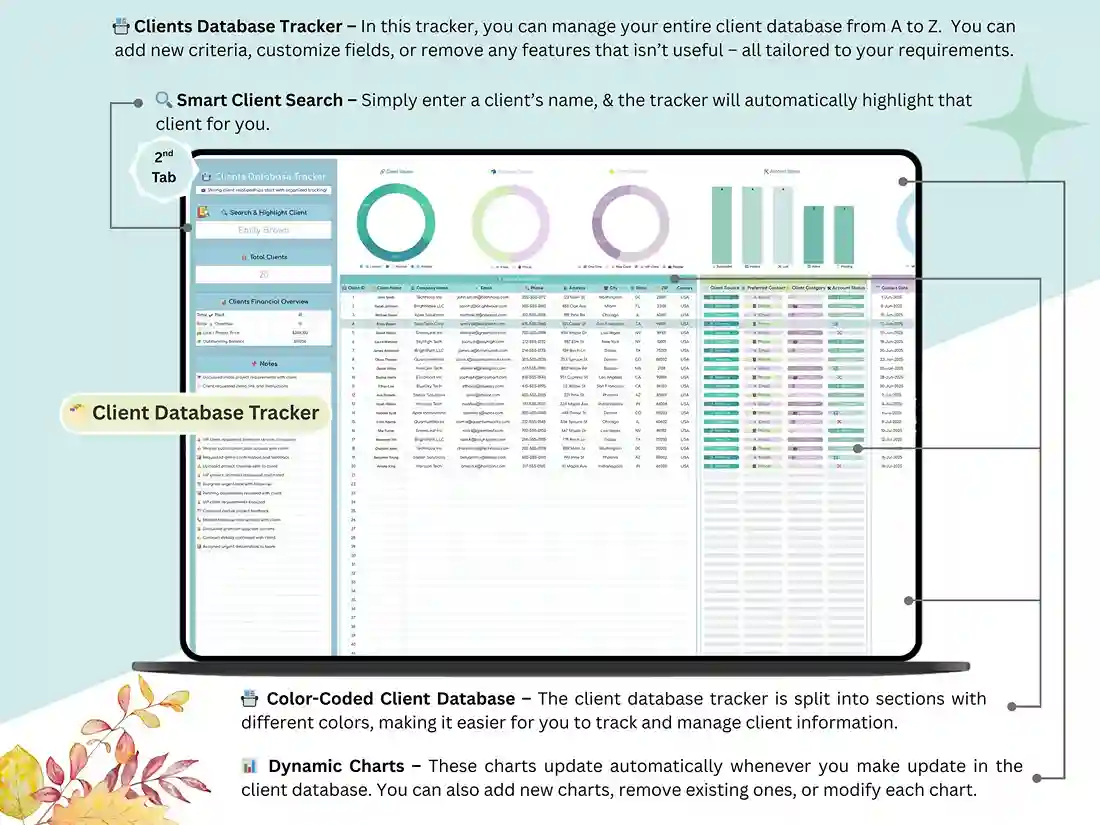
Client database. Keep contact details, company, category, lead source, billing info, and status for every client in one place.
Communication tracker. Log your meetings, calls, and follow-ups, and set a priority on each so nothing quietly slips through.
Task tracker. Track deadlines, who’s responsible, progress, priority, and what’s done.
What you get
- A Google Sheets client management template, designed to look clean and fully editable
- A step-by-step video tutorial that walks you through setup and customizing it your way
Who it’s for
- Freelancers and virtual assistants juggling several clients at once
- Coaches and consultants keeping up with sessions and follow-ups
- Agencies and teams managing multiple accounts in a single system
- Service providers who want a record of conversations and project progress
- Small business owners who want clients, money, and to-dos all in one view
Getting started
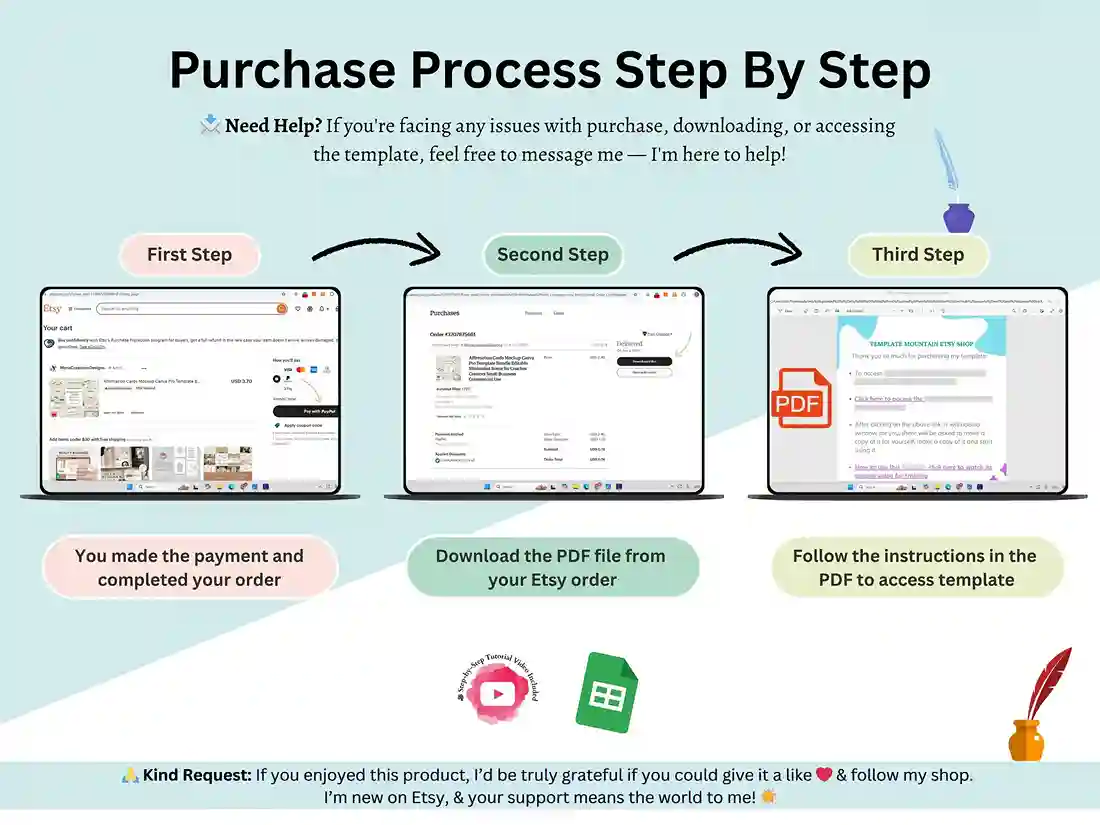
- Buy and download instantly.
- Open the PDF and click the link to make your own copy in Google Sheets.
- Add your clients and start tracking.
That’s it. No installs and no learning curve.
Why a spreadsheet instead of a CRM?
Subscription CRMs can be overkill, and the monthly bill adds up. A spreadsheet costs a fraction of that, has no recurring fees, and lets you control every column and report. It works best if you manage up to a few hundred clients and want something simple.
FAQ
Do I need Excel?
No. It runs in Google Sheets, and a free Google account is all you need.
Can I customize it?
Yes. Every tab, column, and dropdown is editable, so you can make it fit how you work.
Is it a one-time payment?
Yes. It’s $5, and you keep lifetime access to your copy.
Is there a tutorial?
Yes, a video walkthrough is included.
What if I get stuck?
Send us a message through the Contact page and we’ll get back to you.
Reviews
There are no reviews yet.