



Description
Google Sheets Habit Tracker | Monthly Template
Most people don’t fail at habits because they lack willpower. They fail because tracking is a hassle. This Google Sheets habit tracker template does the boring part for you. You tick a box each day, and the scores, charts, and yearly stats update by themselves.
It works for whatever you’re building: better sleep, more water, regular workouts, less screen time, a morning routine, even study sessions. Pick your habits once on the setup tab, and you’re set.
What’s inside
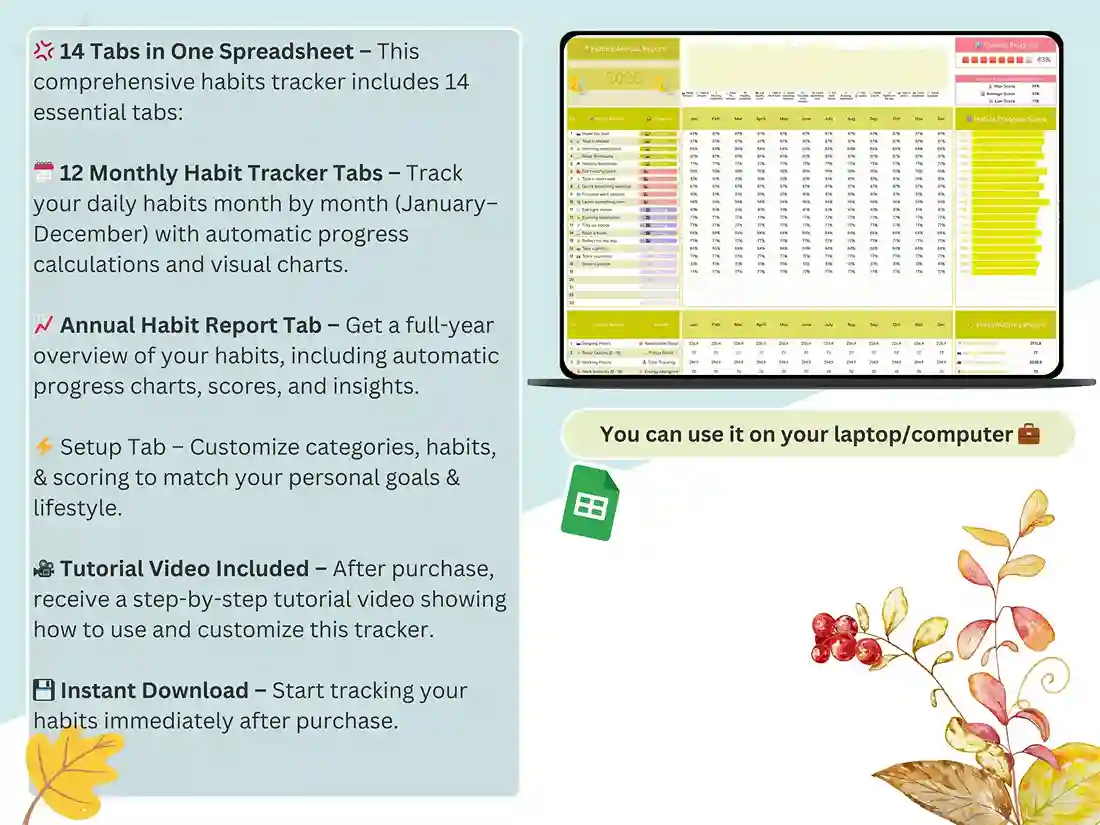
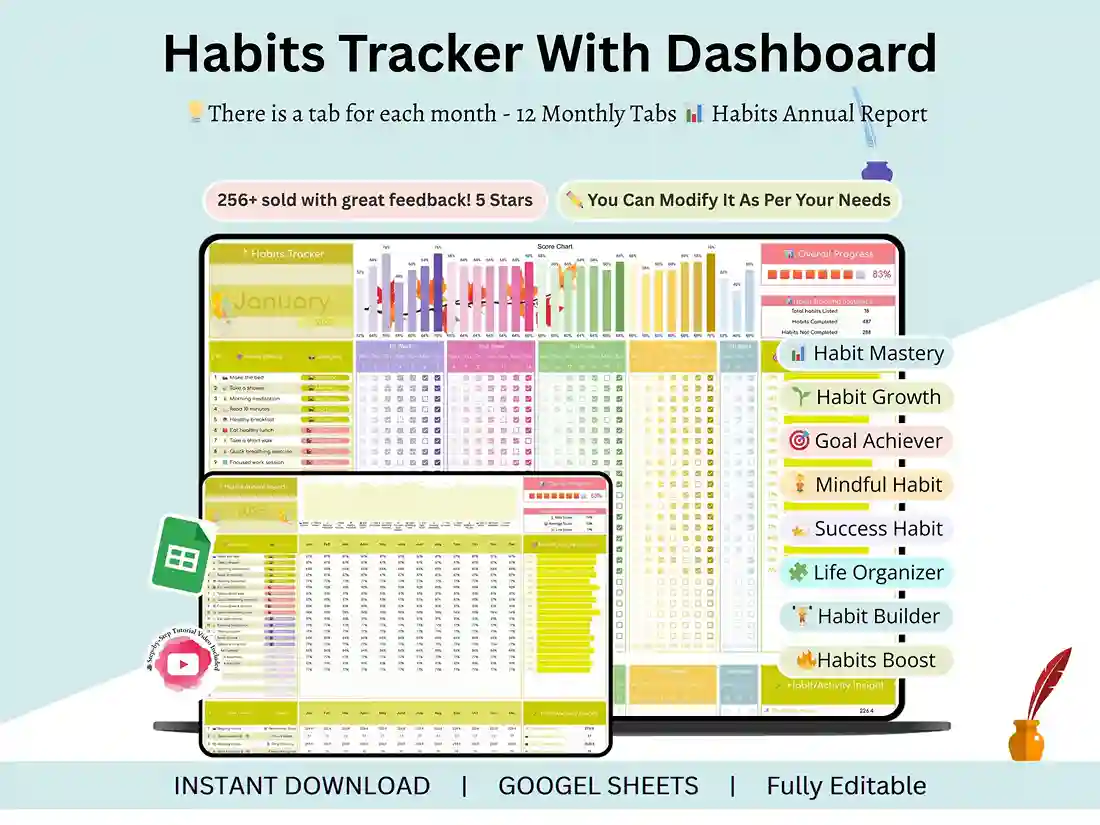
Twelve monthly tabs
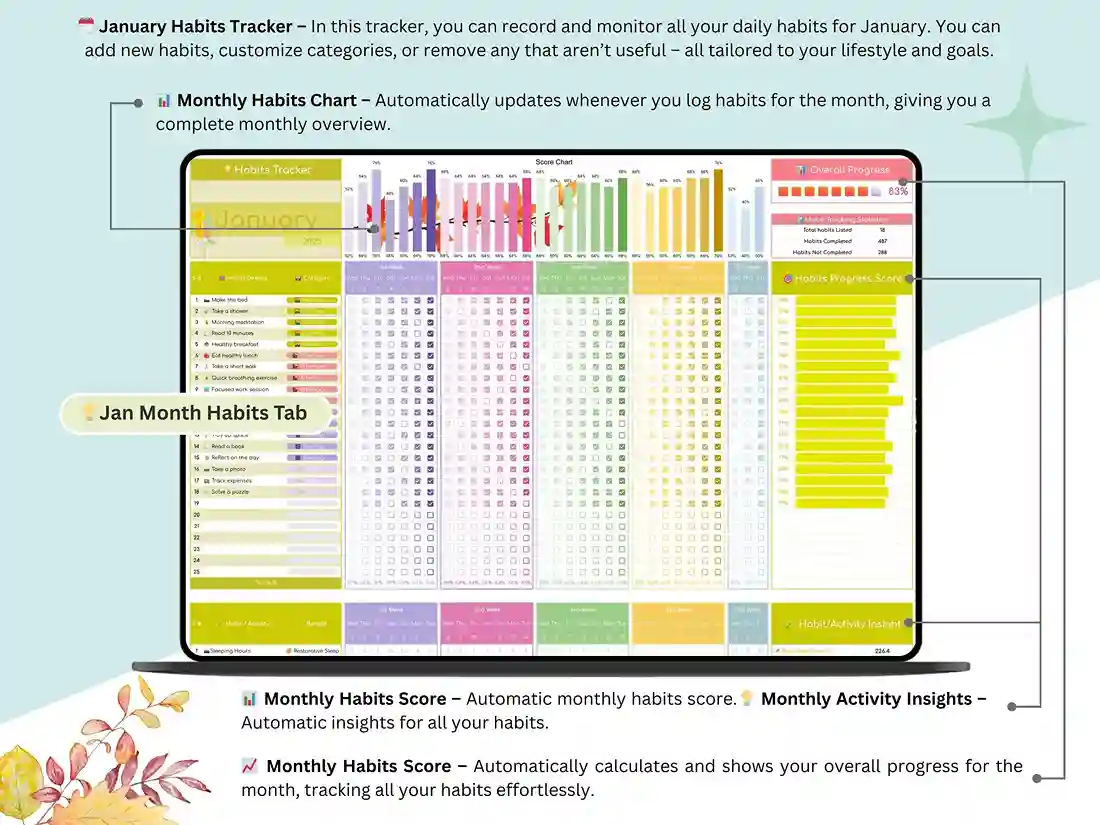
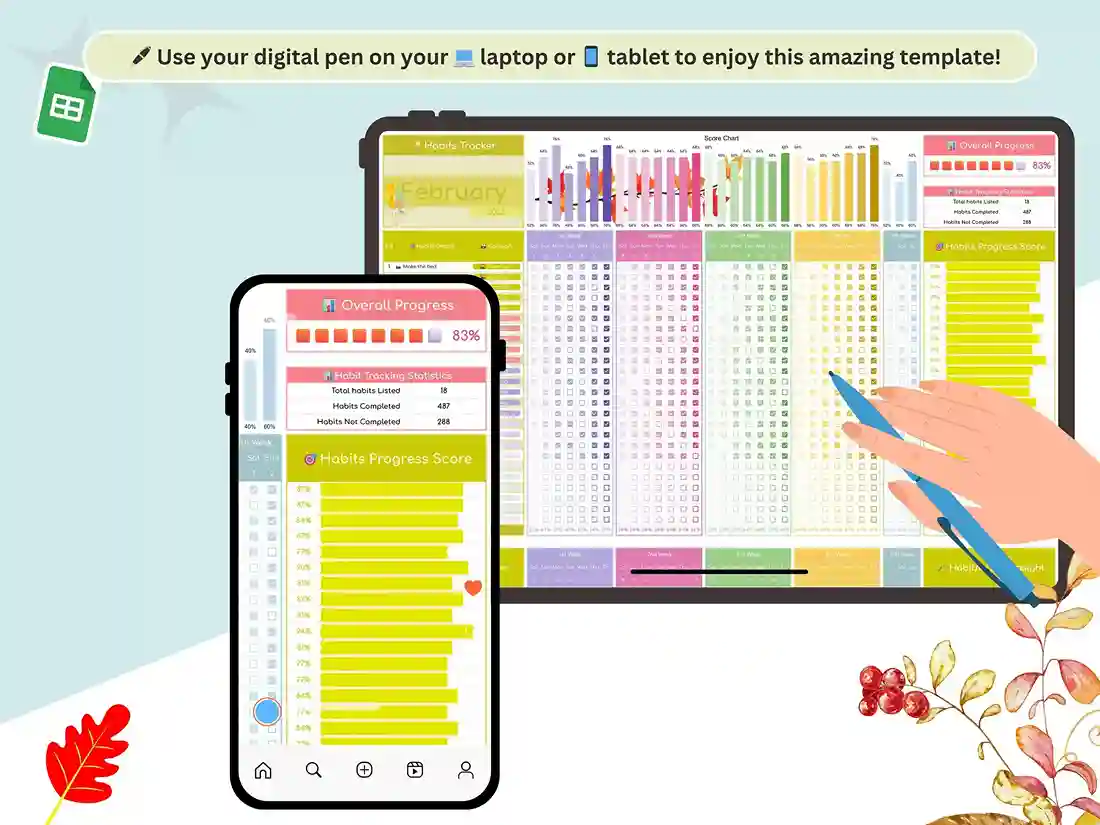
January through December each get their own sheet. It’s a monthly habit tracker you can fill in at a glance, and laid out like a habit tracker calendar, so a missed day jumps out right away.
A dashboard that shows how you’re really doing
Progress charts and habit scores sit in one place. You’ll see which habits are sticking and which keep slipping. Honestly, that’s the most useful part.
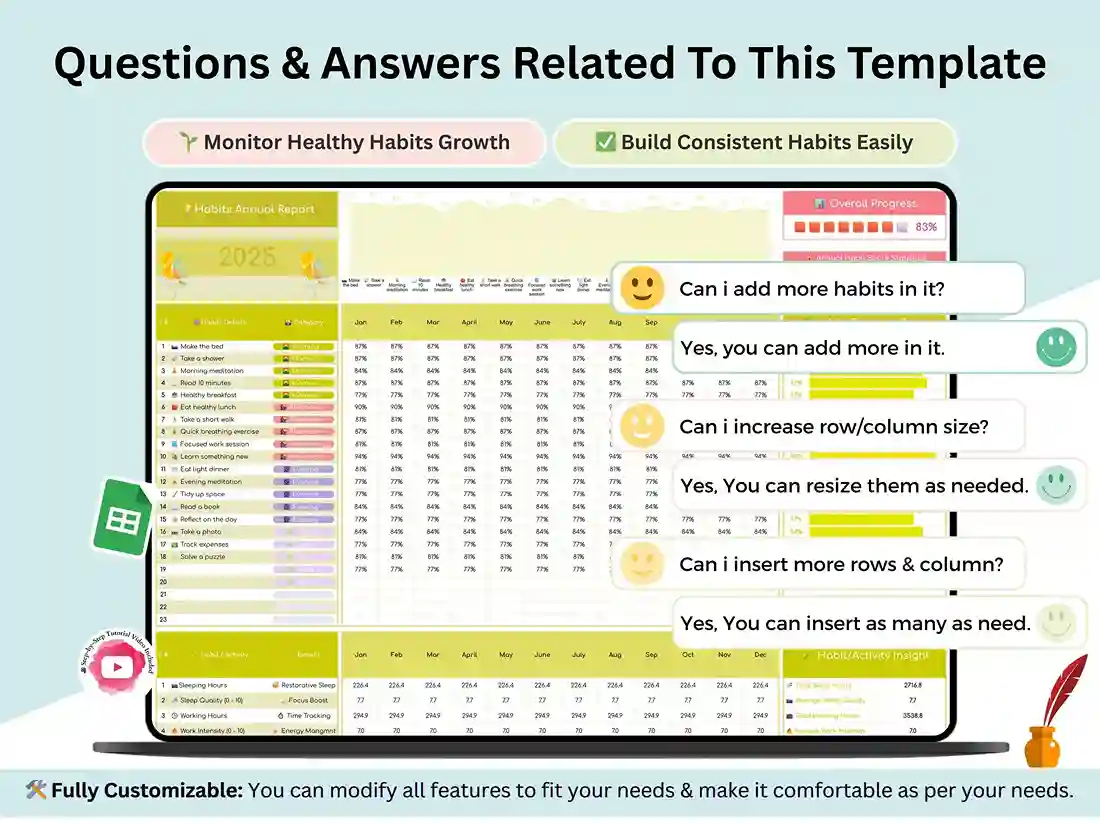
A yearly report
Your yearly habit tracker view pulls every month together with auto-updating stats, so a year long habit tracker streak stops being a guess.
A setup tab you control
Rename habits, change categories, add your own. The file adapts to you, not the other way round. Insights for things like sleep, hydration, exercise, and screen time are already built in.
Video tutorial
A short, step-by-step walkthrough shows you how to set everything up. No spreadsheet skills needed.
Who it’s for
Think of it as a simple habit tracker spreadsheet for anyone who wants steadier routines: students balancing study and sleep, busy professionals, fitness fans tracking workouts, or anyone who’s tried an app and gotten bored of it. It doubles as a daily habit tracker and a habit tracking template for the whole year.
How it works
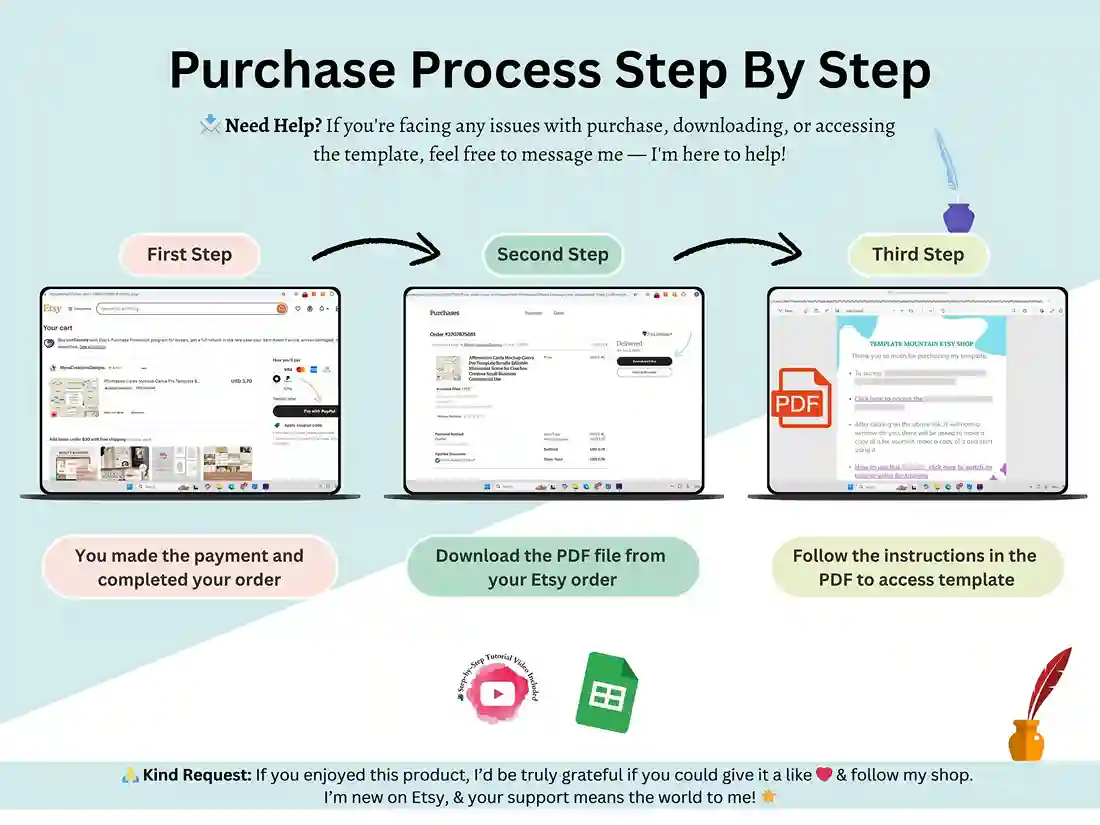
- Buy and download instantly.
- Open the PDF and click the Google Sheets access link to make your own copy.
- Set your habits, then tick them off every day. Everything else updates automatically.
Need a hand? Reach us through the Contact page.
FAQ
Is this a printable PDF habit tracker?
No. The tracker itself is an editable Google Sheet. The PDF you download only holds your access link.
Does it work in Excel?
It’s built for Google Sheets, which is where the automatic scores and charts run best.
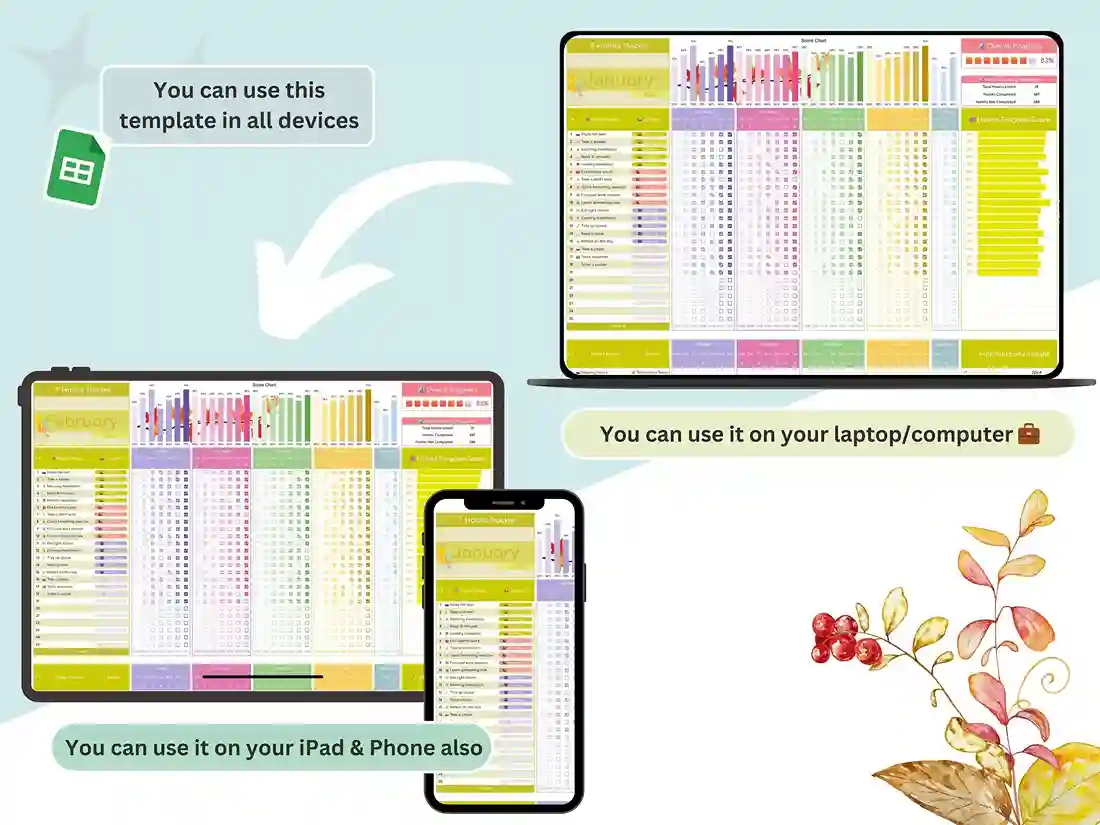
Can I use it on my phone?
Yes, through the free Google Sheets app. (Confirm the checkboxes behave well on mobile.)
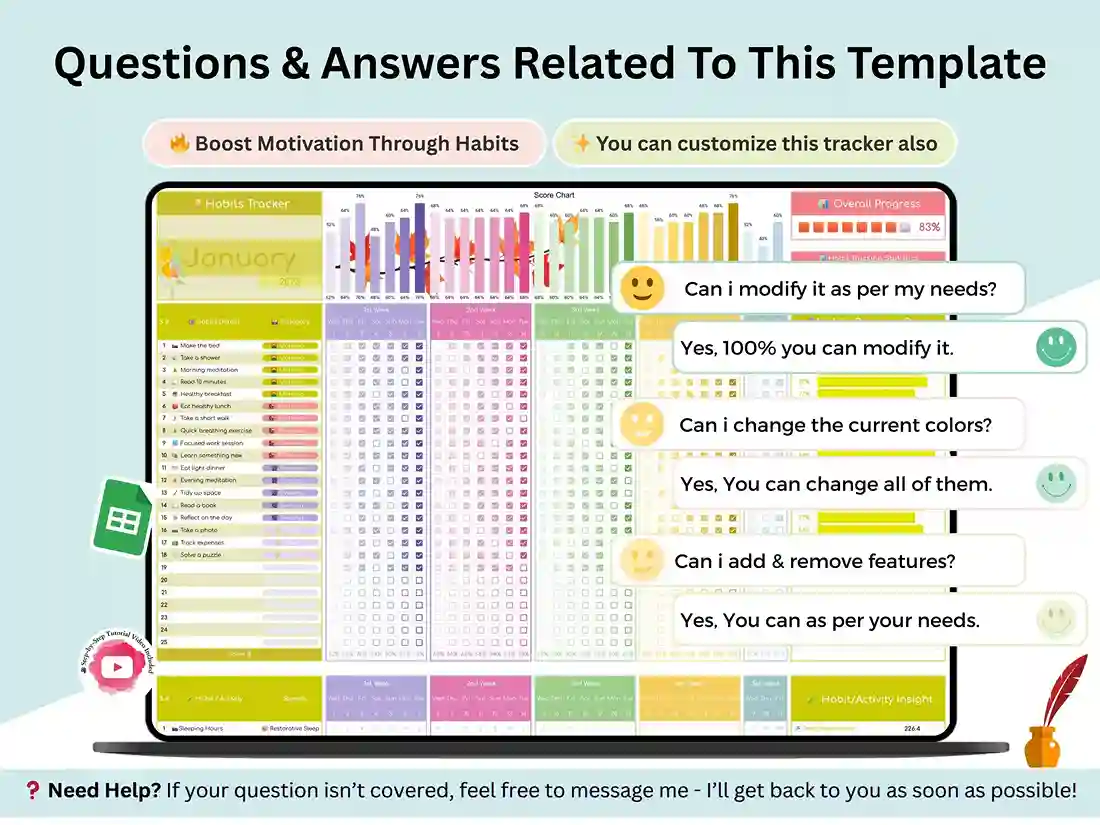
Can I change the habits and categories?
Absolutely. You can rename, add or remove habits, everything is configured on the setup tab.
What’s the difference between the monthly tabs and the dashboard?
The monthly tabs are where you tick off your days. The dashboard turns them into charts and scores.
Do I need a Google account?
Yes, a free one. That’s what lets you save your own copy of the sheet.
Reviews
There are no reviews yet.