
Description
Team Task Tracker Google Sheets Template with Dashboard & Calendar
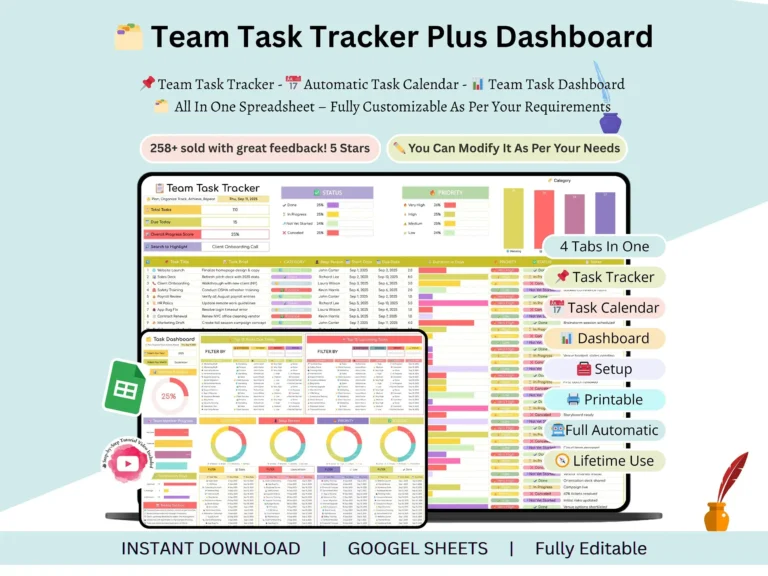
Ever tried to find out who’s doing what, only to dig through chat threads and old email? This team task tracker puts everything in one sheet: the task, the deadline, and how far along it is. It’s a task tracker template google sheets users can set up in an afternoon, and it’s built for small teams, managers, freelancers and anyone juggling shared work.
What’s inside
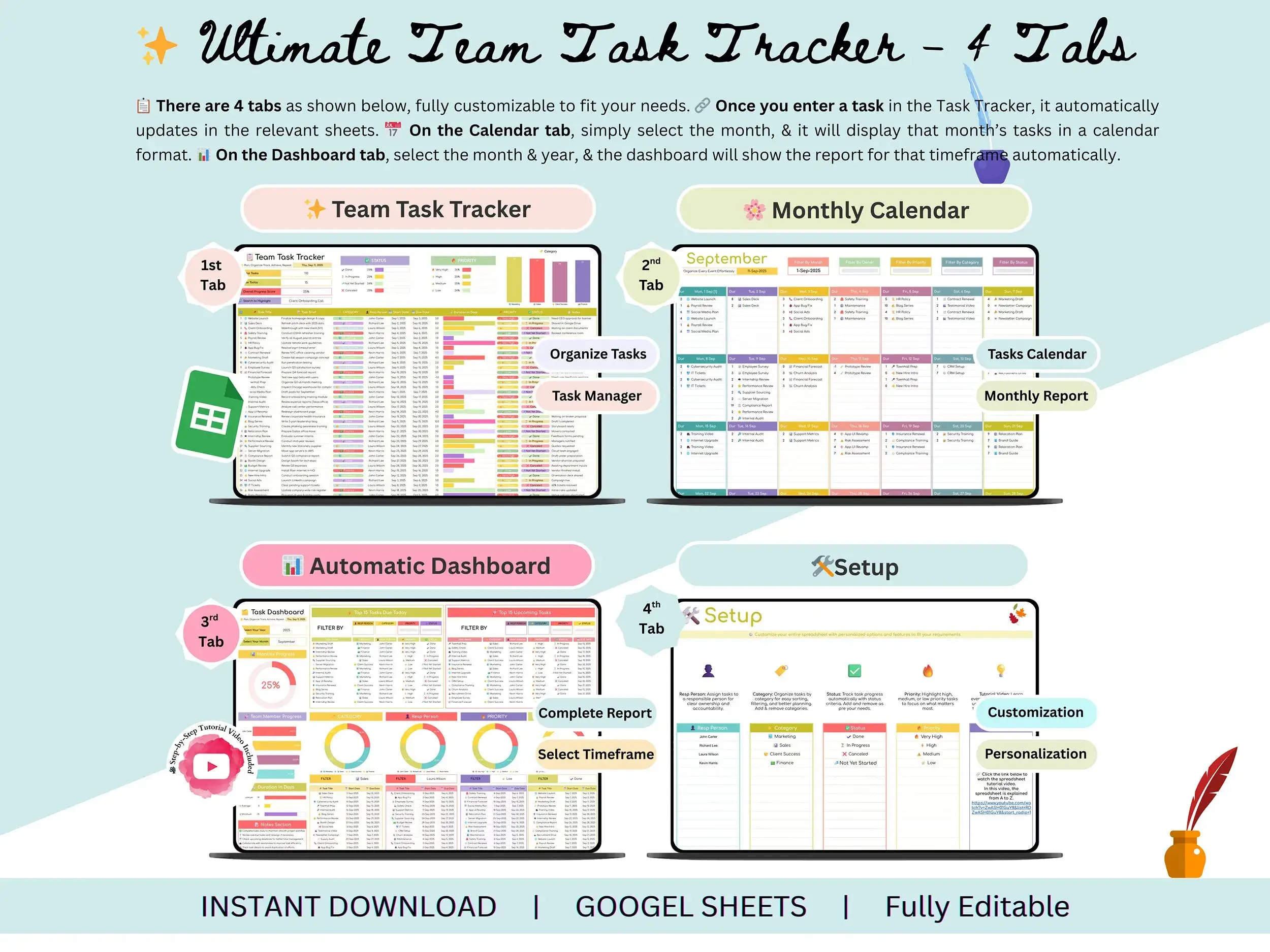
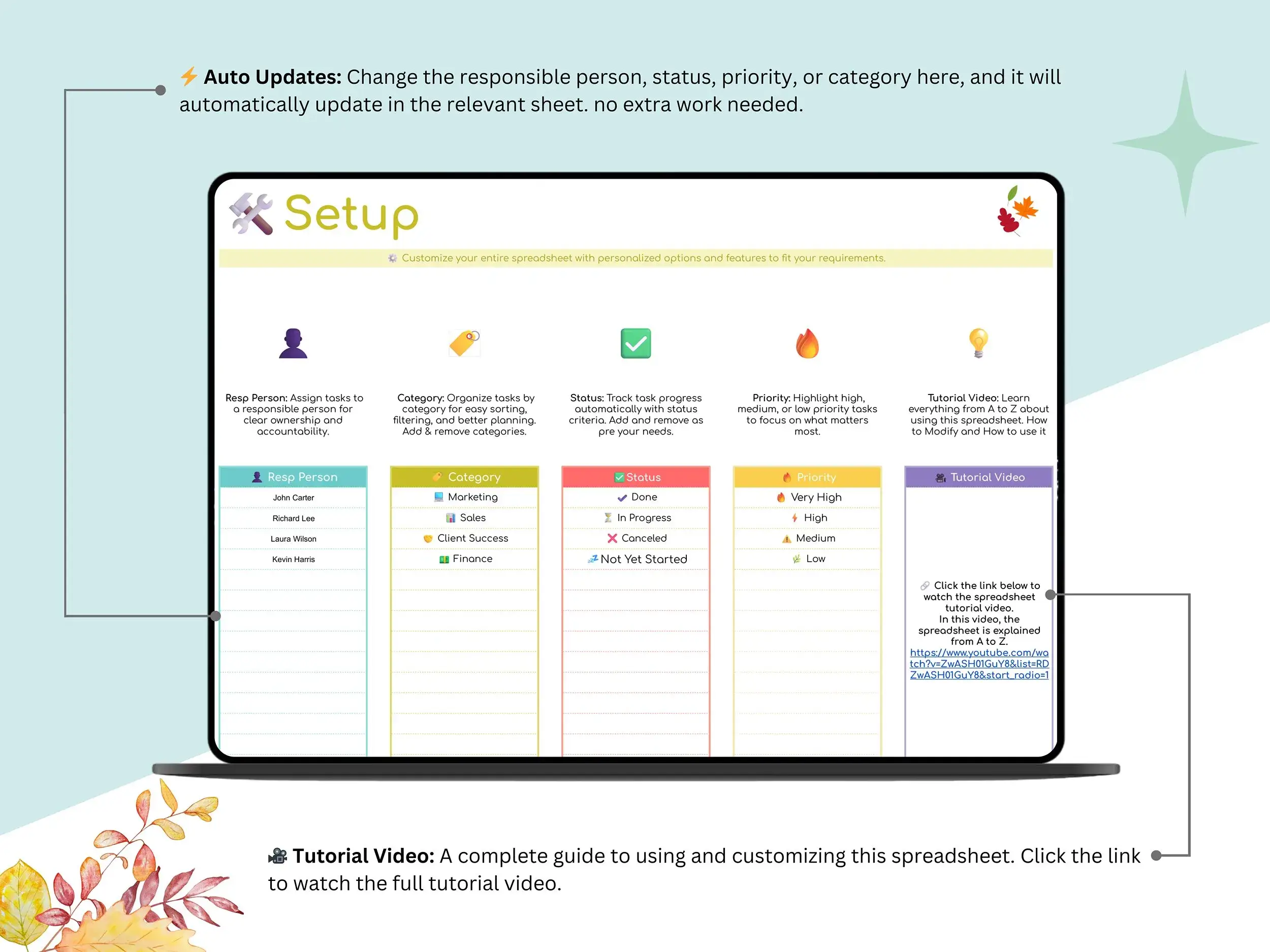
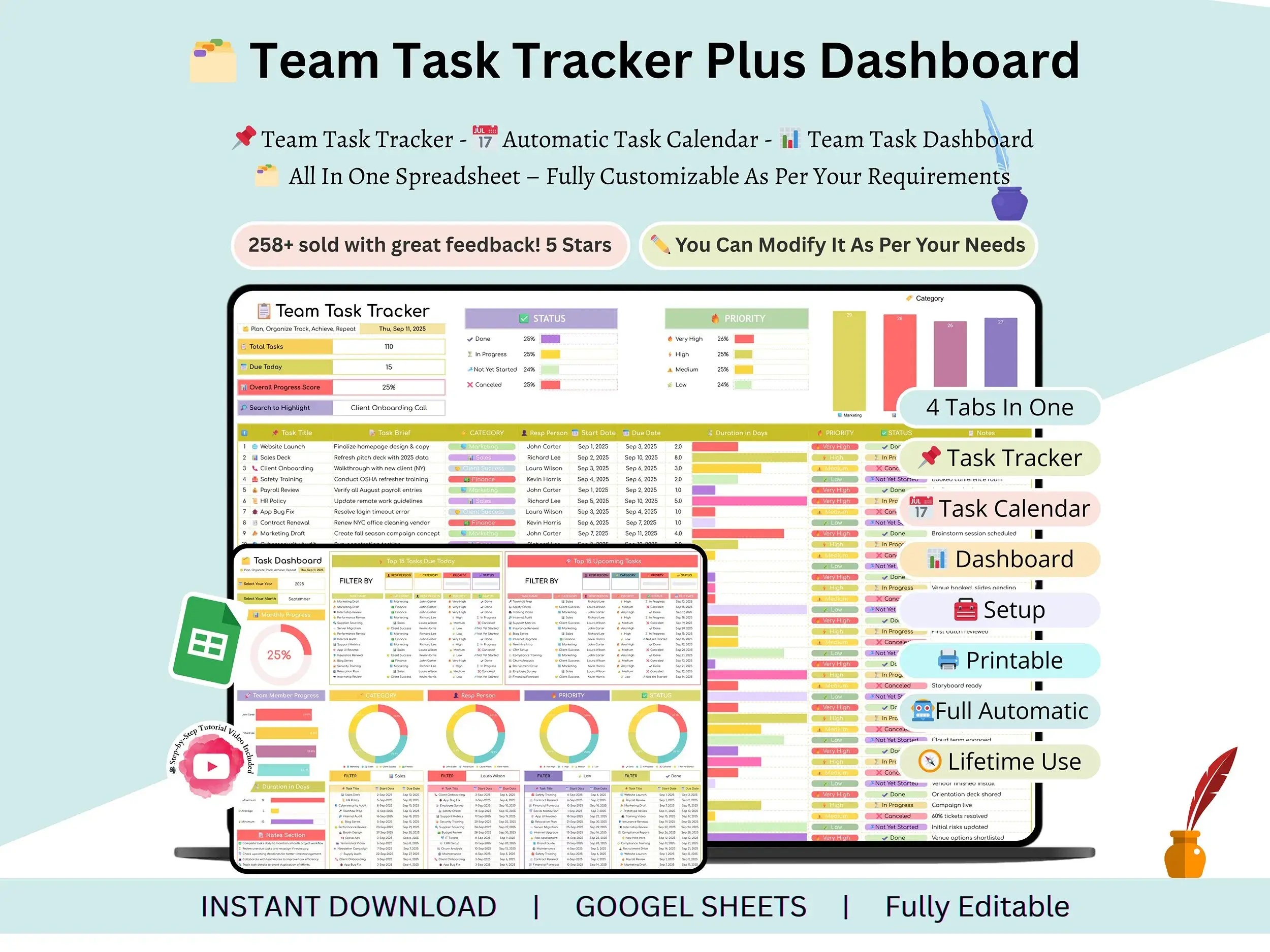
Setup tab. You configure your preferences once, and they carry across every other sheet. No hunting through tabs to change a name or a list.
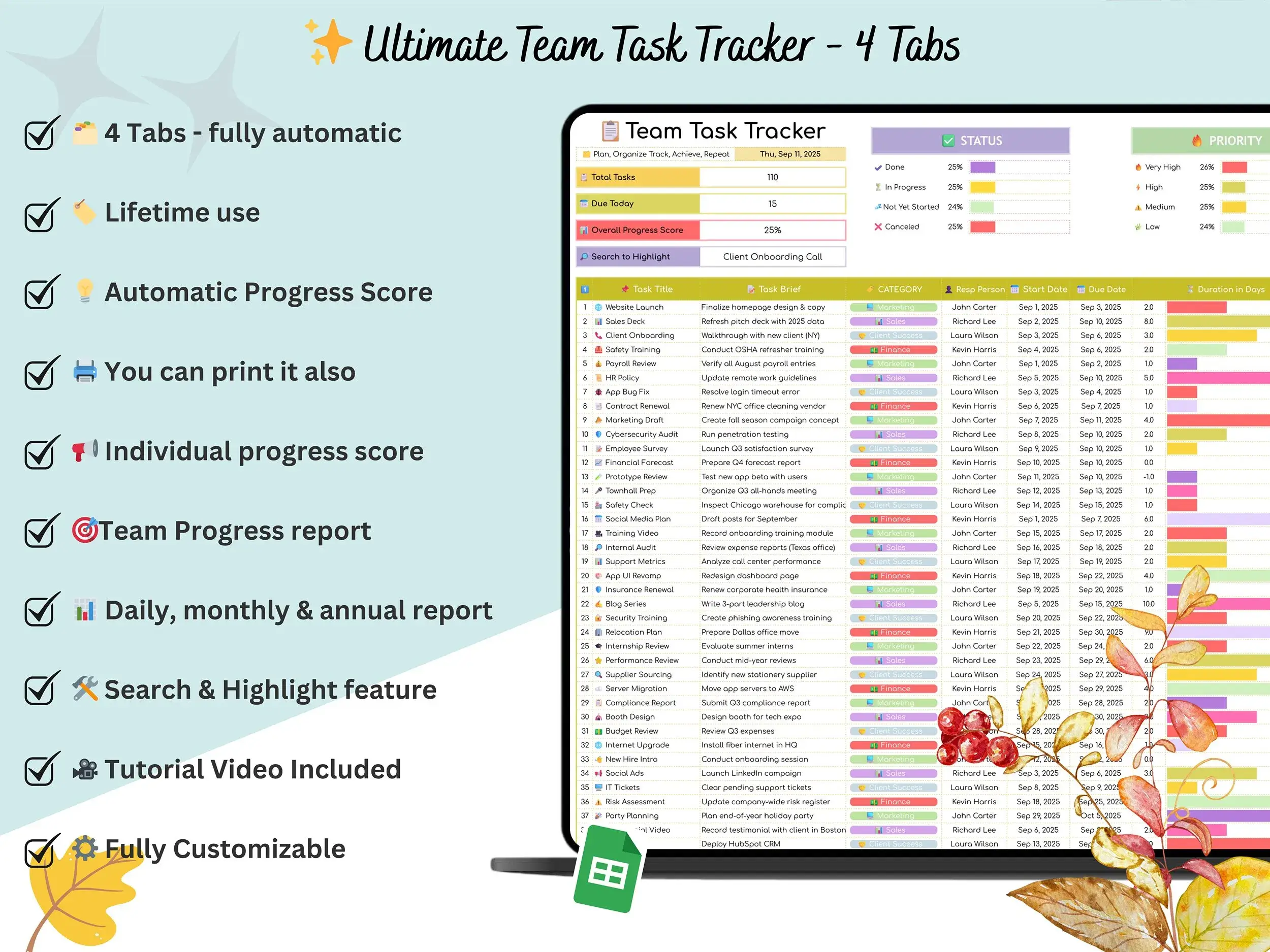
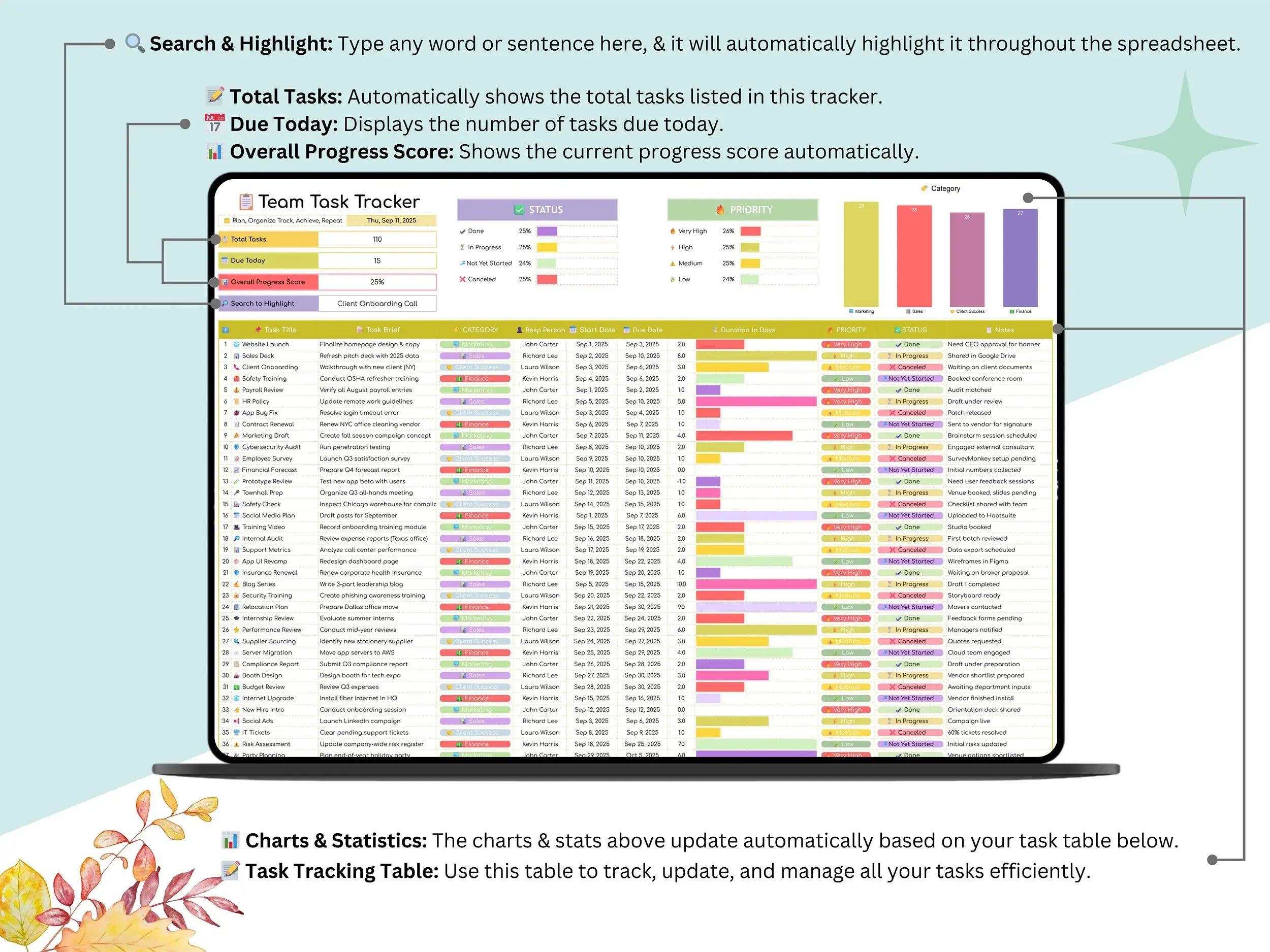
Task tracker tab. This is the heart of the file. Add a task, update it, and keep the whole list in one central place. It works as a simple task management template whether you’ve got ten tasks or a few hundred.
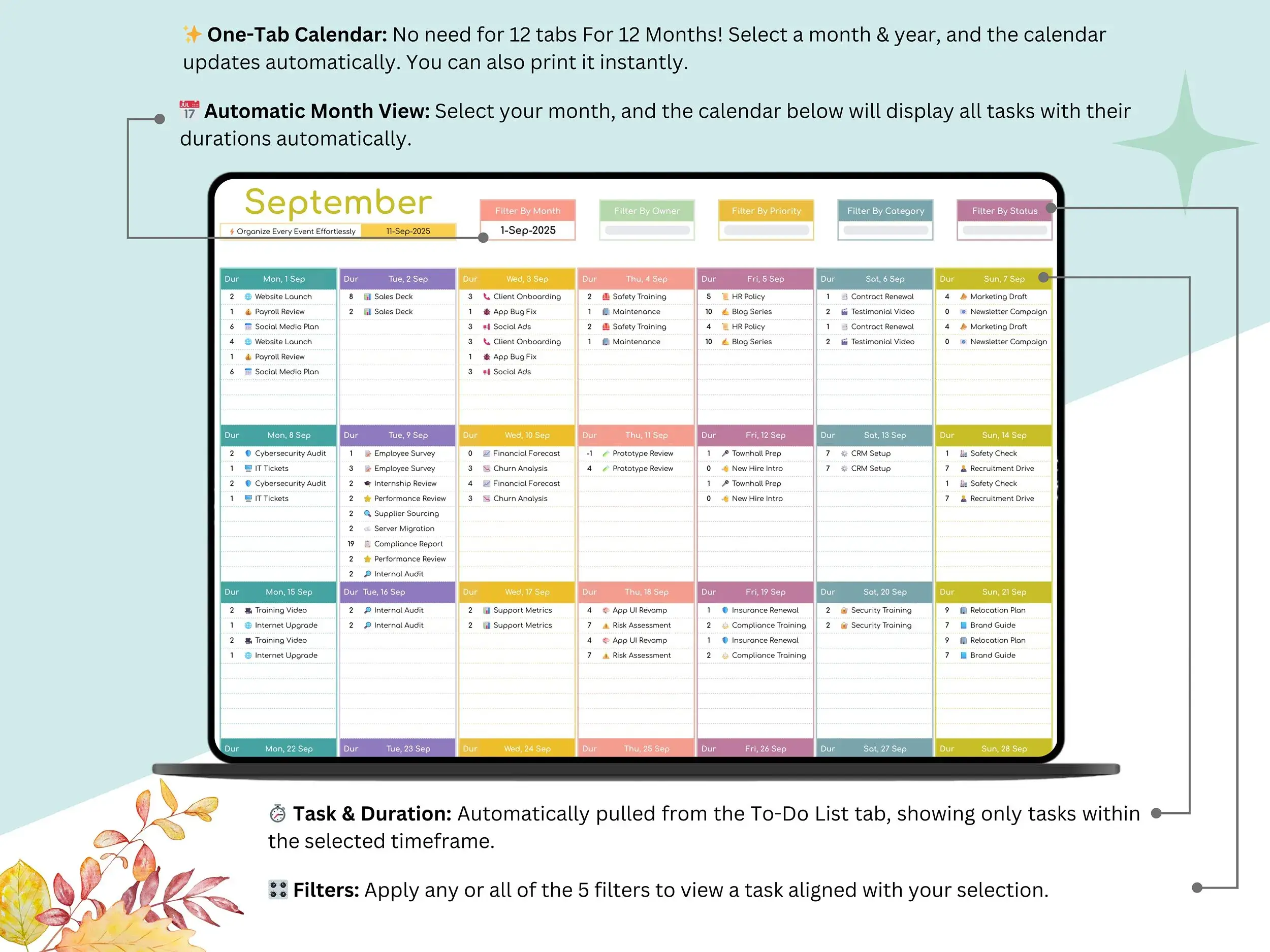
Calendar tab. Pick any month and the tasks from your tracker show up day by day. Think of it as a calendar task list template that fills itself in. You just keep the tracker up to date.
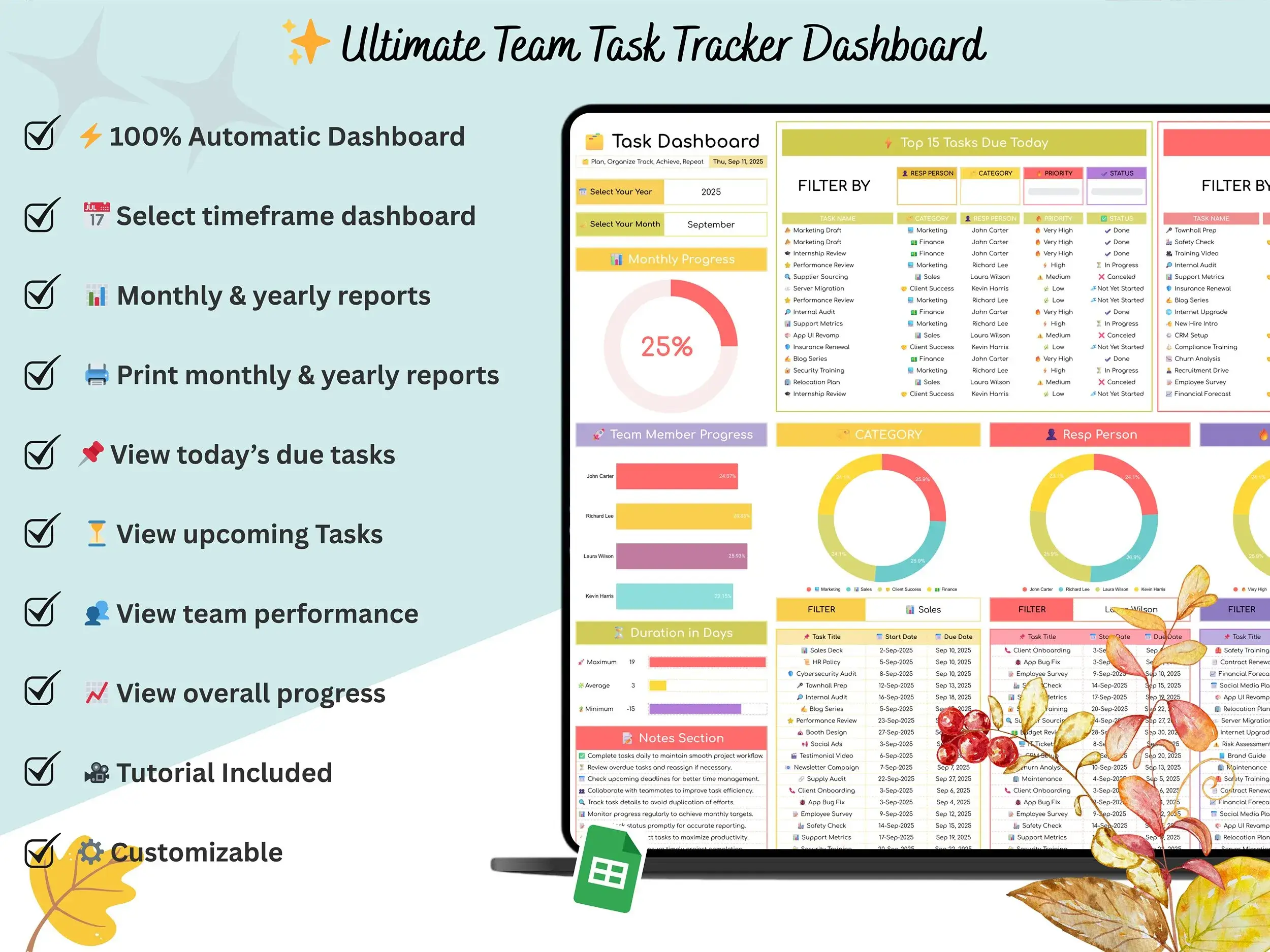
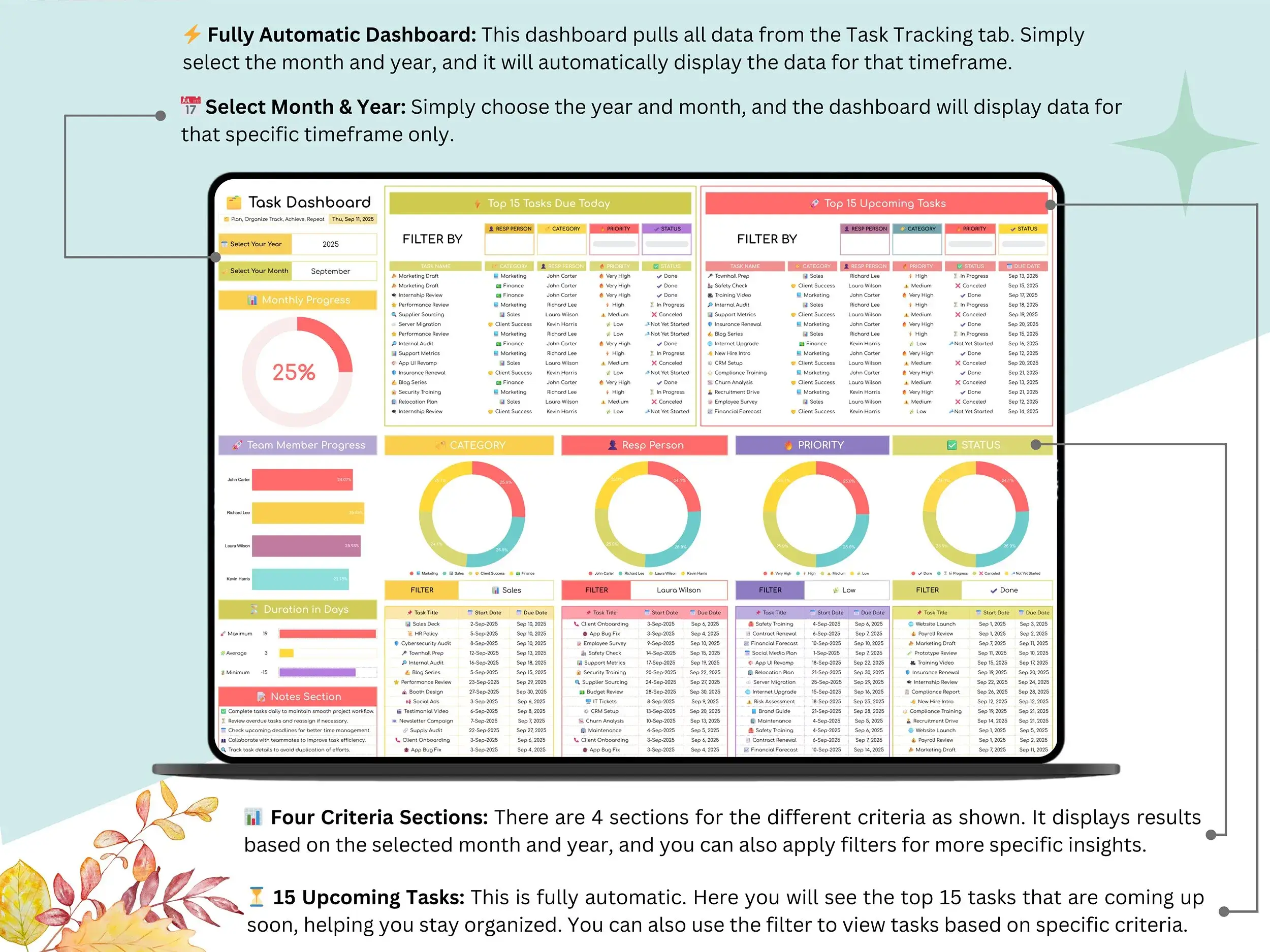
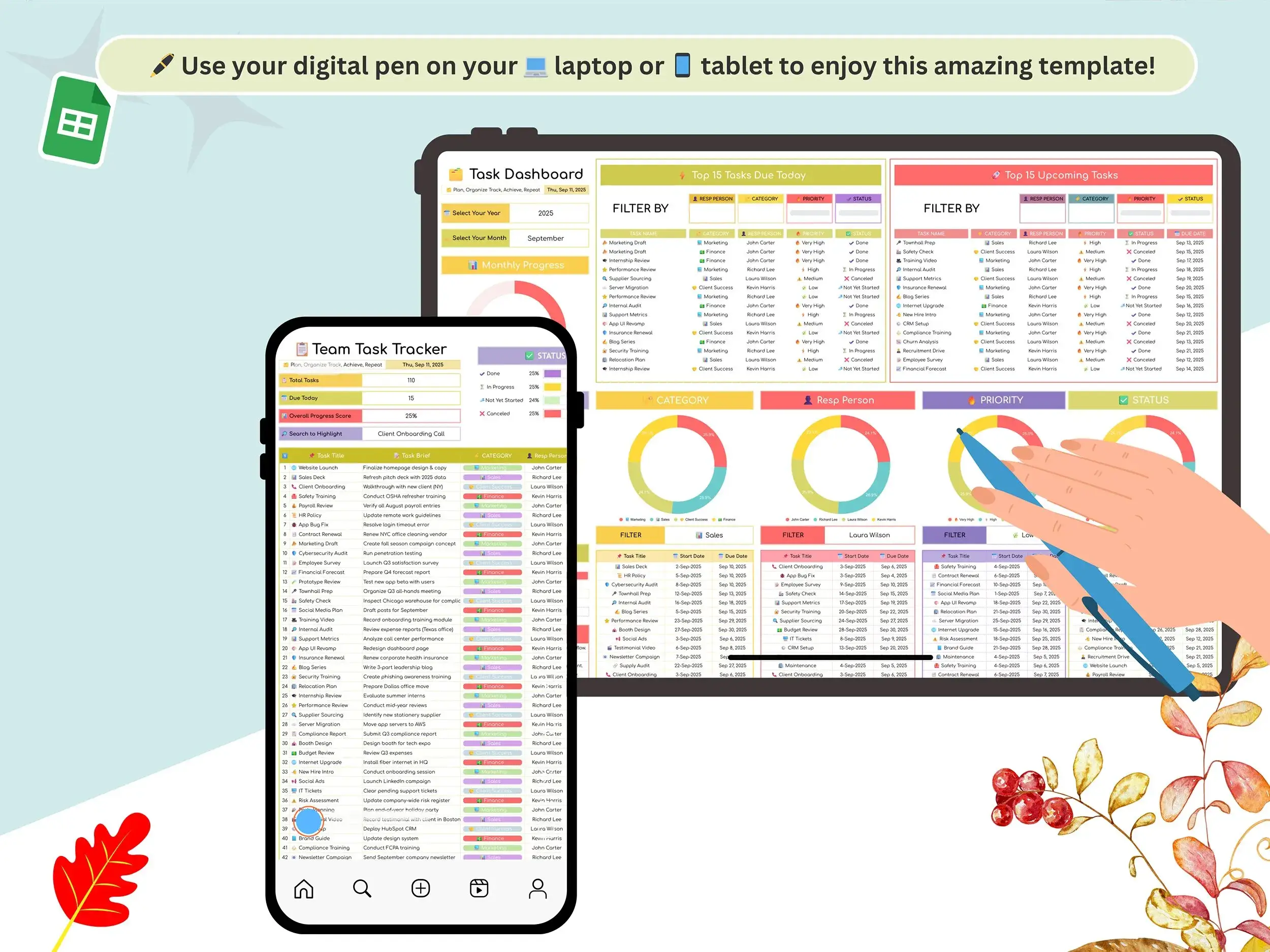
Dashboard tab. Charts and summaries show your tasks by month or year, so you can see where the work stands without building anything. It works as a project progress dashboard and a handy progress tracker google sheets view for weekly check-ins.
Who it’s for
Managers who want team task management without paying for another software seat will get the most out of it. Small business owners can use it to track project tasks and deadlines. It also works as a clean employee task list template when you need to hand out work and see what’s done. Freelancers can use it for client work, and students and educators can use it to plan assignments and projects.
Why a spreadsheet?
Not every team needs a big platform. If you’re looking at google sheets project management templates because your current tools feel like too much, this is a lighter option. It’s also a flexible spreadsheet for task management: you can change columns, rename things and make it yours. [Verify before publishing: if a real .xlsx file is included, add one sentence here saying so. If not, delete this note.]
What you’ll receive
- The Team Task Tracker spreadsheet for Google Sheets
- A step-by-step video tutorial that walks through setup and customization
How it works
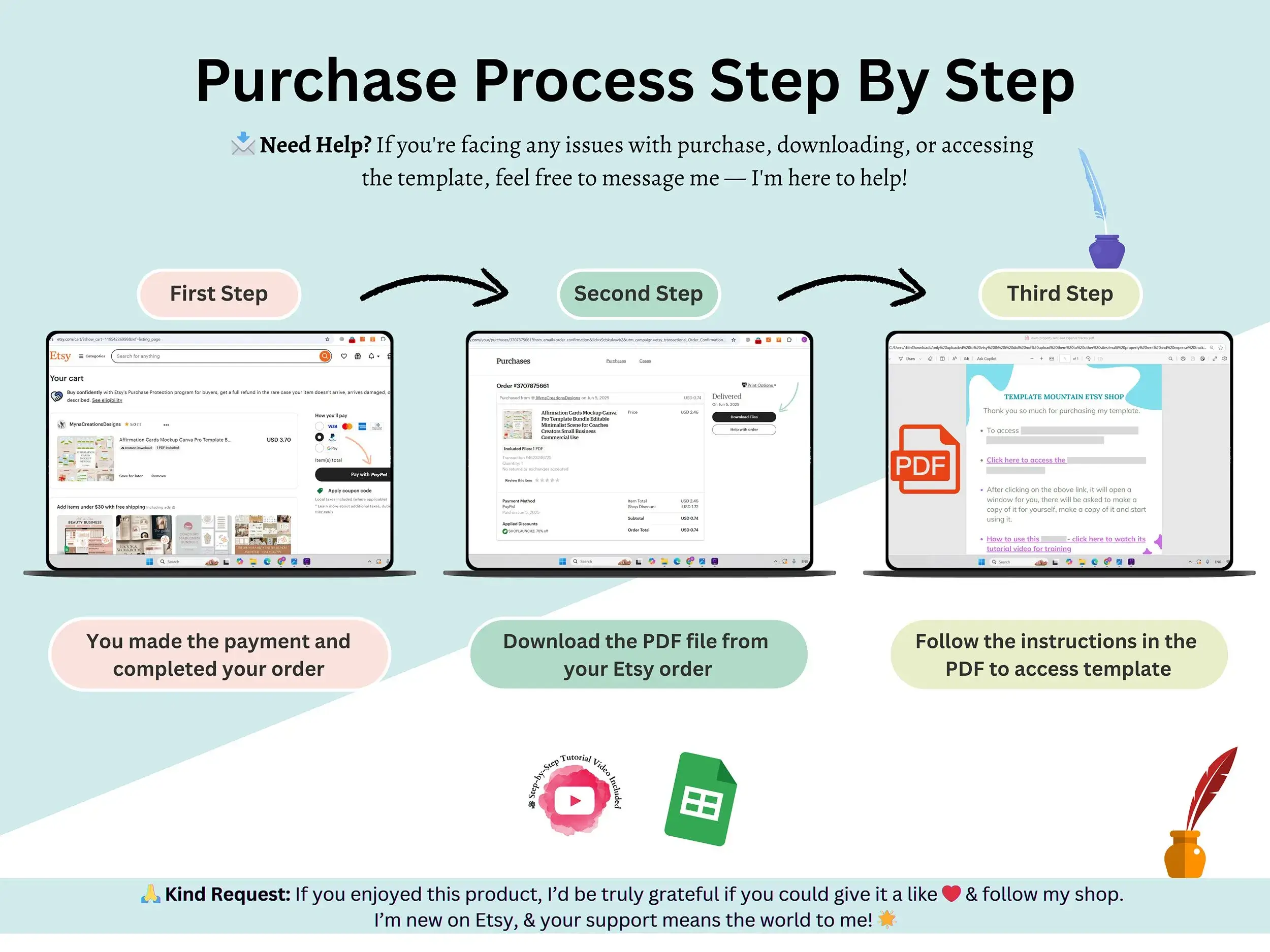
You get instant access after you purchase, open the file, make your own copy, and start adding tasks. That’s it. [Verify the delivery wording matches your actual delivery method.]
Need help?
Questions about the template? Contact us anytime through the site and we’ll help.
FAQ
Is this a Google Sheets template?
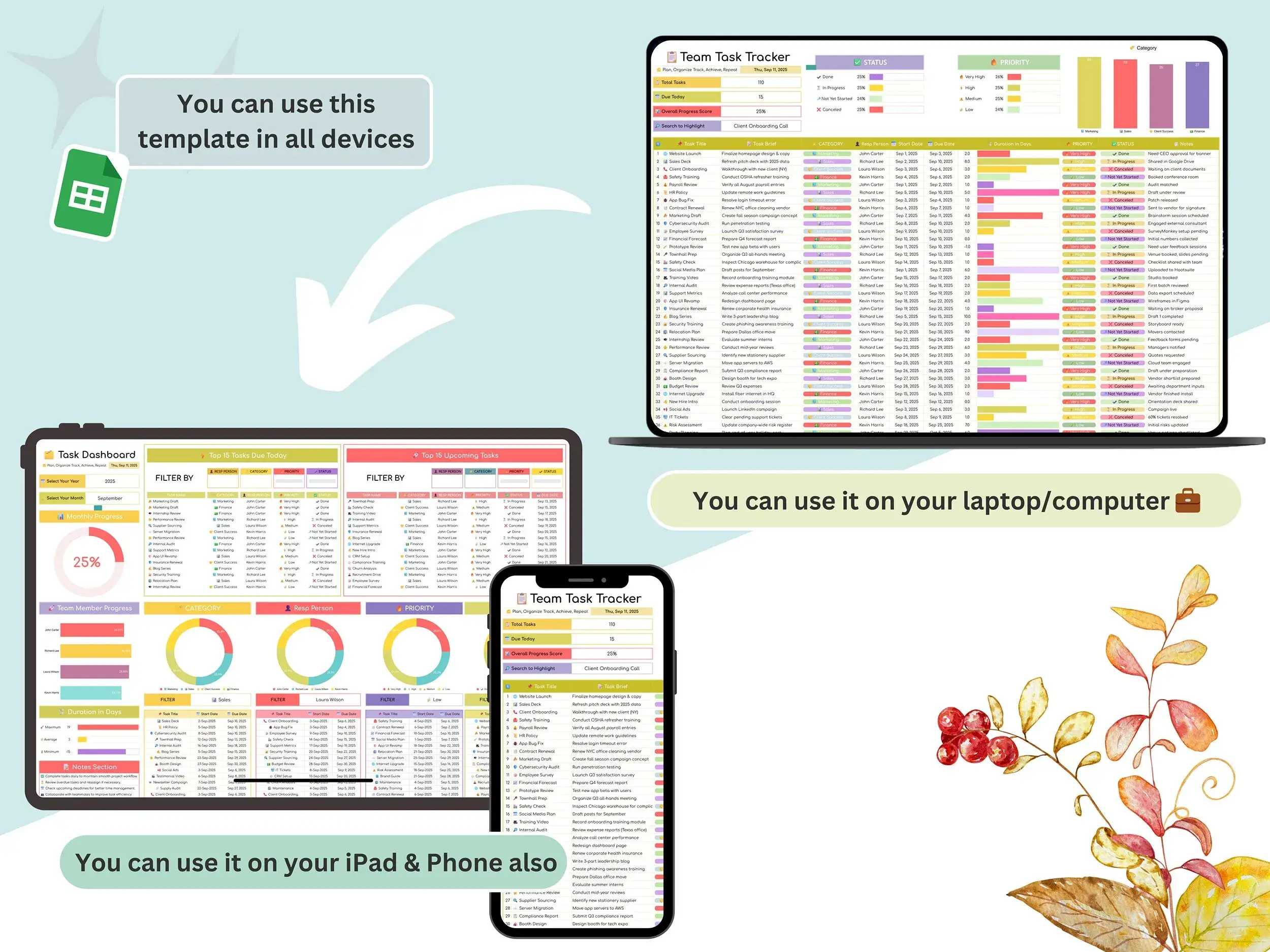
Yes, it’s built for Google Sheets, so your whole team can open it from a browser with no install.
Can my team use it together?
Yes. Share your copy in Google Sheets and set the access level you want for each person.
Does it work in Excel?
[Answer according to what’s actually included. If there’s no .xlsx file, say it’s designed for Google Sheets.]
What does the dashboard show?
Task summaries and charts by month or year, pulled automatically from your task tracker tab.
Do I need spreadsheet experience?
No. The setup tab handles your preferences, and the video tutorial walks through the rest.
Can I change the columns or layout?
Yes, once you have your own copy you can customize it.
Reviews
There are no reviews yet.