
Description
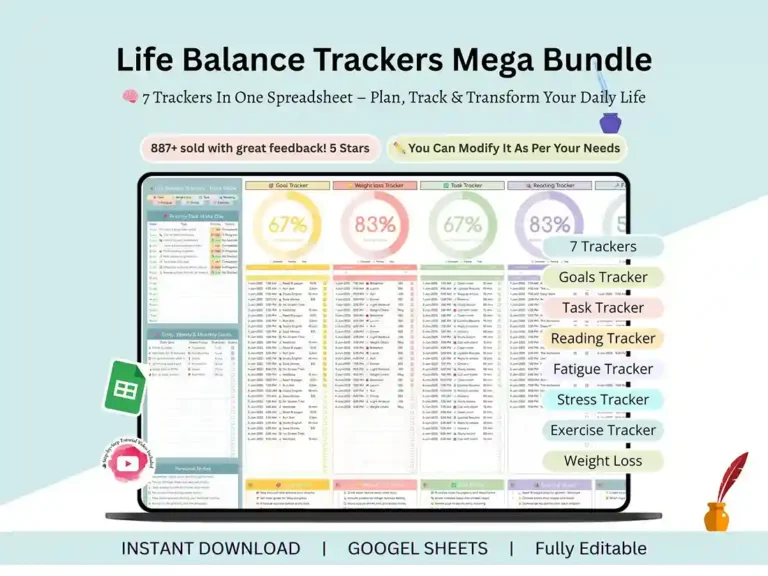
All-in-One Life Balance Tracker | Google Sheets Template
Some weeks you’re on top of your workouts, but your reading pile hasn’t moved. Other weeks you’re crushing your to-do list and haven’t stepped on a scale in a fortnight. That’s not a discipline problem — it’s usually a tracking problem. When your habits live in five different apps and three different notebooks, you can’t see the whole picture, so you end up guessing.
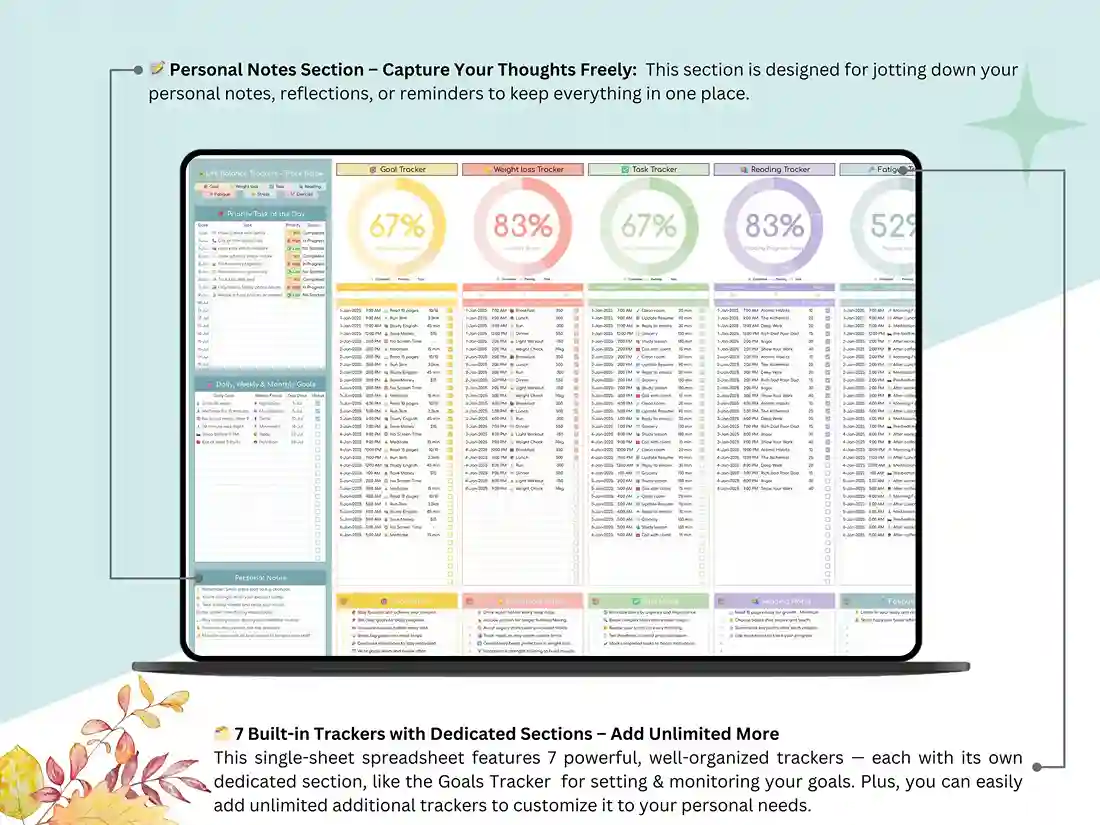
This all in one tracker Google Sheets template fixes that by putting eight trackers into a single file. One link, one dashboard, everything visible at once.
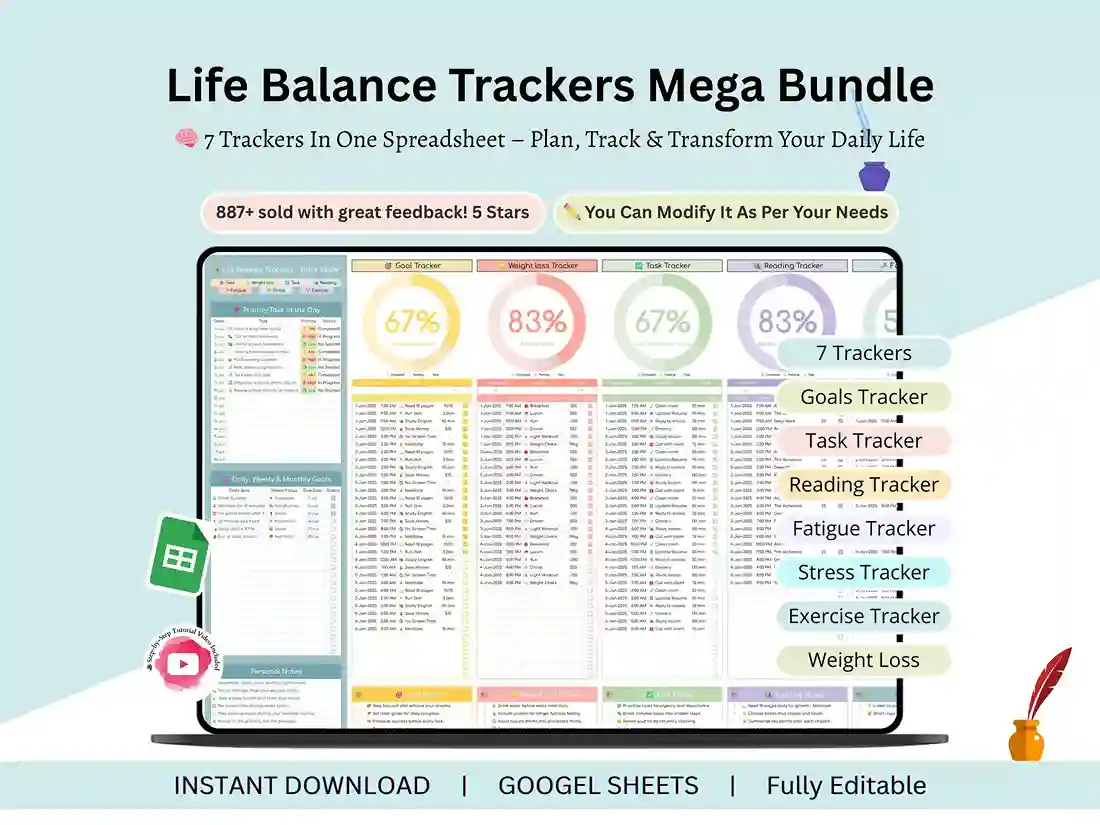
What you’re actually getting
It’s a life balance tracker built entirely in Google Sheets. No apps to install, no subscriptions, no learning curve. You make a copy to your own Drive, and it’s yours forever — edit it, rename tabs, add rows, change the colours. Nothing’s locked.
The formulas and charts update themselves as you type, which is the part most people don’t expect from a personal tracker spreadsheet at this price. You enter a number; the graph moves. That’s it.
Set goals you’ll actually come back to
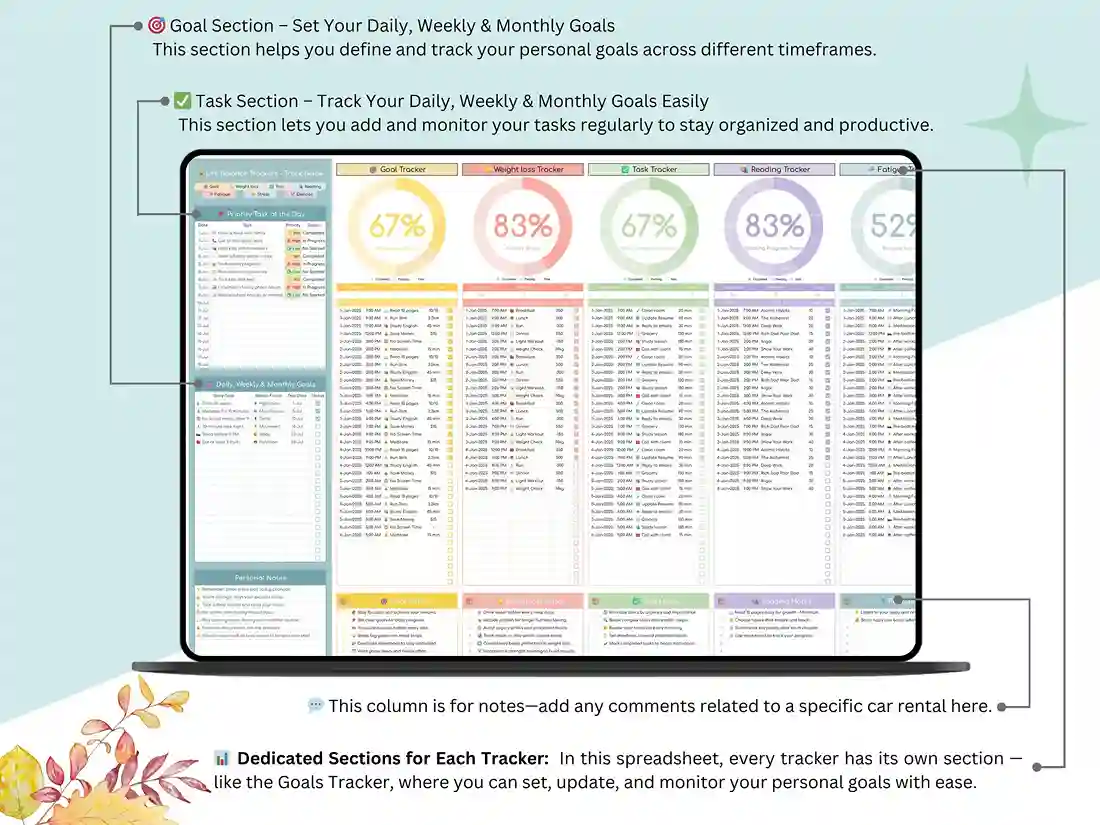
The goal section is where most people start. You write down what you’re chasing — the big twelve-month stuff and the small “this week” stuff — and the sheet keeps a running goal log so you can see what you’ve closed out versus what’s quietly been sitting there since March.
Stuck on what to track? The tab comes pre-filled with goal tracker ideas you can keep, edit, or delete. It doubles as a personal growth tracker if you’re working on something less measurable than a number, like reading more or sleeping earlier.
Weight and body measurements, charted automatically
This is the tab people use daily. Log your weight, log your measurements, and the progress chart for weight loss redraws itself every single time.
You get a proper measurement spreadsheet underneath it — chest, waist, hips, arms, thighs — because the scale lies on some weeks and your waistline doesn’t. Set a target and the weight loss goal chart shows the gap between where you are and where you’re headed.
If you’ve been hunting for a weight loss tracker Google Sheets option that doesn’t nag you or lock your data behind a paywall, this is it. It also works nicely as a weight loss journal template if you like jotting down how a week actually felt, not just what it weighed.
Tasks, without the overwhelm
The task tab is a plain daily tracking sheet. Add what needs doing, mark it off, watch the completion percentage climb. There’s something quietly satisfying about a row turning green.
You can run it daily or weekly depending on how your brain works. Both layouts are already built.
Reading, stress and energy — the tabs nobody else includes
Here’s where this template earns its keep.
The reading tracker Google Sheets tab keeps your books, your pages-read count, and your finish dates in one place. Think of it as a book reading log template that’s smart enough to tell you whether you’re on pace for whatever yearly number you set yourself.
Then there’s the stress tracker template, which is a simple daily rating plus a line for context. Bad day? Note why. After a month, you can usually spot the pattern — and patterns are what you can actually change.
Sitting next to it is a mood and energy tracker for logging fatigue and rest. Most people are shocked when they first see their energy levels plotted against their sleep. That connection is hard to notice in your head and obvious on a chart.
Together, these three tabs turn the file into a genuine daily wellness tracker rather than just another fitness sheet.
Exercise log with real charts
Workouts, sets, reps, duration — log them and the fitness graph builds itself. No manual chart editing, no fiddling with ranges.
It’s an exercise log rather than a full program builder, so it’s for recording what you did, not designing a twelve-week split.
Why one file instead of eight
Honestly? Because you’ll use it.
Seven separate tracking sheets means seven things to remember and seven things to abandon by February. A 8 in 1 tracker spreadsheet means one bookmark. That’s the whole argument, and it’s the reason this outsells the standalone versions.
It ends up functioning as a Google Sheets life planner — the one file you open with your coffee before anything else.
What’s included
Your purchase gets you the full template, a step-by-step tutorial video, a personal notes section, and unlimited custom sections you can add yourself. Lifetime access, one payment, no renewal.
It works as a wellness tracker Google Sheets setup, a self care tracker spreadsheet, a habit tracker Google Sheets file, or a weight tracking Google Sheet — same file, whichever way you want to use it.
Five dollars. That’s less than the coffee you’ll be drinking while you fill it in.
FAQ Section
Does this work in Microsoft Excel?
No — this template is built for Google Sheets only. The automatic charts and formulas are written specifically for Sheets and won’t carry over cleanly to Excel. If you need an Excel version, message me before buying and I’ll let you know what’s available.
Do I need a Google account?
Yes, a free one. You’ll need it to save your own copy to Google Drive. If you have Gmail, you already have everything you need.
How do I get the file after paying?
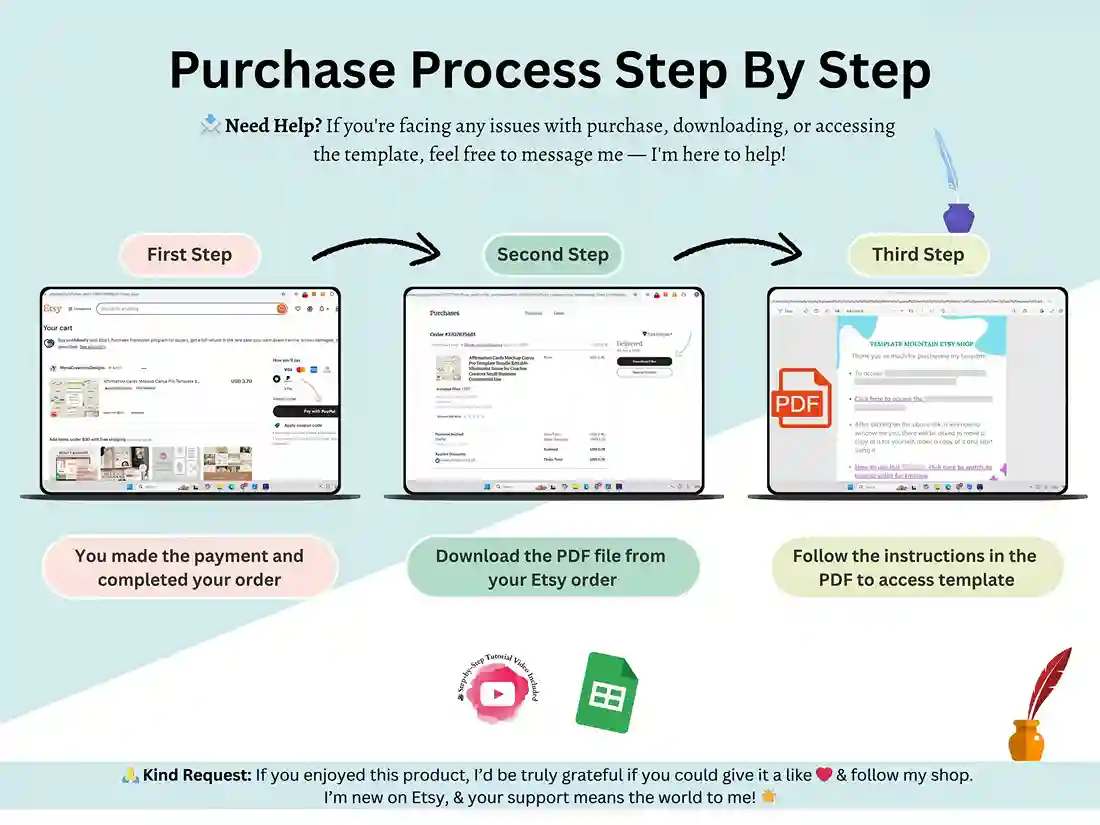
You’ll get an instant download, and it’s a PDF. Open it, click the link inside, then click “Make a copy” — that drops your own editable version straight into your Drive. The PDF is just the delivery method; the actual product is the spreadsheet.
Can I use it on my phone?
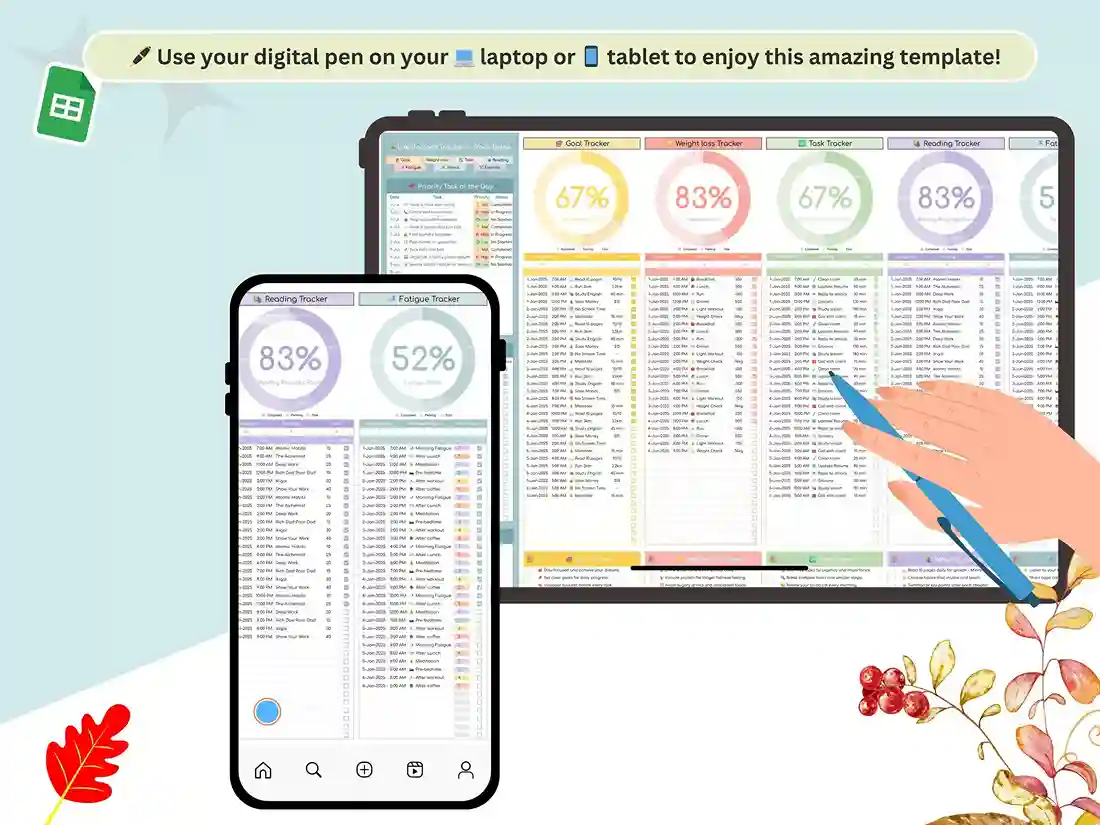
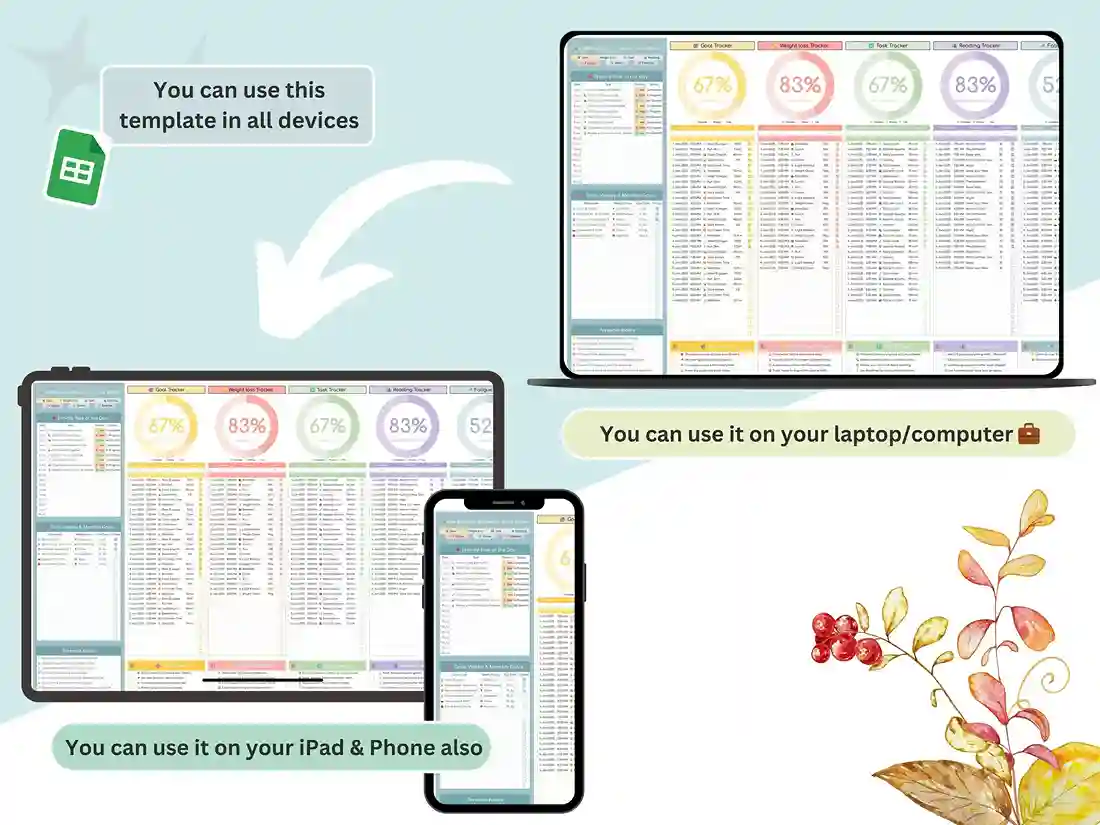
Yes. Install the free Google Sheets app and your tracker syncs across your phone, tablet, and computer automatically. Logging a weight or ticking off a task takes about five seconds on mobile.
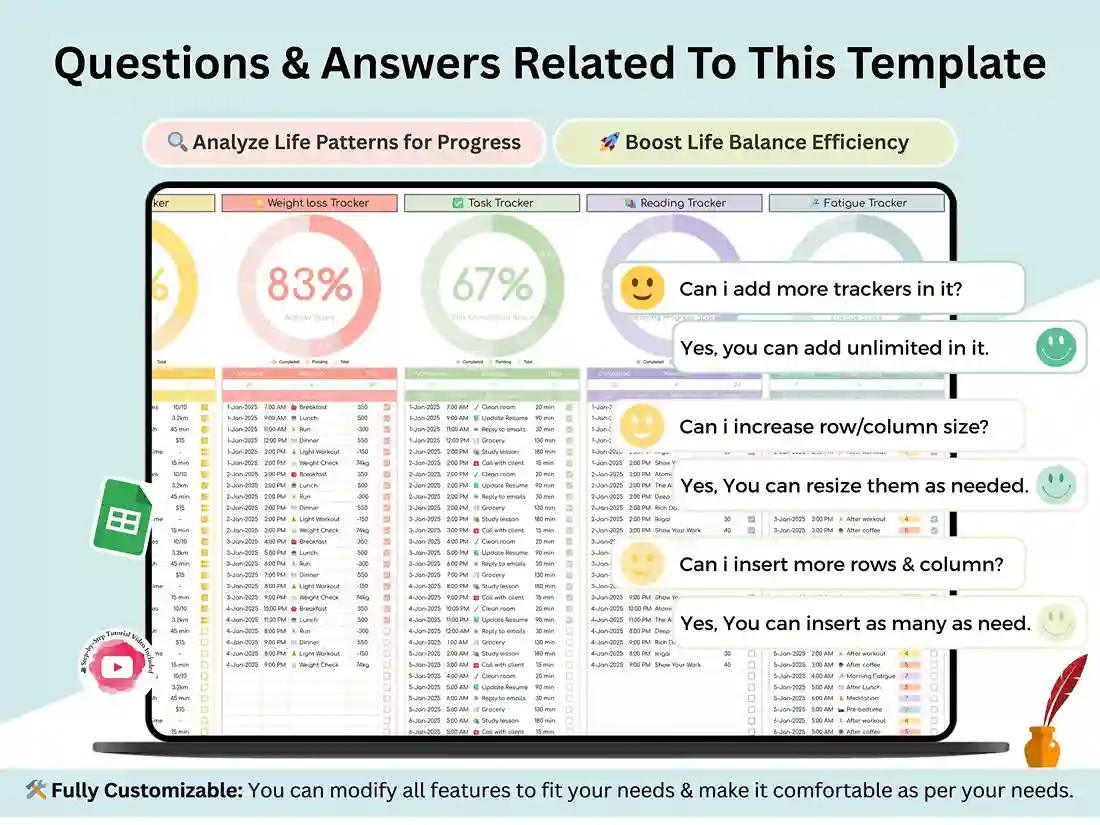
Is it editable, or locked?
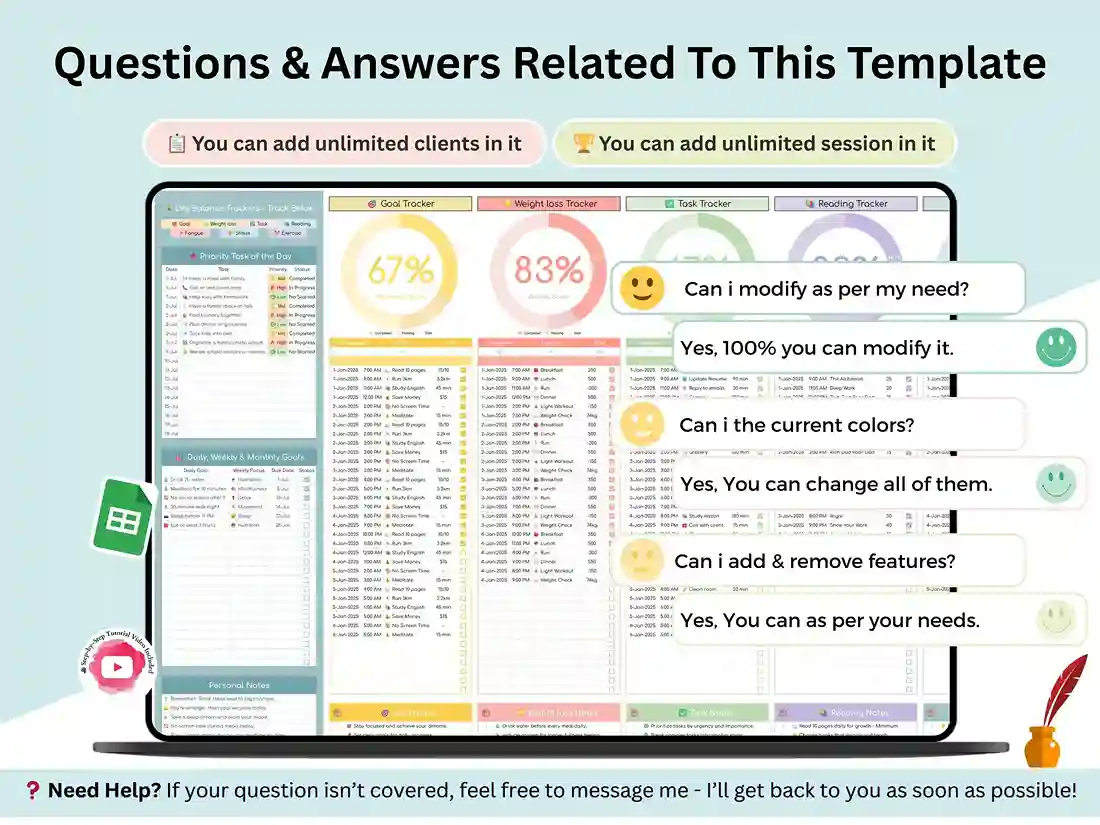
Fully editable. Rename tabs, change colours, delete the sections you won’t use, add new ones. It’s your copy — nothing’s protected.
Is this a subscription?
No. One payment, lifetime access.
Can I share it with my partner or a friend?
The licence covers personal use for one buyer. If you’d like a second copy for someone else, a second purchase covers them.
Does it track calories or food?
No, this one doesn’t include a food or calorie log. It covers goals, weight and measurements, tasks, reading, fatigue, stress, and exercise.
Reviews
There are no reviews yet.