
Description
Social Media Content Planner – Google Sheets Content Calendar Template
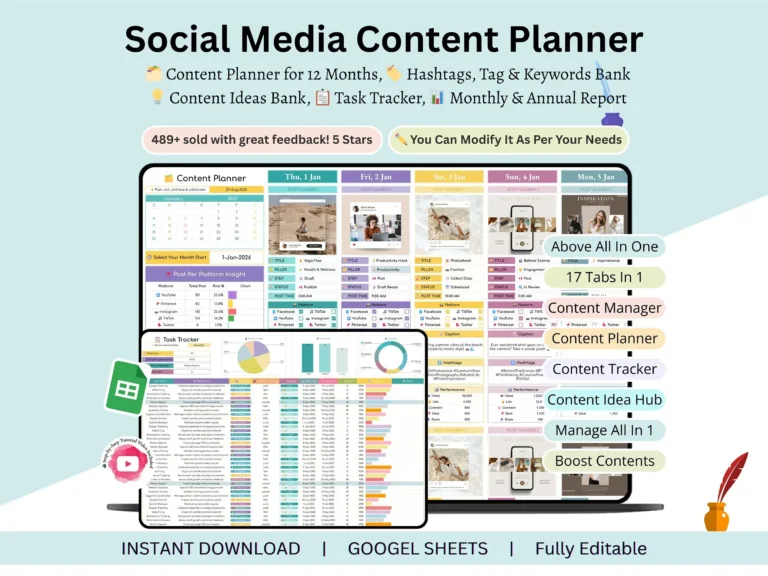
Posting consistently is hard when your ideas live in sticky notes, your hashtags sit in a notes app and your results are… somewhere. This social media content planner pulls everything into one Google Sheet. You open a single file, see what’s going out this week, and get on with your day.
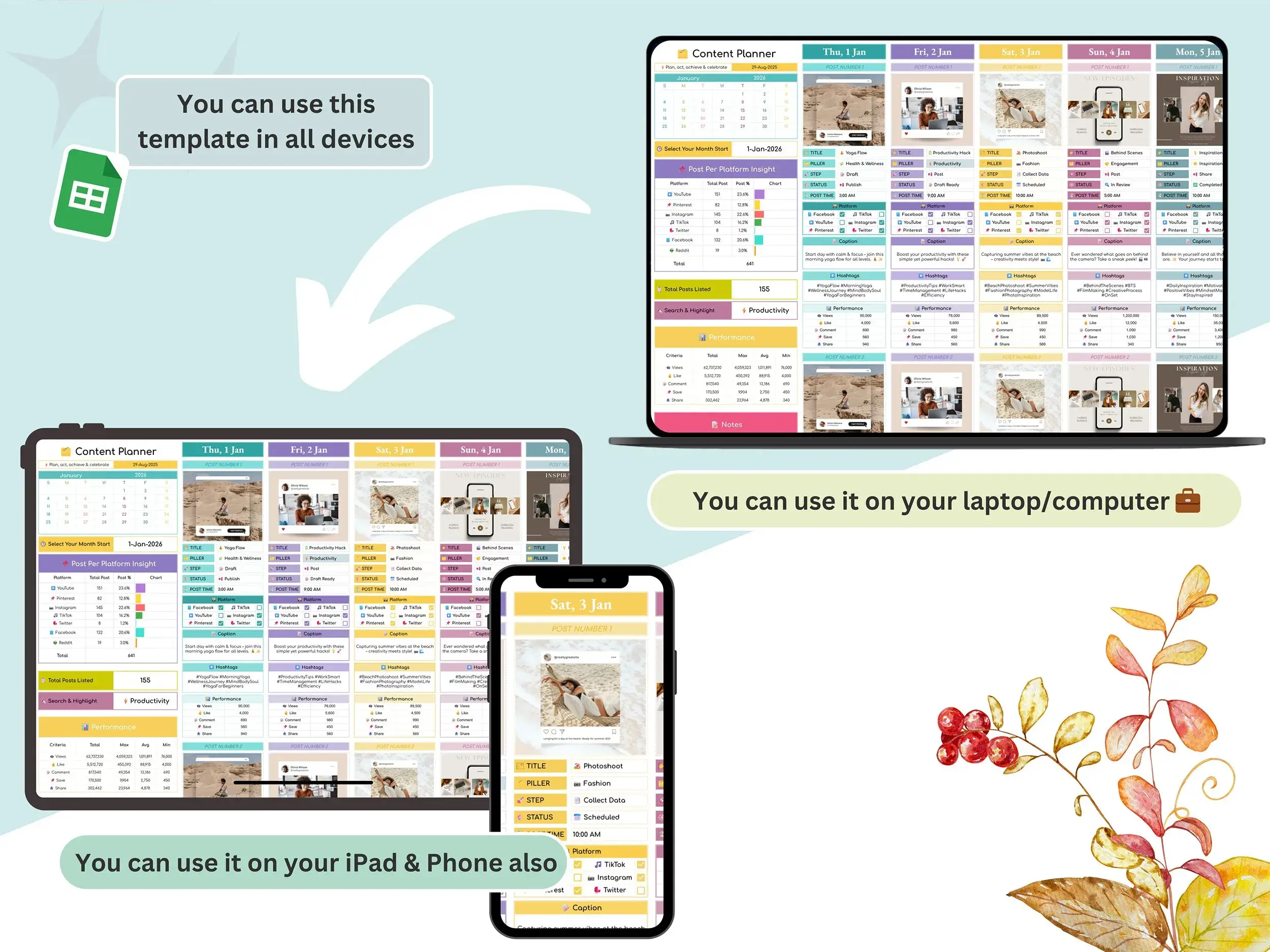
If you’ve been looking for a content calendar template google sheets can run without add-ons, this is it. It’s a plain, editable spreadsheet. No new app to learn, just your Google account.
What’s inside the planner
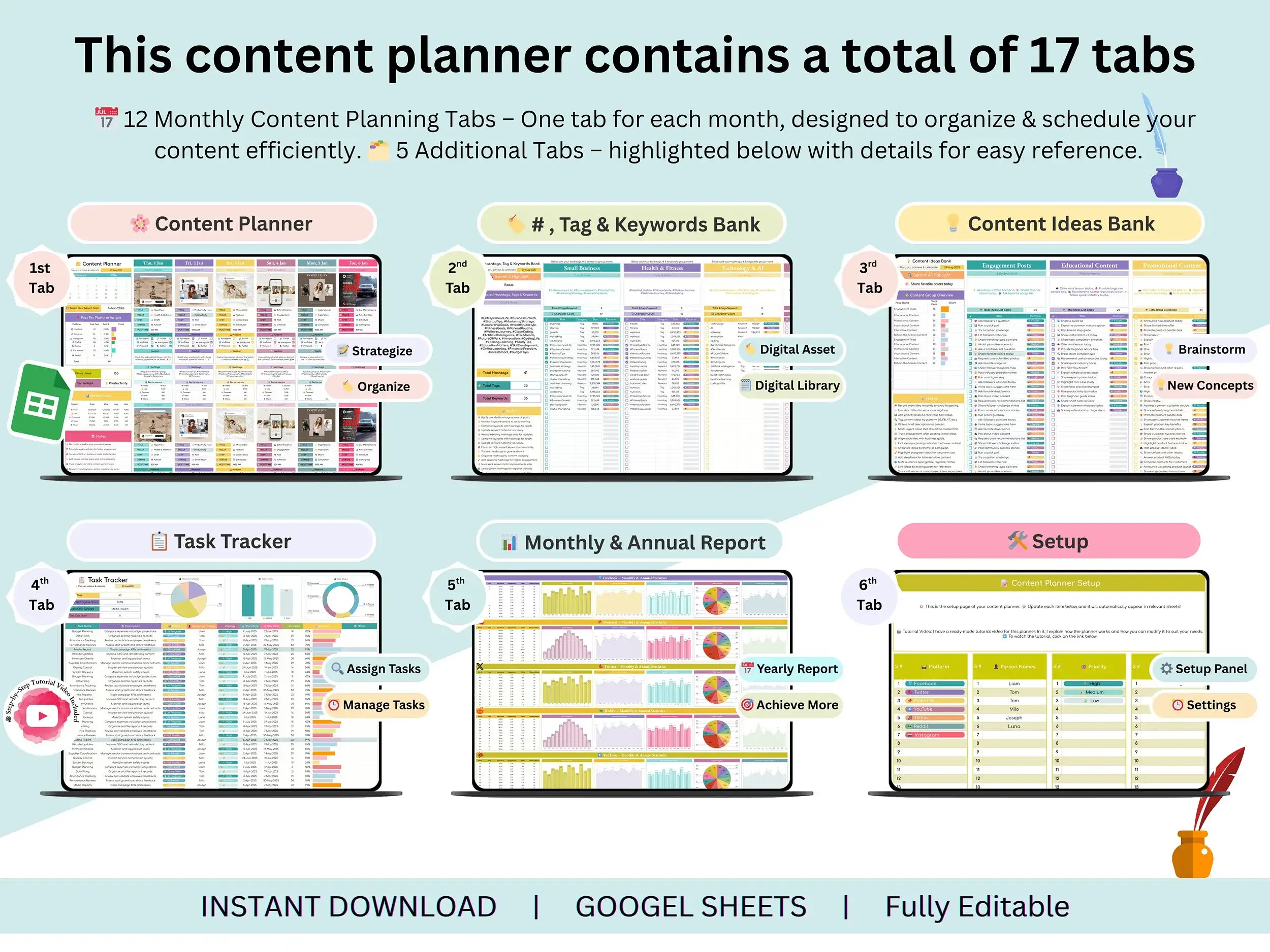
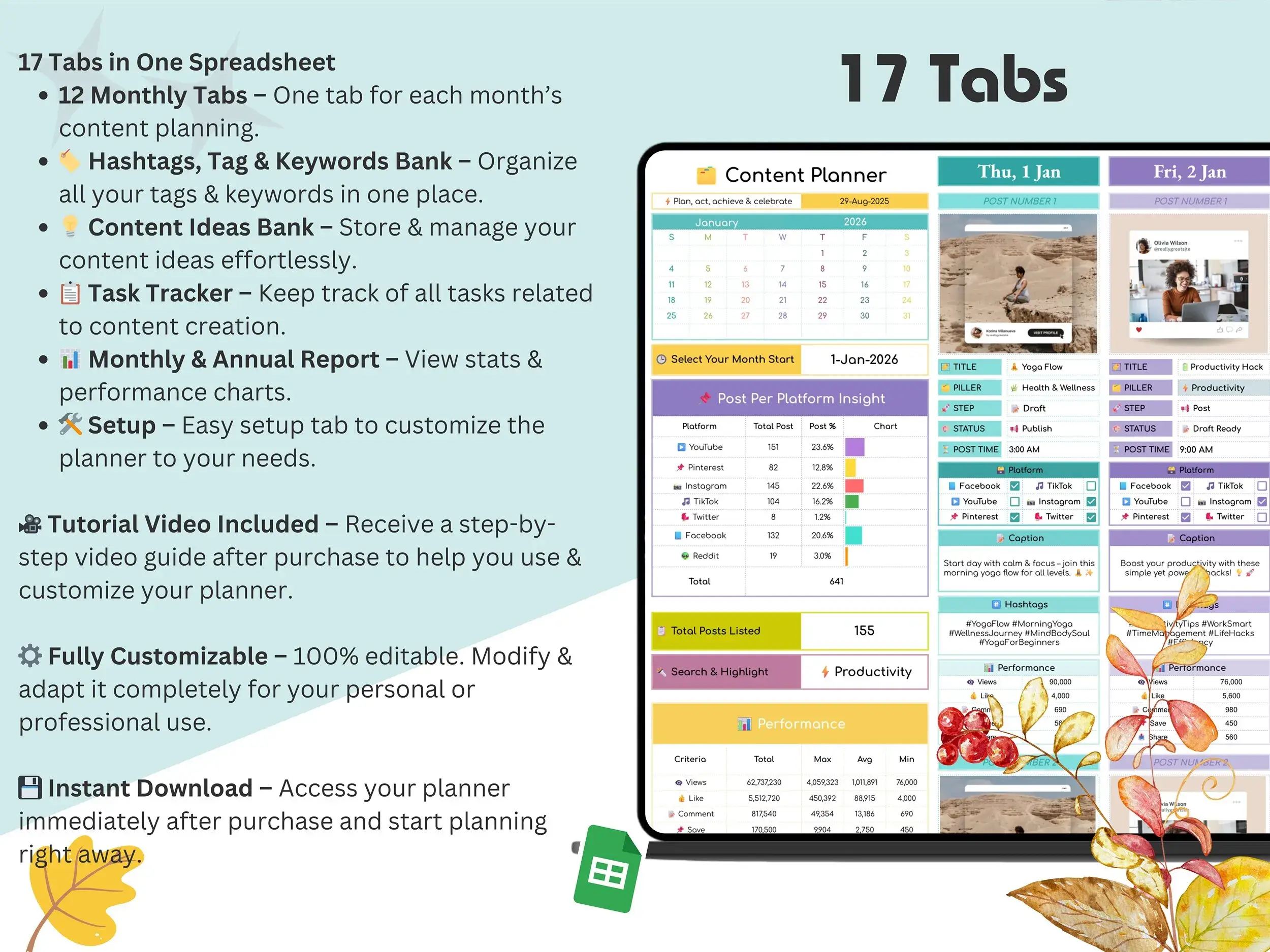
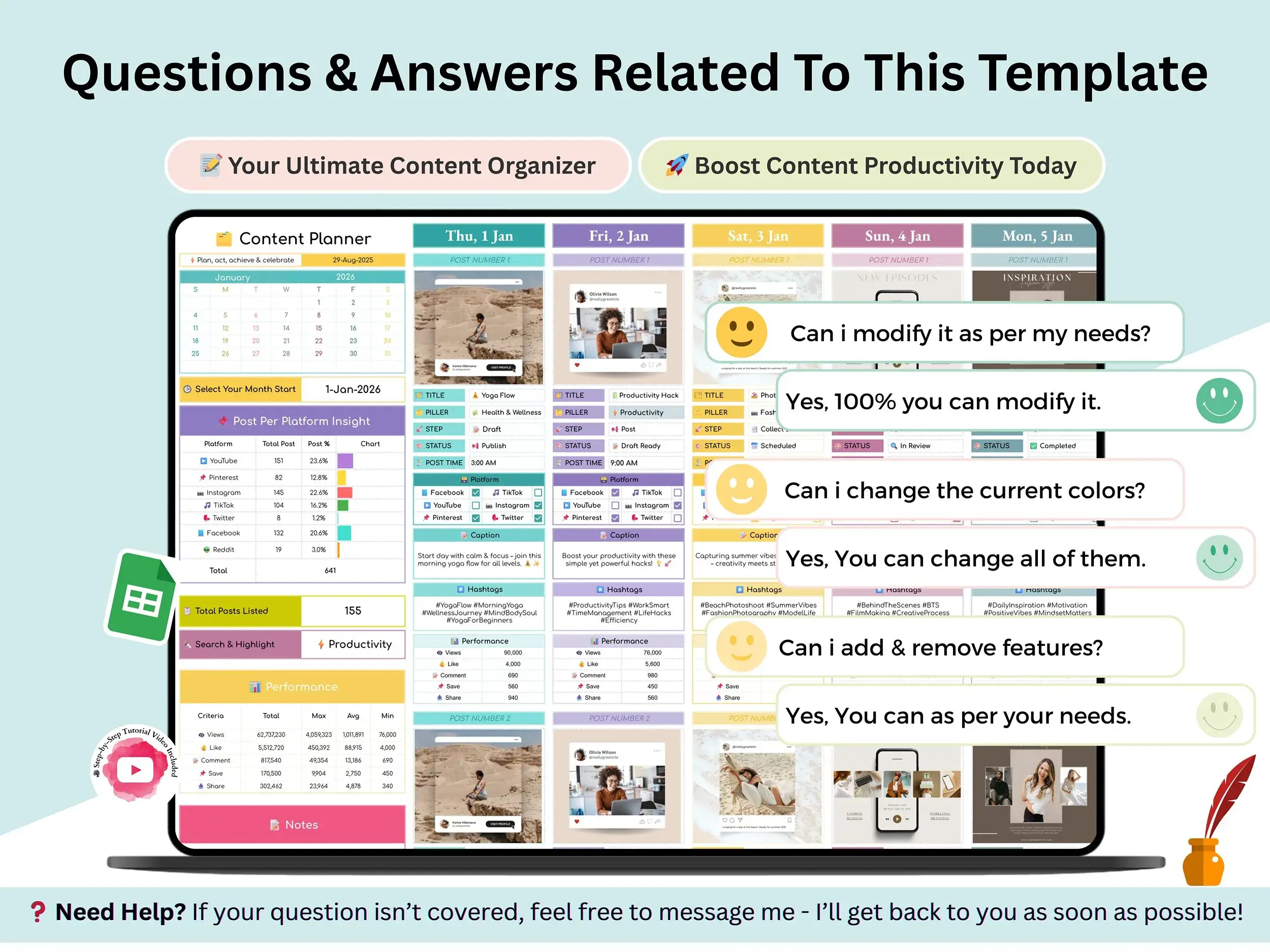
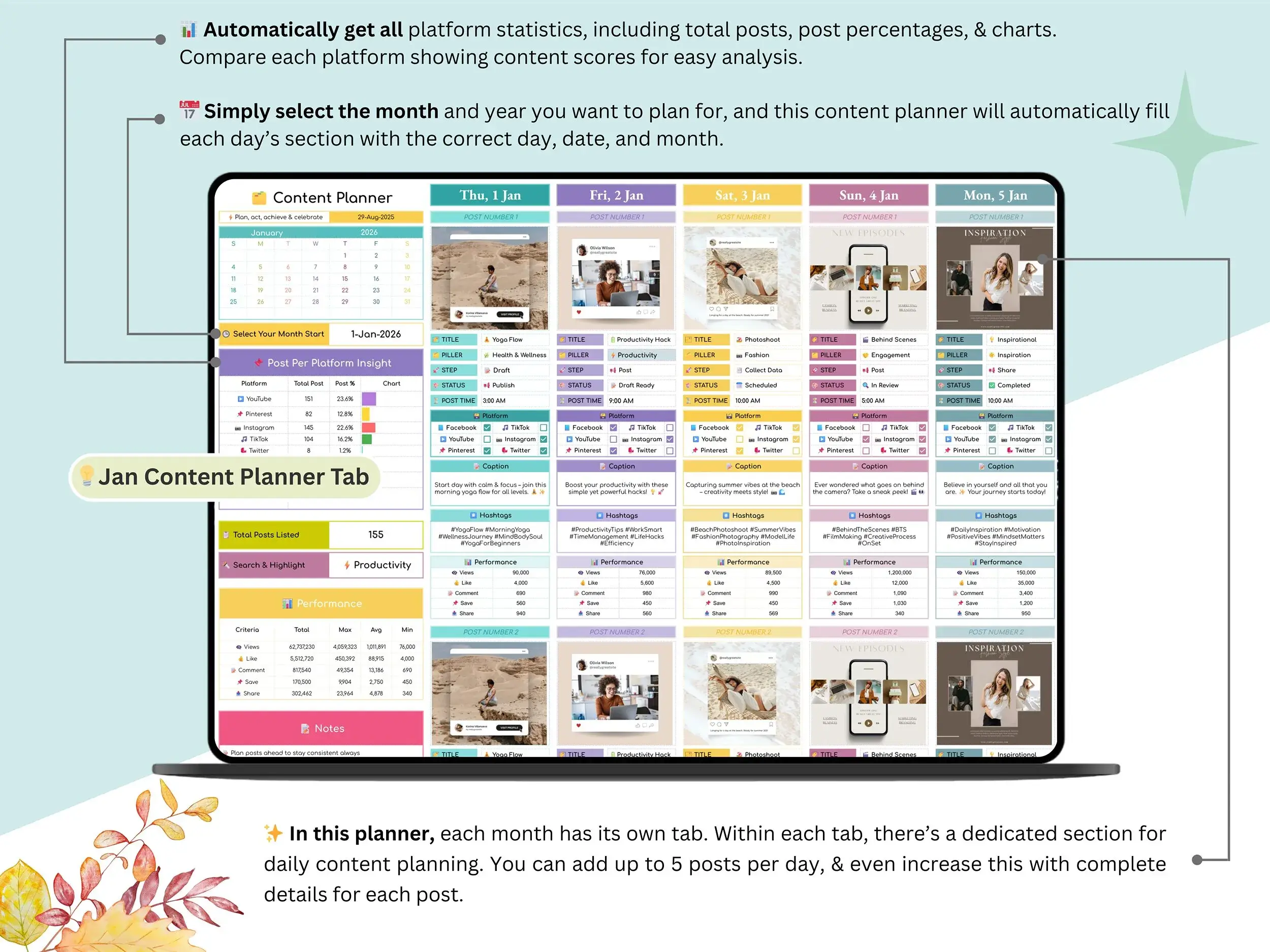
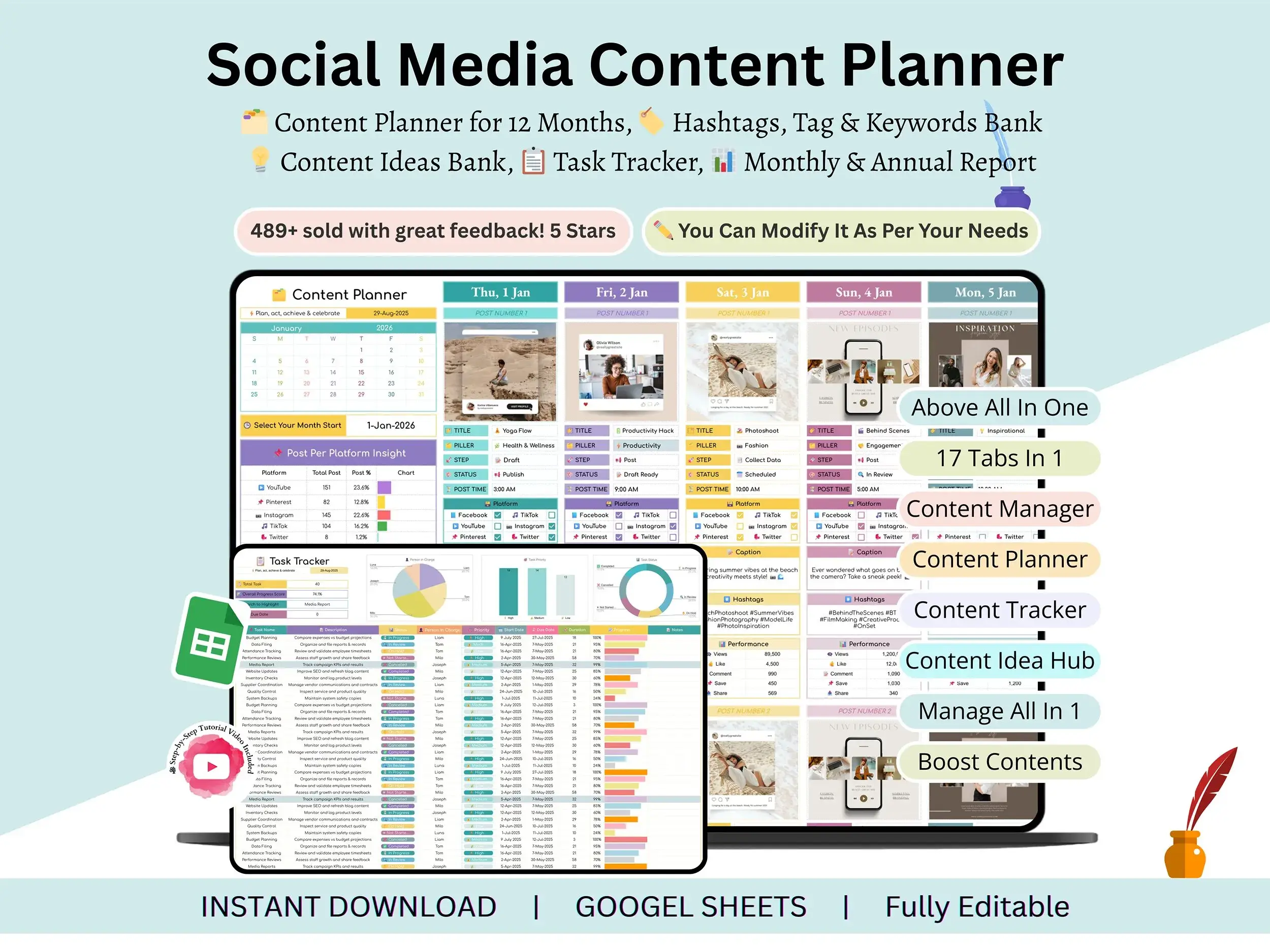
You get twelve monthly tabs, January through December, so every month has its own calendar. Plan the post, set the date, note the platform. Done.
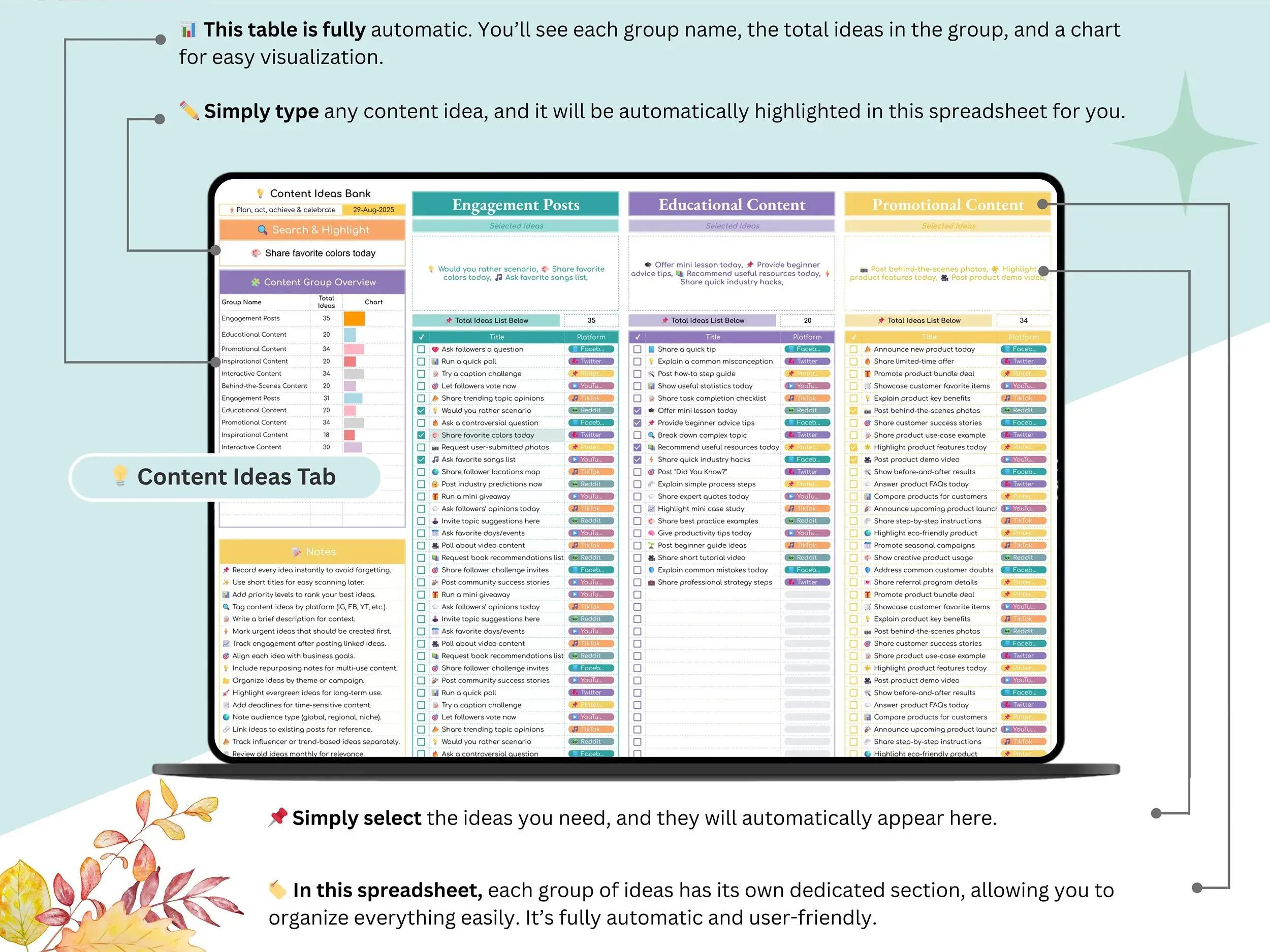
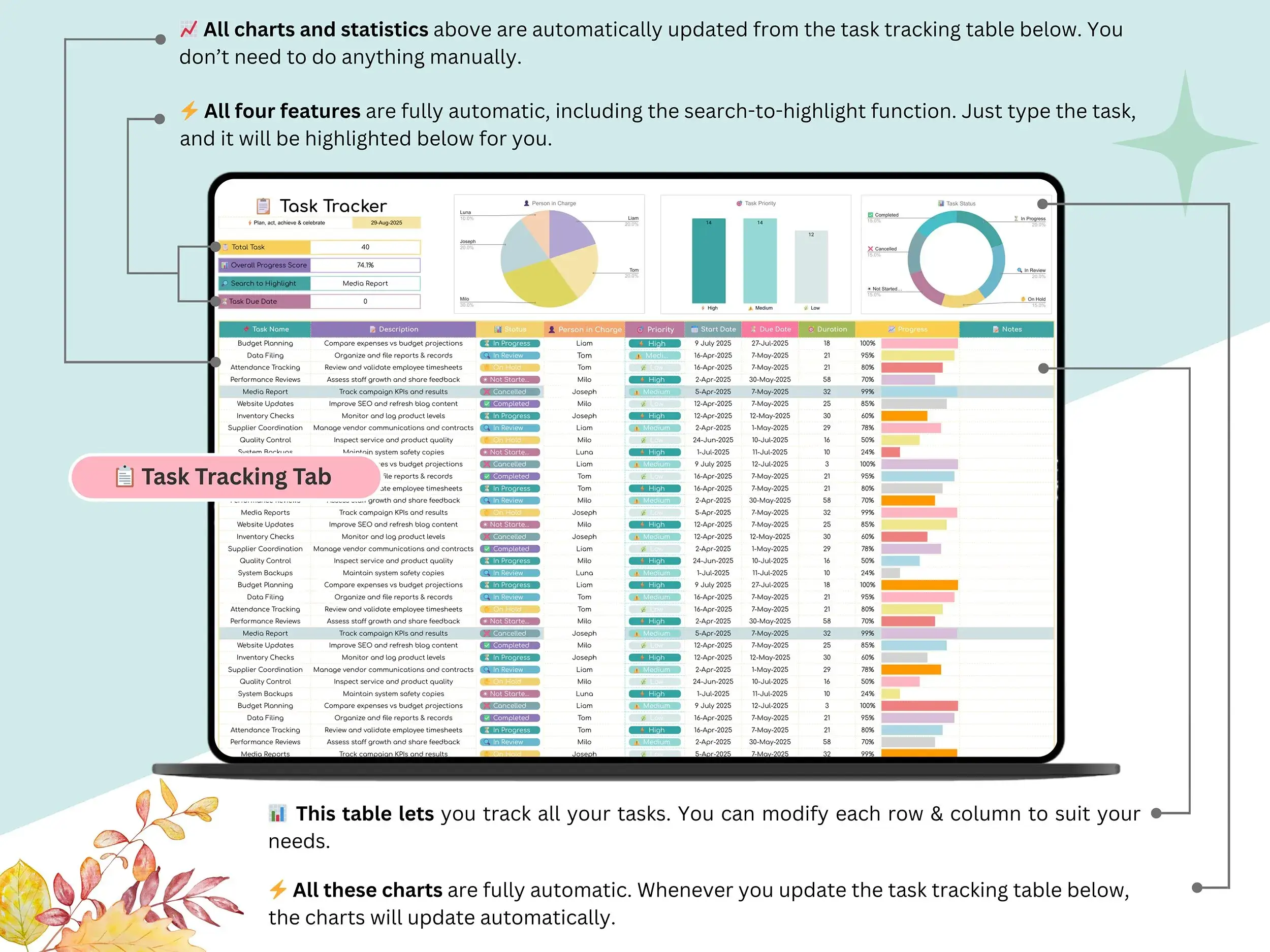
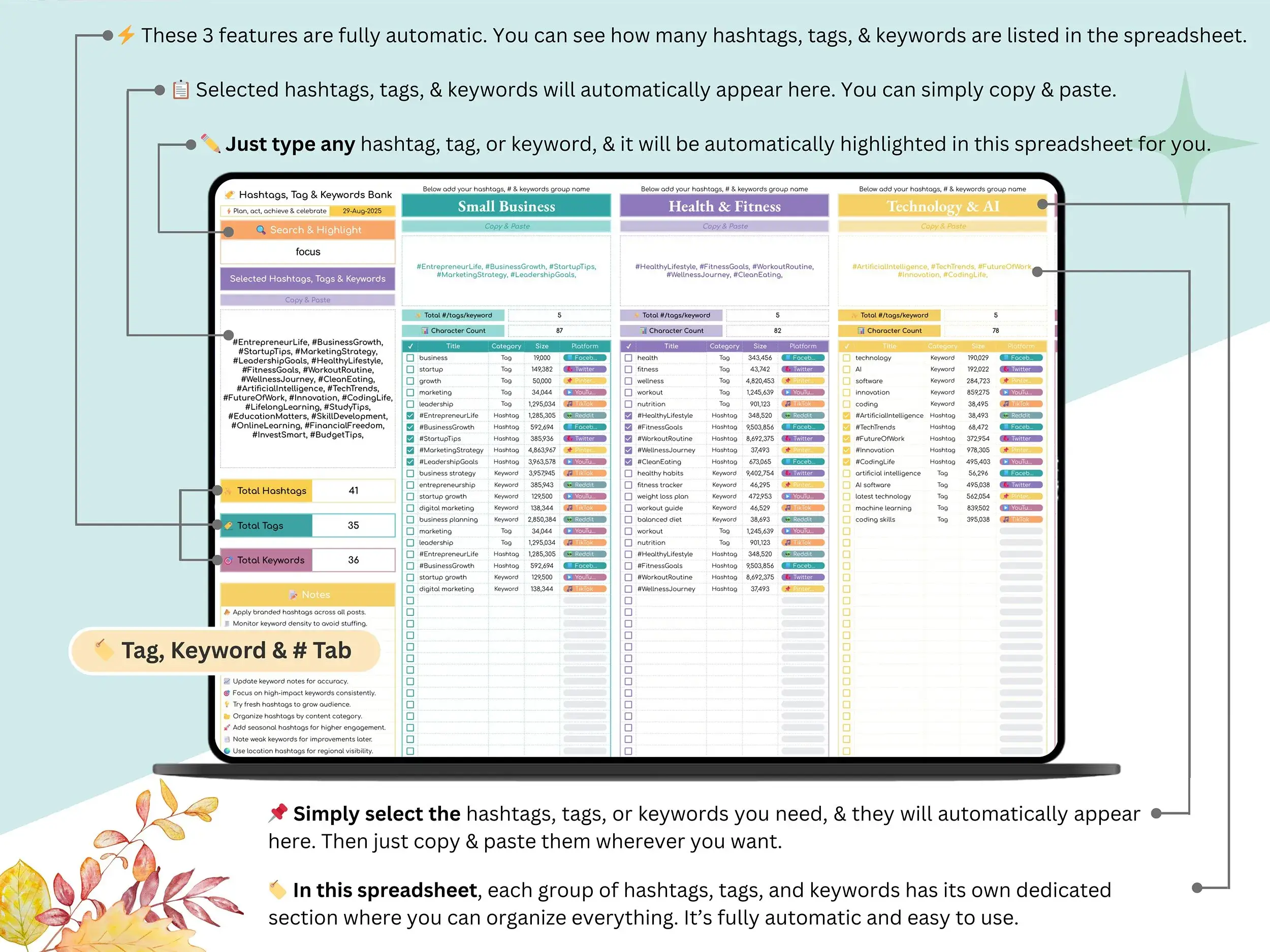
The Hashtags, Tags & Keywords Bank is where your go-to hashtag sets live, so you’re not retyping the same tags on every caption. Next to it sits a tracker that shows which ones are actually earning their keep. And when you’re staring at a blank calendar? The Content Ideas Bank is where half-formed ideas wait until you need them.
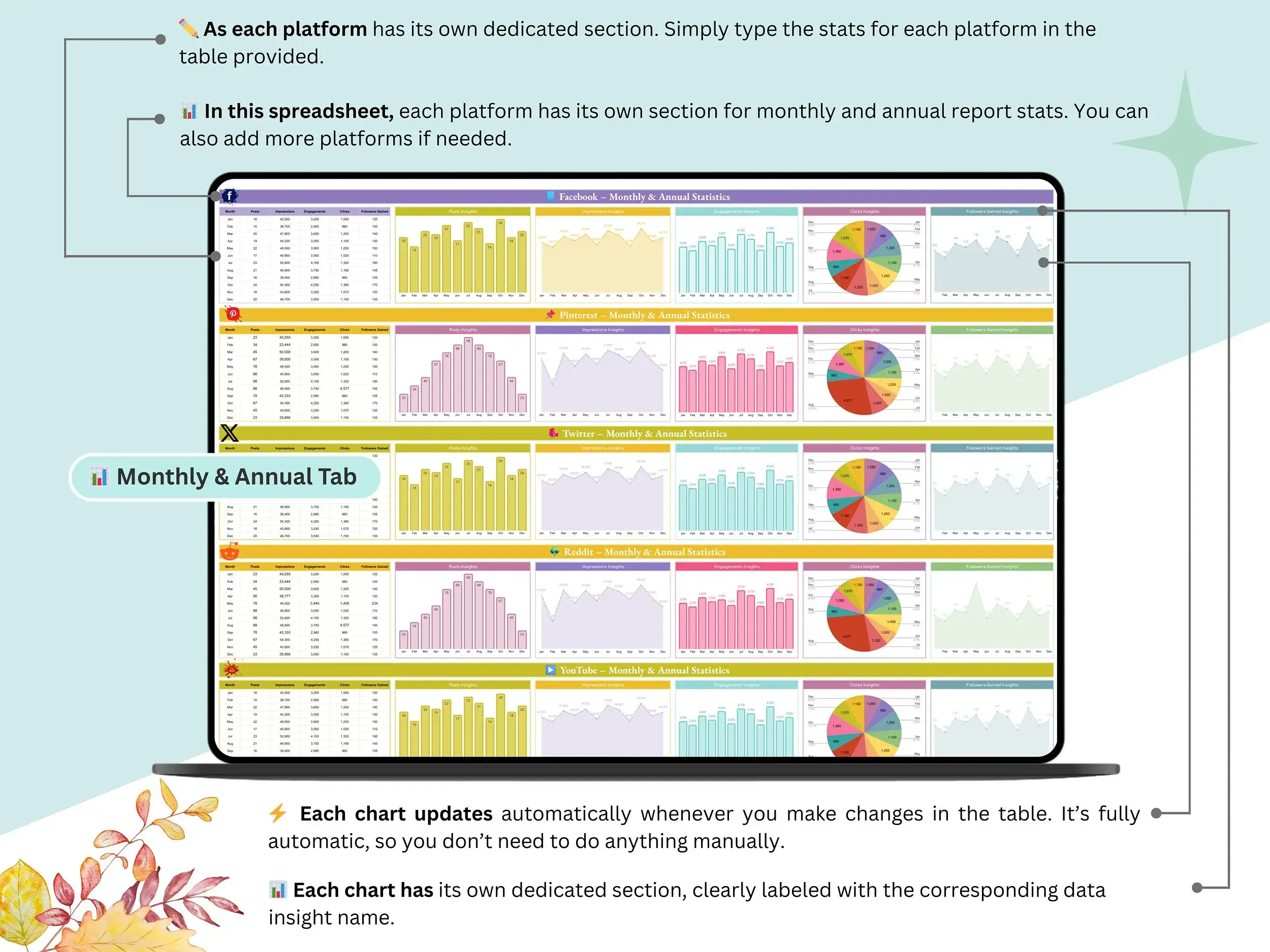
Then there’s reporting. The Monthly and Annual Reports tabs let you check results across Facebook, Pinterest, TikTok, Reddit and more. Think of it as a simple social media analytics template google sheets setup, and a quick way to put together a monthly social media report for a client or for yourself. It doubles as a social media tracker template, too.
One more thing. Fill in the Setup tab once and the changes carry across every sheet automatically. No hunting through twelve tabs to fix one label.
Who it’s for
Running a shop, a studio or a local service? It works as a small business content calendar you can keep up with in ten minutes a week. Freelancers and agencies will find these social media manager templates easy to duplicate, so each client can have their own copy. Bloggers and creators can use it as a google sheets editorial calendar template as well, since the monthly tabs handle blog posts and videos as easily as captions.
What you’ll receive
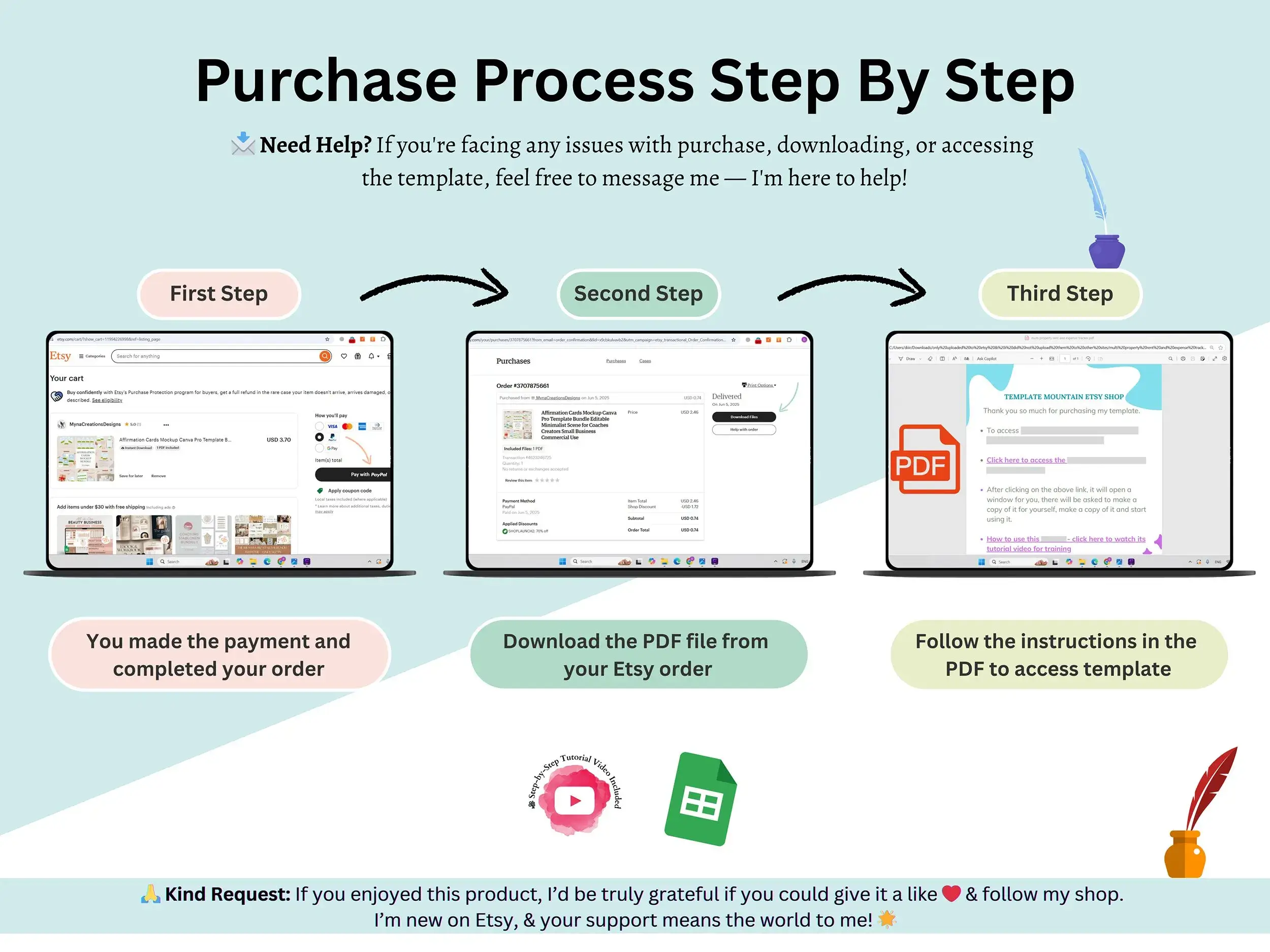
You’ll get the Social Media Content Planner as a Google Sheet, plus a step-by-step video tutorial that shows you how to set it up and make it yours. Your download is a PDF with a link inside. Click it, make a copy in your Google Drive, and you’re ready to start.
FAQ
Does this work in Excel?
It’s built for Google Sheets, and that’s where it works best.
Do I need spreadsheet skills?
Not really. The video tutorial walks you through setup, and the Setup tab handles the rest.
Which platforms can I plan for?
The reports cover Facebook, Pinterest, TikTok, Reddit and more. The sheet isn’t tied to one network.
Will it post for me?
No. It’s a planning and tracking sheet, so you’ll still publish through each platform.
Is it printable?
It’s a digital Google Sheet, made to be used on screen.
How do I get it?
Instantly after purchase. Open the PDF and click the link to make a copy of your very own.
Reviews
There are no reviews yet.