
Description
Content Calendar Template Google Sheets for Social Media
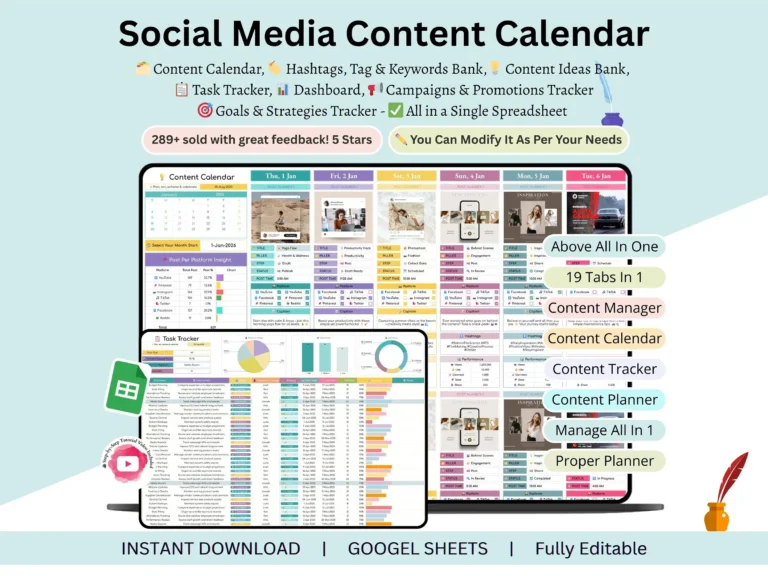
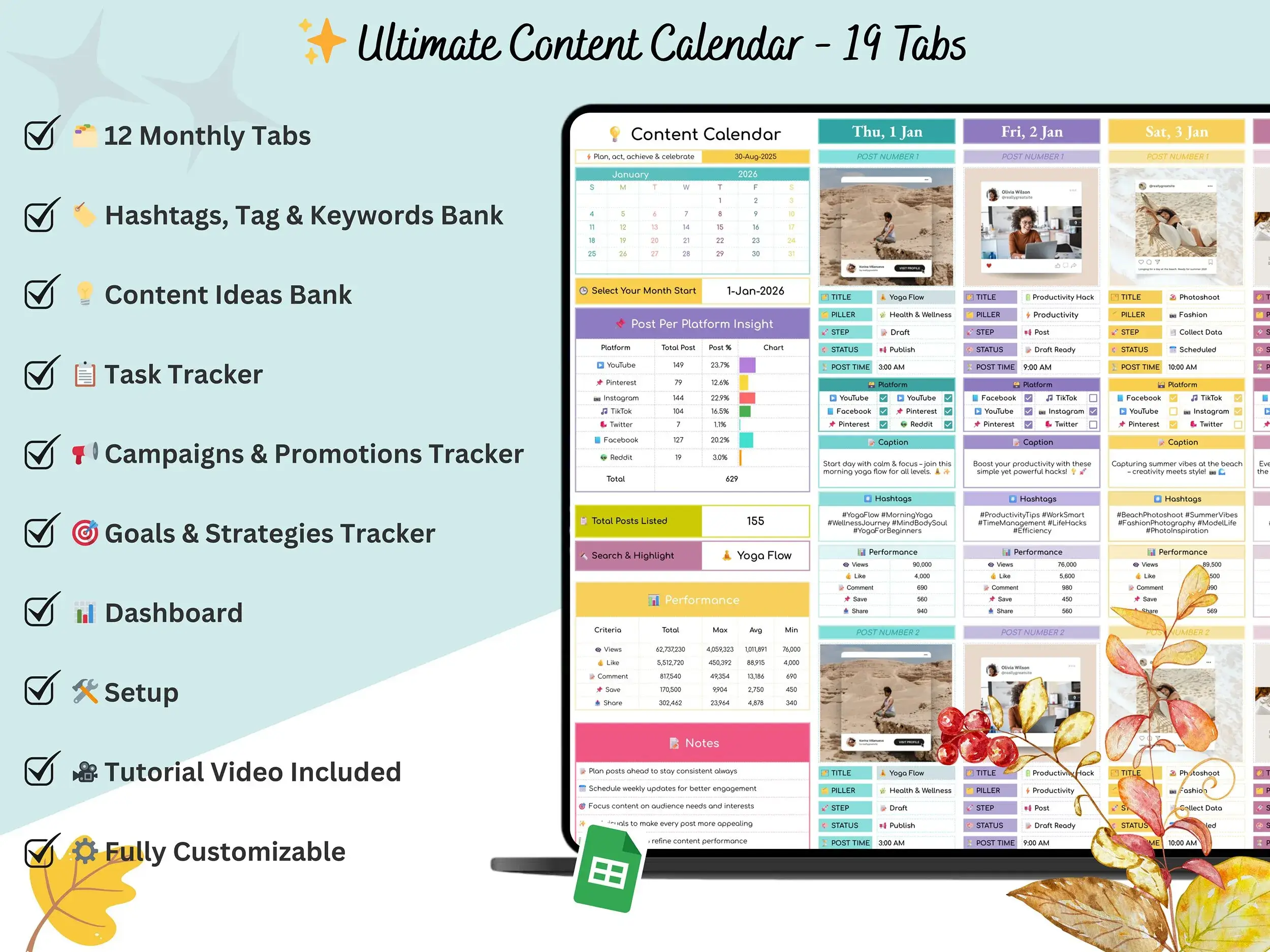
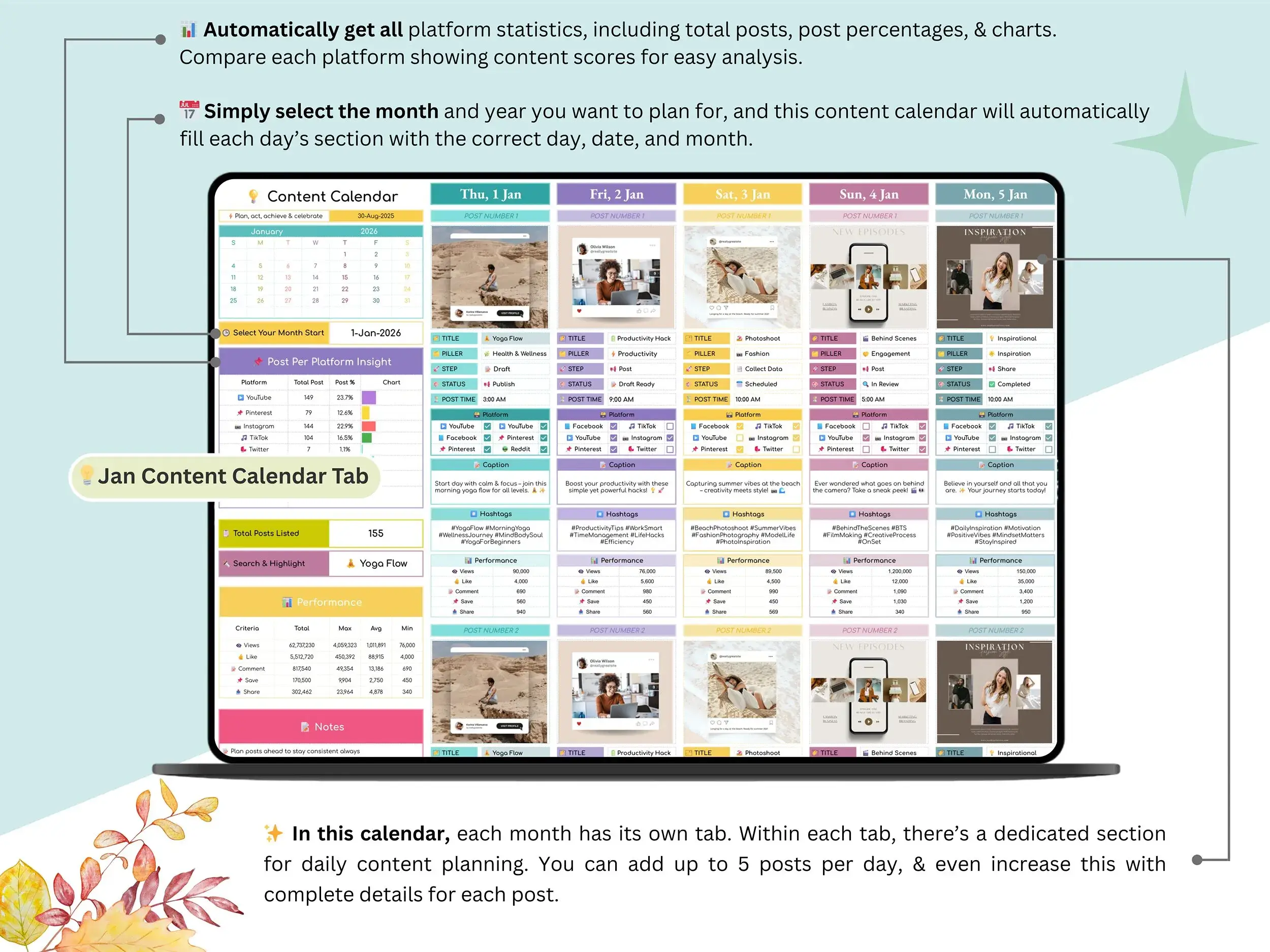
Posting without a plan wears you down. You open the app, stare at the blank box, and try to remember what went out last Tuesday. This content calendar template Google Sheets file puts your whole posting plan in one place, so you always know what’s going live and when.
It’s a content calendar spreadsheet made for creators, bloggers, and small teams, and it works just as well as a social media content calendar for one brand or a handful of client accounts. Pick a month, drop in your posts, and you’ve got a clear view of the whole stretch. Think of it as a social media content planner that lives in a tool you probably already use.

What’s inside
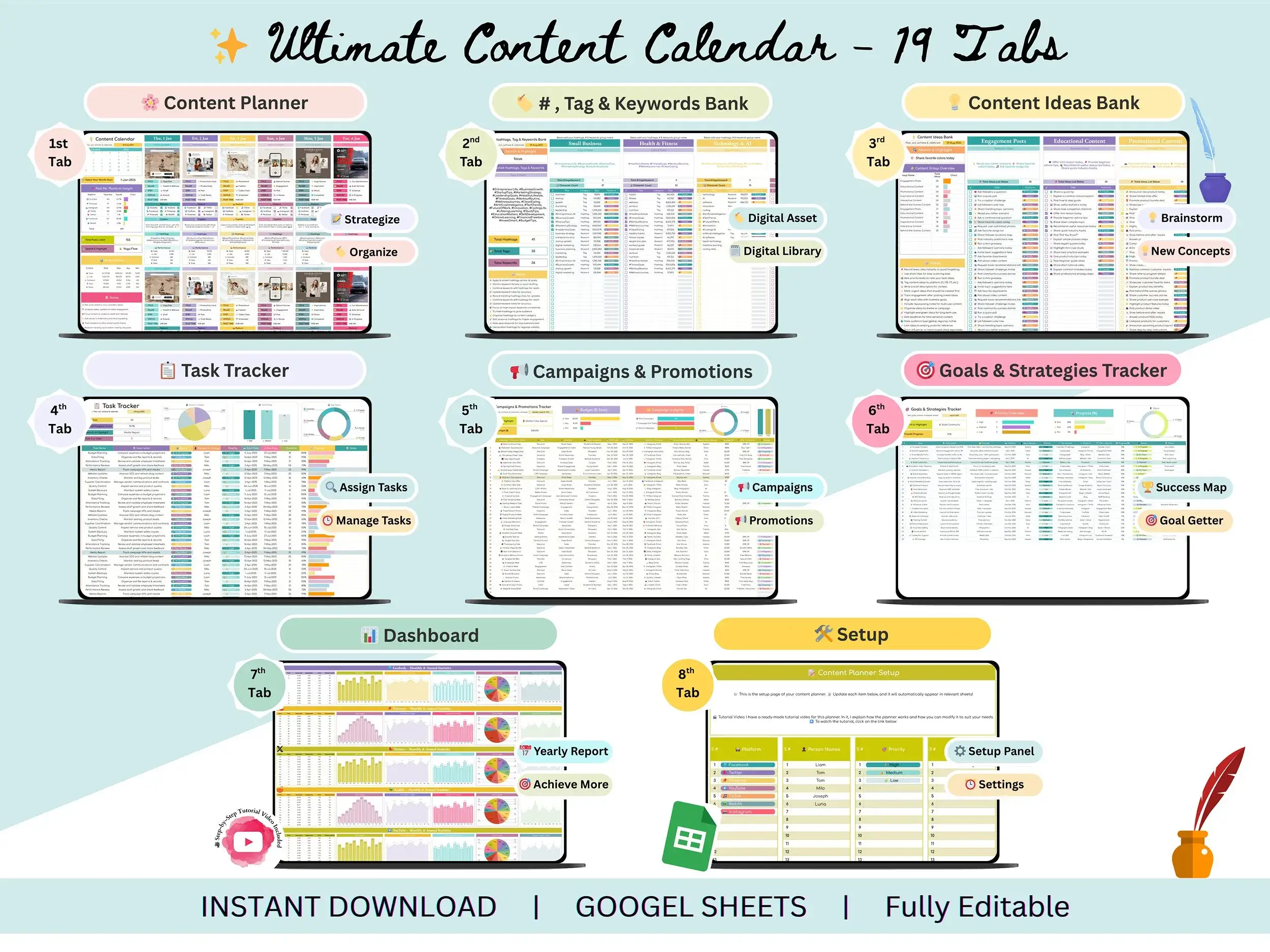
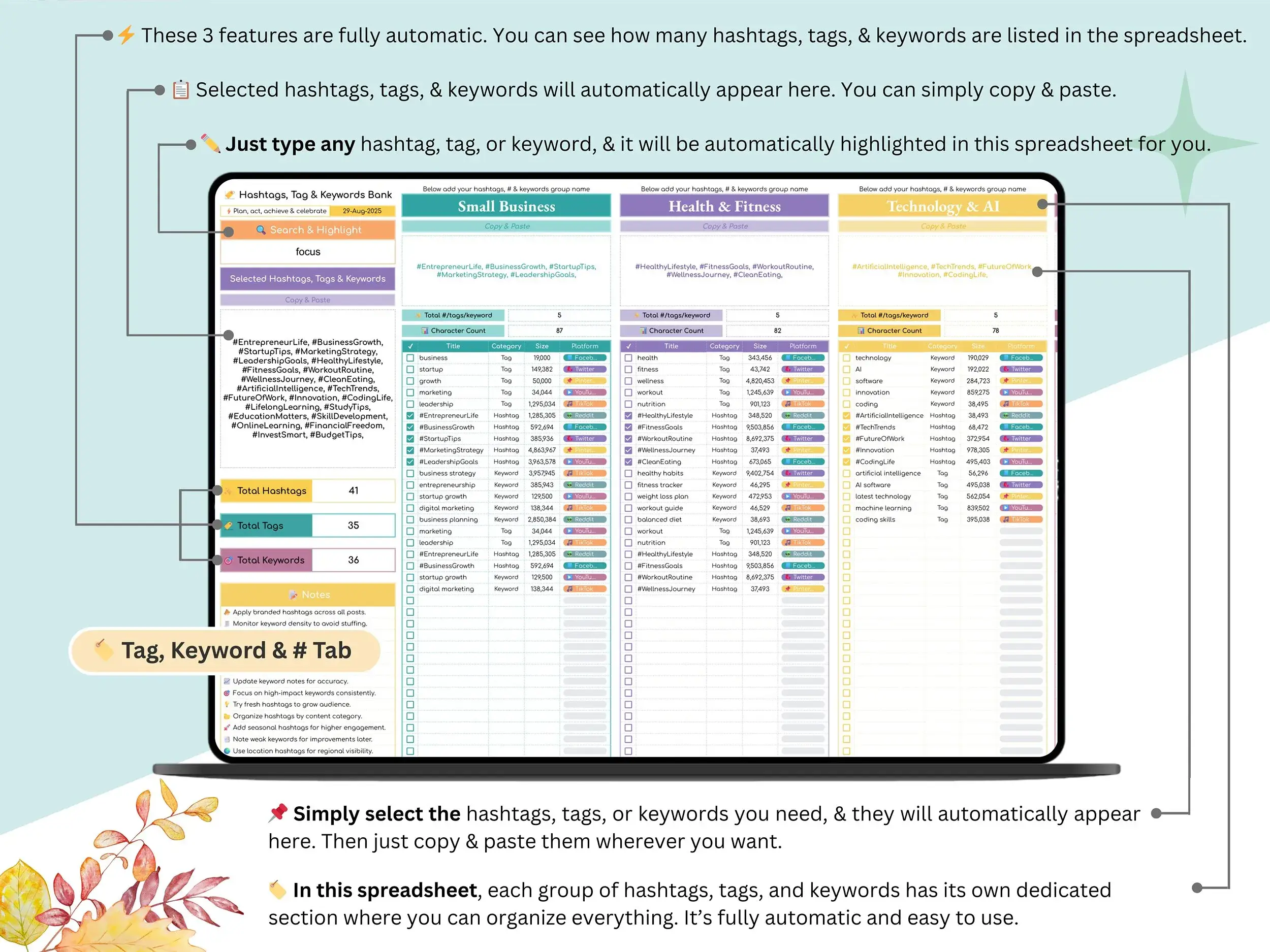
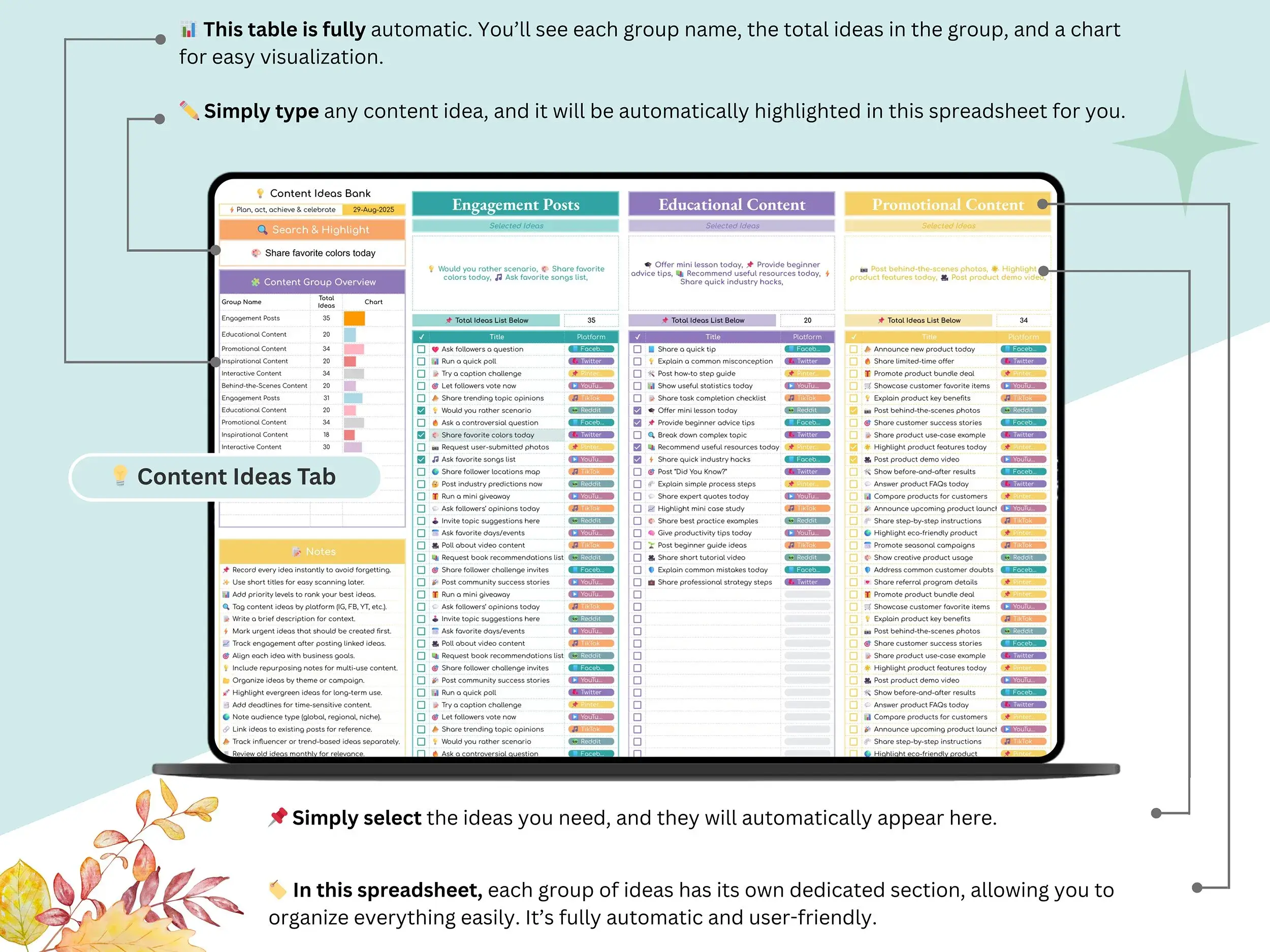
The 12 monthly tabs, January through December, are where the scheduling happens. Next to them sits a hashtags, tags, and keywords bank for the sets you reuse, plus a tracker that shows which ones are pulling their weight. When an idea hits at 11 p.m., the content ideas bank catches it before it disappears.
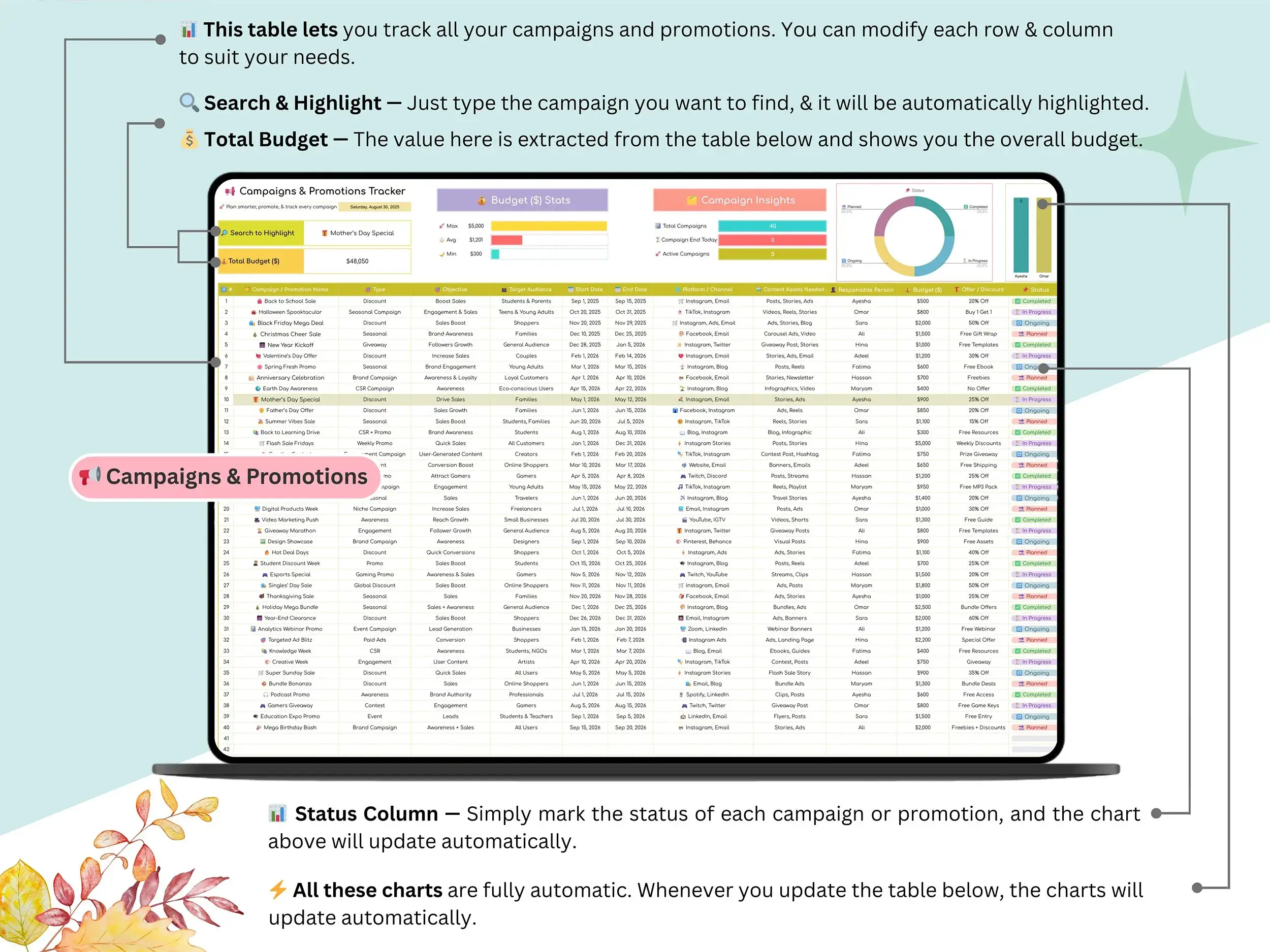
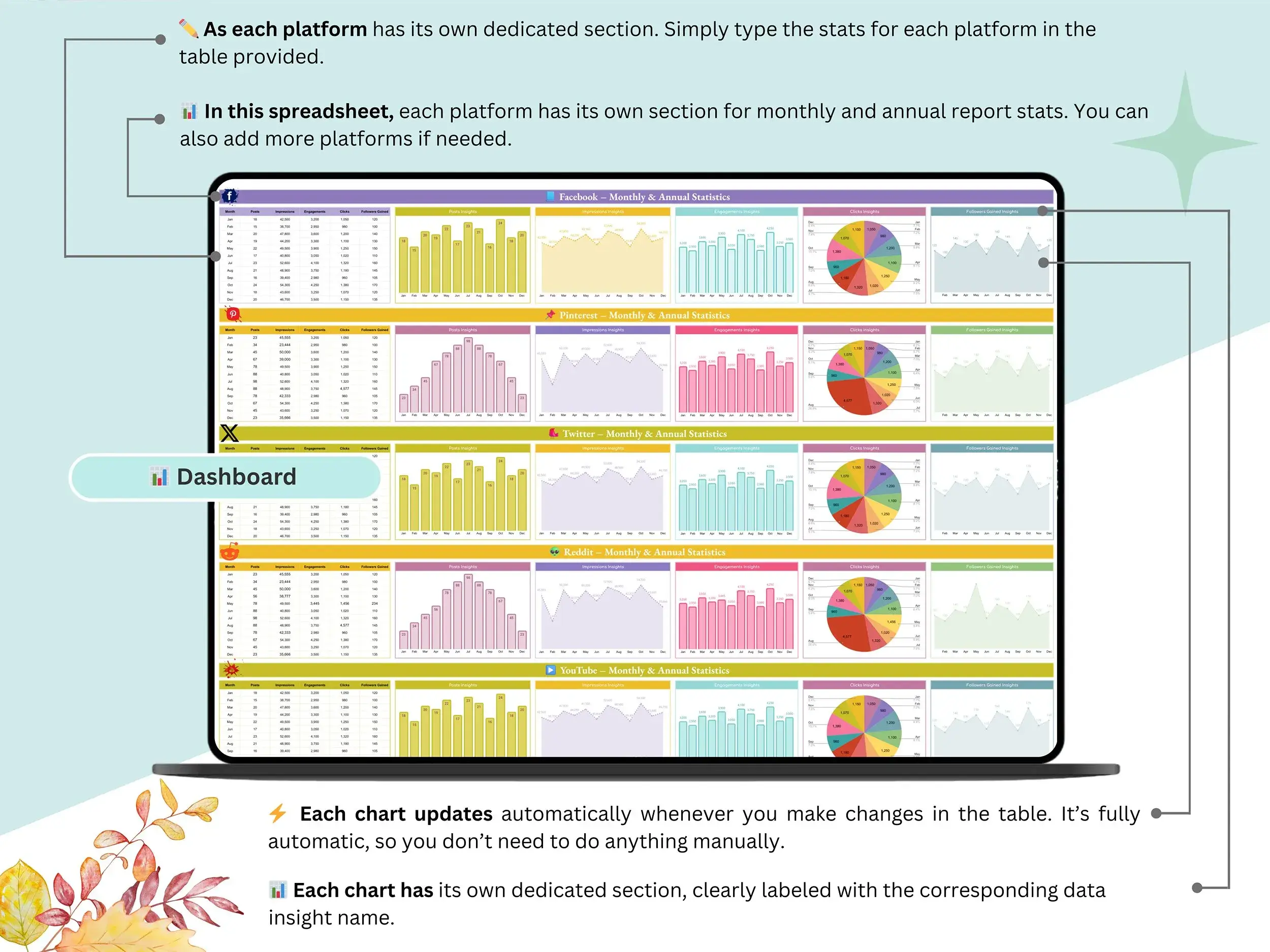
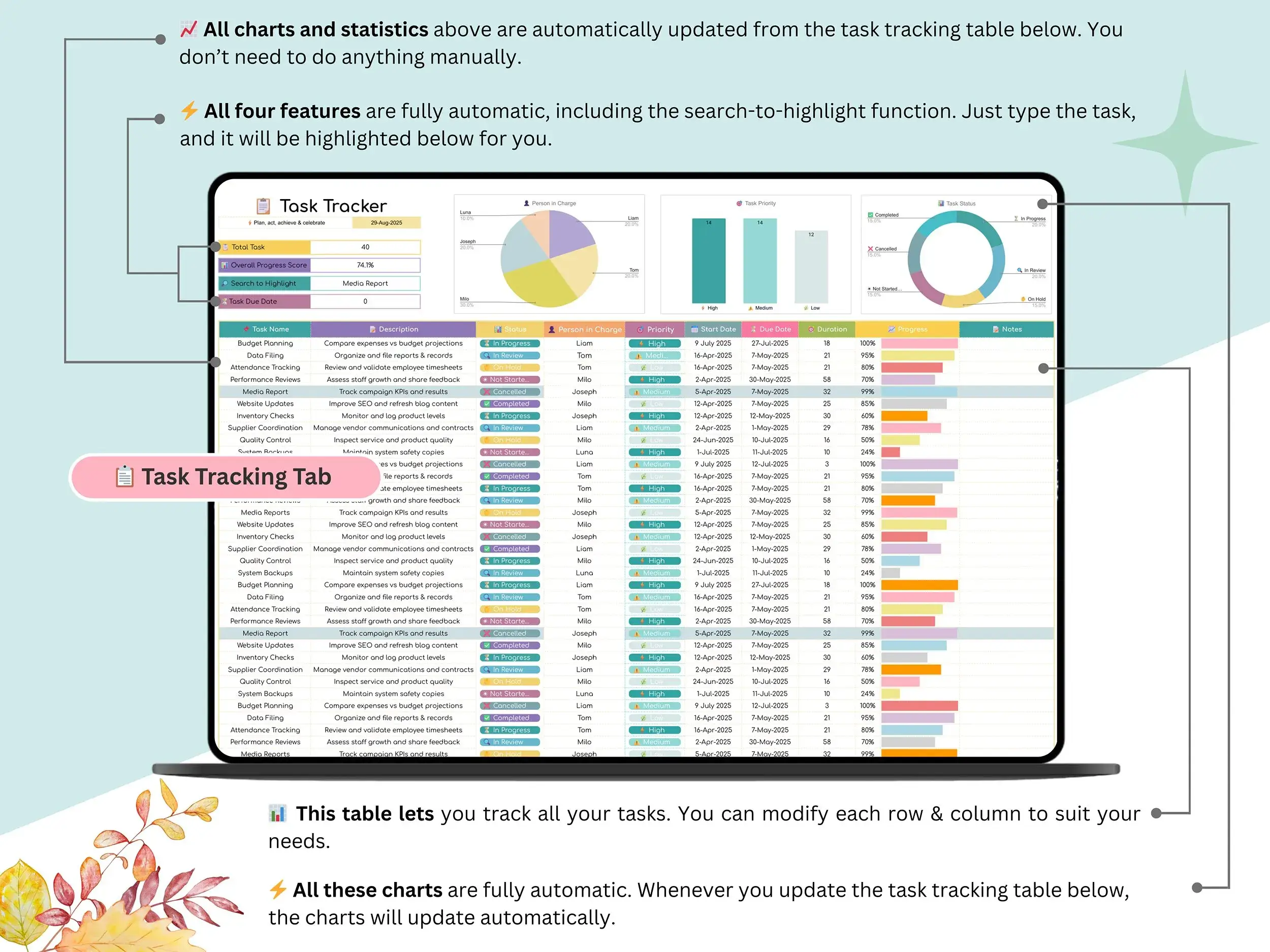
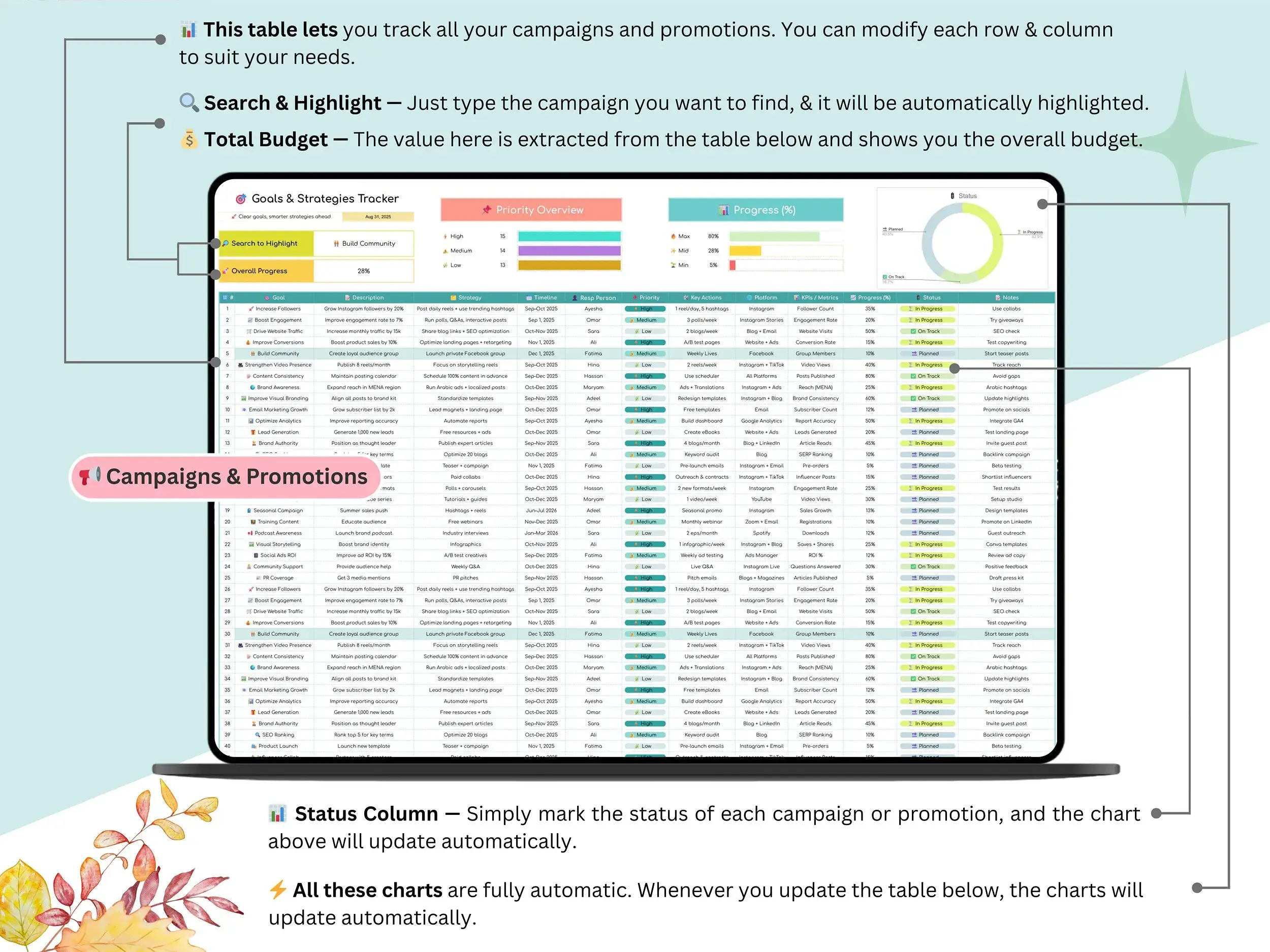
Been hunting for a social media tracker template? The dashboard follows your results across Facebook, Pinterest, TikTok, Reddit, and more. Running a sale or a launch? The campaigns and promotions tracker turns this into a marketing campaign calendar template too, and the goals and strategies tracker keeps your posts tied to the reason you’re posting at all. The Setup tab holds it all together. Fill it in once, and your changes carry across every sheet.
Who it’s for
Creators posting on several platforms get one home base instead of five scattered notes. If you want a small business content calendar that won’t eat your weekend, this keeps things simple. Managers juggling clients can make a separate copy for each account, which helps if you’ve been collecting social media manager templates and want one that’s actually practical.
It stretches to blog posts, newsletters, and video ideas too. If you were searching for an editorial calendar template Google Sheets could handle, you’re covered. Bloggers, influencers, marketing teams, and solo founders all fit.
How it works
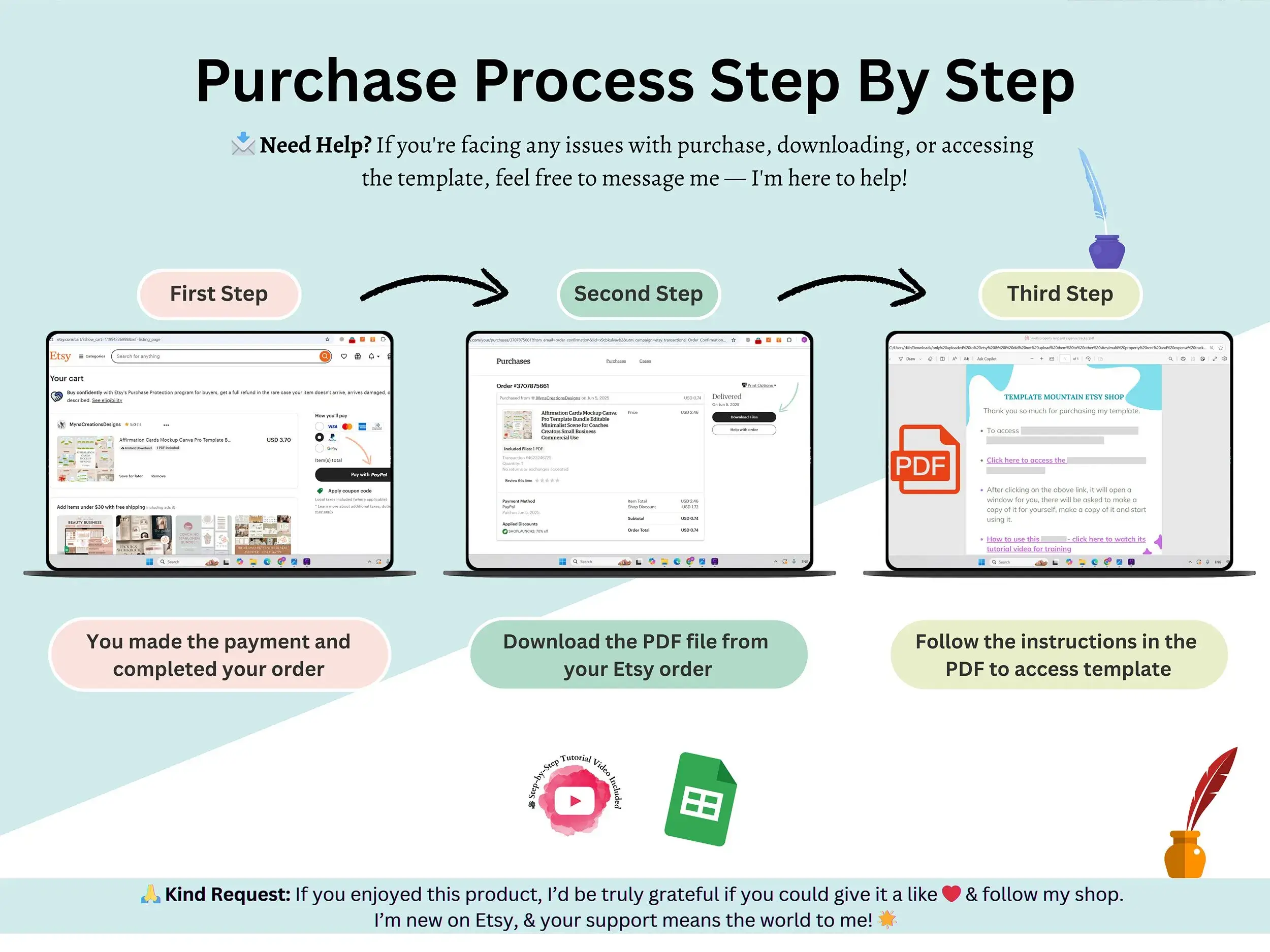
It’s a downloadable content calendar, so there’s nothing to install. You get the file instantly after you buy. Open the PDF that comes with it, click the link, and the Google Sheet opens in your Google account. A step-by-step video tutorial shows you how to customize it, so you won’t be guessing.
FAQ
Is this an Excel file?
No. It’s built for Google Sheets only, and there’s no Excel version in the download.
How do I get the template after buying?
You’ll get it instantly. Open the PDF, click the link inside, and the Google Sheet opens in your account. You’ll need a Google account.
Can I use it for more than one brand or client?
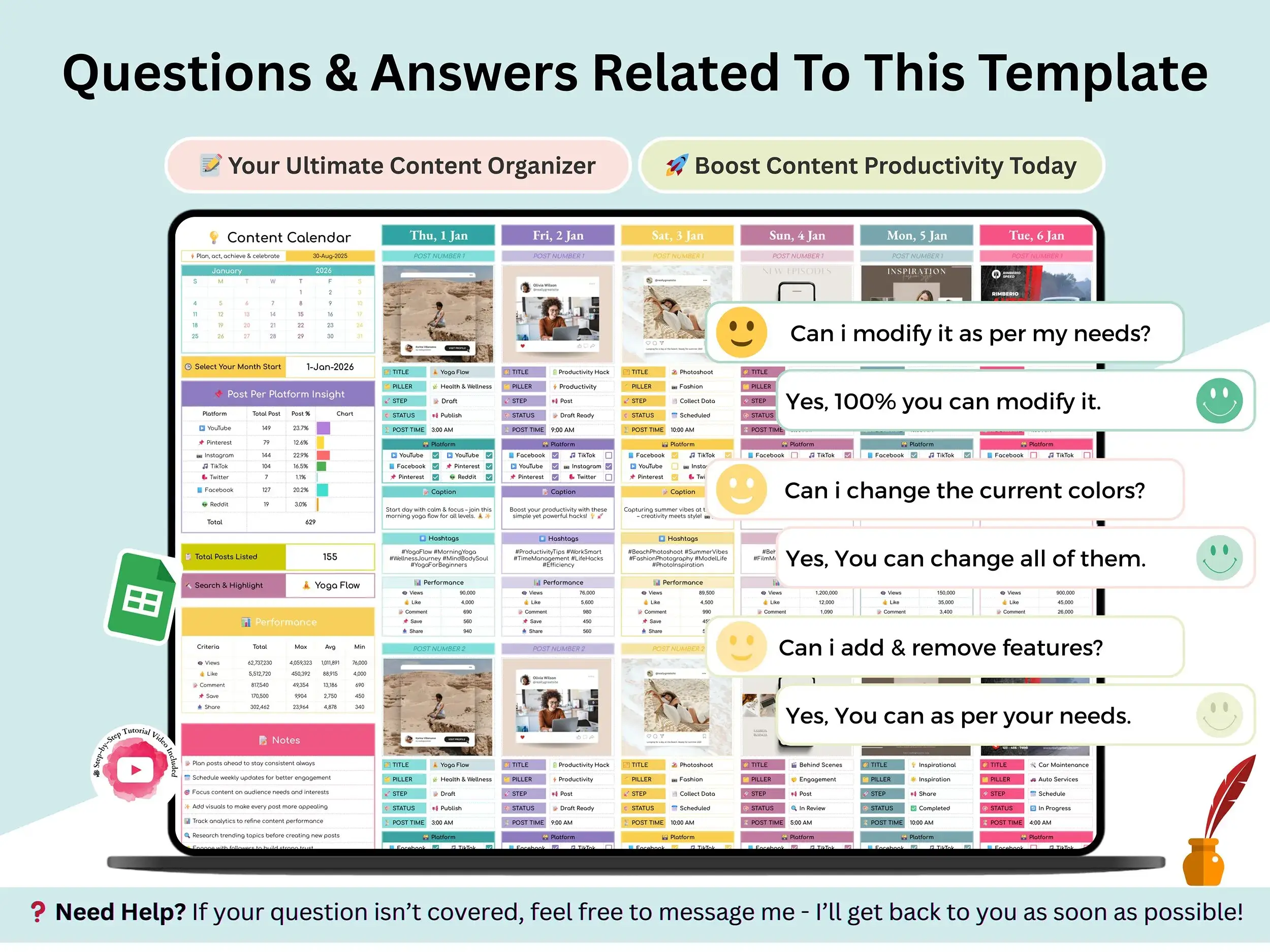
Yes. Make a separate copy for each one and keep them apart.
Can my team work in it together?
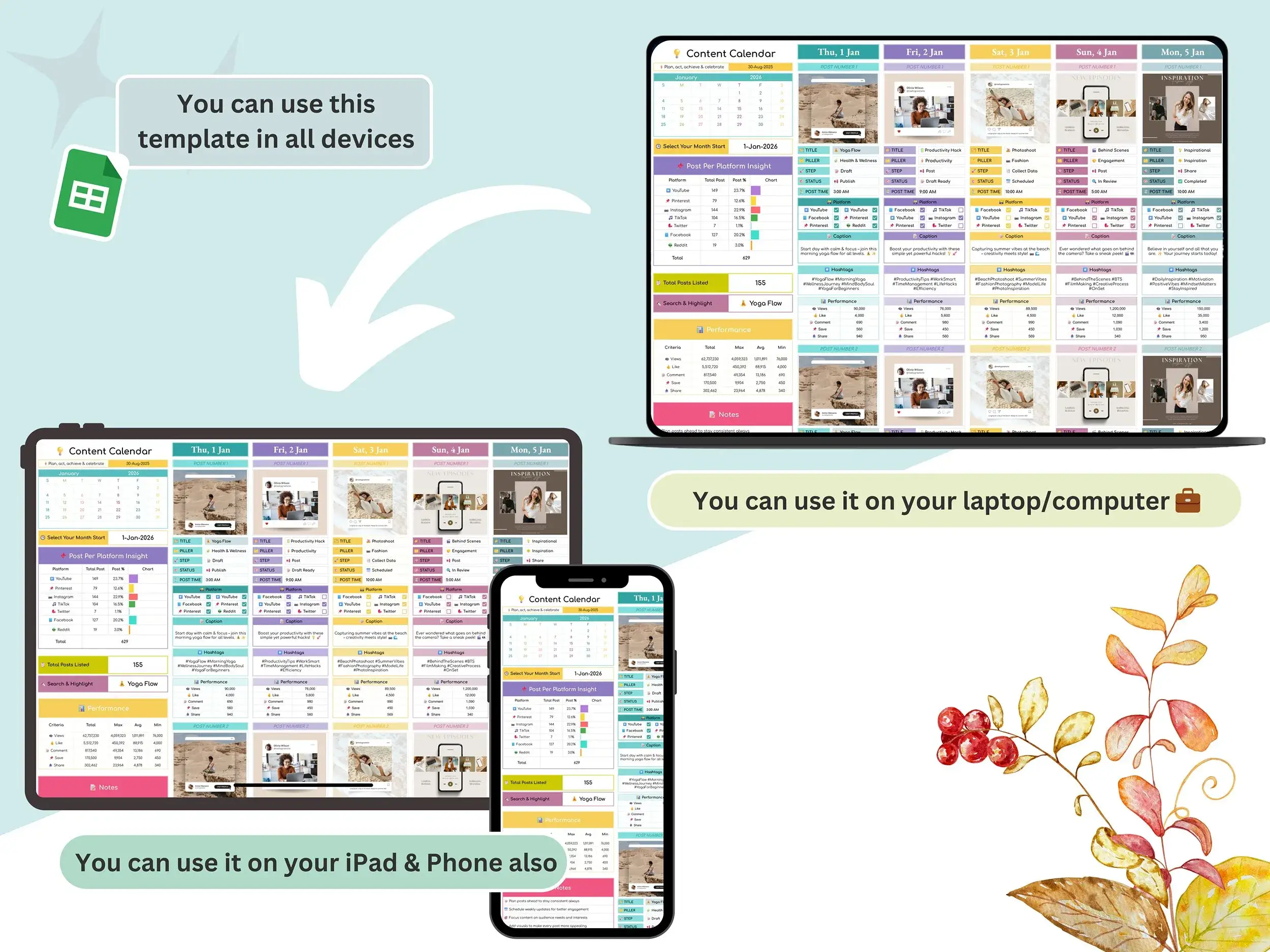
Yes. Once it’s in your Google account, you can share it like any Google Sheet.
What does the Setup tab do?
It’s where you enter your details once. Those changes apply across all the sheets automatically.
Is there a tutorial?
Yes. A step-by-step video shows you how to use and customize the calendar.
Does it include a printable version?
No. It’s a digital spreadsheet made for working on screen.
Have a question before you buy? Send me a message on the contact page, and I’ll help.
Reviews
There are no reviews yet.