
Description
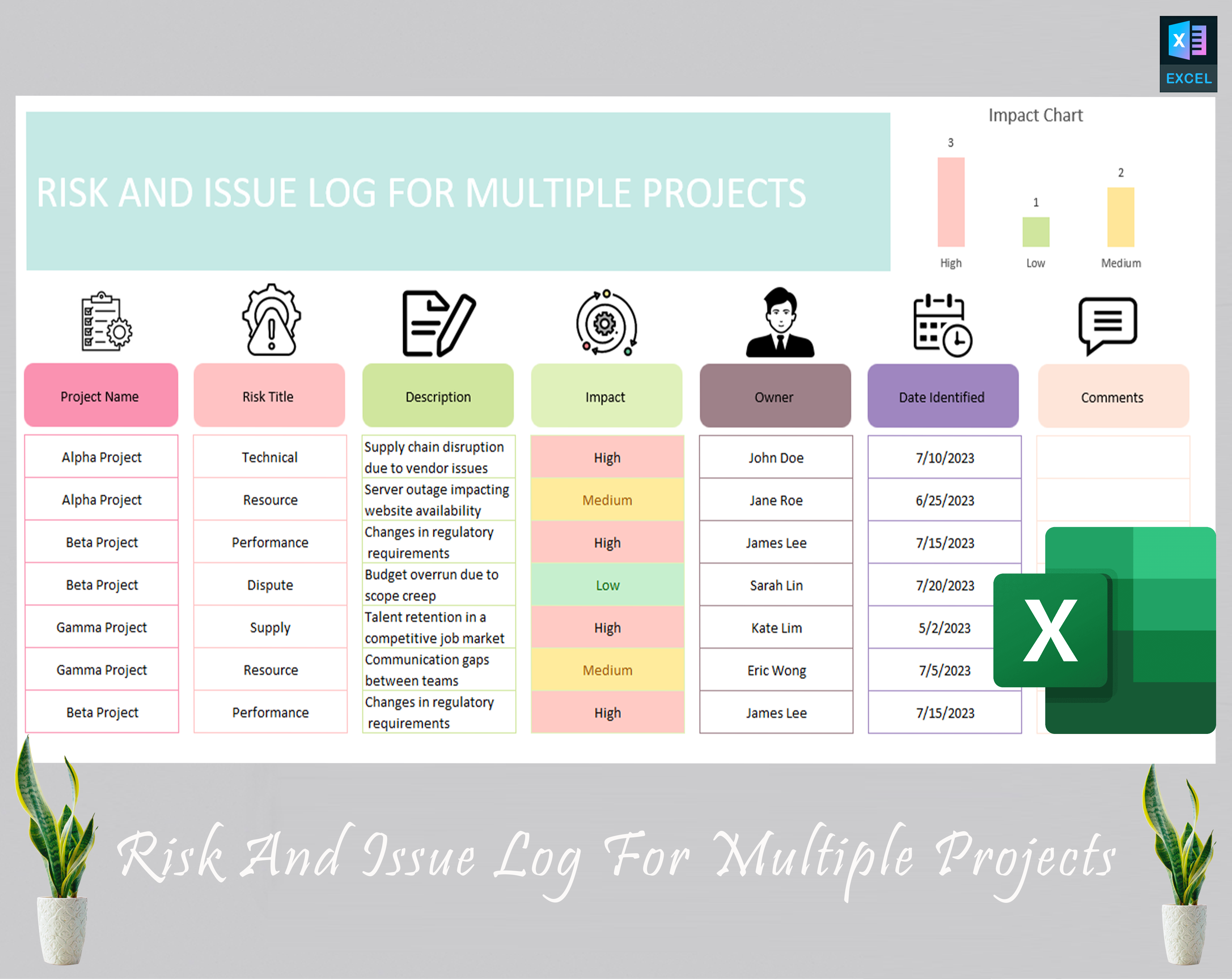
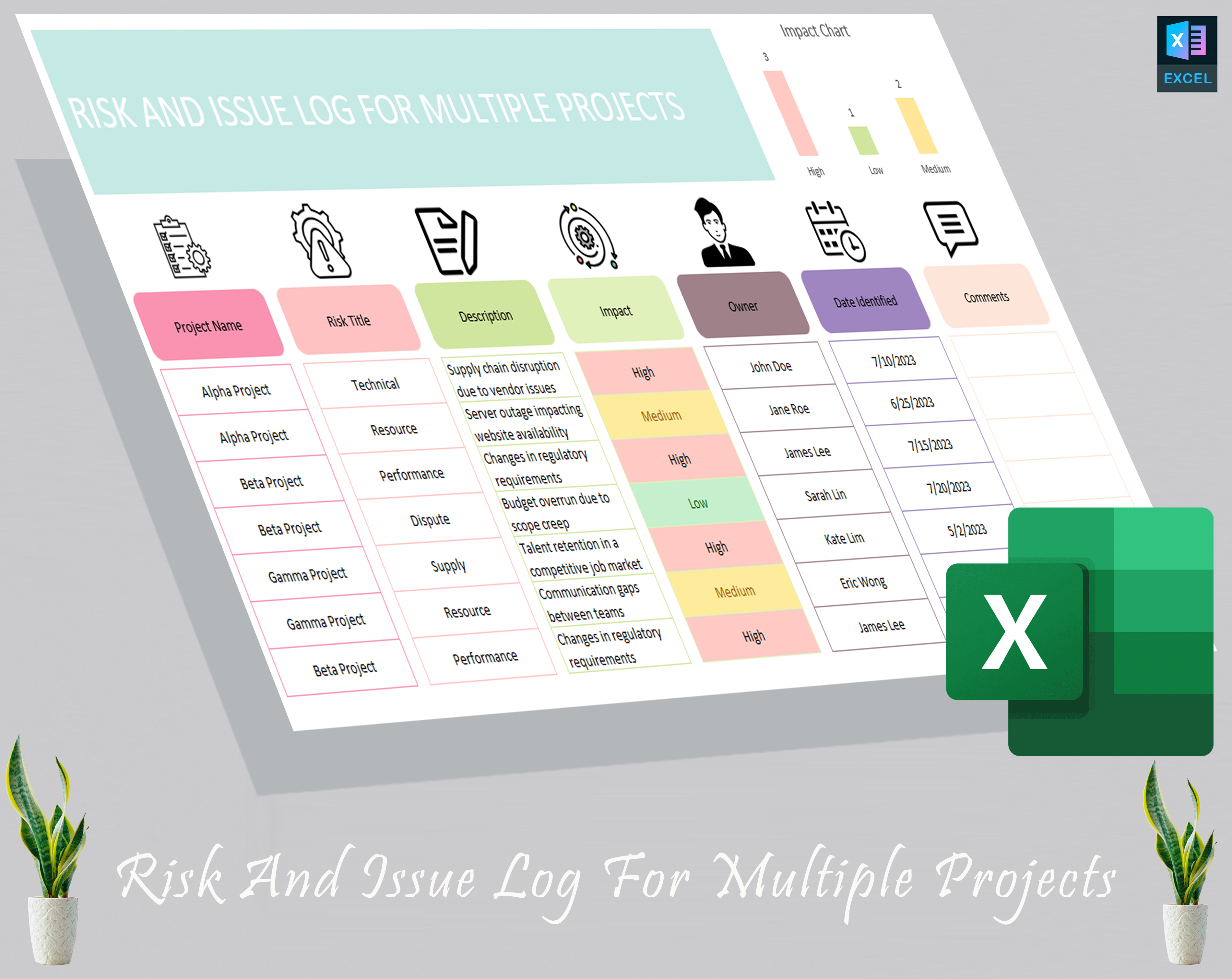
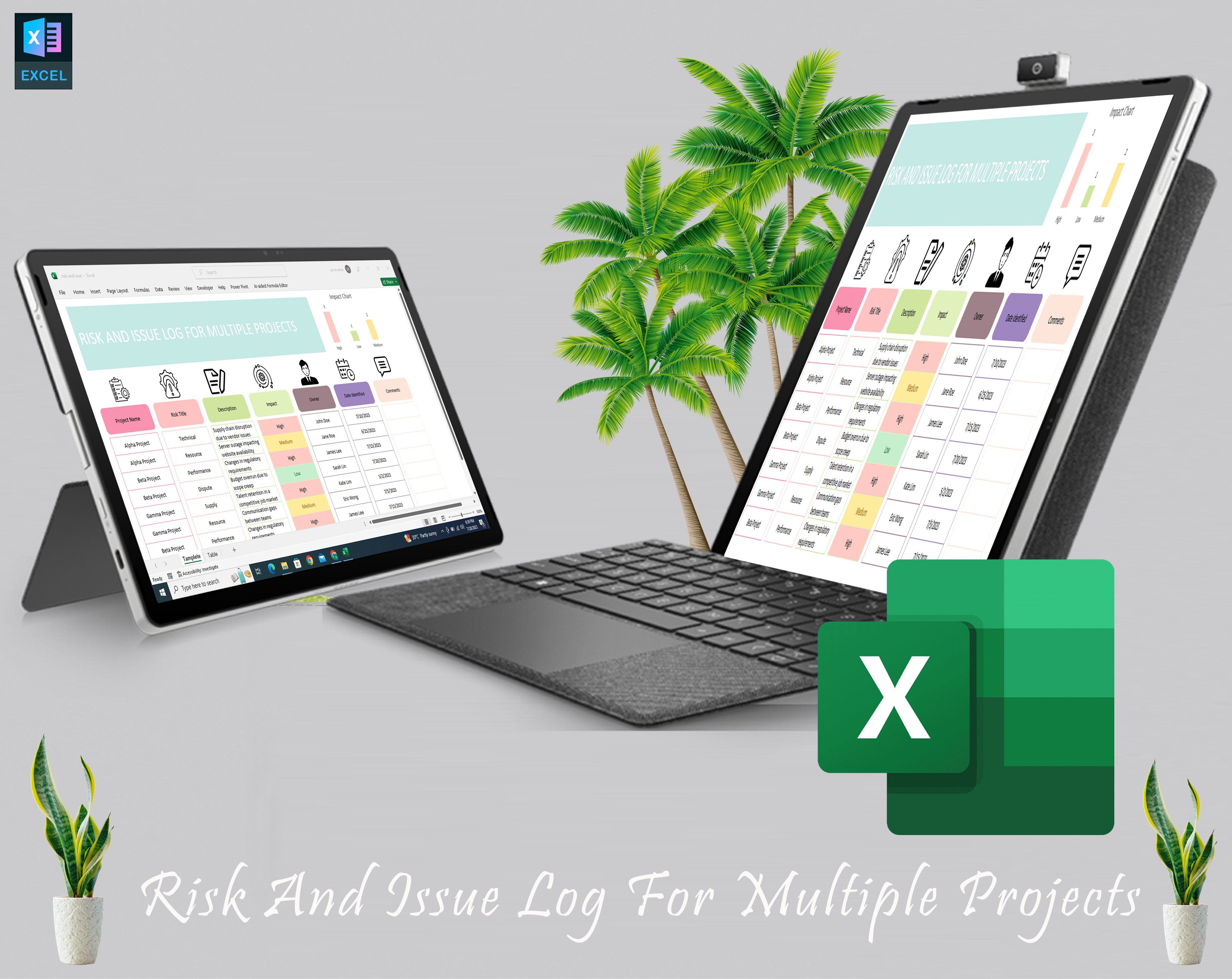
Keep your projects on track and under control with our Project Management Tracking Tool, an Excel-based project tracker tailored for managing multiple projects at once. Designed for project managers, this tool simplifies risk management, issue tracking, and task management, making it an essential addition to your project management toolkit.
Whether you’re handling a small project or managing a project portfolio, this risk tracking matrix helps you stay organized by tracking project risks, issues, and tasks all in one place. The risk management template is easy to use, and its detailed features help you assess risks, resolve issues, and maintain project progress.
Features & Benefits:
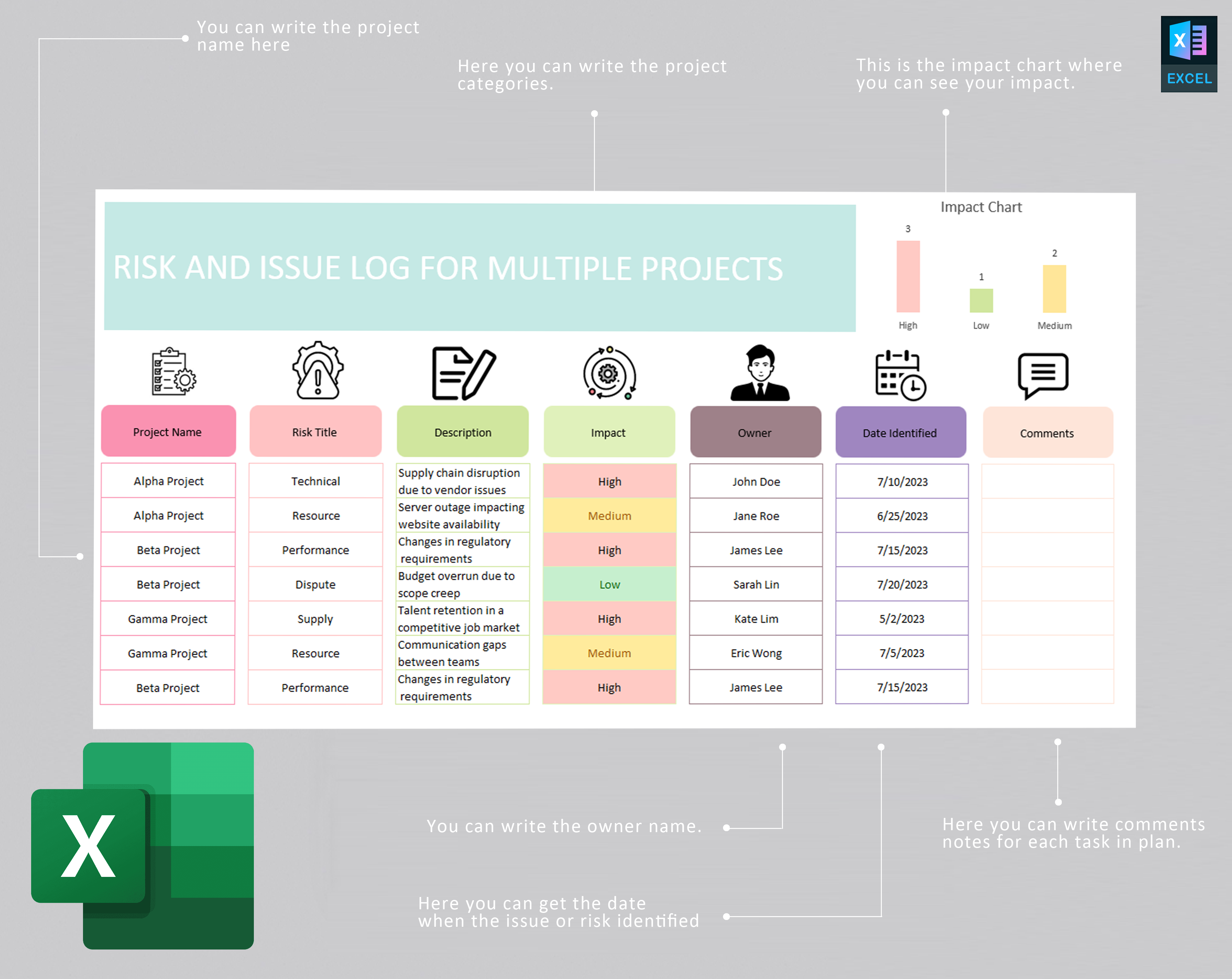
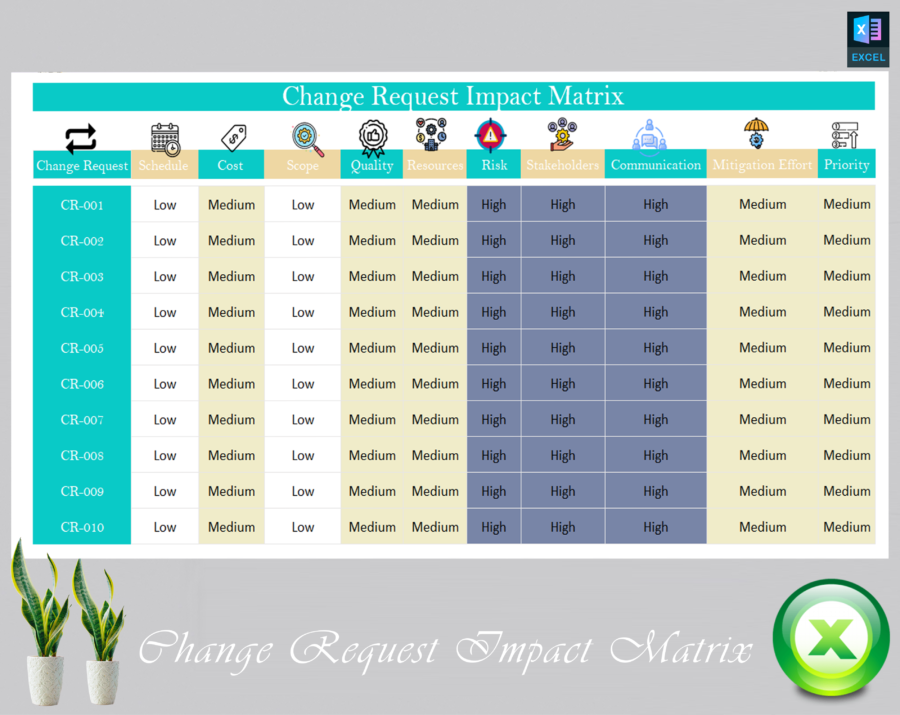
- Comprehensive Risk Management: Track risks and develop risk response plans with ease. Our template offers a clear, visual way to log risks, assess their impact, and assign mitigation strategies.
- Effective Issue Resolution: The Project Issue Log Software feature allows you to log and manage project issues, ensuring that nothing slips through the cracks.
- Task Management System: Stay on top of deadlines and assign tasks effectively with a built-in task management system, helping you monitor and manage workload.
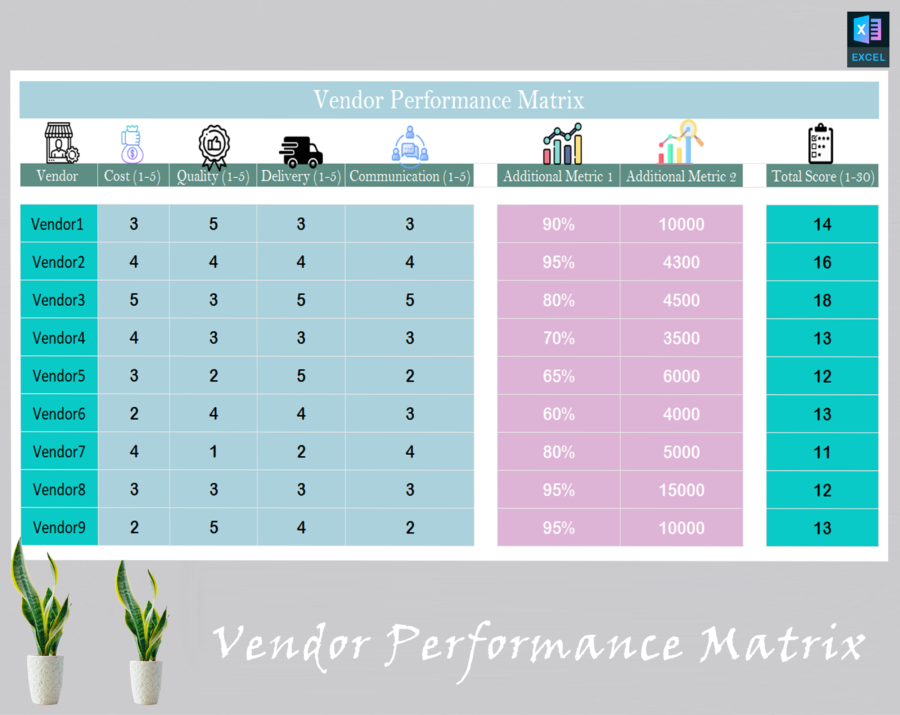
- Multiple Project Tracking: This tool is perfect for managing multiple projects simultaneously. Use the multiple project tracking tool to track progress and performance across various projects.
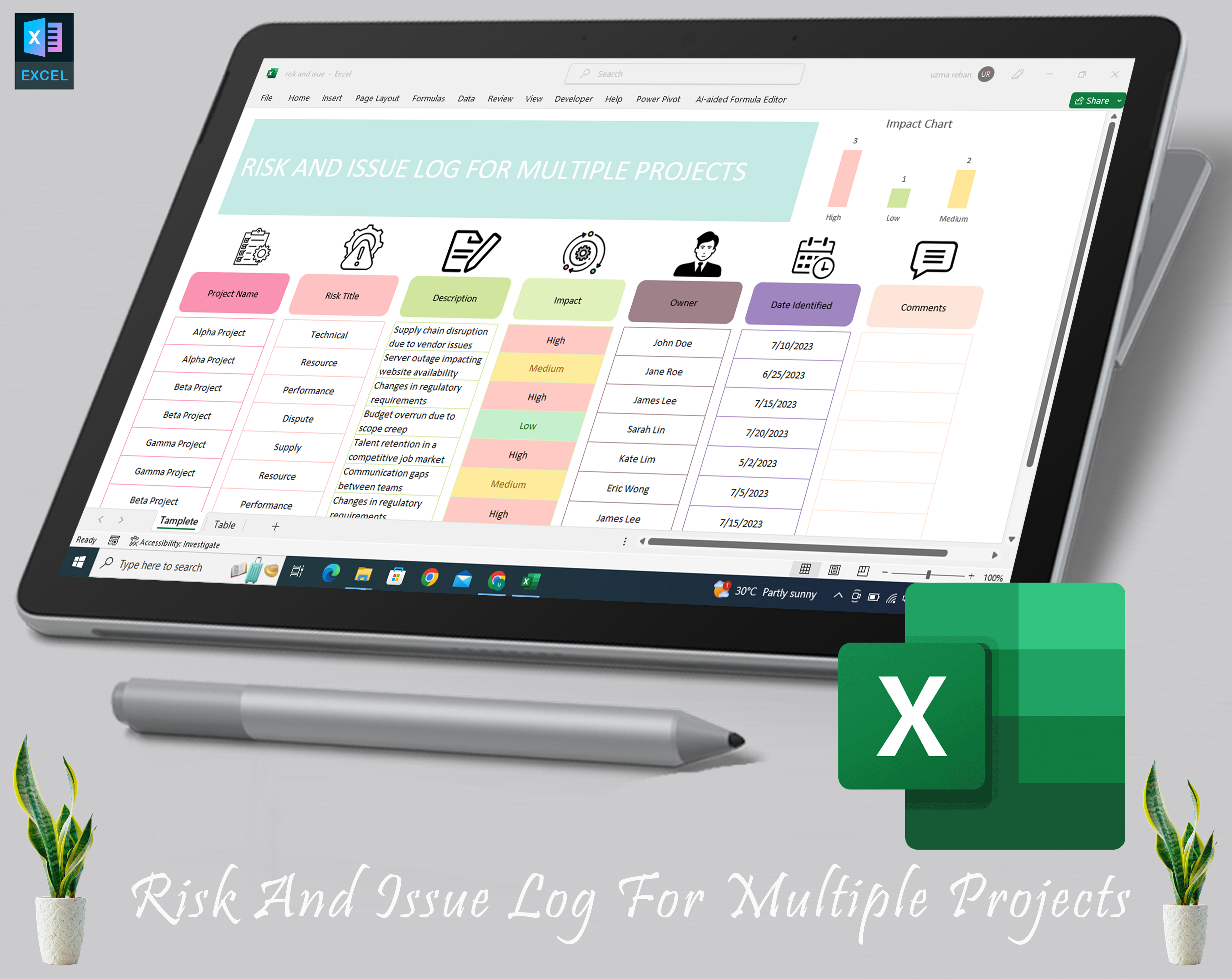
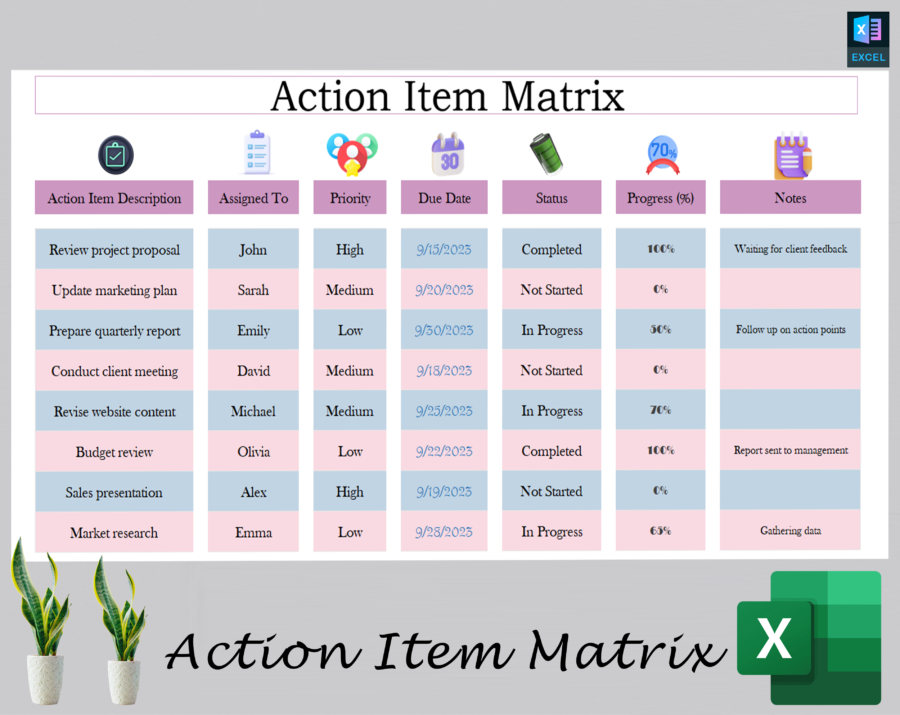
- User-Friendly Excel Template: Designed for ease of use, this Excel project tracker provides data visualization tools and a simple dashboard to monitor your project’s progress.
- Time-Saving and Cost-Effective: Save time and money by organizing everything in one Excel-based tracker, eliminating the need for complex, expensive software.
- Customizable and Scalable: Modify the template to meet your specific project needs and scale as your projects grow.
Product Specifications:
- Format: Excel (.xlsx)
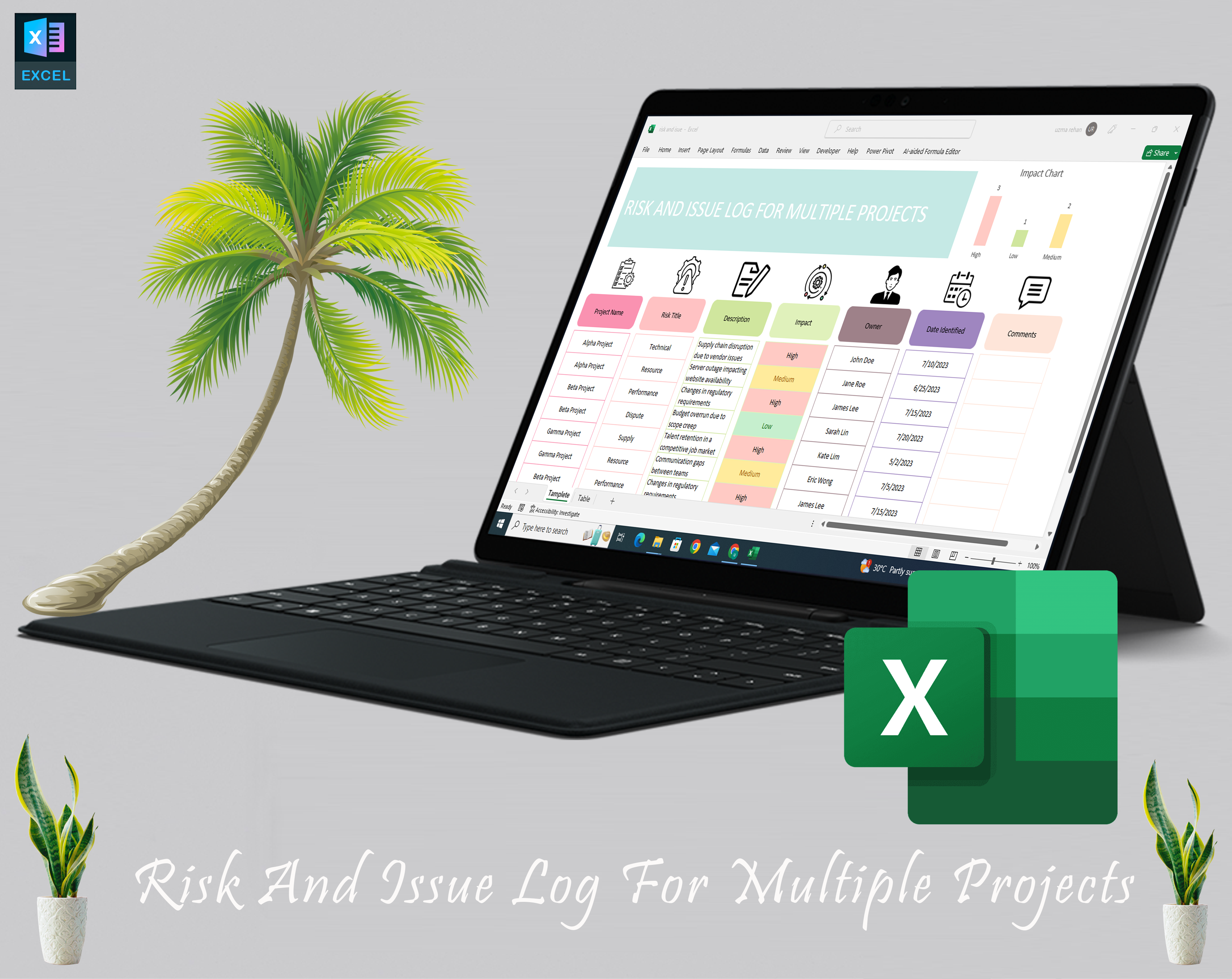
- Compatibility: Works with Microsoft Excel (2007 and newer versions)
-
Tracking Features:
- Risk tracking matrix for logging and managing project risks.
- Project issue log software to document and address issues in real time.
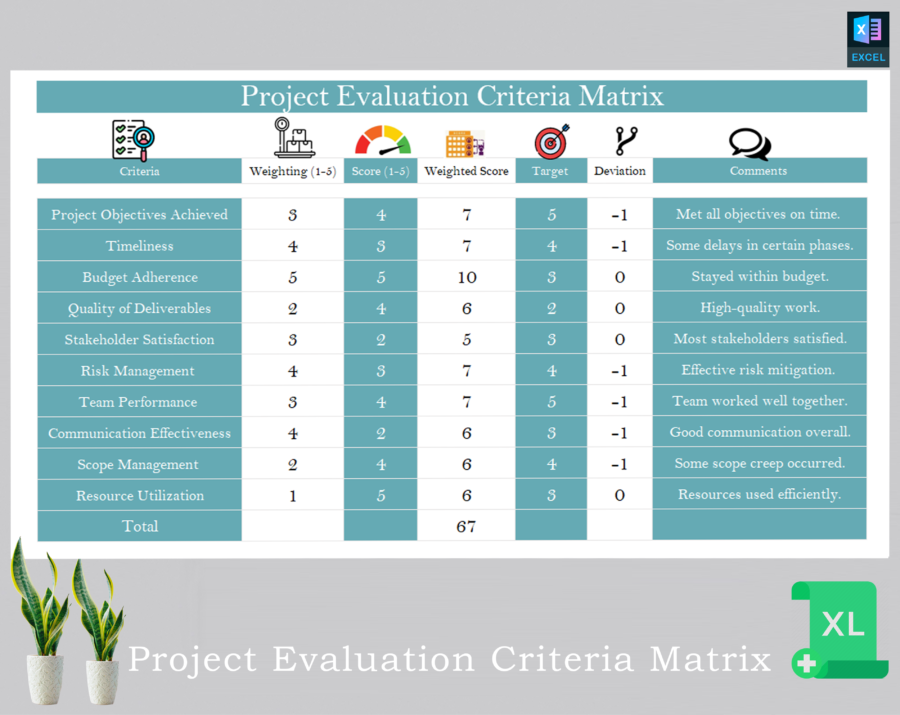
- Task management system for efficient assignment and tracking of project tasks.
-
Project Management Templates:
- Built-in templates for project risk management solutions and issue management.
- Easy-to-use design with customizable fields for specific project needs.
- Data Visualization: Includes visual graphs and charts to track project metrics and progress.
- Multiple Project Tracking Tool: Ability to track several projects in one sheet with cross-project visibility.
- Excel Project Template: No additional software required – use directly in Excel.
Why Choose This Tool?
- Complete Risk Management: Perfect for any project manager needing an all-in-one solution for managing project risks and issues.
- Versatile and Easy to Use: This project management tracking tool adapts to your workflow and offers an intuitive dashboard for quick access to critical project data.
- Cost-Effective Solution: No need to invest in expensive risk management software. Simply buy Excel-based project tracker and get started immediately.
- Instant Access: Purchase, download, and begin using the tracker right away. No waiting, no hassle.
Make your projects run smoother and stay ahead of potential risks with this project tracking register. Get your hands on the ultimate project risk management tool today!
FAQs
How does the risk tracking matrix help in project management?
The risk tracking matrix allows project managers to identify, assess, and track potential risks throughout the project. It helps in developing risk mitigation strategies to avoid delays or budget overruns.
Can I customize the Excel-based project tracker for my specific needs?
Yes, the Excel template is highly customizable. You can modify it to fit the unique requirements of your projects, such as adding new fields for specific tracking needs or adjusting the layout.
Is this tool suitable for tracking multiple projects at once?
Absolutely! The multiple project tracking tool lets you manage several projects simultaneously, giving you an overview of each project’s status in one sheet.
Do I need any special software to use the project tracker?
No, the project management tool works with any version of Microsoft Excel (2007 and newer). You don’t need any additional software to get started.
53 reviews for Buy Project Management Tracking Tool – Risk Management & Issue Tracking Matrix (Excel-based)
There are no reviews yet.