
Description
Event Planning Spreadsheet Template | Google Sheets
If you’ve ever tried to keep a wedding, a work conference, and your cousin’s birthday party straight in three different notebooks, you already know why this exists. This event management spreadsheet pulls every moving piece of your event planning into one Google Sheets file — no more juggling sticky notes, half-finished spreadsheets, and a calendar app that never quite matches what’s in your head.
It’s built for people who plan events for a living and for people who just have a lot of events to plan. Either way, the goal is the same: fewer things falling through the cracks.
What’s Inside
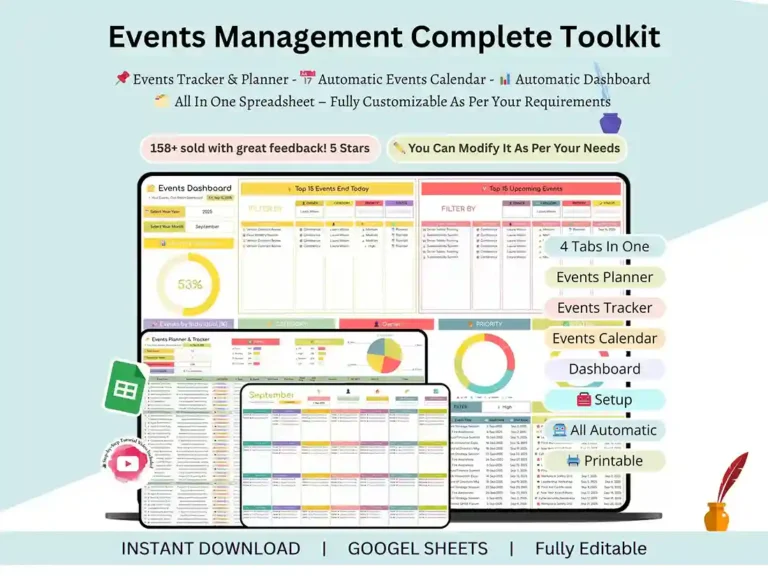
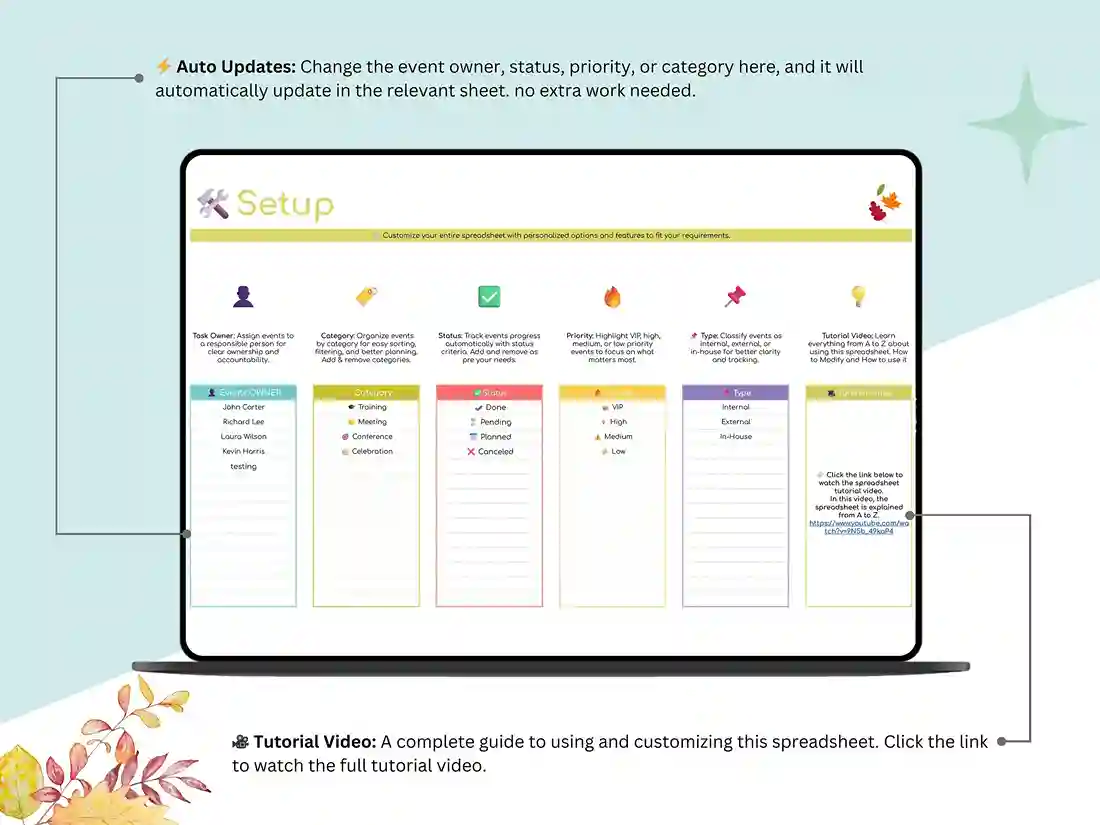
Setup Tab — Enter your details once (event types, categories, whatever’s specific to how you work) and the rest of the workbook picks it up automatically. No retyping the same information across five tabs.
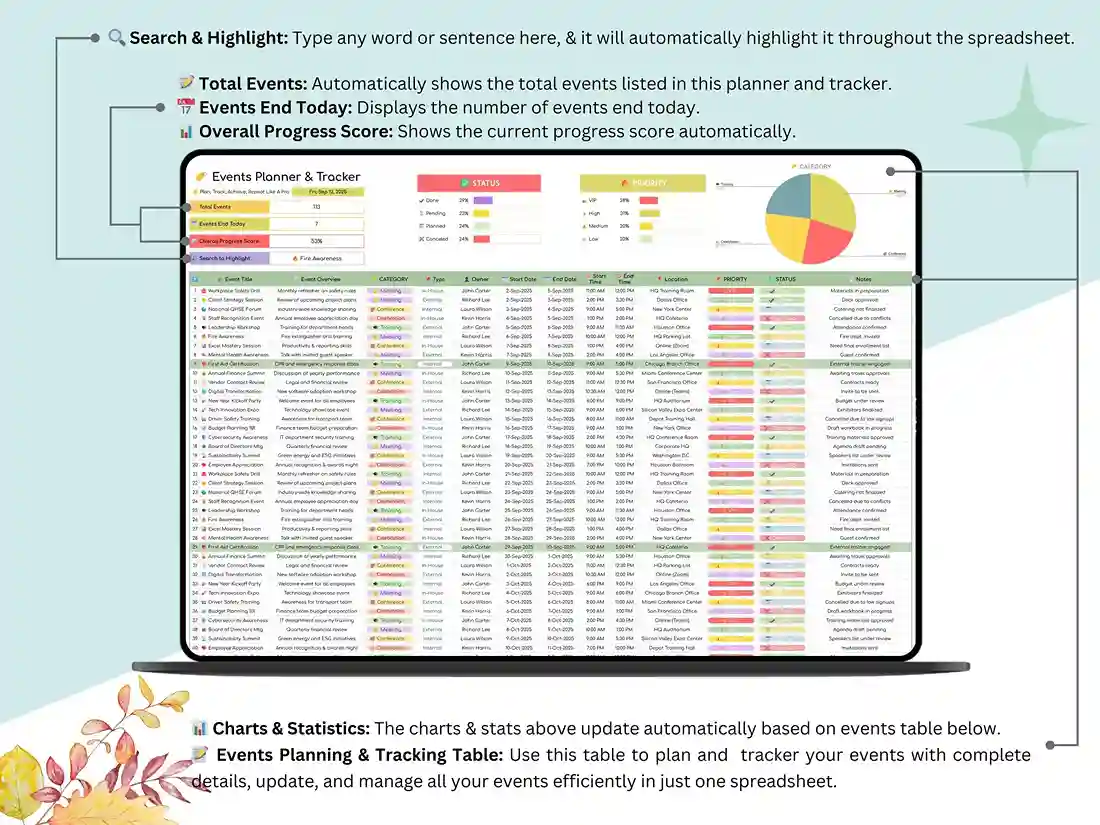
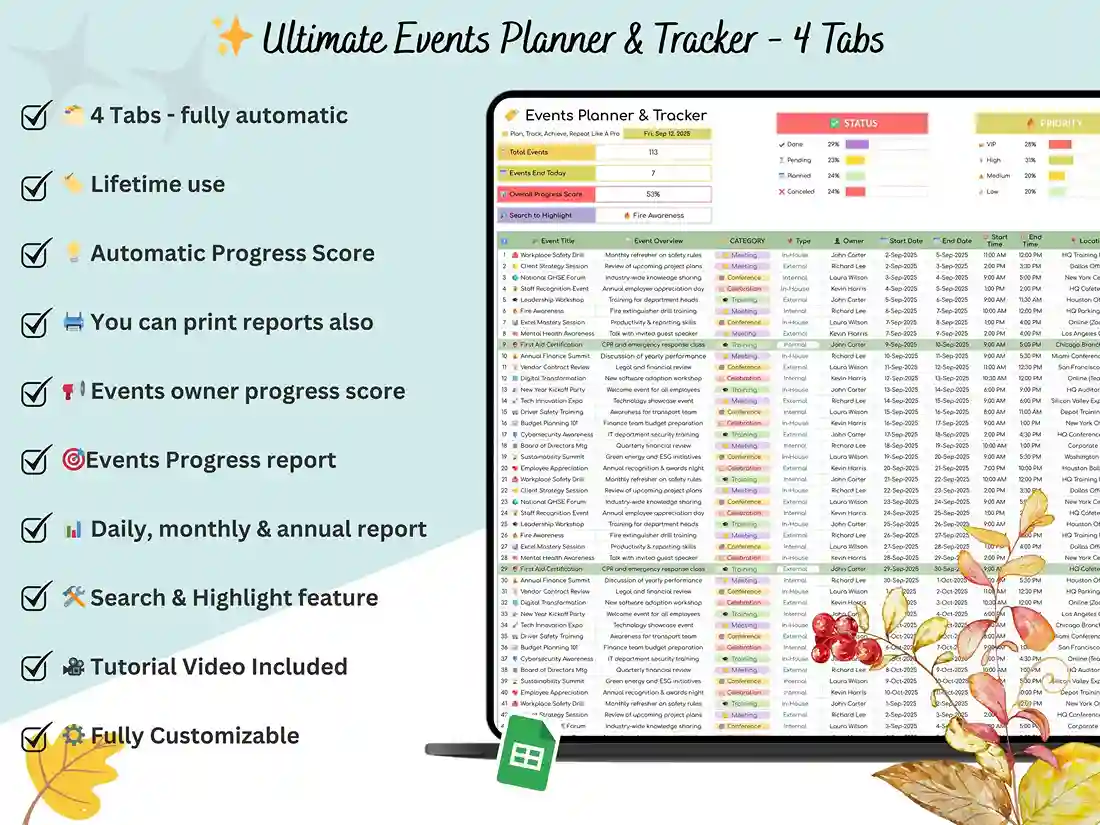
Events Planner & Tracker Tab — This is the command center. Every event lives here: dates, locations, budgets, contacts, status. It’s the kind of event planning worksheet you can actually keep updated in real time instead of abandoning after week one.
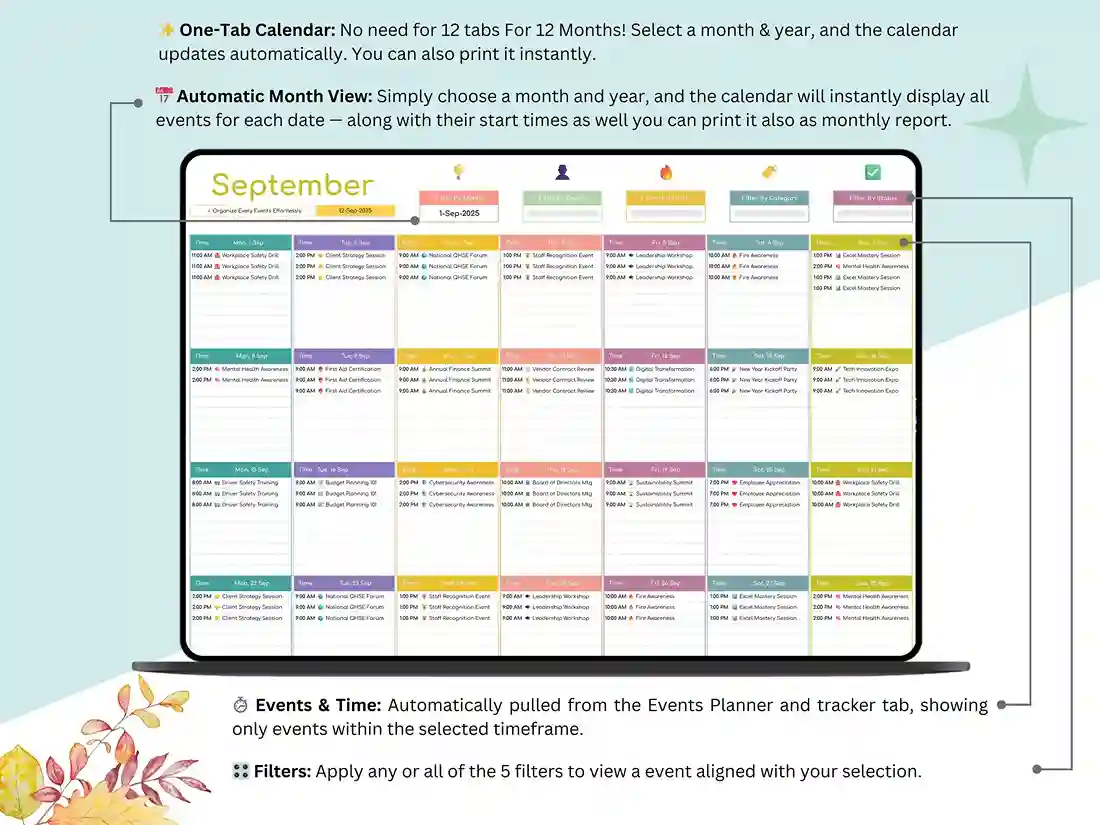
Events Calendar Tab — Pick a month, and it instantly populates with every event scheduled, start times included. If you’ve ever needed a clean calendar of events format you can glance at before a meeting, this is it. (If you want a standalone calendar-only tool, check out our dedicated Events Calendar template.)
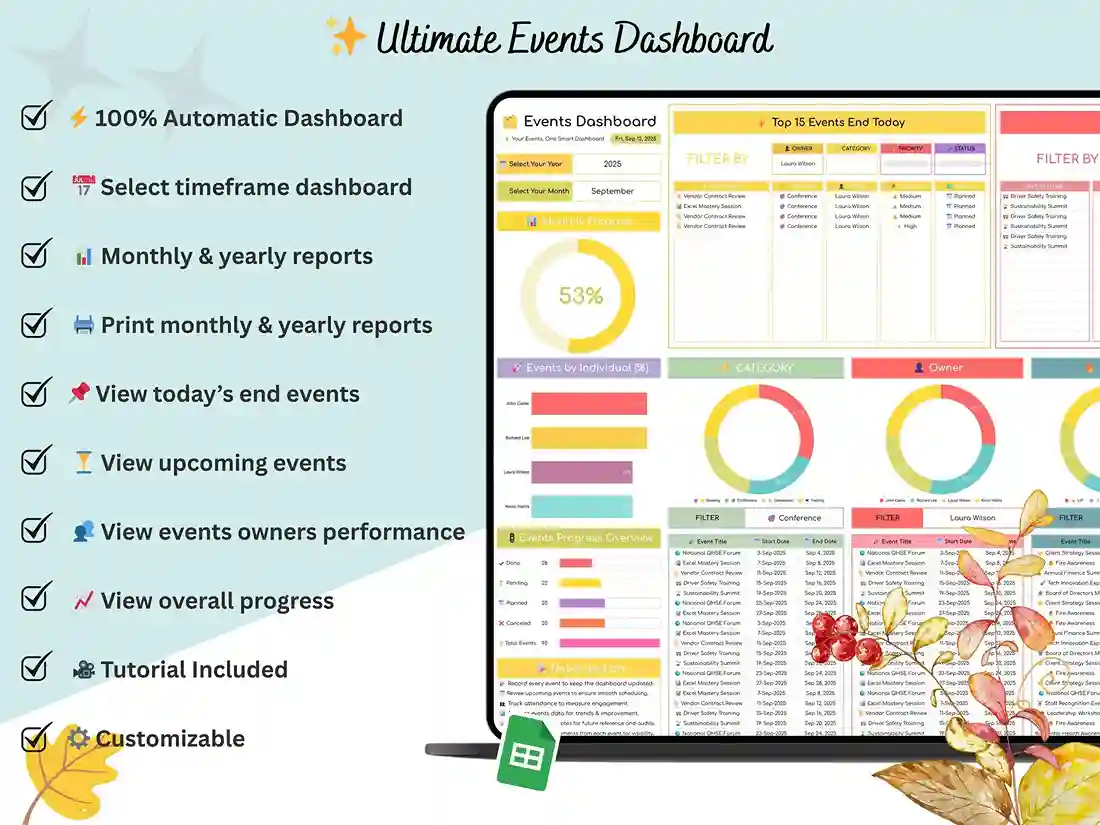
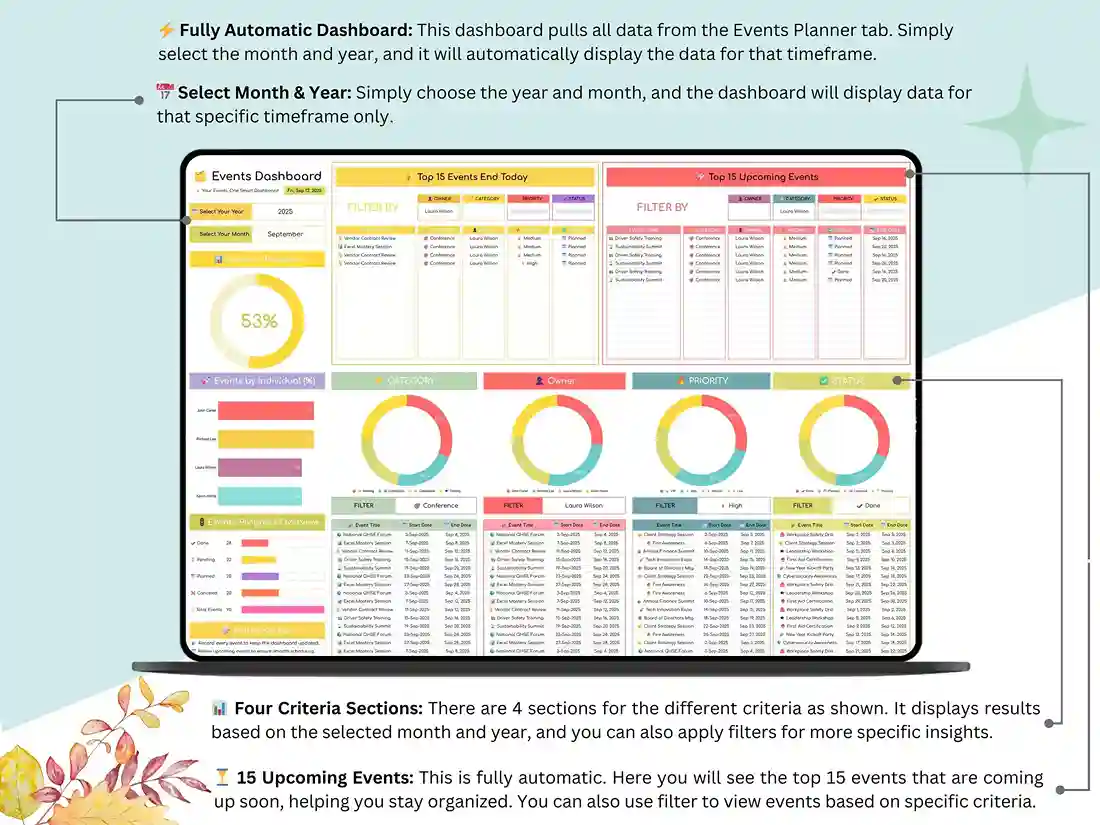
Events Dashboard Tab — Charts and summaries update themselves as you add events, so you always have a chart of events and key metrics without building a single graph by hand. Upcoming events, past events, budget totals — all visible at a glance.
Who It’s For
Wedding coordinators juggling multiple clients. Corporate teams scheduling meetings and conferences. Freelancers tracking deadlines across several projects at once. Teachers and school staff organizing campus events. And honestly, anyone hosting a birthday party, a reunion, or a holiday gathering who wants a proper event planner organizer instead of a scattered group chat.
This works equally well as a wedding party planner template, a birthday planner template, or a general-purpose event outline template — the structure adapts to whatever you’re planning.
How It Works
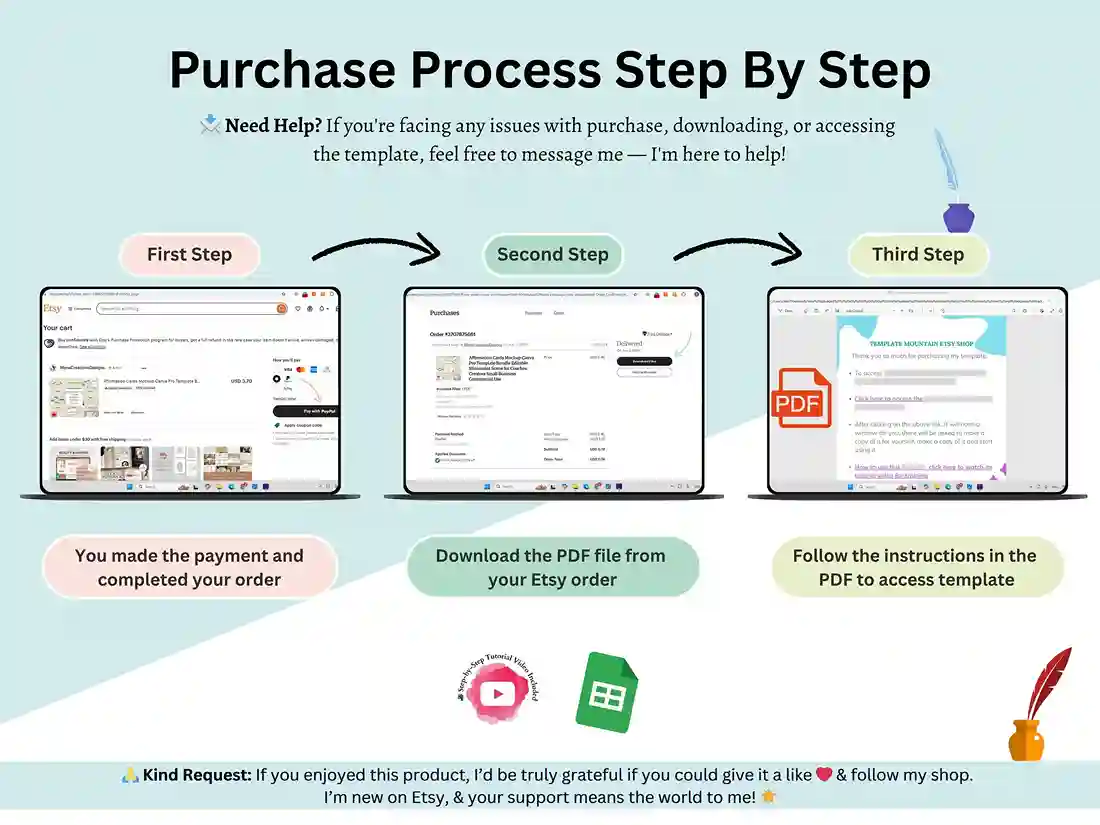
- Purchase and download instantly
- Open the file in Google Sheets
- Enter your event details and let the calendar and dashboard build themselves
That’s it. No setup tutorials to sit through, no formulas to learn — just a working spreadsheet for event planning from the moment you open it.
Support
Questions? Message me anytime — happy to help. If this template makes your planning easier, a review goes a long way, and don’t forget to favorite it so you can find it again next time you need it.
FAQ
Is this template compatible with Excel, or only Google Sheets? This template is built and delivered as a Google Sheets file. It’s designed to take advantage of Sheets’ automatic syncing and formulas, so it’s not currently offered as an Excel version.
Can I use this for a single event, like a wedding, instead of multiple events? Yes. While it’s built to track unlimited events, it works just as well as a single-event wedding party planner template or birthday planner template — just fill in the one event you’re planning.
Does the calendar update automatically when I add a new event? Yes. Once you enter event details in the Planner & Tracker tab, the Events Calendar tab and Dashboard update automatically — no manual re-entry.
Do I need any prior spreadsheet experience to use this? No. Everything is pre-built with formulas already in place. You enter your event details, and the calendar and charts populate on their own.
What do I receive after purchase? You’ll get the Events Management Spreadsheet as a Google Sheets file, plus a step-by-step setup video.
Reviews
There are no reviews yet.