
Description
Annual Event Calendar Google Sheets – Yearly Event Calendar Template
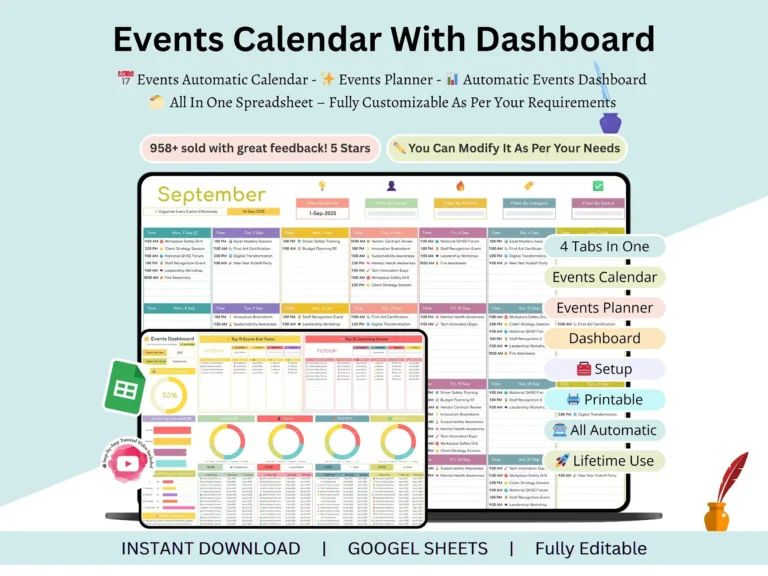
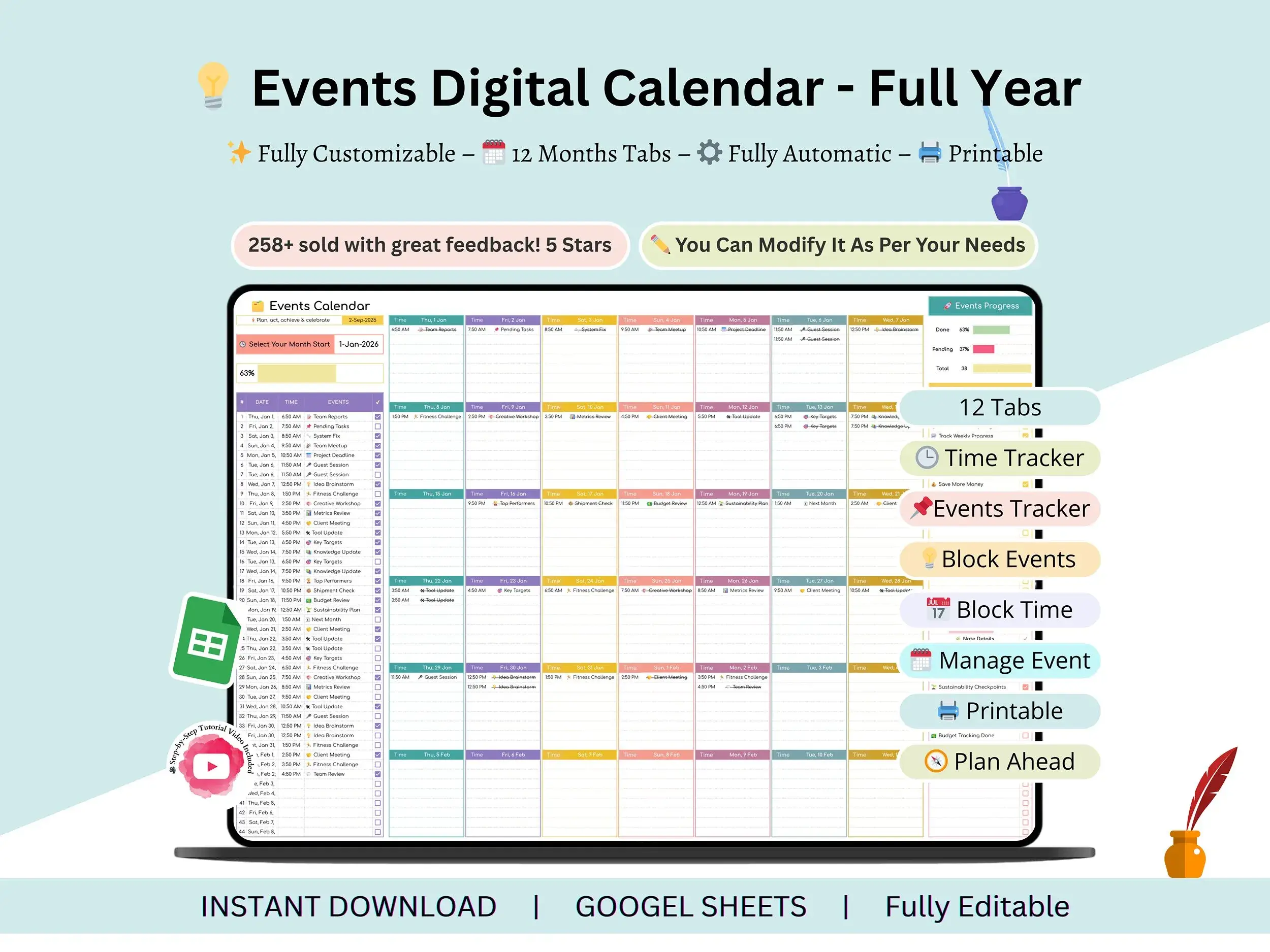
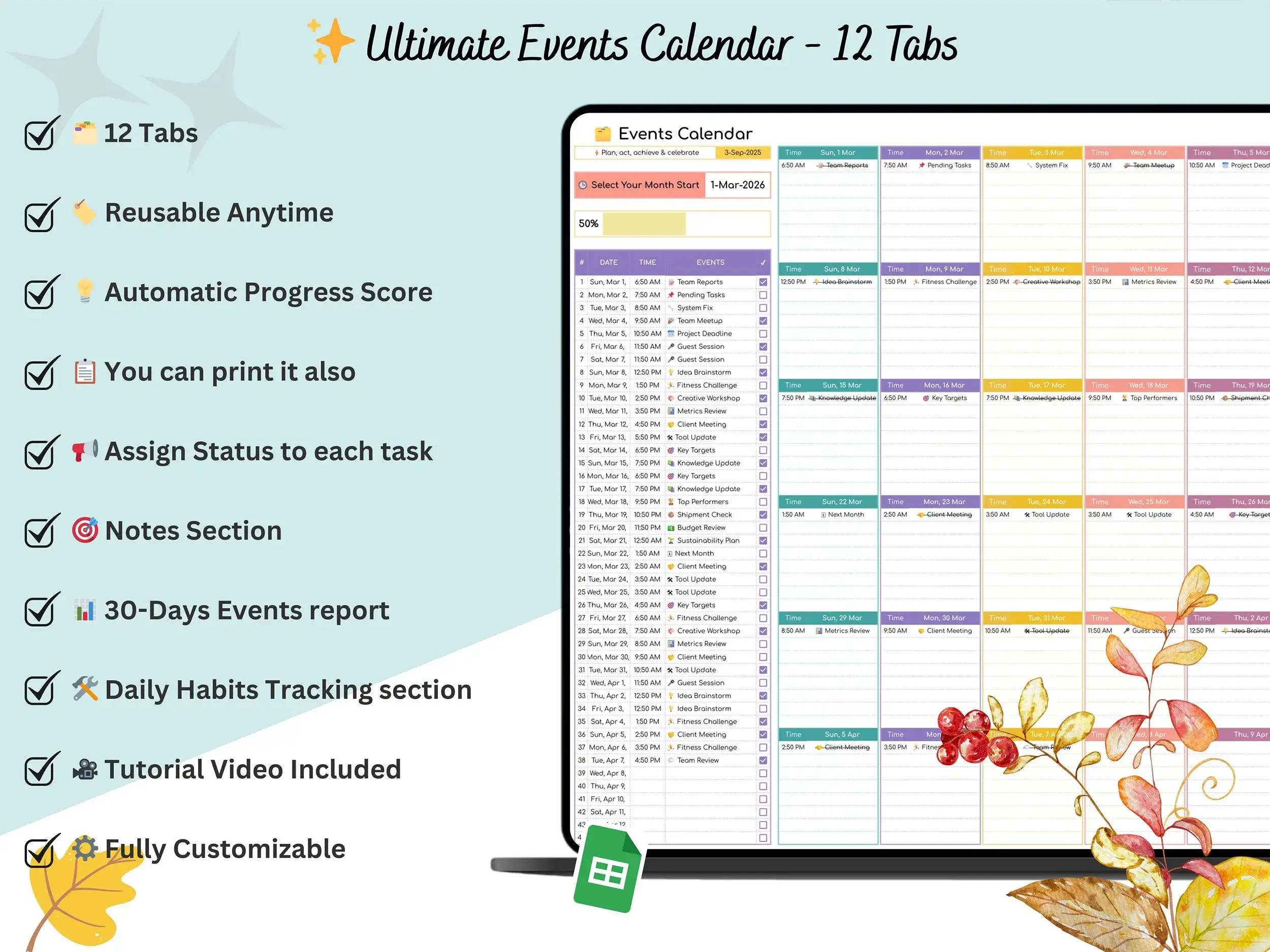
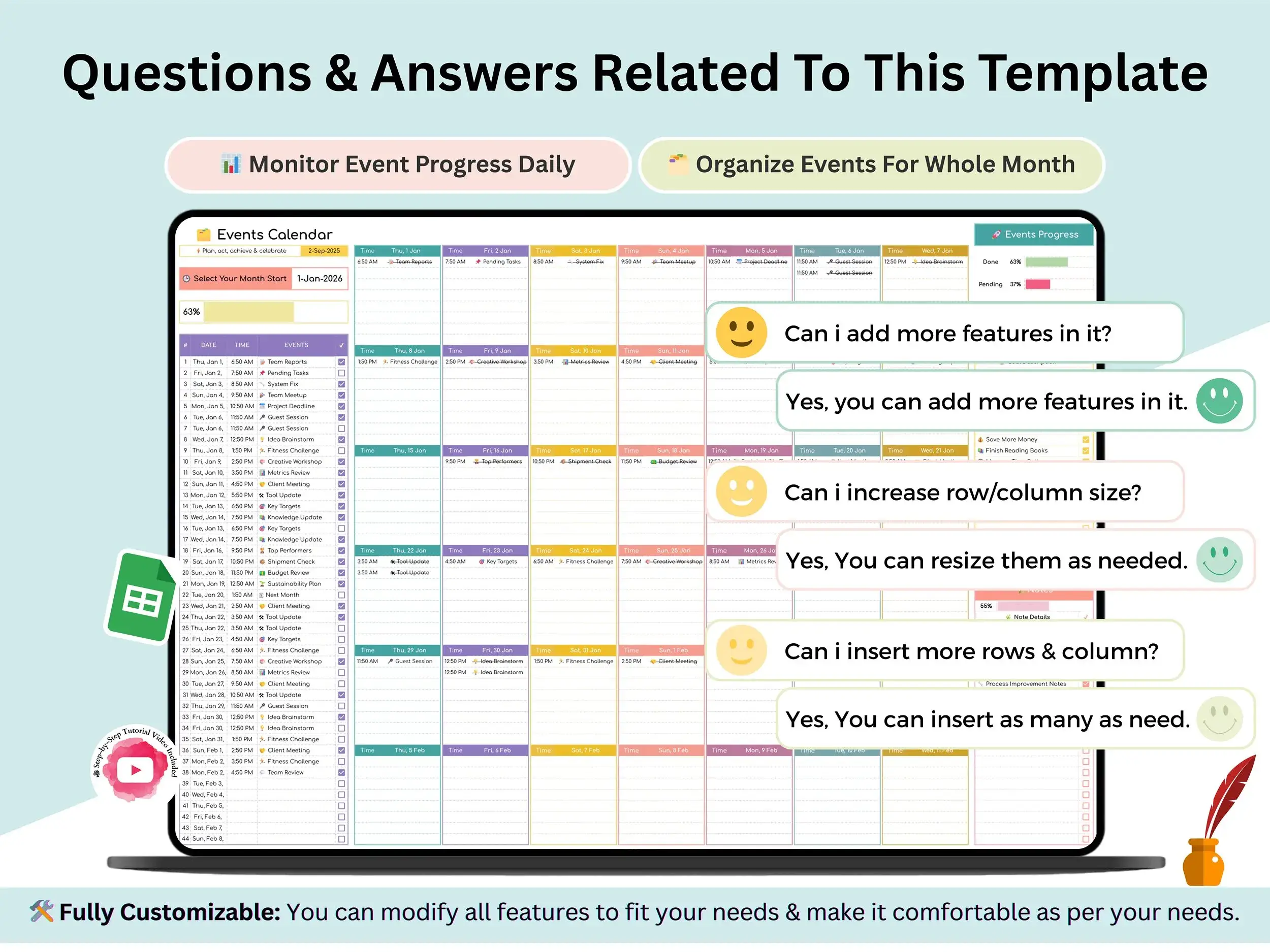
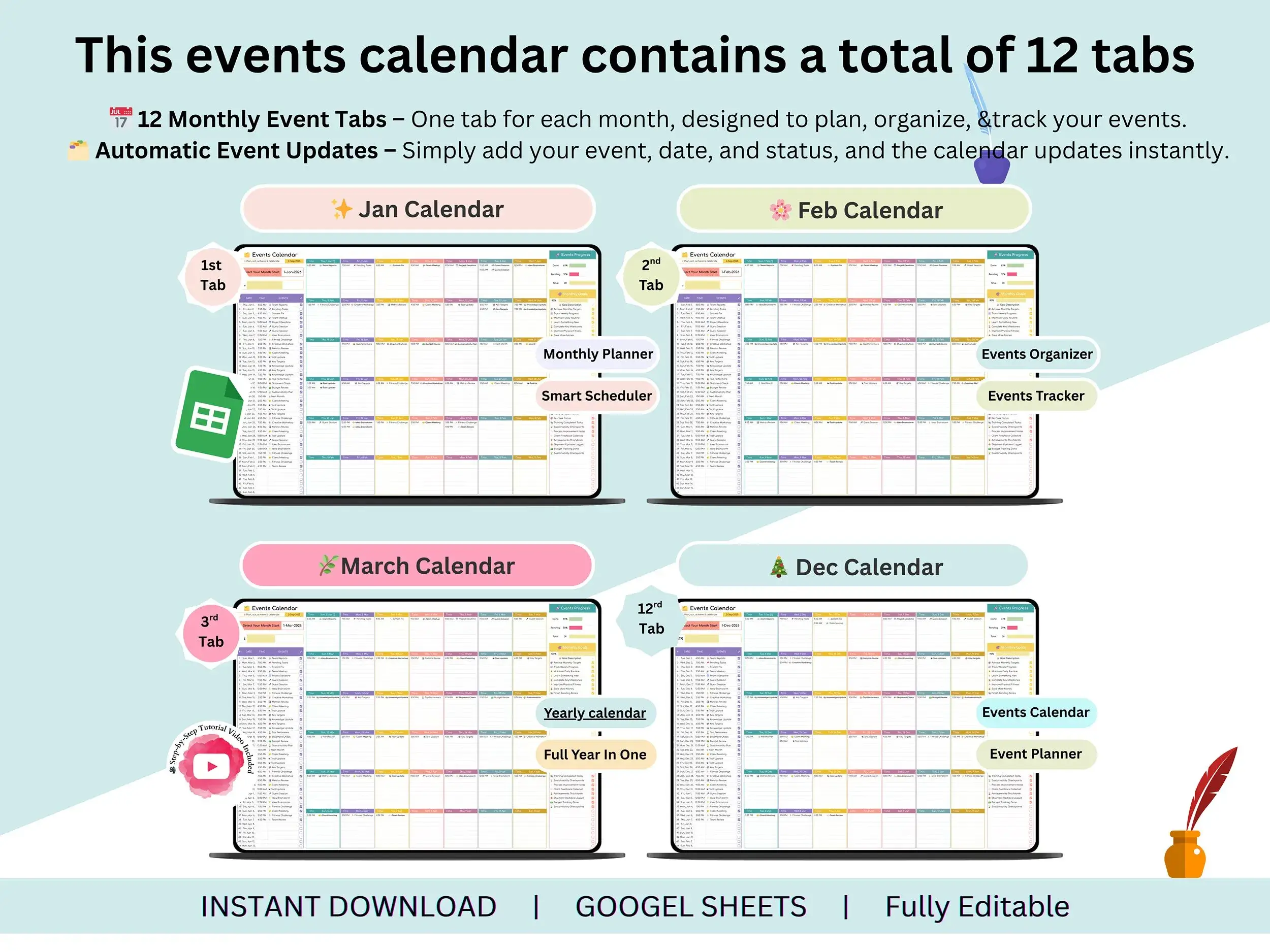
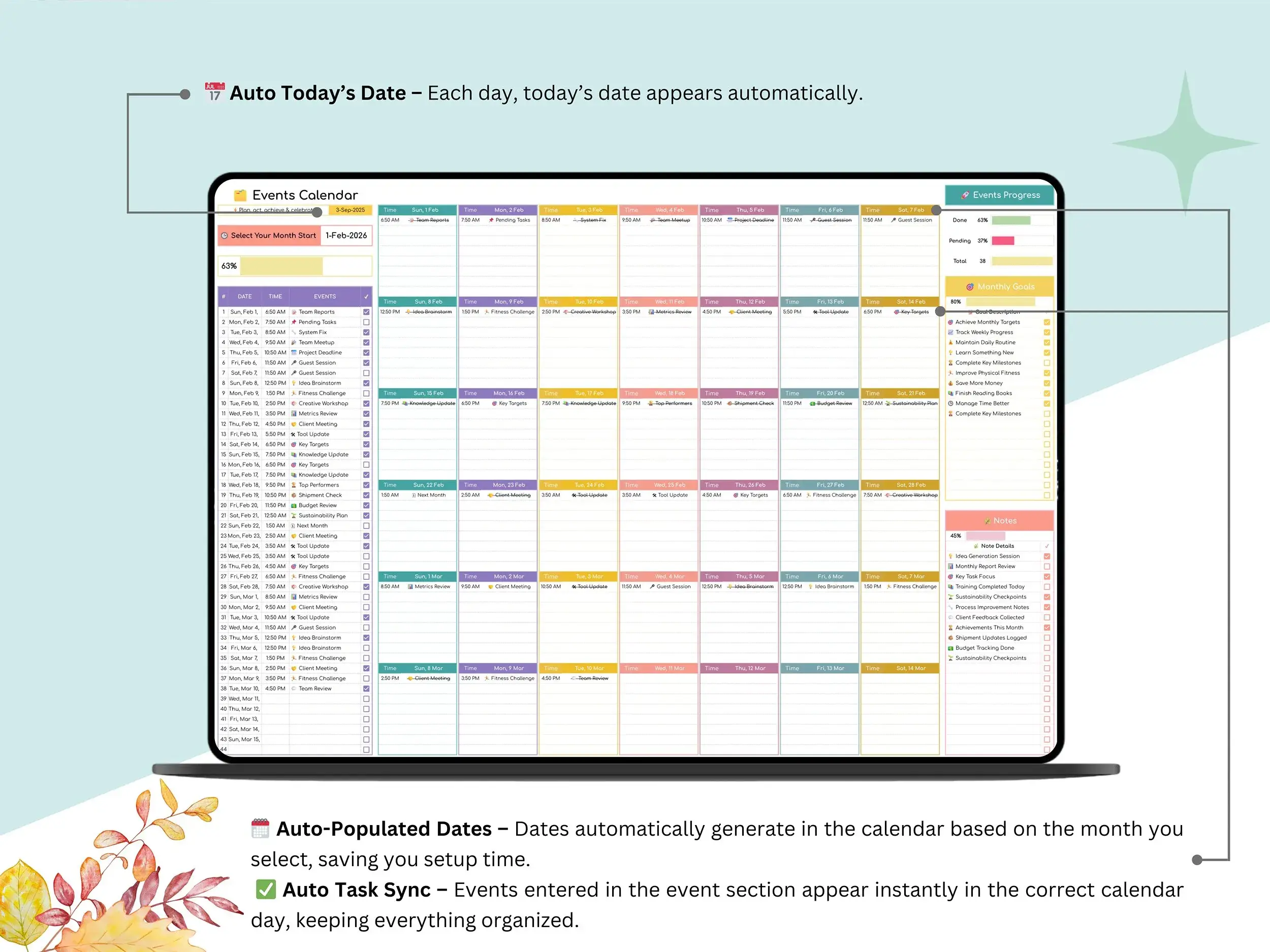
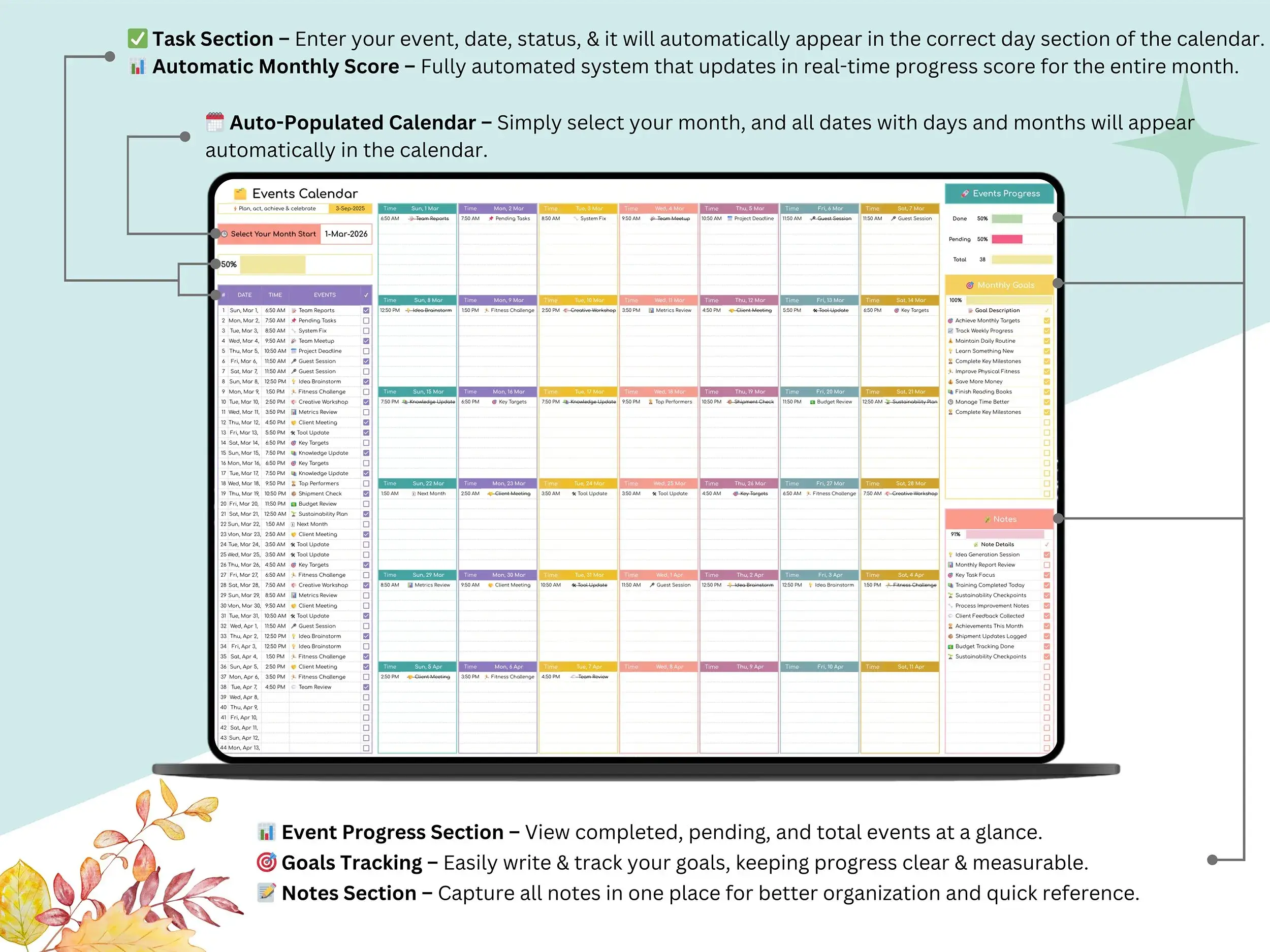
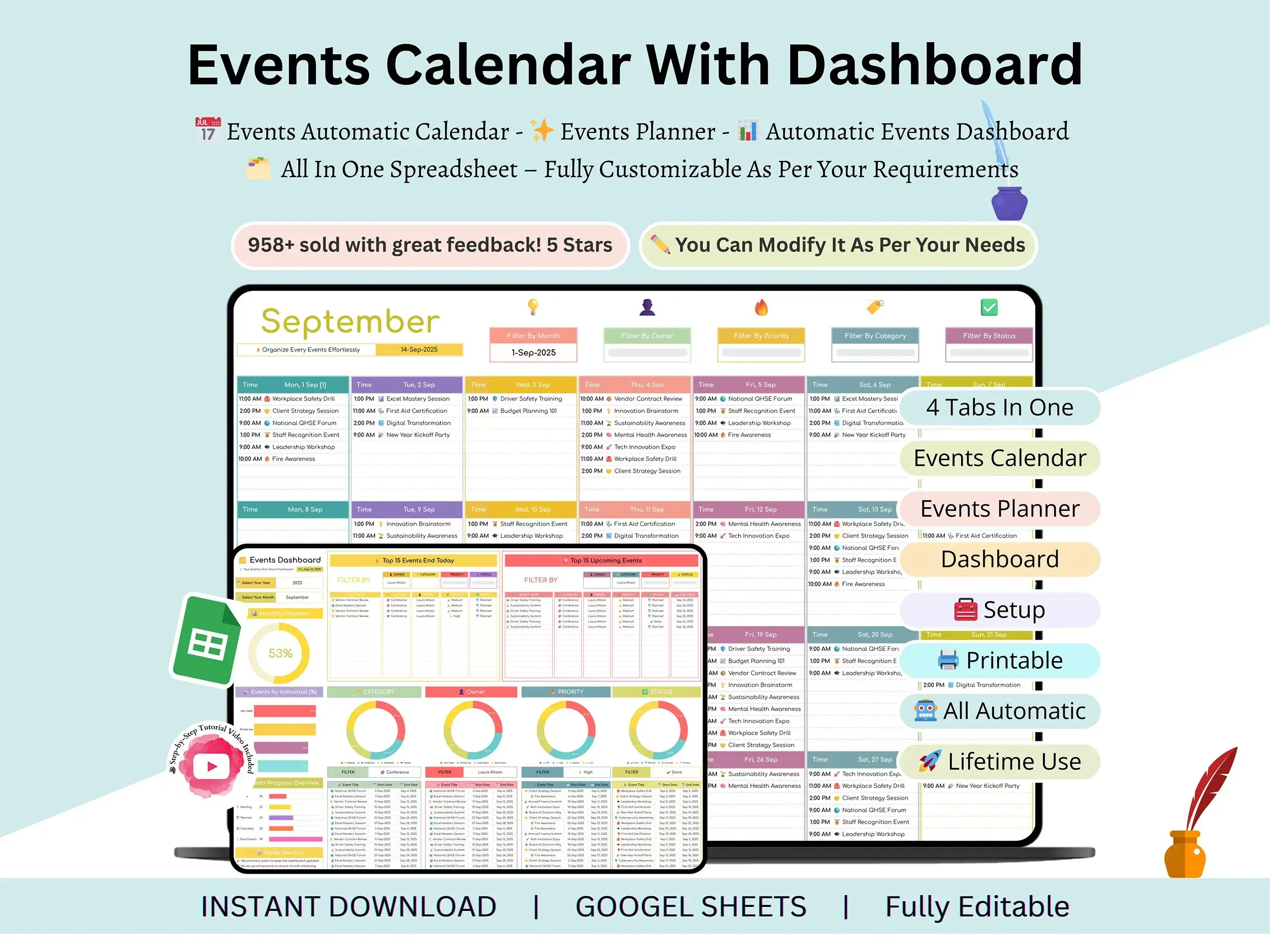
If your events are scattered across a notes app, a few email threads, and somebody’s memory, this annual event calendar brings them into one place. You get a 12-month planning layout, a task tracker, and dashboards that update as you go. It’s a Google Sheets annual calendar template at heart, but it works as an event management spreadsheet too. Schedule the event, track the to-dos behind it, and glance at the dashboard to see what’s still open.
If you’ve been comparing a plain Google Sheets calendar template with a full event planning template Google Sheets option, this one sits between the two. Calendar first, planning tools second.
What you’ll get
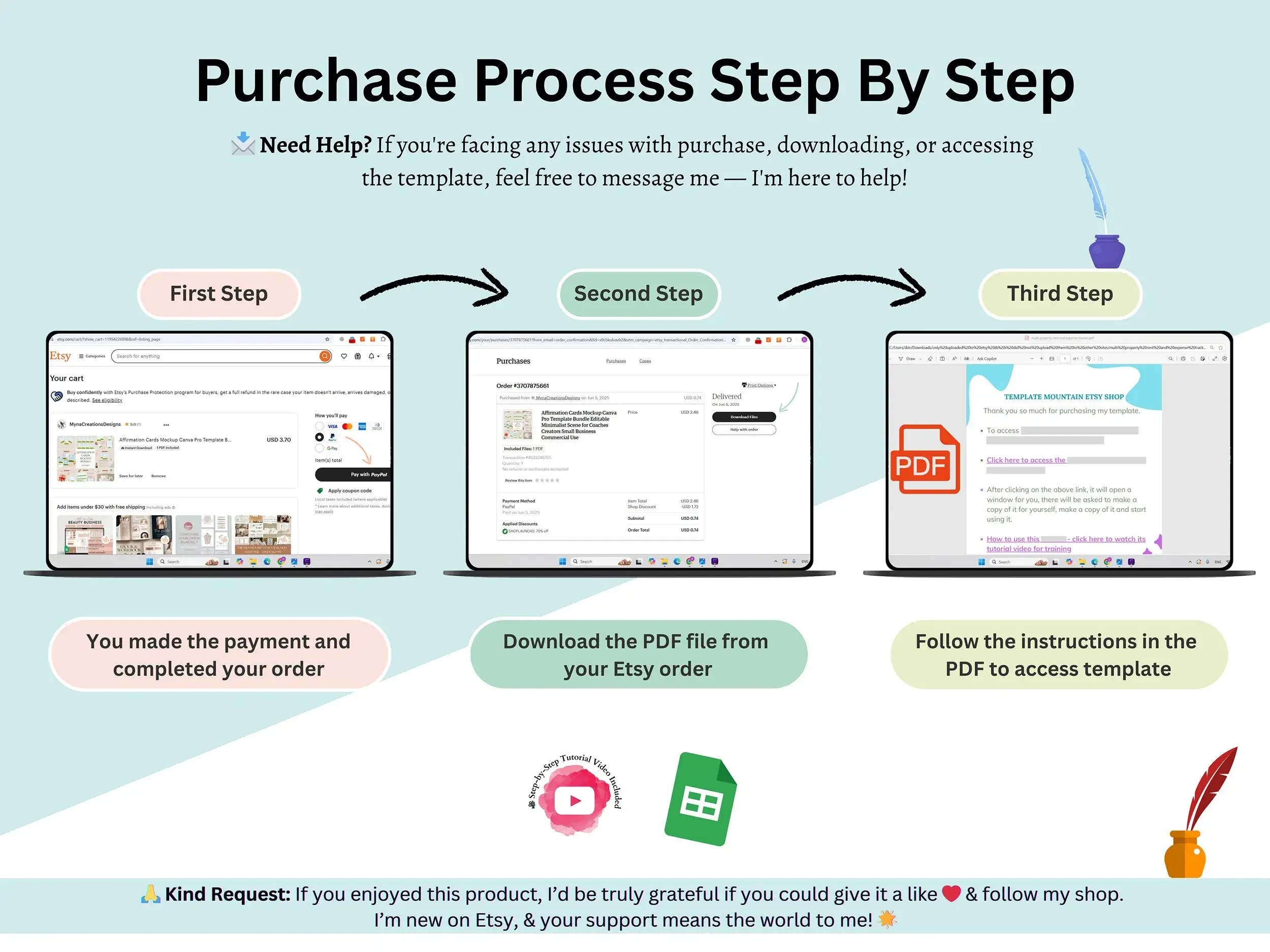
You’ll receive a PDF with a link inside. Click it, make your own copy, and the file is yours to edit. A short video tutorial walks you through setup and customizing, so you’re never guessing. Because it lives in Google Sheets, it opens in your browser, saves automatically, and you can share it with a co-organizer in a couple of clicks.
Who it’s for
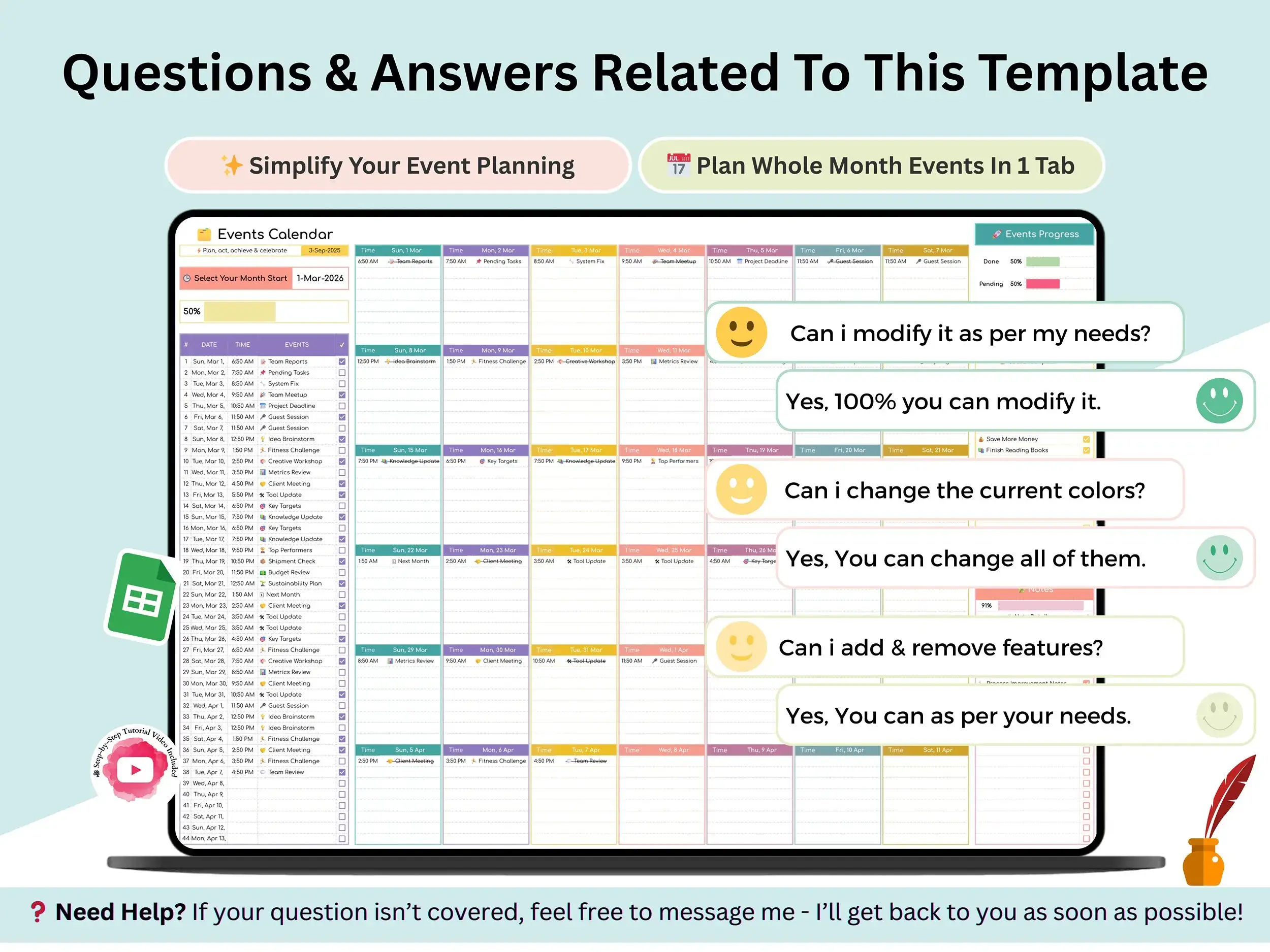
Students use it for classes, deadlines, and activities. Plenty of professionals keep it for meetings, projects, and milestones. Entrepreneurs like having business events and personal goals side by side. Families? Birthdays, routines, and special occasions fit just fine. And if you plan events for a living, it’s a simple event management calendar you can use for schedules, proposals, and checklists.
How it works
Buy it, download the PDF, open the Google Sheets link, and make a copy. That’s the setup. You can be planning in a few minutes, and the monthly calendar Google Sheets view keeps each month easy to scan.
Quick heads-up: this is a Google Sheets template, so you’ll need a Google account to use it.
FAQ
Is this an Excel file?
No, it’s built for Google Sheets. You can download a Sheets file as .xlsx, but some features may not carry over the same way.
What do I receive after I buy?
A PDF with your Google Sheets link, plus access to the tutorial video. Open the link and make a copy to get started.
Can I share it with my team?
Yes. Once you’ve made your copy, you can share it like any Google Sheet.
Does it work on my phone?
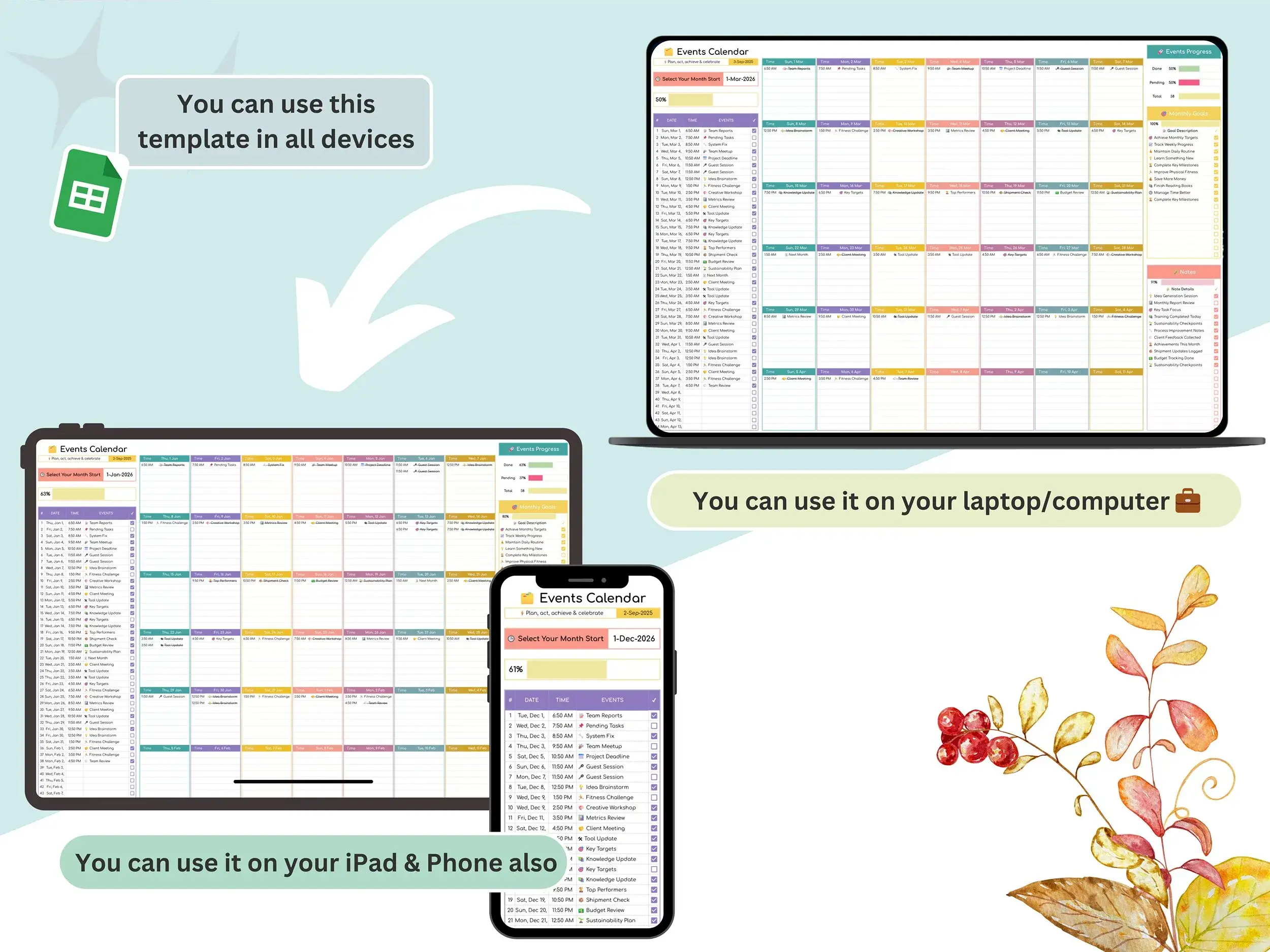
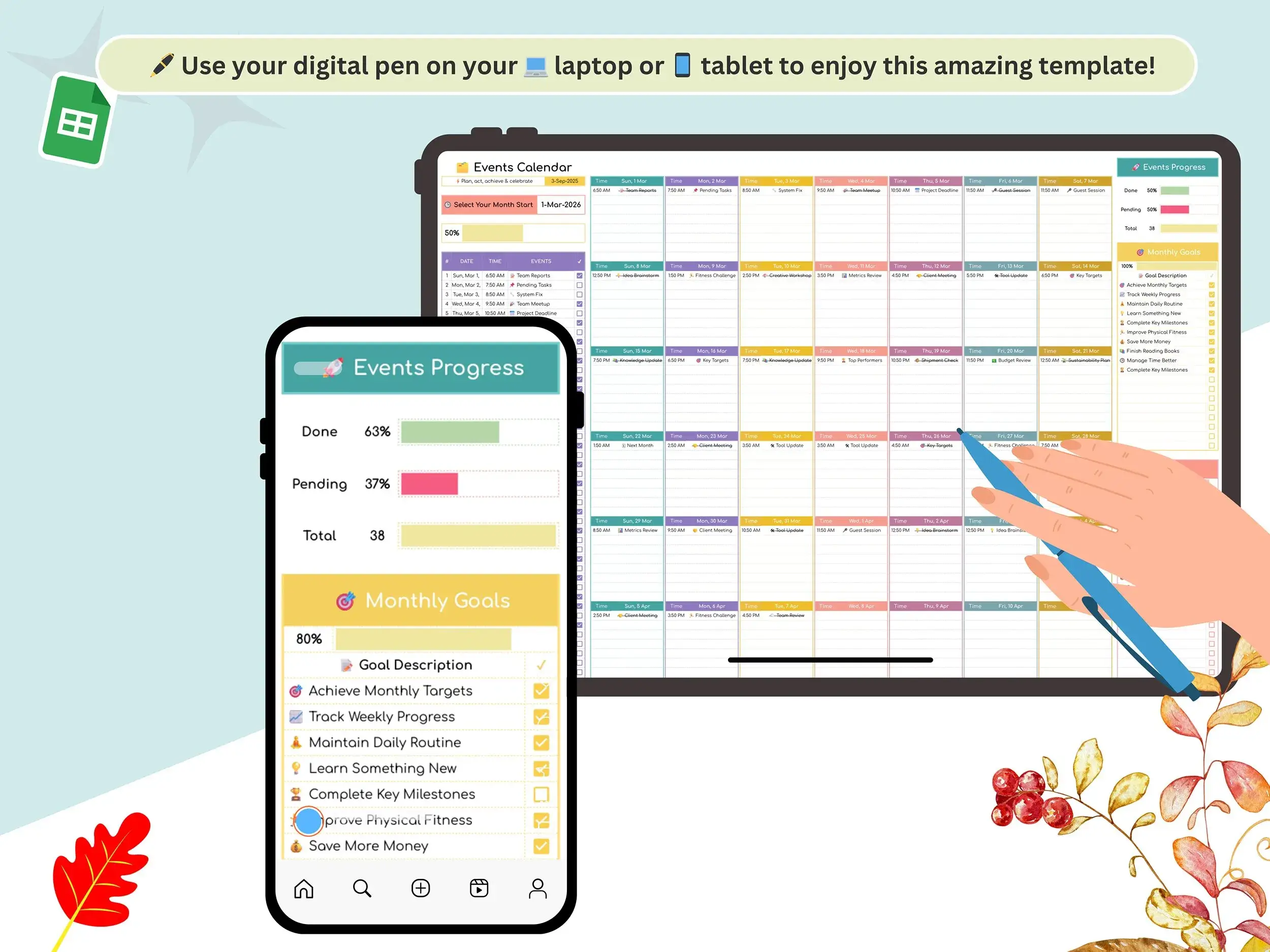
It opens in the Google Sheets app, though a bigger screen is easier for planning.
Does it connect to Eventbrite or Google Calendar?
As listed, you enter events directly in the sheet. [Confirm this before publishing.]
Can I reuse it every year?
[Confirm and answer this. The old title says “lifetime,” so say clearly whether it works for any year.]
Reviews
There are no reviews yet.