
Description
Credit Card Tracker – Google Sheets Payment & Utilization Template
Managing five different credit cards across five different apps gets messy fast — missed payments, guessed utilization, and no real picture of where you stand. This credit card tracker fixes that by putting everything in one automated Google Sheets file. Enter your balances and transactions once, and the sheet handles the math: totals, utilization rates, and monthly summaries update the moment you type a number.
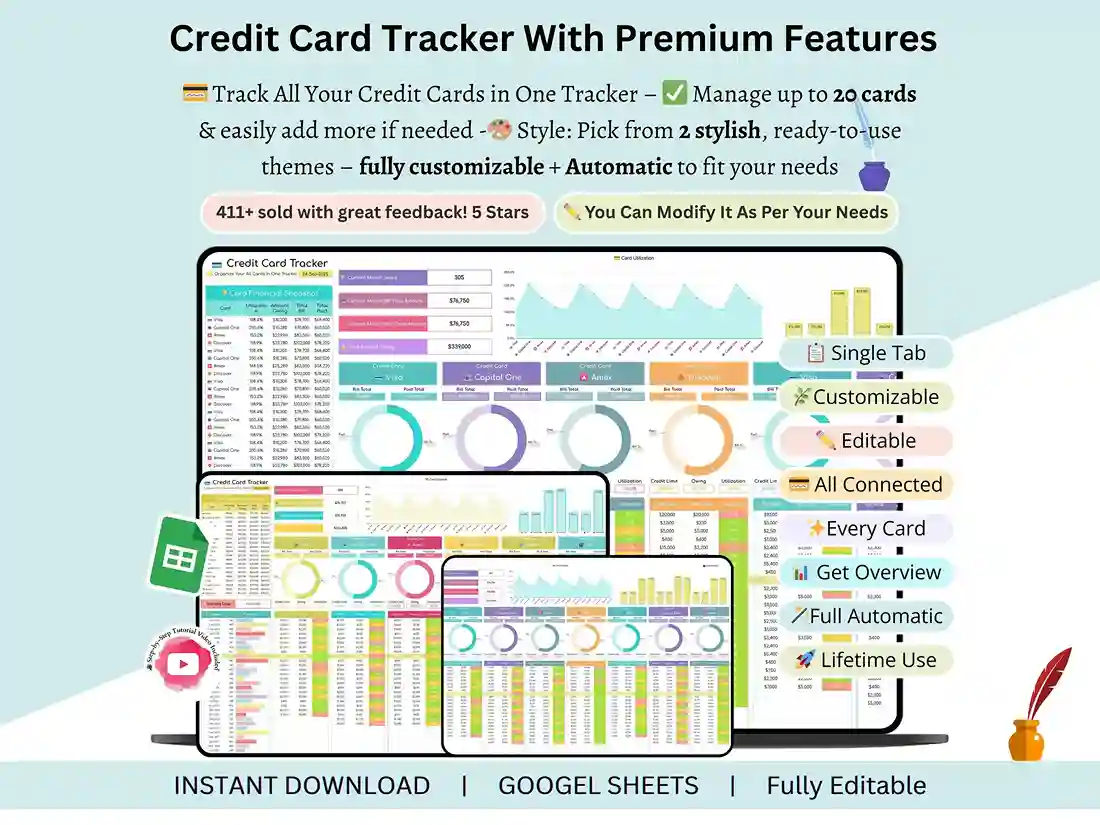
Key Features
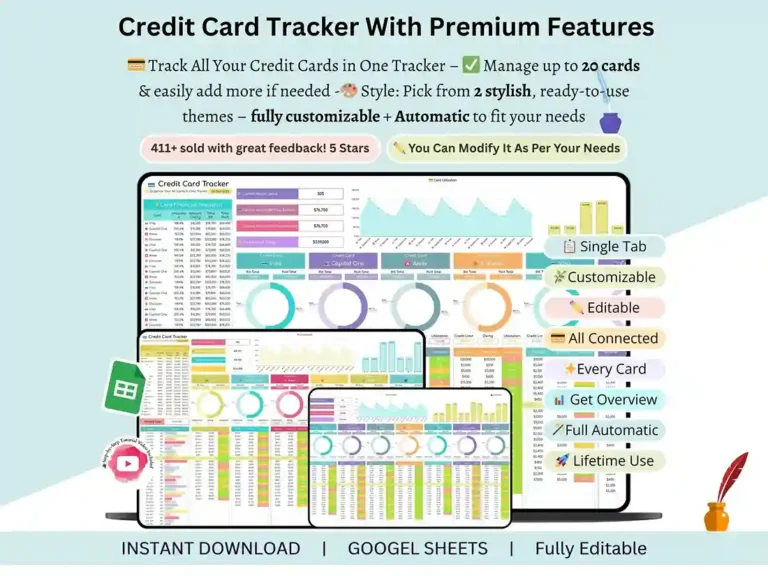
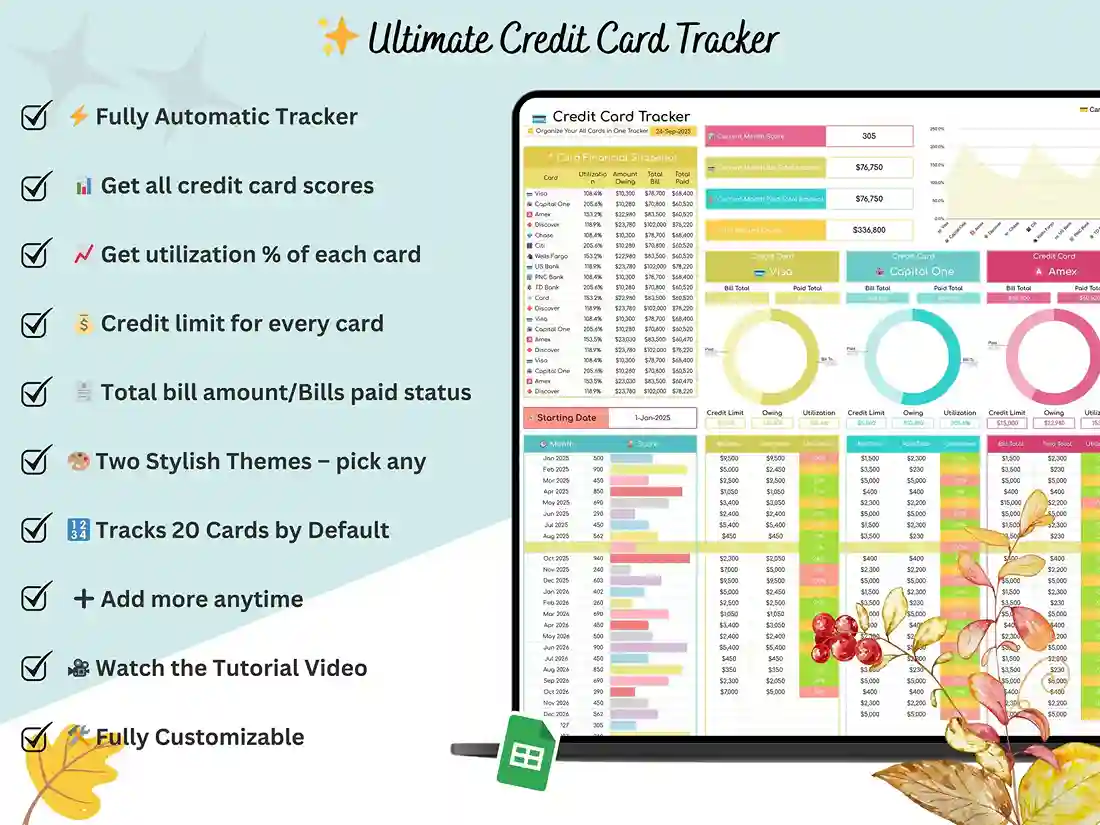
Track up to 20 credit cards in a single file, each with its own dedicated section for transactions and balances.
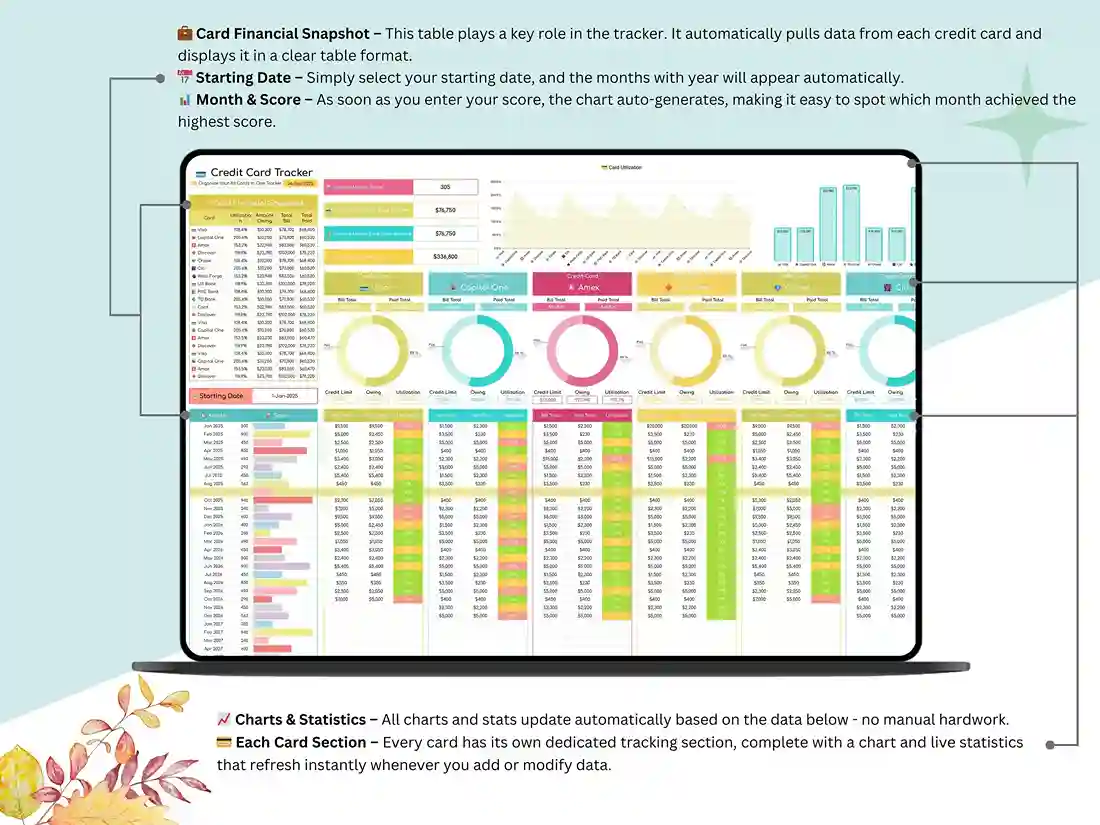
A built-in financial snapshot table gives you an instant read on total balances, upcoming bills, and your overall credit card utilization tracker rate — the number that matters most for your credit score, without you having to calculate it by hand.
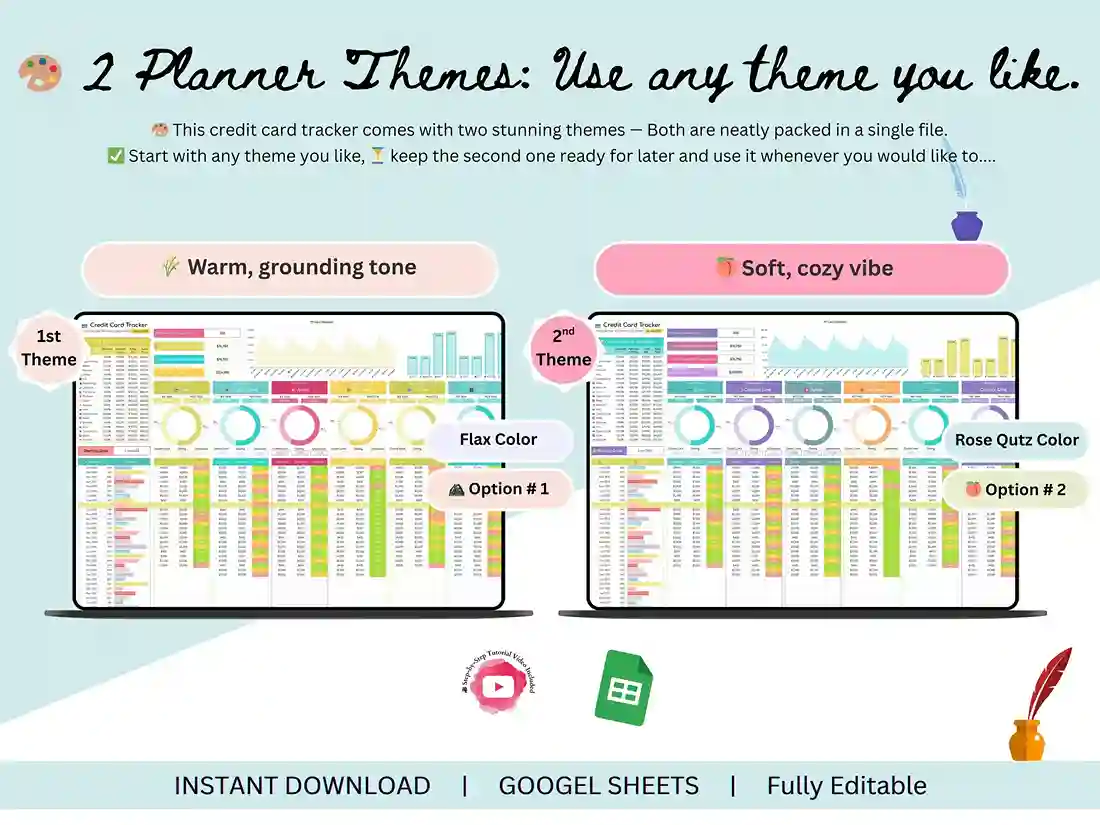
Pick from two color themes so the tracker actually looks like something you’ll want to open every week, not another gray spreadsheet you abandon in a month.
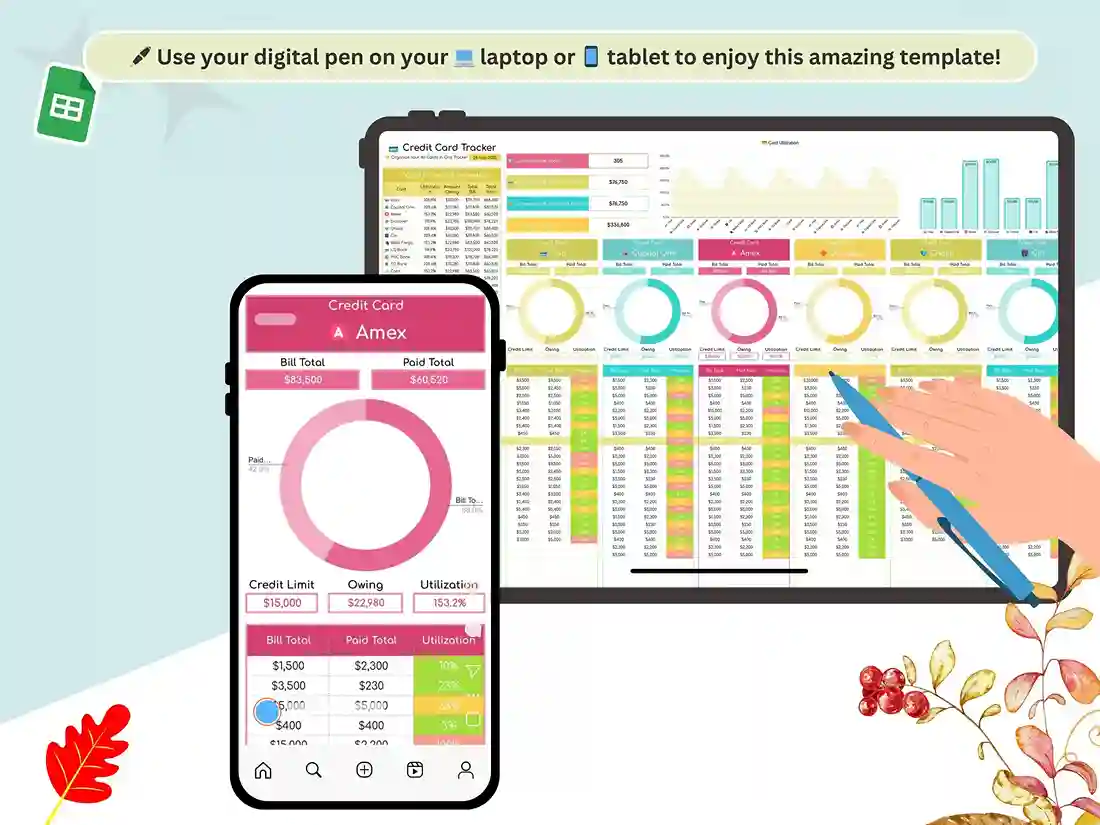
Every card gets its own section for logging individual transactions, so you’re never scrolling through one giant unsorted list trying to remember which purchase belonged to which card.
All the math — utilization percentages, running totals, monthly summaries — recalculates automatically. You’re never manually updating a formula or double-checking a total by hand.
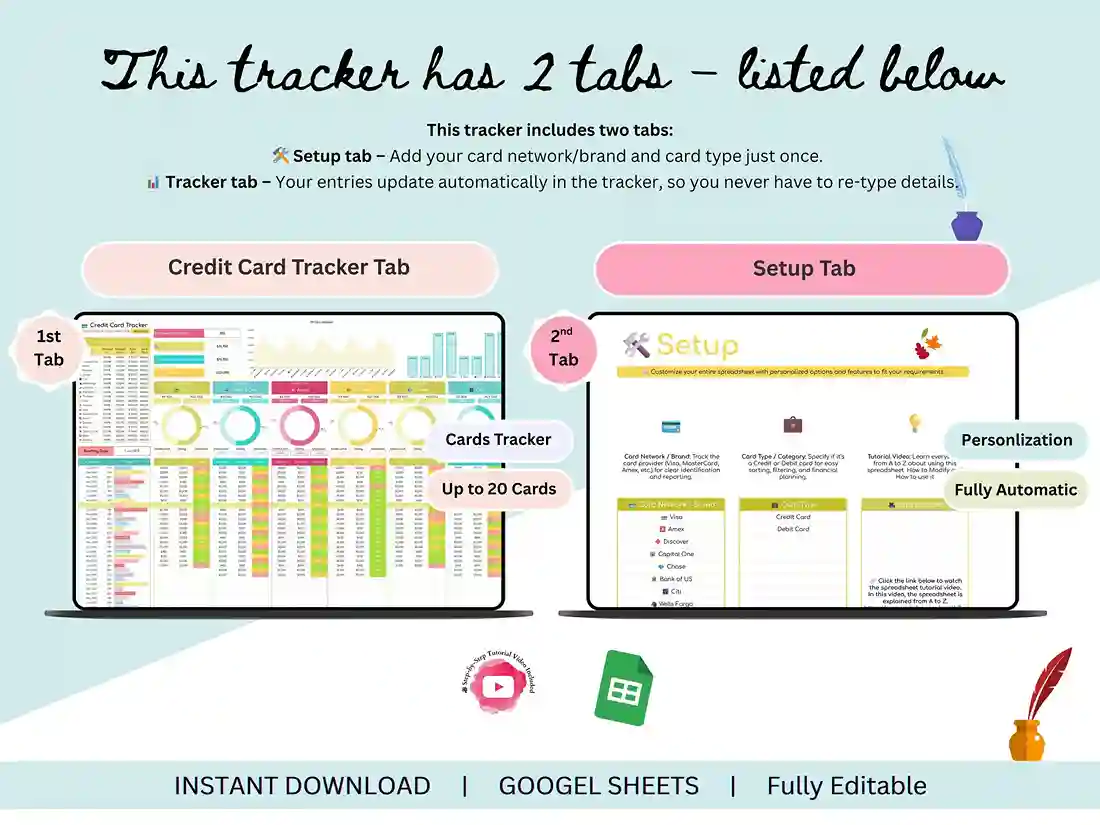
Everything lives on a single tab. No jumping between a dozen sheets to find the number you need; your whole credit card payment tracker is one scroll away.
What You’ll Receive
A fully automated credit card spreadsheet, built in Google Sheets, ready to use the moment you open it — no setup from scratch required.
A step-by-step tutorial video walks you through personalizing the tracker for your own cards in a few minutes, even if you’ve never touched a spreadsheet formula in your life.
Who It’s For
This template works well for anyone managing more than one card and tired of losing track of balances — people juggling multiple cards who want one place to see it all, small business owners keeping tabs on card-based expenses, budget-conscious planners who want a clear monthly view of where their money’s going, and anyone trying to get their credit card utilization rate under control before it drags their credit score down.
How It Works
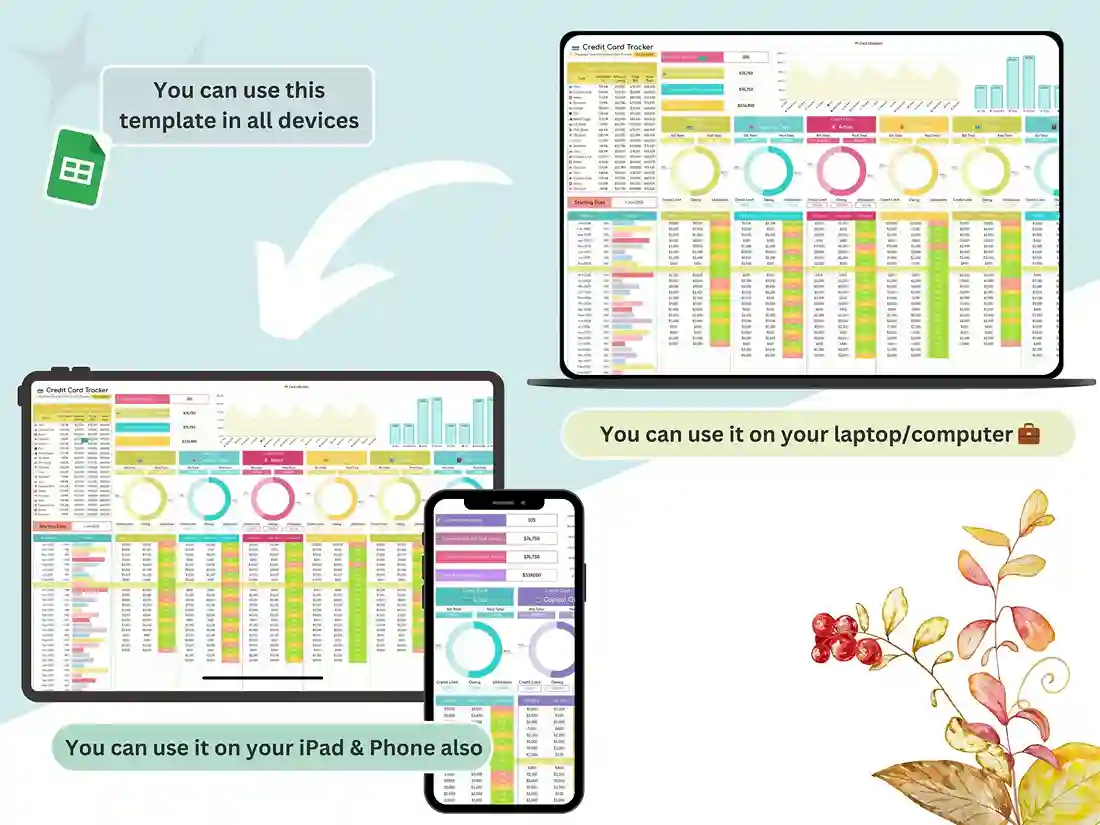
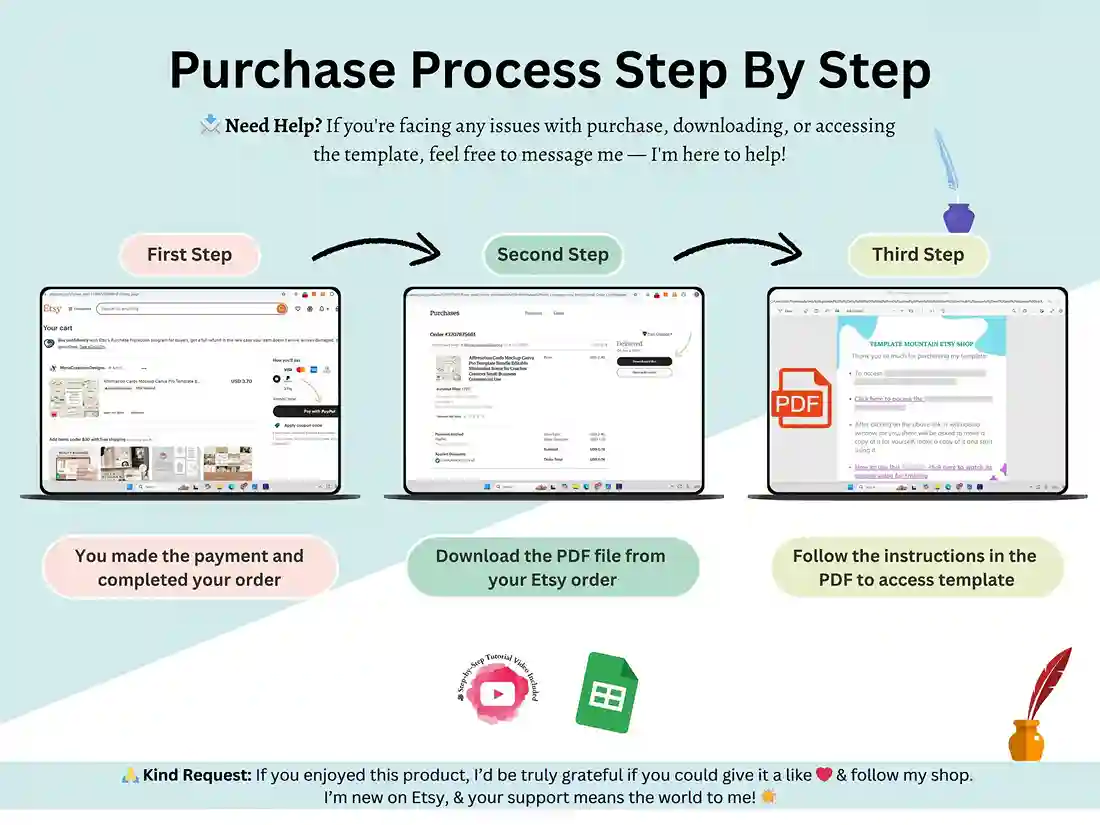
After purchase, you’ll get instant access to download the file. Open the included PDF and click through to your tracker — it opens directly as your own private Google Sheets copy. From there, just start adding your card details, and the sheet takes care of the rest.
FAQ
Does this work in Google Sheets or Excel?
This tracker is built and delivered as a Google Sheets file. It’s designed to work smoothly in Google Sheets specifically, so we recommend using it there rather than converting it to Excel.
How many credit cards can I track at once?
Up to 20 cards, each with its own dedicated section for balances and transactions.
Does it calculate my credit utilization automatically?
Yes. Once you enter your balances and limits, utilization rates and totals update automatically — no manual math required.
Do I need spreadsheet experience to use this?
No. The included tutorial video walks you through setup step by step, and all the formulas are already built in.
Is this a one-time purchase?
Yes, it’s a single purchase that gives you lifetime access to your own editable copy of the tracker.
Can I use this for business expenses, not just personal cards?
Yes — several small business owners use it to keep tabs on multiple business credit cards in one place.
Reviews
There are no reviews yet.