




Description
Yearly Digital Planner for Google Sheets – Monthly & Daily Planning Template
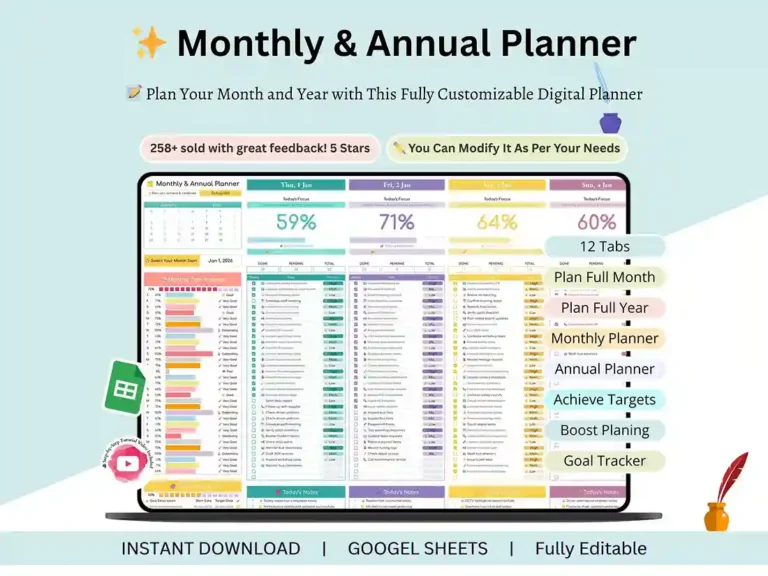
Paper planners run out of room. Apps ping you with notifications you’ll swipe away anyway. This yearly digital planner takes a quieter route: one Google Sheets file, twelve months, and a spot for every single day.

What’s inside
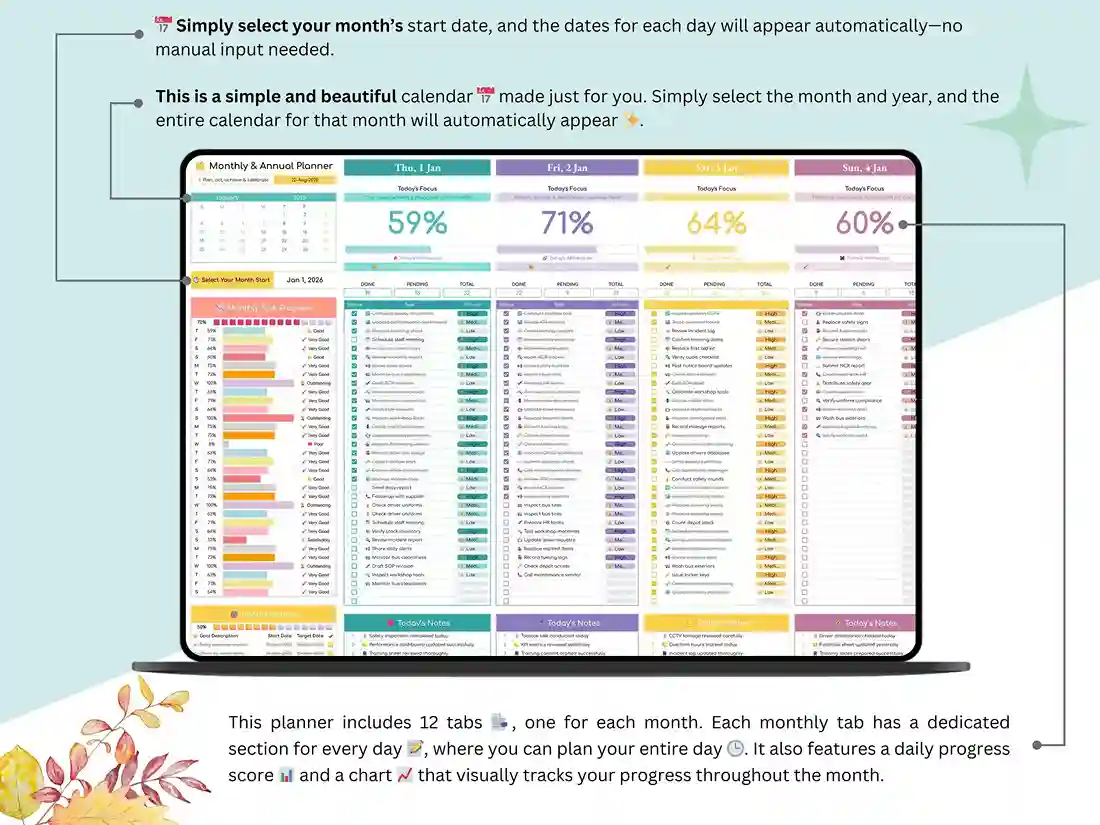
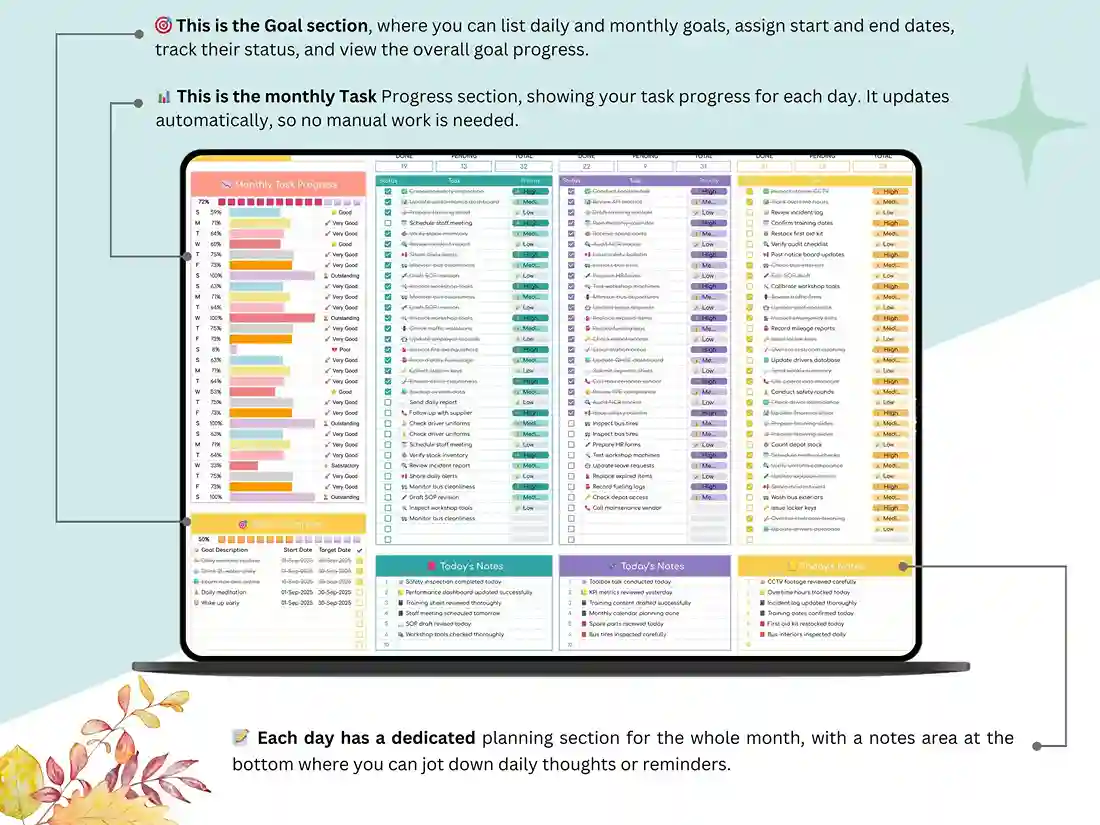
Every month gets its own tab, January through December, so it works as a monthly digital planner and a full-year annual planner at once. Each tab has daily sections, which means it doubles as a daily planner when you want to zoom in on one day. Pick your month with the selector, and the planner adjusts on its own. No rebuilding calendars by hand.
There’s also a step-by-step tutorial video. It walks you through setup and shows you how to make the sheet your own.
Why Google Sheets?
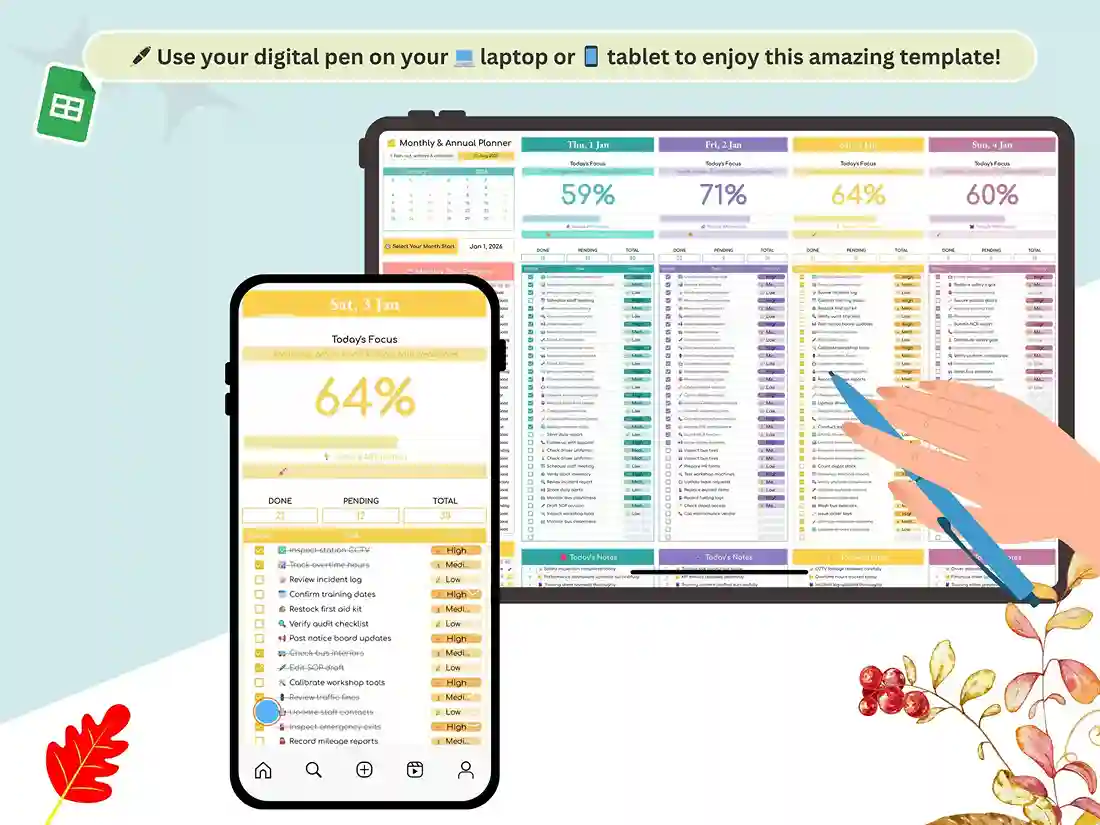
You probably have it already. It runs in your browser, so it’s a handy digital planner for laptop use on Windows, Mac or Chromebook, with nothing to install. And because every cell is editable, think of it as a digital planner template you can bend: recolor it, rename sections, add or delete whatever you like.
Who it’s for
Students can map out classes, assignments, and study goals month by month, which makes it a solid digital student planner. Freelancers and entrepreneurs can drop in client work and deadlines. Prefer something for the office? It’s a straightforward digital work planner too. And if you just want a calm place to track routines and habits, that works fine.
Planning with ADHD
Lots of people with ADHD tell us the same thing: packed layouts feel like homework before the planning even starts. This sheet is plain on purpose, so you can strip it down or build it up. If you’re after an adhd digital planner that bends to how you work instead of the other way around, start here. (It’s a planning tool, not medical advice or treatment.)
How it works
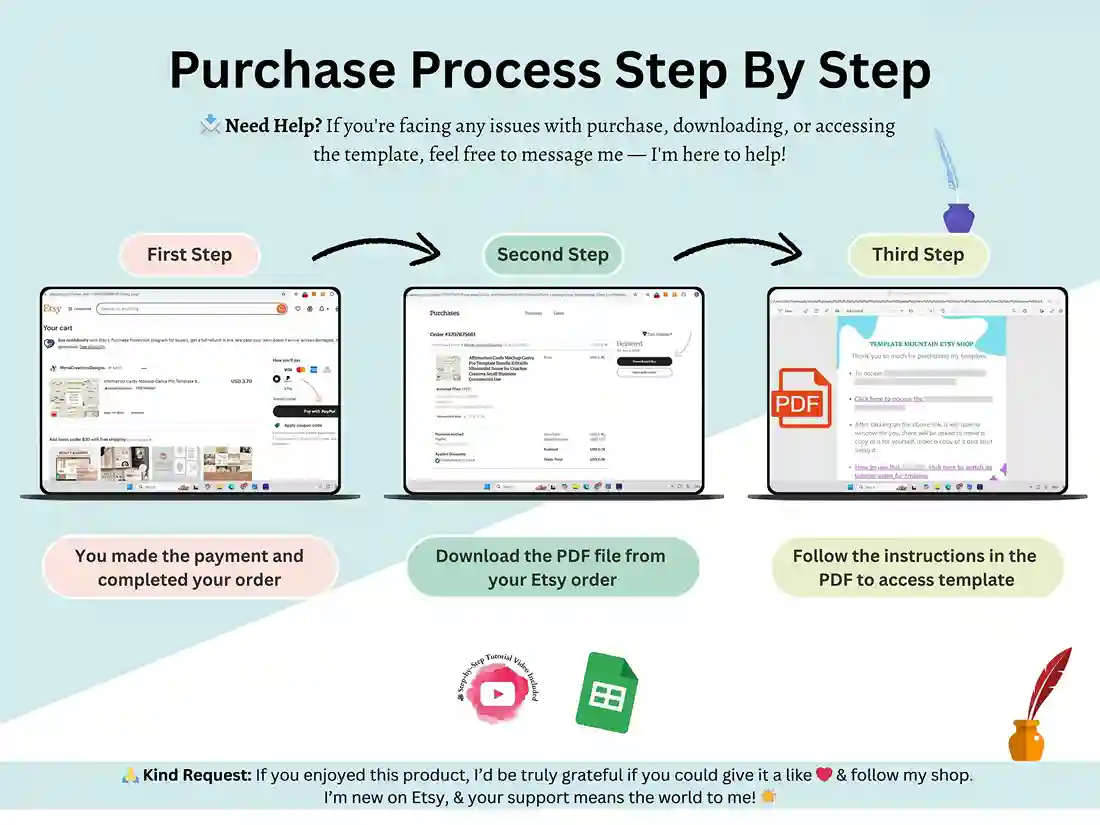
You get the file right after purchase. Open it in Google Sheets, choose your month, and start filling in your days. That’s really it.
FAQ
Is this a GoodNotes or iPad PDF planner?
No. It’s a Google Sheets file, not a hyperlinked PDF for GoodNotes or similar apps. You can open it in the Google Sheets app on a tablet, but it’s built for Sheets.
Do I need anything special to use it?
A standard Google account is all you need. No subscription or extra software.
Is it printable?
It’s designed for on-screen use, not as a printable PDF planner.
What’s covered?
Twelve monthly tabs, daily sections inside each, and a month selector that updates the planner.
Can I customize the design?
Sure. All of it is editable so you can make it work for your job or your personal routine.
How do I get it?
You can download it instantly after purchase. The How to Buy page walks through the steps.
Reviews
There are no reviews yet.