






Description
To Do List Template for Google Sheets | Daily Planner & Task Tracker
A to-do list shouldn’t need its own app. You want to open one thing and know what’s due, what matters, and what to do first. So I built this to do list template in Google Sheets. Nothing to install. Nothing to update.
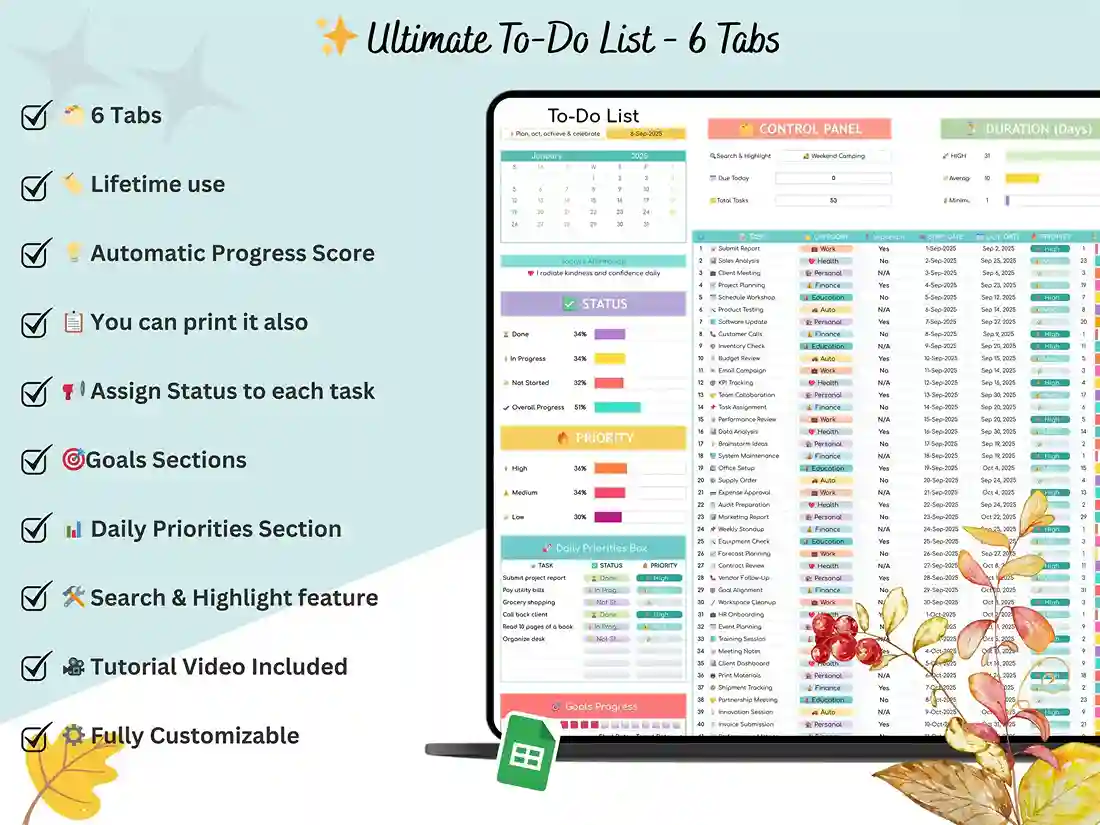
If you’ve been searching for a to do list google sheets file that’s more than a bare checklist, you’ll like this one. Five tabs, one file, and a tutorial video for setup. You don’t need to be techy. I mean that.

The five tabs
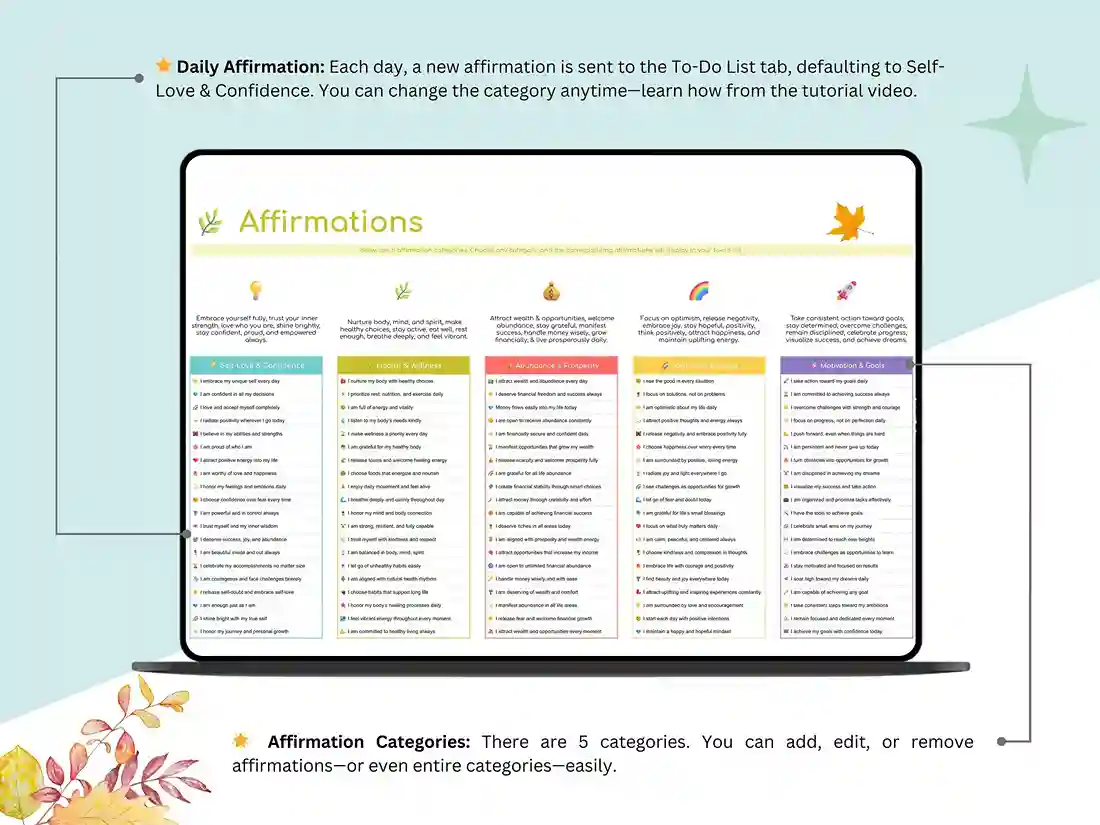
Setup. Open this first. It’s where you name your categories, set your priority levels and choose your preferences. Mine never match anybody else’s, which is exactly why you get to change them.
To-do list. Each task has a deadline, a priority and a status. That’s all, and that’s the point. Without those three things a list slowly turns into a pile of “should probably do that” notes. You decide what each priority level means, so when the week goes sideways it works as a priority list template too.
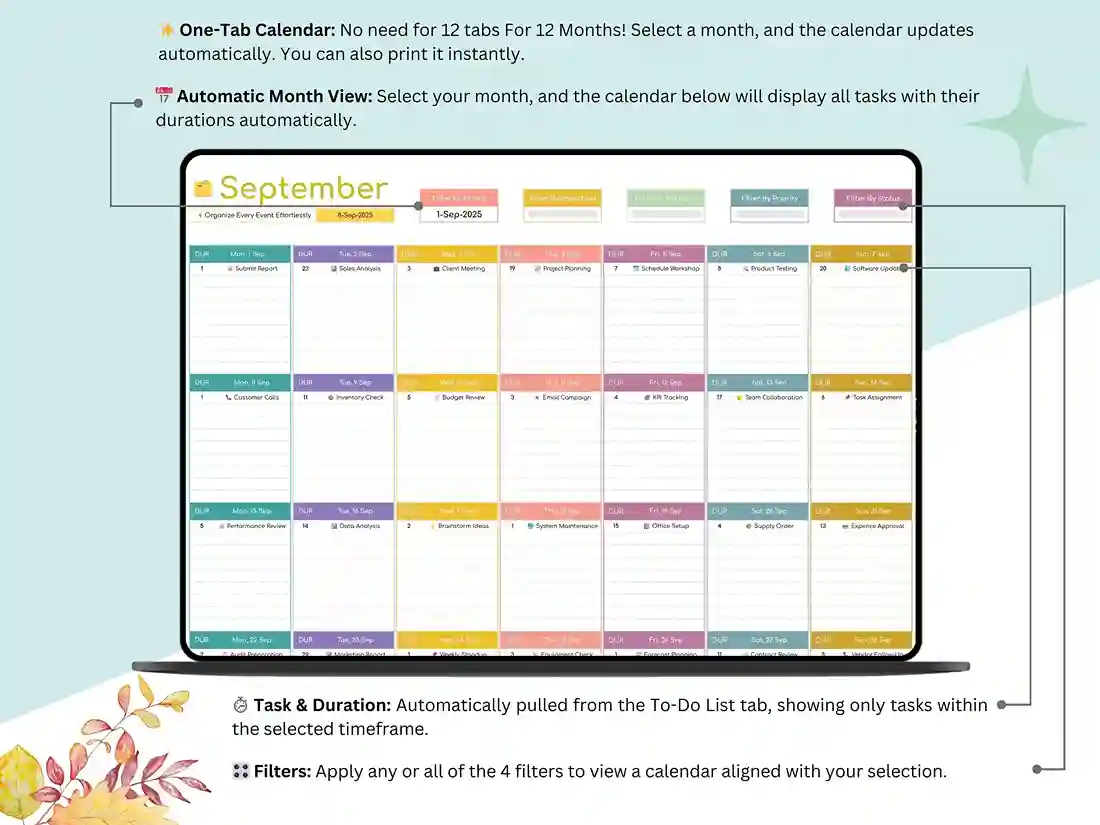
Task calendar. This lays your tasks and events across the whole month, so you can see a crowded week coming before you’re in it. It’s basically a calendar with to do list items on it. Want a bigger calendar-only layout? That’s our Task Calendar Tracker.
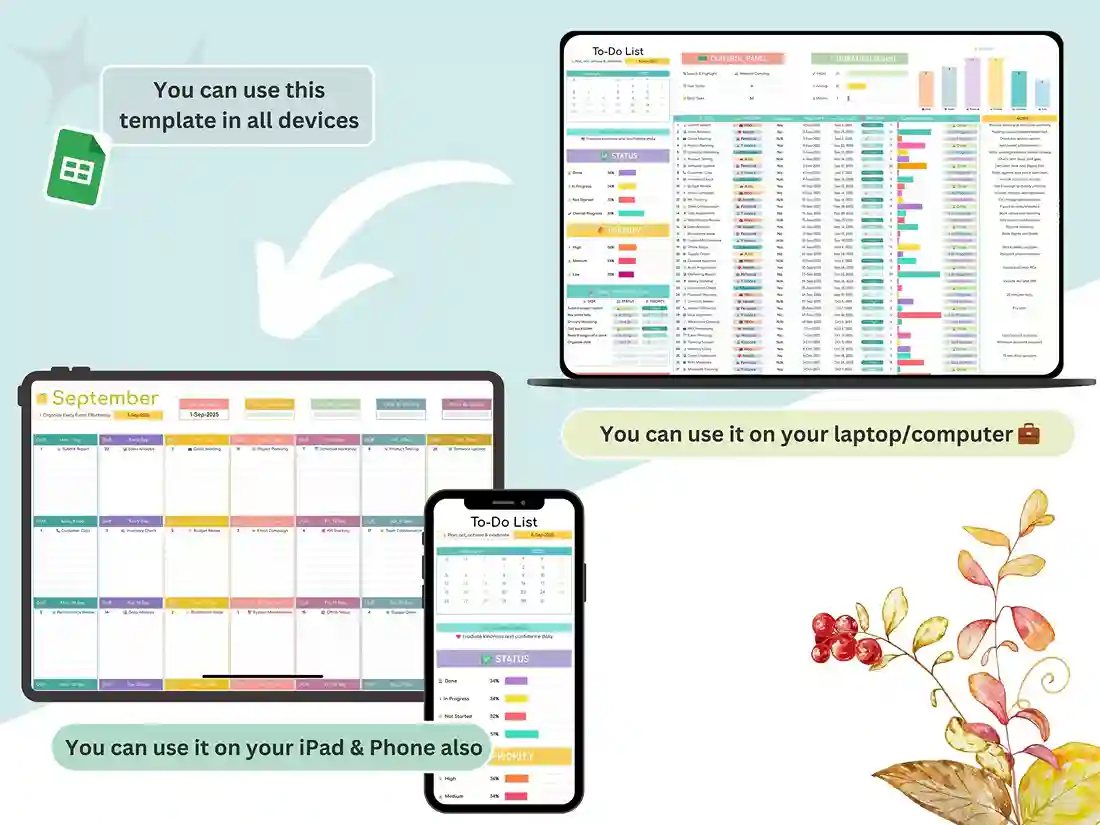
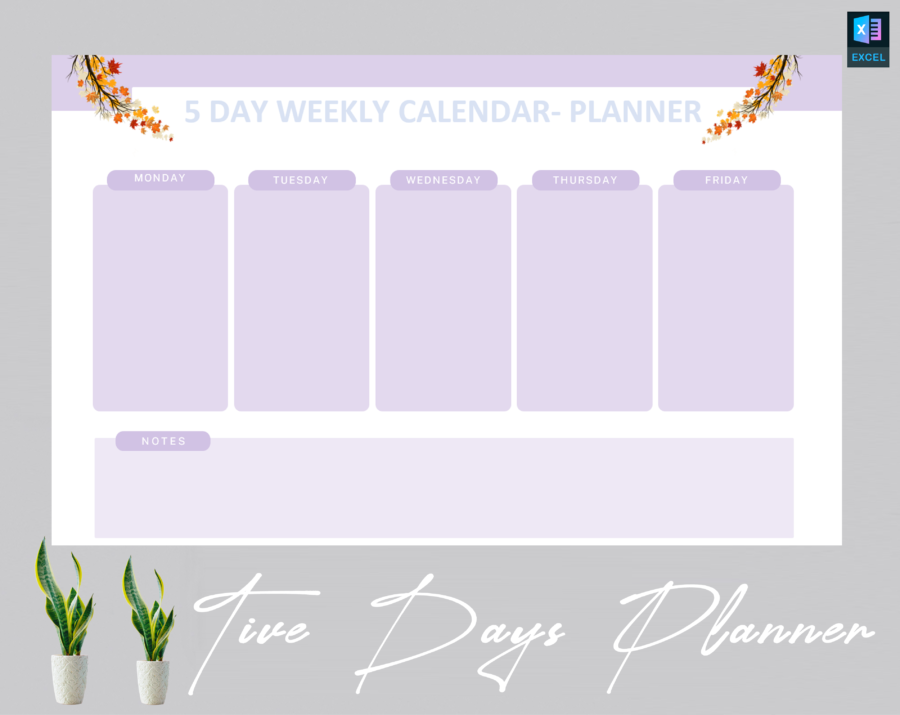
Daily and weekly planner. Sometimes you need one day in detail. Other days you only want the week at a glance. This tab handles both, and it works as a daily planner google sheets layout. Use it on your laptop, then peek at it in the Google Sheets app later.
Time blocking. Put each task on the clock. Honestly, a time blocking planner is the quickest way I know to make a long list feel manageable.
Who it fits
Plenty of people use it as a to do list for work, so meetings, projects and deadlines stay in one place. Freelancers keep client jobs next to their personal errands. Students squeeze assignments in around everything else. Running a small crew? Share the sheet and it becomes an employee task list template where everyone sees the same tasks. Or maybe you just want a calmer head. That’s a fine reason too.
After you buy
Access is instant. Open the Google Sheets link, save your own copy, and start planning.
FAQ
Excel?
It’s built for Google Sheets, so you’ll need a Google account. You can download an Excel copy, but a few features might not come through cleanly.
Can I print it?
It isn’t a print-ready PDF. It’s meant for screens. You can print a single tab from Sheets if you really need to.
Can I change the categories and priorities?
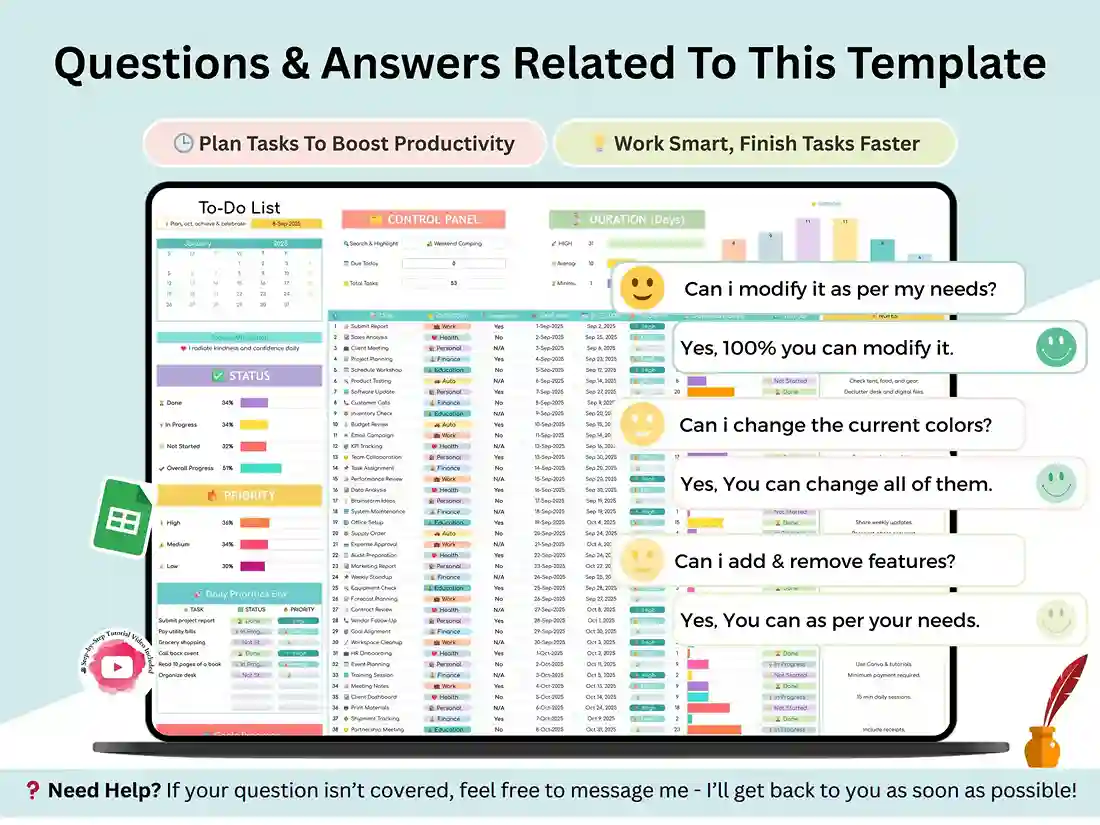
Yes. Edit them in the Setup tab and reshape the task list format until it matches how you actually work.
I’m a beginner. Is it too much?
No. It’s a simple task tracking template, and the tutorial video goes through setup step by step.
Can my team use it?
Yes. Share it through Google Sheets and everyone can view or edit the same sheet.
Phone?
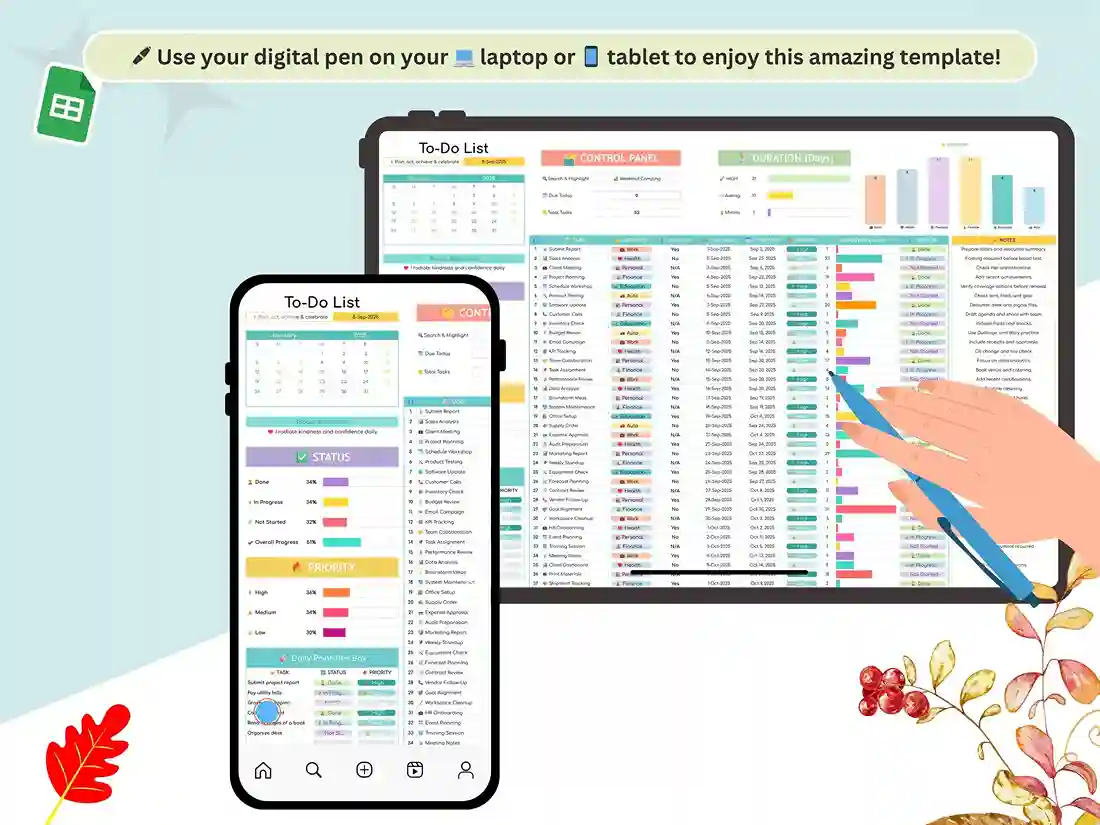
It opens in the Google Sheets app. It’s more comfortable on a laptop or tablet, though.
Stuck?
Message me on the Contact Us page and I’ll help you get going. And if it ends up working for you, a short review helps other shoppers find it.
Reviews
There are no reviews yet.