





Description
Savings Tracker Spreadsheet for Google Sheets | Diirzal
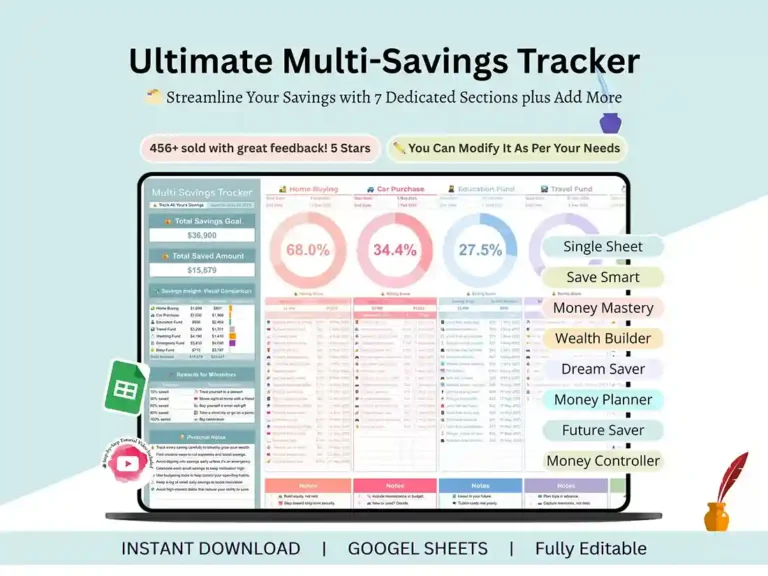
Trying to save for one thing is hard enough. Try to save for five at once — a house, a car, a wedding, maybe an emergency fund too — and most people just lose track and give up somewhere in the middle. That’s the problem this savings tracker spreadsheet is built to solve. It’s one Google Sheets file, color-coded, that holds every goal side by side and does the math for you.

What’s Inside
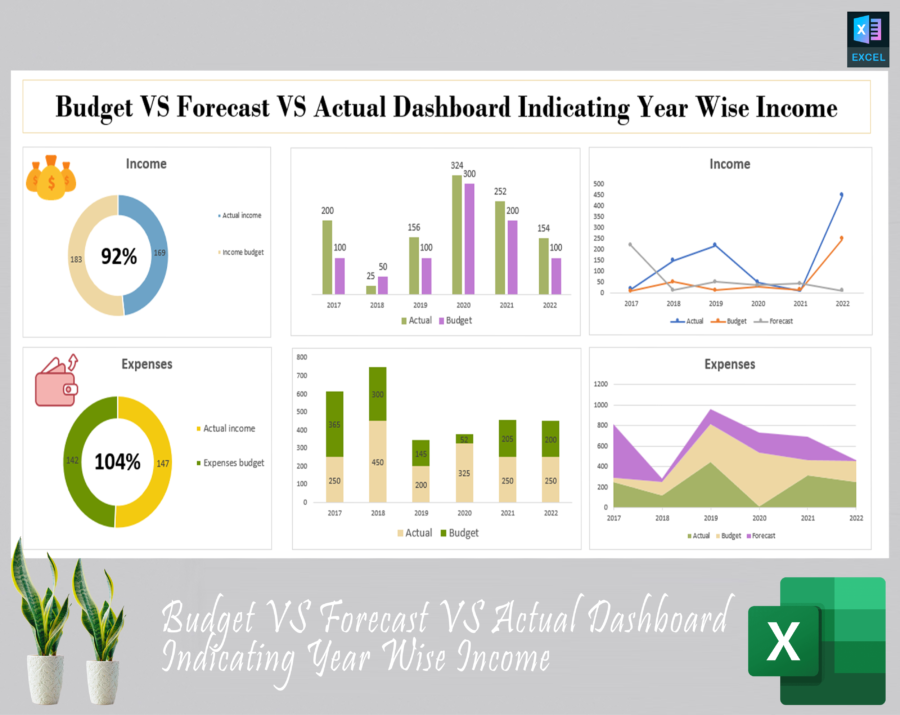
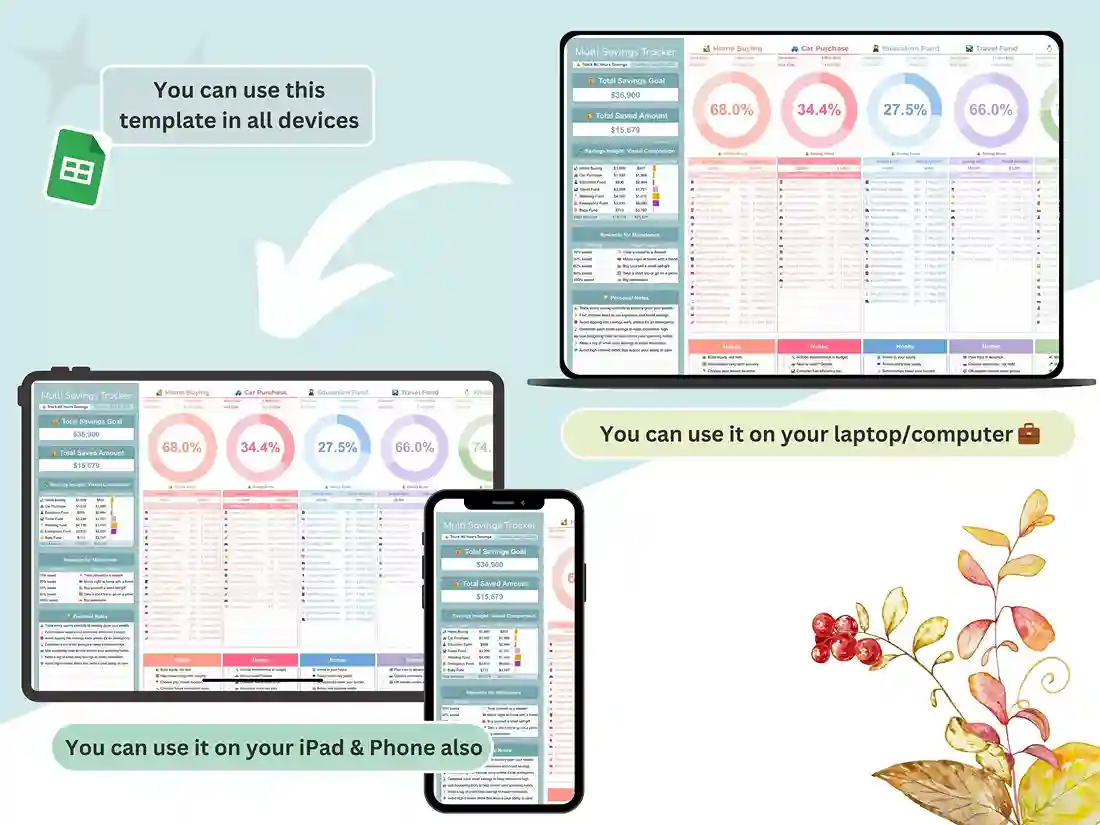
You get seven savings sections already set up — Home Buying, Car Purchase, Education Fund, Travel Fund, Wedding Fund, Emergency Fund, and Baby Fund — and if that’s not enough, you can add as many more categories as you want. Each one has its own donut chart, so you actually see your progress instead of squinting at a column of numbers trying to figure out where you stand. Totals, amounts saved, progress percentages — it’s all calculated automatically. There’s also a little reward system built in that flags milestones at 10%, 20%, and on up to 100%, which sounds small but genuinely helps when you’re six months into saving for something and need a reason to keep going.
Every deposit gets its own log entry — date, source, amount — and each goal has a start and end date so you’re not saving with no timeline in mind. There’s a notes section too, for whatever budgeting reminders you want to keep close by.
Who It’s For
- Individuals and families saving toward what matters most
- Students tracking tuition, books, or a study-abroad fund
- Couples getting ready for a wedding or honeymoon
- Future homeowners chipping away at a down payment
- Parents putting money aside for baby essentials
- Anyone trying to juggle more than one savings goal without losing the thread
How It Works
- Buy it and download instantly
- Open the PDF, click the link inside — that takes you to your Google Sheets tracker
- Make your copy and start tracking
Support
Got a question about setting it up for your own goals? Just reach out — happy to help.
FAQ
Can I track more than 7 savings goals?
Yep. The layout’s expandable, so add as many categories as you need beyond the 7 that come built in.
Does it work in Excel?
No — this one’s built for Google Sheets specifically, and it relies on Sheets’ own charting to draw those progress donuts.
Is this a 52-week savings challenge tracker?
Not quite. It’s built around multiple savings goals with milestone rewards, not a fixed week-by-week deposit schedule.
(Only add this one once you’ve decided whether to leave 52-week challenges out for good or eventually build that in.)
Do I have to enter formulas myself?
No — totals, saved amounts, and progress percentages update on their own as you log entries.