
Description
Issue Tracker Template – Risk & Issue Log (Google Sheets)
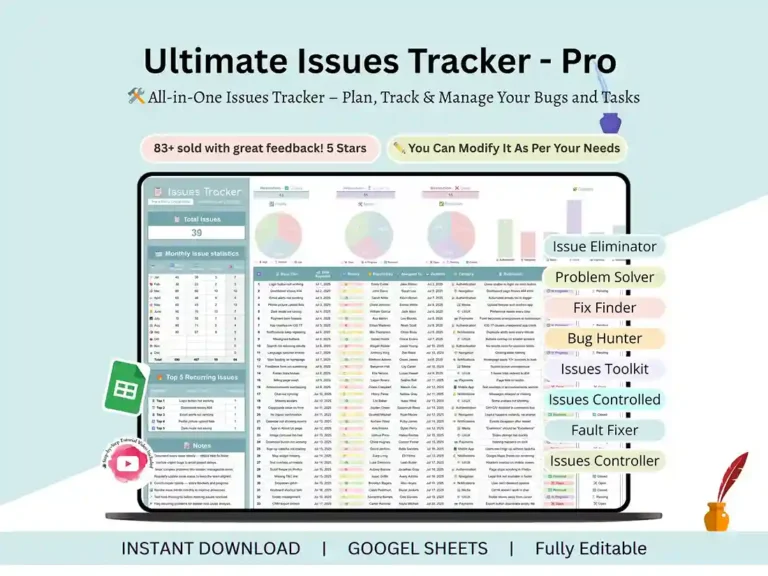
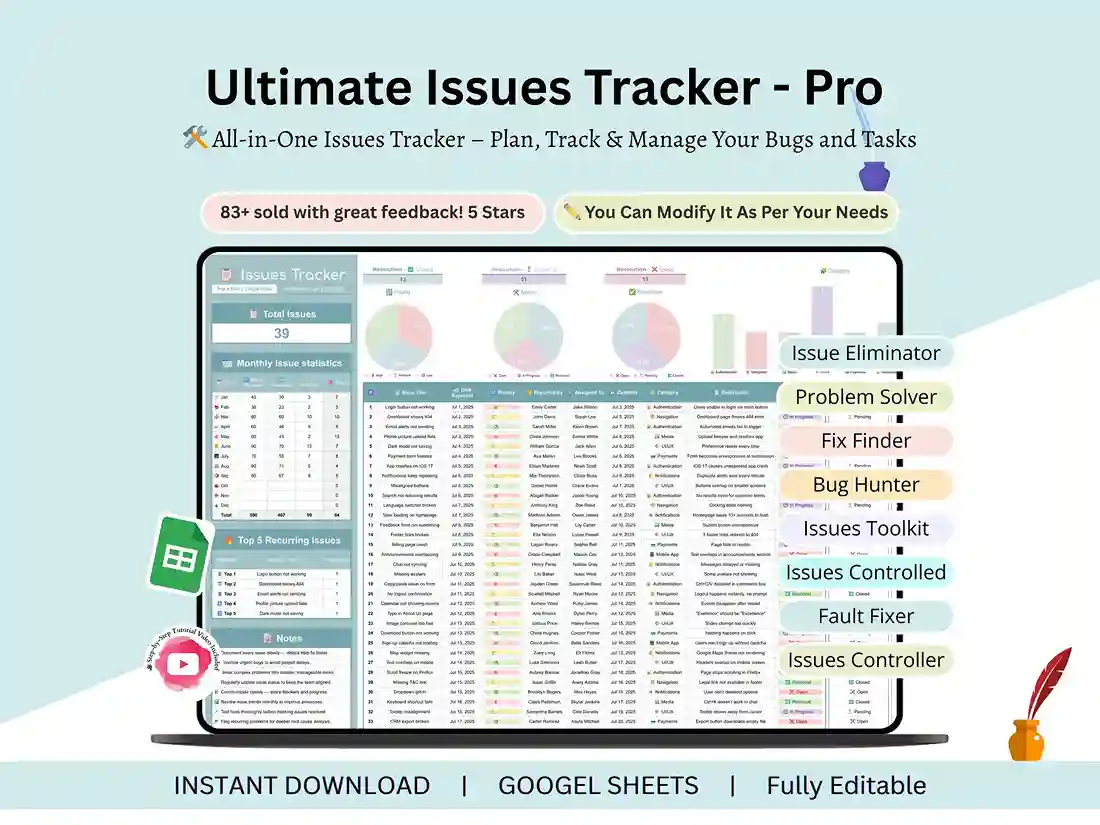
Issue Tracker Template for Google Sheets. Once a project has more than a couple of moving parts, issues start piling up faster than you can track them in your head. A bug shows up. A client flags something. Somewhere in the middle of all that, a risk you never wrote down turns into an actual problem. This template gives you one place to put all of it, so you’re not digging through old Slack messages trying to remember what got fixed and what didn’t.
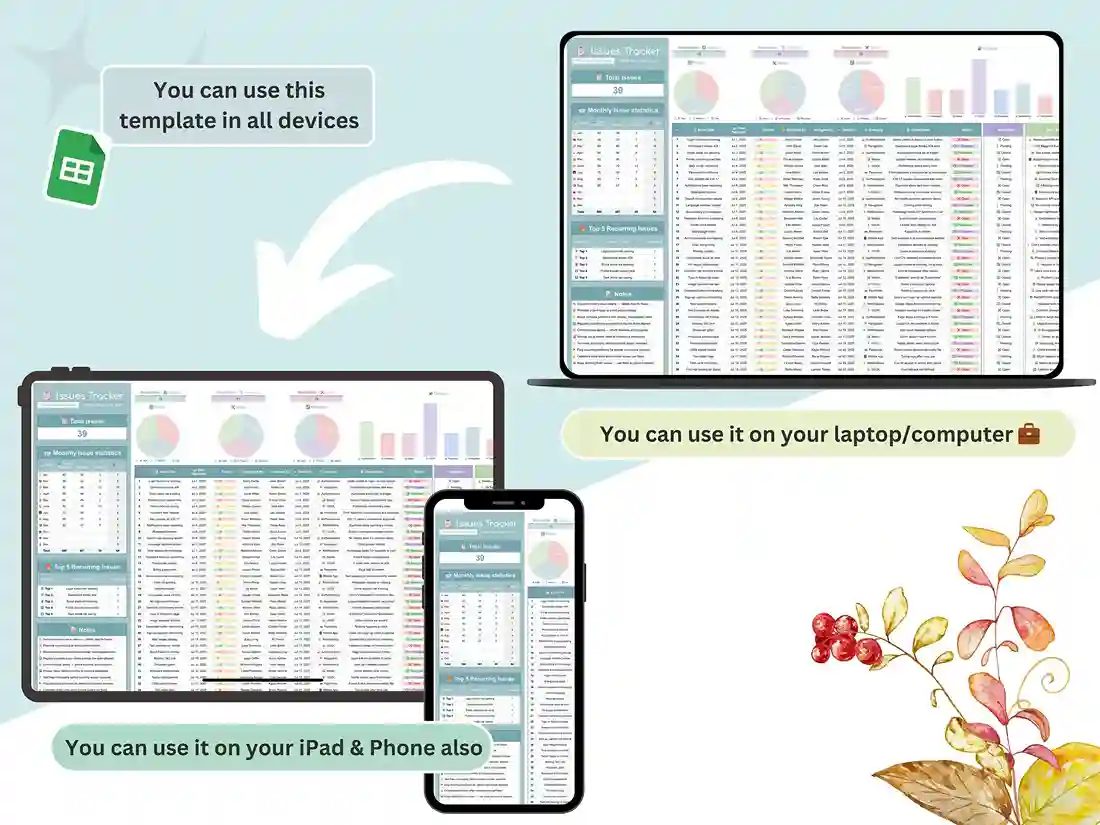
It’s a Google Sheet, so it just opens in your browser. Fill in your first issue, and you’re basically already using it – there’s nothing to configure.
Key features
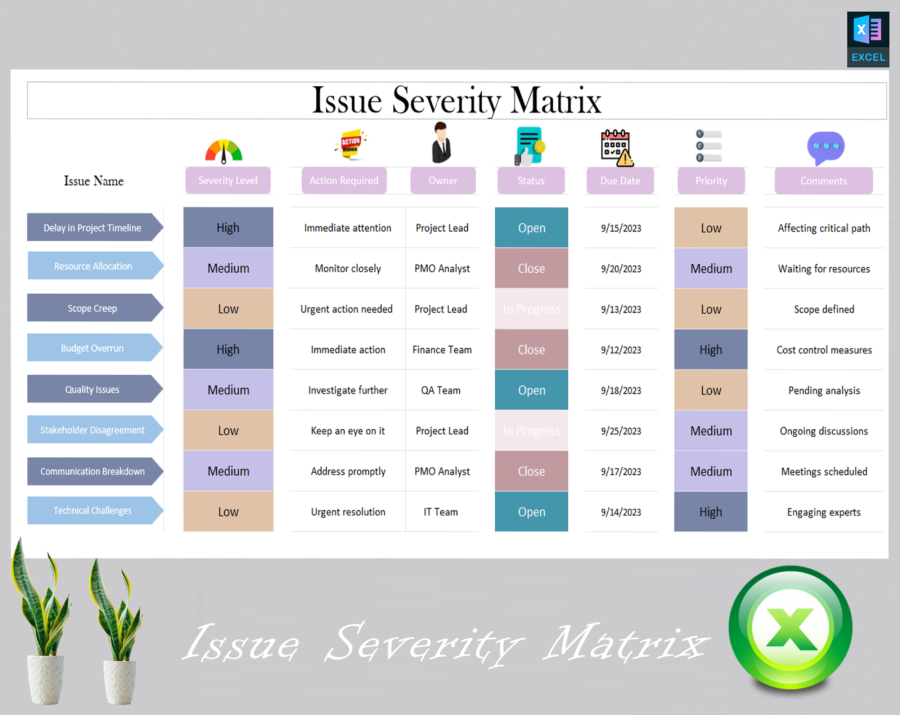
Issue logging. Each issue gets a status, an owner, a priority, and a due date attached to it. So at any point you can look at the sheet and know what’s still open, what’s late, and whose desk it’s sitting on. Risk tracking, separately. This isn’t just for things that have already gone wrong. There’s a section for risks too – stuff that hasn’t happened yet but probably should be on someone’s radar. Works for bugs too. Developers and QA folks can use the exact same setup for bug tracking – severity, status, resolution – so there’s no need to run a separate tool just for that.
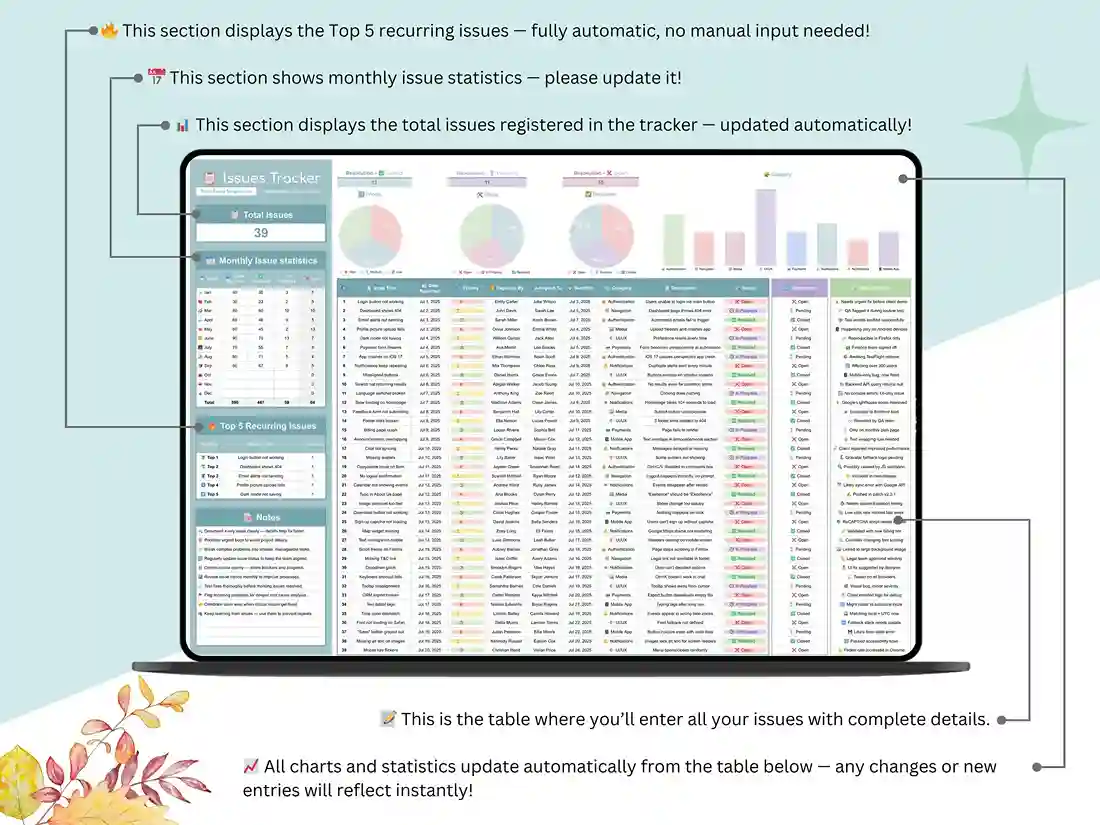
A dashboard that updates itself. Once you’re logging issues, the charts on the dashboard update automatically. You’ll see what’s aging, what’s piling up, and what’s actually getting resolved without having to build a single graph yourself.
Nothing to set up. The formulas and formatting are already done. You just add your own data.
What’s included
- The Issue Tracker template, in Google Sheets
- A video walking through how to set it up and use it day-to-day
- Download it right after you buy – no waiting around
Who tends to use this
Developers use it to log and prioritize bugs without needing separate software. QA testers like it for spotting patterns in what keeps breaking. Project managers use it to keep an eye on deadlines and who owns what. Designers track UI and UX feedback in it. Freelancers use it to keep client-reported issues from getting lost in email. Small teams and startups get a clearer picture of what’s actually going wrong and how often. And tech leads use it to see who’s overloaded and which issues have been sitting too long.
Getting started
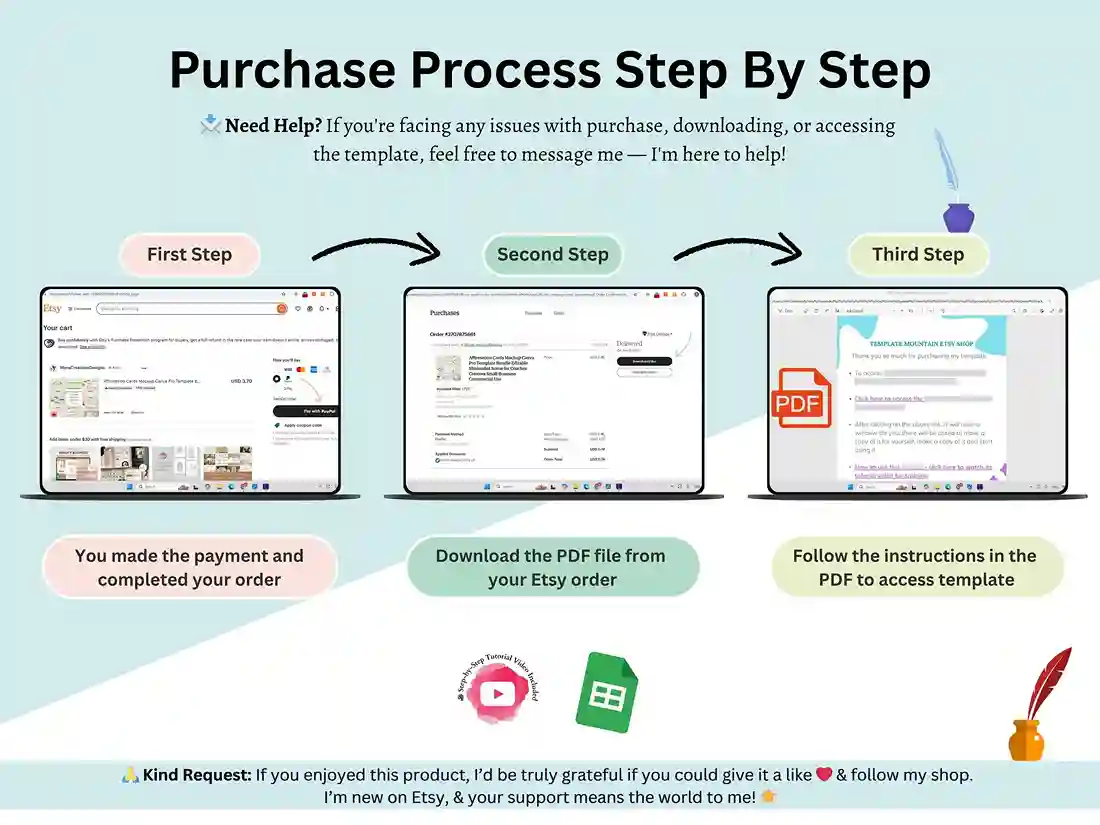
After you buy, you’ll get a PDF with a link in it. Click that link, and you’ll get your own copy of the sheet – from there, it’s yours to edit however you want. Start logging issues, risks, whatever you need to track, right away.
There’s no software to install. If you’ve used a spreadsheet before, you already know how to use this.
FAQ
Is this Google Sheets or Excel?
Built in Google Sheets, opens in your browser. If you’d rather work in Excel, you can export it as an .xlsx, and it’ll still work fine.
Can I track bugs and regular project issues in the same sheet?
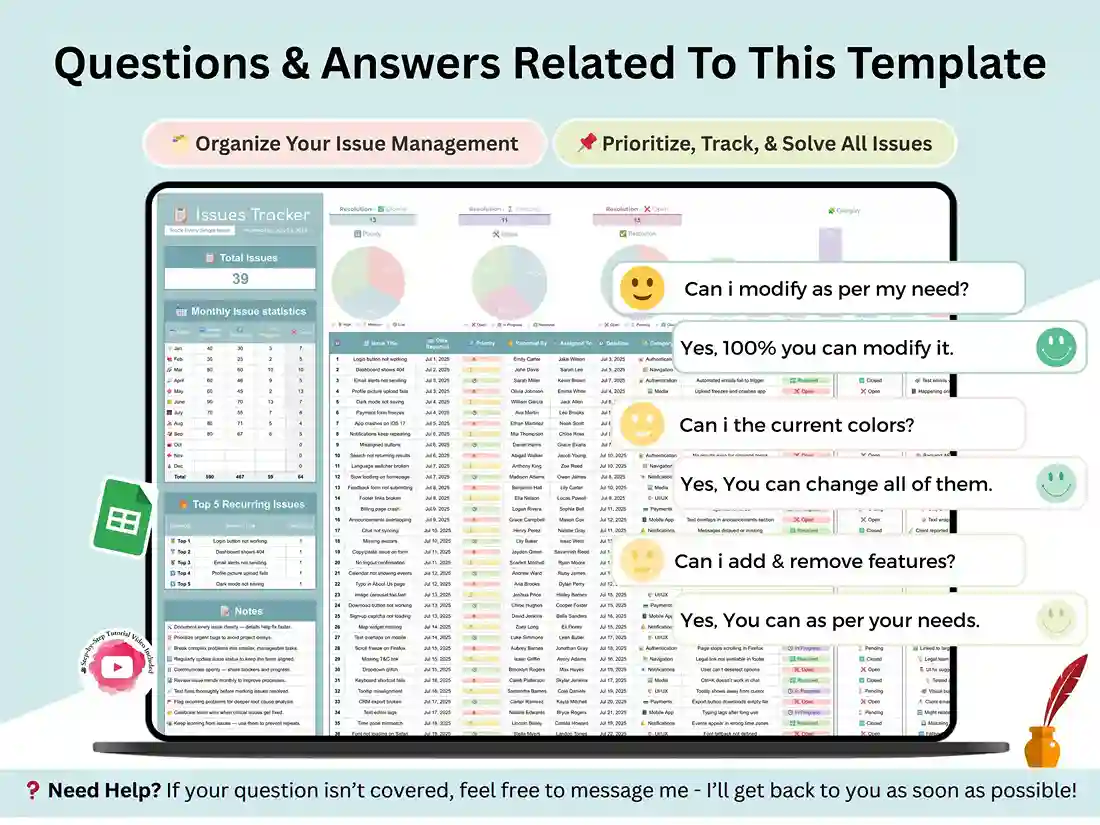
Yeah, the layout works for both. Use whatever labels make sense for your situation – it’s flexible that way.
Does it handle risks, or only issues that already happened?
Both, actually. There’s a spot to log risks on their own, separate from active issues, so you can flag things before they become a problem.
Do I need to know spreadsheets well to use this?
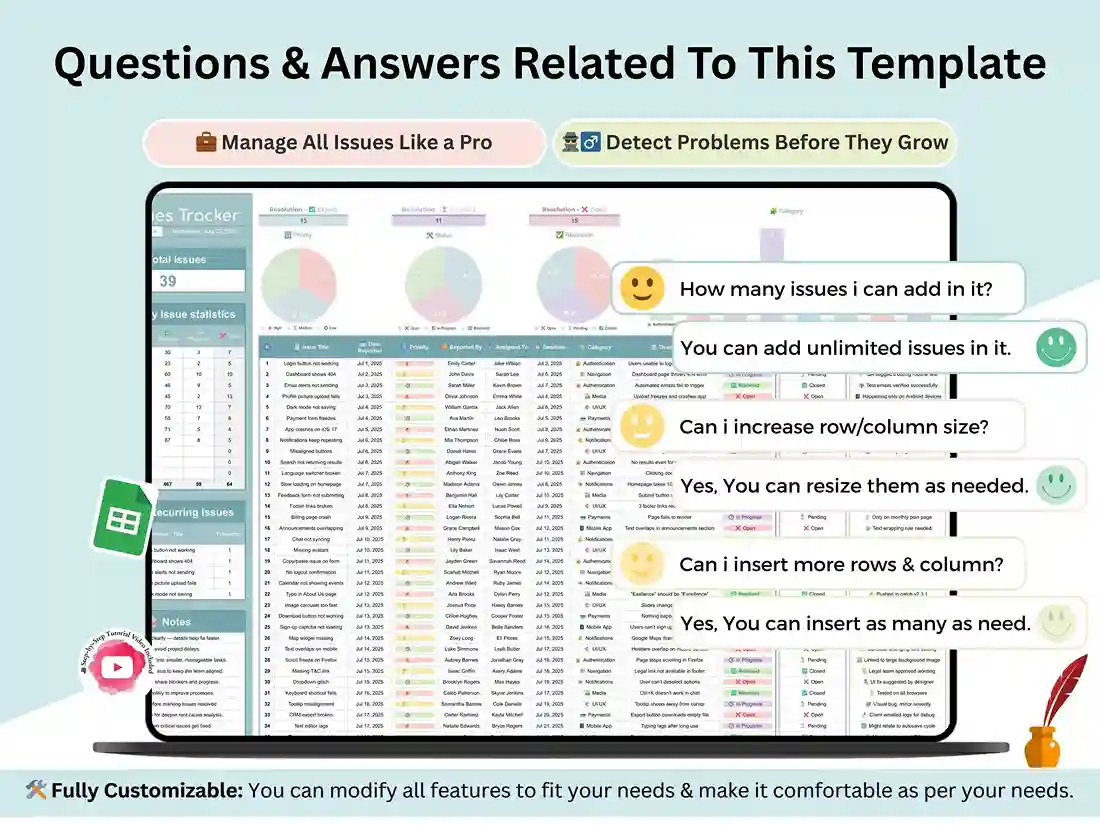
Not really. It’s already built – the formulas, the formatting, the charts. You’re mostly just typing in your own information, and the video covers whatever isn’t obvious.
Can my team use it together?
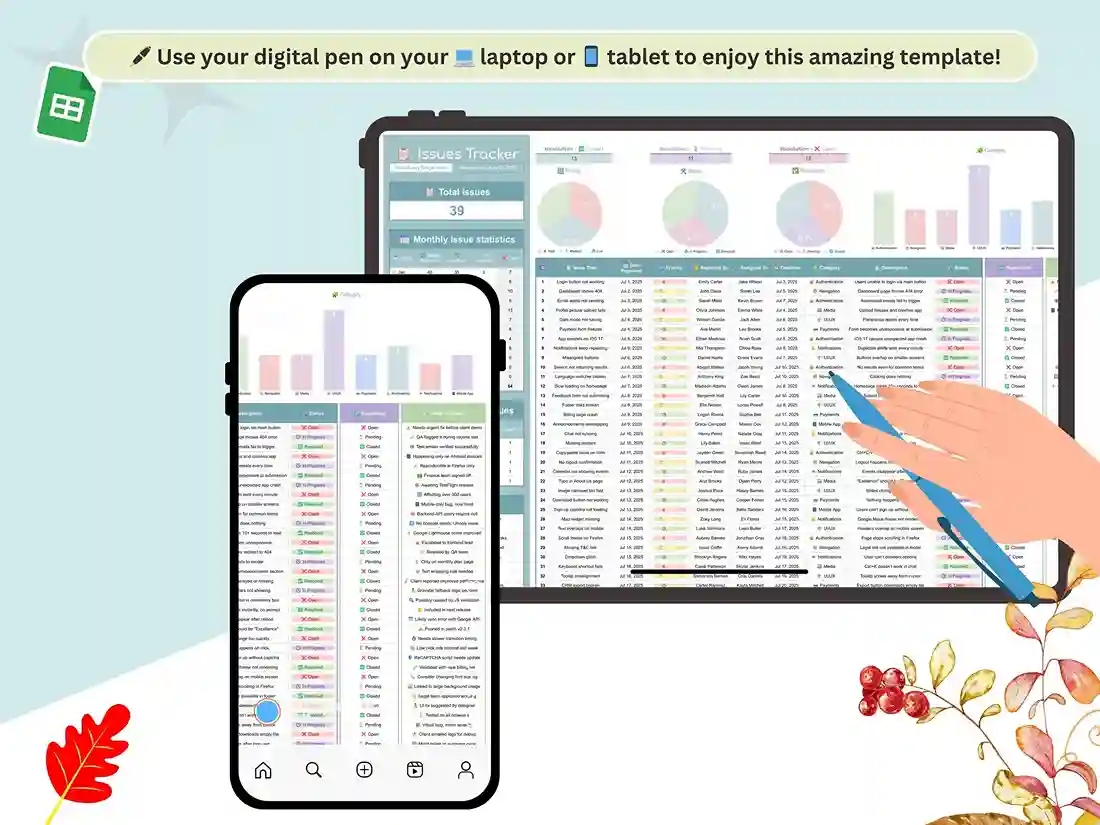
Yes – it’s a Google Sheet, so you can just share it and everyone updates it live.
Do I pay once, or is this a subscription?
One-time. Buy it once; it’s yours, use it and tweak it for as long as you want.
Need help?
If something’s confusing or not working the way you expected, just reach out – I’m glad to help you get it running. And if it ends up being useful for your project, a review helps a lot more than you’d think, mostly because it helps other people find it.

Reviews
There are no reviews yet.