

Description
Bill Tracker Spreadsheet & Bill Calendar – Google Sheets
Let’s be honest, most money stress isn’t really about how much you earn. It’s about the stuff that quietly slips through the cracks — a bill you forgot about until the reminder email, a due date you swore you’d remember, a late fee for something you definitely would’ve paid on time if you’d just seen it coming. That’s the exact problem this bill tracker spreadsheet is meant to solve. One place for your bills, your payments, and your monthly budget, so you’re not trying to hold it all in your head.
Use it in Google Sheets, open it in Excel, or print it out — it’s built to bend to however you already manage money, instead of asking you to change your habits for it.
What’s inside
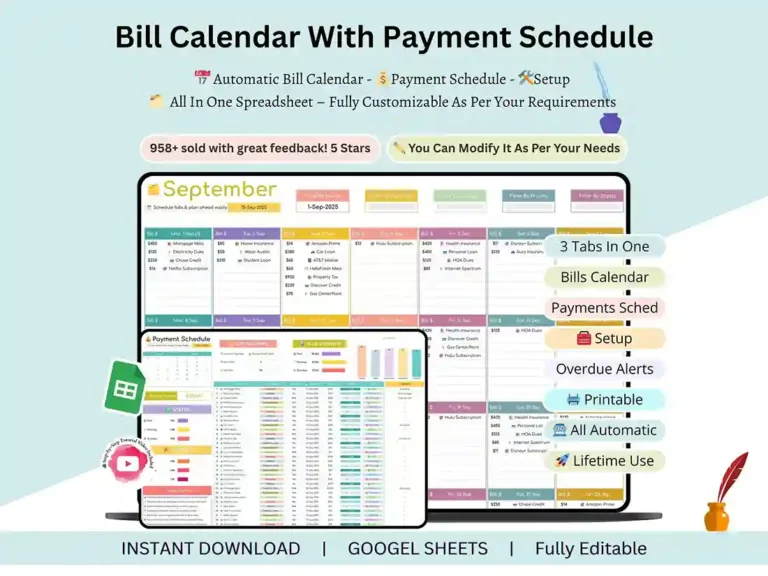
At the center of it is the bill calendar: a simple monthly view where every due date is right there in front of you. Nothing hidden in a long list you have to scroll through — you glance at the month, and you know what’s coming.
Around that, you’ve got:
- A due-date calendar that updates itself automatically
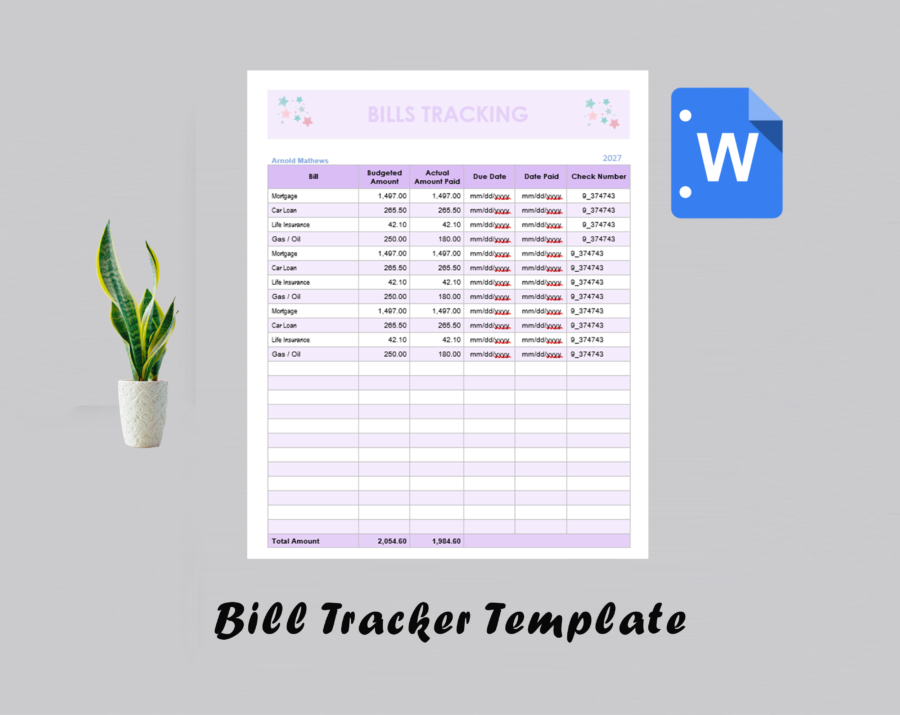
- A payment tracking sheet you can sort and scan quickly
- A setup tab where you type your bill info once and the rest fills itself in
- A built-in checklist for the bills that repeat every month
- An income vs. expense view so you’re not just tracking bills in isolation
- Color coding for what’s paid, what’s coming up, and what’s overdue
It plans ahead so you don’t have to
The monthly bill pay spreadsheet keeps itself current — bills populate automatically instead of you re-entering them every month. There’s a payment schedule built in, a budget overview, and a simple tracker for marking what’s paid versus what’s still sitting there waiting.
Actually see where your money’s going
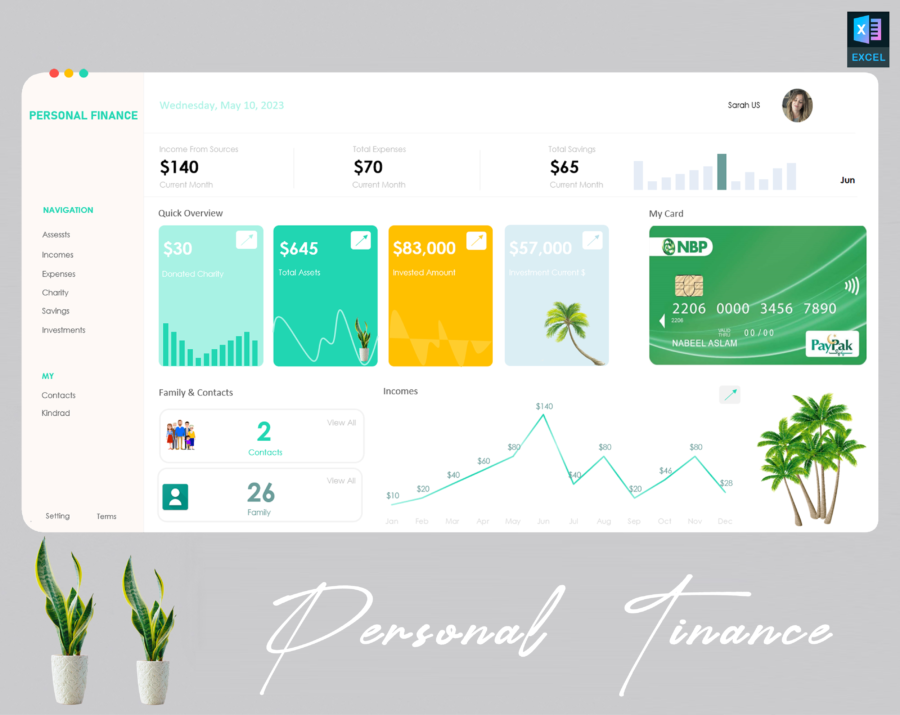
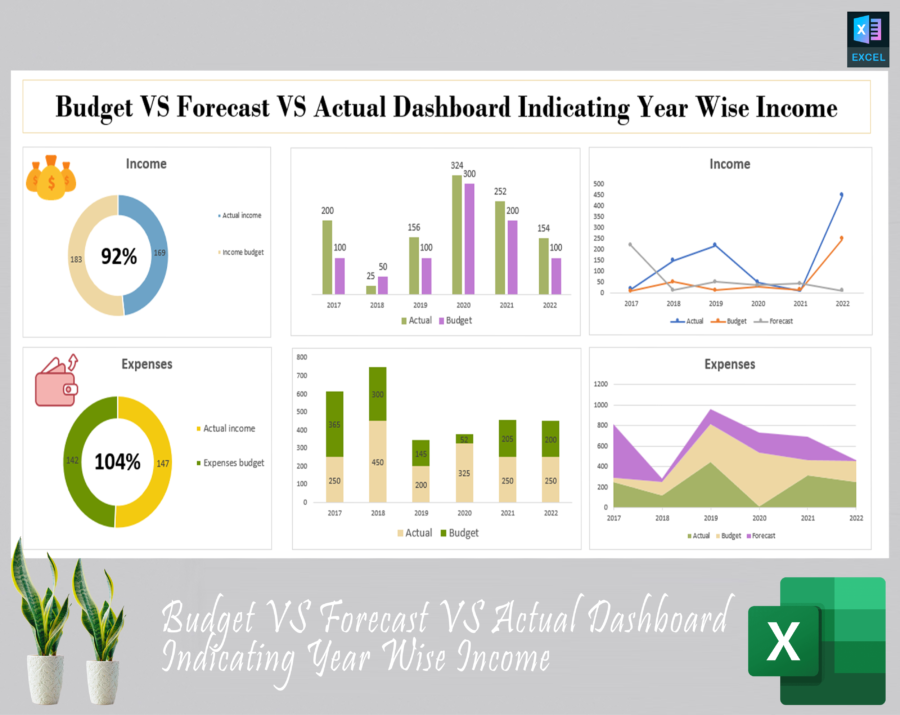
Tracking due dates is useful, but it’s only half the picture. That’s why there’s a dashboard layered on top — an income-versus-bills chart, a full year overview, and status indicators so you can tell at a glance where things stand. It turns a plain list of numbers into something you can actually read and act on.
Digital, printed, or both
- If you live in spreadsheets: Google Sheets bill calendar, an auto-updating dashboard, a subscription tracker
- If you’d rather use pen and paper: a printable monthly tracker, an undated organizer template, a clean, no-frills layout
- If you want a bit of both: a fillable PDF version that gives you structure without locking you in
Doesn’t matter if you’re running a household budget, dealing with income that changes month to month as a freelancer, or just tired of juggling five different apps for one job — it adjusts to how you actually live, including a section for splitting fixed costs from the stuff that varies.
Why this one
There’s no shortage of budgeting tools out there. Most of them either do too little to be worth using or pile on so many features you give up within a week. This one sits in the middle — enough automation to save you real time, but simple enough that you’ll actually stick with it past month one. And you don’t have to learn anything new; it just runs in Google Sheets and Excel like you’d expect.
What you get:
- The bill calendar spreadsheet, built for Google Sheets and Excel alike
- A quick-start guide so you’re set up in a few minutes, not a few hours
- The printable version, included
If you’re ready to stop guessing what’s due and when, this is the place to start.
FAQ
Does it work in both Google Sheets and Excel? It does — you get a version for each, so pick whichever one you’re already comfortable with. No converting or reformatting needed on your end.
I’d rather print it out than use a spreadsheet — is that an option? Yep. The printable version comes included right alongside the digital one, for whenever you’d rather fill things in by hand.
I’m not great with spreadsheet formulas — will that be a problem? Not at all. Once you enter your bills in the setup tab, the calendar and due dates fill in on their own. You won’t need to touch a formula.
My income isn’t the same every month — can this still work for me? Yes, that’s actually one of the things it’s built for. There’s a fixed vs. variable view so it flexes whether your bills and income are steady or all over the place.
Does it just track due dates, or does it show my overall spending too? Both. Alongside the due dates, you get an income-vs-expense breakdown and a status dashboard, so you’re seeing the bigger picture, not just what’s due this week.
Is there a subscription, or do I pay once? Just a one-time payment. Once it’s yours, you can use and edit it every month for as long as you want — no recurring charges.
Can I set up my own bills & categories? For sure. The setup tab is completely editable, so you can add, delete, and rename categories until it reflects your real budget, not some generic template.