

Description
Car Rental Tracker & Fleet Management Spreadsheet | Diirzal
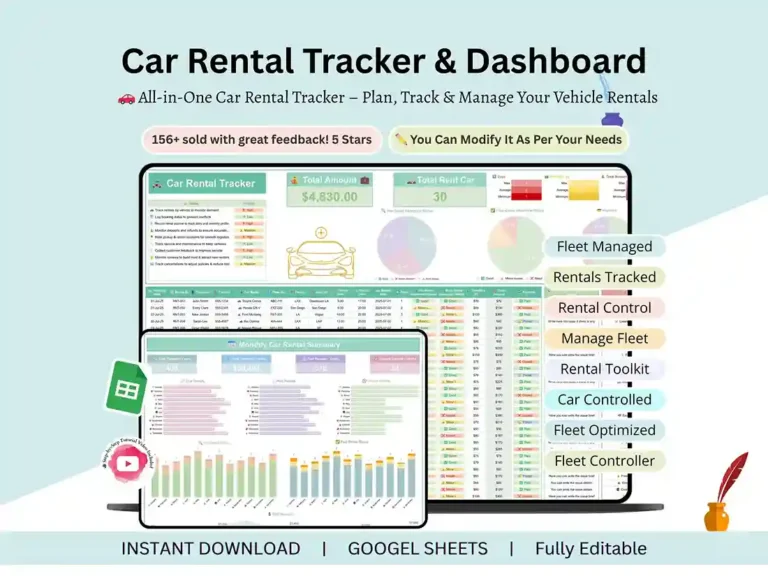
Running a car rental business means juggling bookings, payments, vehicle condition, and a dozen spreadsheets that never quite talk to each other. This car rental tracker was built to fix that — one Google Sheets file that handles the whole workflow and updates itself as you go.
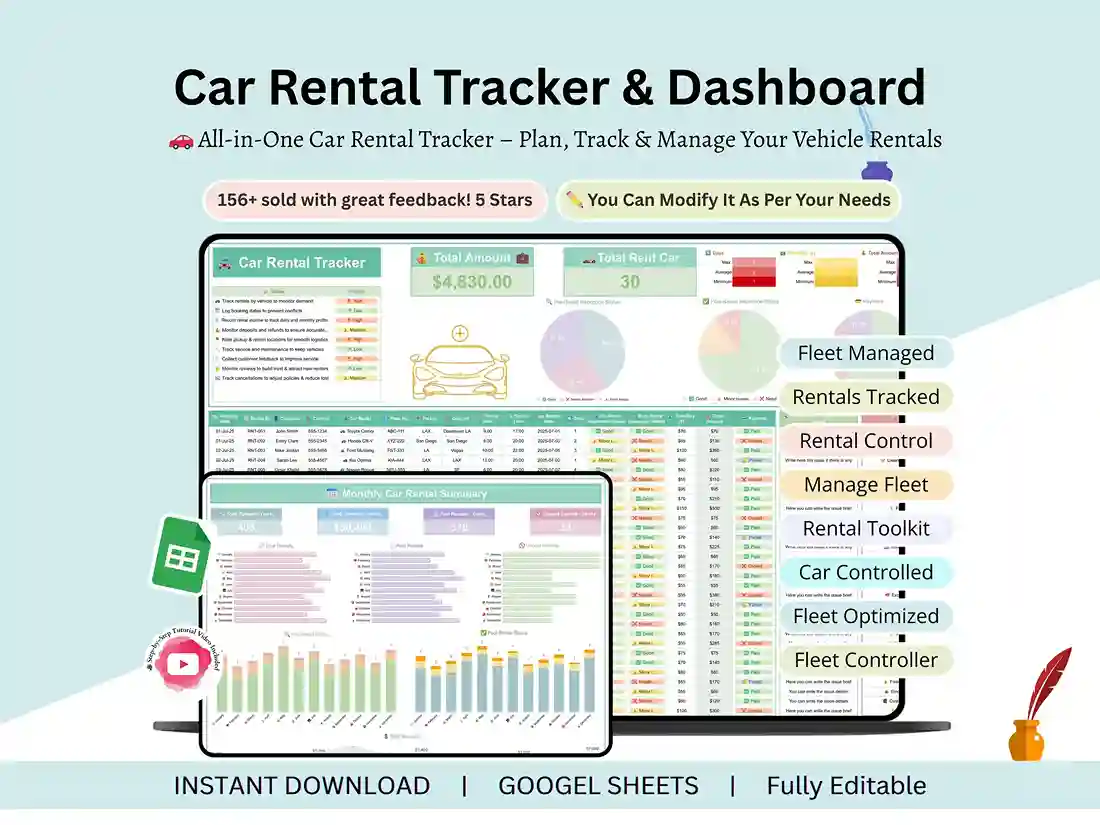
Here’s what’s actually inside: a car rental tracker sheet where you log every rental — client, car, dates, fees, return condition, and payment status — plus a pre/post-rental inspection tracker so nothing about a vehicle’s condition gets forgotten. Mark inspections with simple visual labels, and the sheet flags paid versus unpaid balances automatically. There’s also a fleet management dashboard that pulls monthly totals for rentals, revenue, and inspection outcomes into one view, with interactive charts so you can actually see trends instead of scrolling through rows.
No formulas to write, no setup beyond entering your own data. Add your own vehicle types, pricing tiers, and branding, and it’s yours. The whole thing is color-coded for fast reading and works fine from a phone if you’re checking things between pickups.
Who it’s for
- Car rental business owners tracking bookings, revenue, and vehicle status
- Fleet managers handling multiple vehicles, clients, and return conditions
- Admins or office staff maintaining rental and payment logs
- Side hustlers running personal or shared car rental operations
- Small operators who want built-in summaries without hiring a bookkeeper
How it works
- Buy and download instantly
- Open the PDF, click the link inside to access the Sheet
- Make your own copy — the dashboard updates automatically from there
Support
Questions about setup or customizing the sheet? Reach out any time — happy to help you get it running.
FAQ
Does this work in Excel or only Google Sheets?
It’s built specifically for Google Sheets and uses Google Sheets’ own charting and conditional formatting — it isn’t designed for Excel.
Do I need to know spreadsheet formulas to use it?
No. Everything updates automatically once you enter your rental and payment data — no formula-writing required.
Can I track more than one vehicle at a time?
Yes — it’s built for a fleet, so you can log and track as many vehicles as you’re renting out.
Is there a video walkthrough?
Yes, a step-by-step tutorial video is included with the purchase link.