
Description
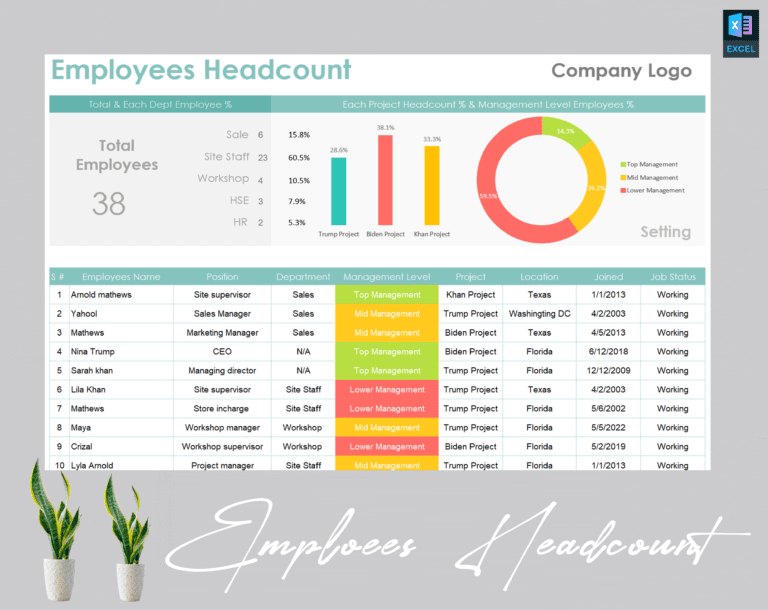
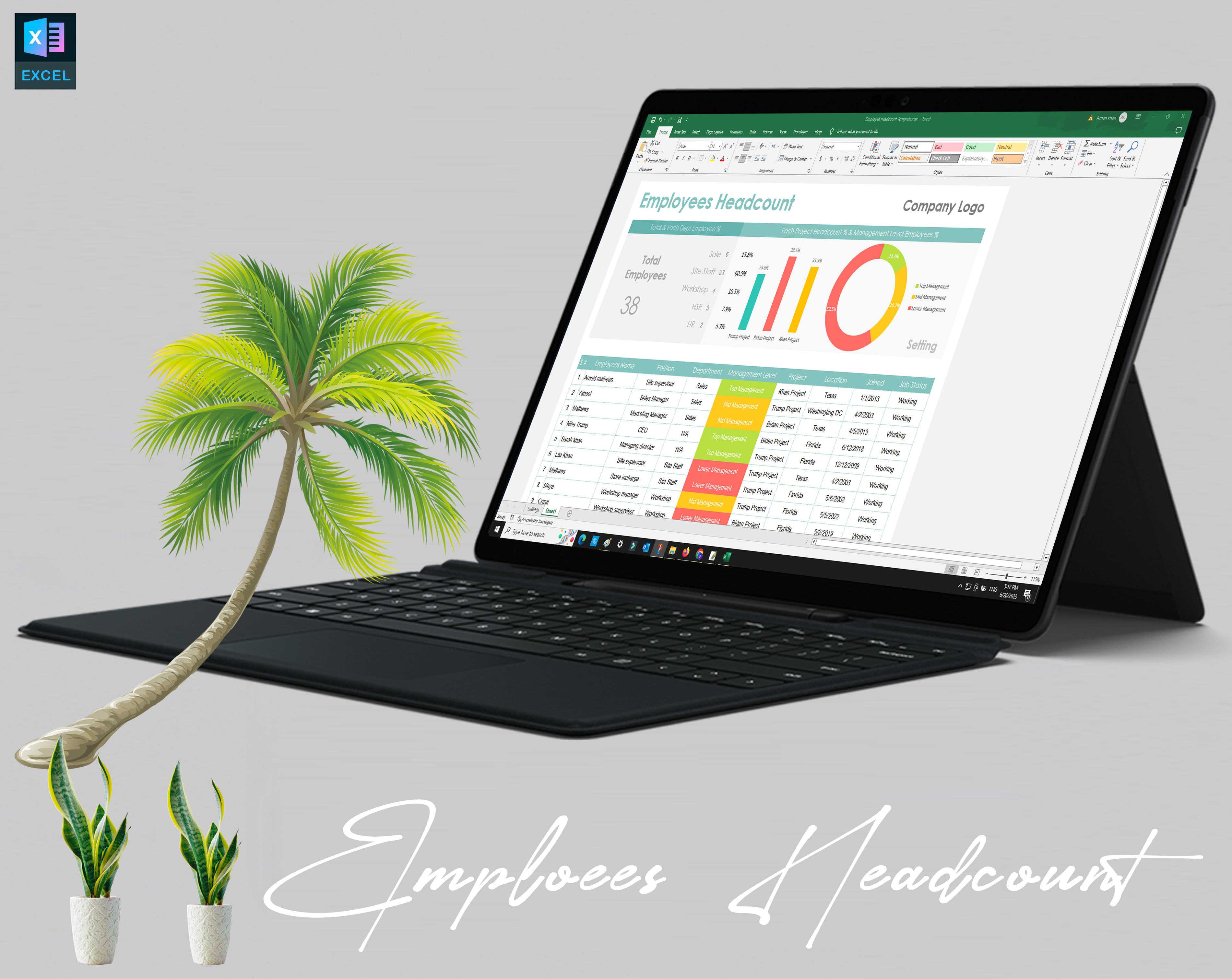
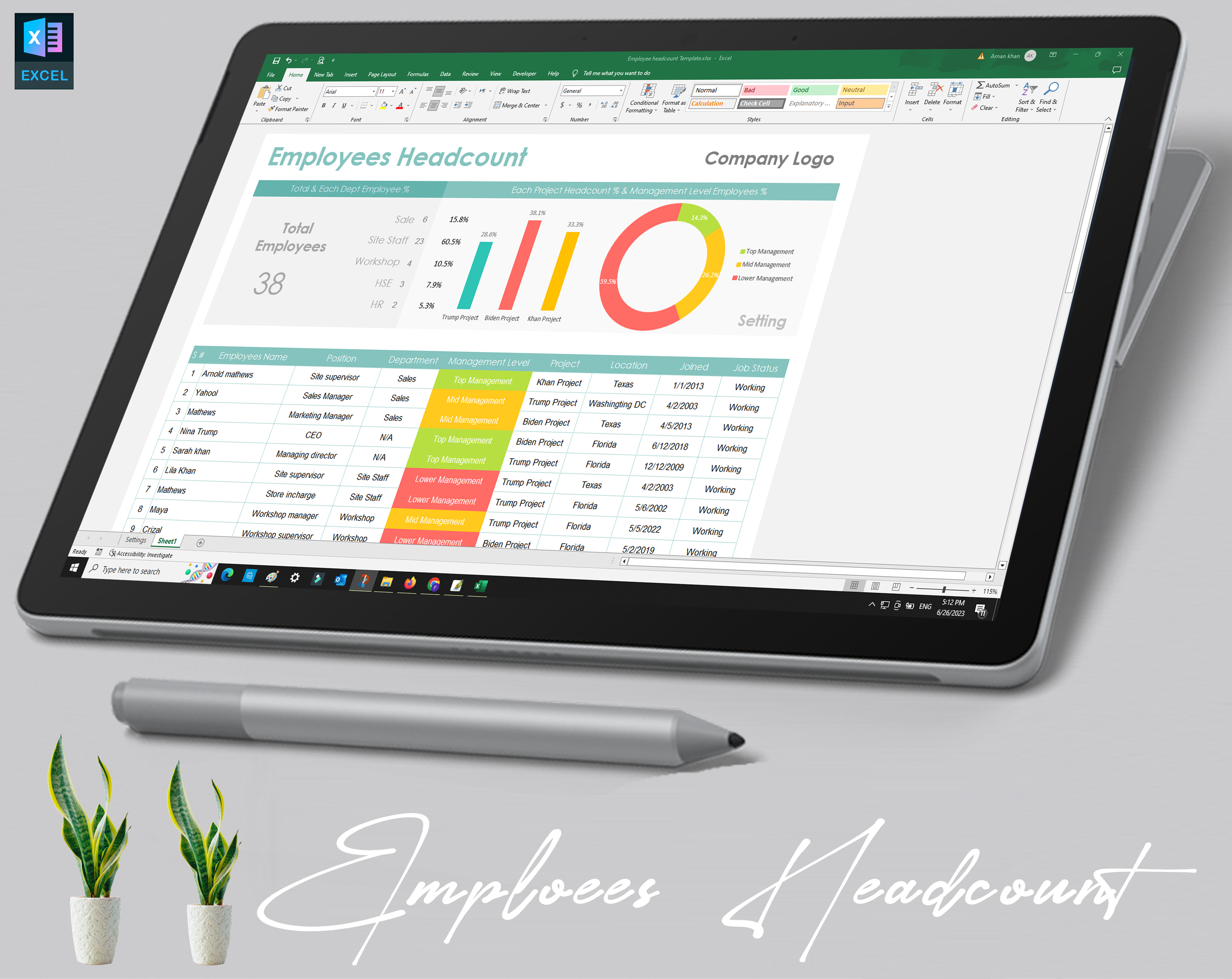
Efficient workforce planning is essential for every business, and having the right tools to manage employee data is crucial. Our Employee Headcount Template offers a simple yet powerful solution for tracking and organizing employee numbers, making HR management a breeze. This ready-to-use template is perfect for HR professionals, team managers, and business owners who need a structured approach to managing their workforce.
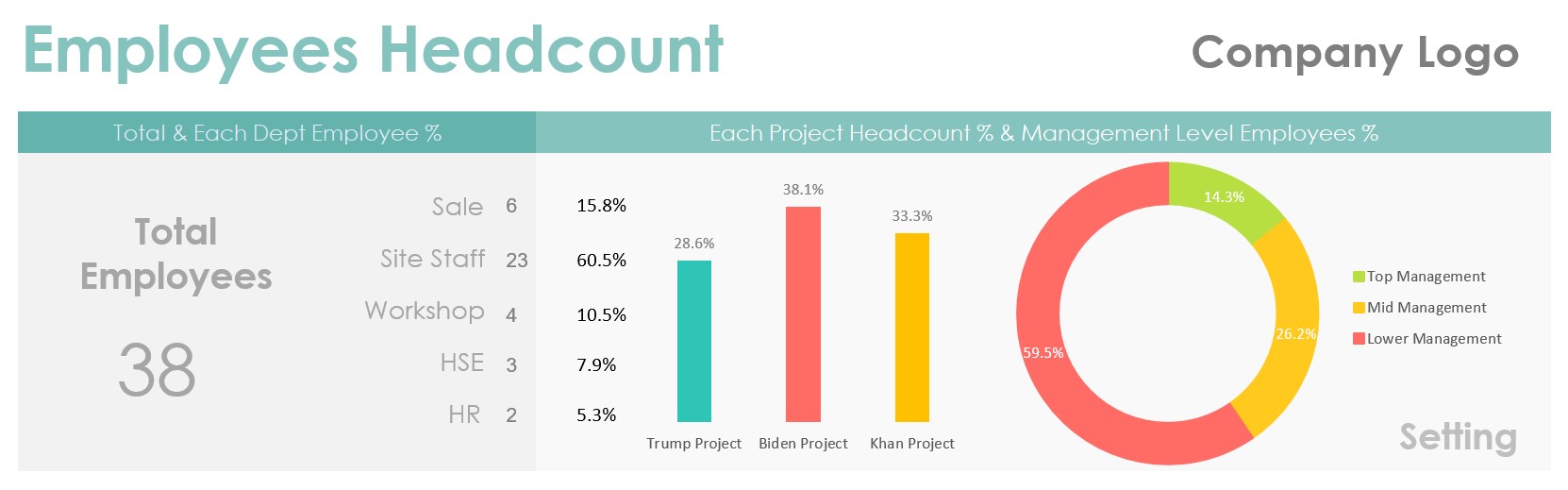
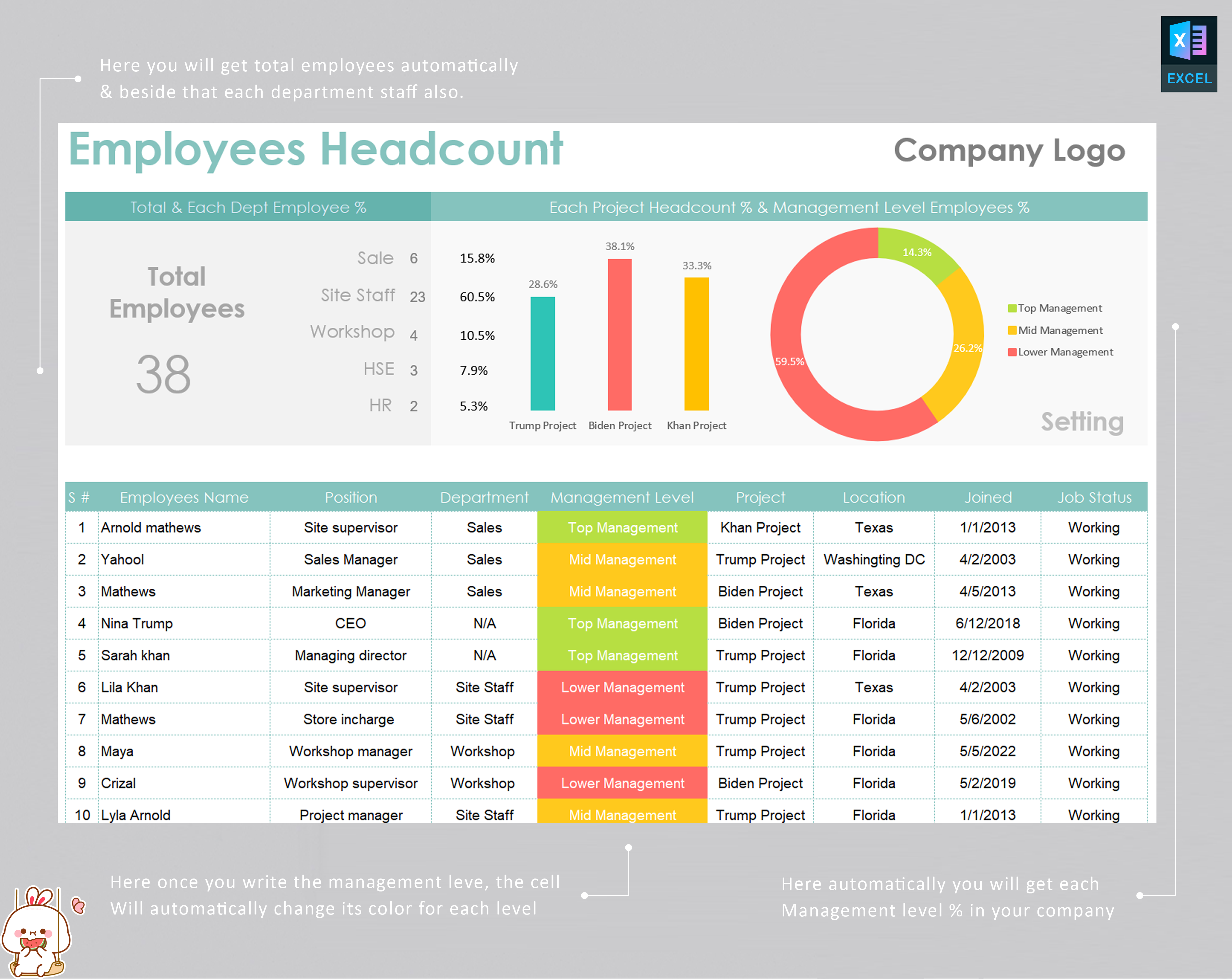
Whether you need to track your team’s size for payroll management, headcount planning, or overall workforce analysis, this HR Headcount Spreadsheet is designed to help you stay organized and make data-driven decisions. You can easily track employee numbers, sort by departments, and visualize trends, all within a single, easy-to-use document.
Key Features & Benefits:
- User-Friendly Design: The template is designed for ease of use. You don’t need any prior experience with complex HR software to get started. Simply download the Employee Headcount Template for Excel, and you’re ready to go.
- Efficient Workforce Planning: With this template, you can track your workforce’s growth, monitor changes, and ensure you are meeting your headcount goals. Use it to plan for the future, optimize resources, and make informed decisions on hiring, staffing, and team management.
- Customizable Fields: Tailor the template to meet your specific business needs. Whether you’re managing a small team or a large organization, our employee management spreadsheet is flexible and adaptable to different business structures.
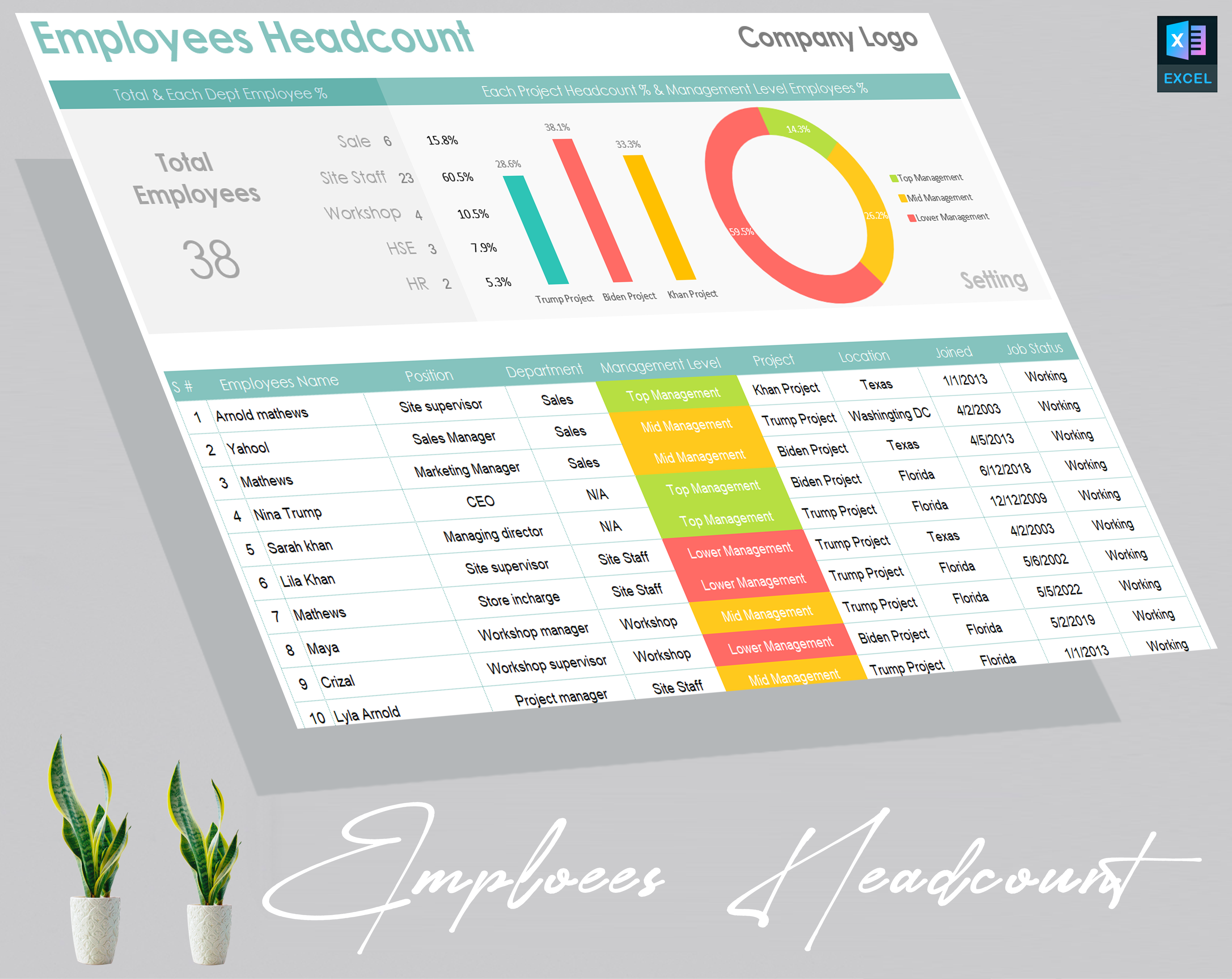
- Detailed Employee Data Management: Keep track of important employee information such as names, roles, departments, dates of hire, and status updates. This data helps streamline HR processes and ensures that all employee records are accurate and up-to-date.
- Affordable Workforce Analytics: Gain valuable insights into your workforce dynamics without breaking the bank. With the Employee Headcount Tracker, you can generate essential reports for headcount planning and workforce management with minimal effort.
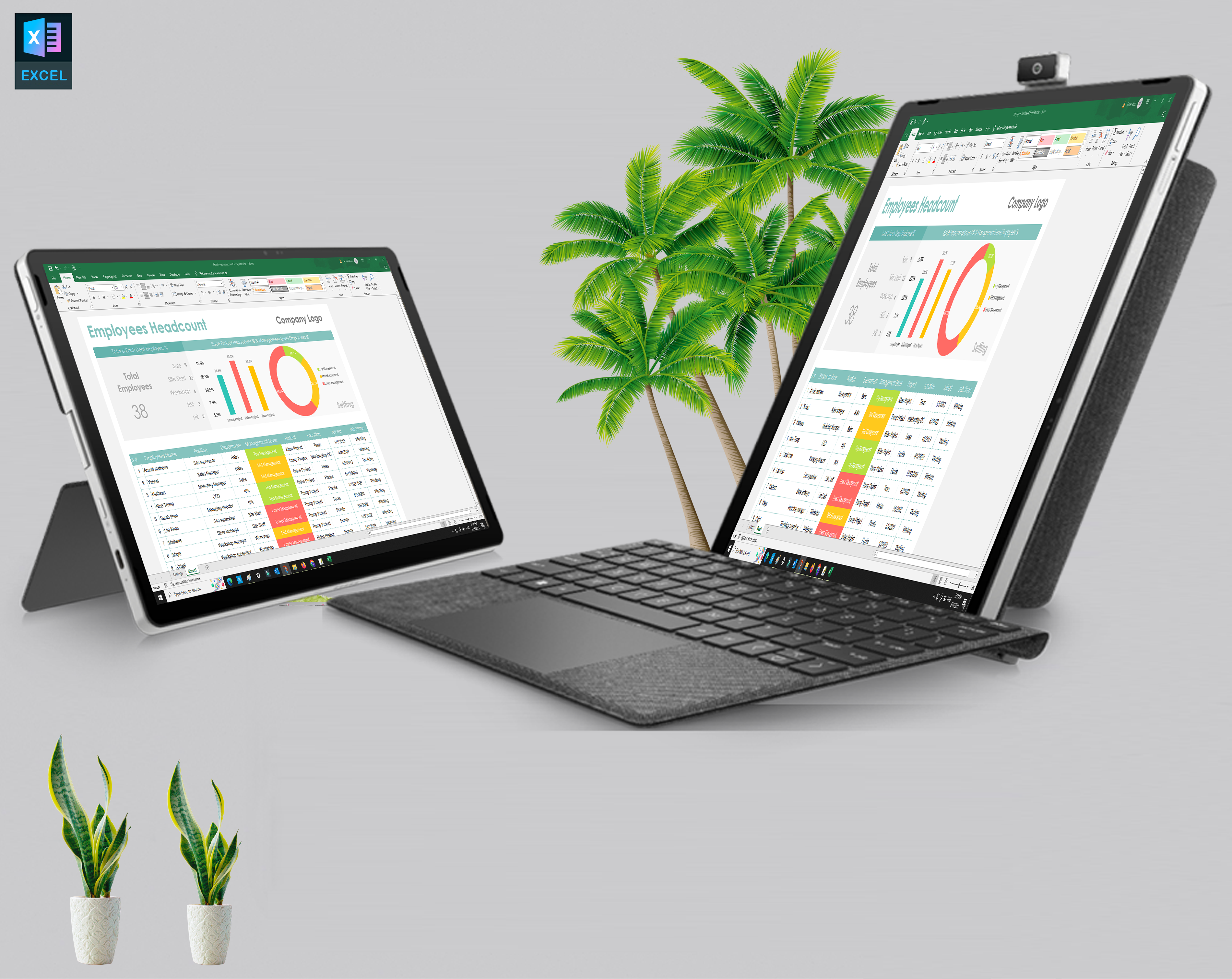
- Seamless Excel Integration: The template is fully compatible with Microsoft Excel, making it easy to update and maintain your employee headcount data. You can easily filter, sort, and analyze data in real-time.
Why Choose Our Employee Headcount Template?
- Simplicity: We’ve designed this employee headcount spreadsheet with simplicity in mind. It’s an intuitive tool that anyone can use to manage employee data effectively.
- Accuracy: Accurate headcount reporting is vital for making HR decisions. With our employee tracking template, you ensure that every employee is accounted for and all data is precisely recorded.
- Cost-Effective Solution: Why invest in expensive HR software when you can purchase this affordable HR headcount tracking template? Get all the benefits of a sophisticated system at a fraction of the cost.
- Instant Download & Use: Download the employee headcount tracker immediately after purchase and start managing your workforce data in minutes.
Perfect For:
- HR departments
- Small and medium-sized businesses
- Startups looking for budget-friendly workforce management tools
- Companies with a focus on team organization and payroll management
How to Use the Employee Headcount Template:
- Download: Purchase and download the employee data management template instantly.
- Customize: Enter your organization’s specific employee data, such as names, roles, and departments.
- Track: Start tracking your workforce numbers, monitor team growth, and create reports for payroll and planning purposes.
- Analyze: Use the built-in features to analyze workforce trends, optimize resource allocation, and plan for future headcount needs.
Product Specifications:
- File Format: Excel (.xlsx)
- Compatibility: Works with Microsoft Excel (version 2010 or later)
- Template Includes: Predefined fields for employee name, department, hire date, role, status, and more
- Customization: Fully customizable to suit your specific needs
- Easy-to-Use: No advanced Excel skills needed
- Instant Download: Available immediately after purchase
Purchase Options:
- Buy Employee Headcount Template: Download today and get started on organizing your workforce.
- Employee Headcount Sheet for Sale: Affordable and easy to use, with no subscription or additional fees.
- Get Your Employee Tracking Template: Purchase the template now and simplify your employee data management.
FAQs:
Can I customize the Employee Headcount Template for my company?
Yes! The template is fully customizable. You can adjust fields like employee names, roles, departments, hire dates, and other relevant information based on your company's structure.
Is the Employee Headcount Template compatible with Google Sheets or other spreadsheet software?
The template is designed specifically for Microsoft Excel (.xlsx format). While it’s optimized for Excel, it may also work with other spreadsheet software like Google Sheets, though some features may not be fully supported.
How do I download the Employee Headcount Template?
Once you purchase the Employee Headcount Template, you can instantly download the file from the confirmation page or your email.
Is there any support available if I have trouble using the template?
Yes, we offer basic support for the Employee Headcount Template. If you have questions about customizing or using the template, feel free to contact our support team for assistance.
53 reviews for Buy Employee Headcount Template for Efficient Workforce Planning | Download HR Tracking Spreadsheet
There are no reviews yet.